Animation for Adobe XD: 10+ Resources
EpicPxls offers 10+ curated animation for Adobe XD, all with a commercial license and editable source files (Figma, Sketch, PSD). We have 10+ animation compatible with Adobe XD, tested and verified for seamless integration.
Last updated February 12, 2026
Discover 10+ handpicked animation for Adobe XD.
Trusted by designers at leading companies
Top Animation for Adobe XD
Handpicked resources from our curated collection


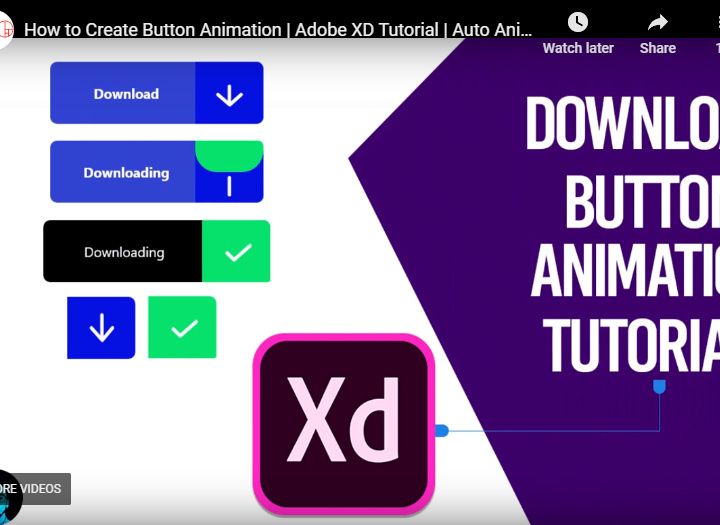

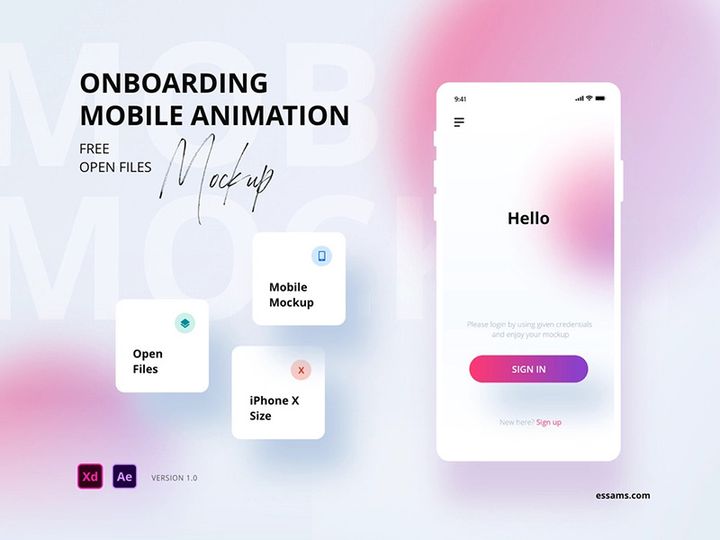
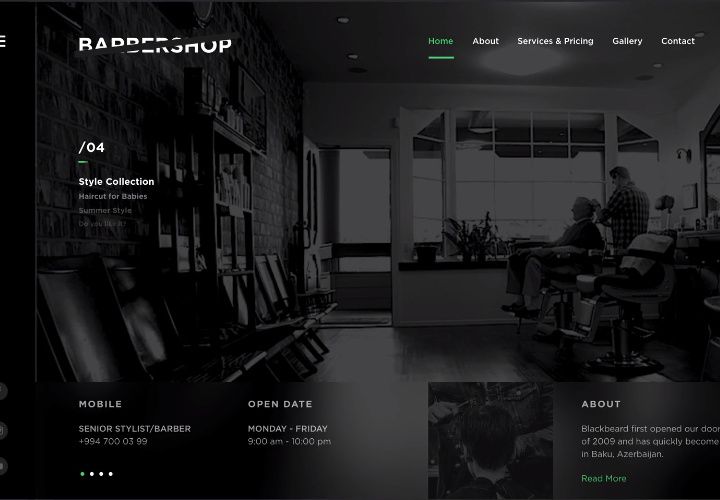


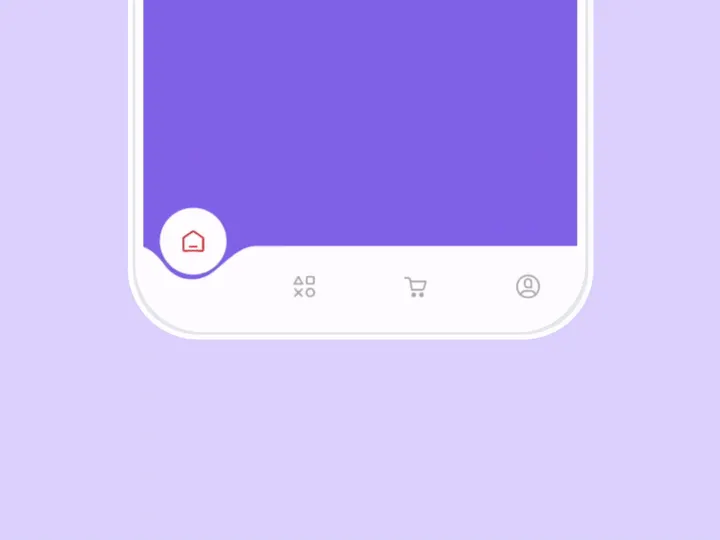
Try Our Free Resources
Download any of these for free - no account required
Why Adobe XD for Animation?
Adobe XD has emerged as a leading design tool for UX/UI professionals, and its robust animation capabilities have significantly contributed to its growing popularity. While initially designed as a vector-based prototyping platform, Adobe XD has evolved to support sophisticated micro-interactions, transitions, and motion design—making it an ideal choice for designers who want to bring their interfaces to life without switching tools. Its seamless integration with the Adobe Creative Cloud ecosystem allows teams to import assets from Photoshop and Illustrator, apply animations directly within XD, and share interactive prototypes with stakeholders in real time.
One of the standout features of Adobe XD for animation is its intuitive Auto-Animate function. This powerful tool enables designers to create smooth transitions between artboards by detecting changes in position, size, opacity, or rotation. Whether you're animating a simple button hover effect or a complex onboarding flow, Auto-Animate streamlines the process with minimal effort. Additionally, XD supports timeline-based animations through plugins, giving users greater control over timing, easing, and sequencing. The real-time preview function ensures that animations can be tested across devices instantly, accelerating the feedback loop.
Another advantage is the growing community and marketplace support. Designers can access a wealth of pre-built animation resources, from animated icons and loading spinners to full micro-interaction libraries—all optimized for Adobe XD. At EpicPxls, we specialize in curating high-quality, production-ready assets that enhance creative workflows. Our team evaluates each animation resource for usability, compatibility, and performance to ensure that every download delivers value. With over 10+ resources handpicked and tested across various project types, EpicPxls helps designers save time while maintaining design consistency. Whether you're building mobile apps, web interfaces, or interactive presentations, Adobe XD offers a balanced blend of simplicity and power, making it a top-tier choice for modern animation needs.
Top Animation Picks for Adobe XD
Selecting the right animation resources can dramatically improve your productivity and design quality. The best assets are not only visually appealing but also easy to customize, well-structured, and compatible with Adobe XD’s native features. At EpicPxls, we’ve reviewed dozens of animation packs to bring you a curated list of the most effective tools available today. From beginner-friendly templates to advanced motion libraries, these 10+ resources cater to a wide range of skill levels and project requirements. Below, we break down the top picks based on accessibility, functionality, and creative potential.
Best for Beginners
If you're new to animation in Adobe XD, starting with user-friendly resources is key. Look for packs that include clear documentation, labeled layers, and simple artboard structures. The Animated Onboarding Screens UI Kit is an excellent entry point, featuring step-by-step transitions with built-in Auto-Animate triggers. Similarly, the Micro-Interaction Starter Pack offers hover effects, toggle animations, and button feedback states that require minimal setup. These resources often come with tutorial videos or tooltips inside the XD file, helping novices understand how timing and triggers work. EpicPxls prioritizes beginner kits that reduce the learning curve without sacrificing design quality, ensuring even first-time users can produce professional-grade prototypes.
Best for Professionals
Experienced designers benefit from advanced animation libraries that support complex interactions and reusable components. The Premium Motion UI System stands out with its modular design language, offering over 50 animated states for dashboards, modals, and navigation flows. These resources often include variable fonts, responsive layout grids, and nested components that sync across multiple artboards. Another top-tier option is the Smart Animate Pro Toolkit, which leverages XD’s state-based animation to simulate real app behavior like pull-to-refresh and swipe gestures. These 10+ resources are built for scalability, making them ideal for enterprise-level projects or design systems. At EpicPxls, we vet professional-grade packs for performance efficiency and compatibility with version control, ensuring they integrate smoothly into high-demand workflows.
Best Free Options
High-quality animation doesn’t have to come with a price tag. Several creators offer free, fully functional animation resources that rival paid versions. The Free UI Animation Pack includes loading indicators, form validations, and toast notifications—perfect for prototyping MVPs or pitch decks. Another standout is the Open-Source Micro-Interactions Library, which features community-tested animations with permissive licensing. These free tools are often updated regularly and include plugin integrations for enhanced functionality. While free resources may have fewer customization options, they provide immense value for students, freelancers, and startups. EpicPxls regularly updates its catalog to highlight the best free animation assets, ensuring designers can access top-tier tools without budget constraints.
Adobe XD vs Other Tools for Animation
When evaluating animation tools, Adobe XD distinguishes itself through its focus on UI/UX prototyping rather than full-scale motion graphics. Unlike general-purpose animation software, XD is purpose-built for interactive design, allowing teams to prototype, test, and hand off animations within a single environment. This tight integration between static design and motion behavior makes it especially effective for creating realistic user experiences early in the development cycle. Because XD uses vector-based artboards and state-driven transitions, animations remain lightweight and scalable—ideal for responsive interfaces.
One of the unique advantages of the Adobe XD ecosystem is its compatibility with other Adobe applications. Designers can import layered PSD files or AI vectors and apply animations without losing editability. Additionally, plugins extend XD’s native capabilities, enabling features like staggered animations, scroll-based triggers, and Lottie export. The format compatibility is another strength: XD files can be shared as clickable prototypes via web links, making collaboration with developers and stakeholders seamless. Assets are also exportable in SVG, PNG, and JSON formats, ensuring smooth integration into development pipelines.
While some tools offer more granular control over keyframes or 3D motion, Adobe XD excels in speed, simplicity, and context-specific functionality. It’s particularly effective for designing app flows, gesture-based interactions, and micro-animations that enhance usability. For teams already embedded in the Adobe ecosystem, XD provides a unified workflow that reduces context switching and accelerates iteration. When combined with curated resources—such as the 10+ resources available through EpicPxls—Adobe XD becomes a powerful hub for creating polished, production-ready animations without overcomplicating the process.
Setting Up Animation in Adobe XD
Getting started with animation resources in Adobe XD is straightforward when you follow a structured setup process. Whether you're using a free download or a premium pack from EpicPxls, proper organization ensures smooth integration and long-term usability. Below are six essential steps to import, configure, and begin using animation assets effectively.
- Download and Unzip the Resource: After acquiring your animation pack, extract the files to a dedicated folder. Most resources include an .xd file, documentation, and sometimes additional assets like icons or fonts.
- Open the XD File: Launch Adobe XD and open the provided .xd file. Review the layer structure and artboard naming conventions to understand how animations are organized.
- Inspect Auto-Animate Triggers: Look for pairs of artboards with identical names followed by “-state” or numbered suffixes. These typically indicate Auto-Animate sequences. Test transitions by clicking the “Prototype” tab and simulating interactions.
- Copy Components into Your Project: Use XD’s “Assets” panel to import symbols or components into your main design file. Right-click and choose “Copy” from the source file, then paste directly into your project.
- Customize Timing and Easing: In the Prototype mode, adjust the duration and easing curves of each animation. Use “Smart Animate” settings to refine transitions between states for smoother playback.
- Test Across Devices: Use XD’s preview feature (via desktop or mobile app) to verify how animations behave on different screen sizes. Make adjustments to timing or layout as needed to maintain usability.
For managing large collections of animation assets, consider creating a master library file where all imported resources are stored and versioned. This approach, recommended by EpicPxls, ensures consistency and simplifies updates across multiple projects.
Adobe XD Workflow Tips
Maximizing efficiency in Adobe XD requires more than just knowing how to apply animations—it involves establishing smart workflows that scale with your projects. As your library of animated components grows, staying organized becomes critical. The following best practices help streamline your process, reduce redundancy, and improve collaboration outcomes.
Organizing Animation Libraries
Create a dedicated “Animations” section in your Assets panel by grouping related symbols and components. Use consistent naming patterns such as “Btn/Hover/Fade” or “Modal/Entrance/SlideUp” to make assets searchable. Store frequently used animations in a master XD file that can be linked across projects. This centralized approach, championed by EpicPxls, ensures design consistency and reduces file bloat.
Batch Operations
When applying the same animation across multiple elements, use XD’s “Repeat Grid” feature combined with Auto-Animate. Design one animated state, apply it to a grid item, then duplicate the grid to propagate changes efficiently. Plugins like “Animate It” or “Batch Styler” can further automate repetitive tasks such as applying easing curves or exporting multiple states.
Collaboration Best Practices
When working in teams, enable cloud sharing to keep everyone on the latest version. Use version history to track changes to animation logic and add comments to clarify complex transitions. Share prototype links with developers, including notes on duration, delay, and trigger conditions. By aligning design intent with technical implementation early, teams avoid miscommunication and reduce iteration cycles. Resources from EpicPxls often include developer handoff guides, making this stage even smoother.
Why Download from EpicPxls?
Commercial License
Use in personal and commercial projects
No Account Required
Download free resources instantly
Quality Curated
Every resource is reviewed for quality
Preview Files
See Figma and Photoshop files before downloading
Who Uses These Animation?
Professionals and teams who benefit most from our collection
UI/UX Designers
Speed up your workflow with ready-to-use animation for Adobe XD. Perfect for prototyping and client presentations.
Developers
Get production-ready assets without design skills. Export in any format for web and mobile apps.
Startups & Agencies
Save design budget with affordable premium animation. Commercial license included for client work.
Marketing Teams
Create professional campaigns faster. All animation are optimized for social media and ads.
Animation for Adobe XD FAQCommon questions about these resources
Simple, Transparent Pricing
Get unlimited access to all premium resources
Yearly
- 20 downloads per month
- All file formats
- Commercial license
Lifetime
- Unlimited downloads forever
- All file formats
- Commercial license
Ready to Get Started?
Access 4,441+ free design resources today.
Browse Free ResourcesView Premium PlansEarn 85% and
more on all sales
Upload your products and put them up
for sale at whatever price you want.


