Vintage Fonts: 269+ Vintage Designs
EpicPxls offers 200+ curated fonts, all with a commercial license and editable source files (Figma, Sketch, PSD). Vintage fonts are characterized by specific visual elements, typography choices, and color palettes that define the vintage aesthetic in design.
Last updated February 12, 2026
Discover 269+ curated vintage fonts for your projects.
Trusted by designers at leading companies
Top Fonts
Handpicked resources from our curated collection
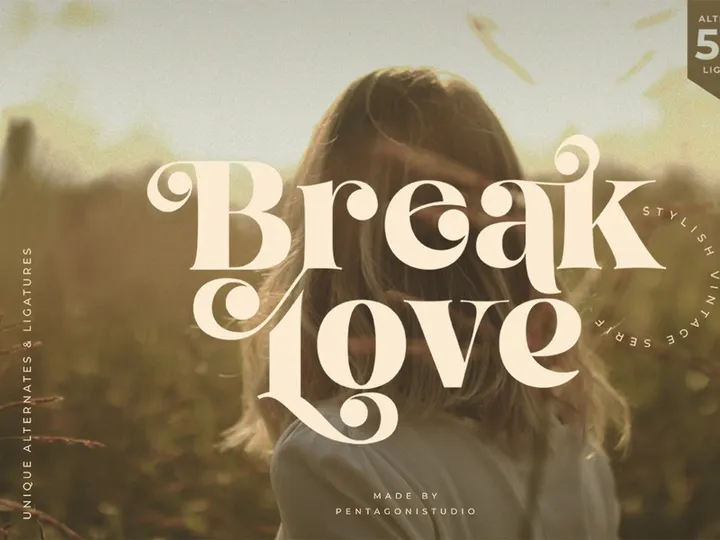
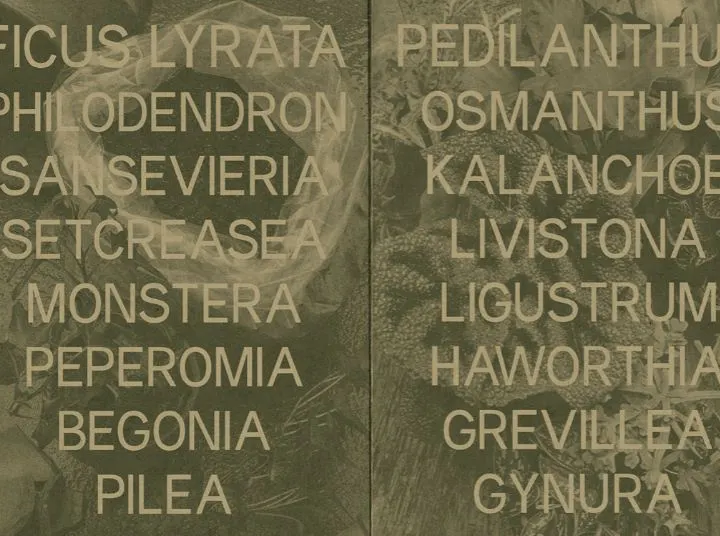
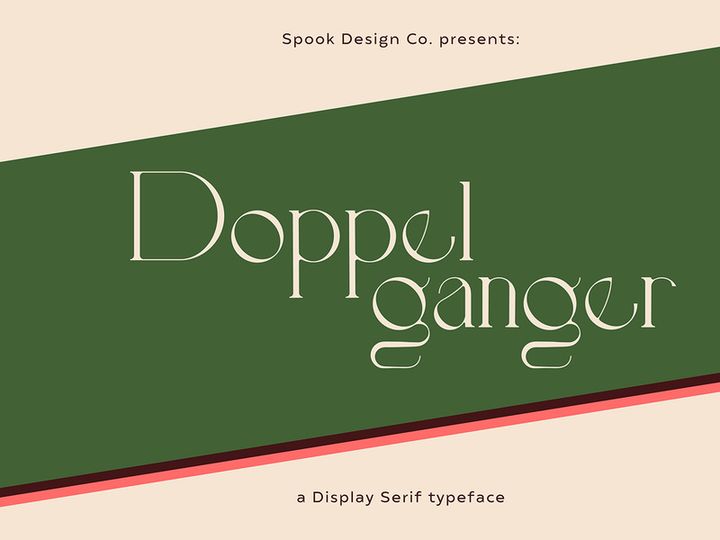
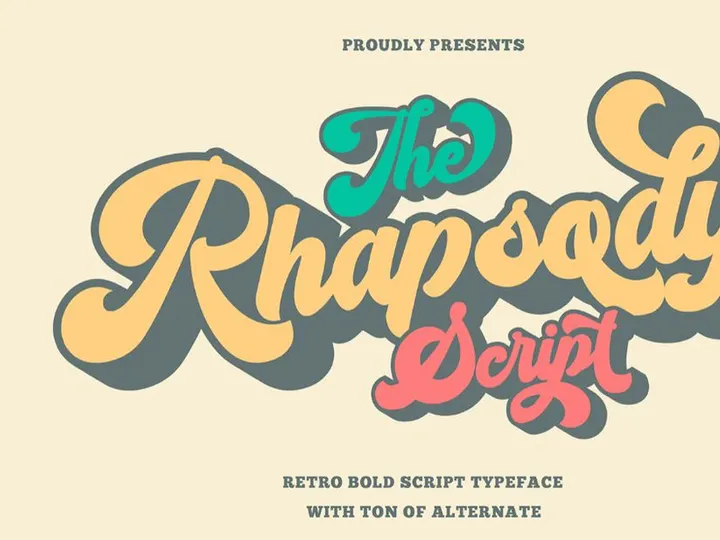
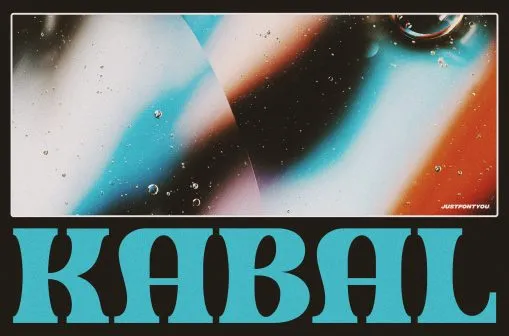
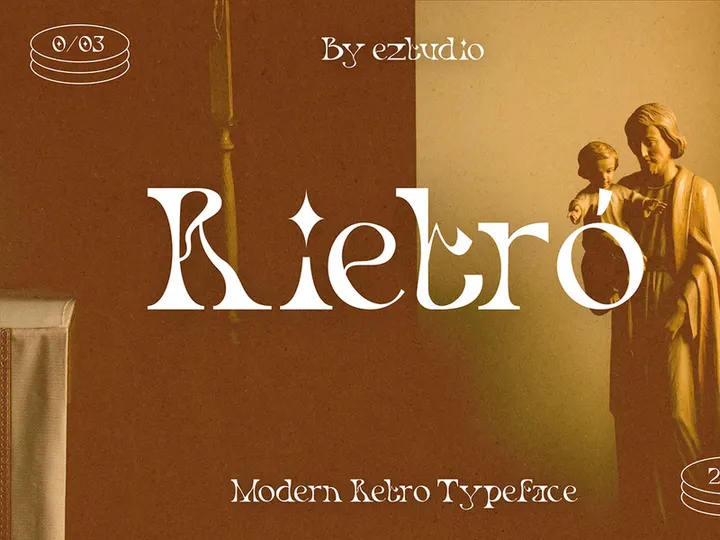
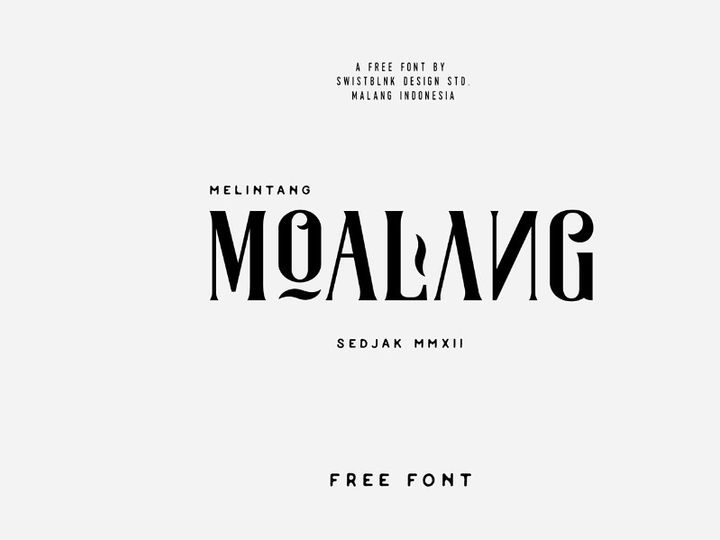
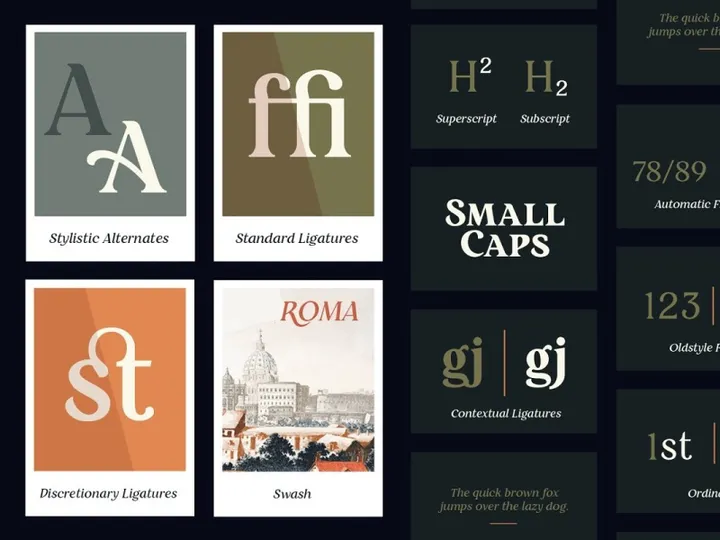


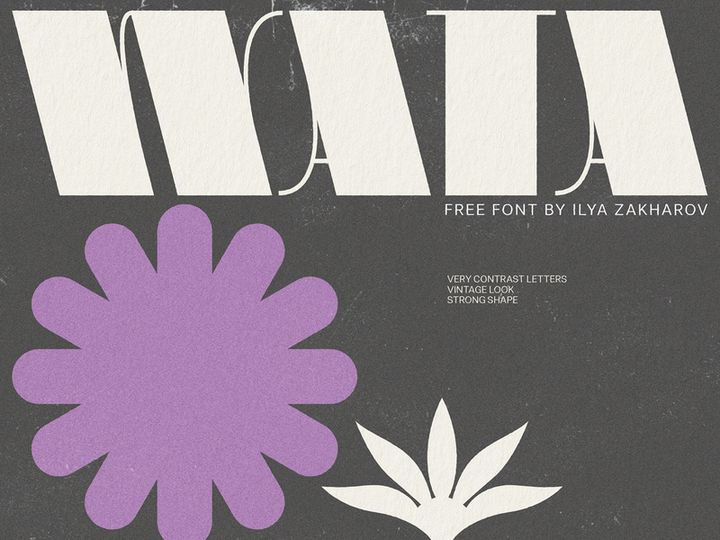
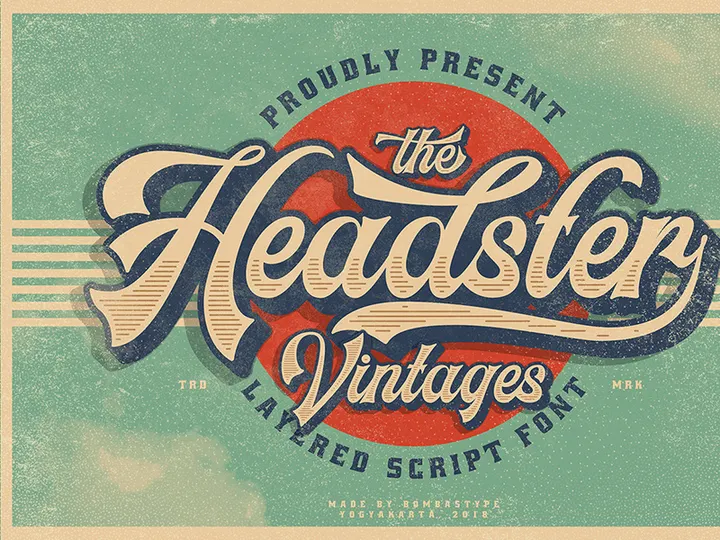
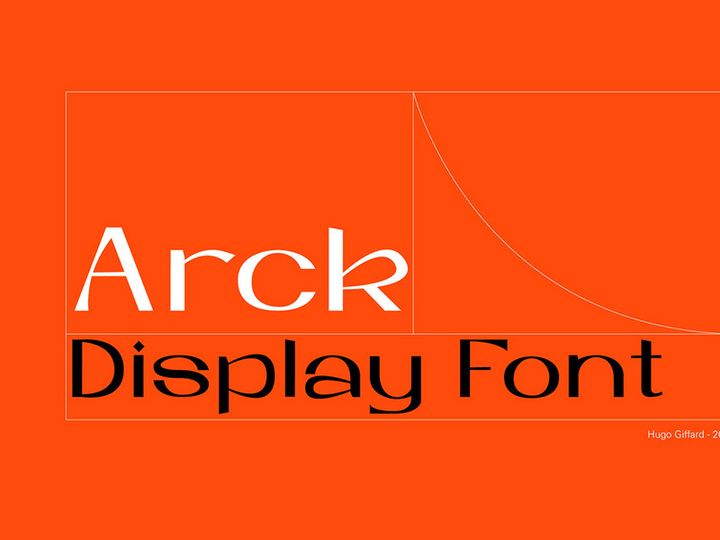
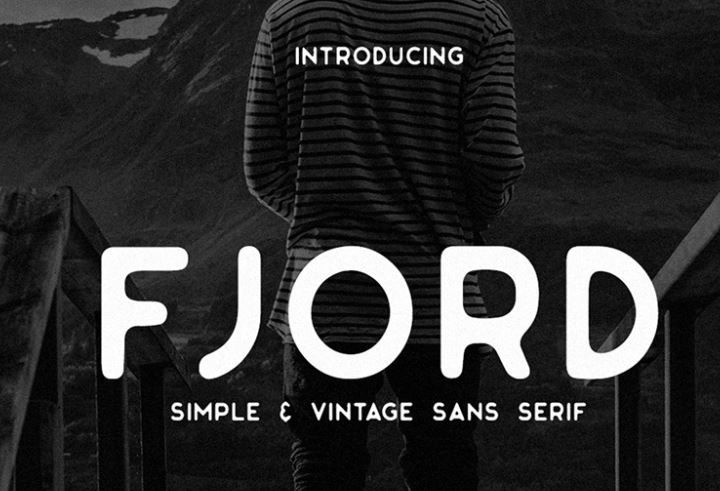


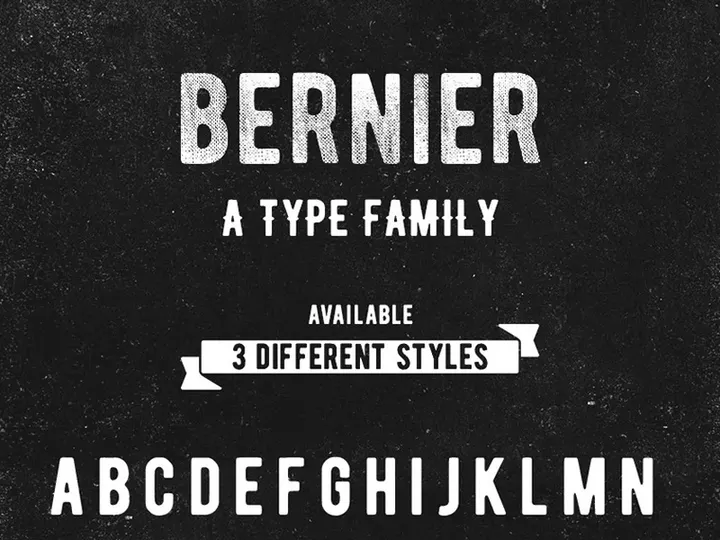


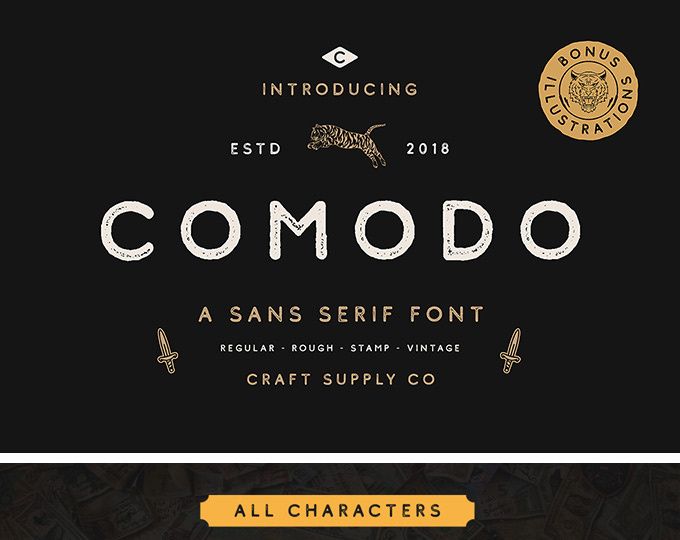
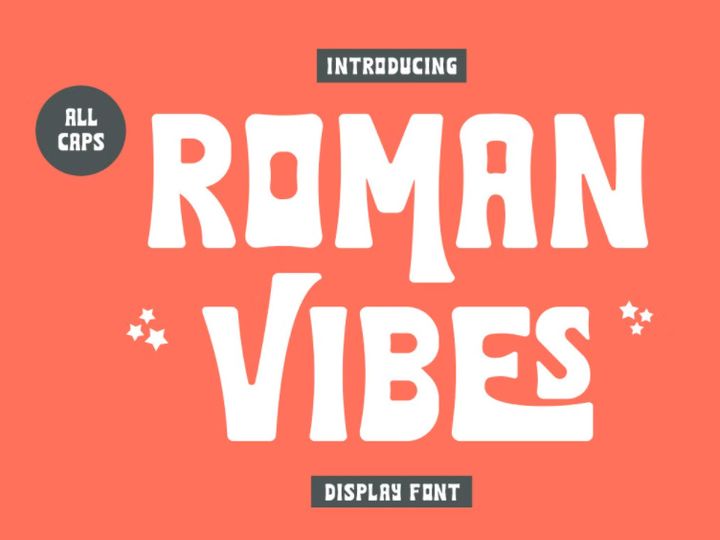
Try Our Free Resources
Download any of these for free - no account required
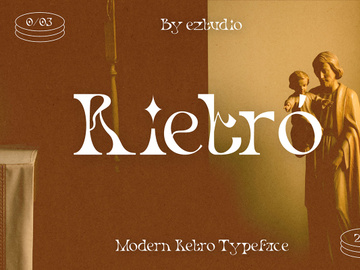
Vintage Design Principles
Vintage design evokes a nostalgic charm that transports viewers to a bygone era, often associated with the early 20th century through the 1980s. What makes vintage design truly distinctive is its ability to blend authenticity with character—each element tells a story, whether it's a retro logo, a weathered label, or a typographic treatment reminiscent of old advertising. At its core, vintage design is not about mimicking the past, but rather about capturing the soul of historical aesthetics in a way that feels both timeless and relevant.
Key visual elements define the vintage style, beginning with typography. Vintage fonts often feature ornate serifs, hand-drawn letterforms, distressed textures, and uneven baselines that reflect the limitations and craftsmanship of early printing techniques. These fonts are frequently used in conjunction with muted or faded color palettes—think sepia tones, mustard yellows, olive greens, and dusty pinks—that mimic the natural aging of paper and ink. Careful spacing, including generous letter and line spacing, enhances readability while preserving an antique feel. Imagery also plays a vital role: illustrations, halftone patterns, and vintage icons such as badges, seals, and script flourishes add layers of authenticity.
The historical context of vintage design spans decades of cultural and technological evolution. From the elegant art deco typography of the 1920s to the bold, psychedelic styles of the 1960s and 1970s, each era contributed unique visual languages. Mid-century modernism, wartime propaganda, and early consumer packaging all influence today’s interpretation of vintage. Designers draw from these rich periods to create work that feels both familiar and fresh. Modern digital tools allow for the precise recreation of vintage textures and typefaces, making it easier than ever to access authentic-looking designs. With over 269+ resources available at EpicPxls, designers can explore a wide range of historically inspired fonts that honor the craftsmanship of the past while meeting contemporary design needs.
Inspiring Vintage Fonts Examples
Web & App Design
In digital spaces, vintage fonts are being used strategically to create immersive brand experiences. Websites for craft breweries, boutique coffee shops, and heritage fashion labels often incorporate vintage typography to communicate authenticity and tradition. When used in web and app design, these fonts are typically reserved for headlines, logos, or hero sections to maintain readability. Designers pair them with clean sans-serif body text to balance nostalgia with usability. Subtle animations—like a gently flickering neon sign effect or a paper texture transition—can further enhance the retro vibe without overwhelming users.
Print & Branding
Print media remains one of the most powerful canvases for vintage design. From business cards and packaging to posters and labels, vintage fonts add a tactile, artisanal quality that resonates with consumers seeking craftsmanship. Brands aiming to convey heritage, reliability, or handcrafted excellence often rely on vintage typography to build trust. For example, a small-batch soap company might use a 1940s-style serif with a distressed finish to evoke the feel of an old apothecary label. With EpicPxls offering over 269+ vintage designs, creators can find the perfect font to match their brand’s narrative, whether it’s rustic, elegant, or rebellious.
Social Media & Marketing
Vintage aesthetics have seen a resurgence in social media content, where authenticity and storytelling drive engagement. Marketers use vintage fonts in quote graphics, promotional banners, and carousel posts to stand out in crowded feeds. Platforms like Instagram and Pinterest are filled with curated vintage-inspired visuals that blend old-world charm with modern messaging. Campaigns for seasonal products, limited editions, or heritage launches often leverage retro typography to create emotional connections. The use of grainy textures, retro color grading, and hand-lettered fonts helps content feel personal and timeless. Designers can access a full suite of vintage fonts and design tools through EpicPxls to craft compelling, on-brand visuals that resonate across digital channels.
How to Apply Vintage Style to Your Projects
- Define your era and aesthetic: Before selecting a font, decide which time period inspires your project—1920s art deco, 1950s diner culture, or 1970s psychedelia. Each has distinct typographic characteristics. This clarity ensures cohesion in your design.
- Choose the right vintage fonts from EpicPxls: With over 269+ vintage designs available, you can filter by era, style, and mood. Look for fonts with authentic details like ink bleeds, uneven strokes, or subtle texture overlays to enhance realism.
- Limit font usage to one or two typefaces: Vintage design thrives on restraint. Use a decorative vintage font for headlines and pair it with a simple, readable sans-serif or serif for body text to maintain clarity.
- Apply customization with care: Adjusting kerning, adding slight rotations, or applying a light texture overlay can enhance the vintage feel. Avoid over-editing—subtlety is key. Tools within EpicPxls allow for easy customization without losing authenticity.
- Pair with appropriate imagery and icons: Use vintage illustrations, retro patterns, or distressed backgrounds to complement your typography. Ensure all elements share a consistent color tone and texture level.
- Test across devices and formats: Whether your design is for print or digital, ensure legibility and impact on all screens and sizes. A font that looks stunning on a desktop may become illegible on mobile if too ornate.
By following these steps, you can create designs that feel authentically vintage without appearing dated. The key is balancing historical inspiration with modern functionality, ensuring your project resonates with today’s audience while honoring the past.
Vintage Pairing Guide
Complementary Styles
Vintage design pairs beautifully with other styles that emphasize craftsmanship and narrative. Rustic and farmhouse aesthetics, for instance, enhance the warmth of vintage typography with natural materials like wood and linen. Minimalism can also work in tandem—using a single vintage font against a clean, white background creates a striking contrast that draws attention to the type itself. Industrial styles, with their exposed metals and raw textures, complement bold, distressed fonts often seen in vintage signage. Even modern styles can integrate vintage elements thoughtfully; a sleek website layout with a retro font in the header can create a memorable brand identity that bridges eras.
Typography Choices
When selecting fonts for vintage projects, consider the message you want to convey. For a classic, elegant look, serif fonts with high contrast and fine details—such as those inspired by 1920s or 1930s European typography—are ideal. Script fonts with flowing, cursive letters work well for luxury or feminine brands, echoing the hand-lettered signs of early 20th-century storefronts. For a more playful or rebellious tone, look to bold sans-serifs, stencil fonts, or retro display types popular in the 1950s and 1960s. Distressed or grunge-style fonts add grit and authenticity, perfect for music, fashion, or streetwear brands. With EpicPxls offering a diverse collection of 269+ vintage designs, you can find the right font for any mood or industry.
Color Palettes
Color is essential to achieving an authentic vintage feel. Muted, desaturated tones mimic the natural fading of old paper and ink. Popular palettes include earthy browns, olive greens, and faded reds for a 1940s-1950s diner vibe. For a 1970s retro look, consider mustard yellow, burnt orange, and avocado green. Soft pastels—like dusty rose, sky blue, and sage—are perfect for vintage femininity, often seen in apothecary or lifestyle branding. Monochrome schemes with sepia or cream backgrounds also enhance the aged aesthetic. When pairing colors, stick to 2–3 primary hues and use neutrals like beige, cream, or charcoal to ground the design. These palettes not only support the vintage typography but also create a cohesive, emotionally resonant experience.
Vintage Fonts Trends in 2026
As we move into 2026, vintage fonts continue to evolve beyond simple nostalgia, becoming a powerful tool for brand differentiation and emotional storytelling. Designers are blending vintage aesthetics with modern minimalism, creating hybrid styles that feel both timeless and fresh. One emerging trend is the use of "neo-vintage" fonts—typefaces inspired by historical designs but refined for digital clarity and scalability. These fonts maintain the charm of hand-crafted lettering while ensuring legibility across screens and print media.
Another significant shift is the increasing personalization of vintage typography. Brands are customizing classic fonts with unique ligatures, alternate characters, or subtle animations to create distinctive identities. This trend is especially strong in the food, beverage, and lifestyle sectors, where authenticity and heritage are key selling points. Additionally, sustainability-focused brands are adopting vintage styles to communicate eco-conscious values, using retro packaging designs that evoke a pre-plastic, artisanal past.
Digital platforms are also expanding the reach of vintage fonts. From augmented reality filters with animated retro type to NFT collections featuring vintage-inspired typography, the aesthetic is finding new life in emerging technologies. Designers are leveraging tools like those at EpicPxls to access high-quality, versatile fonts that adapt seamlessly to these innovative formats. With over 269+ vintage designs available, creative professionals can stay ahead of the curve while maintaining the warmth and authenticity that only vintage typography can provide. As the line between past and future continues to blur, vintage fonts remain a vital bridge—connecting generations through the enduring power of design.
Why Download from EpicPxls?
Commercial License
Use in personal and commercial projects
No Account Required
Download free resources instantly
Quality Curated
Every resource is reviewed for quality
Preview Files
See Figma and Photoshop files before downloading
Who Uses These Fonts?
Professionals and teams who benefit most from our collection
UI/UX Designers
Speed up your workflow with ready-to-use fonts for design tools. Perfect for prototyping and client presentations.
Developers
Get production-ready assets without design skills. Export in any format for web and mobile apps.
Startups & Agencies
Save design budget with affordable premium fonts. Commercial license included for client work.
Marketing Teams
Create professional campaigns faster. All fonts are optimized for social media and ads.
Fonts FAQCommon questions about these resources
Simple, Transparent Pricing
Get unlimited access to all premium resources
Yearly
- 20 downloads per month
- All file formats
- Commercial license
Lifetime
- Unlimited downloads forever
- All file formats
- Commercial license
Ready to Get Started?
Access 4,442+ free design resources today.
Browse Free ResourcesView Premium PlansEarn 85% and
more on all sales
Upload your products and put them up
for sale at whatever price you want.


