Templates for Sketch: 367+ Resources
EpicPxls offers 367+ curated templates for Sketch, all with a commercial license. Formats vary by item, and each listing shows its files. We have 367+ templates compatible with Sketch, tested and verified for seamless integration.
Last updated April 10, 2025
Discover 367+ handpicked templates for Sketch.
Trusted by designers at leading companies
Top Templates for Sketch
Handpicked resources from our curated collection




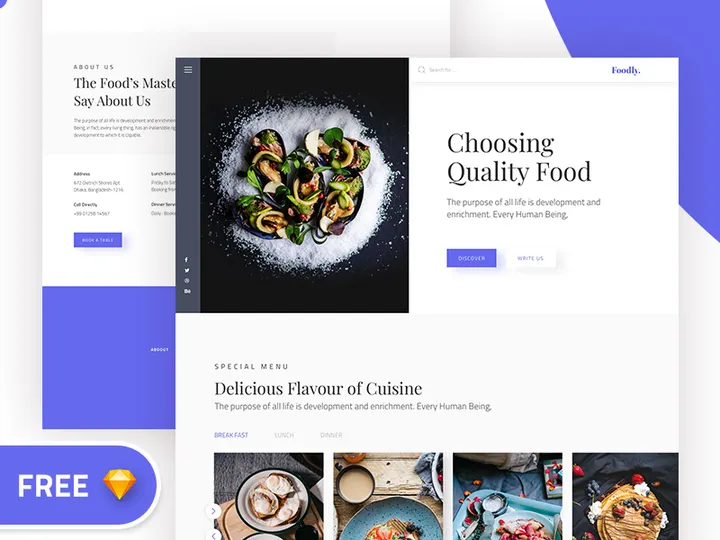

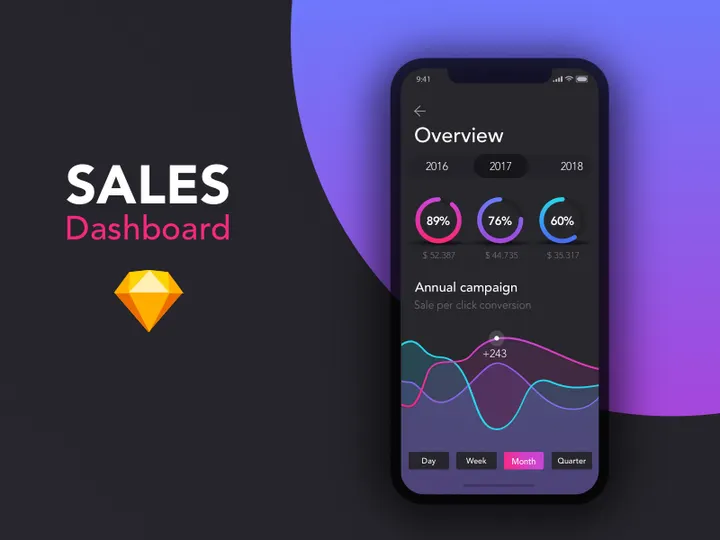
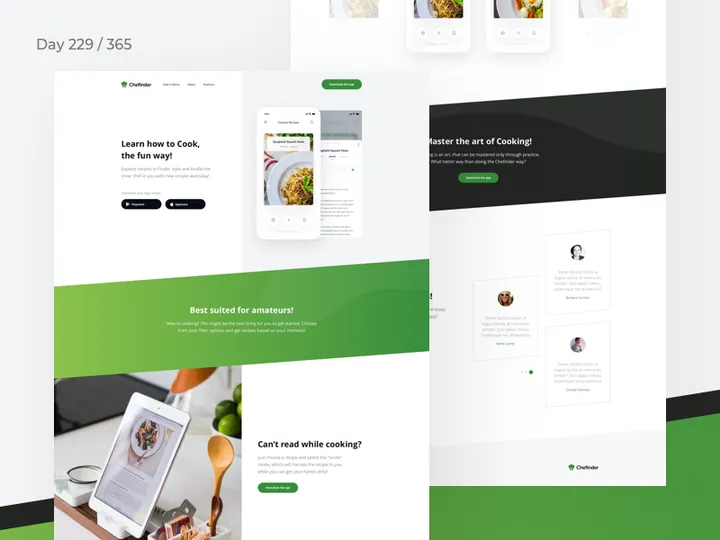
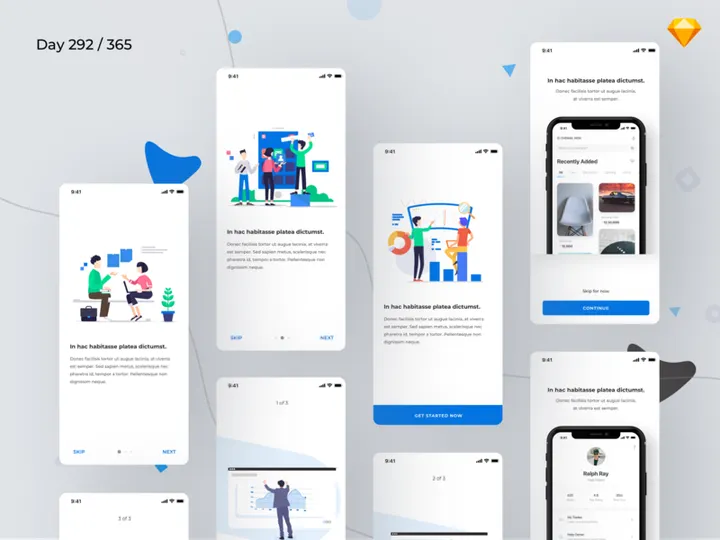

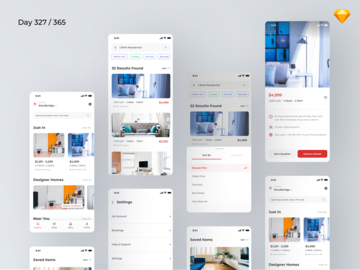
![[FREE] Onboarding for online shop delivery service preview picture](https://imgproxy.epicpxls.com/M_5MpVYHZDRFeGdqajq8UNekveEuq0mtVCUFQ9TSayA/rs:fill:720:540:0/g:no/aHR0cHM6Ly9pdGVt/cy5lcGljcHhscy5j/b20vdXBsb2Fkcy9w/aG90by8xMzE0OTI4/NGE0ZjI1ODFjMWNl/NWUwMDg1MjAxNjIy/NA.jpg)

Try Our Free Resources
Download any of these for free - no account required
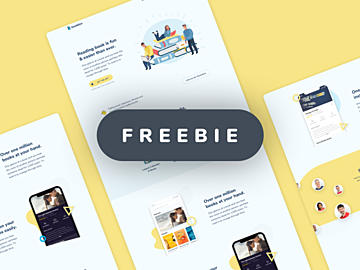
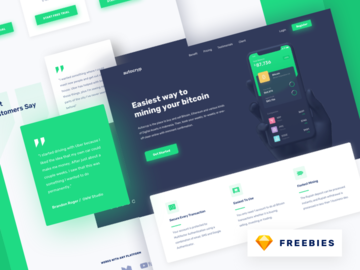
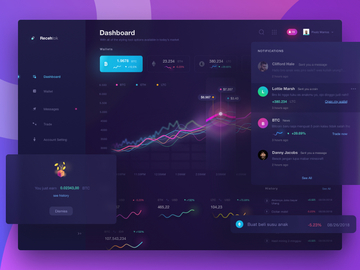
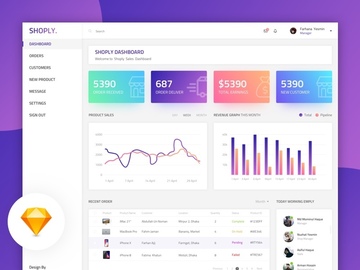
Why Sketch for Templates?
Sketch has become a go-to design platform for professionals and beginners alike, especially when it comes to working with templates. Its vector-based interface and focus on user interface (UI) and user experience (UX) design make it uniquely suited for creating, customizing, and deploying design templates efficiently. One of the core reasons designers choose Sketch for templates is its intuitive symbol and shared style system. These features allow users to create reusable components—such as buttons, headers, and navigation bars—that automatically update across all instances when modified. This is invaluable when working with templates, where consistency and speed are essential.
Another strength of Sketch is its artboard-centric workflow. Designers can organize multiple screens or layout variations within a single file, making it easy to build comprehensive templates for websites, apps, dashboards, and presentations. With built-in grid systems, responsive resizing, and prototyping tools, Sketch streamlines the transition from static design to interactive mockups. The app’s lightweight performance and macOS-native optimization also contribute to a smooth, distraction-free experience—especially important when managing complex template libraries.
EpicPxls recognizes these advantages and has curated a powerful collection of over 367+ high-quality, Sketch-compatible templates. Each resource is tested for compatibility, ease of use, and design integrity, ensuring that users can trust the quality and functionality of every download. Whether you're building a new mobile app interface or revamping a landing page, Sketch offers the precision and flexibility needed to bring your vision to life. With EpicPxls’ handpicked selection, accessing professional-grade templates has never been easier—helping designers at all levels save time and maintain consistency across their projects.
Top Templates Picks for Sketch
Best for Beginners
Starting out in Sketch? There are plenty of beginner-friendly templates designed to help you learn the platform while producing polished work. These templates typically feature clear layer naming, organized artboards, and comprehensive documentation that walks you through customization steps. Ideal for portfolios, simple websites, or app onboarding screens, these resources reduce the learning curve by showing best practices in action. Many include tooltips or commented sections to explain how symbols and overrides work—making them not just design tools, but educational aids.
Best for Professionals
For experienced designers, the best Sketch templates offer advanced features like nested symbols, component states, auto-layout elements, and integration with design systems. These resources are built for scalability and are often part of larger UI kits or enterprise design frameworks. Professionals will appreciate templates that support dark mode variants, responsive breakpoints, and accessibility-ready color palettes. These high-end options are perfect for teams working on complex products, enabling faster iteration and alignment with brand guidelines. With EpicPxls’ collection of 367+ resources, professionals can find meticulously crafted templates that meet the demands of modern digital projects.
Best Free Options
High-quality doesn’t have to mean high cost. Sketch offers a robust ecosystem of free templates that rival paid alternatives in design and functionality. From minimalist wireframes to fully designed e-commerce layouts, these free resources are ideal for startups, students, or side projects. Many are released under open licenses and maintained by active design communities. EpicPxls carefully vets each free template to ensure clean code, up-to-date Sketch features, and usability. These selections prove that with the right curation, you can access powerful tools without spending a dime—making design more accessible to everyone.
Sketch vs Other Tools for Templates
When comparing design tools for template use, Sketch stands out for its focused feature set and streamlined performance. Unlike broader creative suites, Sketch is built specifically for digital interface design, which means its template system is tightly integrated with core functionality. Symbols, overrides, and shared styles are native and deeply optimized, allowing for faster creation and maintenance of reusable design assets. This makes Sketch particularly effective for teams that rely on consistent, scalable templates across multiple projects.
The Sketch ecosystem also benefits from a mature plugin community and robust file organization. Designers can leverage plugins to automate repetitive tasks, sync assets, or export assets in various formats—all within the same environment. While other platforms may offer cross-platform support or real-time collaboration, Sketch excels in precision, clarity, and template reliability. Its .sketch file format is widely supported across design and development workflows, especially when paired with handoff tools and developer inspection features.
Another key advantage is compatibility. Sketch files integrate seamlessly with design systems and component libraries, making it easier to import and adapt templates from sources like EpicPxls. With over 367+ resources available, each optimized for Sketch’s architecture, users can quickly implement professional-grade templates without compatibility issues or conversion delays. This focus on native performance and ecosystem cohesion gives Sketch a distinct edge for template-driven workflows.
Setting Up Templates in Sketch
- Download and Import: Begin by downloading your chosen template file from a trusted source like EpicPxls. Once downloaded, simply double-click the .sketch file to open it in Sketch, or drag it into the app window.
- Review the Structure: Take a moment to explore the Layers panel and artboard organization. Look for labeled sections, symbol masters, and any included documentation pages that explain how to customize the template.
- Duplicate for Safety: Before making changes, duplicate the entire page or file to preserve the original. This ensures you always have a clean version to return to if needed.
- Customize Key Elements: Start by updating colors, typography, and imagery to match your brand. Use the Overrides panel to swap content in symbols without breaking the master component.
- Organize for Reuse: Rename layers and groups clearly. Consider creating a dedicated Symbols page if you plan to reuse components across other projects.
- Save as a Template: Once customized, go to File > Save As Template. This allows you to access your modified version directly from Sketch’s new document screen in the future, streamlining your workflow.
Managing a growing library of templates becomes easier with consistent naming and folder structures. If you're working with the full collection of 367+ resources from EpicPxls, consider categorizing templates by project type—such as mobile apps, websites, or presentations—for faster retrieval. Using Sketch’s page-based organization, you can store related templates in separate pages within a single file, reducing clutter and improving navigation.
Sketch Workflow Tips
Organizing Templates Libraries
Effective template management starts with a clear organizational system. Use Sketch’s page and artboard naming conventions to group similar templates—such as “Dashboard – Dark Mode” or “E-Commerce – Mobile.” Create a master library file where you store approved symbols, color styles, and text styles. This centralizes your design language and ensures consistency across projects. For teams, consider syncing libraries via Sketch Cloud or a shared drive. EpicPxls’ templates are designed with clean layer structures, making them easy to import and adapt into your existing library without introducing clutter.
Batch Operations
When working with multiple templates or large-scale updates, batch operations can save significant time. Use Sketch plugins to rename layers in bulk, update color variables, or export multiple artboards at once. For example, if you’re applying a new brand color across several templates, a plugin can find and replace all instances of the old color in seconds. Similarly, you can automate the export of all mobile screen artboards into PNGs or PDFs for client review. These efficiencies are especially valuable when managing extensive collections like the 367+ resources curated by EpicPxls, allowing you to maintain quality without sacrificing speed.
Collaboration Best Practices
Collaboration in Sketch thrives when teams follow consistent workflows. Establish naming conventions for layers, symbols, and pages to avoid confusion. Use shared libraries to ensure everyone accesses the same components and styles. When sharing template files, include a README artboard that outlines customization steps, brand guidelines, and contact information for support. For remote teams, leverage Sketch Cloud to share previews, collect feedback, and track version history. EpicPxls designs its templates with collaboration in mind—each resource is structured to support team use, with clear hierarchies and modular components that simplify handoff and iteration.
Why Download from EpicPxls?
Commercial License
Use in personal and commercial projects
No Account Required
Download free resources instantly
Quality Curated
Every resource is reviewed for quality
Preview Files
See preview images on each item page before downloading
Who Uses These Templates?
Professionals and teams who benefit most from our collection
UI/UX Designers
Speed up your workflow with ready-to-use templates for Sketch. Perfect for prototyping and client presentations.
Developers
Get production-ready assets without design skills. Export in any format for web and mobile apps.
Startups & Agencies
Save design budget with affordable premium templates. Commercial license included.
Marketing Teams
Create professional campaigns faster. All templates are optimized for social media and ads.
Templates for Sketch FAQCommon questions about these resources
Simple, Transparent Pricing
Get unlimited access to all premium resources
Yearly
- 20 downloads per month
- All file formats
- Commercial license
Lifetime
- Unlimited downloads forever
- All file formats
- Commercial license
Earn 85% and
more on all sales
Upload your products and put them up
for sale at whatever price you want.


