Fonts for Socials: 141+ Resources
EpicPxls offers 142+ curated fonts, all with a commercial license and editable source files (Figma, Sketch, PSD). Purpose-built fonts for social projects save time and ensure professional results with design elements tailored to social requirements.
Last updated February 13, 2026
Discover 141+ fonts ideal for social design projects.
Trusted by designers at leading companies
Top Fonts
Handpicked resources from our curated collection
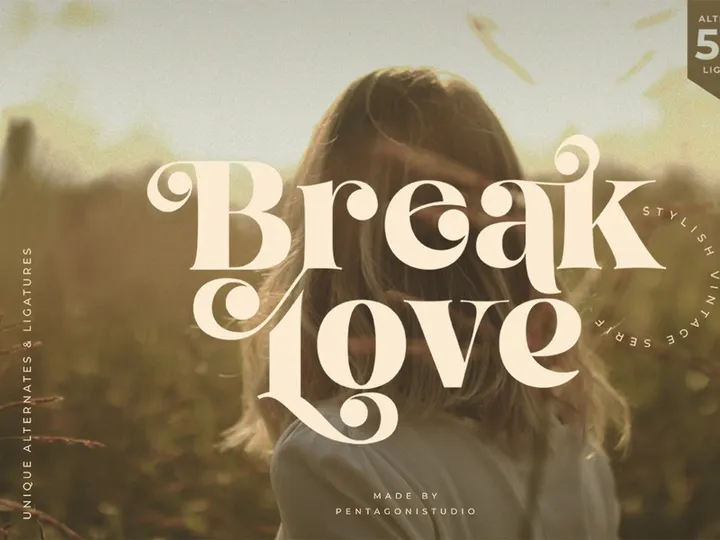

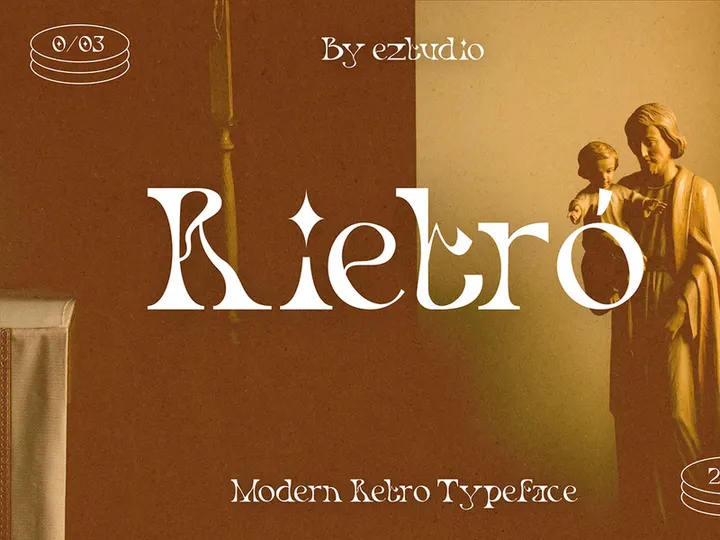

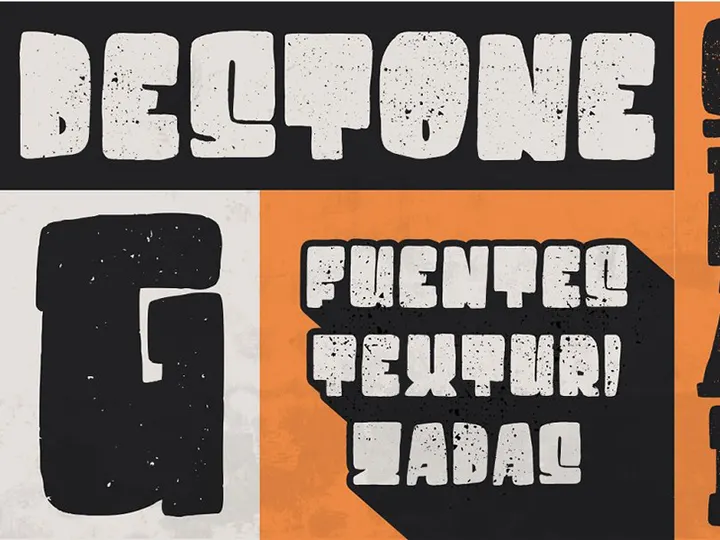
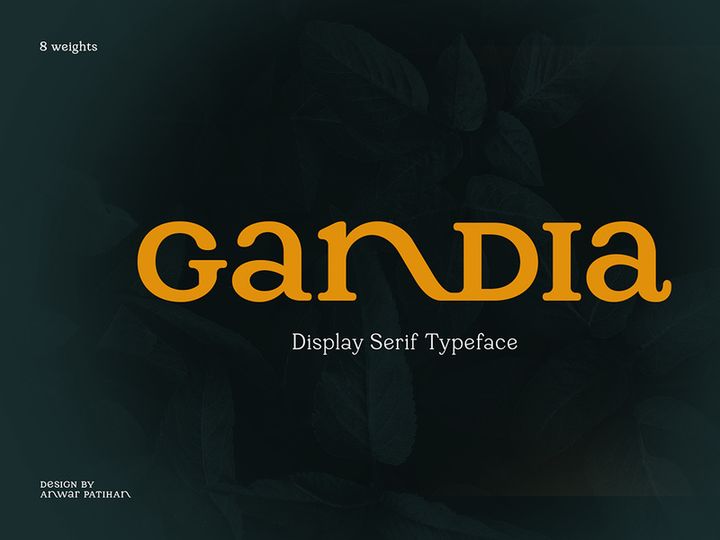

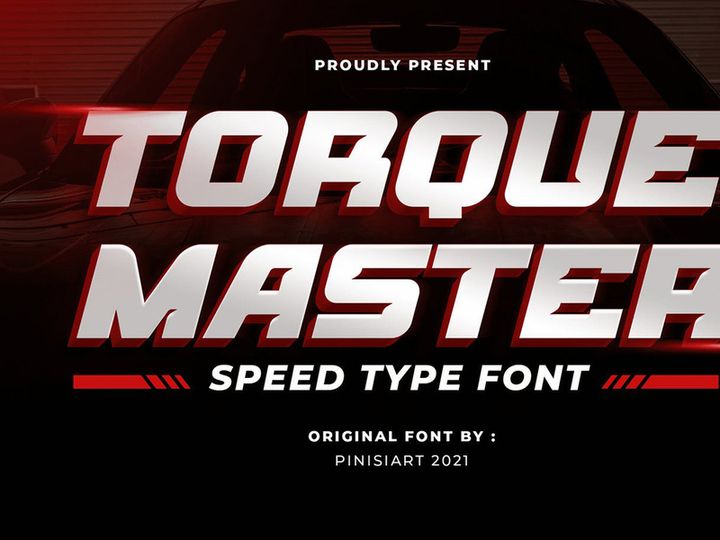

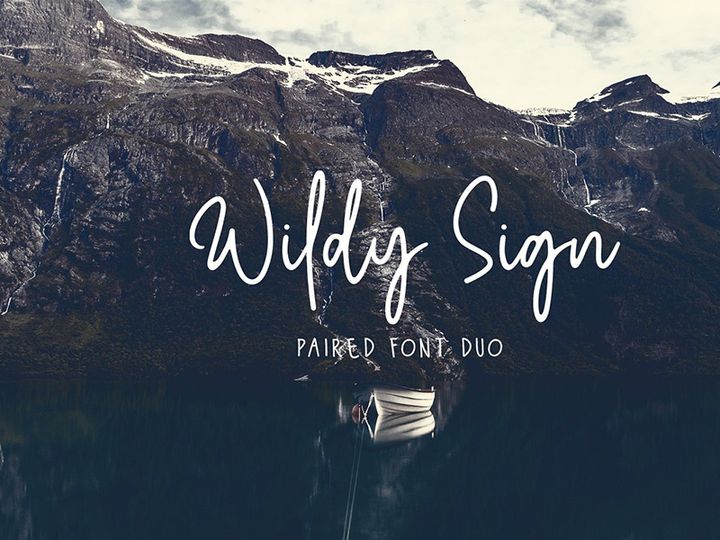
![[Free] Angkring | Display Typeface preview picture](https://imgproxy.epicpxls.com/4HItuS7QtxqMsXsYWpWK9V6CCHAWZeiG7f_IpzJLoZQ/rs:fill:720:540:0/g:no/aHR0cHM6Ly9pdGVt/cy5lcGljcHhscy5j/b20vdXBsb2Fkcy9w/aG90by80NmI0MDUw/MGZmMWYyN2I3OGQ5/NzUyYjE5OTE5OTJi/Mw.jpg)

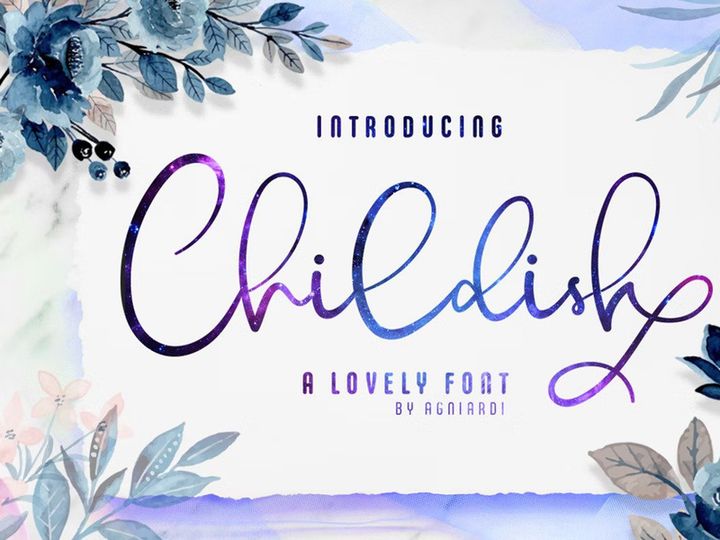
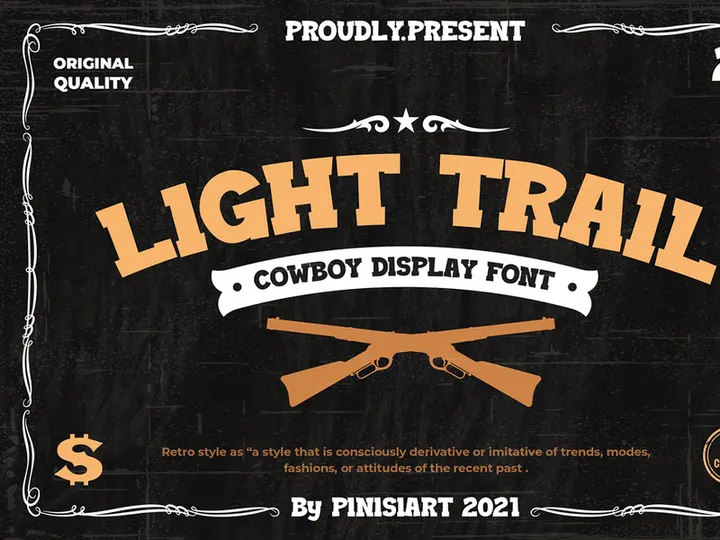
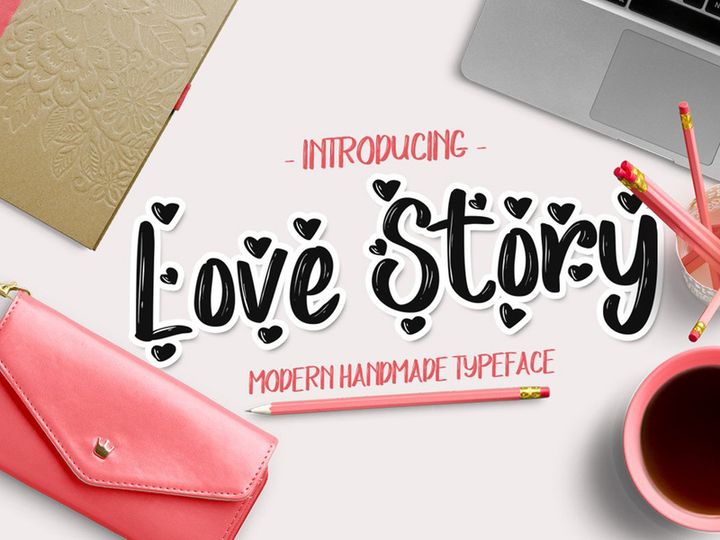
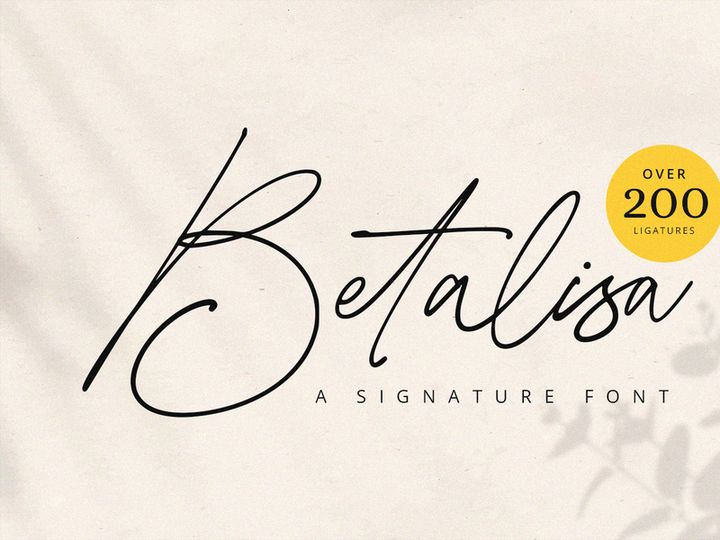
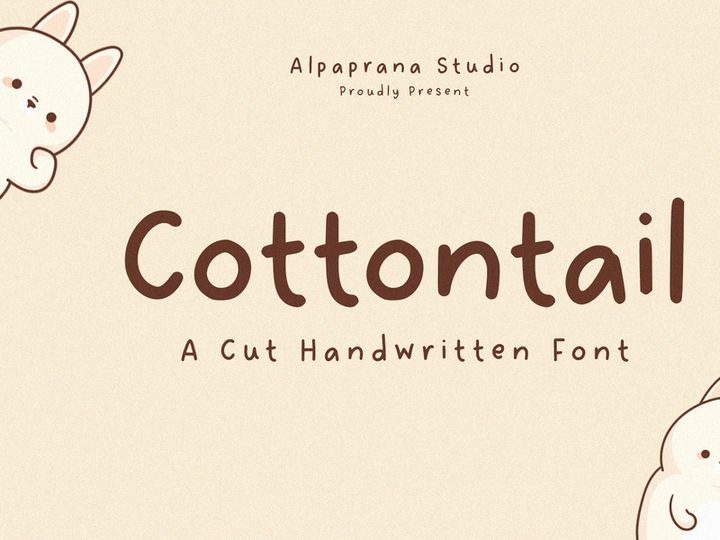
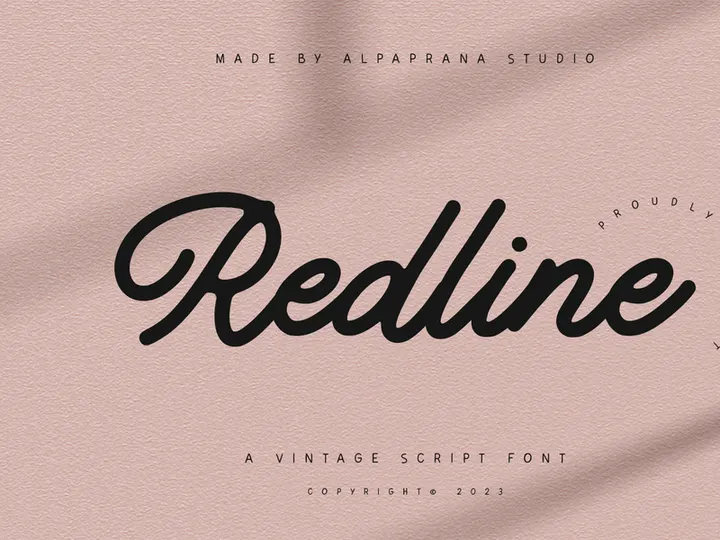
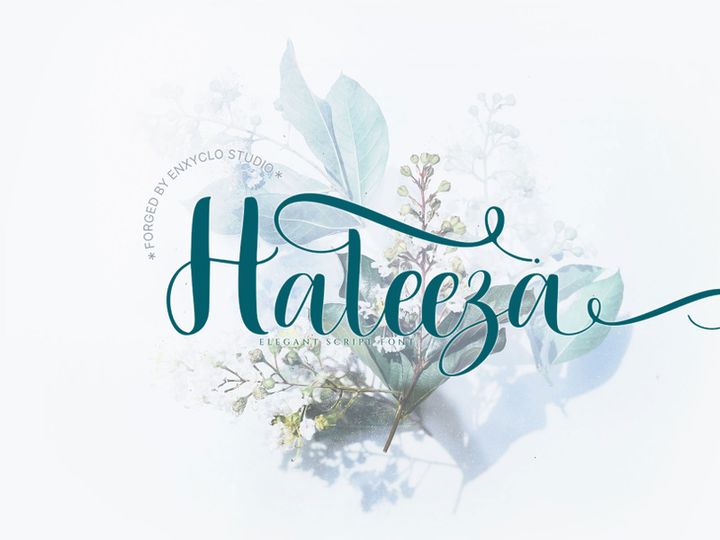
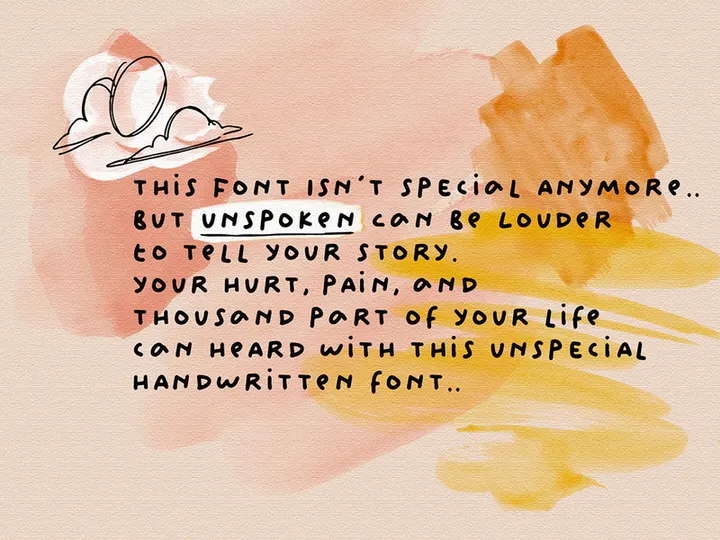
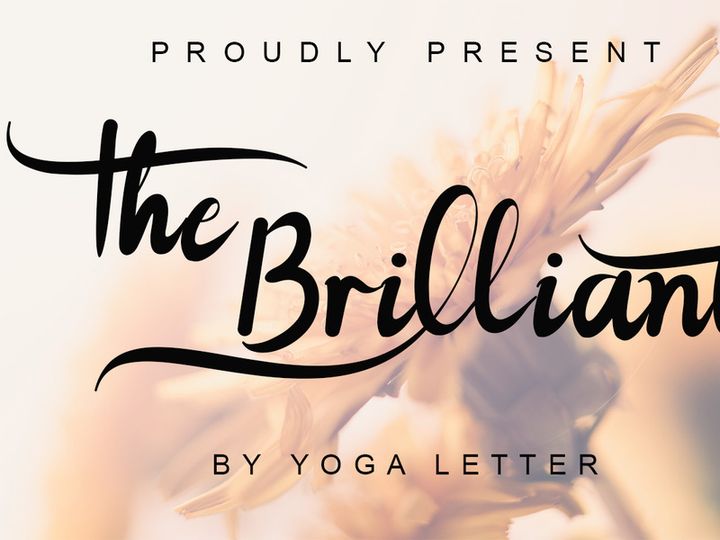
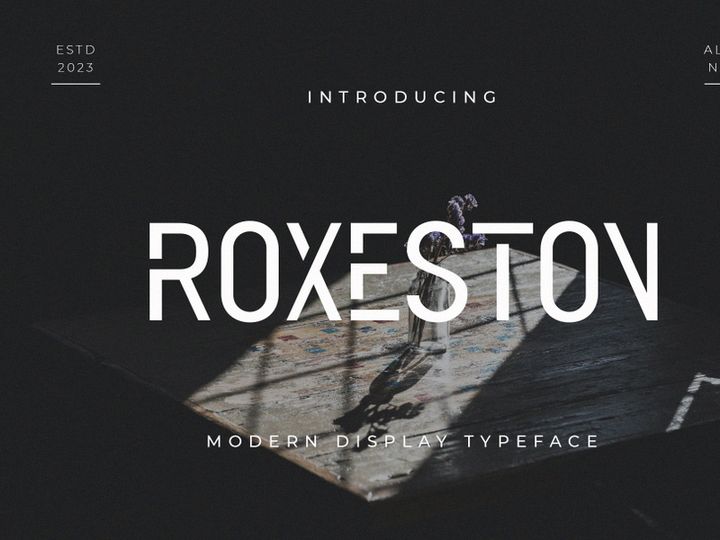
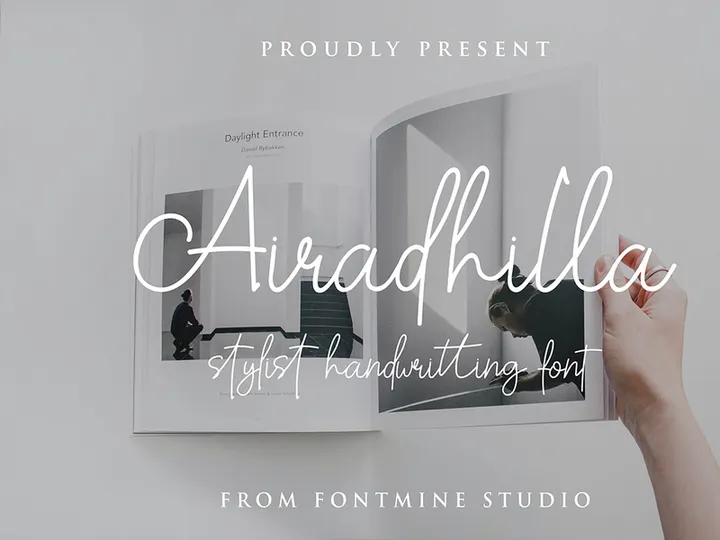
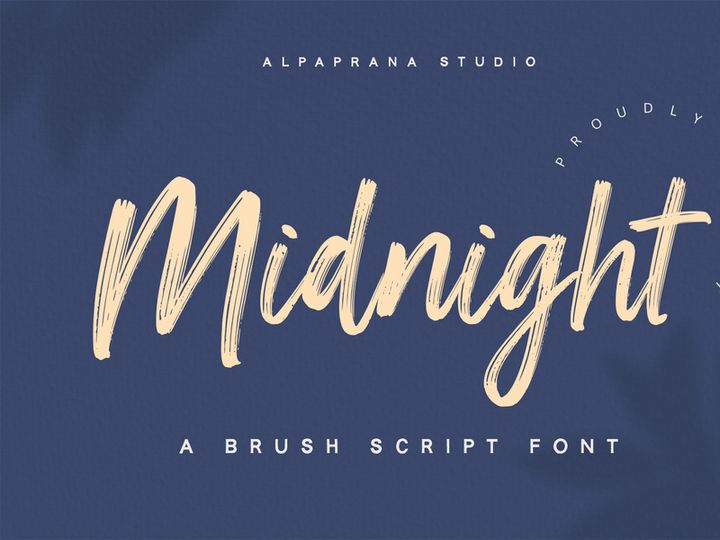
Try Our Free Resources
Download any of these for free - no account required

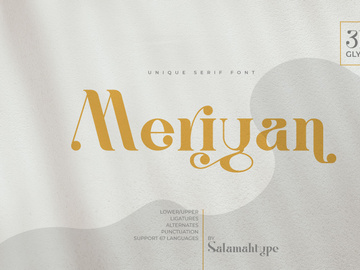
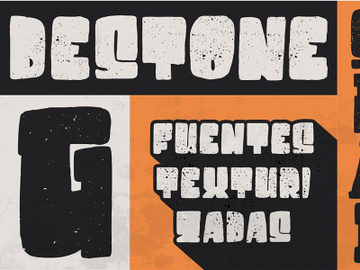
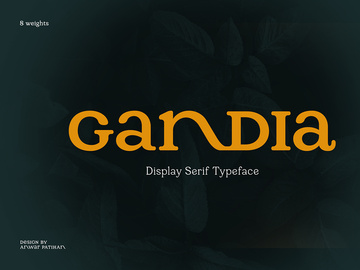
Why Fonts for Social Projects?
Typography plays a pivotal role in the success of any social media design. With attention spans shorter than ever and platforms flooded with content, the right font can make the difference between a scroll-past and a double-tap. Using purpose-built fonts for social projects ensures your messaging is not only seen but felt. Pre-made fonts designed specifically for social media accelerate the creative process, allowing designers to focus on storytelling rather than formatting. These fonts are engineered with platform-specific constraints in mind—ideal sizing, readability on mobile screens, and compatibility with overlay text on imagery—making them indispensable tools in a designer’s toolkit.
Social media content demands fast turnaround times and consistent branding. Whether you're crafting Instagram carousels, TikTok overlays, or LinkedIn banners, the visual language must be instantly recognizable and on-brand. This is where curated font collections shine. They eliminate the guesswork in font selection by offering fonts optimized for legibility, impact, and aesthetic harmony across different devices and formats. The variety within each collection allows for creative flexibility while maintaining professional quality, ensuring your designs stand out in a crowded feed.
EpicPxls understands the unique demands of social design. That’s why our library includes over 141+ resources tailored specifically for social media use. Each font is handpicked based on real-world application, tested for performance in high-engagement contexts, and verified for licensing clarity—so you can use them confidently across client and personal projects. From bold display fonts for headlines to clean sans-serifs for captions, our collection empowers designers to create visually compelling content that converts. With EpicPxls, you’re not just downloading fonts—you’re accessing a streamlined design ecosystem built for the social age.
What Social Designers Need
Essential Fonts Types
Social media designers require a strategic mix of font types to support diverse content formats. Display fonts are ideal for attention-grabbing headlines in Instagram Stories or YouTube Shorts—typically bold, stylized, and expressive. Sans-serif fonts remain the go-to for body text and captions due to their clean, modern appearance and superior readability on small screens. Serif fonts, while less common, add sophistication to luxury brand content or editorial-style posts. Handwritten or script fonts bring personality and warmth, perfect for lifestyle brands, quotes, or influencer content. Finally, monospaced fonts are gaining popularity for tech, startup, and minimalist aesthetics, especially in LinkedIn and Twitter visuals.
The most effective social designs use a combination of these types in a purposeful hierarchy. For example, pairing a bold display font for headlines with a neutral sans-serif for supporting text creates visual contrast without sacrificing clarity. EpicPxls’ 141+ resources include a balanced variety of these font types, ensuring you have the right tool for every social context.
Format Requirements
Font format compatibility is critical in social design workflows. The most widely supported and reliable formats are OTF (OpenType) and TTF (TrueType), both of which maintain high-quality rendering across design software like Adobe Photoshop, Illustrator, Figma, and Canva. OTF is particularly favored for its advanced typographic features, including ligatures and alternate glyphs, which add polish to premium designs. Webfont formats like WOFF are less relevant for static social graphics but may come into play when designing interactive social ads or microsites.
When sourcing fonts for social use, ensure they come in at least one of these standard formats. Many of the fonts in the EpicPxls collection are delivered in multiple formats, giving designers flexibility whether they’re working on desktop applications or cloud-based platforms. This compatibility ensures zero friction during the design process and eliminates last-minute font substitution issues.
Quality Standards
Not all fonts are created equal—especially when it comes to social media. A high-quality, social-ready font should exhibit consistent stroke weight, proper kerning, and balanced character spacing to ensure readability at small sizes. Look for fonts that include a full character set (including numbers, punctuation, and accented characters) to support diverse messaging needs. Multilingual support is a bonus for global brands or campaigns targeting international audiences.
Additionally, professional fonts often come with stylistic alternates, small caps, and variable weight options, allowing for greater design versatility. At EpicPxls, every font in the 141+ resources collection is vetted for these quality markers. We prioritize fonts that perform well in real-world use—crisp on mobile screens, scalable for different formats, and optimized for fast loading in design software. This attention to detail ensures your social designs look polished and professional, every time.
Social Design Project Walkthrough
- Define the Project Goals: Start by understanding the purpose of your social content. Is it promotional, educational, or community-focused? The goal determines the tone, which in turn guides your font selection. For example, a playful campaign might call for a fun handwritten font, while a corporate announcement benefits from a sleek sans-serif.
- Select Fonts from a Curated Library: Browse the EpicPxls collection to identify fonts that match your brand voice. Use filters to narrow down by style—display, script, sans-serif, etc.—and preview how they render in realistic social media mockups. Choose one primary font for headlines and a complementary secondary font for body text to maintain hierarchy.
- Test Readability Across Devices: Before finalizing, test your font choices on actual mobile and desktop screens. Ensure text remains legible even when overlaid on busy backgrounds. Adjust size, weight, or contrast if needed. Some fonts in the EpicPxls library include built-in contrast tools or dark/light variants to aid this process.
- Apply Typography in Your Design Tool: Import your selected fonts into your preferred editor—whether it’s Figma, Photoshop, or Canva. Use grid systems to align text elements and maintain spacing consistency. Stick to a maximum of two to three fonts per design to avoid visual clutter.
- Pair Fonts Effectively: Combine fonts by contrasting weight and style. For instance, pair a bold, condensed display font with a light, airy sans-serif. Avoid pairing two highly decorative fonts, as this can reduce readability. Use EpicPxls’ font pairing suggestions (included in many resource bundles) to speed up this decision.
- Export and Optimize for Platforms: Once your design is complete, export in the appropriate format—typically PNG or JPG for static posts, MP4 for videos. Compress files without sacrificing quality to ensure fast loading times. Save your font choices in a brand kit for future consistency across campaigns.
This structured approach ensures your social designs are not only visually appealing but also strategically sound. With the 141+ resources available through EpicPxls, each step becomes faster and more intuitive, allowing you to deliver high-impact content on tight deadlines.
Social Design Workflow Tips
Speed Up Your Process
Time is one of the most valuable assets in social media design. Pre-made, social-optimized fonts dramatically reduce the time spent searching, testing, and troubleshooting typefaces. Instead of sifting through generic font libraries, designers can go straight to purpose-built options that are proven to work. EpicPxls streamlines this further by organizing fonts into intuitive categories—such as “Bold Headlines,” “Minimal Captions,” and “Trendy Scripts”—so you can find the perfect match in seconds. Many of our 141+ resources also come with ready-to-use templates, allowing you to drop in text and publish with minimal adjustments. This efficiency is especially valuable for agencies managing multiple clients or creators posting daily content.
Maintain Consistency
Brand consistency builds recognition and trust. Using a defined set of fonts across all social touchpoints ensures your content is instantly identifiable. Create a typography style guide that specifies primary and secondary fonts, preferred sizes, line heights, and color treatments. Store your favorite fonts from EpicPxls in a dedicated project folder or cloud library so your entire team can access them. When every post—from a story highlight to a promotional reel—uses the same typographic language, your brand becomes more cohesive and professional.
Client Presentation
When presenting social designs to clients, clarity and polish matter. Use high-fidelity mockups that show how your font choices appear in real-world contexts—on phone screens, in feeds, or as part of a content series. Explain your typographic decisions in terms of brand alignment and engagement potential. For example, “We chose this bold display font because it increases readability in Stories, where users spend less than two seconds scanning.” The fonts from EpicPxls are designed to impress, not just function—giving you confidence when showcasing your work. Including font licenses in your deliverables also reassures clients that all assets are legally compliant, adding another layer of professionalism.
Social Design Inspiration
Staying inspired is key to creating fresh, engaging social content. Currently, top trends include bold typography overlays, animated text effects, and minimalist font pairings that emphasize clarity over clutter. Brands are moving away from over-designed graphics and embracing clean layouts where the font itself becomes the focal point. Think large, centered text on solid or gradient backgrounds—popularized by platforms like Instagram and TikTok. Another rising trend is the use of variable fonts, which allow designers to adjust weight, width, and slant dynamically, enabling smoother animations and responsive designs.
Top social designers often start with typography as the foundation, building visuals around the message rather than the other way around. They use fonts not just for readability but as expressive tools—leveraging color, scale, and spacing to evoke emotion. For example, a fitness brand might use a tight, condensed font to convey intensity, while a wellness brand opts for airy, rounded letterforms to suggest calm.
To elevate your own work, explore curated collections like those at EpicPxls, where the 141+ resources are updated regularly to reflect emerging styles and platform best practices. Follow design influencers, analyze high-performing posts in your niche, and experiment with new font combinations in low-stakes stories or reels. Inspiration often comes from iteration—so keep your library diverse, your workflow flexible, and your eye on the feed. With the right fonts and a creative mindset, your social designs can lead trends instead of following them.
Why Download from EpicPxls?
Commercial License
Use in personal and commercial projects
No Account Required
Download free resources instantly
Quality Curated
Every resource is reviewed for quality
Preview Files
See Figma and Photoshop files before downloading
Who Uses These Fonts?
Professionals and teams who benefit most from our collection
UI/UX Designers
Speed up your workflow with ready-to-use fonts for design tools. Perfect for prototyping and client presentations.
Developers
Get production-ready assets without design skills. Export in any format for web and mobile apps.
Startups & Agencies
Save design budget with affordable premium fonts. Commercial license included for client work.
Marketing Teams
Create professional campaigns faster. All fonts are optimized for social media and ads.
Fonts FAQCommon questions about these resources
Simple, Transparent Pricing
Get unlimited access to all premium resources
Yearly
- 20 downloads per month
- All file formats
- Commercial license
Lifetime
- Unlimited downloads forever
- All file formats
- Commercial license
Ready to Get Started?
Access 4,441+ free design resources today.
Browse Free ResourcesView Premium PlansEarn 85% and
more on all sales
Upload your products and put them up
for sale at whatever price you want.


