UI Kits for Adobe XD: 1792+ Resources
EpicPxls offers 200+ curated ui kits for Adobe XD, all with a commercial license and editable source files (Figma, Sketch, PSD). We have 200+ ui kits compatible with Adobe XD, tested and verified for seamless integration.
Last updated February 12, 2026
Discover 1792+ handpicked ui kits for Adobe XD.
Trusted by designers at leading companies
Top UI Kits for Adobe XD
Handpicked resources from our curated collection
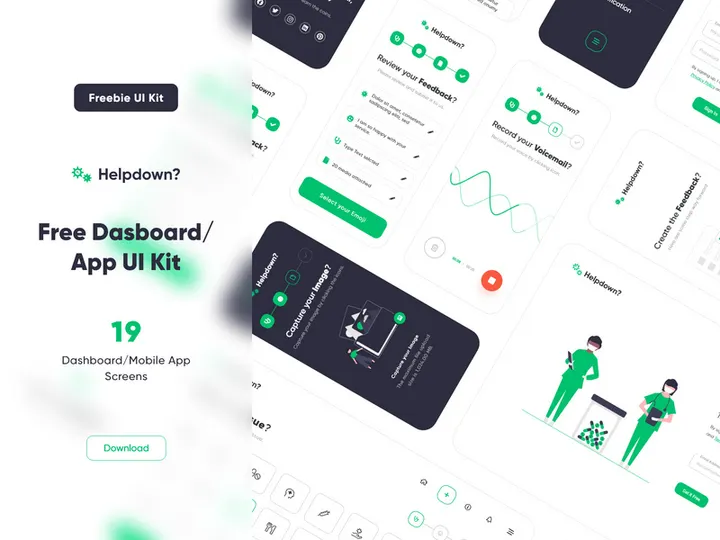
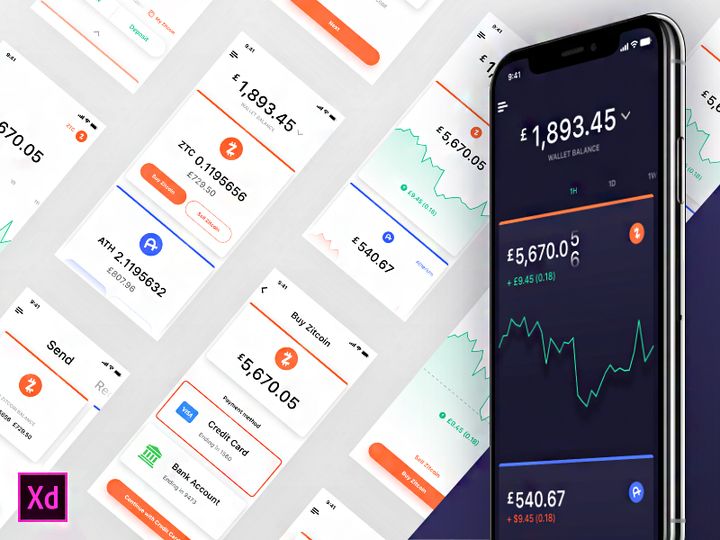


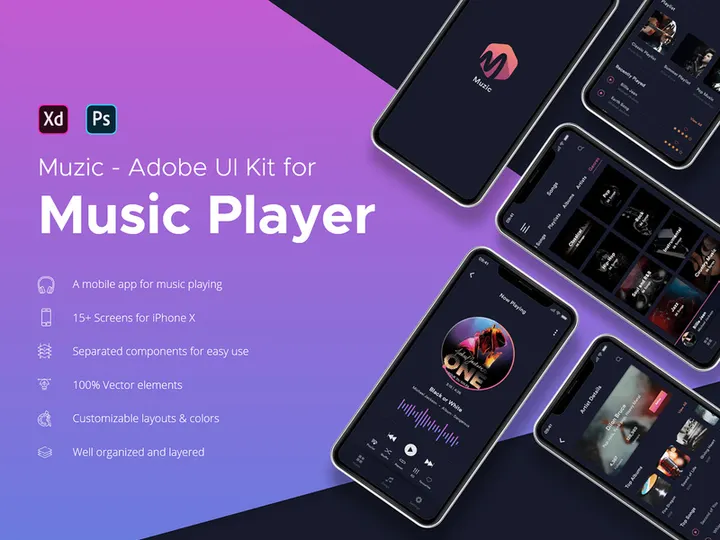
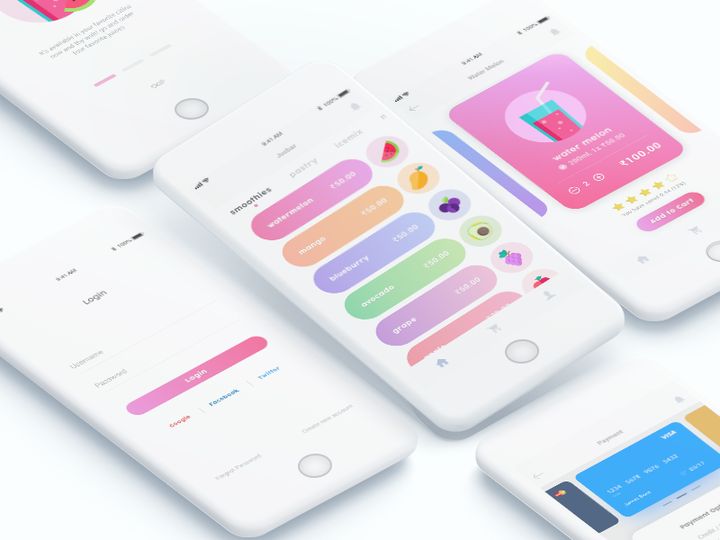
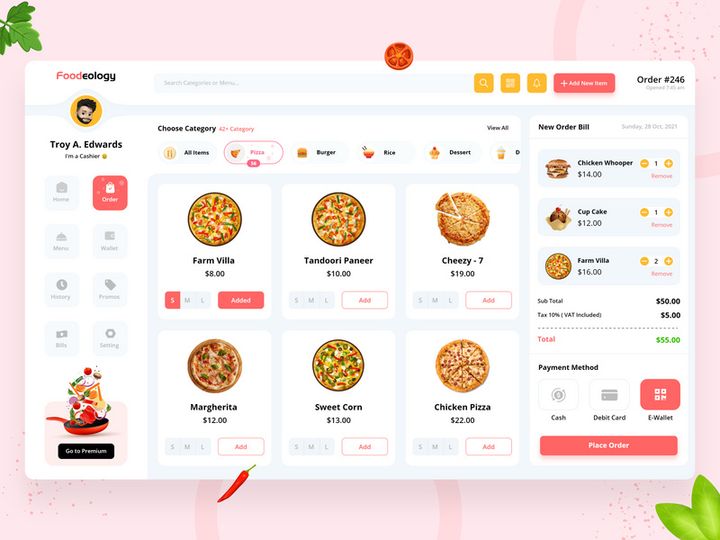
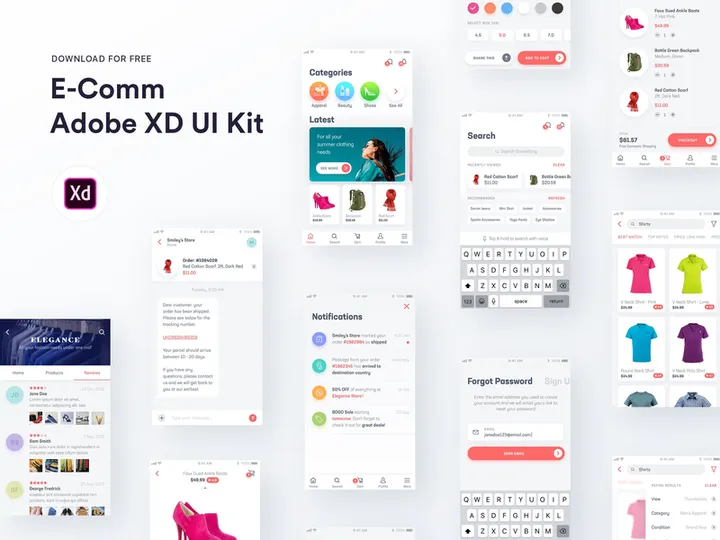
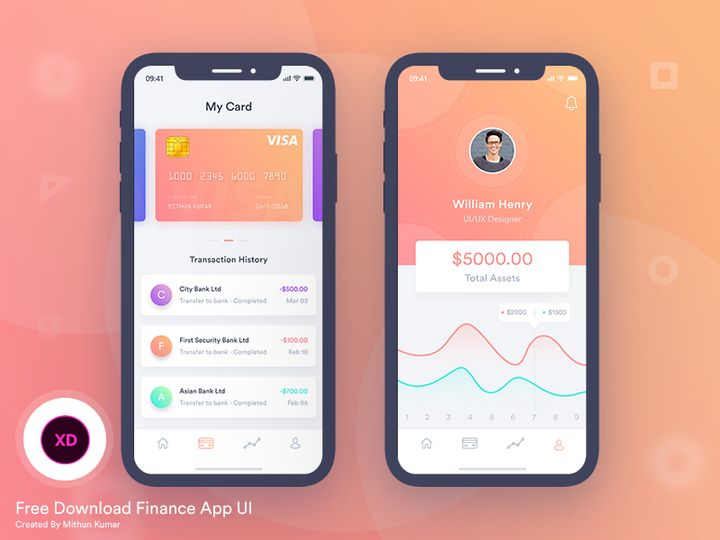
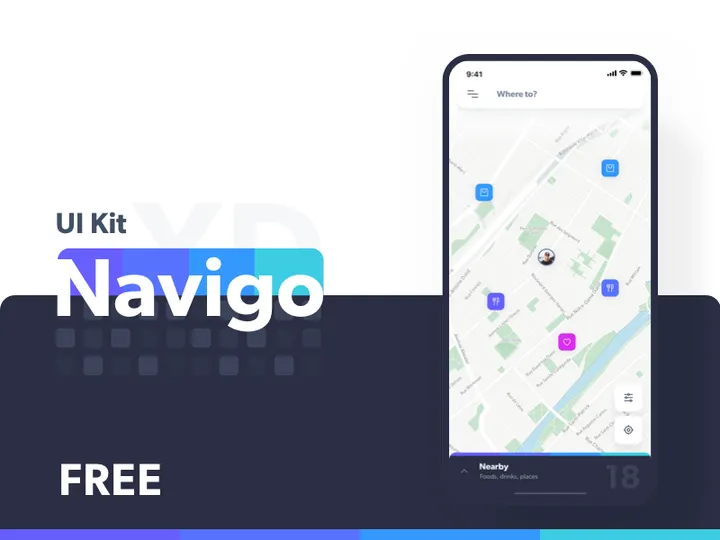
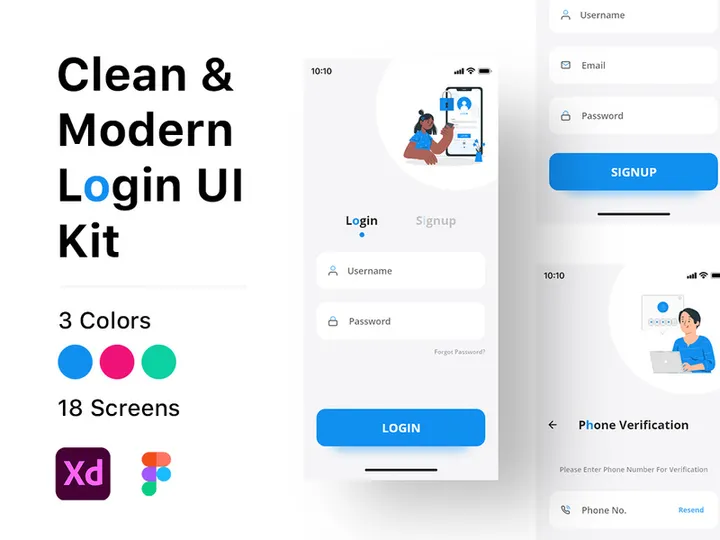
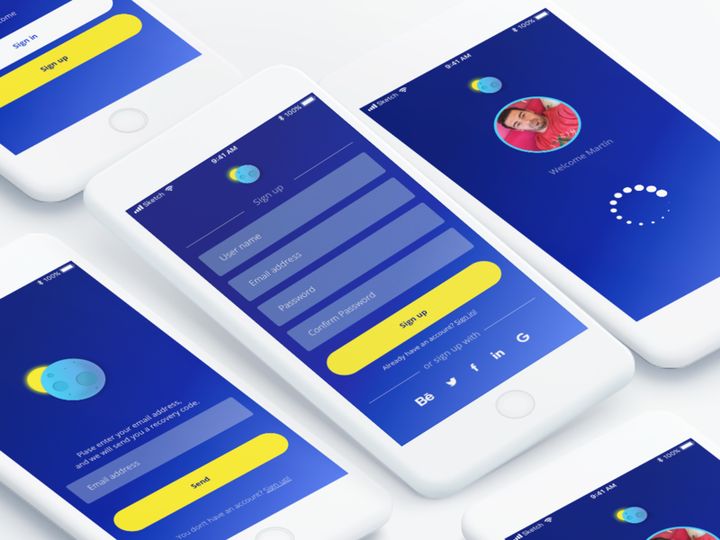



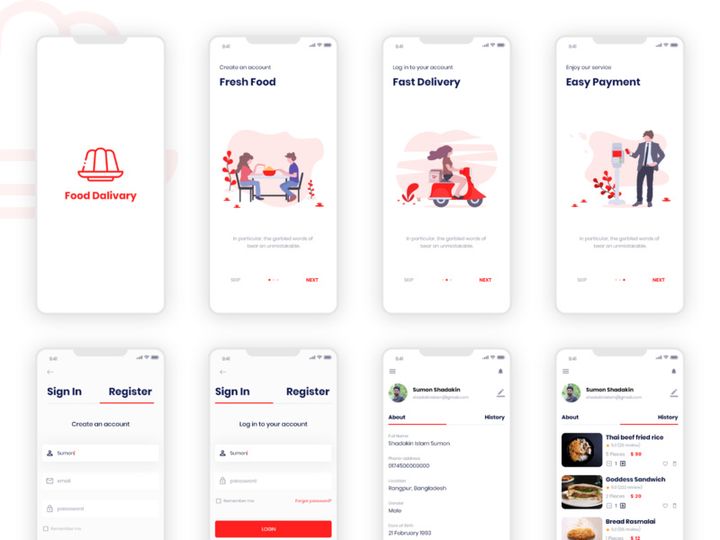


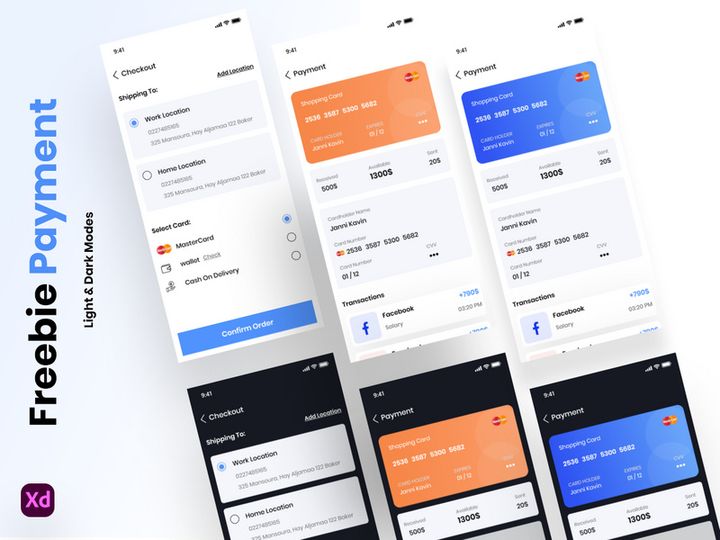
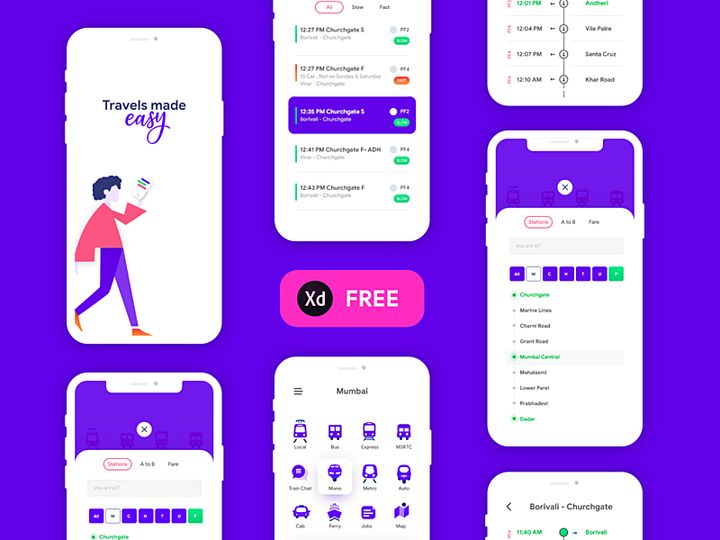

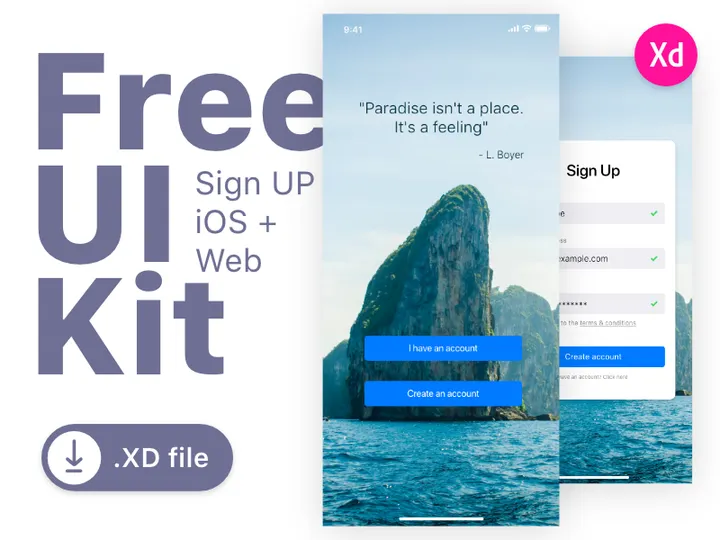
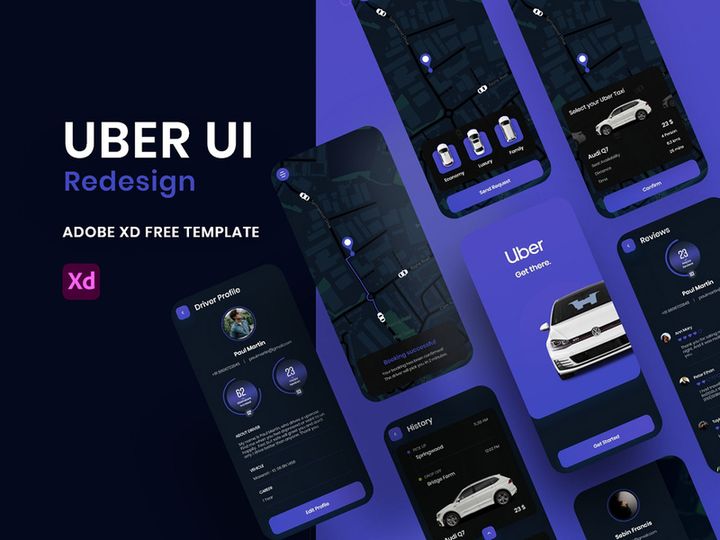
Try Our Free Resources
Download any of these for free - no account required
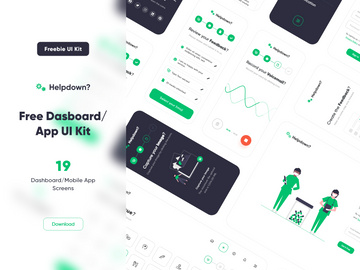
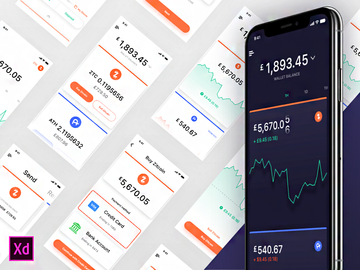
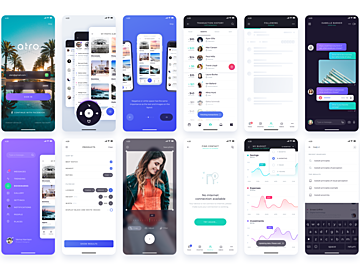
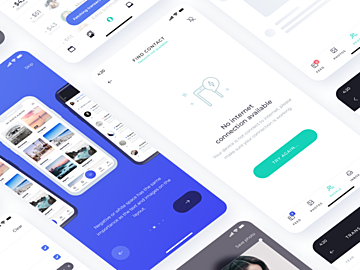
Why Adobe XD for UI Kits?
Adobe XD has rapidly become a go-to tool for UI/UX designers, especially when working with pre-built design systems like UI kits. Its intuitive interface, real-time collaboration features, and seamless integration with other Adobe Creative Cloud applications make it a top choice for professionals and beginners alike. When it comes to leveraging UI kits, Adobe XD offers a streamlined environment that enhances productivity and design consistency.
One of the standout features of Adobe XD is its component-based design system, which aligns perfectly with how UI kits are structured. Designers can easily reuse buttons, forms, cards, and navigation elements across artboards, ensuring uniformity throughout a project. The Repeat Grid function further accelerates design workflows by allowing rapid duplication of elements with minor variations—ideal for lists, galleries, or data tables commonly found in UI kits.
Another advantage is Adobe XD’s robust prototyping capabilities. UI kits aren’t just about static visuals—they’re often used to build interactive mockups. With built-in auto-animate and voice prototyping, designers can turn a basic UI kit into a dynamic prototype without switching tools. This tight integration between design and interaction saves time and improves communication with stakeholders.
At EpicPxls, we understand the importance of format-specific optimization. That’s why our curation of over 1792+ Adobe XD UI kits ensures every resource is fully compatible, well-structured, and ready to import with minimal setup. We evaluate each kit for quality, organization, and usability, so designers can focus on creativity rather than troubleshooting. Whether you’re crafting mobile apps, dashboards, or websites, Adobe XD’s ecosystem, combined with thoughtfully curated resources from EpicPxls, empowers efficient, high-fidelity design work.
Top UI Kits Picks for Adobe XD
With a growing library of over 1792+ resources, finding the right UI kit for Adobe XD can be overwhelming. To help streamline your selection, we’ve hand-picked standout options based on usability, design quality, and feature set. Whether you're just getting started or leading a design team, there’s a UI kit tailored to your needs.
Best for Beginners
If you're new to UI/UX design or Adobe XD, starting with a beginner-friendly UI kit is essential. Look for kits that include clear documentation, logical layer naming, and organized artboards. Many beginner kits come with onboarding flows, basic form elements, and responsive layouts that teach foundational design patterns. EpicPxls highlights several entry-level kits featuring drag-and-drop components and intuitive color palettes, helping newcomers build confidence while maintaining professional output.
Best for Professionals
For experienced designers, advanced UI kits offer modular design systems, dark mode variants, and extensive component libraries. These kits often follow Material Design or Apple’s Human Interface Guidelines, making them ideal for enterprise-level applications. Many include auto-layout components, design tokens, and variant-based states (e.g., hover, disabled) that streamline complex interactions. The 1792+ resources available through EpicPxls include premium-grade kits built for scalability, ensuring your projects adhere to modern design standards with minimal customization.
Best Free Options
You don’t need to spend a dime to access high-quality UI kits for Adobe XD. The free segment of our collection at EpicPxls features fully functional, professionally designed kits suitable for portfolios, startups, or rapid prototyping. These include mobile app templates, admin dashboards, and e-commerce interfaces—all created with clean vector shapes, accessible typography, and scalable components. While free kits may have fewer screens than premium versions, they still deliver excellent value and serve as a strong foundation for custom designs.
Adobe XD vs Other Tools for UI Kits
When evaluating design tools for working with UI kits, Adobe XD stands out for its balance of performance, usability, and ecosystem integration. Unlike some alternatives that prioritize one feature set over another, Adobe XD delivers a unified experience where design, prototyping, and collaboration happen in a single workspace. This cohesion is especially beneficial when using UI kits, as designers can transition seamlessly from layout to interaction testing.
One of Adobe XD’s unique strengths lies in its native support for shared design systems. Teams can publish UI kits as libraries, allowing members to access updated components across projects. This centralized approach reduces inconsistencies and accelerates team workflows—something not all platforms handle with equal finesse. Additionally, Adobe XD’s cloud document syncing ensures that UI kit updates propagate instantly, keeping everyone on the same page.
From a compatibility standpoint, Adobe XD uses its own file format (.xd), which ensures optimal performance when loading resource-heavy UI kits. While some tools require conversion or plugin dependencies, XD handles large libraries smoothly, even on modest hardware. The 1792+ resources curated by EpicPxls are verified for Adobe XD compatibility, so you won’t encounter broken links, missing fonts, or misaligned layers. This attention to detail ensures a frictionless experience, letting you focus on design rather than file management.
Setting Up UI Kits in Adobe XD
Integrating a UI kit into your Adobe XD workflow is straightforward when you follow a clear process. Whether you’re installing a single kit or managing a collection of dozens, these steps will help you get started efficiently.
- Download the UI Kit: Obtain your chosen UI kit from a trusted source like EpicPxls, ensuring it’s in .xd format or includes clear import instructions.
- Extract the Files: If the kit comes in a compressed (.zip) format, extract the contents to a designated folder on your computer for easy access.
- Open in Adobe XD: Launch Adobe XD and open the .xd file directly from the File menu or by double-clicking the file in your system.
- Review the Structure: Explore the artboards, layers, and components. Check for a style guide or documentation artboard that explains color palettes, typography, and usage rules.
- Save as a Library (Optional): If you plan to reuse components across projects, go to Window > Libraries, then save symbols or components for global access.
- Begin Designing: Duplicate artboards, customize components, and start building your interface using the pre-designed elements as a foundation.
For those managing large collections from the 1792+ resources available, consider creating a master folder with subcategories (e.g., “Mobile,” “Dashboards,” “E-commerce”) to keep files organized. EpicPxls recommends naming kits clearly and maintaining a separate backup drive to prevent data loss during updates or system changes.
Adobe XD Workflow Tips
Maximizing the value of UI kits in Adobe XD goes beyond simple drag-and-drop usage. With thoughtful organization and efficient practices, you can turn a static kit into a dynamic part of your design system.
Organizing UI Kits Libraries
To maintain clarity across projects, treat your UI kits as modular libraries. Use Adobe XD’s symbol and component system to group related elements—such as buttons, inputs, or navigation bars—under consistent naming conventions (e.g., “Button/Primary,” “Input/Disabled”). Store frequently used kits in a dedicated workspace and leverage the Libraries panel to sync assets across files. At EpicPxls, we recommend tagging kits by project type or industry to speed up future searches.
Batch Operations
When working with multiple screens or repeating patterns, use XD’s Repeat Grid to apply changes across several instances at once. This is especially helpful when updating color themes or spacing in a UI kit. For global style changes, modify color swatches and text styles in the Assets panel—Adobe XD will automatically update all linked components. This capability is invaluable when adapting a kit from light to dark mode or aligning it with a brand’s visual identity.
Collaboration Best Practices
Adobe XD’s co-editing feature allows teams to work on the same UI kit simultaneously. To avoid conflicts, designate a lead designer to manage component updates and library publishing. Share cloud documents with stakeholders for feedback, and use version history to track changes. When using kits from the 1792+ resources curated by EpicPxls, ensure all team members have access to the same file versions to maintain design consistency. Adding comments directly on artboards also streamlines communication and reduces misinterpretation during reviews.
Why Download from EpicPxls?
Commercial License
Use in personal and commercial projects
No Account Required
Download free resources instantly
Quality Curated
Every resource is reviewed for quality
Preview Files
See Figma and Photoshop files before downloading
Who Uses These Ui Kits?
Professionals and teams who benefit most from our collection
UI/UX Designers
Speed up your workflow with ready-to-use ui kits for Adobe XD. Perfect for prototyping and client presentations.
Developers
Get production-ready assets without design skills. Export in any format for web and mobile apps.
Startups & Agencies
Save design budget with affordable premium ui kits. Commercial license included for client work.
Marketing Teams
Create professional campaigns faster. All ui kits are optimized for social media and ads.
UI Kits for Adobe XD FAQCommon questions about these resources
Simple, Transparent Pricing
Get unlimited access to all premium resources
Yearly
- 20 downloads per month
- All file formats
- Commercial license
Lifetime
- Unlimited downloads forever
- All file formats
- Commercial license
Ready to Get Started?
Access 4,442+ free design resources today.
Browse Free ResourcesView Premium PlansEarn 85% and
more on all sales
Upload your products and put them up
for sale at whatever price you want.


