Free Templates: 902+ Design Resources
EpicPxls offers 200+ curated templates, all with a commercial license and editable source files (Figma, Sketch, PSD). Yes, all 200+ resources in this collection are completely free to download. No account or credit card required.
Last updated February 12, 2026
Discover 902+ handpicked free templates ready for your projects.
Trusted by designers at leading companies
Top Templates
Handpicked resources from our curated collection
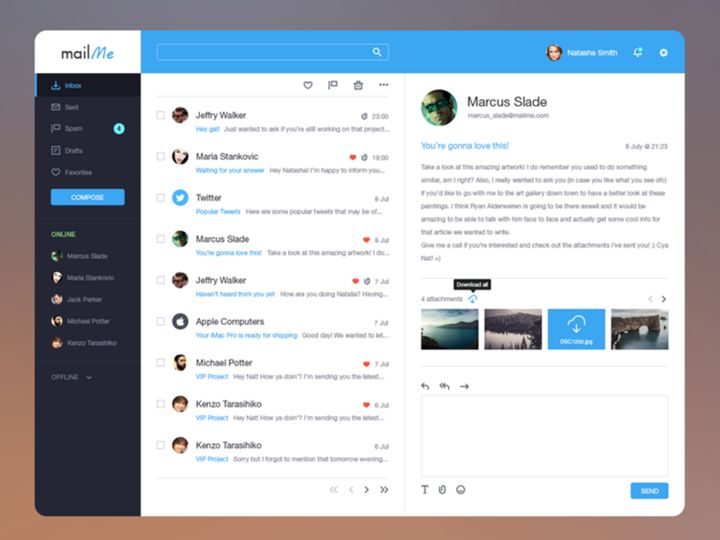
![SixtyNine Agency - Free [PSD] preview picture](https://imgproxy.epicpxls.com/TGKDjEaBn2CrqRcyasi4dzXjcMzVeWusitMO5lin6oE/rs:fill:720:540:0/g:no/aHR0cHM6Ly9pdGVt/cy5lcGljcHhscy5j/b20vdXBsb2Fkcy9w/aG90by82ZGVkOWVk/MWMxNDAxN2M3MmMw/ODlmNDliYzFkODIw/NS5wbmc.jpg)
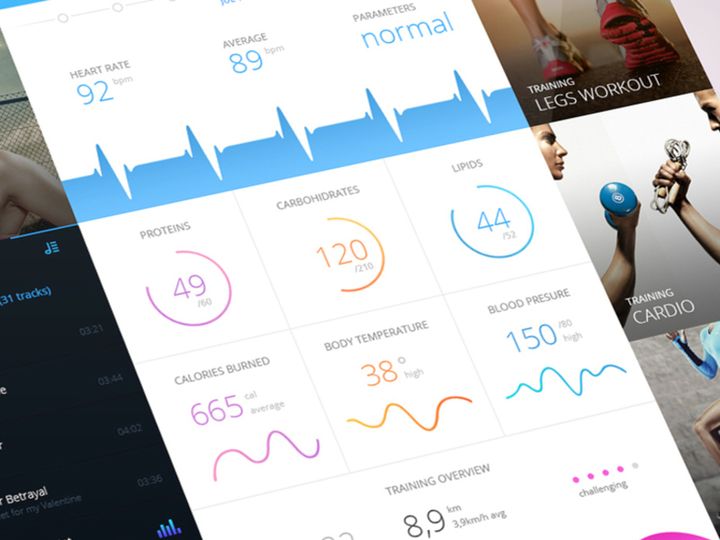
![Be Latte - Coffee shop [PSD] preview picture](https://imgproxy.epicpxls.com/gbgkIFh76pW2lvjkLHbTFney4rJe-_VtU5Qv076gWqQ/rs:fill:720:540:0/g:no/aHR0cHM6Ly9pdGVt/cy5lcGljcHhscy5j/b20vdXBsb2Fkcy9w/aG90by8wMzRlOWIx/ZTk3Y2ExMjVhYTMw/Mjg4YjhkMmE5MWVj/ZC5qcGc.jpg)
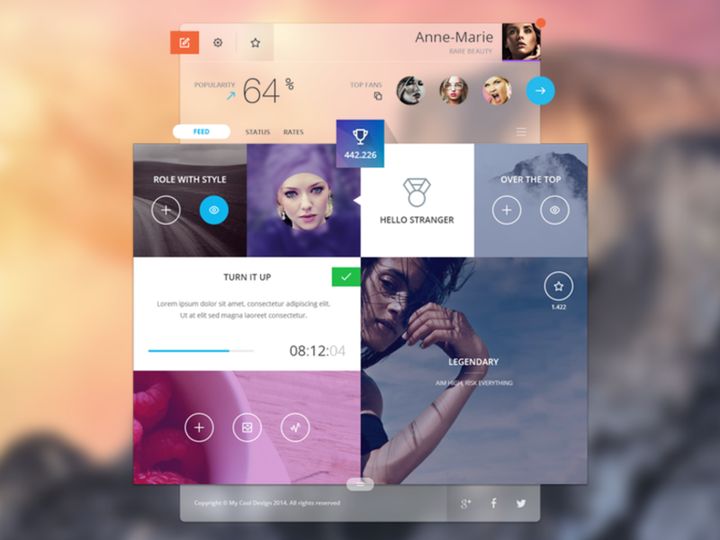
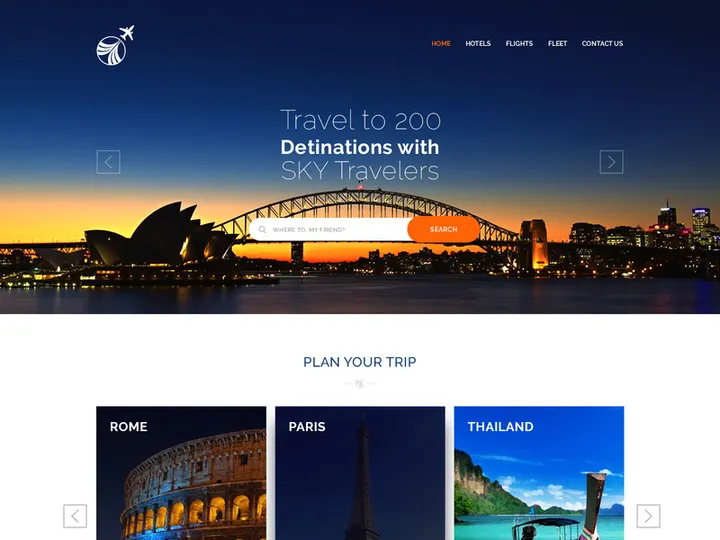
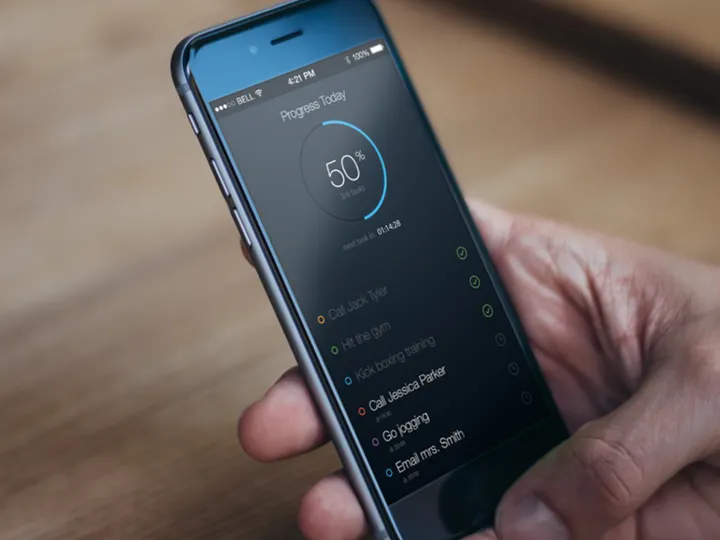
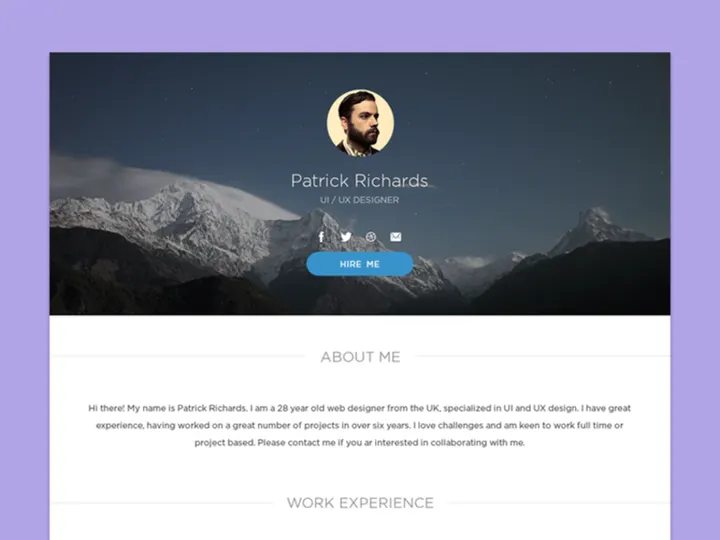
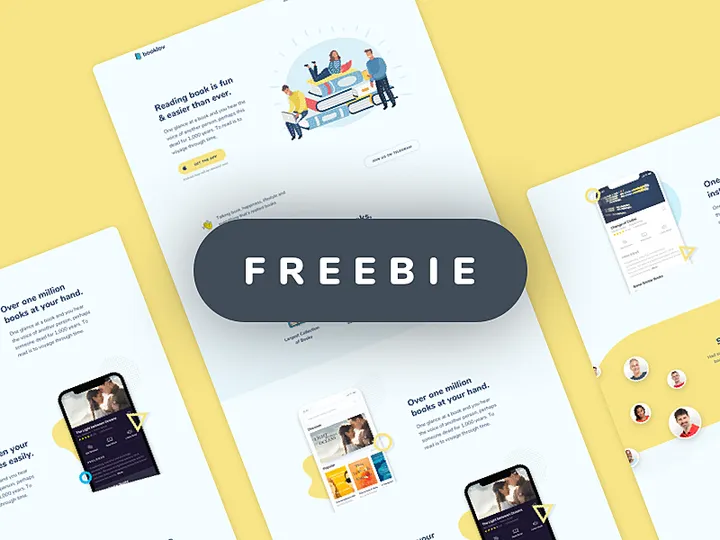
![Food Social Media Post Template [PSD] preview picture](https://imgproxy.epicpxls.com/fgSDQO0qfI2fLnnnbe7bRDJBz_4TanIQE-0LpGFO24o/rs:fill:720:540:0/g:no/aHR0cHM6Ly9pdGVt/cy5lcGljcHhscy5j/b20vdXBsb2Fkcy9w/aG90by81ODgzNzBh/MzU4MmY3ZjM3NDYz/MTVmN2YzMjE5Mzg5/Zg.jpg)
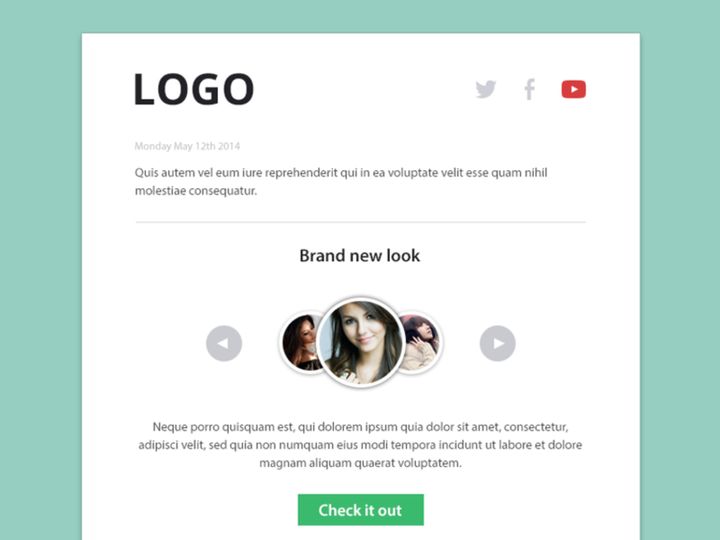
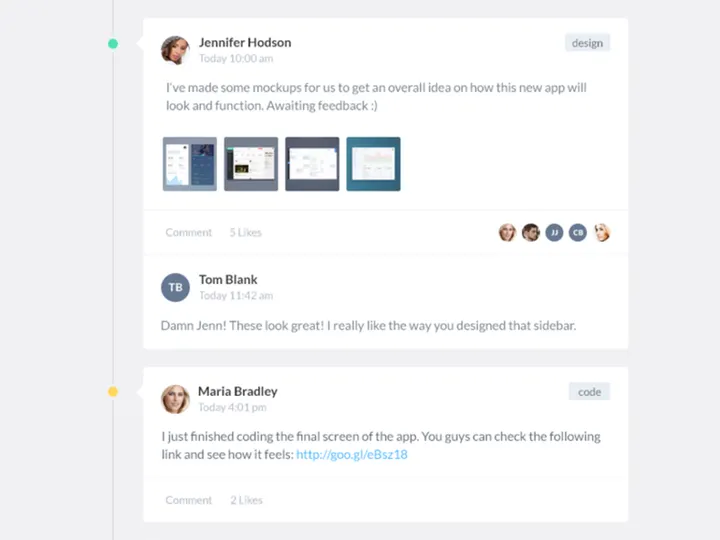
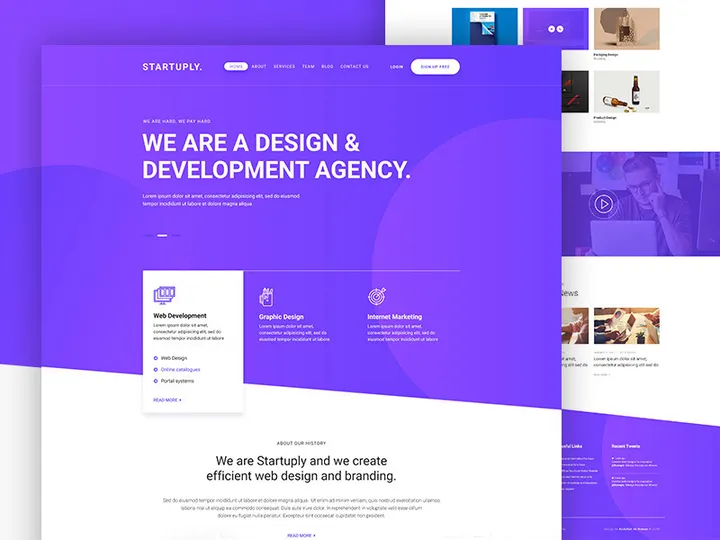
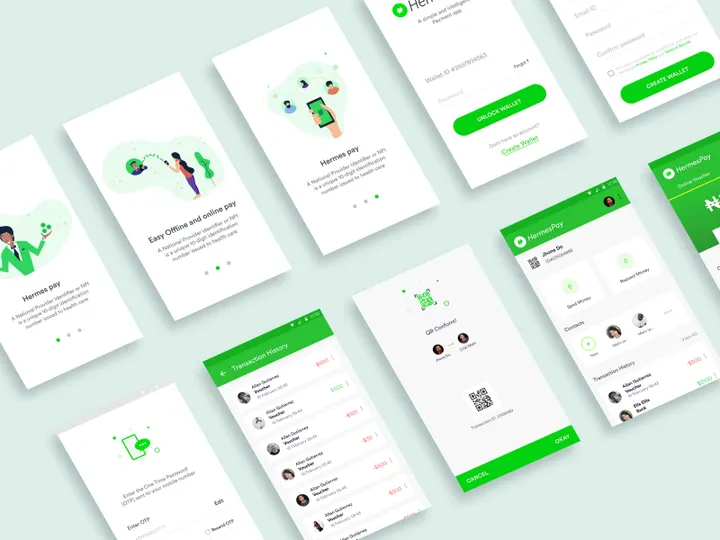
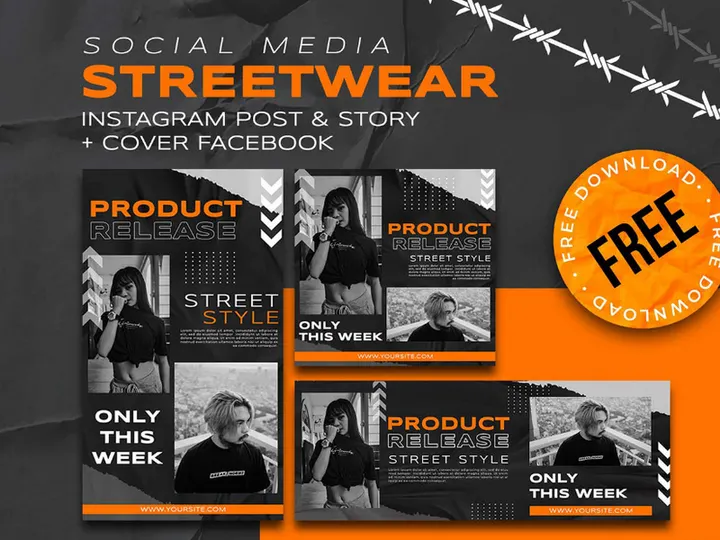
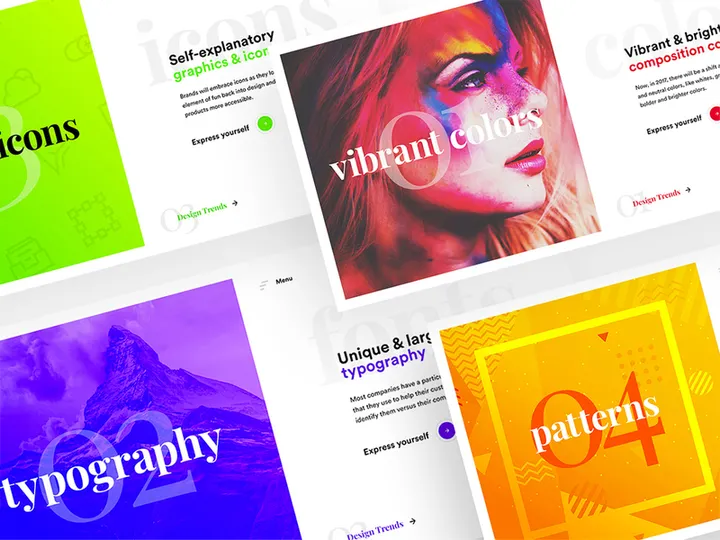

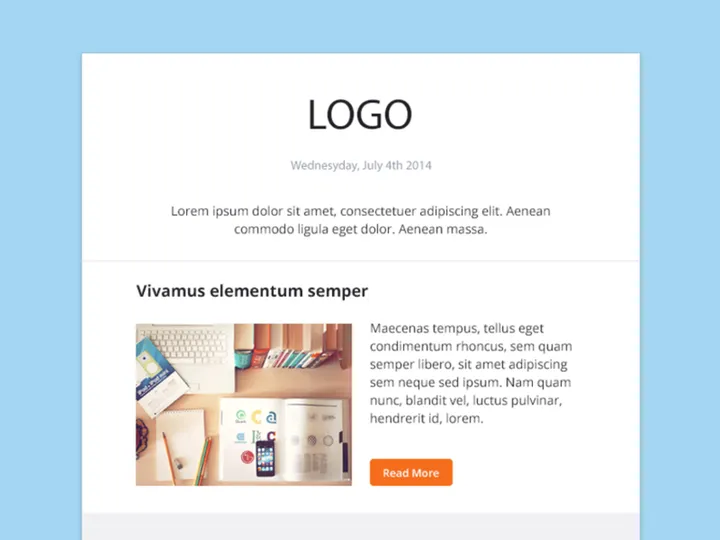
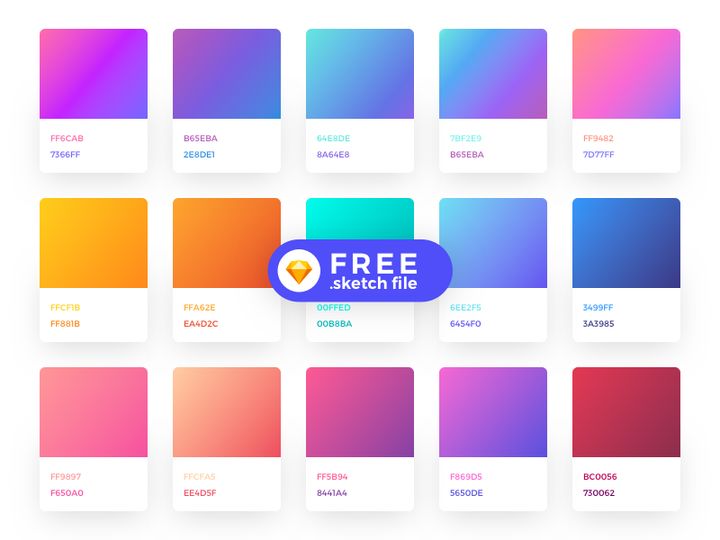
Try Our Free Resources
Download any of these for free - no account required
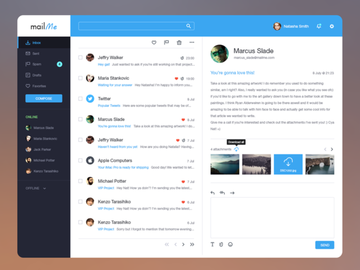
![SixtyNine Agency - Free [PSD]](https://items.epicpxls.com/uploads/photo/4db6253755784b97a170222d83e763a6.png)
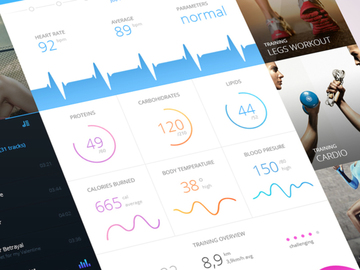
![Be Latte - Coffee shop [PSD]](https://items.epicpxls.com/uploads/photo/f578500685c175e1803a207db9e6dee1.jpg)
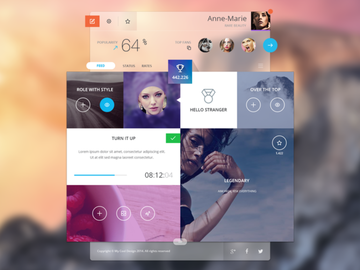
Free vs Premium Templates: What's the Difference?
When it comes to design resources, the choice between free and premium templates often comes down to project goals, budget, and time constraints. Free templates offer an accessible way for creatives, entrepreneurs, and small businesses to get started without financial investment. These resources are typically created by designers who want to share their work with the community or promote their brand. While they may lack some advanced features or unique design elements, many free templates are professionally crafted and suitable for a wide range of applications—from social media graphics to basic website layouts.
Free templates shine when you need a quick, functional design for personal projects, internal presentations, or early-stage branding. They’re ideal for startups testing a concept or individuals launching a side hustle with limited funds. At EpicPxls, our collection of 902+ free design resources includes high-quality options that balance aesthetics and usability. These templates are perfect for those who want to maintain visual consistency without hiring a designer.
On the other hand, premium templates offer enhanced customization, exclusive design features, and often come with dedicated support and regular updates. They’re built for scalability and are frequently optimized for performance across devices and platforms. If you're launching a public-facing brand campaign, developing a client website, or creating digital products for resale, investing in premium templates can save time and elevate professionalism.
Quality expectations vary accordingly. Free templates may use more common fonts, stock imagery, and standard layouts, while premium versions often include layered source files, responsive design frameworks, and extended licensing. However, the line is blurring—many free offerings now rival premium ones in design quality. The key is knowing your project’s scope. For tight budgets and fast turnarounds, free templates from trusted sources like EpicPxls deliver excellent value. For long-term branding and commercial scalability, premium may be the smarter investment.
What's Included in Free Templates
Understanding what’s inside a free template download helps you make the most of each resource. At EpicPxls, all 902+ free templates are curated to ensure they include essential components for immediate use. Whether you're designing a flyer, building a presentation, or launching a website, knowing the file formats, customization options, and licensing terms ensures a smooth workflow from download to delivery.
File Formats
Free templates typically come in widely compatible formats such as PNG, JPG, PDF, PSD (Photoshop), AI (Adobe Illustrator), Figma, and Sketch. This variety allows both designers and non-designers to open and modify files based on their software preferences. Raster formats like PNG and JPG are great for web use and social media, while vector formats like AI and PDF preserve quality at any size—ideal for logos and print materials. Source files (PSD, Figma) provide layered access, enabling deeper edits to text, colors, and layout.
Customization Options
Most free templates allow you to modify text, colors, images, and sometimes layout structures. You can replace placeholder content with your own branding, change fonts within the available selection, and adjust spacing for clarity. However, some elements—like locked background graphics or embedded logos—may not be editable, especially in simplified versions. Always check the included documentation or preview files to understand what can be adjusted. Templates from EpicPxls are designed with usability in mind, ensuring that even beginners can personalize them effectively.
License Coverage
One of the most important aspects of free templates is the license. Many free resources come with restrictions on commercial use, but EpicPxls ensures that our 902+ downloadable templates include commercial-use rights. This means you can use them in client projects, marketing campaigns, and even digital products for sale—without legal concerns. Always review the specific license terms, as some templates may require attribution or limit the number of end products. With clear, permissive licensing, our free templates empower designers to create freely and confidently.
How to Download Free Templates
Downloading free templates from EpicPxls is fast, secure, and completely hassle-free. With over 902+ design resources available, you can find exactly what you need without unnecessary steps or signups. Follow these simple steps to access and use your chosen template in minutes.
- Browse the collection: Navigate through categories like social media, resumes, presentations, or web design to find a template that matches your project needs. Use filters to sort by format, style, or use case.
- Preview before downloading: Click on any template to view a high-resolution preview. This lets you inspect layout, color scheme, and typography to ensure it fits your vision.
- Click the download button: Once you’ve selected a template, click the prominent download button. No email signup or account creation is required—just instant access.
- Save the file: The template will begin downloading automatically to your default downloads folder. The file is usually compressed in a .ZIP format to include all necessary assets.
- Extract and open: Use your preferred extraction tool (like WinRAR, 7-Zip, or built-in OS tools) to unzip the folder. Open the included files in your design software—Photoshop, Figma, Illustrator, or any compatible application—and start customizing.
Each step is designed for efficiency and user-friendliness, ensuring that even non-designers can get started quickly. With EpicPxls, downloading free templates is as simple as finding, clicking, and creating.
License Explained: Using Free Templates Commercially
One of the most common questions about free templates is whether they can be used for commercial purposes. The answer depends on the license, and at EpicPxls, we’ve made it clear: our 902+ free templates come with commercial-use rights. This means you’re not limited to personal experimentation—you can leverage these resources in real-world, revenue-generating projects with confidence.
Personal Projects
Free templates are perfect for personal use. Whether you're designing a birthday invitation, a fitness tracker, or a family newsletter, you can use any template from EpicPxls without restrictions. These resources help you maintain a polished look even for informal or private endeavors. With no attribution required, your personal projects stay simple and professional.
Client Work
Freelancers and agencies can confidently use our free templates in client projects. From branding mockups to website wireframes and social media calendars, these designs serve as strong starting points. Because the license permits commercial use, you can deliver final designs to clients without legal concerns. Just ensure that the final product is sufficiently customized to reflect the client’s unique identity and doesn’t appear generic.
Commercial Products
You can also use EpicPxls templates in digital or physical products intended for sale. For example, you might use a free resume template as the base for a premium job-pack bundle on your website, or adapt a social media template into a branded content toolkit. The key is that the template must be modified and integrated into a larger, original work—it cannot be redistributed as-is or sold as a standalone template. This protects both the original designer and your business. As long as you’re adding value through customization and creative input, you’re within the license terms. Always avoid mass redistribution or claiming the design as your own, and you’ll stay compliant while maximizing your creative potential.
Getting More from Free Templates
While free templates offer tremendous value out of the box, a few strategic approaches can help you unlock even more potential. With the right techniques, you can transform a simple download into a polished, professional asset that rivals premium designs. At EpicPxls, we encourage users to explore creative ways to enhance and extend the use of our 902+ resources.
Combining Free Resources
One of the most effective strategies is combining multiple free templates to create a cohesive, custom design system. For example, use a free presentation template for your slides, pair it with a matching social media kit, and apply the same color scheme to a resume or invoice template. This creates brand consistency across platforms without the cost of a full design suite. Mixing and matching elements from different templates allows you to build unique layouts while maintaining professional aesthetics.
Customization Techniques
Go beyond basic text and image swaps. Adjust spacing for better readability, experiment with contrasting fonts, or recolor entire sections to align with your brand identity. Replace generic icons with custom illustrations or use free stock photos to enhance authenticity. Small tweaks—like adding drop shadows, changing opacity levels, or adjusting layer order—can dramatically improve visual impact. Tools like Figma and Photoshop make these edits accessible, even for beginners.
When to Upgrade to Premium
While free templates are powerful, there comes a point when upgrading makes sense. If you need advanced features like responsive web layouts, interactive prototypes, or multi-language support, premium templates offer greater flexibility. They also tend to include better documentation, customer support, and more frequent updates. If you're scaling a business, launching a public campaign, or building a product for broad distribution, investing in premium ensures reliability and originality. But until then, free templates from EpicPxls provide a solid foundation to grow from—proving that high-quality design doesn’t have to come with a high price tag.
Why Download from EpicPxls?
Commercial License
Use in personal and commercial projects
No Account Required
Download free resources instantly
Quality Curated
Every resource is reviewed for quality
Preview Files
See Figma and Photoshop files before downloading
Who Uses These Templates?
Professionals and teams who benefit most from our collection
UI/UX Designers
Speed up your workflow with ready-to-use templates for design tools. Perfect for prototyping and client presentations.
Developers
Get production-ready assets without design skills. Export in any format for web and mobile apps.
Startups & Agencies
Save design budget with affordable premium templates. Commercial license included.
Marketing Teams
Create professional campaigns faster. All templates are optimized for social media and ads.
Templates FAQCommon questions about these resources
Simple, Transparent Pricing
Get unlimited access to all premium resources
Yearly
- 20 downloads per month
- All file formats
- Commercial license
Lifetime
- Unlimited downloads forever
- All file formats
- Commercial license
Ready to Get Started?
Access 4,442+ free design resources today.
Browse Free ResourcesView Premium PlansEarn 85% and
more on all sales
Upload your products and put them up
for sale at whatever price you want.


