Graphics for Logos: 28845+ Resources
EpicPxls offers 200+ curated graphics, all with a commercial license and editable source files (Figma, Sketch, PSD). Purpose-built graphics for logo projects save time and ensure professional results with design elements tailored to logo requirements.
Last updated February 12, 2026
Discover 28845+ graphics ideal for logo design projects.
Trusted by designers at leading companies
Top Graphics
Handpicked resources from our curated collection
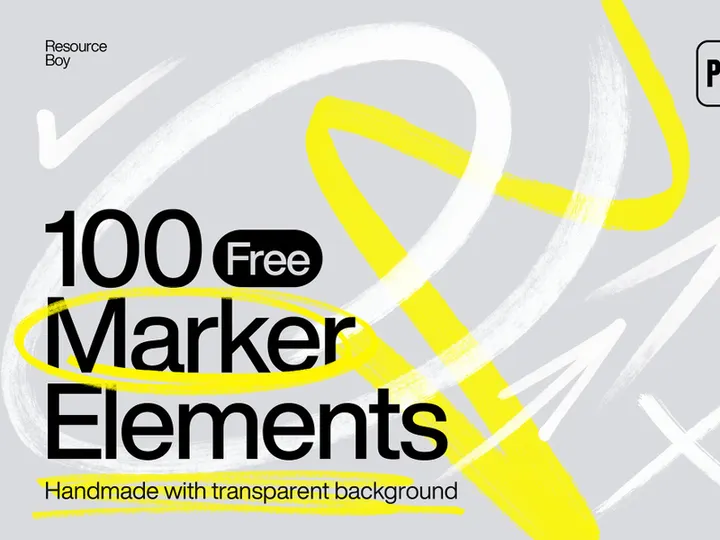
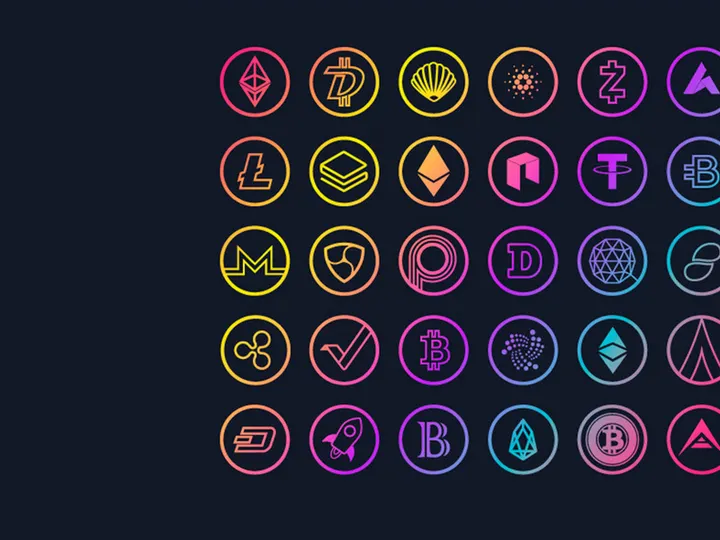
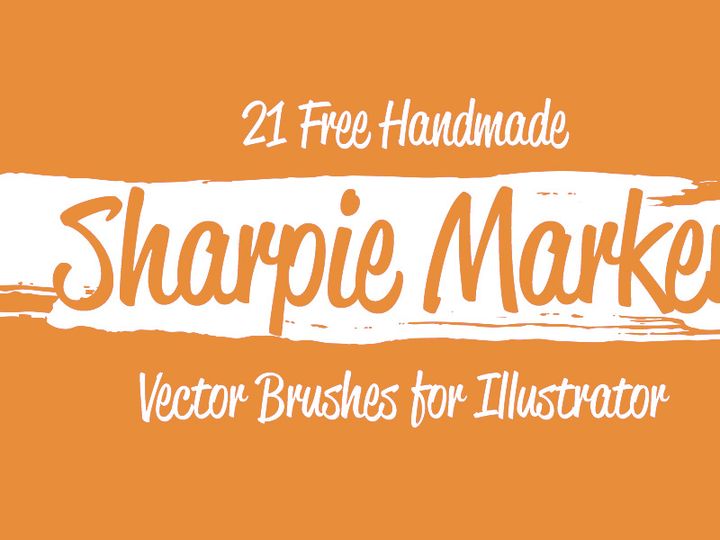
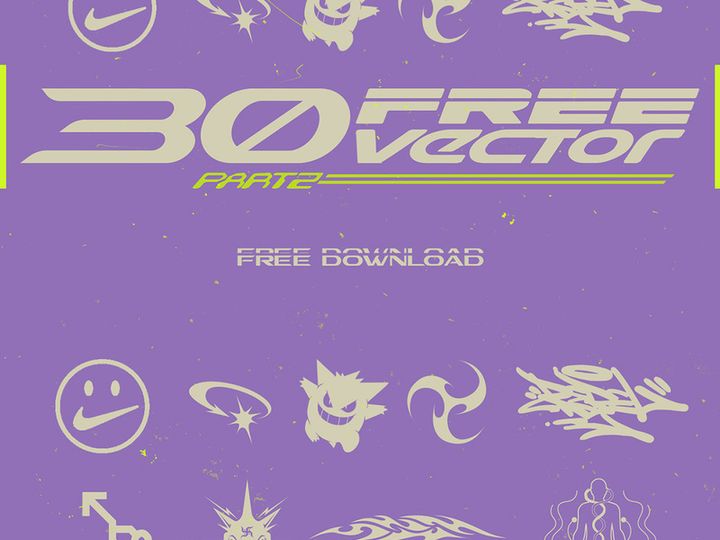

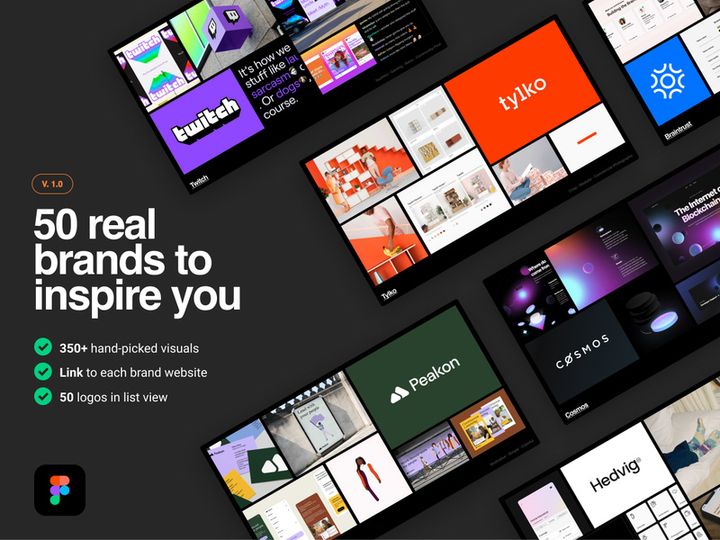

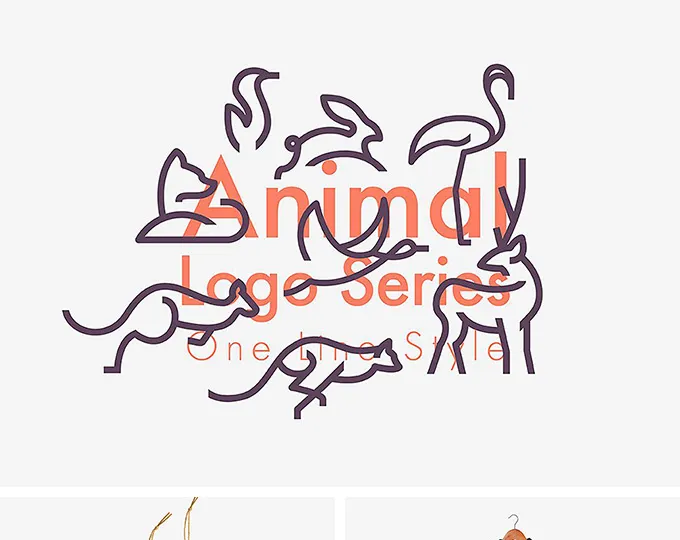
![[Free] E-Commerce Logo Kit & Icon Set preview picture](https://imgproxy.epicpxls.com/-zLkC083zXvrEA4IAhX2L2xFiRZ4FBRtWr1XQr3q3YI/rs:fill:720:540:0/g:no/aHR0cHM6Ly9pdGVt/cy5lcGljcHhscy5j/b20vdXBsb2Fkcy9w/aG90by82NGFiZGU3/ZGZiNWQ4ZGIwZTcy/YTMyYTNkODU5NzFh/NA.jpg)

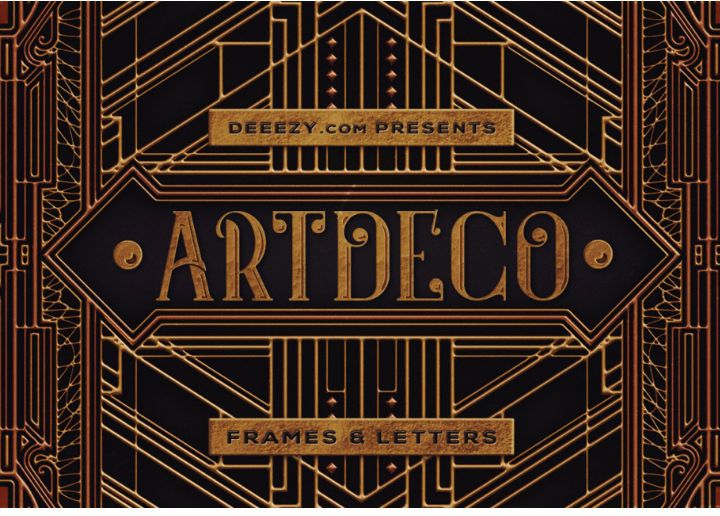

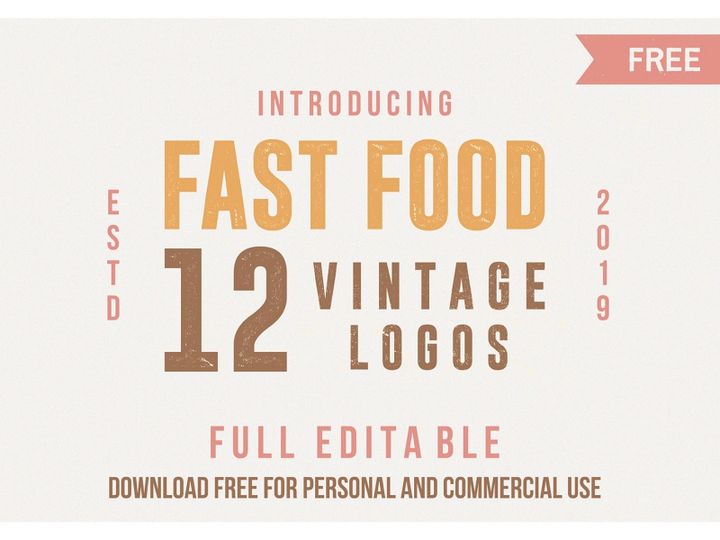






Try Our Free Resources
Download any of these for free - no account required
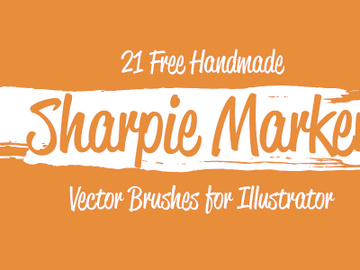
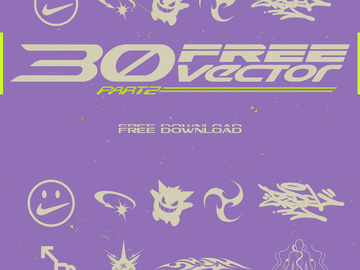
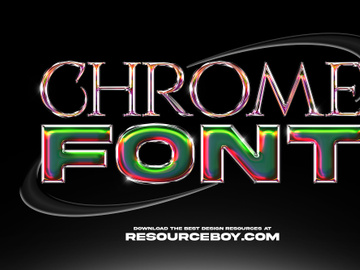

Why Graphics for Logo Projects?
Creating a compelling logo is one of the most critical tasks in brand development, and high-quality graphics play a pivotal role in streamlining this process. For designers, starting from scratch can be time-consuming and creatively taxing. That’s where pre-made graphics come in—offering a powerful foundation to build upon. Using professionally designed, logo-ready graphics not only accelerates the design workflow but also ensures visual consistency and technical precision from the outset. Whether you're crafting a minimalist monogram or a complex emblem, access to curated graphics allows you to focus on creativity rather than technical execution.
Logo projects come with specific requirements: scalability, clarity at various sizes, and versatility across media. A logo must look sharp on a business card and a billboard alike. This demands vector-based, resolution-independent assets that maintain integrity in any format. Pre-made graphics tailored for logo design meet these criteria, eliminating the need to redraw or re-rasterize elements. They also reduce the risk of design inconsistencies, such as misaligned shapes or uneven strokes, which are common when creating foundational elements manually.
EpicPxls simplifies the hunt for the perfect design elements by offering over 28845+ resources meticulously curated for logo projects. Each graphic is vetted for quality, format compatibility, and design relevance, ensuring that what you download is not just visually appealing but also technically sound. From stylized icons and custom letterforms to intricate patterns and badge templates, our collection is built with the real-world needs of logo designers in mind. Whether you're a freelancer handling multiple client projects or a studio aiming for brand consistency, EpicPxls delivers the tools to turn ideas into polished logos quickly and professionally.
What Logo Designers Need
Essential Graphics Types
Successful logo design relies on a diverse range of visual components, each serving a unique purpose in brand representation. Iconic symbols—such as abstract shapes, animals, or industry-specific illustrations—are foundational for creating instant recognition. Typography-based graphics, including custom lettering and monogram templates, are equally vital, especially for brands emphasizing name identity. Badge and crest designs offer a vintage or authoritative feel, ideal for breweries, barbershops, or heritage brands. Additionally, frame and seal graphics help enclose elements with elegance, while pattern overlays and texture graphics add depth without compromising clarity.
At EpicPxls, the 28845+ resources include a wide array of these essential types, enabling designers to mix and match with confidence. Whether you need a sleek geometric icon for a tech startup or an ornate flourish for a luxury brand, our library supports diverse creative directions. These graphics are not just decorative—they’re functional building blocks engineered for branding success.
Format Requirements
File format is a non-negotiable aspect of logo design. Vector formats like SVG, AI, and EPS are essential because they allow infinite scalability without pixelation. These formats support clean lines, precise anchor points, and easy color adjustments—critical for professional branding. While PNG and JPEG files are useful for mockups and presentations, they should never be the primary format for final logo assets due to resolution limitations.
EpicPxls ensures that all logo-ready graphics are delivered in vector-compatible formats, with layered source files where applicable. This empowers designers to edit stroke weights, adjust colors, and customize shapes with maximum flexibility. The platform also provides multi-format downloads whenever possible, allowing seamless integration into various design environments, from Adobe Illustrator to Figma and CorelDRAW.
Quality Standards
Not all graphics are created equal. For logo use, only the highest quality assets should be considered. This means clean vector paths, minimal anchor points, consistent stroke alignment, and properly grouped layers. Graphics should be free of raster effects, blurry edges, or embedded images that can degrade when scaled. Additionally, color palettes should be simple and editable, supporting CMYK for print and RGB for digital use.
Every item in the EpicPxls library meets these stringent quality benchmarks. Each graphic undergoes a review process to ensure technical excellence and design relevance. This dedication to quality means designers spend less time troubleshooting files and more time refining concepts. With over 28845+ resources vetted for logo suitability, you can trust that what you download is production-ready and built to last.
Logo Design Project Walkthrough
- Define the Brand Identity: Before selecting any graphics, understand the client’s industry, target audience, and brand values. Is the brand modern and minimal, or traditional and ornate? This clarity guides your choice of visual elements from the EpicPxls library.
- Browse and Select Graphics: Use EpicPxls’ intuitive filtering system to search for logo-ready assets by category, style, or color. Look for icons, typography, and layout templates that align with the brand’s personality. Download multiple options to explore creative combinations.
- Customize Core Elements: Import your chosen graphics into your design software. Modify colors to match brand guidelines, adjust proportions, and refine shapes. For example, merge a badge frame with a custom icon, or overlay elegant typography on a minimalist emblem base.
- Combine Graphics Strategically: Layer elements with purpose. Use alignment tools to maintain symmetry and balance. Avoid overcrowding—logos should be legible at small sizes. Combine a central icon with negative space techniques or integrate text along a circular path for a dynamic effect.
- Test for Scalability and Legibility: Export your design at various sizes—from favicon scale to large signage. Ensure the logo remains clear and recognizable. Simplify complex details if needed. Vector formats from EpicPxls make this testing phase efficient and accurate.
- Finalize and Deliver: Once approved, prepare the final logo package. Include multiple file formats (AI, EPS, SVG, PNG) and variations (horizontal, vertical, icon-only). Add usage guidelines if required. The high-quality source files from EpicPxls make client delivery seamless and professional.
This structured workflow ensures consistency, efficiency, and creative freedom. By leveraging pre-made graphics thoughtfully, designers can produce high-impact logos in a fraction of the time. The 28845+ resources on EpicPxls are not just time-savers—they’re creative catalysts that elevate every stage of the project.
Logo Design Workflow Tips
Speed Up Your Process
Time is a valuable commodity in design, especially when managing multiple clients or tight deadlines. Pre-made graphics dramatically reduce the time spent on foundational work. Instead of drafting icons or crafting symmetrical badges from scratch, leverage ready-to-use assets from EpicPxls. Search by keyword or style to find relevant graphics in seconds. Use batch downloads to gather multiple options for a single project, then experiment rapidly in your design tool. Layering, resizing, and recoloring are far faster than manual creation, allowing you to iterate quickly and present more concepts to clients without burning out.
Maintain Consistency
One of the biggest challenges in logo design is ensuring visual harmony across all elements. When combining graphics from different sources, mismatched stroke weights, proportions, or stylistic details can break cohesion. The curated nature of EpicPxls’ 28845+ resources helps solve this issue—many graphics are part of unified sets or series, designed with consistent line quality, curvature, and spacing. Use matching icon sets or typography packs to build balanced compositions. Stick to one design style (e.g., line art, flat design, or vintage engraving) throughout the logo to maintain a professional, intentional look.
Client Presentation
How you present your logo design can be just as important as the design itself. Use high-quality mockups to show the logo in real-world contexts—on business cards, storefronts, or mobile apps. EpicPxls often includes complementary presentation tools, such as branded stationery templates or digital device frames, to enhance your pitch. When explaining design choices, reference the intentional use of specific graphics—for example, “This badge style conveys heritage and trust, ideal for your craft brewery.” Clear communication, paired with polished visuals, builds client confidence and streamlines approval.
Logo Design Inspiration
Staying inspired is key to producing fresh, impactful logos. Current trends favor minimalism, geometric precision, and responsive design—logos that work across apps, social media, and physical products. Monograms and lettermarks are surging in popularity, especially for tech brands and startups seeking clean, scalable identities. Another growing trend is the use of negative space to create hidden meanings, such as the famous FedEx arrow or the Amazon smile. Hand-drawn and illustrative styles are also making a comeback, offering warmth and authenticity in an increasingly digital world.
Top designers approach logo projects with deep research, sketching multiple concepts before digitizing. They focus on timeless appeal over fleeting trends, ensuring logos remain effective for years. They also prioritize versatility—designing logos that function in black and white, adapt to dark mode, and retain clarity at thumbnail size. Inspiration can come from unexpected places: architecture, nature, typography history, or cultural symbols. Platforms like EpicPxls not only provide practical assets but also spark ideas through diverse, globally influenced designs.
To elevate your logo work, combine technical excellence with creative exploration. Use the 28845+ resources on EpicPxls not just as tools, but as springboards for innovation. Whether you're refining a corporate identity or launching a personal brand, the right graphics can transform a good idea into a great logo. Explore categories, save favorites, and build your own design system using consistently styled assets. With access to such a vast, high-quality library, your creative potential is limited only by imagination.
Why Download from EpicPxls?
Commercial License
Use in personal and commercial projects
No Account Required
Download free resources instantly
Quality Curated
Every resource is reviewed for quality
Preview Files
See Figma and Photoshop files before downloading
Who Uses These Graphics?
Professionals and teams who benefit most from our collection
UI/UX Designers
Speed up your workflow with ready-to-use graphics for design tools. Perfect for prototyping and client presentations.
Developers
Get production-ready assets without design skills. Export in any format for web and mobile apps.
Startups & Agencies
Save design budget with affordable premium graphics. Commercial license included for client work.
Marketing Teams
Create professional campaigns faster. All graphics are optimized for social media and ads.
Graphics FAQCommon questions about these resources
Simple, Transparent Pricing
Get unlimited access to all premium resources
Yearly
- 20 downloads per month
- All file formats
- Commercial license
Lifetime
- Unlimited downloads forever
- All file formats
- Commercial license
Ready to Get Started?
Access 4,442+ free design resources today.
Browse Free ResourcesView Premium PlansEarn 85% and
more on all sales
Upload your products and put them up
for sale at whatever price you want.


