Templates for Illustrator: 4351+ Resources
EpicPxls offers 200+ curated templates for Illustrator, all with a commercial license and editable source files (Figma, Sketch, PSD). We have 200+ templates compatible with Illustrator, tested and verified for seamless integration.
Last updated February 12, 2026
Discover 4351+ handpicked templates for Illustrator.
Trusted by designers at leading companies
Top Templates for Illustrator
Handpicked resources from our curated collection

![Hang Tag Template Set [Free Download] preview picture](https://imgproxy.epicpxls.com/aAweHrJ1cfiiBNiWURsvMQyTQyNPSMQRqWTGfNhuNBQ/rs:fill:720:540:0/g:no/aHR0cHM6Ly9pdGVt/cy5lcGljcHhscy5j/b20vdXBsb2Fkcy9w/aG90by8zMDlkNmQy/NjhiMWE3YTdkY2Vj/YWY4MmJlYmEyNTM1/Mg.jpg)

![[FREE] Onboarding for online shop delivery service preview picture](https://imgproxy.epicpxls.com/M_5MpVYHZDRFeGdqajq8UNekveEuq0mtVCUFQ9TSayA/rs:fill:720:540:0/g:no/aHR0cHM6Ly9pdGVt/cy5lcGljcHhscy5j/b20vdXBsb2Fkcy9w/aG90by8xMzE0OTI4/NGE0ZjI1ODFjMWNl/NWUwMDg1MjAxNjIy/NA.jpg)
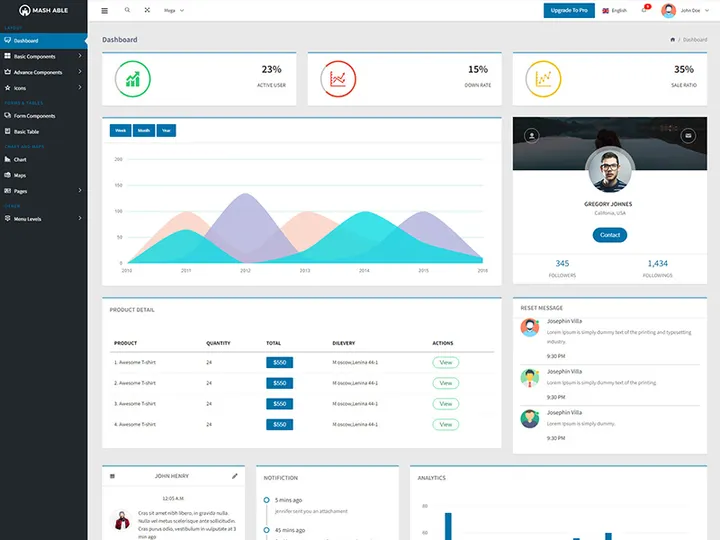
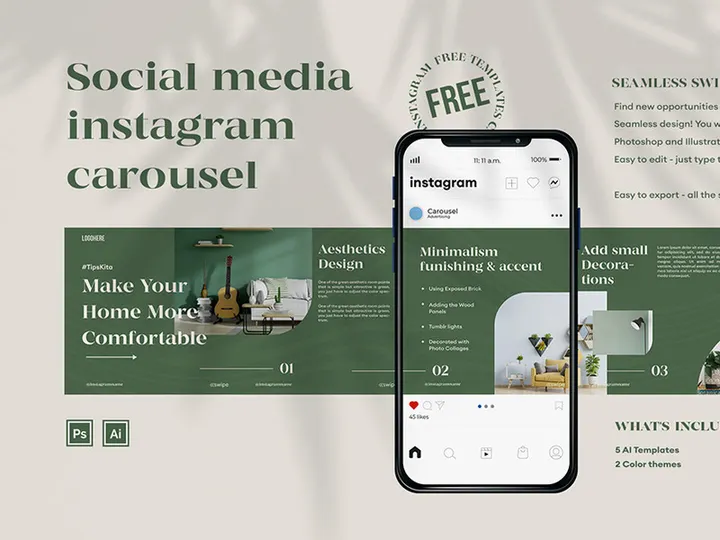




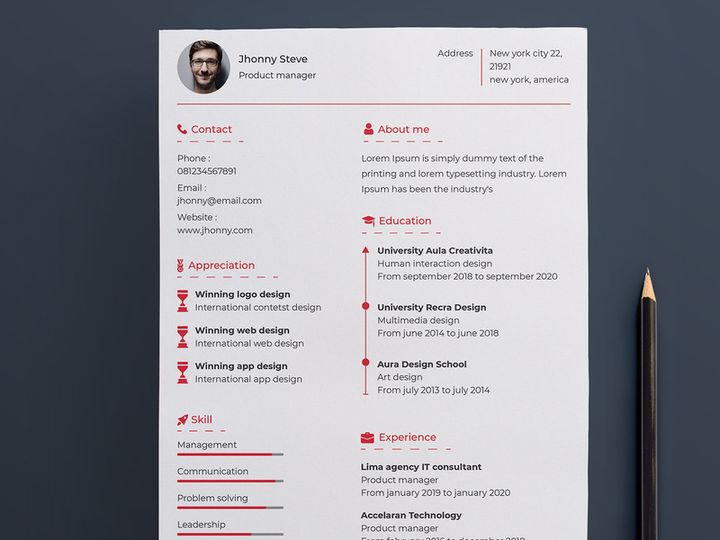
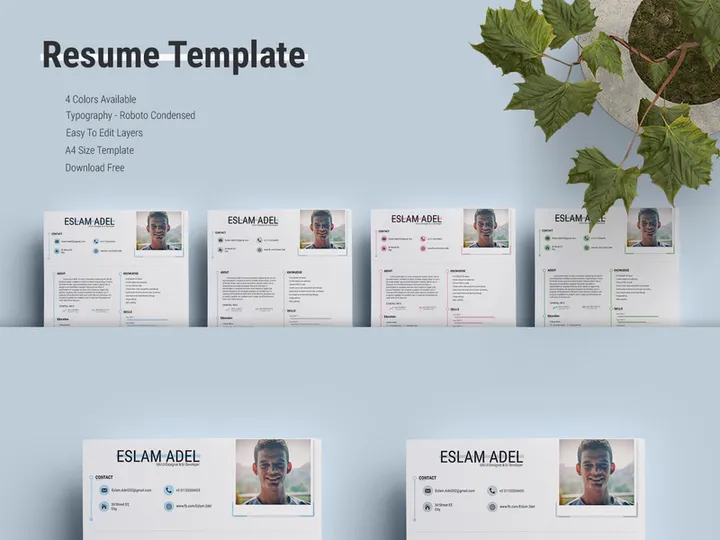




Try Our Free Resources
Download any of these for free - no account required
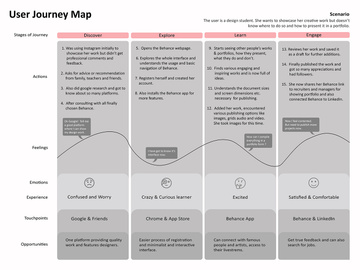
![Hang Tag Template Set [Free Download]](https://items.epicpxls.com/uploads/photo/e8ddab0598931d6a0a9bc5c5a085738a)
![[FREE] Onboarding for online shop delivery service](https://items.epicpxls.com/uploads/photo/0794b75327ba5f3bc3258ab3ec07512a)
Why Illustrator for Templates?
Adobe Illustrator has long been the go-to application for vector-based design, making it a top choice for creating and using templates across a wide range of industries. Its precision, scalability, and robust feature set make it especially ideal for working with templates—whether for logos, branding kits, print materials, or digital assets. Designers rely on Illustrator because it allows them to build reusable frameworks that maintain quality at any size, ensuring consistency and professional output across projects.
One of the key reasons Illustrator excels in template workflows is its support for layers, artboards, and symbols. These features enable designers to create modular, easily editable templates that can be adapted quickly. For instance, using artboards, a single file can contain multiple versions of a business card, flyer, or social media post—each tailored for different purposes but sharing the same core design. The vector-based nature of Illustrator files also means no loss in quality, whether scaling from mobile screen to billboard size.
Another major advantage is customization. Illustrator templates are not just static layouts—they’re fully editable blueprints. Designers can swap colors, adjust typography, and modify shapes with ease, all while maintaining brand consistency. This flexibility is crucial for agencies and freelancers managing multiple clients or campaigns.
At EpicPxls, we understand the importance of quality and compatibility. That’s why our platform curates over 4351+ resources specifically optimized for Illustrator users. Each template undergoes a thorough review to ensure it’s well-structured, professionally designed, and fully compatible with current and recent versions of Illustrator. From minimalist business card layouts to complex infographic frameworks, our collection empowers designers to start strong and stay efficient. Whether you're building a brand from scratch or streamlining your production pipeline, Illustrator paired with well-crafted templates from EpicPxls offers a powerful, future-proof solution.
Top Templates Picks for Illustrator
With such a vast library of Illustrator templates available, selecting the right ones can significantly impact your design efficiency and output quality. At EpicPxls, we’ve hand-selected standout templates from our collection of 4351+ resources to suit different experience levels and project needs. These picks balance usability, design integrity, and functionality, ensuring every designer finds something valuable.
Best for Beginners
If you're new to Illustrator or just starting with templates, simplicity and clarity are key. Look for templates that come with detailed instructions, organized layers, and intuitive naming conventions. Many beginner-friendly options include drag-and-drop image placeholders, pre-set color swatches, and easy-to-edit text boxes. These features reduce the learning curve and help newcomers produce professional designs quickly. At EpicPxls, we highlight beginner templates with clear documentation and responsive design elements—ideal for creating social media graphics, flyers, or resumes without needing advanced skills.
Best for Professionals
Experienced designers benefit from templates that offer advanced features like global color swatches, linked symbols, and dynamic effects. Professional-grade templates often include multiple artboards for A/B testing, print-ready bleed settings, and CMYK color profiles. These resources save time on repetitive setup tasks and ensure consistency across large-scale branding projects. Our curated professional templates at EpicPxls are built for efficiency—perfect for agencies, in-house teams, or freelancers managing tight deadlines without sacrificing quality.
Best Free Options
High-quality doesn’t always mean high cost. There are numerous free Illustrator templates that deliver excellent design and functionality. The best free options are well-structured, visually appealing, and compatible with standard workflows. While they may have fewer variations than premium versions, they’re perfect for prototyping, personal projects, or small businesses on a budget. EpicPxls offers a growing selection of free templates that meet our strict quality standards—proving you don’t need to pay to access professional tools.
Illustrator vs Other Tools for Templates
While several design tools support templates, Illustrator stands out due to its vector-based precision and professional-grade toolset. Unlike raster-based programs, Illustrator ensures that templates remain crisp and scalable, making them ideal for both print and digital use. This scalability is essential when repurposing a single template across various formats—from business cards to banners—without compromising quality.
Illustrator’s ecosystem offers unique advantages, including deep integration with other Adobe applications like Photoshop and InDesign. Designers can easily import assets, share libraries, and maintain consistent branding across platforms. The ability to use shared color themes, character styles, and graphic styles streamlines template creation and application. Additionally, Illustrator supports a wide range of file formats, including AI, EPS, PDF, and SVG, ensuring broad compatibility across workflows and teams.
Other tools may offer template functionality, but few match Illustrator’s depth in customization and output flexibility. For example, while some applications limit editing capabilities or lock certain design elements, Illustrator allows full control over every vector point, stroke, and effect. This open-editing model is crucial for adapting templates to specific brand guidelines or client needs.
With over 4351+ resources on EpicPxls tailored specifically for Illustrator, users gain access to a vast library of professionally designed, format-optimized templates. These resources are built to leverage Illustrator’s strengths, ensuring maximum usability and creative freedom. Whether you're designing for web, print, or multimedia, Illustrator’s combination of precision, compatibility, and creative control makes it the superior choice for template-based workflows.
Setting Up Templates in Illustrator
Getting started with Illustrator templates is a straightforward process, but doing it right ensures long-term efficiency and consistency. Whether you're downloading a single file or managing a large collection from a curated source like EpicPxls, following a structured setup process will save time and reduce errors. Below are six essential steps to import, organize, and begin using templates effectively.
- Download and Extract Files: After selecting a template from a trusted source, download the compressed file (usually ZIP) and extract it to a dedicated folder on your computer. Ensure the folder is easy to locate, such as in a “Design Templates” directory.
- Verify Illustrator Compatibility: Open Illustrator and check the version required by the template. Most modern templates support CS6 and later versions. If you’re using an older version, confirm compatibility before proceeding.
- Open the Template File: In Illustrator, go to File > Open and navigate to the extracted AI or EPS file. Click “Open” to load the template into your workspace.
- Review Layers and Structure: Once opened, inspect the Layers panel to understand the template’s organization. Look for labeled sections like “Text,” “Images,” or “Background.” Well-structured templates—such as those from EpicPxls—use clear layer naming and grouping for easy navigation.
- Customize Design Elements: Begin editing by selecting text boxes to update copy, using the Color Picker to adjust swatches, or replacing image placeholders with your own content. Use the Properties panel to modify stroke weights, effects, or alignment as needed.
- Save as a New Project File: Never edit the original template directly. Instead, go to File > Save As and give your project a unique name. This preserves the original template for future use and maintains version control.
For those managing a large collection—such as the 4351+ resources available through EpicPxls—consider creating subfolders by category (e.g., “Logos,” “Social Media,” “Print”). This organizational method makes it easier to locate templates quickly and maintain a clutter-free workflow. Additionally, use Illustrator’s “New Document from Template” option when available to streamline project initiation.
Illustrator Workflow Tips
Maximizing efficiency in Illustrator goes beyond just using templates—it’s about building a smart, scalable workflow. Whether you're a solo designer or part of a larger team, adopting best practices can dramatically improve productivity and consistency across projects. Here are three essential tips to enhance your Illustrator template workflow.
Organizing Templates Libraries
A well-organized template library is the foundation of a smooth design process. Create a hierarchical folder structure on your local drive or cloud storage, grouping templates by use case—such as “Branding,” “Events,” or “Digital Ads.” Within each folder, include subfolders for variations (e.g., “Instagram Posts,” “Stories”). Naming conventions should be clear and consistent, like “Template_BusinessCard_Modern_v2.ai.” Consider maintaining a master spreadsheet that logs each template’s purpose, color scheme, and font usage. Platforms like EpicPxls often provide metadata with their 4351+ resources, making it easier to catalog and search your collection.
Batch Operations
When working with multiple templates or versions, batch processing saves significant time. Use Illustrator’s Actions panel to record repetitive tasks—such as resizing artboards, applying effects, or exporting to PNG. Once recorded, apply the action to multiple files via the Batch command under the Automate menu. This is especially useful for generating social media packs or print-ready files across different dimensions. You can also integrate scripts or use built-in export features like “Export for Screens” to process multiple artboards at once, ensuring consistency and reducing manual effort.
Collaboration Best Practices
Collaborating on Illustrator templates requires clear communication and standardized workflows. Always share files with linked assets properly packaged using File > Package, which collects fonts, images, and the AI file in one folder. This prevents missing elements when others open the file. Use cloud-based sharing platforms with version control, and annotate templates with notes or comments if needed. When multiple designers are involved, establish naming rules and layer structures in advance. Templates from trusted sources like EpicPxls often come with consistent layer hierarchies, making them ideal for team environments. Regularly update shared libraries to ensure everyone uses the latest versions, minimizing inconsistencies and rework.
Why Download from EpicPxls?
Commercial License
Use in personal and commercial projects
No Account Required
Download free resources instantly
Quality Curated
Every resource is reviewed for quality
Preview Files
See Figma and Photoshop files before downloading
Who Uses These Templates?
Professionals and teams who benefit most from our collection
UI/UX Designers
Speed up your workflow with ready-to-use templates for Illustrator. Perfect for prototyping and client presentations.
Developers
Get production-ready assets without design skills. Export in any format for web and mobile apps.
Startups & Agencies
Save design budget with affordable premium templates. Commercial license included for client work.
Marketing Teams
Create professional campaigns faster. All templates are optimized for social media and ads.
Templates for Illustrator FAQCommon questions about these resources
Simple, Transparent Pricing
Get unlimited access to all premium resources
Yearly
- 20 downloads per month
- All file formats
- Commercial license
Lifetime
- Unlimited downloads forever
- All file formats
- Commercial license
Ready to Get Started?
Access 4,442+ free design resources today.
Browse Free ResourcesView Premium PlansEarn 85% and
more on all sales
Upload your products and put them up
for sale at whatever price you want.


