Apps: 571+ Design Resources
EpicPxls offers 200+ curated apps, all with a commercial license and editable source files (Figma, Sketch, PSD). We have 200+ apps available, with new additions added regularly by our community of designers.
Last updated February 12, 2026
Discover 571+ handpicked apps from top designers.
Trusted by designers at leading companies
Top Apps
Handpicked resources from our curated collection

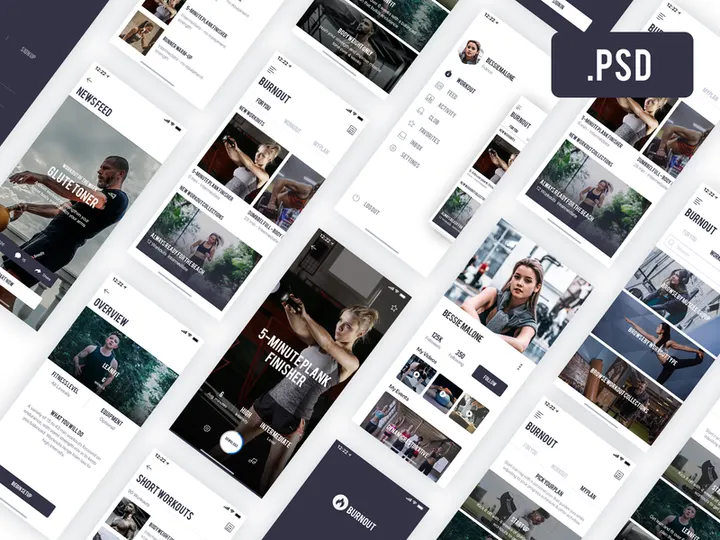

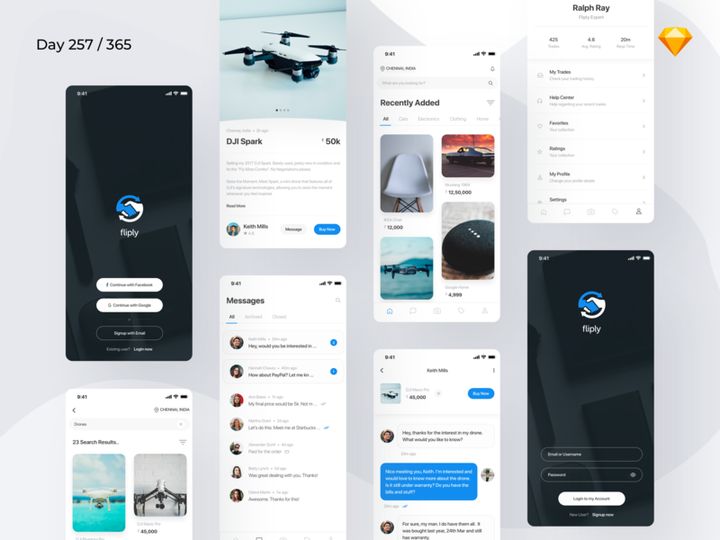
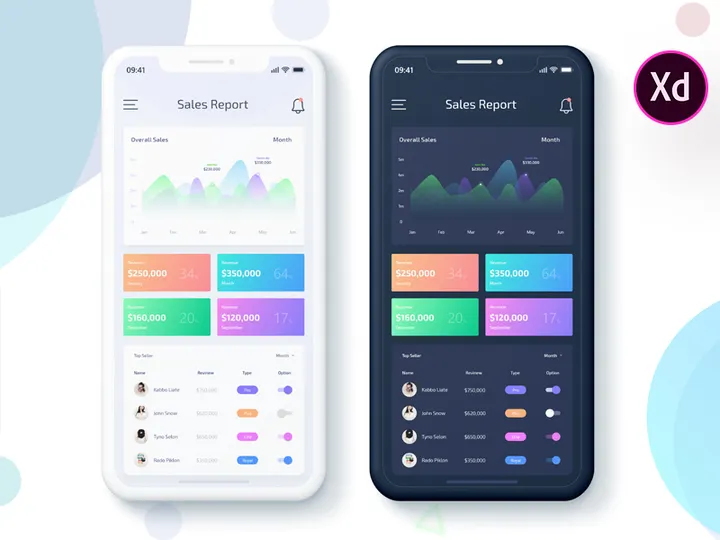
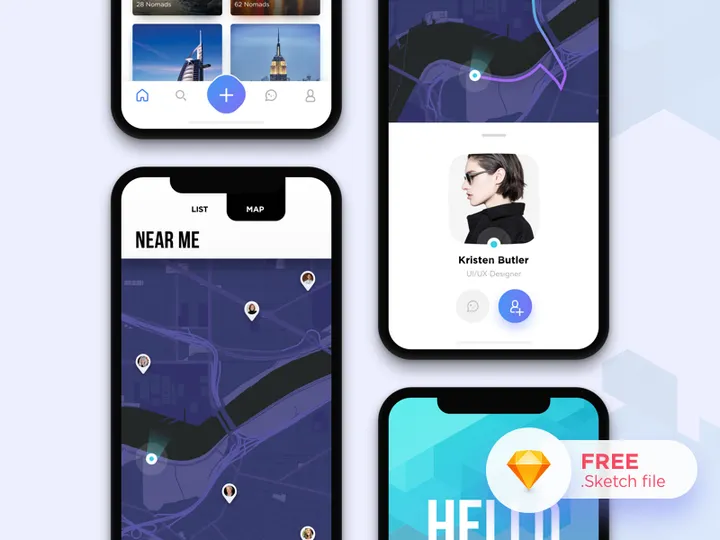





Try Our Free Resources
Download any of these for free - no account required
Browse Apps
Discover a world of creative potential with over 571+ expertly crafted app design resources available on EpicPxls. Our comprehensive Apps category brings together meticulously designed templates, UI kits, icon sets, wireframes, and interactive prototypes tailored for mobile, desktop, and web applications. Whether you're a seasoned UX designer, a startup founder building your first product, or a student exploring interface design, this collection offers the tools you need to bring your digital visions to life.
All resources in the Apps category are created by a global community of experienced designers, UI/UX professionals, and digital artists who adhere to strict quality benchmarks. Each submission undergoes a detailed review process to ensure high resolution, clean layer structures, adherence to current design standards, and real-world usability. From pixel-perfect icons to fully responsive screen layouts, every item is crafted with precision and attention to detail.
The 571+ resources in this directory are thoughtfully curated to reflect both timeless design principles and the latest technological advancements. Our team continuously updates the collection based on user feedback, download trends, and emerging design patterns, ensuring that what you find here remains relevant, functional, and inspiring. Whether you're looking for a full design system or a single component to enhance your workflow, EpicPxls makes it easy to find, preview, and integrate top-tier app assets into your projects.
What's Trending in Apps
Popular Styles in 2026
In 2026, app design continues to evolve toward minimalism, accessibility, and immersive user experiences. Clean, uncluttered interfaces with ample white space dominate, allowing content to take center stage. Glassmorphism—characterized by translucent layers, soft blur effects, and subtle depth—remains a favorite for creating modern, futuristic aesthetics. Neumorphism, while less dominant than in previous years, is being refined with improved contrast and usability to prevent accessibility issues.
Dark mode design has matured beyond a simple color inversion, now featuring dynamic tone adjustments, adaptive contrast, and themed variations across different platforms. Micro-interactions are more sophisticated, enhancing usability without overwhelming users. Additionally, inclusive design practices are being prioritized, with greater emphasis on readable typography, intuitive navigation, and support for assistive technologies. These trends reflect a broader industry shift toward empathy-driven design that values both aesthetics and user well-being.
Most Downloaded Categories
The most sought-after resources on EpicPxls include mobile UI kits, dashboard templates, onboarding screens, and icon packs. Designers frequently download complete app design systems that offer consistency across multiple screens and user flows. E-commerce and fintech app templates are especially popular, reflecting the ongoing demand for secure, user-friendly digital services. Messaging and social media UI kits also rank highly, as platforms continue to innovate in community engagement and real-time interaction.
Additionally, prototyping assets and reusable component libraries are in high demand, helping teams accelerate design workflows and maintain design consistency across products. These frequently downloaded categories demonstrate a strong preference for comprehensive, production-ready resources that reduce development time and improve design quality.
Emerging Themes
New directions in app design are embracing adaptive interfaces that respond to user behavior, environmental conditions, and device capabilities. Context-aware UIs, such as location-based layouts or time-sensitive themes, are gaining traction. AI-integrated design elements—like smart input suggestions, predictive navigation, and personalized content feeds—are increasingly reflected in the assets available on EpicPxls.
Another emerging theme is sustainability in digital design. Designers are adopting "eco-mode" interfaces that reduce screen brightness, optimize animations for energy efficiency, and promote mindful usage. Voice-first and gesture-based navigation are also influencing visual design, prompting new approaches to button placement, feedback systems, and accessibility. As the digital landscape becomes more dynamic, the 571+ resources on EpicPxls continue to evolve, offering forward-thinking tools that prepare designers for the next generation of app experiences.
How to Download Apps
- Browse the Apps category: Begin by navigating to the Apps section on EpicPxls. Use filters to sort by file format, license type, complexity, or trending status to quickly find what you need.
- Preview available resources: Click on any item to view detailed previews, including high-resolution images, layer information, and feature descriptions. Many resources include live demos or interactive prototypes to help you evaluate usability.
- Choose your download type: Decide whether you need a free or premium version. Free resources are great for personal projects and learning, while premium downloads offer enhanced features, extended licenses, and commercial usage rights.
- Sign in or create an account: To download any resource, log in to your EpicPxls account. New users can sign up quickly with an email address or social media profile to unlock full access.
- Download and integrate: After confirming your selection, click the download button. Files are delivered instantly in a compressed format with clear folder organization. Extract and import them directly into your design tool of choice—Figma, Sketch, Photoshop, or Adobe XD—and start building right away.
The entire process is streamlined for efficiency, ensuring that both beginners and professionals can access high-quality app design assets in minutes. With over 571+ resources available, EpicPxls supports fast, flexible workflows without compromising on quality or usability.
Apps Category Breakdown
By File Format
The Apps collection on EpicPxls supports a wide range of file formats, each suited to different design workflows and software preferences. Figma files are the most popular, offering real-time collaboration, vector networks, and robust component libraries—ideal for team-based projects. PSD (Photoshop) files remain widely used for detailed pixel-level editing and are perfect for designers integrating UI elements into larger visual compositions.
AI (Adobe Illustrator) files provide scalable vector graphics, making them excellent for creating logos, icons, and illustrations that maintain quality at any size. Sketch files are favored by macOS users for their clean interface and plugin ecosystem, particularly in mobile app design. SVG files are lightweight and resolution-independent, ideal for web apps and responsive designs where performance matters. Finally, PNG assets offer high-quality raster images with transparent backgrounds, commonly used for mockups, presentations, and final exports.
Each format is clearly labeled, allowing you to choose the best fit for your tools and project requirements.
By License Type
Understanding licensing is essential when using app design resources. On EpicPxls, every item is marked with either a personal or commercial license. Personal use licenses allow you to use the resource in non-profit projects, school assignments, or private experiments. These are typically associated with free downloads and are perfect for skill-building and portfolio development.
Commercial licenses, available with premium downloads, grant permission to use the resource in client work, startup products, or any project intended to generate revenue. This includes apps for sale, branded digital services, and marketing campaigns. Some commercial licenses may include extended rights for unlimited end products or resalable templates—always check the license details before use. All licenses on EpicPxls are transparent and designed to protect both creators and users, ensuring ethical and legal use across industries.
By Complexity
The Apps category includes resources ranging from simple, single-purpose assets to advanced, full-scale design systems. Simple assets include individual icons, buttons, or input fields—ideal for quick enhancements or filling gaps in existing designs. These are often lightweight and easy to customize, making them perfect for rapid prototyping.
Intermediate kits offer themed collections such as navigation bars, profile screens, or form layouts. They provide more cohesion and are useful for building specific sections of an app without starting from scratch. At the high end, complete kits deliver end-to-end solutions, including 20+ screens, style guides, typography scales, and interactive components. These comprehensive packages are especially valuable for startups and agencies launching new apps efficiently. With 571+ resources across all complexity levels, EpicPxls ensures every designer finds the right level of support for their project.
Making the Most of Apps
Organizing Your Library
To maximize efficiency, maintain a well-organized design library. After downloading from EpicPxls, create a dedicated folder structure based on categories like UI Kits, Icons, Templates, or Projects. Use consistent naming conventions and version labels to avoid confusion. Within design tools like Figma or Sketch, leverage pages and frames to separate components, states, and screens. Consider creating a master file for reusable elements to ensure consistency across multiple projects.
Customization Tips
While the 571+ app resources on EpicPxls are production-ready, customization enhances originality and brand alignment. Start by updating color schemes to match your brand palette—most files use named styles or variables for easy global changes. Replace placeholder text with real content early to evaluate readability and spacing. Adjust icon strokes, corner radii, and shadow depths to maintain visual harmony. When modifying components, use constraints and auto-layout features (especially in Figma and Sketch) to ensure responsiveness across devices.
Don’t hesitate to mix and match elements from different kits, but maintain a consistent design language. Small tweaks—like changing font weights or button padding—can significantly improve usability and aesthetic appeal.
Common Mistakes to Avoid
- Ignoring licensing terms: Using a personal-use asset in a commercial product can lead to legal issues. Always verify the license type before deployment.
- Overloading interfaces: Adding too many effects, fonts, or components can clutter the UI. Stick to a focused design system for clarity.
- Skipping user testing: Even well-designed templates need validation. Test your app with real users to identify navigation issues or accessibility barriers.
- Not updating assets: Design trends and platform guidelines evolve. Regularly check EpicPxls for updated versions or newer alternatives to keep your projects current.
- Assuming one-size-fits-all: Not every template fits every project. Adapt resources thoughtfully rather than forcing them into inappropriate contexts.
By avoiding these common pitfalls and leveraging the high-quality, versatile resources available on EpicPxls, you can elevate your app design process and deliver exceptional digital experiences with confidence.
Why Download from EpicPxls?
Commercial License
Use in personal and commercial projects
No Account Required
Download free resources instantly
Quality Curated
Every resource is reviewed for quality
Preview Files
See Figma and Photoshop files before downloading
Who Uses These Apps?
Professionals and teams who benefit most from our collection
UI/UX Designers
Speed up your workflow with ready-to-use apps for design tools. Perfect for prototyping and client presentations.
Developers
Get production-ready assets without design skills. Export in any format for web and mobile apps.
Startups & Agencies
Save design budget with affordable premium apps. Commercial license included for client work.
Marketing Teams
Create professional campaigns faster. All apps are optimized for social media and ads.
Apps FAQCommon questions about these resources
Simple, Transparent Pricing
Get unlimited access to all premium resources
Yearly
- 20 downloads per month
- All file formats
- Commercial license
Lifetime
- Unlimited downloads forever
- All file formats
- Commercial license
Ready to Get Started?
Access 4,442+ free design resources today.
Browse Free ResourcesView Premium PlansEarn 85% and
more on all sales
Upload your products and put them up
for sale at whatever price you want.


