Templates for Photoshop: 2349+ Resources
EpicPxls offers 200+ curated templates for Photoshop, all with a commercial license and editable source files (Figma, Sketch, PSD). We have 200+ templates compatible with Photoshop, tested and verified for seamless integration.
Last updated February 12, 2026
Discover 2349+ handpicked templates for Photoshop.
Trusted by designers at leading companies
Top Templates for Photoshop
Handpicked resources from our curated collection
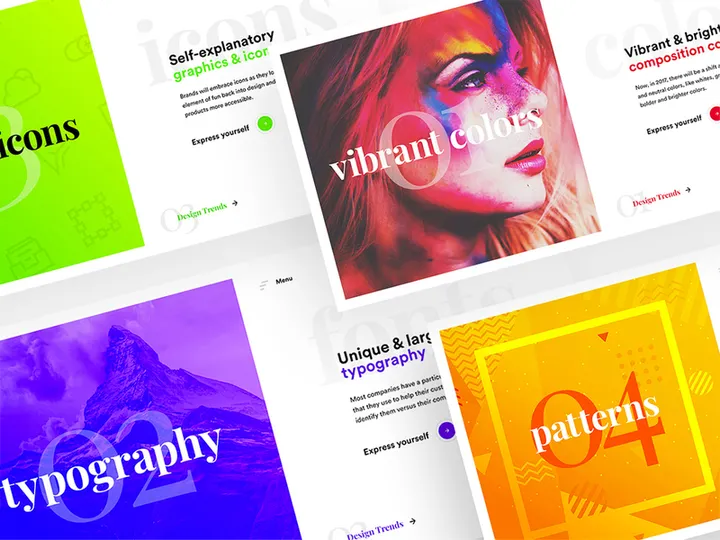
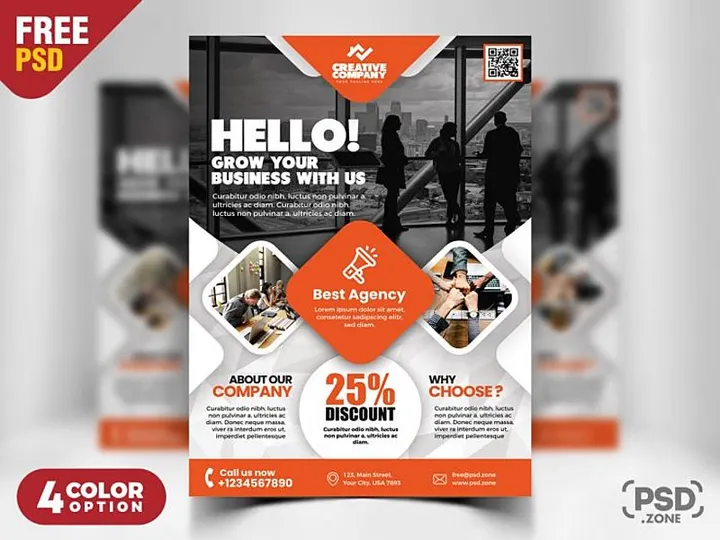
![SixtyNine Agency - Free [PSD] preview picture](https://imgproxy.epicpxls.com/TGKDjEaBn2CrqRcyasi4dzXjcMzVeWusitMO5lin6oE/rs:fill:720:540:0/g:no/aHR0cHM6Ly9pdGVt/cy5lcGljcHhscy5j/b20vdXBsb2Fkcy9w/aG90by82ZGVkOWVk/MWMxNDAxN2M3MmMw/ODlmNDliYzFkODIw/NS5wbmc.jpg)
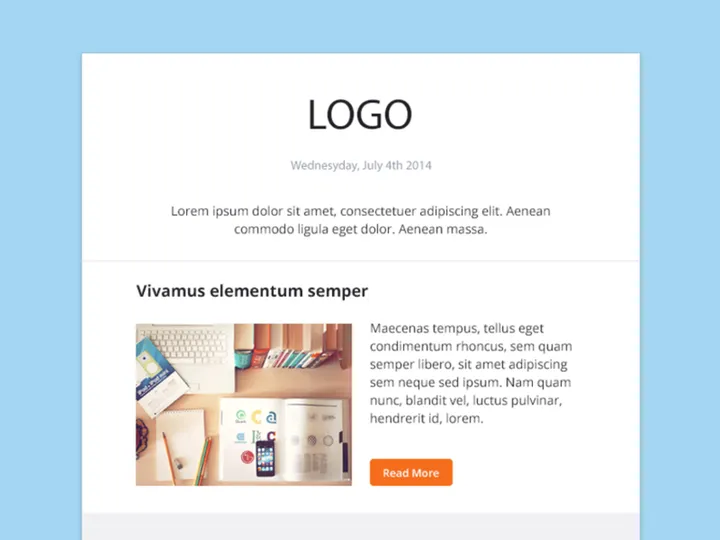
![Food Social Media Post Template [PSD] preview picture](https://imgproxy.epicpxls.com/fgSDQO0qfI2fLnnnbe7bRDJBz_4TanIQE-0LpGFO24o/rs:fill:720:540:0/g:no/aHR0cHM6Ly9pdGVt/cy5lcGljcHhscy5j/b20vdXBsb2Fkcy9w/aG90by81ODgzNzBh/MzU4MmY3ZjM3NDYz/MTVmN2YzMjE5Mzg5/Zg.jpg)
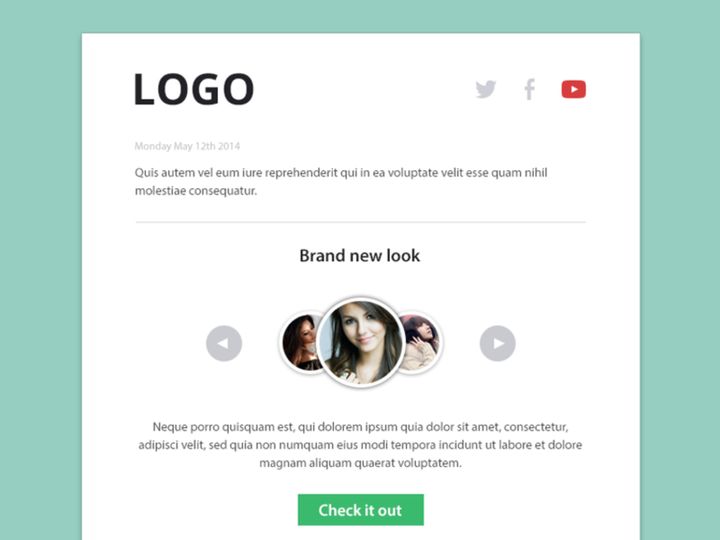
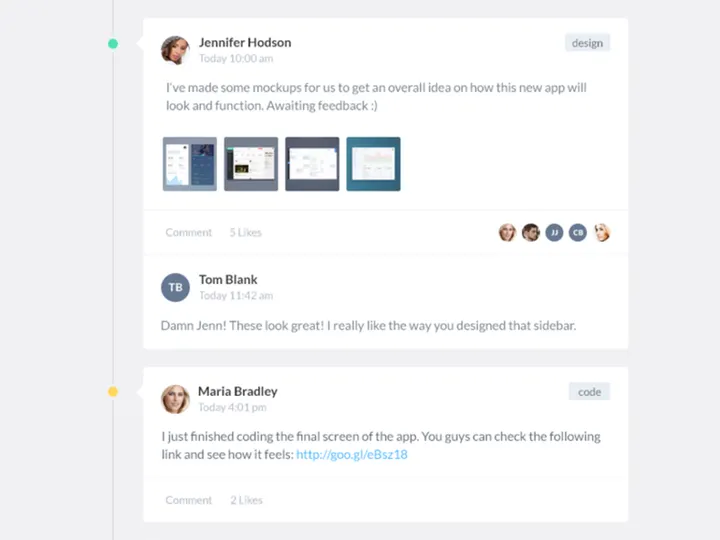
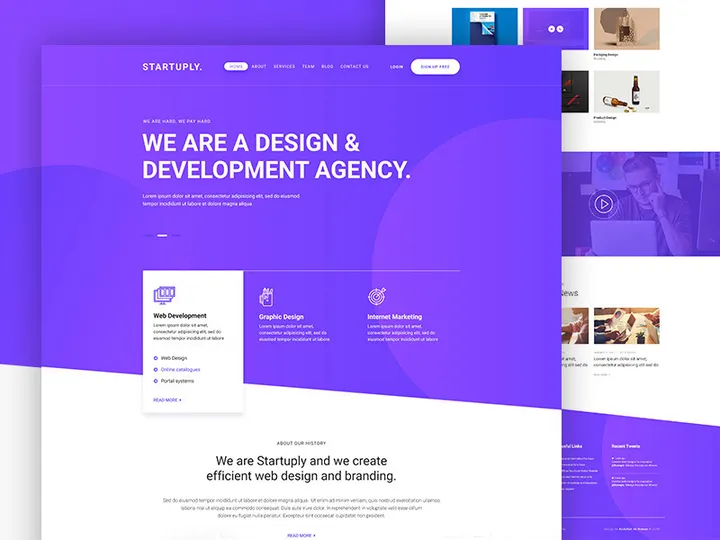
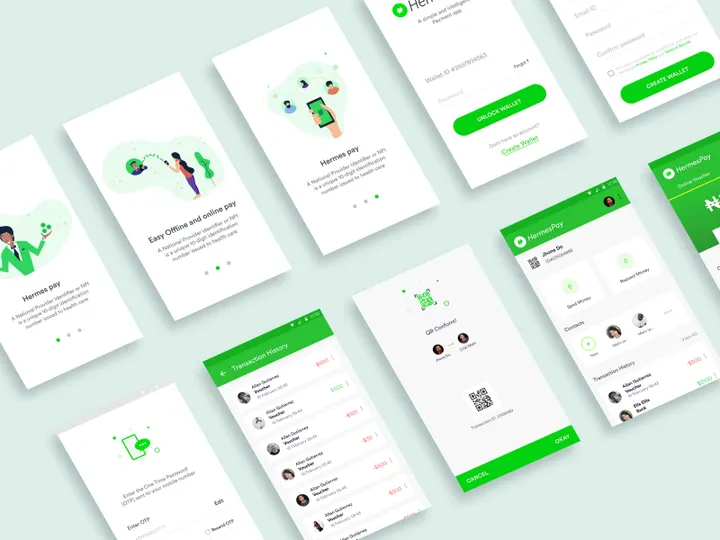







Try Our Free Resources
Download any of these for free - no account required
![SixtyNine Agency - Free [PSD]](https://items.epicpxls.com/uploads/photo/4db6253755784b97a170222d83e763a6.png)
![Food Social Media Post Template [PSD]](https://items.epicpxls.com/uploads/photo/ea43ea60679677f660c5ce9ce3ea9d87)
Why Photoshop for Templates?
Adobe Photoshop has long stood as the gold standard in digital design, and its role in template creation and customization is unmatched. Whether you're crafting social media graphics, print materials, web assets, or branding elements, Photoshop provides the precision, flexibility, and creative control needed to bring ideas to life. Its enduring popularity for working with templates stems from its comprehensive feature set, seamless integration with other Adobe tools, and widespread adoption across industries.
One of Photoshop’s greatest strengths is its layer-based editing system, which allows designers to manipulate individual elements of a template without affecting others. This non-destructive workflow is essential when adapting templates for different uses—whether swapping out text, changing colors, or replacing images. Smart Objects further enhance this flexibility, preserving image quality during scaling and enabling dynamic updates across multiple instances. Additionally, Photoshop supports a wide range of filters, blending modes, and effects that can be applied and adjusted at any time, making templates not just static designs, but dynamic, reusable assets.
For users seeking ready-made solutions, the availability of high-quality templates is crucial. At EpicPxls, we recognize the importance of reliable, well-structured resources. That’s why our platform curates over 2349+ resources specifically optimized for Photoshop. These templates undergo thorough review to ensure compatibility, proper layer organization, and adherence to design best practices. From minimalist business card layouts to complex mockup scenes, every item in our collection is crafted to streamline your workflow and elevate your output. With detailed documentation and intuitive formatting, our templates empower both newcomers and experts to achieve professional results efficiently.
Top Templates Picks for Photoshop
With such a vast selection of templates available, choosing the right one can significantly impact your design efficiency and final output. Whether you're just starting out or you're a seasoned professional, there’s a perfect template for every need. Below, we’ve highlighted top picks across key categories to help you find the ideal match for your projects.
Best for Beginners
If you're new to Photoshop, starting with beginner-friendly templates can make a big difference. Look for resources labeled with clear layer names, organized groups, and embedded instructions. Templates designed for simplicity often feature drag-and-drop image placeholders, pre-set color swatches, and typography guides. These intuitive designs help users understand layout structure and layer hierarchy without overwhelming them. At EpicPxls, many beginner templates include video walkthroughs or step-by-step PDF guides, making it easy to learn while creating. These are ideal for students, small business owners, or marketers who need professional visuals without a steep learning curve.
Best for Professionals
Experienced designers demand precision, scalability, and advanced functionality—qualities found in premium Photoshop templates. These resources often include CMYK support for print, bleed areas, and high-resolution outputs (300+ DPI). Professional-grade templates may also utilize advanced layer styles, vector shapes, and linked Smart Objects for efficient global edits. Whether you're developing brand identities, packaging designs, or advertising campaigns, these templates save hours of setup time. The 2349+ resources available on EpicPxls include numerous pro-level options with modular components, allowing for rapid customization while maintaining design integrity across deliverables.
Best Free Options
High-quality doesn’t always mean high cost. There’s a growing number of excellent free Photoshop templates that deliver real value. These resources are perfect for personal projects, portfolio building, or quick client drafts. While free templates may have fewer customization features than premium ones, many still offer well-structured layers, modern layouts, and responsive design principles. EpicPxls features a dedicated free section where each template is vetted for usability and quality. From social media post sets to resume designs, these no-cost downloads prove that affordability and professionalism can go hand in hand.
Photoshop vs Other Tools for Templates
When it comes to working with design templates, Photoshop remains a top contender—especially for pixel-perfect, visually rich projects. While other tools offer template support, Photoshop’s ecosystem provides unique advantages that are hard to replicate. Its deep integration with photography, illustration, and image manipulation workflows makes it ideal for designs that blend text, graphics, and photos in complex compositions.
Unlike vector-focused applications, Photoshop excels in raster-based design, giving users unmatched control over textures, lighting, and photo-realistic effects. This makes it particularly effective for mockups, social media visuals, and promotional materials where visual impact is key. Furthermore, Photoshop’s extensive plugin and action support enhances template functionality, allowing for automation and extended capabilities.
From a compatibility standpoint, Photoshop’s PSD format is widely recognized and supported across design platforms. However, it’s important to note that some templates may use features specific to newer versions of Photoshop, such as Generative Fill or advanced layer comps. When downloading from EpicPxls, each of the 2349+ resources includes version compatibility details, ensuring you can use the template with your current setup. This attention to detail helps prevent workflow disruptions and ensures smooth integration into your projects.
Setting Up Templates in Photoshop
Getting started with Photoshop templates is simple when you follow a structured approach. Whether you're using a free download or a premium design, proper setup ensures you can customize efficiently and avoid common pitfalls like misaligned layers or missing fonts.
- Download and Extract: After acquiring a template from EpicPxls, download the ZIP file and extract its contents. Most templates include a PSD file along with supporting assets like fonts, textures, or smart object placeholders.
- Check the Documentation: Review any included PDF or TXT files. These often contain instructions on required fonts, layer usage, and customization tips specific to the template.
- Install Required Fonts: If the template uses custom typefaces, install them on your system before opening the PSD. Missing fonts can disrupt layout alignment and typography hierarchy.
- Open the PSD File: Launch Photoshop and open the template file. Wait for all layers to load, especially if Smart Objects are present. Use the Layers panel to navigate through organized groups.
- Customize Key Elements: Begin editing by updating text layers, replacing image placeholders (usually via Smart Objects), and adjusting colors to match your brand or theme. Work non-destructively by duplicating layers when experimenting.
- Save and Export: Once satisfied, save your project as a PSD for future edits. For final delivery, use File > Export > Export As to generate web-ready formats like JPEG or PNG, or Save As for print-ready PDFs with bleed and crop marks.
For users managing large template libraries, consider creating a dedicated folder structure on your local drive or cloud storage. Organize by category—such as “Social Media,” “Print,” or “Mockups”—to streamline access. EpicPxls also offers filtering tools to help you quickly locate templates based on use case, style, or file type, making it easier to maintain order across expansive collections.
Photoshop Workflow Tips
Maximizing efficiency in Photoshop isn’t just about knowing the tools—it’s about building smart, repeatable workflows. Especially when working with a large number of templates, thoughtful organization and automation can save significant time and reduce errors.
Organizing Templates Libraries
A well-organized template library is essential for productivity. Start by creating a master folder for all Photoshop templates, then use subfolders to categorize by project type, client, or industry. Naming conventions also matter—use descriptive titles like “Instagram-Post-Template-v2.psd” instead of generic names like “design1.psd.” Consider maintaining a spreadsheet or digital catalog that logs each template’s purpose, color scheme, and font usage. On EpicPxls, each of the 2349+ resources comes with metadata tags, making it easier to sort and retrieve templates based on keywords like “minimalist,” “corporate,” or “holiday-themed.”
Batch Operations
When applying consistent changes across multiple templates—such as resizing, color correction, or logo placement—use Photoshop’s Actions and Batch Processing features. Record an Action to automate repetitive steps, then apply it across an entire folder using File > Automate > Batch. This is especially useful for agencies or designers managing brand-consistent materials across platforms. Smart Objects further enhance batch efficiency, as updating one master file can propagate changes across multiple instances in different templates.
Collaboration Best Practices
When working in teams, clarity and consistency are key. Always share fully layered PSD files with named and grouped layers. Avoid flattening unless absolutely necessary. Use layer comments (Layer > New > Layer Comment) to leave notes for collaborators, and consider including a “Guide” layer with instructions or brand guidelines. When sending templates to clients, provide both a layered PSD and a flattened preview (PDF or PNG) to prevent accidental edits. Platforms like EpicPxls facilitate collaboration by offering downloadable kits with consistent formatting, ensuring everyone on the team uses the same design foundation.
Why Download from EpicPxls?
Commercial License
Use in personal and commercial projects
No Account Required
Download free resources instantly
Quality Curated
Every resource is reviewed for quality
Preview Files
See Figma and Photoshop files before downloading
Who Uses These Templates?
Professionals and teams who benefit most from our collection
UI/UX Designers
Speed up your workflow with ready-to-use templates for Photoshop. Perfect for prototyping and client presentations.
Developers
Get production-ready assets without design skills. Export in any format for web and mobile apps.
Startups & Agencies
Save design budget with affordable premium templates. Commercial license included for client work.
Marketing Teams
Create professional campaigns faster. All templates are optimized for social media and ads.
Templates for Photoshop FAQCommon questions about these resources
Simple, Transparent Pricing
Get unlimited access to all premium resources
Yearly
- 20 downloads per month
- All file formats
- Commercial license
Lifetime
- Unlimited downloads forever
- All file formats
- Commercial license
Ready to Get Started?
Access 4,442+ free design resources today.
Browse Free ResourcesView Premium PlansEarn 85% and
more on all sales
Upload your products and put them up
for sale at whatever price you want.


