Themes: 327+ Design Resources
EpicPxls offers 327+ curated themes, all with a commercial license and editable source files (Figma, Sketch, PSD). We have 327+ themes available, with new additions added regularly by our community of designers.
Last updated April 05, 2026
Discover 327+ handpicked themes from top designers.
Trusted by designers at leading companies
Top Themes
Handpicked resources from our curated collection
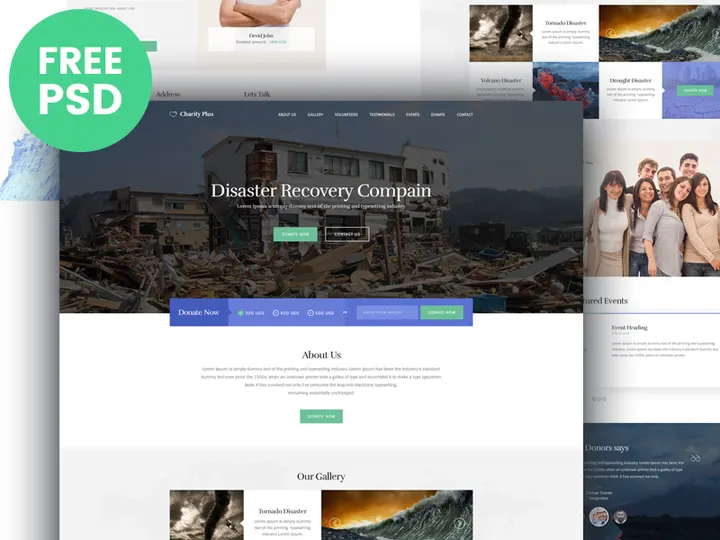

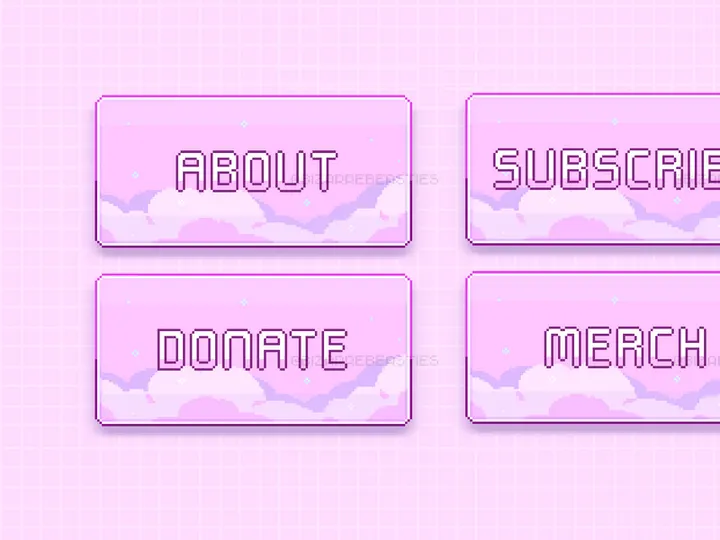
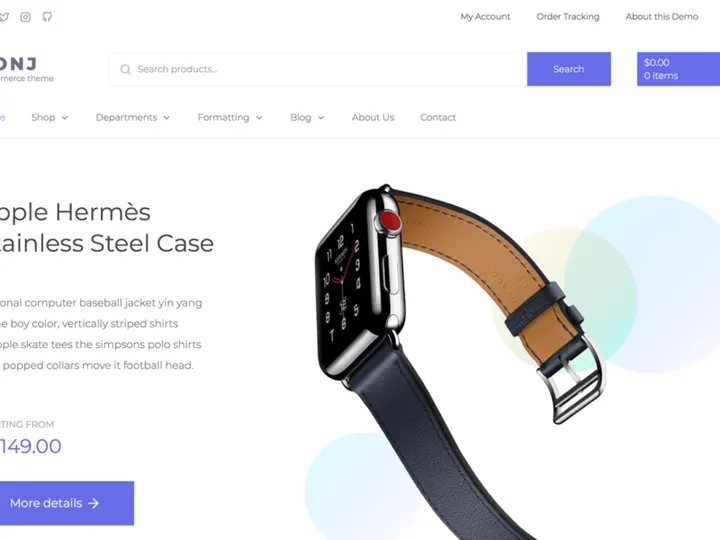
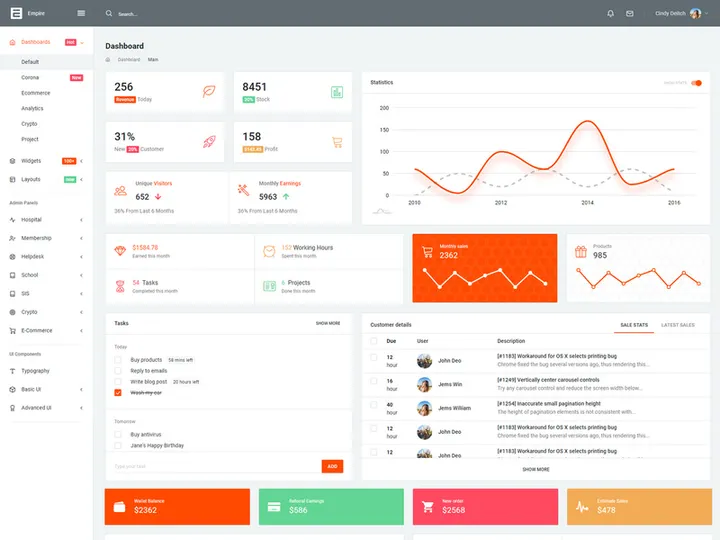
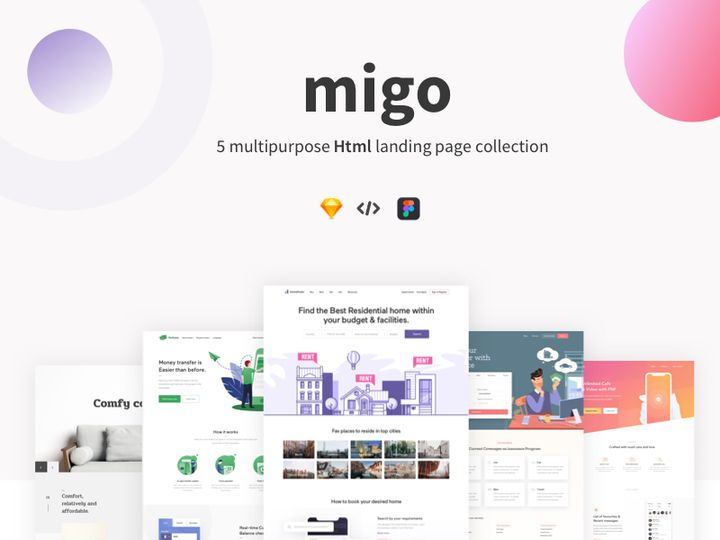

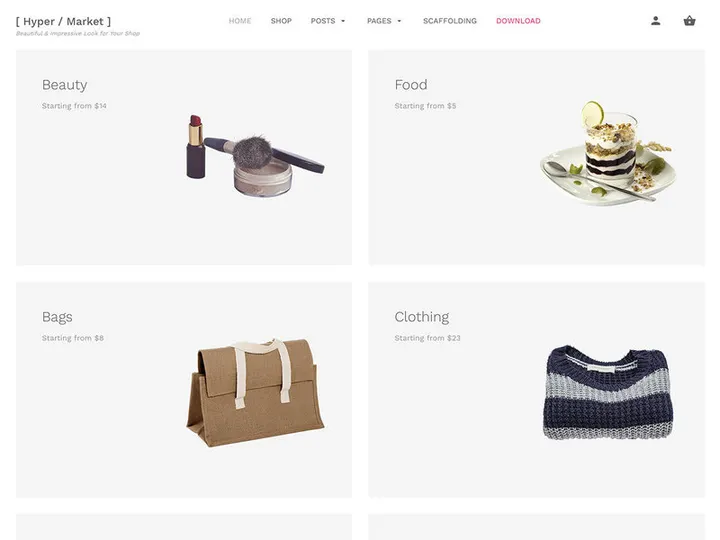

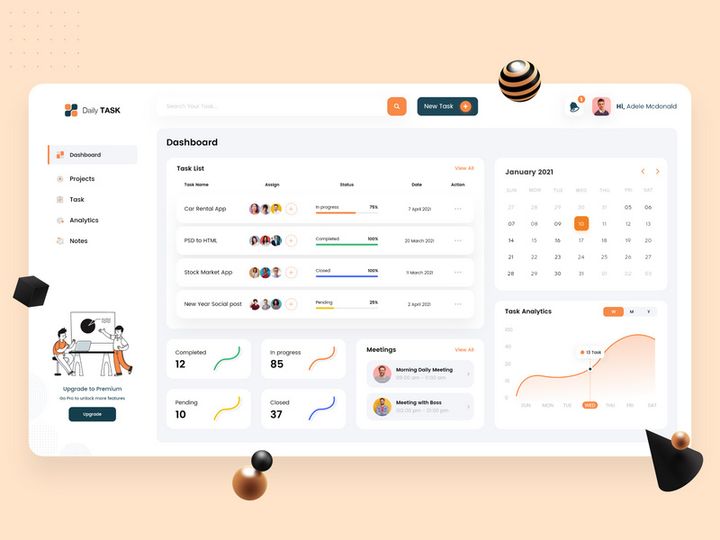
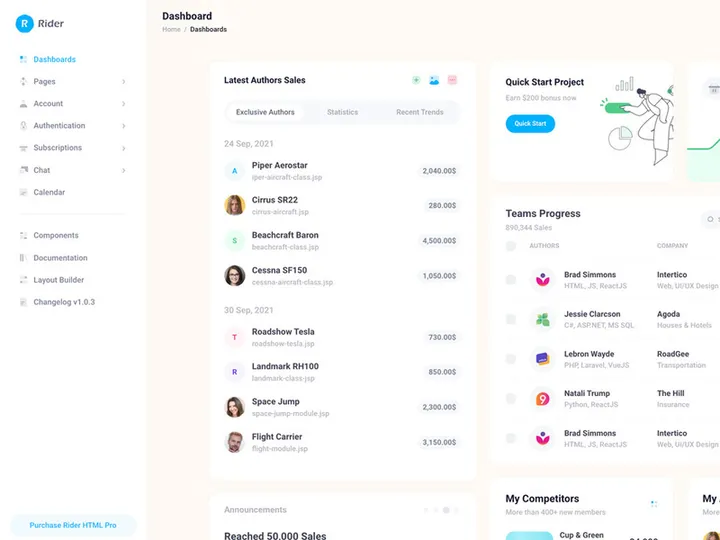
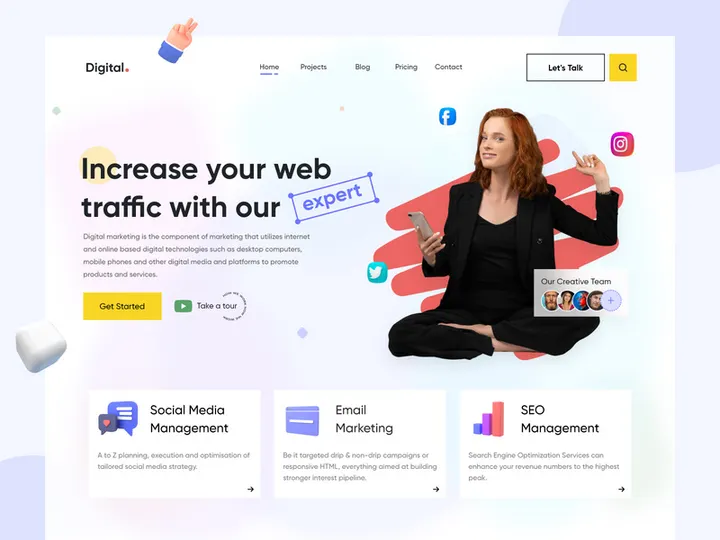
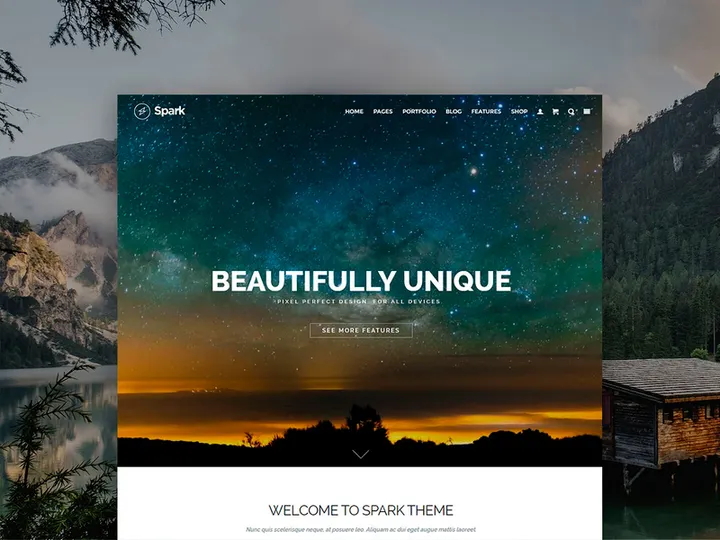
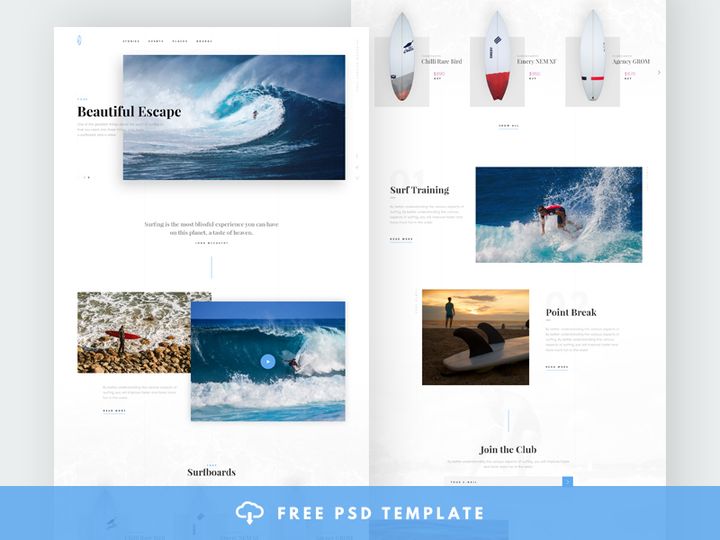
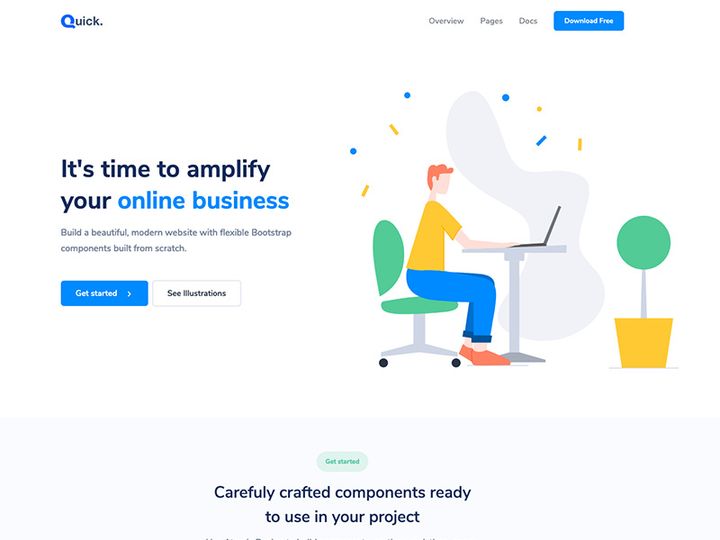
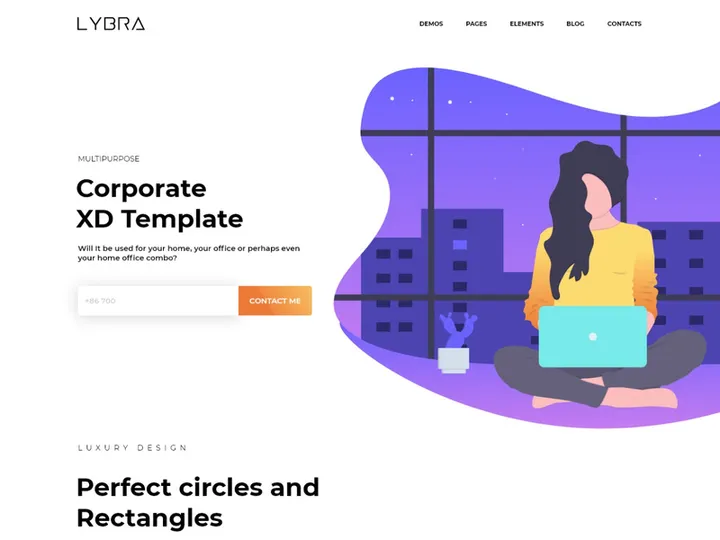
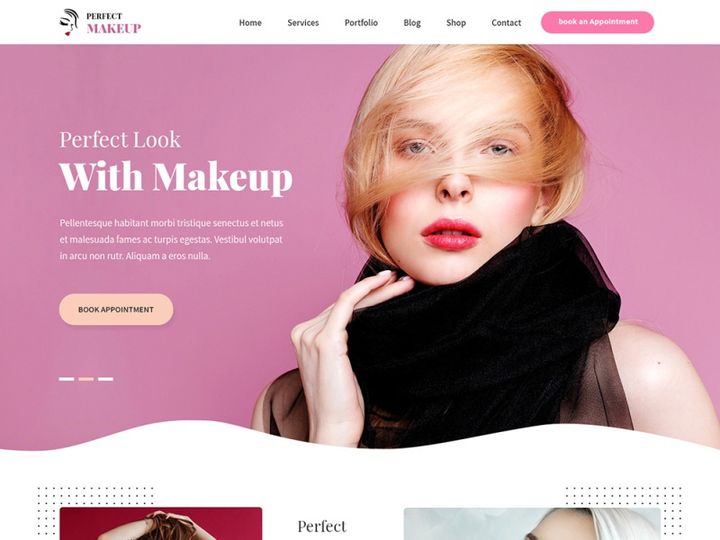

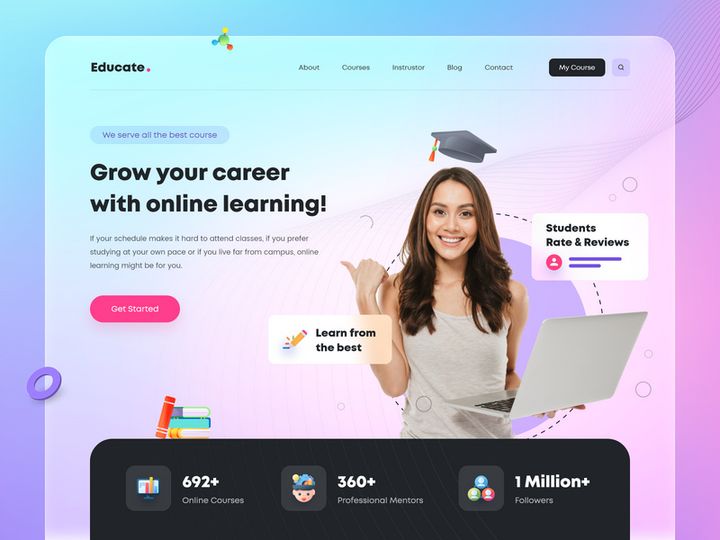
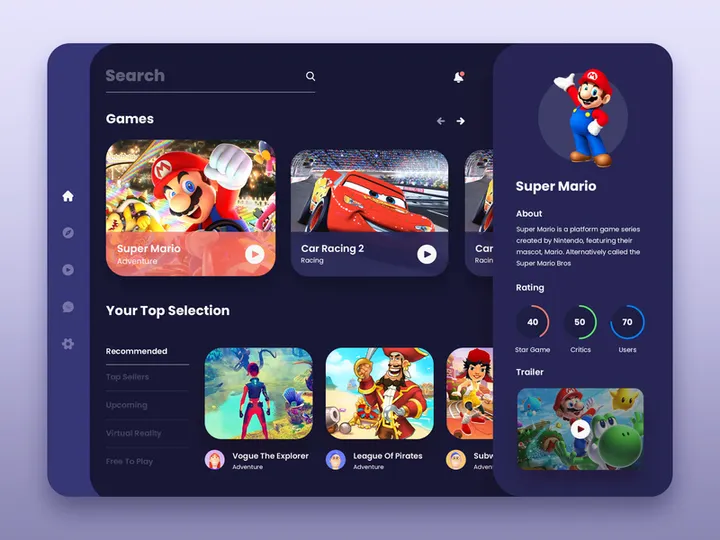
Try Our Free Resources
Download any of these for free - no account required
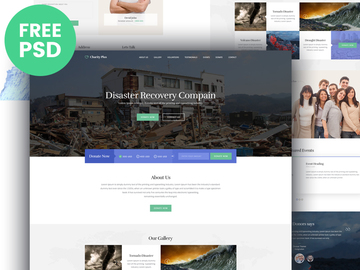
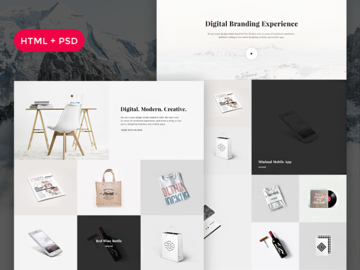
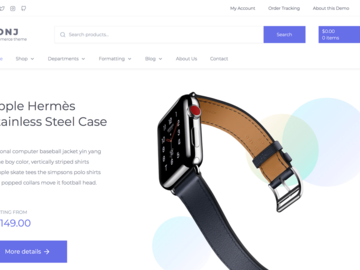
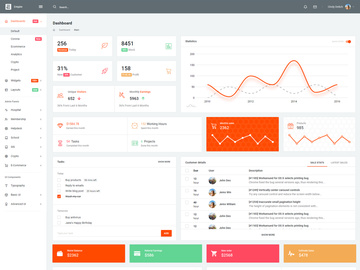
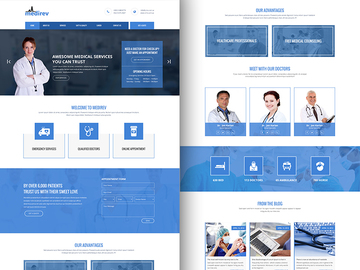
Browse Themes
At EpicPxls, our Themes directory brings together a dynamic and ever-growing collection of over 327+ design resources tailored for creatives across industries. Whether you're crafting a website, designing a mobile app, or developing brand assets, our themes provide the visual foundation to bring your vision to life. From sleek minimalist interfaces to richly detailed UI kits, this curated library ensures you’ll find the perfect starting point for your next project.
All resources in the Themes category are created by experienced designers and vetted by the EpicPxls team to meet strict quality benchmarks. Every theme undergoes a thorough review process to ensure clean layer structures, consistent design language, responsive layouts, and compatibility with major design tools. We prioritize usability, scalability, and aesthetic relevance so that every download enhances your workflow rather than slowing it down.
The collection of 327+ themes is carefully curated to reflect current design trends, functional diversity, and real-world usability. New themes are added weekly based on community feedback, emerging technologies, and shifts in design practices. This ensures that the directory remains both forward-thinking and practical. Whether you're looking for a complete Figma-based dashboard theme or a lightweight SVG-based color palette, EpicPxls delivers resources that are not only visually compelling but technically sound. With intuitive filtering, detailed previews, and clear licensing information, discovering the right theme has never been easier.
What's Trending in Themes
Popular Styles in 2026
Design in 2026 is defined by clarity, adaptability, and emotional resonance. Minimalism continues to dominate, but with a renewed focus on micro-interactions, dynamic color systems, and inclusive design. Glassmorphism and neumorphism have evolved into more accessible variants, blending soft shadows and transparency without compromising readability. Dark mode themes remain highly popular, especially for productivity tools and developer environments, while high-contrast, bold typography themes are gaining traction in content-heavy applications.
Another key trend is the integration of AI-ready UI components—themes designed with smart inputs, adaptive layouts, and modular components that support real-time personalization. Design systems are also becoming more theme-agnostic, enabling seamless switching between multiple visual identities. At EpicPxls, we’ve seen a surge in demand for themes that include built-in design tokens, variable fonts, and responsive breakpoints, reflecting the industry’s shift toward scalable, maintainable design workflows.
Most Downloaded Categories
Based on user activity, the most downloaded theme categories on EpicPxls include Dashboard UI Kits, E-commerce Themes, Portfolio Templates, and Mobile App Interfaces. Dashboard themes, particularly those built in Figma, lead the pack due to their utility in SaaS product development. E-commerce themes with integrated product grids, cart flows, and checkout designs are also in high demand, especially those optimized for mobile-first experiences.
Portfolio themes continue to attract freelance designers and creative agencies looking for polished, customizable layouts. Additionally, accessibility-focused themes—featuring WCAG-compliant color ratios and screen-reader-ready structures—are seeing increased adoption across all sectors.
Emerging Themes
New directions in theme design are being shaped by immersive technologies and ethical design principles. Themes built for AR/VR interfaces, voice-responsive UIs, and cross-device continuity are beginning to appear in the EpicPxls library. These experimental themes prioritize spatial navigation, gesture-based interaction, and adaptive information density.
Another emerging trend is the rise of eco-conscious design—themes optimized for low-energy displays, reduced data usage, and sustainable digital practices. With growing awareness around digital carbon footprints, designers are seeking themes that support dark pixels, minimal animations, and efficient asset delivery. As part of our commitment to innovation, EpicPxls actively partners with forward-thinking creators to bring these next-generation themes to our audience of over 500,000 designers.
How to Download Themes
- Visit the Themes category on EpicPxls and use filters to narrow down by file format, license type, complexity, or use case. You can also search for specific themes using keywords like "dark mode dashboard" or "Figma e-commerce kit."
- Preview the theme by clicking on any resource. Each listing includes high-resolution screenshots, a detailed description, version compatibility, and user ratings. For premium themes, a live interactive demo may be available.
- Check the license and requirements. Ensure the theme supports your intended use—personal, commercial, or enterprise. Some premium themes may require a Figma Professional plan or specific plugins to unlock full functionality.
- Click the download button. For free themes, the file will begin downloading immediately. For premium themes, you’ll be guided through a secure checkout process. All purchases include lifetime access and free updates.
- Organize and integrate the downloaded theme into your project. Most themes come with documentation or a style guide to help you get started quickly. Add your branding, adjust colors and typography, and customize components to fit your needs.
Whether you're downloading a single-page template or a full design system, EpicPxls ensures a seamless experience. With over 327+ resources available, you can build faster, maintain consistency, and stay aligned with modern design standards—all from one trusted source.
Themes Category Breakdown
By File Format
The Themes directory on EpicPxls supports a wide range of file formats to accommodate different design tools and workflows. Figma is the most popular format, offering real-time collaboration, component libraries, and easy handoff to developers. PSD (Photoshop) files are ideal for detailed raster-based designs and print projects, while AI (Adobe Illustrator) files are preferred for vector scalability and logo integration.
Sketch remains a favorite among macOS-based designers for its speed and plugin ecosystem. SVG files are lightweight and perfect for icons, illustrations, and web graphics that require resolution independence. PNG previews and assets are included with most themes for quick mockups, presentations, or web embedding. When choosing a format, consider your team’s toolset, the project’s scalability needs, and whether you require vector precision or pixel-level control.
By License Type
Understanding licensing is crucial when using themes in professional settings. On EpicPxls, every theme is clearly labeled with its license type. Personal licenses allow use in non-commercial projects, such as student portfolios, personal blogs, or internal learning exercises. These are often free or low-cost and perfect for building your skills.
Commercial licenses grant permission to use the theme in client work, revenue-generating apps, or branded products. Many premium themes include extended commercial rights, allowing unlimited projects and redistribution under specific conditions. Always review the license details before use, especially if your project involves resale, SaaS platforms, or large-scale distribution. EpicPxls ensures all licensing terms are transparent, so you can use themes with confidence and compliance.
By Complexity
Themes vary in scope and depth, catering to different experience levels and project requirements. Simple assets include individual components like color palettes, font sets, or icon packs that can be integrated into existing designs. These are ideal for designers looking to refresh a specific element without overhauling their entire UI.
Intermediate themes offer cohesive page templates or section kits—such as landing pages, pricing tables, or blog layouts—that provide structure and visual consistency. At the high end, complete kits deliver full design systems with multiple screens, interactive components, dark/light mode variants, and developer documentation. These are best suited for teams building complex applications or launching new products. With over 327+ resources spanning all complexity levels, EpicPxls supports everyone from beginners to enterprise design teams.
Making the Most of Themes
Organizing Your Library
To maximize efficiency, treat your downloaded themes like a living design library. Create a folder structure based on project type, format, or use case—such as “Web Apps,” “Mobile UI,” or “Figma Systems.” Use consistent naming conventions and store versioned copies when you customize a theme. Consider using design management tools or cloud storage with tagging and search capabilities to quickly retrieve assets when needed. Regularly audit your library to remove outdated or unused themes and keep your workflow clutter-free.
Customization Tips
A theme is a starting point—not a final product. To make it uniquely yours, begin by adjusting the color palette to match your brand identity. Replace placeholder text with real content early to assess readability and spacing. Swap out default fonts with web-safe or brand-compliant alternatives. Use symbols, components, or styles to ensure global changes propagate across all screens. For advanced customization, explore the theme’s grid system and spacing scale to maintain visual harmony. Remember: the best designs evolve from templates, not replicate them.
Common Mistakes to Avoid
- Over-customizing and losing consistency – Drifting too far from the theme’s original structure can result in a disjointed user experience. Stick to the established hierarchy and spacing unless you have a strong reason to deviate.
- Ignoring accessibility – Always check contrast ratios, font sizes, and interactive element sizes. Many free themes lack sufficient accessibility features, so verify compliance with WCAG standards before launch.
- Using outdated or unsupported formats – Avoid downloading themes in obsolete file types or from unverified sources. At EpicPxls, all themes are updated regularly and compatible with current software versions.
- Skipping documentation – Many designers jump straight into editing without reading the included guide. This can lead to broken components or missed features. Take 5–10 minutes to review instructions and layer organization.
- Assuming all themes are commercial-ready – Not every free theme allows commercial use. Always double-check the license, even if the download is labeled “free.” EpicPxls clearly marks each theme’s usage rights to prevent legal issues.
By following these best practices, you can leverage the full potential of the 327+ themes available on EpicPxls. Whether you're streamlining your workflow, accelerating project delivery, or exploring new design styles, our directory is built to support your creative journey with quality, variety, and reliability.
Why Download from EpicPxls?
Commercial License
Use in personal and commercial projects
No Account Required
Download free resources instantly
Quality Curated
Every resource is reviewed for quality
Preview Files
See Figma and Photoshop files before downloading
Who Uses These Themes?
Professionals and teams who benefit most from our collection
UI/UX Designers
Speed up your workflow with ready-to-use themes for design tools. Perfect for prototyping and client presentations.
Developers
Get production-ready assets without design skills. Export in any format for web and mobile apps.
Startups & Agencies
Save design budget with affordable premium themes. Commercial license included.
Marketing Teams
Create professional campaigns faster. All themes are optimized for social media and ads.
Themes FAQCommon questions about these resources
Simple, Transparent Pricing
Get unlimited access to all premium resources
Yearly
- 20 downloads per month
- All file formats
- Commercial license
Lifetime
- Unlimited downloads forever
- All file formats
- Commercial license
Earn 85% and
more on all sales
Upload your products and put them up
for sale at whatever price you want.


