Free Illustrations: 196+ Artworks
EpicPxls offers 185+ curated illustrations, all with a commercial license and editable source files (Figma, Sketch, PSD). Yes, all 185+ resources in this collection are completely free to download. No account or credit card required.
Last updated February 12, 2026
Discover 196+ handpicked free illustrations ready for your projects.
Trusted by designers at leading companies
Top Illustrations
Handpicked resources from our curated collection


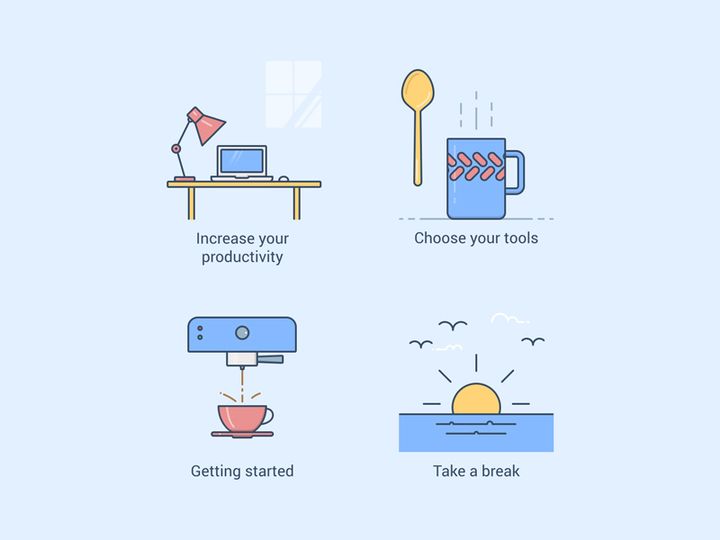
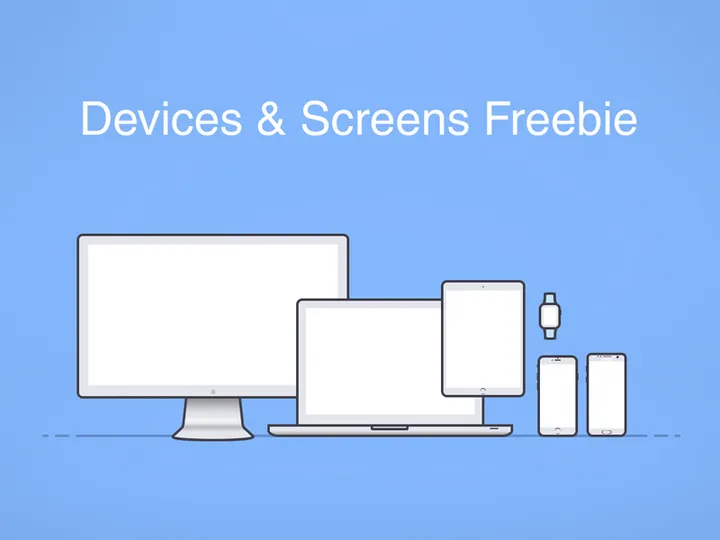

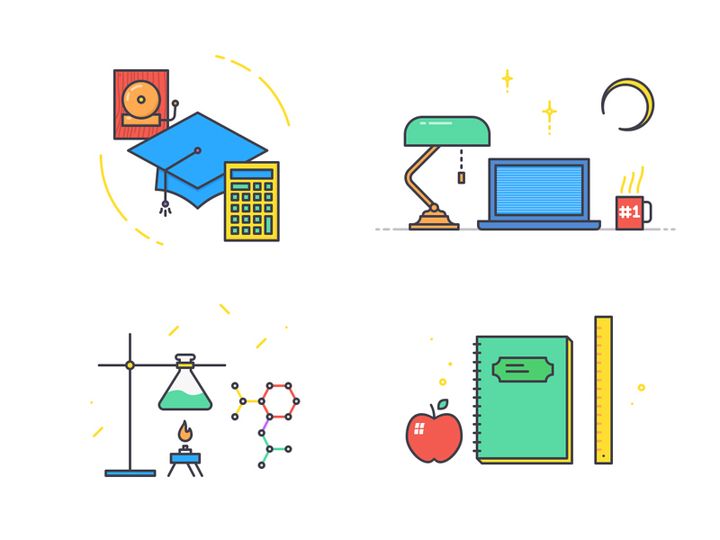


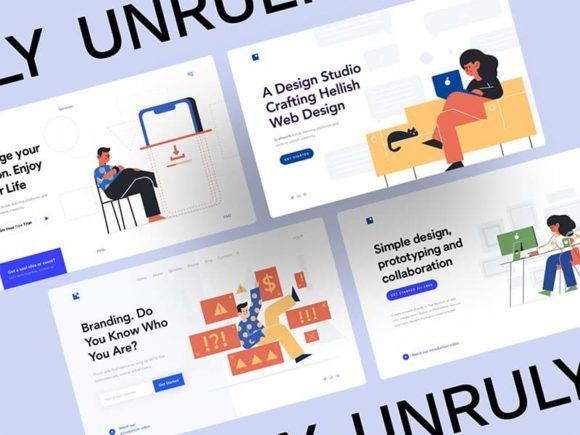
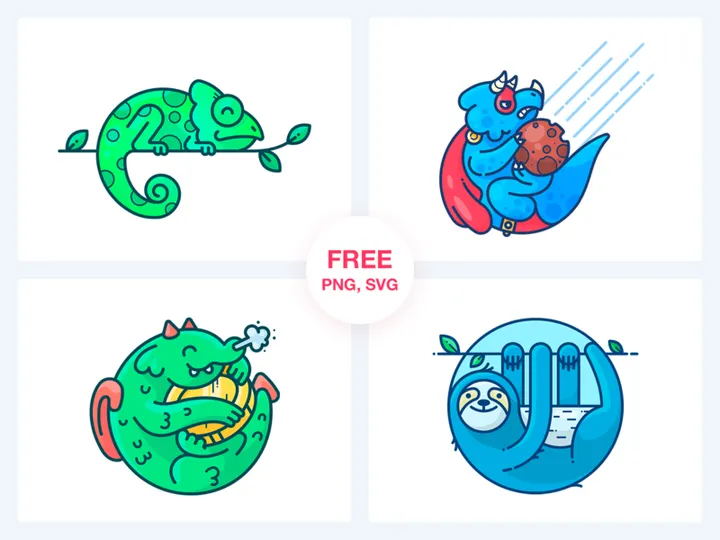
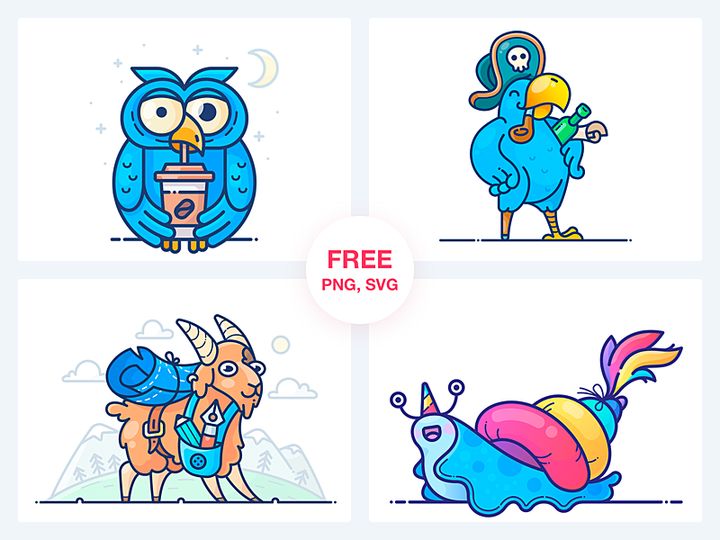

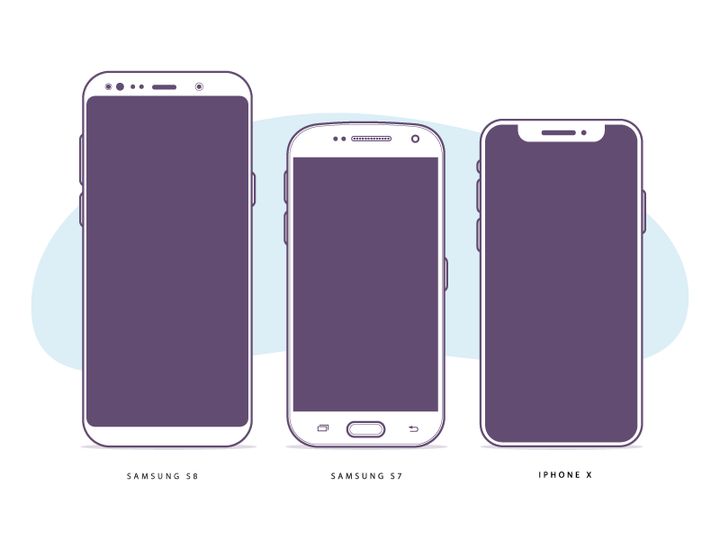

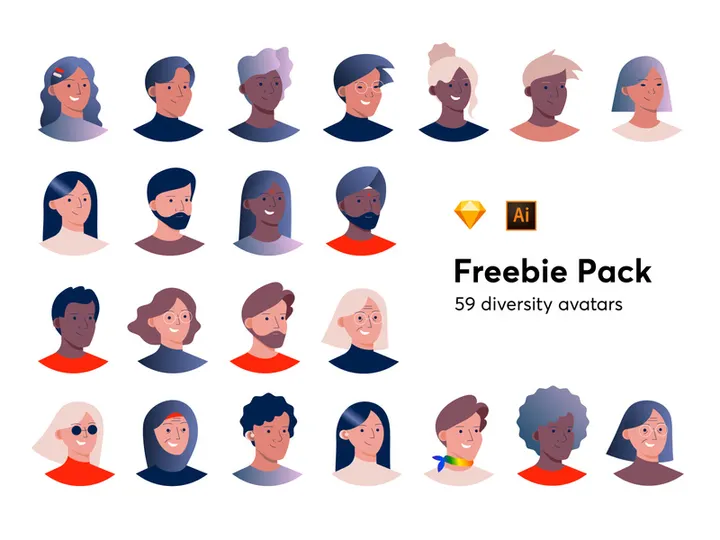


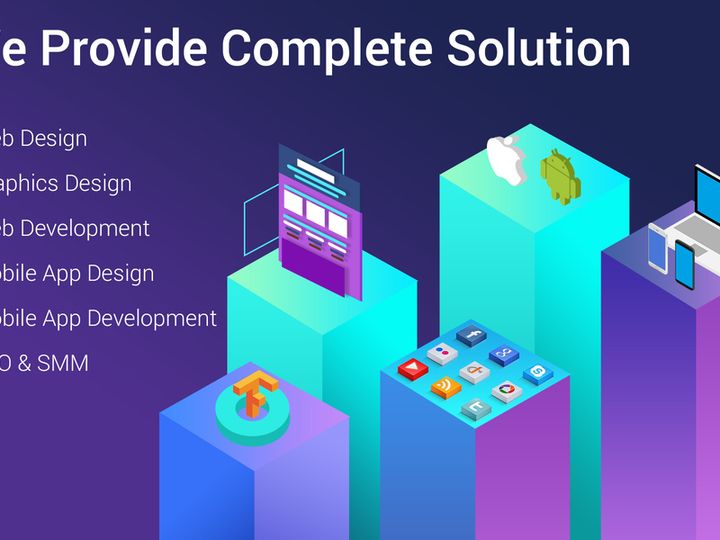
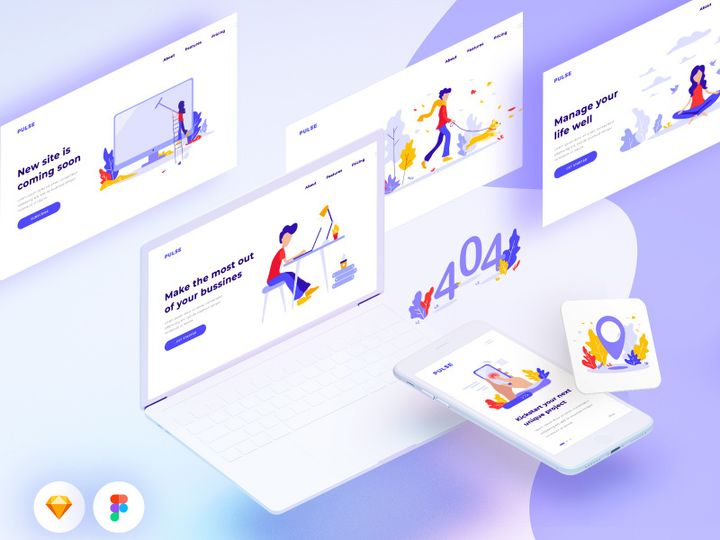
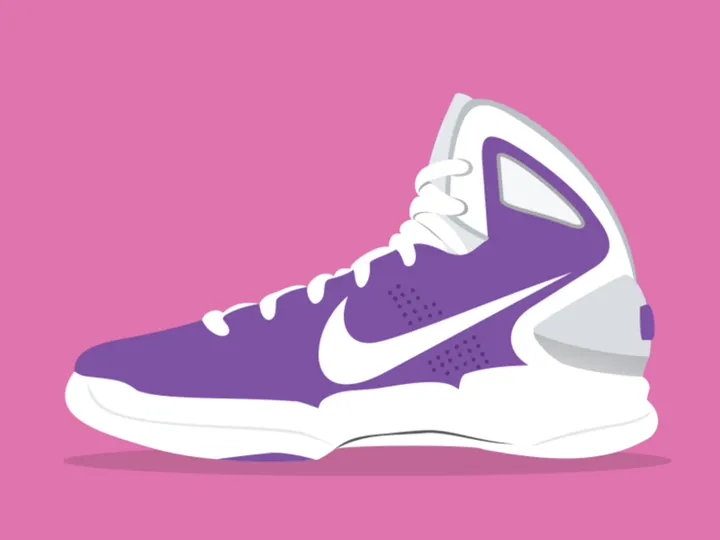
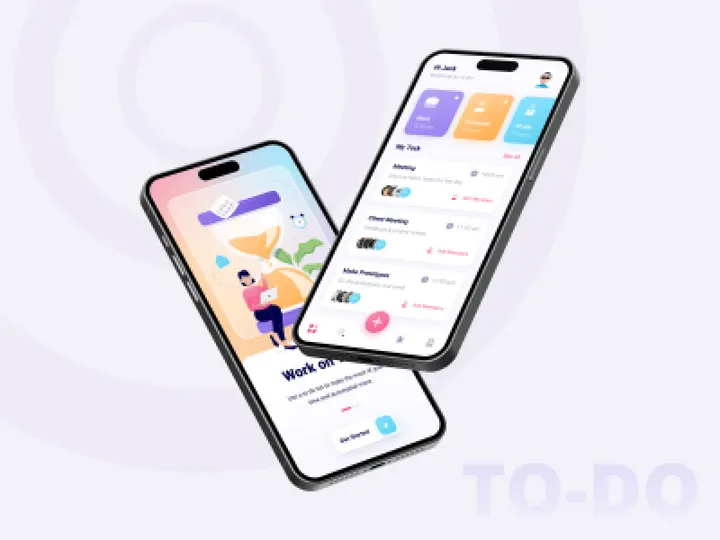

Try Our Free Resources
Download any of these for free - no account required



Free vs Premium Illustrations: What's the Difference?
When it comes to sourcing illustrations for your creative projects, you're often faced with a choice: go free or invest in premium assets. Both options have their place in a designer’s toolkit, and understanding the differences can help you make smarter, more efficient decisions.
Free illustrations typically offer a great starting point for hobbyists, students, and startups working with limited budgets. They provide immediate access to a wide range of artistic styles—often including hand-drawn, flat vector, isometric, and whimsical designs—without any upfront cost. On platforms like EpicPxls, you can instantly download over 196+ free illustrations with no sign-up required, making them ideal for time-sensitive or exploratory projects.
However, free illustrations often come with limitations. While many are professionally designed, the level of detail, consistency across sets, and technical precision may not match premium offerings. You might find fewer customization options, less variety in poses or themes, and occasional inconsistencies in resolution or color palette. That said, for personal blogs, internal presentations, or non-commercial prototypes, free illustrations are more than sufficient—and sometimes indistinguishable from paid ones.
Premium illustrations, on the other hand, are developed with commercial scalability in mind. They often come in scalable vector formats (like SVG or AI), include full editing layers, and are part of larger, cohesive design systems. These illustrations are meticulously crafted for brand alignment, ensuring visual harmony across entire product lines. Premium assets also typically include extended licensing, making them safer for high-stakes commercial use, such as in advertising campaigns or SaaS platforms.
The decision ultimately depends on your project’s scope and goals. If you’re building a personal portfolio or testing a concept, free illustrations from EpicPxls give you flexibility and speed. But if you're delivering client work under strict brand guidelines or launching a product to market, investing in premium illustrations ensures professionalism, reliability, and legal peace of mind.
What's Included in Free Illustrations
Understanding what’s inside a free illustration download can help you maximize its value. At EpicPxls, the 196+ free illustrations available are thoughtfully curated to support a variety of design needs, from web design to print media. Each download is packed with useful components designed for ease of use and versatility.
File Formats
Most free illustrations come in universally compatible formats such as PNG, SVG, and sometimes PDF. PNG files are ideal for web use, offering transparent backgrounds and crisp edges. SVG files are vector-based, meaning they scale infinitely without losing quality—perfect for responsive websites and high-resolution printing. Some sets may also include JPG versions for general use, though these typically lack transparency. These formats ensure that whether you're working in Figma, Adobe Illustrator, Canva, or Photoshop, you can seamlessly integrate the illustrations into your workflow.
Customization Options
One of the biggest advantages of free illustrations from EpicPxls is their high degree of customizability. SVG and layered PDF files allow you to change colors, adjust individual elements, or isolate characters and objects for reuse. You can adapt skin tones, clothing colors, or background elements to match your brand palette. However, it's important to note that while visual customization is encouraged, you cannot resell the illustration as a standalone product or claim it as your original artwork. The goal is creative adaptation—not redistribution.
License Coverage
All 196+ free illustrations on EpicPxls come with a permissive license that allows both personal and commercial use. This means you can use them in client projects, marketing materials, social media content, apps, and even physical products like t-shirts or packaging—without needing to pay royalties or provide attribution (though credit is appreciated). The license is designed to empower creators, not restrict them, as long as usage remains within ethical and legal boundaries.
How to Download Free Illustrations
Getting your hands on high-quality free illustrations has never been easier. At EpicPxls, the entire library of 196+ free illustrations is available for instant download—no strings attached. Follow these simple steps to start using them in your next project.
- Navigate to the illustrations section on EpicPxls and browse the collection. You can filter by theme, style, or use case to quickly find what you need.
- Click on any illustration set to view a detailed preview. This lets you see the composition, color scheme, and included elements before downloading.
- Once you’ve found the right match, click the “Download” button. No email signup, no free trial, no hidden forms—just direct access.
- After clicking, the file will begin downloading automatically in a .zip format containing all the included illustration files and formats.
- Extract the .zip folder to your preferred location, open the files in your design software, and start customizing. Whether you're building a landing page or a presentation, you're ready to go in under a minute.
The entire process is streamlined to save you time and eliminate friction. Whether you're a solo designer or part of a fast-moving team, EpicPxls ensures you can access professional-grade illustrations without delays or bureaucracy.
License Explained: Using Free Illustrations Commercially
One of the most common questions creators have is whether free illustrations can be used in commercial projects. The answer is yes—and with clear guidelines, you can confidently use EpicPxls illustrations across a wide range of professional contexts.
Personal Projects
For personal use—such as blog posts, social media profiles, or hobbyist design experiments—free illustrations are a perfect fit. You can use them to enhance your content, express ideas visually, or practice new design techniques. Since there’s no cost or registration, they’re ideal for learning and experimentation.
Client Work
Yes, you can use these illustrations in client projects. Whether you’re designing a website, app interface, or marketing campaign for a business, the free license allows for commercial use without requiring additional permissions. This is especially valuable for freelancers and agencies that need to deliver polished visuals quickly and cost-effectively. Just make sure the illustration is integrated into a larger design and not sold as a standalone graphic asset.
Commercial Products
You’re also permitted to use free illustrations in physical and digital products intended for sale. This includes merchandise like mugs, t-shirts, posters, as well as digital goods such as e-books, templates, and SaaS dashboards. However, you may not redistribute the illustration “as-is” through print-on-demand marketplaces, design asset stores, or subscription platforms. The key is transformation: the illustration should be part of a unique, value-added creation, not repackaged for resale.
This flexible licensing model ensures that creators, entrepreneurs, and businesses of all sizes can leverage the 196+ free illustrations with confidence. As long as your use is ethical and transformative, you’re well within the bounds of the license.
Getting More from Free Illustrations
While free illustrations are valuable on their own, the real power comes from how you use and enhance them. With a little creativity, you can stretch a single download into a full visual ecosystem for your brand or project.
Combining Free Resources
One of the best ways to elevate your designs is by combining illustrations from different sets. For example, you can pair a character from one illustration with a background element from another to create a custom scene. Since all 196+ free illustrations on EpicPxls follow a consistent artistic tone, mixing and matching elements feels natural and cohesive. Combine work-life icons with abstract shapes or overlay them with decorative patterns to build rich, engaging visuals without hiring an illustrator.
Customization Techniques
Don’t treat free illustrations as static elements—edit them to fit your brand. Use vector editing tools to recolor elements, swap accessories, or modify expressions. In SVG files, you can ungroup layers and reassemble components to tell a new story. Add text bubbles, shadows, or gradients to increase depth and engagement. These small tweaks make a huge difference in originality and brand alignment.
When to Upgrade to Premium
While free illustrations are excellent for many use cases, there comes a point when upgrading makes sense. If you need exclusive designs, need higher resolution for large-scale printing, require animation-ready files, or are building a brand identity that demands uniqueness, premium illustrations offer the edge. They also come with dedicated support, extended licensing, and guaranteed updates. For long-term projects with high visibility, investing in premium ensures your visuals stand out in a crowded market.
Until then, the 196+ free illustrations on EpicPxls remain a powerful, accessible resource for creators at every level. Whether you're just starting out or scaling a design system, they provide a strong foundation to build upon—without compromising on quality or legality.
Why Download from EpicPxls?
Commercial License
Use in personal and commercial projects
No Account Required
Download free resources instantly
Quality Curated
Every resource is reviewed for quality
Preview Files
See Figma and Photoshop files before downloading
Who Uses These Illustrations?
Professionals and teams who benefit most from our collection
UI/UX Designers
Speed up your workflow with ready-to-use illustrations for design tools. Perfect for prototyping and client presentations.
Developers
Get production-ready assets without design skills. Export in any format for web and mobile apps.
Startups & Agencies
Save design budget with affordable premium illustrations. Commercial license included for client work.
Marketing Teams
Create professional campaigns faster. All illustrations are optimized for social media and ads.
Illustrations FAQCommon questions about these resources
Simple, Transparent Pricing
Get unlimited access to all premium resources
Yearly
- 20 downloads per month
- All file formats
- Commercial license
Lifetime
- Unlimited downloads forever
- All file formats
- Commercial license
Ready to Get Started?
Access 4,442+ free design resources today.
Browse Free ResourcesView Premium PlansEarn 85% and
more on all sales
Upload your products and put them up
for sale at whatever price you want.


