Illustrations for Webs: 442+ Resources
EpicPxls offers 200+ curated illustrations, all with a commercial license and editable source files (Figma, Sketch, PSD). Purpose-built illustrations for web projects save time and ensure professional results with design elements tailored to web requirements.
Last updated February 12, 2026
Discover 442+ illustrations ideal for web design projects.
Trusted by designers at leading companies
Top Illustrations
Handpicked resources from our curated collection
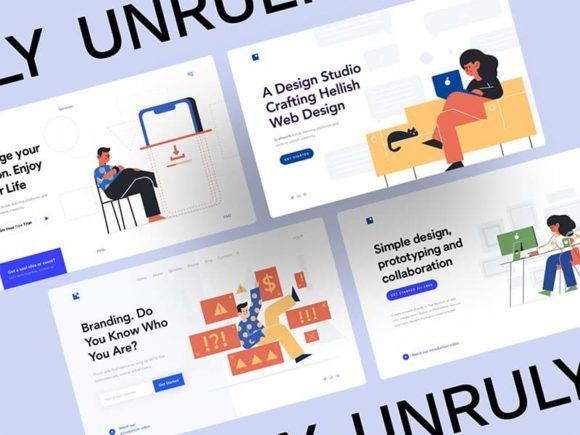
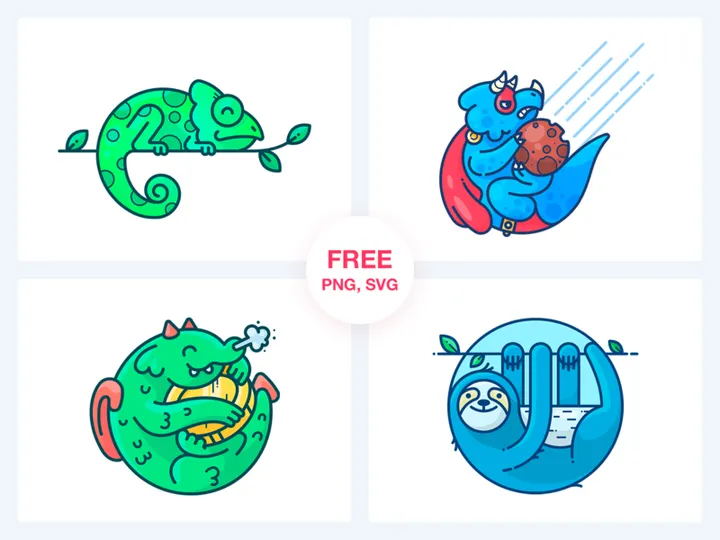
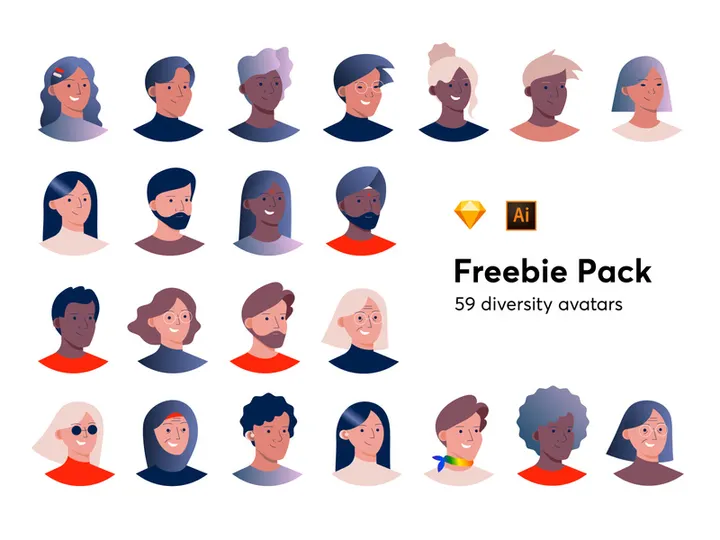


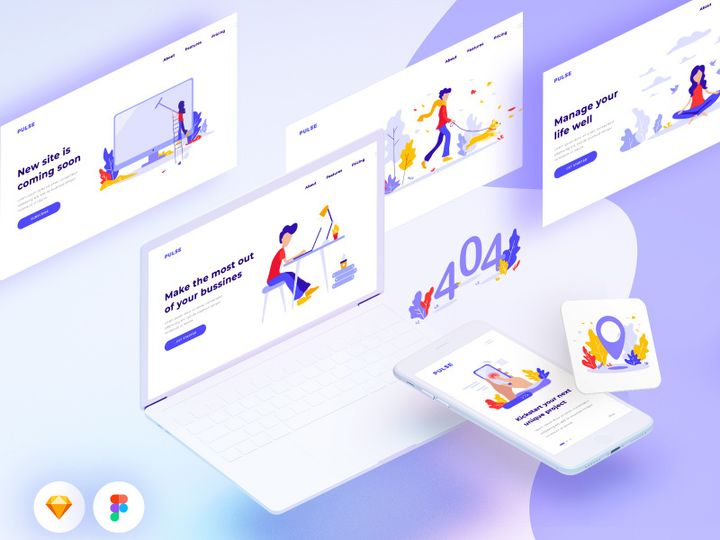


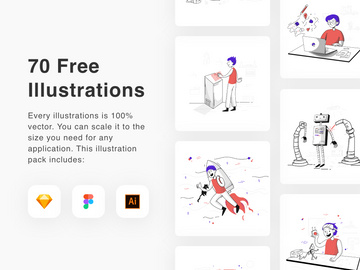
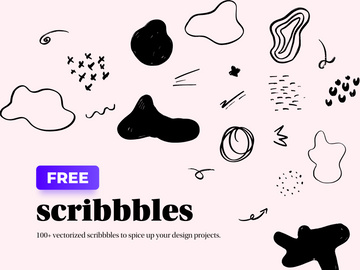
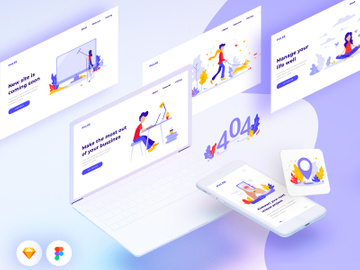
![[Part 7] Website illustrations set preview picture](https://imgproxy.epicpxls.com/De1k26J4yn21FJLEkO1cx5SRoMTVQ2x9Lt7-lTmY_dQ/rs:fill:720:540:0/g:no/aHR0cHM6Ly9pdGVt/cy5lcGljcHhscy5j/b20vdXBsb2Fkcy9w/aG90by9hYzc0NGY5/MWM1MmY3NjIyYmY5/ZWM4MjgxNjNmNTc2/Ng.jpg)



![[Part 1] Website illustrations set preview picture](https://imgproxy.epicpxls.com/Pr8PqmBLDUSXAZIpbQPhTjm6m6UCzjhQHAPKp2DulYY/rs:fill:720:540:0/g:no/aHR0cHM6Ly9pdGVt/cy5lcGljcHhscy5j/b20vdXBsb2Fkcy9w/aG90by9hYzY5ODRm/MmE0Y2RhYjNkZmFk/NWUwZTkzMDk3MzM5/Zg.jpg)
![[Part 9] Website illustrations set preview picture](https://imgproxy.epicpxls.com/CgUecmRGjyfg-Slsf00g3PK3nax_23m9PNDNjcQlTrI/rs:fill:720:540:0/g:no/aHR0cHM6Ly9pdGVt/cy5lcGljcHhscy5j/b20vdXBsb2Fkcy9w/aG90by9kMThhN2Vh/NWYyMGI3ZThmN2Y2/MGNhYjBkMjg1YTM3/Mw.jpg)
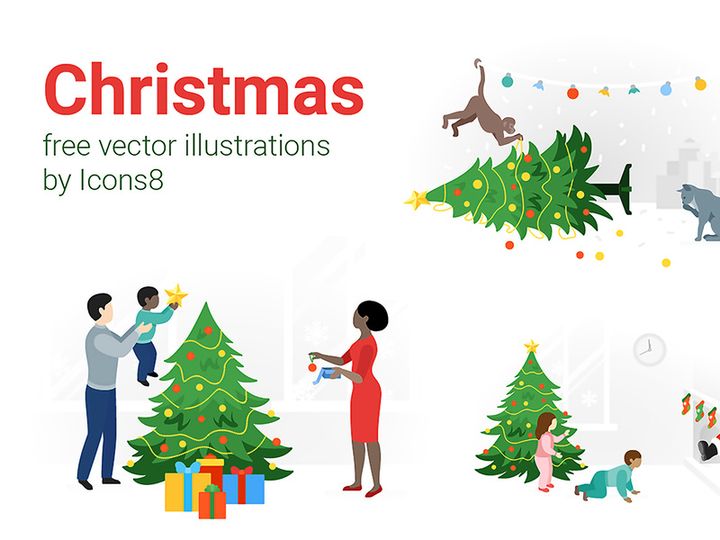
Try Our Free Resources
Download any of these for free - no account required
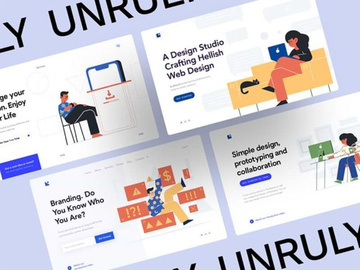
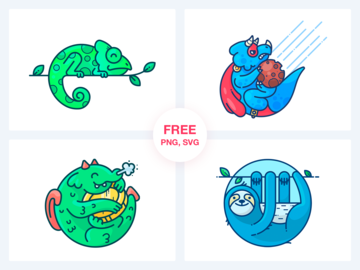
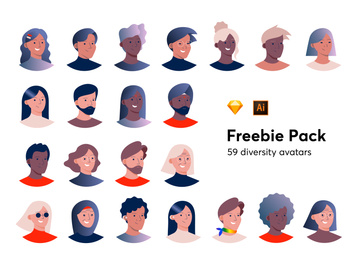
Why Illustrations for Web Projects?
Illustrations have become a cornerstone of modern web design, transforming static websites into dynamic, engaging experiences. For web designers, integrating custom or curated illustrations is no longer a luxury—it's a necessity for standing out in a crowded digital landscape. One of the most compelling reasons to use pre-made illustrations is the significant acceleration they bring to the design process. Instead of spending hours creating visuals from scratch, designers can leverage high-quality, web-ready illustrations to maintain momentum and meet tight deadlines without compromising on aesthetics.
Web design projects often demand visuals that are scalable, fast-loading, and responsive across devices. Whether it’s for landing pages, user onboarding flows, SaaS platforms, or e-commerce sites, illustrations help communicate complex ideas quickly and emotionally. They guide users through interfaces, highlight key features, and reinforce brand identity. From playful characters to abstract data visualizations, the right illustration can elevate a user’s journey from functional to memorable.
This is where curated libraries like EpicPxls deliver exceptional value. With a handpicked collection of 442+ resources tailored specifically for web use, the platform ensures that every illustration meets technical and stylistic benchmarks. Each asset is reviewed for resolution, format compatibility, and design coherence, making it easy for designers to find exactly what they need—fast. By focusing on web-specific needs such as SVG compatibility, responsive scaling, and minimal file size, EpicPxls streamlines the integration of visuals into live websites. The result is a faster workflow, consistent quality, and designs that resonate with modern audiences.
What Web Designers Need
Essential Illustrations Types
Not all illustrations serve the same purpose in web design. Understanding which types are most effective helps designers choose assets that align with their project goals. Common illustration types include character-based scenes for storytelling, abstract shapes for background textures, infographics for data representation, and UI-integrated icons for functional clarity. Hero illustrations—large, eye-catching visuals at the top of landing pages—are especially popular for grabbing attention and setting the tone.
Personified avatars and team illustrations are frequently used in SaaS and startup websites to humanize technology and build trust. Isometric designs offer depth and interactivity, ideal for product demos or process overviews. Minimalist line illustrations work well in clean, content-focused layouts, while vibrant, hand-drawn styles add charm to creative or educational platforms. With 442+ resources available through EpicPxls, designers can access a diverse range of these styles, ensuring they’re equipped for any web project, from corporate dashboards to playful mobile apps.
Format Requirements
Choosing the right file format is critical for performance and scalability. For web use, SVG (Scalable Vector Graphics) is the gold standard. SVGs maintain crisp quality at any size, load quickly, and can be manipulated with CSS and JavaScript—perfect for responsive design. They’re ideal for icons, logos, and illustrations that need to scale across devices without losing fidelity.
PNG files are suitable for illustrations with transparency or complex color gradients, though they tend to have larger file sizes. For animated illustrations, WebP or lightweight Lottie (JSON) formats are increasingly popular due to their small footprint and smooth playback. When sourcing from curated platforms like EpicPxls, designers benefit from formats optimized for the web, ensuring compatibility with modern development frameworks and faster load times—key for SEO and user experience.
Quality Standards
Web-ready illustrations must meet high technical and aesthetic standards. First and foremost, they should be resolution-independent, allowing seamless scaling without pixelation. Clean vector paths, consistent line weights, and thoughtful color palettes contribute to professional-grade visuals. Attention to detail—like proper layer organization and naming conventions—helps developers integrate assets smoothly.
Equally important is stylistic consistency. When combining multiple illustrations, mismatched art styles or color schemes can break the visual harmony of a webpage. That’s why resources from EpicPxls are curated not just for individual quality, but for group cohesion. Each illustration is evaluated for alignment with current design trends, accessibility (including color contrast), and adaptability across themes. This level of quality assurance ensures that every piece enhances the overall design rather than detracting from it.
Web Design Project Walkthrough
- Define Your Project Goals: Begin by outlining the website’s purpose, target audience, and key messaging. Is it a conversion-focused landing page or an informative blog layout? Knowing your objectives helps determine the tone and type of illustrations needed—whether playful, professional, or technical.
- Select Illustrations from a Curated Library: Browse a reliable source like EpicPxls to find assets that match your project’s style. Use filters for categories such as “hero scenes,” “onboarding,” or “abstract backgrounds” to narrow down the 442+ resources efficiently. Look for illustration sets that offer variety while maintaining a unified aesthetic.
- Customize for Brand Alignment: Most pre-made illustrations can be adapted using design tools like Figma or Adobe Illustrator. Adjust colors to match your brand palette, resize elements for layout balance, and modify components like facial expressions or device mockups to better reflect your message.
- Integrate into Wireframes: Place illustrations into your wireframes or high-fidelity mockups. Position hero illustrations above the fold, use smaller icons to highlight features, and apply background patterns subtly to avoid overwhelming content. Ensure illustrations support—not compete with—your copy and CTAs.
- Optimize for Performance: Before handing off to developers, export illustrations in the appropriate web formats. Convert vector art to SVG, compress PNGs without sacrificing quality, and test file sizes. Smaller assets mean faster page loads, which improves SEO and user retention.
- Collaborate with Developers: Share organized assets with clear naming conventions. Provide guidelines on usage, scaling, and responsive behavior. If using animated illustrations, ensure JSON or WebP files are properly embedded. A smooth handoff ensures the final website reflects your design intent accurately.
By following this structured approach, designers can seamlessly blend multiple illustrations into a cohesive, functional website. The ability to mix and match from a diverse library—like the 442+ resources at EpicPxls—allows for creativity without sacrificing efficiency. Whether building a single landing page or a full-scale web application, this workflow ensures visuals enhance usability and storytelling across all touchpoints.
Web Design Workflow Tips
Speed Up Your Process
Time is one of the most valuable resources in web design, and pre-made illustrations are a powerful tool for accelerating production. Instead of starting from zero, designers can use ready-to-use assets to jumpstart their layouts. Platforms like EpicPxls offer categorized, searchable libraries that reduce the time spent hunting for visuals. With drag-and-drop compatibility in most design tools, integrating illustrations becomes a matter of minutes rather than hours. Reusable illustration kits—especially those with consistent themes—allow for rapid prototyping and faster client iterations, making them ideal for agile workflows.
Maintain Consistency
Using illustrations from multiple sources can lead to visual dissonance, but curated collections solve this problem. When all assets come from a unified library—such as the 442+ resources at EpicPxls—they naturally share a common design language. To maintain consistency, stick to one illustration style per project: avoid mixing flat design with hand-drawn sketches unless intentionally layered for contrast. Use a master color palette to recolor illustrations uniformly, and apply consistent stroke widths and spacing. Creating a small style guide for illustration usage ensures that even large teams stay aligned throughout the design process.
Client Presentation
Presenting a web design with polished illustrations significantly boosts perceived value. Clients respond positively to visuals that convey professionalism and attention to detail. When showcasing your work, explain how each illustration supports the user experience—whether it’s guiding attention, simplifying a complex feature, or reinforcing brand personality. Use before-and-after comparisons to highlight the impact of illustrations on engagement. With high-quality, web-optimized assets from trusted sources, your deliverables appear more refined, helping you win approval and build stronger client relationships.
Web Design Inspiration
Staying inspired is essential for creating innovative web experiences. Currently, one of the biggest trends is the use of bold, expressive illustrations that break away from generic stock imagery. Designers are embracing custom-like visuals that feel unique and authentic, even when sourced from pre-made libraries. Micro-interactions paired with animated illustrations—such as a character waving when a form is completed—add delightful moments that improve user satisfaction.
Top designers often combine illustrations with bold typography and generous whitespace to create striking visual hierarchies. They use illustrations not just as decoration, but as functional elements that enhance navigation and comprehension. For example, a dashboard might use illustrated progress indicators instead of plain bars, making data more engaging. The integration of dark mode-compatible illustrations is also on the rise, with designers selecting assets that adapt seamlessly to different themes.
To elevate your web work, explore curated collections that emphasize versatility and modern aesthetics. The 442+ resources available at EpicPxls are designed with these trends in mind—offering adaptable, forward-thinking illustrations that empower designers to push creative boundaries. Whether you're crafting a startup landing page or a corporate portal, the right visuals can transform good design into exceptional design. By leveraging high-quality, web-ready assets, you position yourself at the forefront of contemporary web design—delivering projects that are not only functional but also visually unforgettable.
Why Download from EpicPxls?
Commercial License
Use in personal and commercial projects
No Account Required
Download free resources instantly
Quality Curated
Every resource is reviewed for quality
Preview Files
See Figma and Photoshop files before downloading
Who Uses These Illustrations?
Professionals and teams who benefit most from our collection
UI/UX Designers
Speed up your workflow with ready-to-use illustrations for design tools. Perfect for prototyping and client presentations.
Developers
Get production-ready assets without design skills. Export in any format for web and mobile apps.
Startups & Agencies
Save design budget with affordable premium illustrations. Commercial license included for client work.
Marketing Teams
Create professional campaigns faster. All illustrations are optimized for social media and ads.
Illustrations FAQCommon questions about these resources
Simple, Transparent Pricing
Get unlimited access to all premium resources
Yearly
- 20 downloads per month
- All file formats
- Commercial license
Lifetime
- Unlimited downloads forever
- All file formats
- Commercial license
Ready to Get Started?
Access 4,441+ free design resources today.
Browse Free ResourcesView Premium PlansEarn 85% and
more on all sales
Upload your products and put them up
for sale at whatever price you want.


