What Is a Presentation Template? Complete Guide for Designers
EpicPxls offers 200+ curated templates, all with a commercial license and editable source files (Figma, Sketch, PSD). A presentation template is a pre-made design resource that helps designers work faster. Browse 200+ presentation templates on EpicPxls for your projects.
Last updated February 12, 2026
Everything you need to know about presentation templates — definition, types, and how to use them.
Trusted by designers at leading companies
Top Templates
Handpicked resources from our curated collection
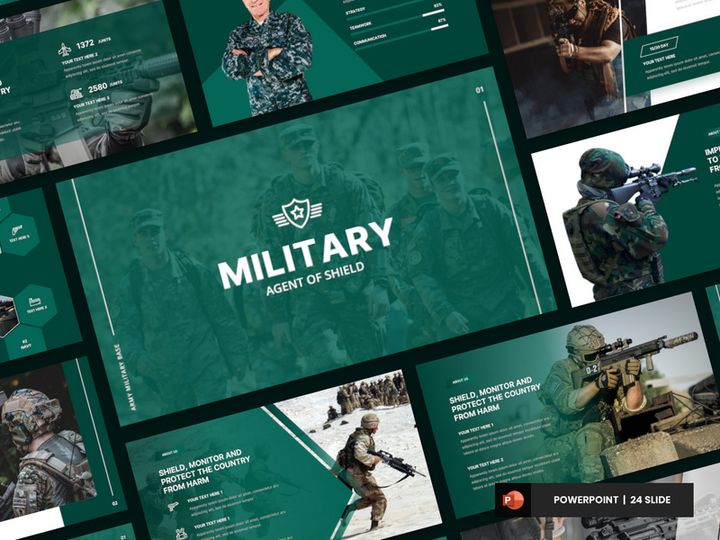


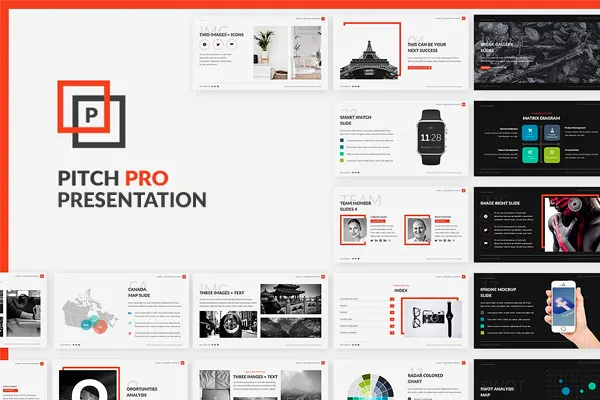
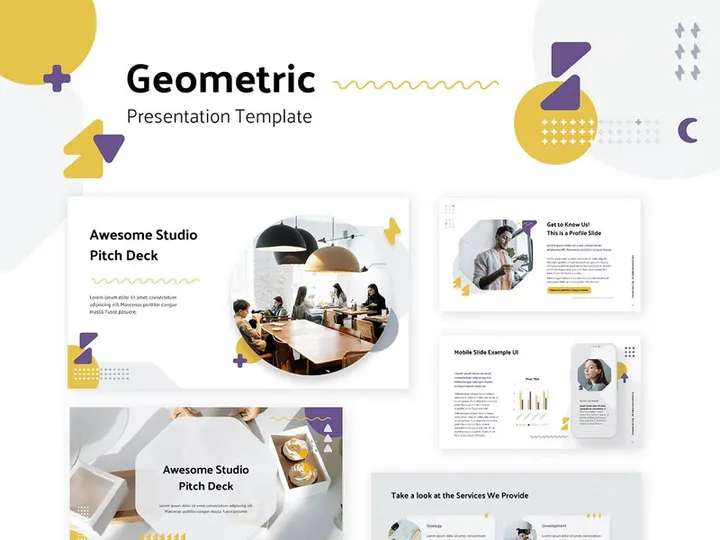
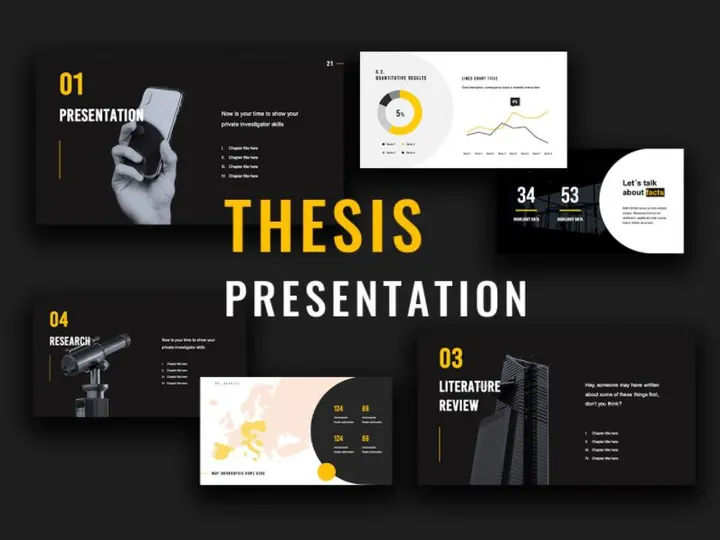
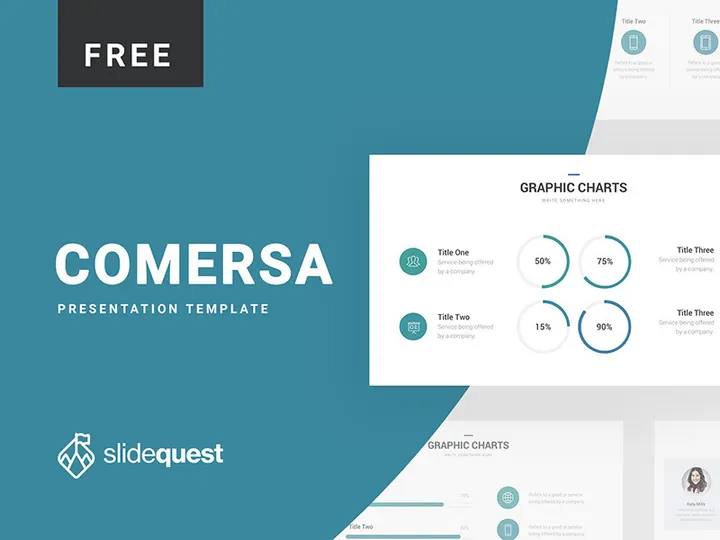
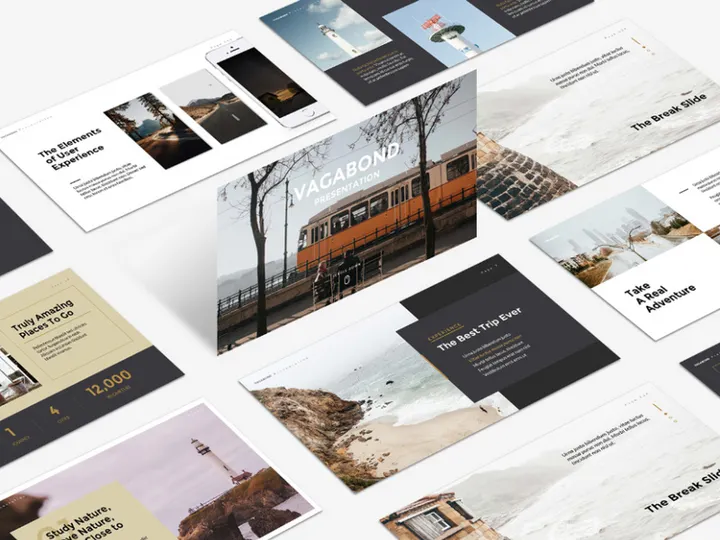
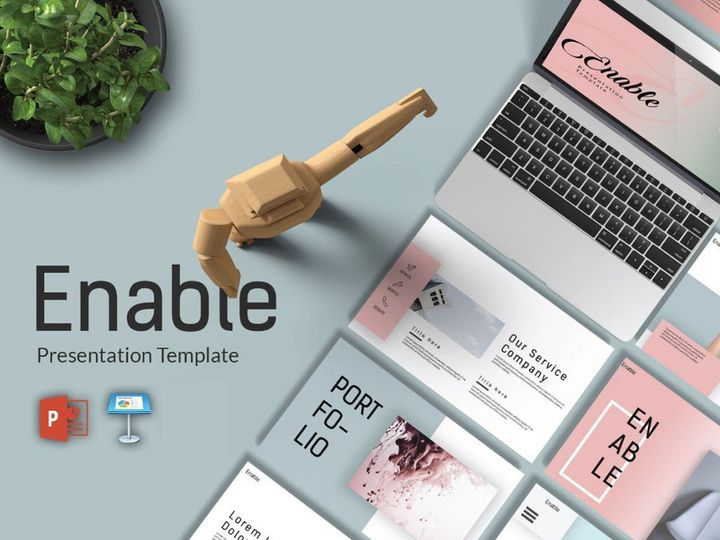


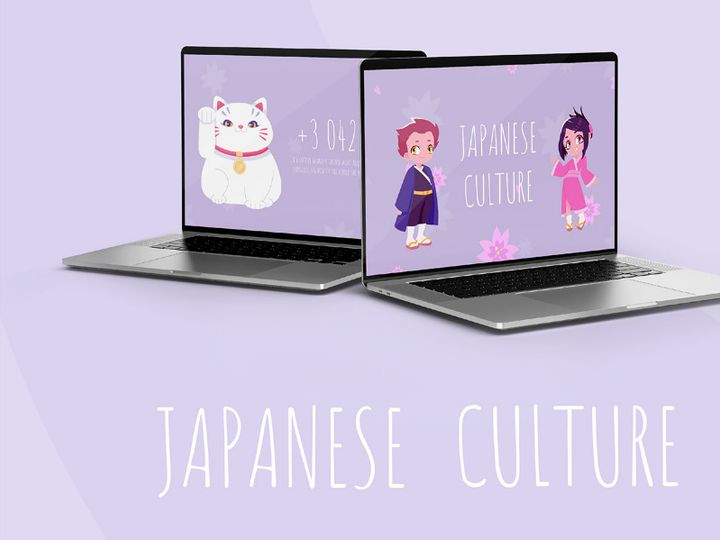
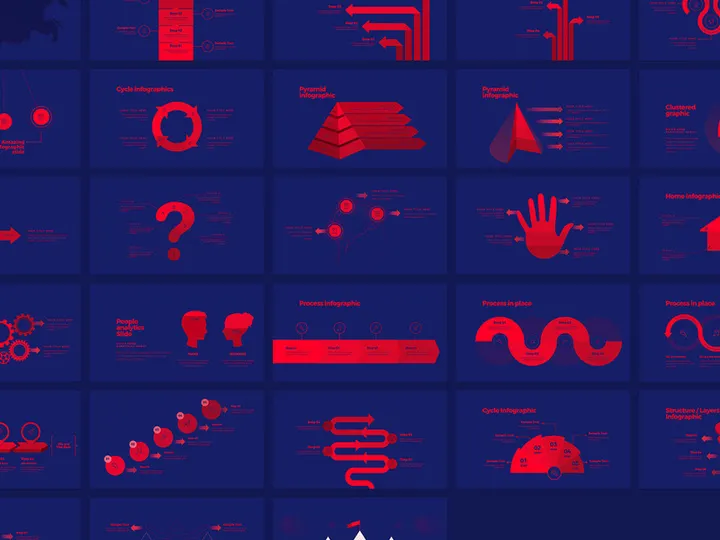


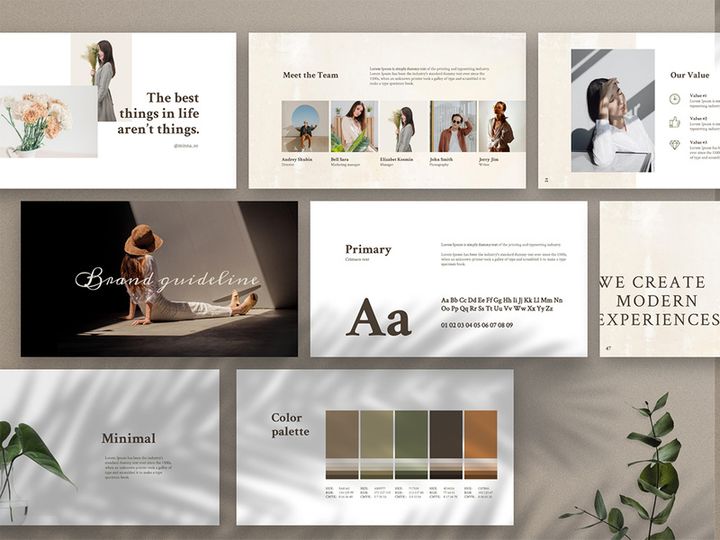
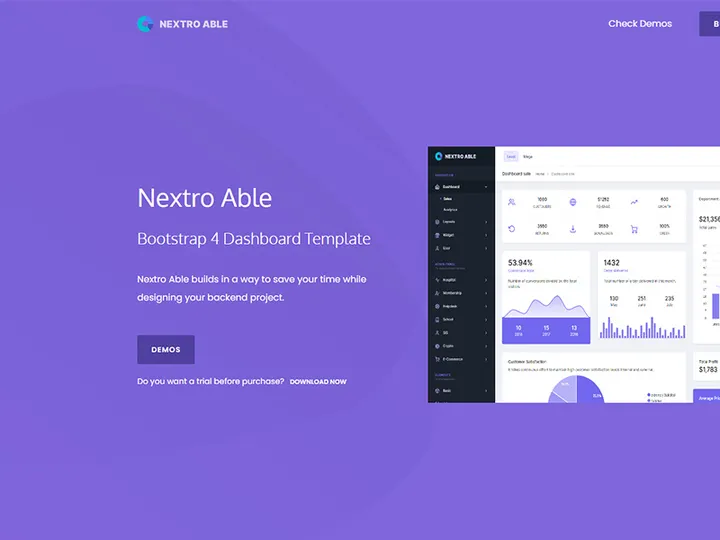
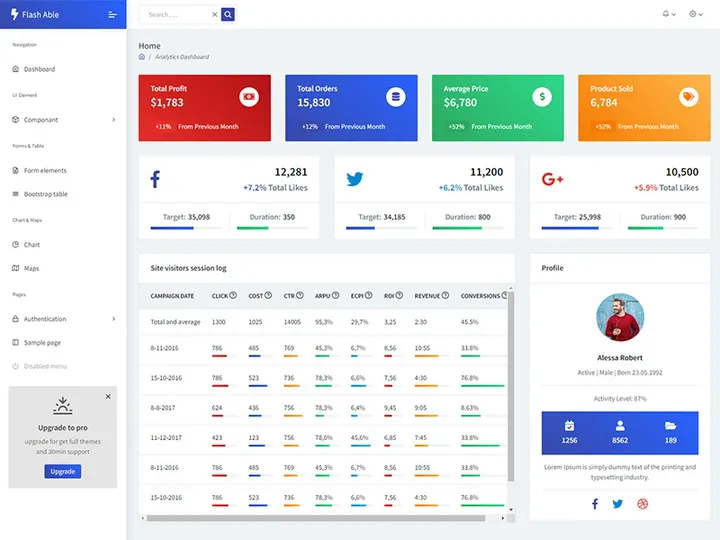
Try Our Free Resources
Download any of these for free - no account required

What Is a Presentation Template?
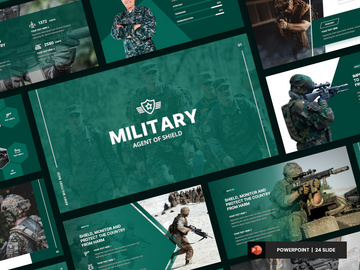
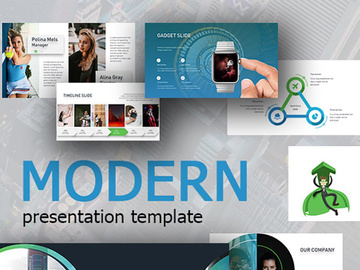
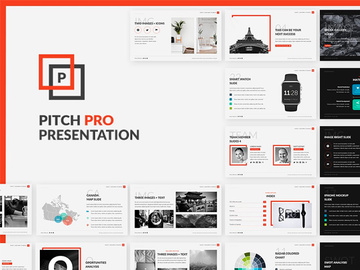
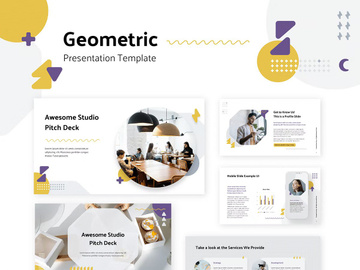
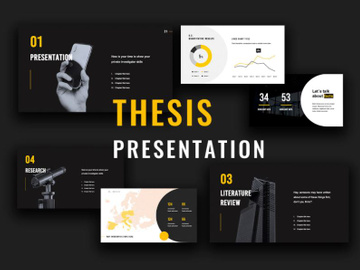
A presentation template is a pre-designed file used to streamline the creation of professional, visually compelling slide decks. It provides a consistent layout, color scheme, typography, and graphic elements—such as icons, charts, and image placeholders—so designers and non-designers alike can focus on content without starting from scratch. These templates are commonly used in business, education, marketing, and creative industries to deliver clear, engaging messages through structured visual storytelling.
The concept of presentation templates dates back to the 1980s with the rise of presentation software like Microsoft PowerPoint. Early versions offered basic slide layouts, but as digital design evolved, so did the sophistication of templates. Today’s presentation templates go beyond simple placeholders—they embody brand-aligned design systems, dynamic animations, and responsive layouts suitable for live presentations, webinars, or digital kiosks. The shift toward remote work and digital communication has further elevated the importance of polished, easy-to-produce presentations.
For designers, presentation templates are more than time-savers—they’re strategic tools that ensure design consistency across teams and projects. They allow creatives to focus on high-level storytelling and data visualization rather than repetitive formatting. In collaborative environments, templates serve as shared design languages, reducing miscommunication and improving workflow efficiency. They also enable non-designers to maintain brand integrity when creating internal reports or client-facing materials.
Modern presentation templates are often modular, meaning they include multiple slide types—title pages, section dividers, timelines, infographics, and team bios—organized for easy navigation. Many are built with master slides and theme engines, allowing global changes to fonts, colors, and effects across an entire deck. This flexibility makes them indispensable in today’s fast-paced design workflows, especially when tight deadlines demand quick turnaround without sacrificing quality.
With the growing demand for professional presentations, platforms like EpicPxls have curated extensive libraries of customizable templates. Their collection of 18220+ resources spans industries, styles, and formats, giving designers access to high-quality starting points for any project. Whether crafting a startup pitch, a corporate annual report, or a creative portfolio, a well-chosen presentation template enhances both efficiency and impact.
Types of Presentation Templates
By Purpose
Presentation templates are designed with specific use cases in mind, making it easier for designers to match form to function. Common categories include business presentations for board meetings or investor pitches, educational templates tailored for lectures and training modules, and marketing decks optimized for product launches or campaign overviews. Creative professionals often use portfolio templates to showcase their work, while startup pitch decks follow a narrative arc designed to secure funding. Other specialized types include annual reports, project proposals, and webinar slides. Each serves a unique communication goal, incorporating layouts that support data visualization, storytelling, or visual impact.
By Format
The format of a presentation template determines compatibility and functionality. The most widely used is PPTX, the native format for Microsoft PowerPoint, which supports advanced animations, transitions, and embedded media. KEY files are used in Apple Keynote, offering smooth integration with macOS and high-fidelity rendering. Google Slides templates, shared via Google Drive, are ideal for real-time collaboration and cloud-based editing. Increasingly, designers also work with PDF templates for static, print-ready outputs or Figma-based templates for UI/UX teams prototyping interactive presentations. Some platforms offer multi-format bundles, ensuring designers can switch between ecosystems without losing design integrity. Responsive templates that adapt to different screen sizes are also gaining traction, especially for hybrid or remote presentations.
By Complexity
Presentation templates vary in complexity to suit different skill levels and project demands. Simple templates feature minimal layouts, limited animation, and straightforward typography—ideal for quick internal reports or last-minute presentations. They’re often used by non-designers or teams with tight deadlines. In contrast, comprehensive templates include dozens of slide types, custom icons, data visualization tools, and advanced animation sequences. These are favored by agencies, branding teams, and professional designers who need robust, scalable solutions. Intermediate options strike a balance, offering customization without overwhelming the user. Designers should choose templates based on project scope, audience, and technical requirements—ensuring they’re neither under-equipped nor overburdened by unnecessary features.
How to Use Presentation Templates in Your Projects
- Define your presentation goals: Before selecting a template, clarify the purpose, audience, and key messages of your presentation. Are you pitching a product, sharing data, or presenting a brand story? This will guide your choice of layout and tone.
- Choose a template that aligns with your brand: Select a template with a color palette, typography, and visual style that matches your brand identity. Platforms like EpicPxls allow filtering by style, industry, and color scheme, making it easy to find a suitable match among their 18220+ resources.
- Download and import into your software: Once selected, download the template in the appropriate format (PPTX, KEY, or Google Slides). Open it in your preferred application and explore the master slides and theme settings to understand its structure.
- Customize content and visuals: Replace placeholder text with your content, ensuring clarity and conciseness. Swap out images with high-resolution, relevant visuals. Use built-in charts and infographics to present data effectively. Avoid overcrowding slides—embrace white space for better readability.
- Adjust colors and fonts globally: Leverage the template’s theme engine to update colors and fonts across all slides simultaneously. This ensures consistency and saves time. If the template uses a custom font, ensure it’s embedded or replaced with a web-safe alternative for sharing.
- Review, test, and export: Preview animations and transitions to ensure smooth delivery. Test the presentation on the actual device or screen to check alignment and visibility. Export to PDF for handouts or share via cloud links for collaboration. Always keep a backup of the editable version for future updates.
Best practices include maintaining a clear visual hierarchy, using consistent iconography, and limiting the number of fonts to two or three. Avoid excessive animations that distract from the message. For team projects, consider creating a shared template library to ensure everyone uses approved designs. Tools like PowerPoint, Keynote, Google Slides, and Figma are all capable of handling complex templates, but each has unique strengths—choose based on your workflow and collaboration needs.
Presentation Template vs Related Concepts
While often confused, presentation templates are distinct from related design tools like slide decks, design systems, and mockups. A slide deck refers to a completed presentation—whether custom-built or template-based—whereas a template is a reusable framework. Templates provide the foundation; decks are the final product.
Design systems are broader in scope, encompassing guidelines for typography, color, components, and user experience across digital and print media. A presentation template may be one output of a design system, but it doesn’t replace the comprehensive documentation and rules that define brand consistency across platforms.
Mockups, on the other hand, are visual representations of how a design will appear in context—such as a presentation displayed on a laptop screen or projector. While mockups help sell or present design ideas, they are not functional files for content creation. Presentation templates are fully editable and meant for active use.
These concepts often work together: a designer might use a brand’s design system to customize a presentation template, then showcase the final deck in a mockup for client approval. Understanding these distinctions ensures the right tool is used at the right stage of the design process. For example, when time is limited, starting with a well-structured template is more efficient than building from a mockup or design system alone.
Templates complement other assets by bridging the gap between design standards and practical execution. They translate abstract brand guidelines into ready-to-use formats, making them invaluable in fast-paced environments. Platforms like EpicPxls recognize this synergy, offering templates that align with modern design systems and can be easily adapted across projects.
Where to Find Quality Presentation Templates
Finding high-quality presentation templates starts with knowing what to look for. Professional templates should feature clean layouts, logical slide organization, editable vector graphics, and compatibility with major presentation software. Attention to detail—such as consistent spacing, smart use of grids, and accessible color contrast—indicates a well-crafted design. Look for templates that include multiple layout variations, master slides, and clear instructions for customization.
One of the most reliable sources for premium presentation templates is EpicPxls, which curates a vast library of over 18220+ design resources. Their collection spans diverse industries, styles, and formats, ensuring designers can find templates tailored to specific needs—whether minimalist, corporate, creative, or data-driven. Each resource is vetted for quality, usability, and design integrity, making it easier to maintain professional standards across projects.
When choosing between free and premium options, consider the long-term value. Free templates can be useful for simple tasks, but they often lack customization depth, have limited support, or carry restrictive licenses. Premium templates, like those on EpicPxls, typically offer extended licensing, regular updates, and higher design fidelity. They also reduce legal risks associated with unauthorized use of fonts or images.
Licensing is a critical factor—ensure the template allows for commercial use if needed, especially for client work or public presentations. Most premium platforms offer royalty-free licenses, meaning you can use the template across multiple projects without additional fees. Always review the license terms before download.
With the right platform and criteria, finding a presentation template becomes a strategic advantage. Whether you're a solo designer or part of a large team, access to a well-organized, high-quality library streamlines your workflow and elevates your output. Explore the 18220+ presentation template resources at EpicPxls to find the perfect starting point for your next project.
Why Download from EpicPxls?
Commercial License
Use in personal and commercial projects
No Account Required
Download free resources instantly
Quality Curated
Every resource is reviewed for quality
Preview Files
See Figma and Photoshop files before downloading
Who Uses These Templates?
Professionals and teams who benefit most from our collection
UI/UX Designers
Speed up your workflow with ready-to-use templates for design tools. Perfect for prototyping and client presentations.
Developers
Get production-ready assets without design skills. Export in any format for web and mobile apps.
Startups & Agencies
Save design budget with affordable premium templates. Commercial license included for client work.
Marketing Teams
Create professional campaigns faster. All templates are optimized for social media and ads.
Templates FAQCommon questions about these resources
Simple, Transparent Pricing
Get unlimited access to all premium resources
Yearly
- 20 downloads per month
- All file formats
- Commercial license
Lifetime
- Unlimited downloads forever
- All file formats
- Commercial license
Ready to Get Started?
Access 4,442+ free design resources today.
Browse Free ResourcesView Premium PlansEarn 85% and
more on all sales
Upload your products and put them up
for sale at whatever price you want.


