Design Resources for Developers: 6336+ Resources
EpicPxls offers 200+ curated design resources, all with a commercial license and editable source files (Figma, Sketch, PSD). This collection includes 200+ resources across UI kits, icons, fonts, templates, mockups, and illustrations - all curated for your specific needs.
Last updated February 13, 2026
Ship beautiful products without a design team — developer-ready assets.
Trusted by designers at leading companies
Featured Resources
Handpicked resources from our curated collection
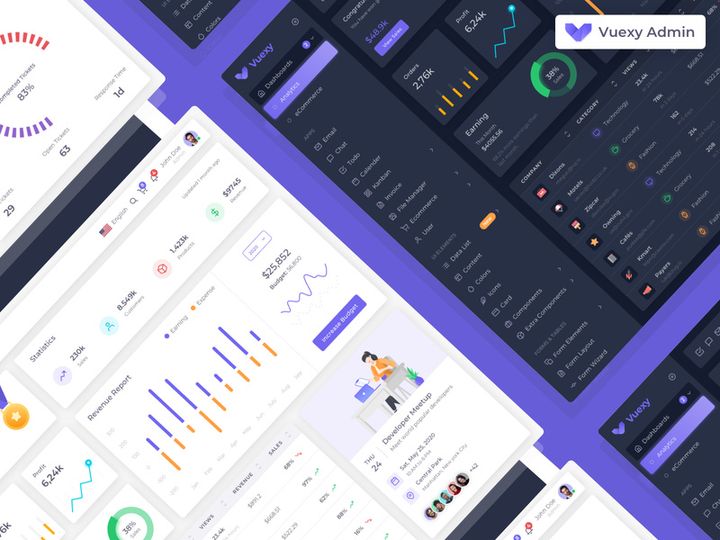
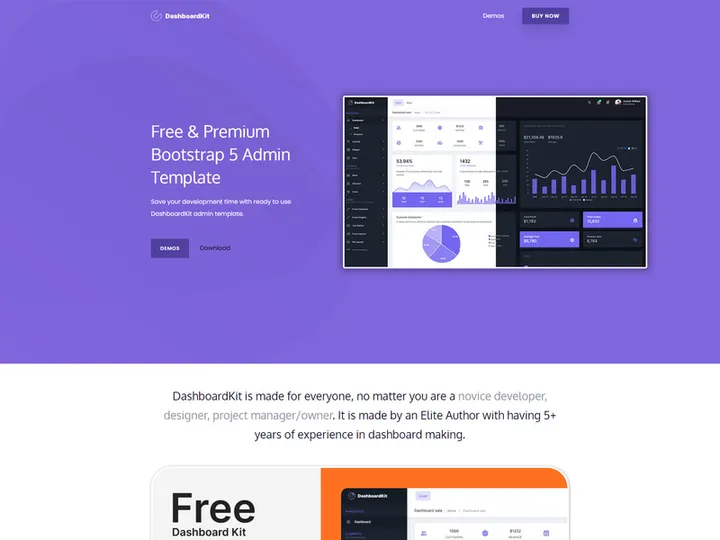
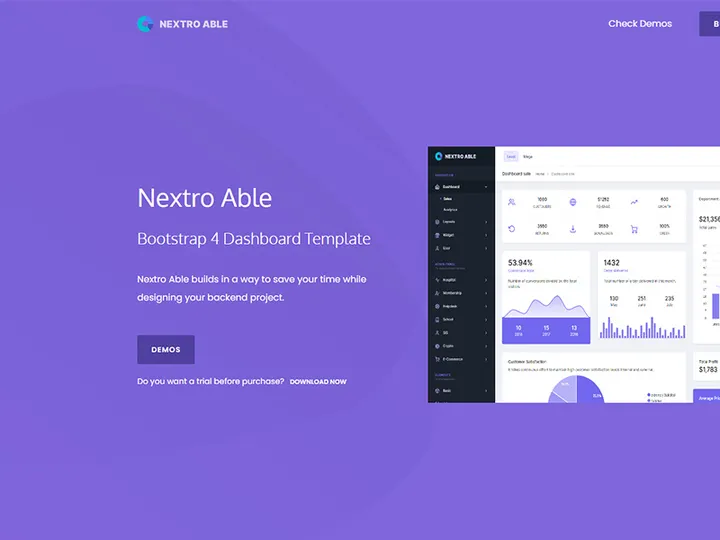
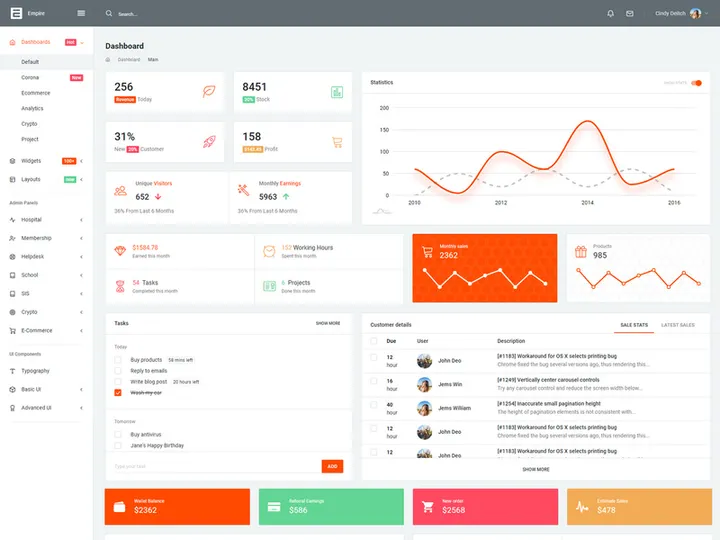
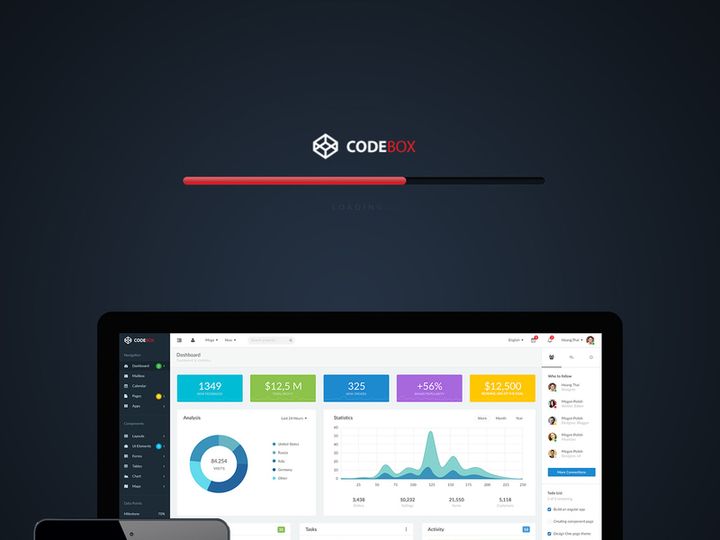
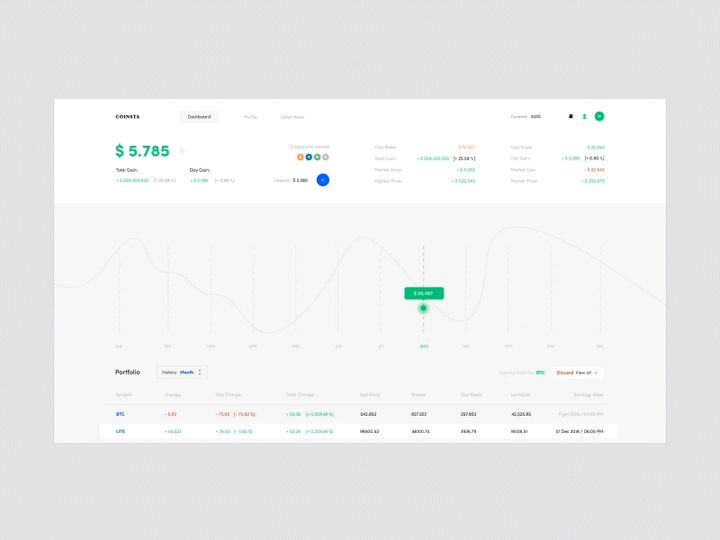
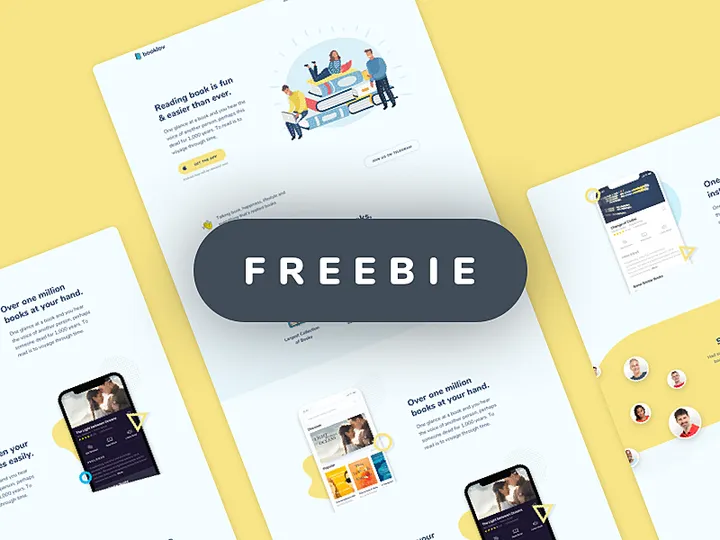
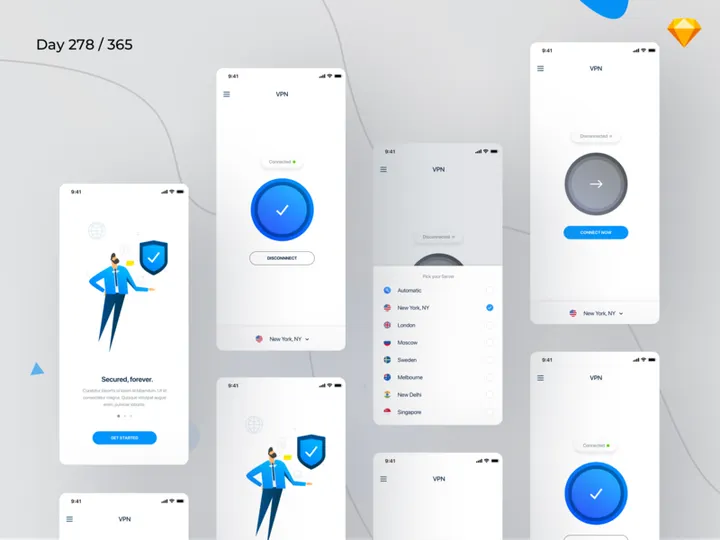
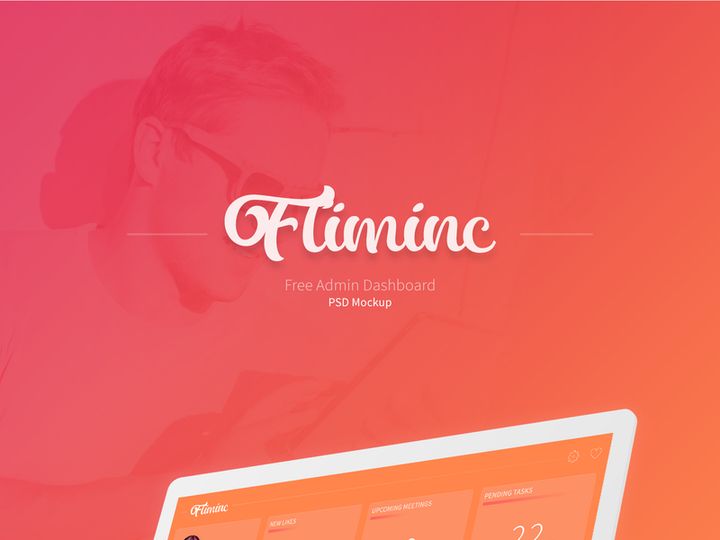
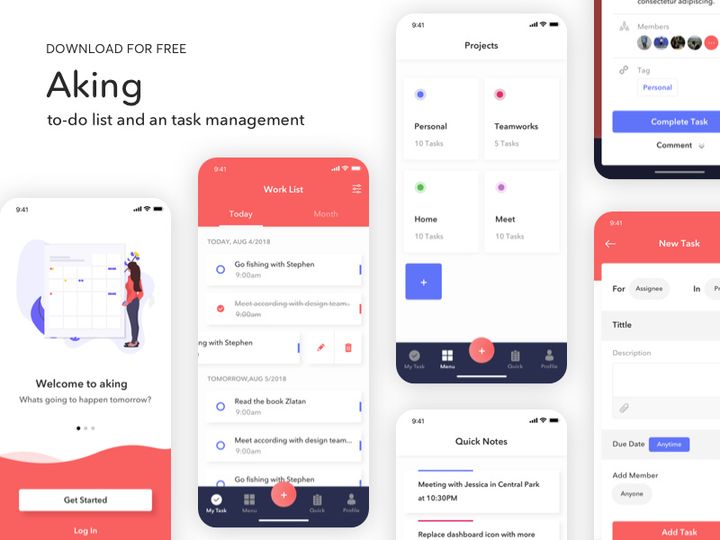
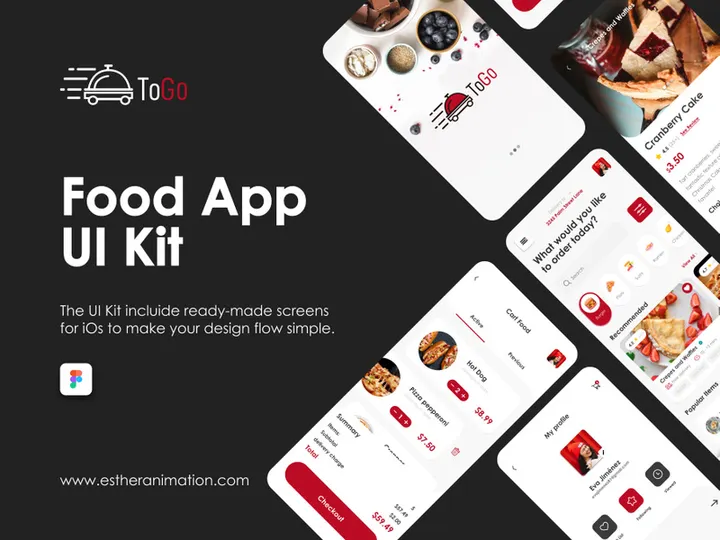

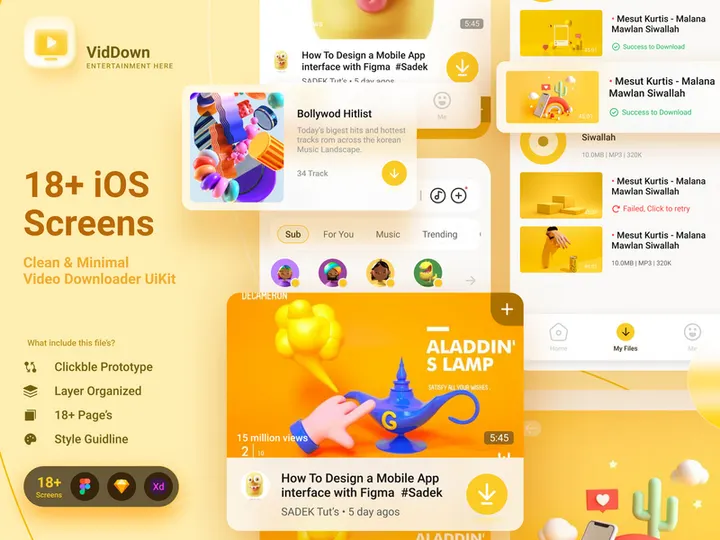
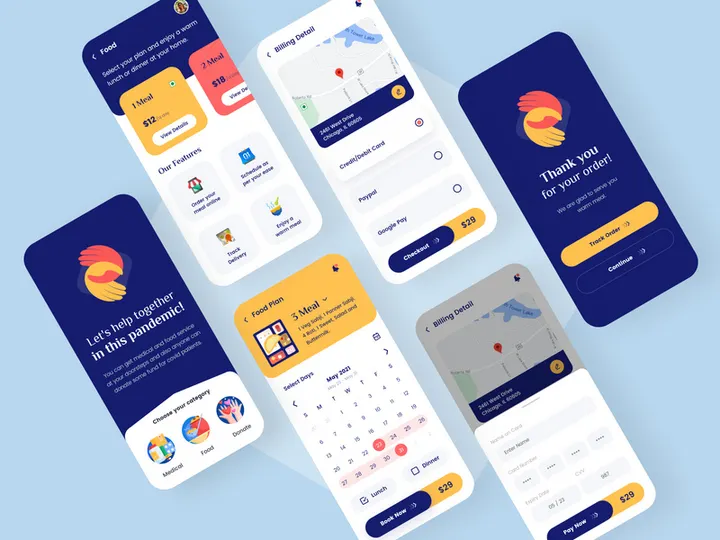
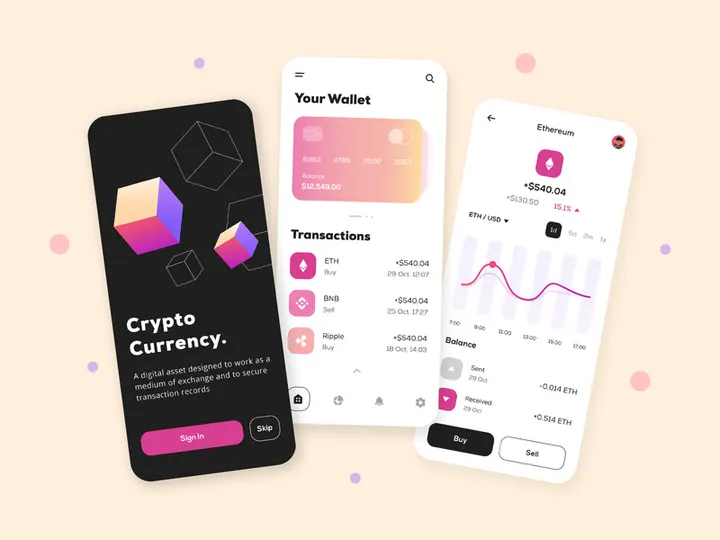
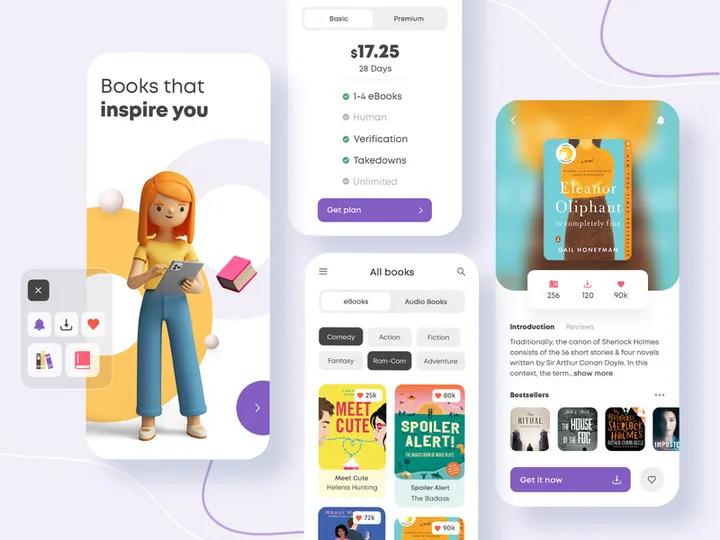
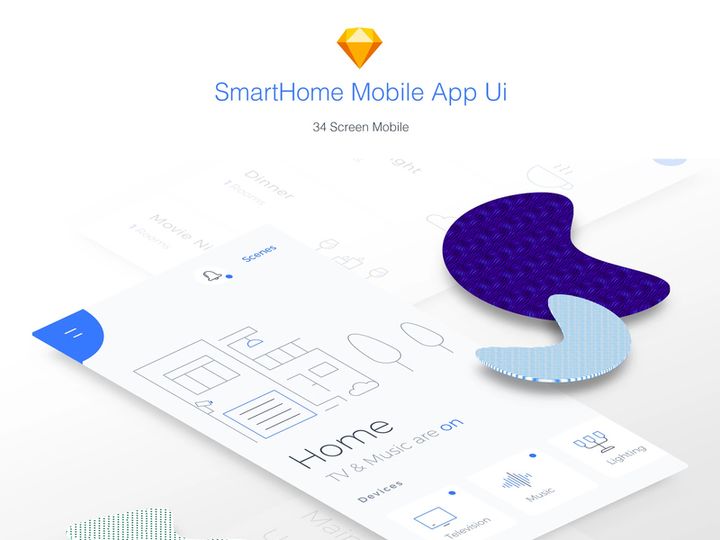
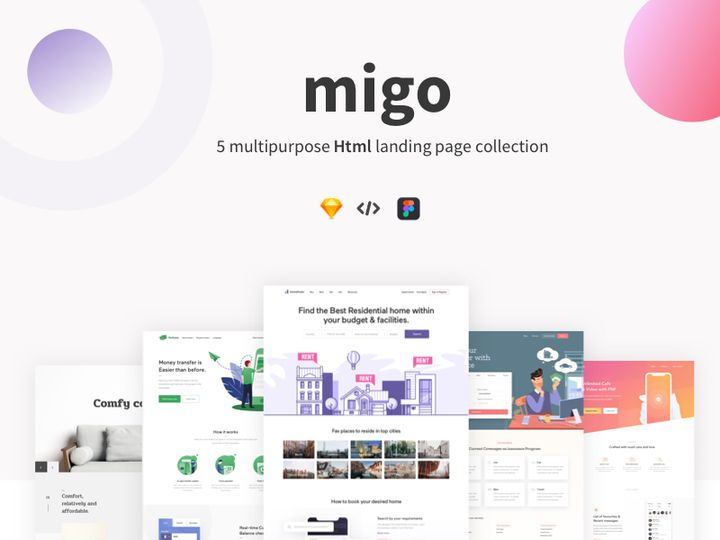
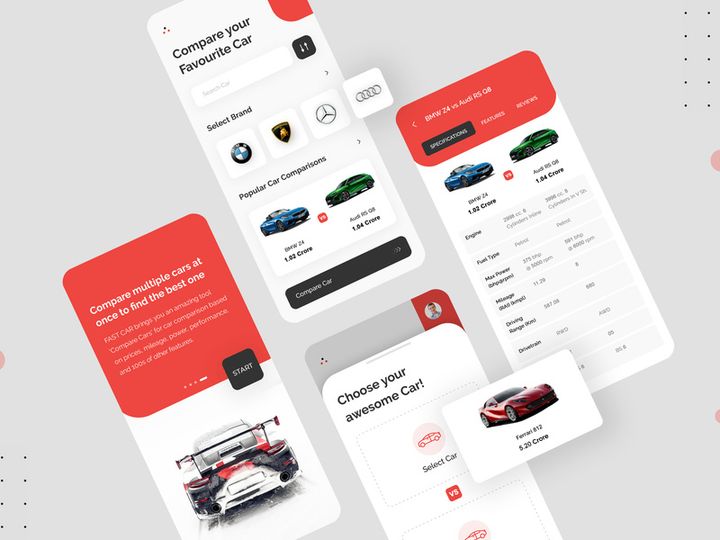
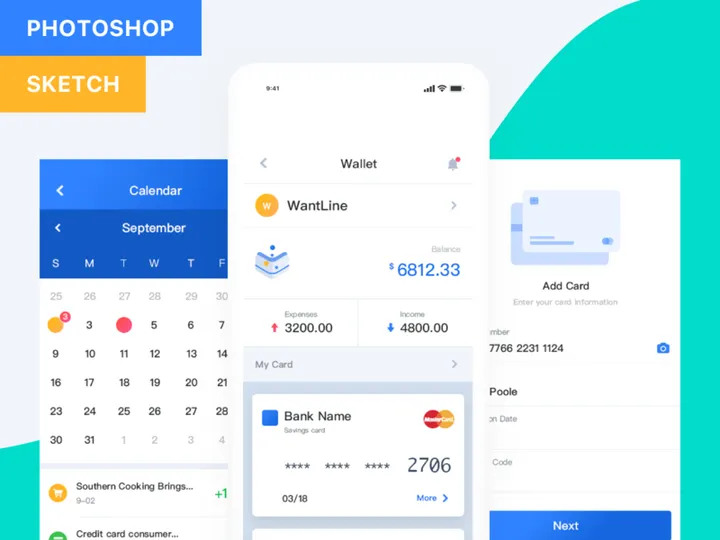
Try Our Free Resources
Download any of these for free - no account required
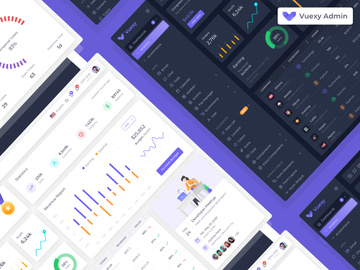
Design Challenges for Developers
Developers often wear multiple hats—coding, debugging, optimizing performance, and, increasingly, handling design responsibilities. While writing clean, efficient code is their core strength, stepping into design territory can present a unique set of challenges. Many developers aren’t formally trained in visual design, which can make tasks like choosing color palettes, aligning UI components, or creating intuitive user experiences feel overwhelming. Without a strong design background, it's easy to end up with functional but visually unappealing interfaces that don’t resonate with users.
Time and budget constraints only amplify these difficulties. In startups and small teams, developers are expected to deliver full-stack solutions quickly, leaving little room for extensive design iterations. Hiring dedicated designers may not be feasible, especially for side projects or early-stage products. Even when developers collaborate with designers, misalignment in tooling or file formats can slow down implementation. These bottlenecks often result in delayed launches or subpar user experiences.
This is where pre-made design resources become a game-changer. High-quality, ready-to-use assets eliminate the need to create visuals from scratch, allowing developers to focus on what they do best—building robust, scalable applications. With access to professionally designed UI kits, icons, illustrations, and templates, developers can maintain visual consistency and elevate their projects without sacrificing speed. Platforms like EpicPxls offer curated, developer-friendly resources that bridge the gap between functionality and aesthetics, empowering technical teams to deliver polished products efficiently. With over 200+ resources available, developers gain instant access to tools that streamline workflows and reduce design friction.
How EpicPxls Helps Developers
Curated Collections
EpicPxls is built with developers in mind. Instead of sifting through thousands of generic design files, you’ll find handpicked collections tailored to real-world development needs. Whether you're working on a web app, SaaS dashboard, or mobile interface, the platform offers resources that integrate seamlessly into technical workflows. Think wireframe templates, Figma UI kits compatible with developer handoff tools, SVG icons optimized for performance, and dark mode design systems that align with modern coding environments. These curated assets are selected not just for visual appeal, but for practicality and ease of implementation.
Time Savings
One of the biggest advantages of using EpicPxls is the significant time savings it offers. With over 200+ ready-to-use assets, developers can skip the tedious process of building UI components from the ground up. Need a login screen, pricing table, or settings panel? It’s already designed, tested, and available for immediate download. This accelerates prototyping, speeds up client deliverables, and allows developers to test user flows without waiting for design input. For solo developers or small teams, this efficiency translates directly into faster time-to-market and reduced development cycles.
Commercial Licensing
All resources on EpicPxls come with clear, developer-friendly commercial licensing. This means you can confidently use them in client projects, SaaS products, internal tools, or any commercial application without worrying about legal restrictions or attribution requirements. Many free resources online come with ambiguous licenses or require backlinks, which can create compliance risks. EpicPxls removes that uncertainty—every download is safe to use in professional environments. Whether you're building a portfolio piece or launching a startup, you can leverage these 200+ resources with full confidence in their usability and legality.
Getting Started: A Guide for Developers
Integrating design resources into your development workflow doesn’t have to be complicated. With the right approach, you can go from browsing to implementation in minutes. Here’s a step-by-step guide to help you get the most out of platforms like EpicPxls and start enhancing your projects with professional design assets.
- Identify your project needs. Before diving in, clarify what you're building. Are you creating a landing page, admin dashboard, or mobile onboarding flow? Knowing the context helps you filter for relevant resources like UI kits or icon sets.
- Browse curated collections on EpicPxls. Use category filters to narrow down assets by type, style, or framework compatibility. Look for resources that match your tech stack—Figma files for design collaboration, SVGs for web use, or React-ready components.
- Preview and evaluate quality. Open asset previews to check layer organization, naming conventions, and responsiveness. Well-structured files save time during implementation and make handoffs smoother if you're working with a designer later.
- Download and organize. Save assets to a dedicated project folder. Consider creating subfolders for icons, illustrations, and templates. Naming files clearly helps with long-term maintenance and team collaboration.
- Integrate into your workflow. Import UI kits into Figma or Sketch for prototyping. Extract SVGs for use in HTML or React components. Use color palettes and typography styles to update your CSS variables or design system tokens.
- Customize and iterate. Adapt the resources to match your brand or product requirements. Modify colors, adjust spacing, or combine components to create unique layouts. The goal isn’t to copy—but to build upon professional foundations.
Tips for developers: Use design tokens to maintain consistency across projects. Automate asset imports where possible—for example, using SVG sprites or icon libraries. And don’t forget version control—track changes to design files just like you would with code. With EpicPxls, you’re not just downloading static images; you’re gaining modular, reusable design components that integrate cleanly into modern development environments.
Recommended Resource Types for Developers
Must-Have Categories
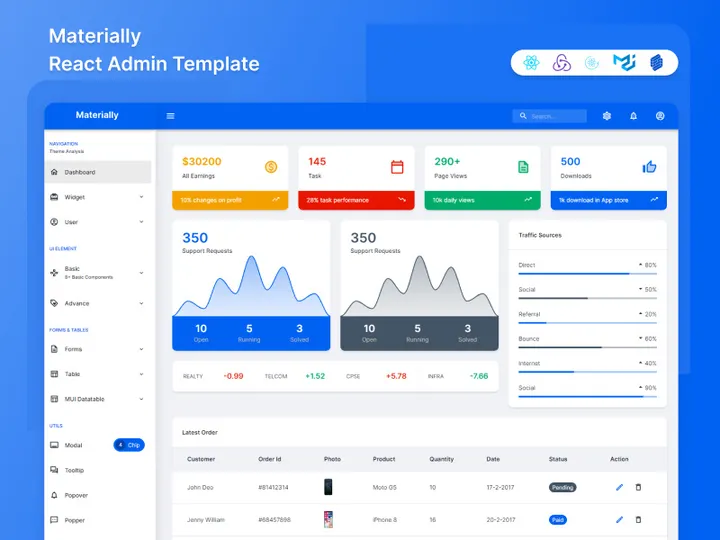
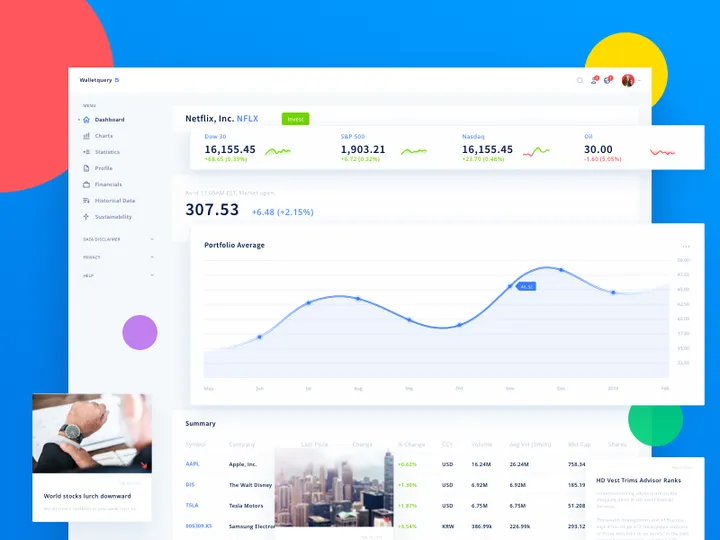
Not all design resources are created equal—some are far more valuable to developers than others. Start with high-impact categories that solve common UI challenges. UI kits are essential, especially those built for platforms like Figma or Webflow, offering complete sets of buttons, forms, cards, and navigation elements. Icon libraries in SVG format are lightweight, scalable, and easy to manipulate with code. Wireframe templates help visualize layouts before writing a single line of HTML. Component libraries with dark mode support are increasingly important, especially for developer tools and technical dashboards. Data visualization assets like chart templates and dashboard layouts also save hours of front-end styling and layout work.
Hidden Gems
Beyond the obvious picks, there are underused resources that can dramatically improve your projects. Loading animations and micro-interaction templates, for instance, add polish without requiring advanced animation skills. Error state illustrations and empty screen designs enhance user experience during edge cases—something many developers overlook. Realistic mockups (like laptop or phone screens with your app inside) are perfect for demos, pitches, or documentation. Developer documentation templates help create clean, professional guides for APIs or SDKs. And accessibility overlays or contrast-checking tools ensure your interfaces meet WCAG standards without manual testing.
Free vs Premium
While free resources are abundant, they often come with trade-offs: limited variety, inconsistent quality, or restrictive licenses. Premium assets, like those available through EpicPxls, offer superior organization, scalability, and commercial rights. A smart strategy is to use free assets for prototypes or personal projects, but invest in premium resources for client work or production apps. Think of it as paying for reliability and time savings. With over 200+ resources available, EpicPxls provides a balanced mix of accessible and high-value assets, allowing developers to spend wisely. Prioritize spending on kits that are frequently reused—like admin panels or form systems—because the ROI in saved development time is immediate and substantial.
Success Tips for Developers
To truly benefit from design resources, developers should treat them as long-term tools, not one-off downloads. Start by being intentional—only download assets you’ll actually use. Cluttered libraries slow you down. Instead, build a personal design library organized by project type, technology, or use case. This makes it easy to reuse components across apps and maintain visual consistency in your portfolio.
Maximize value by customizing resources to fit your needs. Rename layers, update color variables, and save modified versions for future use. If you frequently build dashboards, create a master template by combining the best elements from multiple UI kits. Over time, this becomes a powerful accelerator for new projects. Also, consider documenting your most-used components—like a personal design system—which can improve collaboration and onboarding for team members.
Stay current by revisiting platforms like EpicPxls regularly. New resources are added frequently, including trending styles like glassmorphism, neumorphism, or AI-themed illustrations perfect for tech startups. Subscribing to update notifications ensures you don’t miss additions that could solve emerging design challenges. Finally, share your findings with your team or community. Whether it’s a time-saving icon pack or a responsive grid template, spreading knowledge amplifies the impact of these 200+ resources. With the right habits, developers can turn design from a bottleneck into a competitive advantage—building better products, faster, and with less stress.
Why Download from EpicPxls?
Commercial License
Use in personal and commercial projects
No Account Required
Download free resources instantly
Quality Curated
Every resource is reviewed for quality
Preview Files
See Figma and Photoshop files before downloading
Who Uses These Resources?
Professionals and teams who benefit most from our collection
UI/UX Designers
Speed up your workflow with ready-to-use resources for design tools. Perfect for prototyping and client presentations.
Developers
Get production-ready assets without design skills. Export in any format for web and mobile apps.
Startups & Agencies
Save design budget with affordable premium resources. Commercial license included.
Marketing Teams
Create professional campaigns faster. All resources are optimized for social media and ads.
Frequently Asked QuestionsCommon questions about these resources
Simple, Transparent Pricing
Get unlimited access to all premium resources
Yearly
- 20 downloads per month
- All file formats
- Commercial license
Lifetime
- Unlimited downloads forever
- All file formats
- Commercial license
Ready to Get Started?
Access 4,442+ free design resources today.
Browse Free ResourcesView Premium PlansEarn 85% and
more on all sales
Upload your products and put them up
for sale at whatever price you want.


