Design Resources for Freelancers: 18957+ Resources
EpicPxls offers 200+ curated design resources, all with a commercial license and editable source files (Figma, Sketch, PSD). This collection includes 200+ resources across UI kits, icons, fonts, templates, mockups, and illustrations - all curated for your specific needs.
Last updated February 13, 2026
Deliver client projects faster with professional, ready-to-customize assets.
Trusted by designers at leading companies
Featured Resources
Handpicked resources from our curated collection

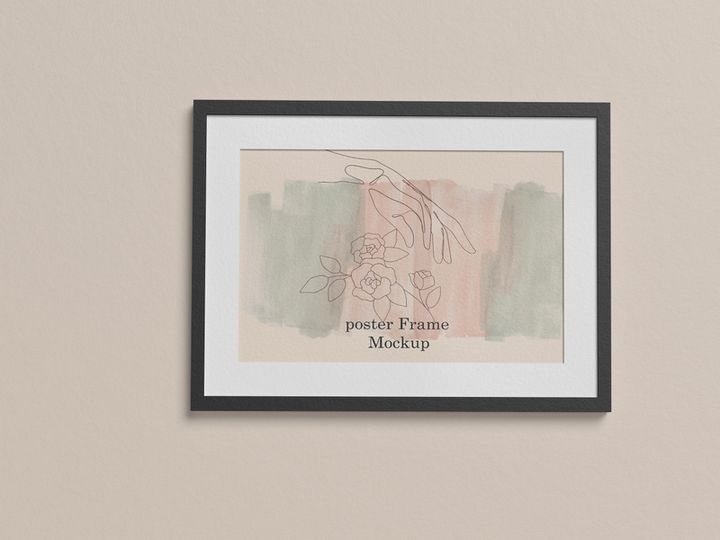
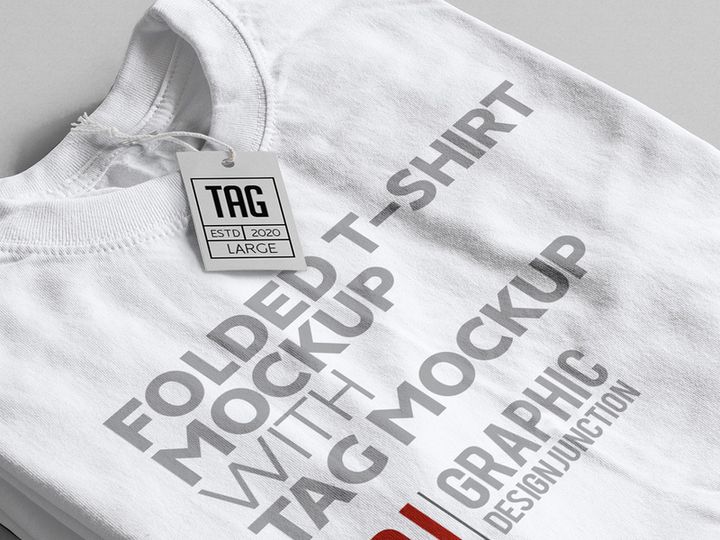
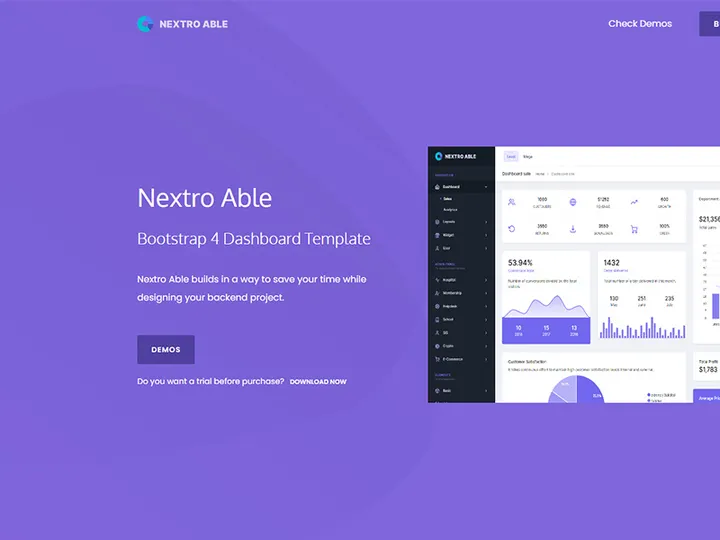
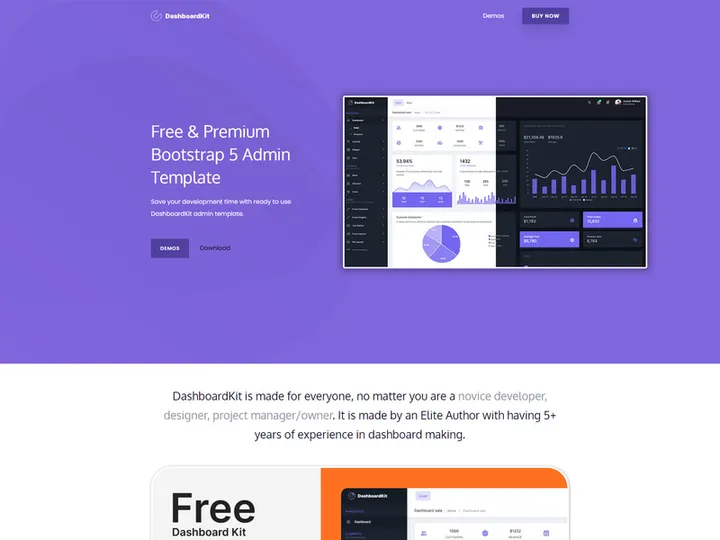

![Sketches Mockup [Free Download] preview picture](https://imgproxy.epicpxls.com/3YnS1ECZMyWI6AV8ADJKhn4OtJpo3UiZFNA4jkSYdys/rs:fill:720:540:0/g:no/aHR0cHM6Ly9pdGVt/cy5lcGljcHhscy5j/b20vdXBsb2Fkcy9w/aG90by9kNjRiNzA5/MGQ1Nzg2NDhmYjgz/ZjQ4MDU0MzNjOTY0/NA.jpg)
Try Our Free Resources
Download any of these for free - no account required
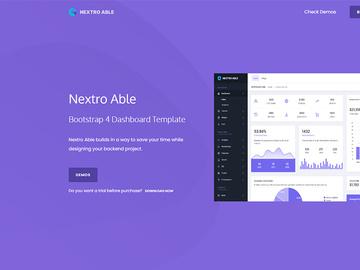
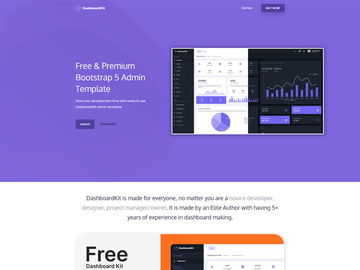
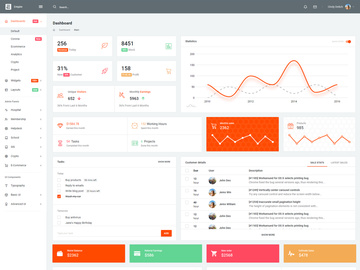
Design Challenges for Freelancers
Freelance designers face a unique set of challenges that in-house creatives often don’t encounter. Juggling multiple clients, tight deadlines, and fluctuating budgets means every minute counts. One of the biggest pain points is the pressure to deliver high-quality work quickly—without compromising on originality or creativity. Unlike agency teams with dedicated support staff and large budgets, freelancers typically operate solo, handling everything from client communication to project delivery and revisions.
Time and budget constraints are especially acute. Many freelance projects come with aggressive timelines, leaving little room for extensive brainstorming or custom design from scratch. At the same time, clients often expect polished, professional results at a fraction of agency rates. This creates a difficult balancing act: how to produce standout work efficiently while maintaining profitability. Without the right tools, freelancers can quickly burn out, spending hours on repetitive design tasks that eat into their income and creative energy.
This is where pre-made design resources become a game-changer. Instead of reinventing the wheel for every project, freelancers can leverage professionally designed templates, graphics, UI kits, and more to accelerate their workflow. With access to reliable, customizable assets, designers can focus on strategy, client collaboration, and creative refinement—rather than getting stuck on foundational elements. Platforms like EpicPxls offer 200+ resources that empower freelancers to work smarter, scale their output, and maintain quality across diverse projects. These ready-to-use tools don’t limit creativity—they enhance it by removing technical bottlenecks and giving designers more freedom to innovate.
How EpicPxls Helps Freelancers
Curated Collections
One of the most valuable aspects of EpicPxls is its thoughtfully curated collections. Every resource is selected with real-world freelance work in mind, from logo templates and social media kits to wireframes and branding toolkits. This focus ensures that freelancers aren’t sifting through irrelevant or overly niche content. Whether you're launching a new brand identity, designing a website mockup, or creating promotional materials, you’ll find assets tailored to common freelance deliverables. The platform’s organization makes it easy to locate exactly what you need, saving time and reducing decision fatigue.
Time Savings
Time is a freelancer’s most precious resource. Starting every project from zero isn’t sustainable—especially when deadlines pile up. With over 200+ resources available on EpicPxls, freelancers can bypass the initial design phase and jump straight into customization. Need a modern business card layout? There’s a template for that. Building a mobile app prototype? Access ready-made UI components. These pre-built assets cut hours—even days—off project timelines, allowing freelancers to take on more clients or focus on higher-value tasks like client strategy and user experience planning.
Commercial Licensing
A major concern for freelancers is the legal use of design assets in client projects. Many free resources come with restrictive licenses that prohibit commercial use or resale, which can put your work—and your reputation—at risk. EpicPxls eliminates this worry by offering full commercial licensing on all its resources. This means every download can be used freely in client work, digital products, branding materials, and marketing campaigns without additional fees or attribution requirements. You maintain full creative control and peace of mind, knowing your deliverables are legally sound and professionally vetted.
Getting Started: A Guide for Freelancers
- Browse by Use Case: Begin by exploring the EpicPxls library with your current or upcoming projects in mind. Filter resources by category—such as branding, web design, or social media—to quickly find relevant assets. This targeted approach helps you discover tools that directly support your workflow.
- Review Licensing and Compatibility: Before downloading, check that the resource includes commercial use rights and works with your preferred design software (e.g., Figma, Adobe XD, Photoshop). Most EpicPxls assets are multi-format, making them versatile across platforms.
- Download and Organize: Once you’ve selected a resource, download it and save it in a structured folder system. Consider organizing by project type, client, or resource category. Building a personal library from the start saves time in future projects.
- Customize for Your Client: Open the file in your design tool and begin adapting it to the client’s brand—adjust colors, typography, imagery, and layout. Because these are professional-grade templates, minor edits often yield a fully original look.
- Test Across Devices and Formats: For digital projects, preview your design on different screen sizes. For print, verify resolution and bleed settings. Using a solid base from EpicPxls reduces the chance of technical errors down the line.
- Deliver and Archive: After client approval, deliver the final files and archive the project folder—including the original EpicPxls resource—for future reference or revisions. This creates a reusable knowledge base and strengthens your long-term efficiency.
By integrating 200+ resources from EpicPxls into a structured workflow, freelancers can drastically reduce repetitive tasks, maintain consistency across deliverables, and position themselves as efficient, reliable partners. Over time, this process not only speeds up project turnaround but also enhances the quality and professionalism of your output.
Recommended Resource Types for Freelancers
Must-Have Categories
Certain design resources are indispensable for freelancers due to their high frequency of use across client projects. Brand identity kits—including logo templates, color palettes, and typography guides—help launch cohesive visual systems quickly. Social media templates (for Instagram posts, stories, and ads) are essential for clients focused on digital marketing. Website and app UI kits streamline the design of responsive interfaces, while presentation templates elevate client pitches and reports. These categories form the backbone of most freelance design work and are well-represented in the EpicPxls collection.
Hidden Gems
Beyond the obvious picks, there are several underused but highly valuable resources that can set freelancers apart. Design system components, such as icon sets, button styles, and form elements, ensure consistency in larger projects. Mood board templates help communicate creative direction early in the process, reducing revision cycles. Print mockups allow you to present business cards, brochures, or packaging designs in a realistic context—adding polish to your presentations. Even email newsletter templates are worth exploring, as many clients need ongoing digital communication assets. These “hidden gems” may not be used daily, but when needed, they save significant effort and elevate your professionalism.
Free vs Premium
Freelancers often start with free resources to manage costs, and while these can be useful, they come with limitations—generic designs, lower quality, and restricted licensing. Premium assets, like those offered by EpicPxls, provide higher originality, better support, and full commercial rights. A smart strategy is to use free tools for personal experiments or learning, but invest in premium resources for client-facing work. Think of it as a long-term ROI: spending a small amount upfront saves hours of rework and protects you from legal risks. With over 200+ resources available at a flat access rate, EpicPxls offers a cost-effective alternative to piecemeal purchases, giving freelancers broad coverage without overspending.
Success Tips for Freelancers
To truly maximize the value of design resources, freelancers should adopt a proactive approach. First, treat every download as an opportunity to learn. Study how the templates are structured—layer organization, naming conventions, use of grids and constraints. This not only speeds up customization but also improves your overall design skills. Platforms like EpicPxls offer professionally built assets, so they serve as both tools and educational references.
Second, build a personal design library over time. As you download and use resources, categorize and tag them for quick retrieval. Create subfolders for client types (e.g., startups, restaurants, e-commerce) or project stages (e.g., pitch decks, final deliverables). This personalized system becomes a powerful asset, reducing reliance on external searches and enabling faster turnarounds. Whenever you complete a successful project, consider saving your customized version as a new template—it’s a simple way to compound efficiency.
Finally, stay current with new additions. The design landscape evolves rapidly, and fresh resources reflect current trends in aesthetics, usability, and technology. EpicPxls regularly updates its collection with modern styles and emerging formats, so checking in monthly ensures you’re offering clients up-to-date solutions. Whether it’s dark mode UI components or minimalist branding kits, staying informed helps you remain competitive and relevant in a crowded freelance market. By combining smart resource use with continuous learning, freelancers can deliver exceptional results—faster, smarter, and with greater confidence.
Why Download from EpicPxls?
Commercial License
Use in personal and commercial projects
No Account Required
Download free resources instantly
Quality Curated
Every resource is reviewed for quality
Preview Files
See Figma and Photoshop files before downloading
Who Uses These Resources?
Professionals and teams who benefit most from our collection
UI/UX Designers
Speed up your workflow with ready-to-use resources for design tools. Perfect for prototyping and client presentations.
Developers
Get production-ready assets without design skills. Export in any format for web and mobile apps.
Startups & Agencies
Save design budget with affordable premium resources. Commercial license included for client work.
Marketing Teams
Create professional campaigns faster. All resources are optimized for social media and ads.
Frequently Asked QuestionsCommon questions about these resources
Simple, Transparent Pricing
Get unlimited access to all premium resources
Yearly
- 20 downloads per month
- All file formats
- Commercial license
Lifetime
- Unlimited downloads forever
- All file formats
- Commercial license
Ready to Get Started?
Access 4,442+ free design resources today.
Browse Free ResourcesView Premium PlansEarn 85% and
more on all sales
Upload your products and put them up
for sale at whatever price you want.


