Retro Fonts: 221+ Retro Designs
EpicPxls offers 200+ curated fonts, all with a commercial license and editable source files (Figma, Sketch, PSD). Retro fonts are characterized by specific visual elements, typography choices, and color palettes that define the retro aesthetic in design.
Last updated February 12, 2026
Discover 221+ curated retro fonts for your projects.
Trusted by designers at leading companies
Top Fonts
Handpicked resources from our curated collection
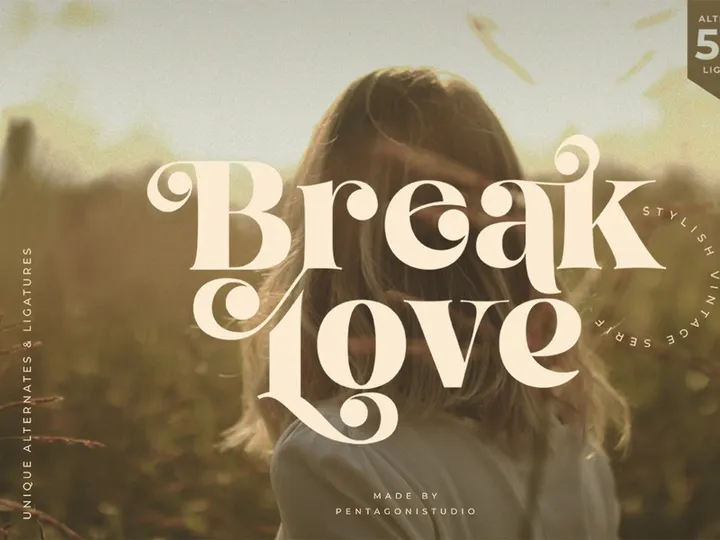
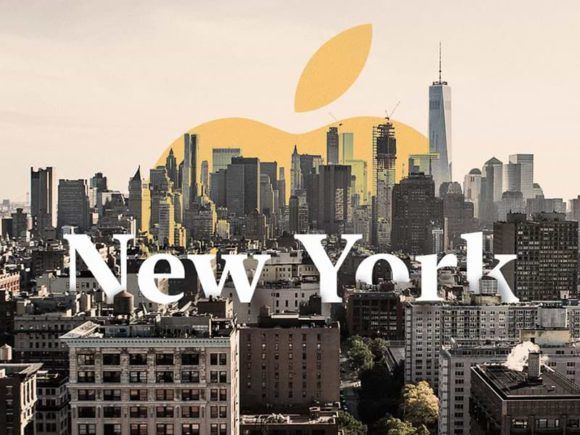
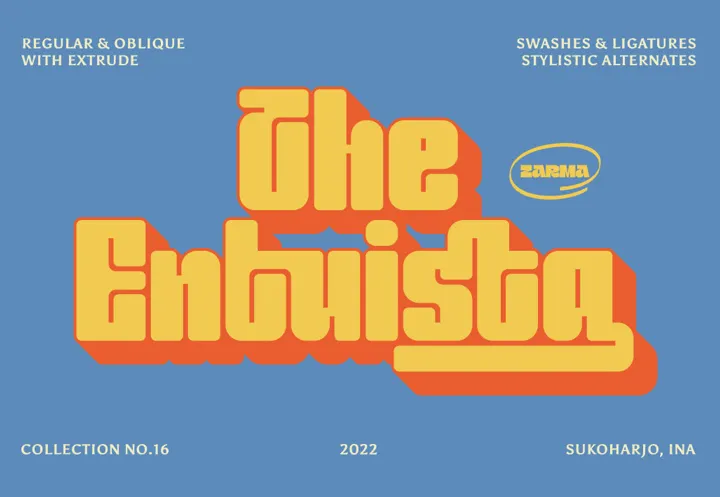
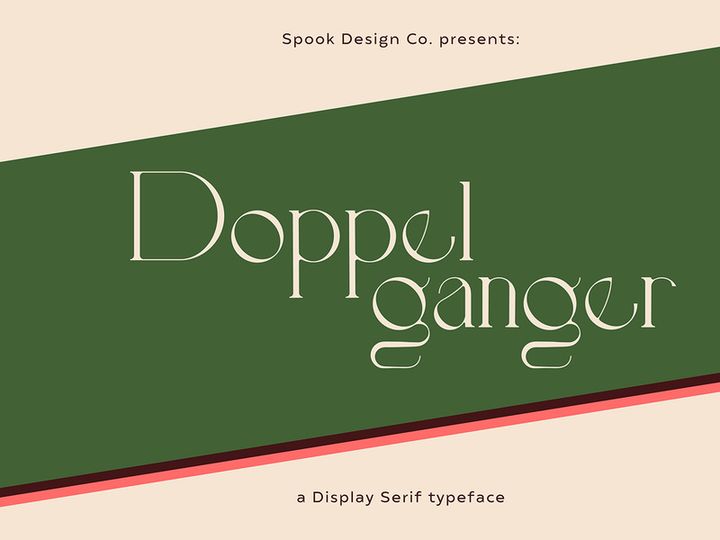
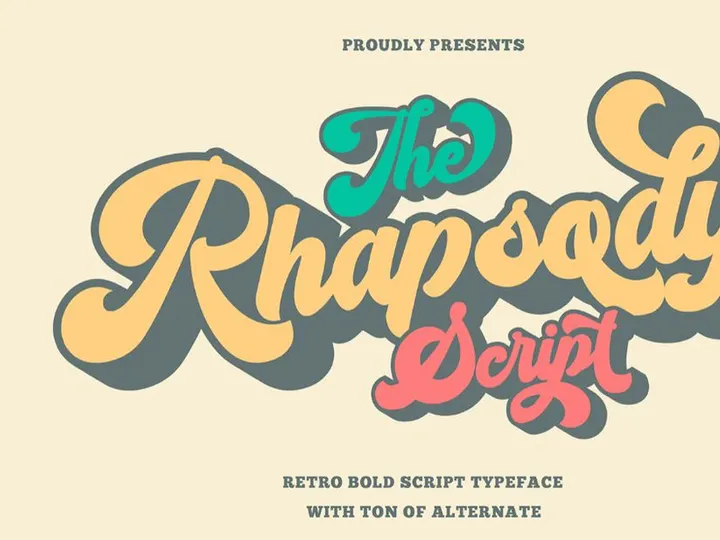
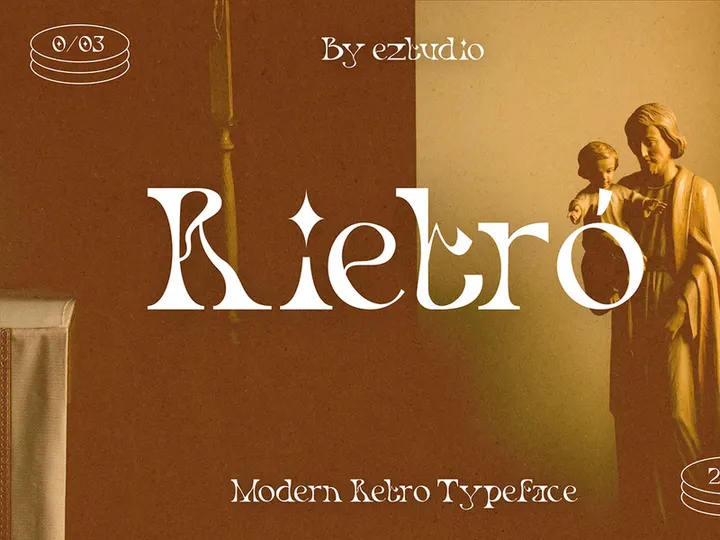
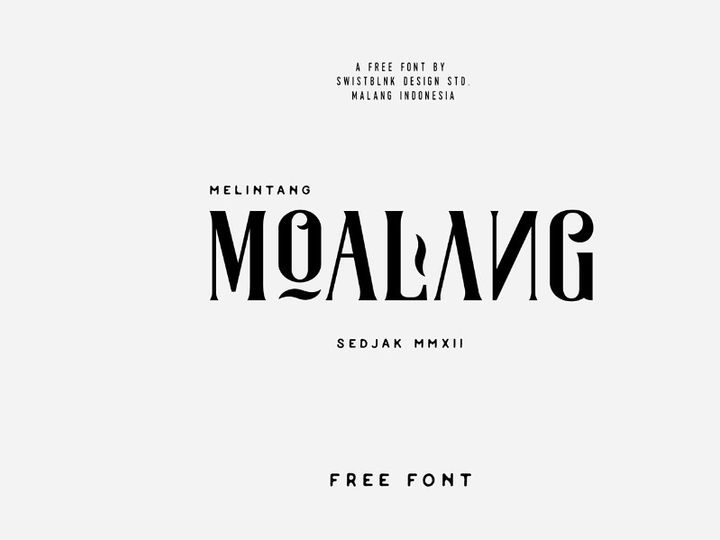
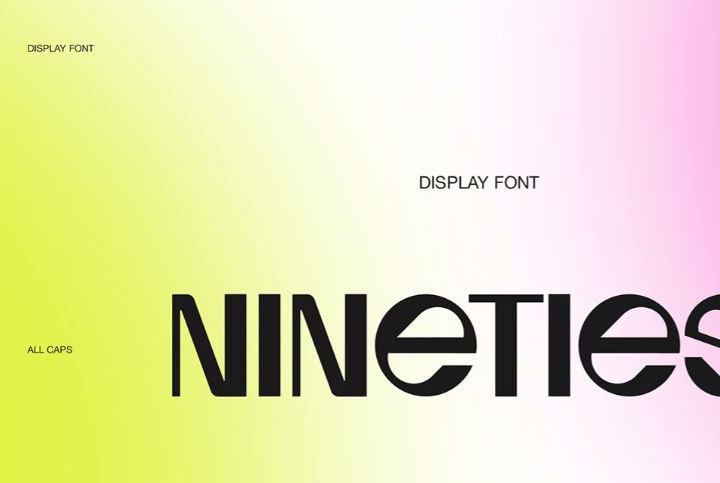
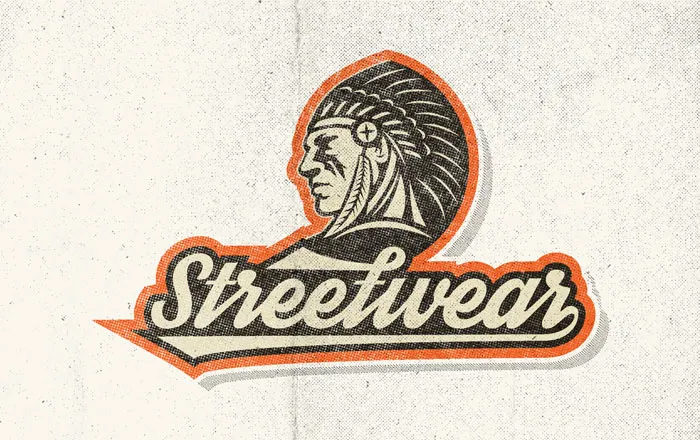
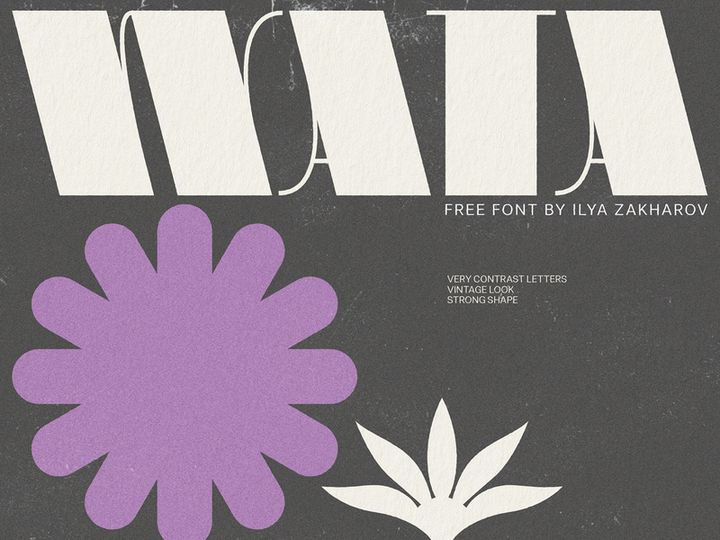
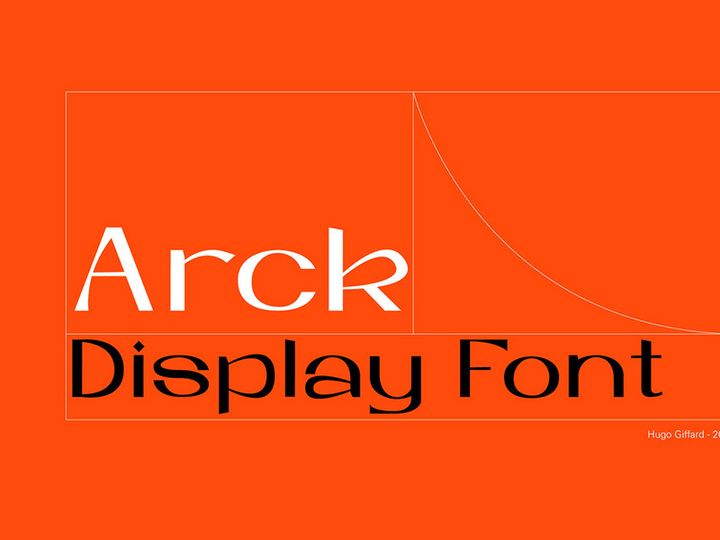
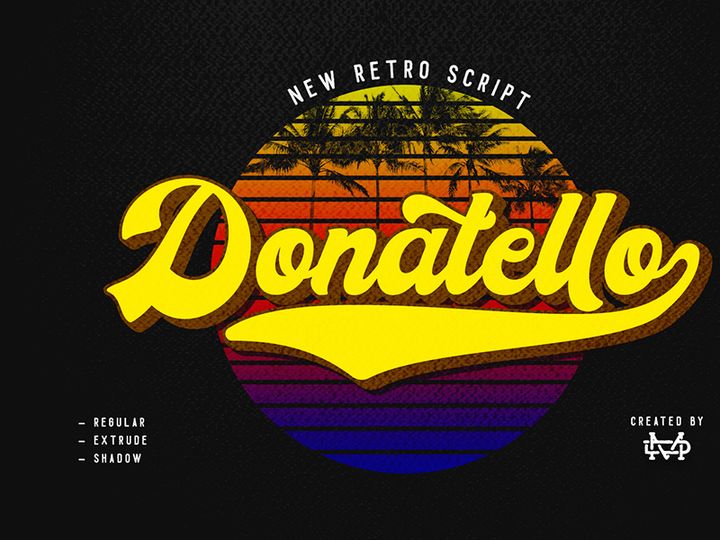
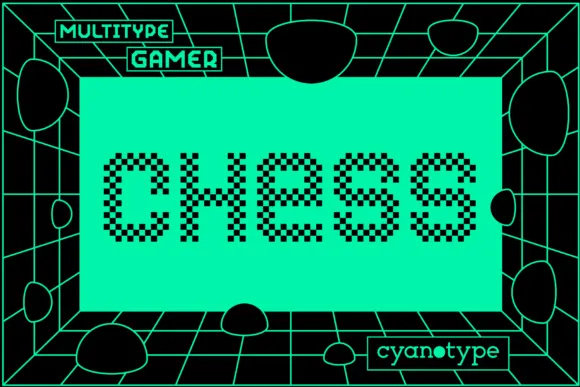
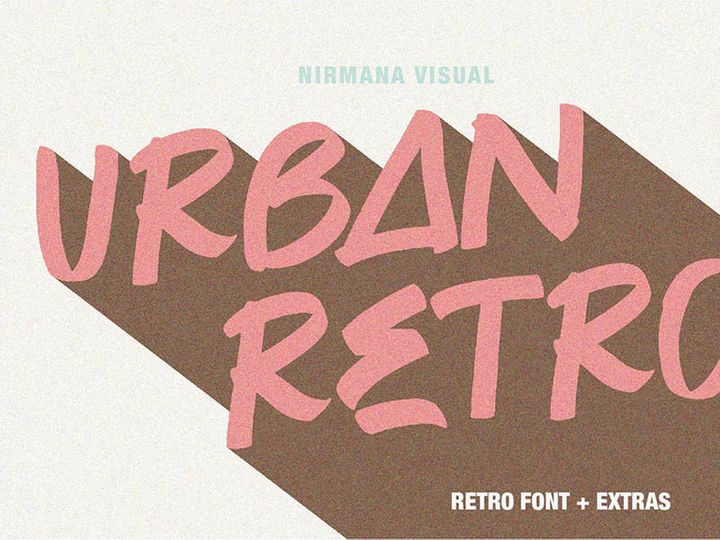
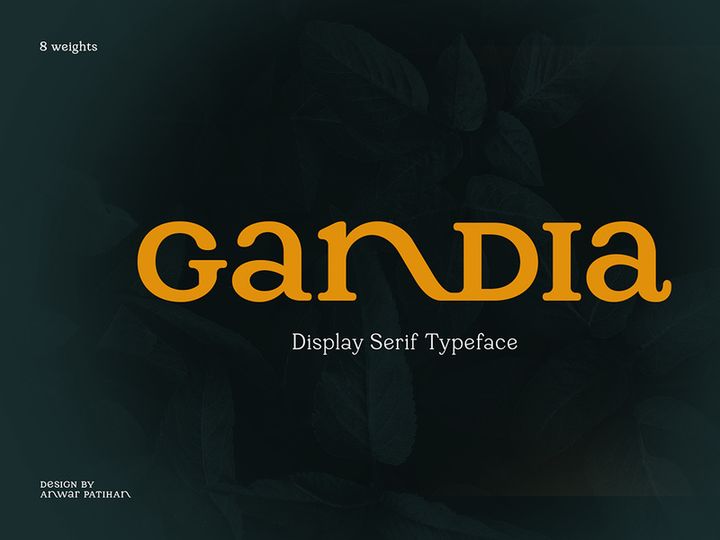
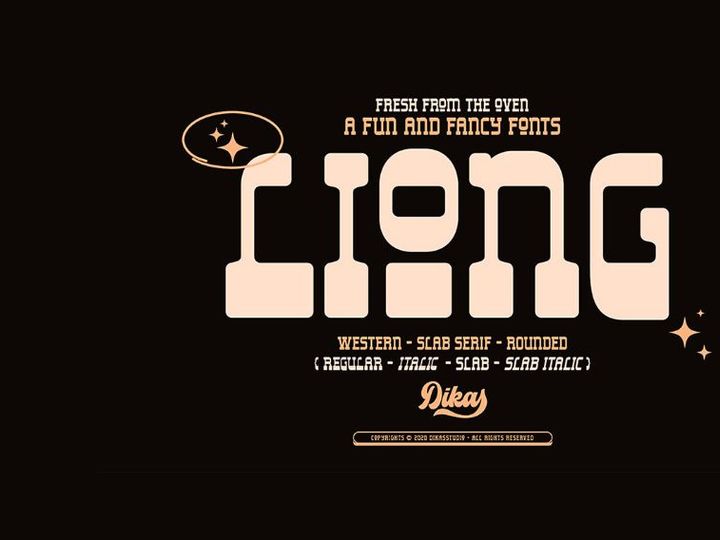
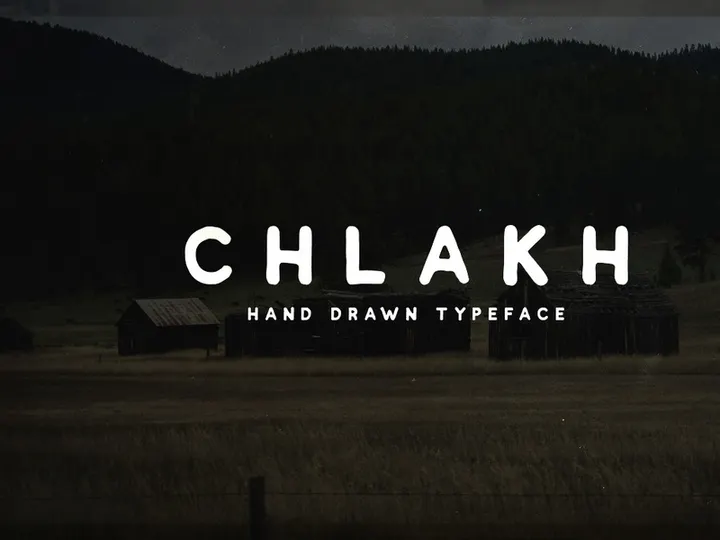
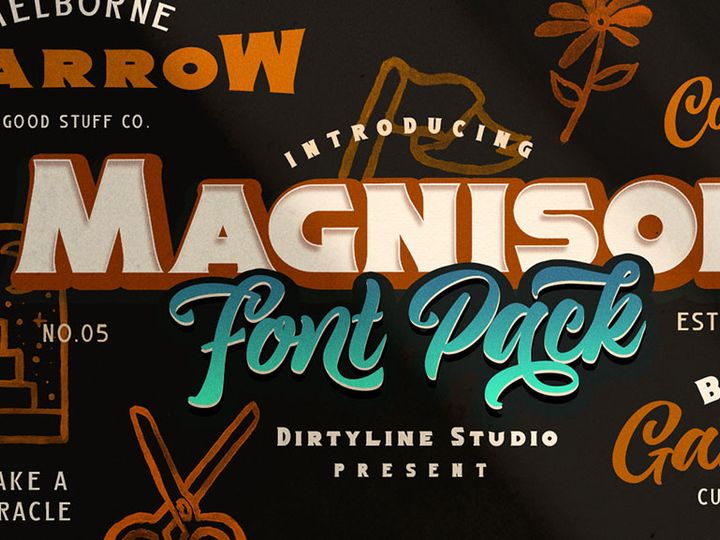
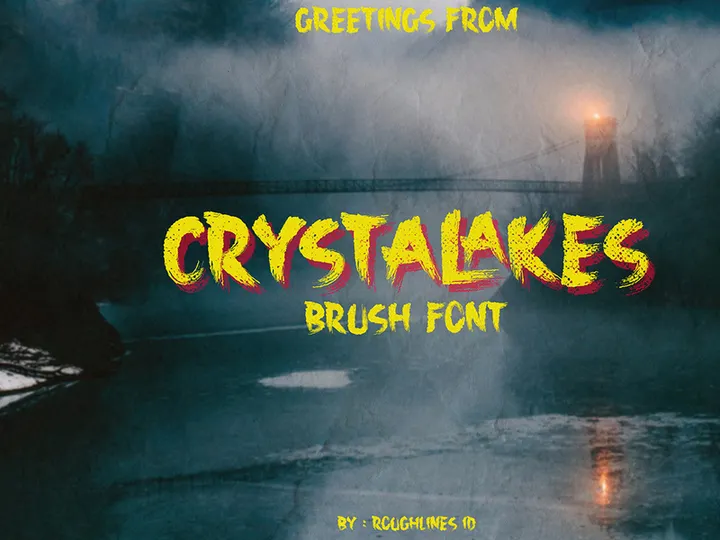
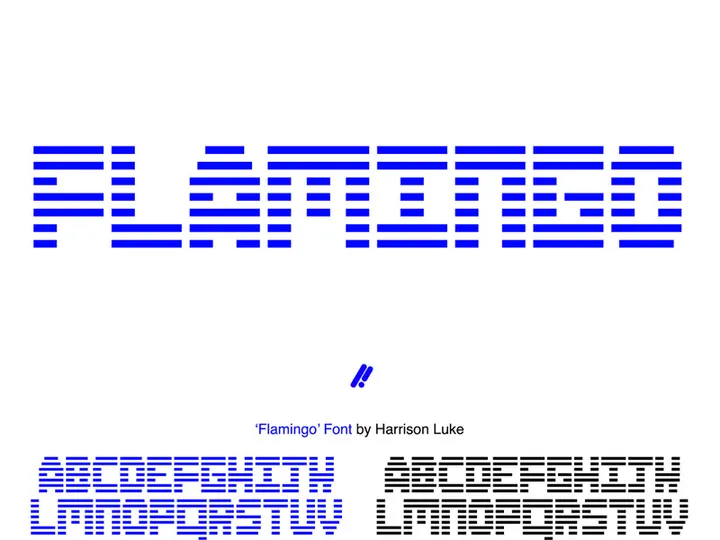
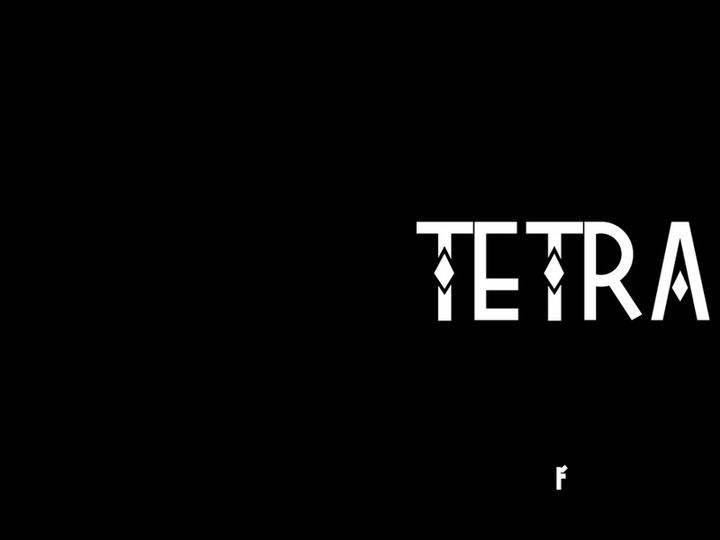
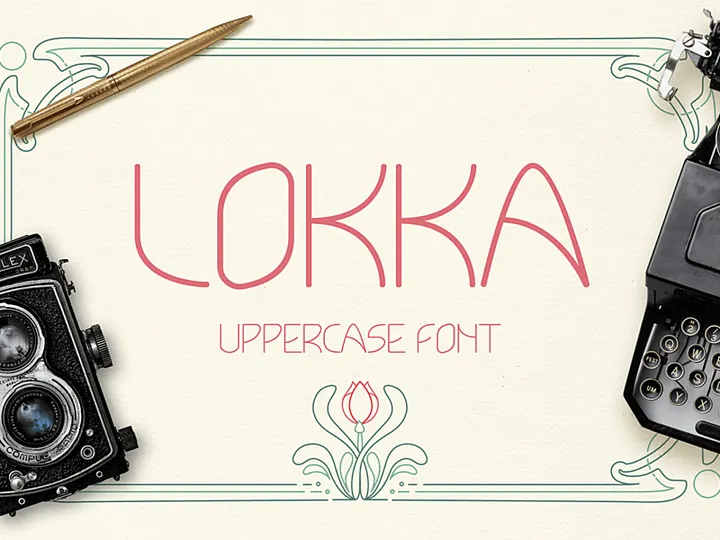
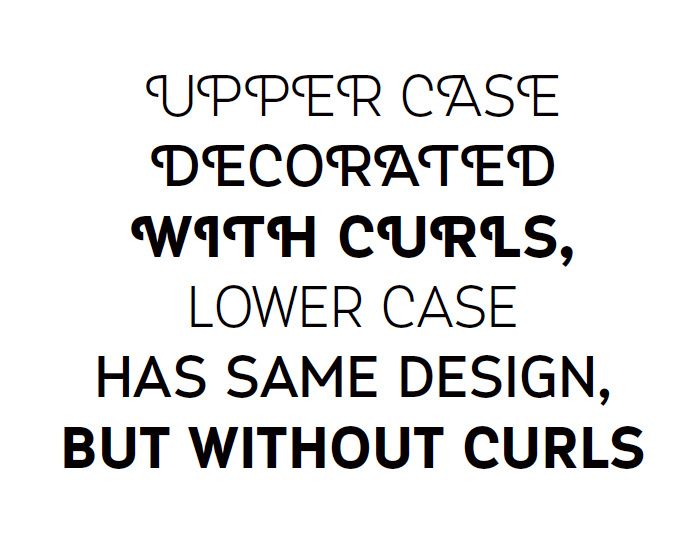
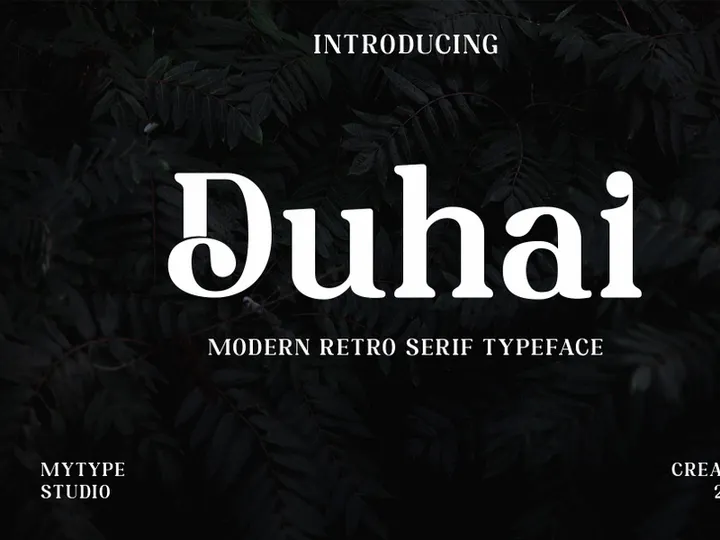
Try Our Free Resources
Download any of these for free - no account required
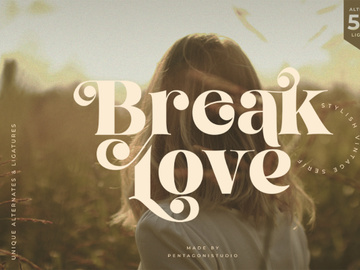
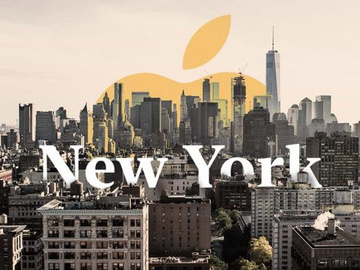
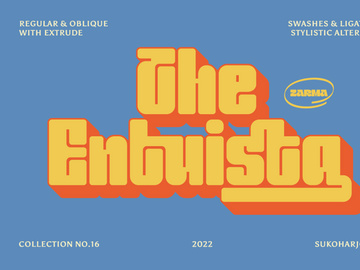
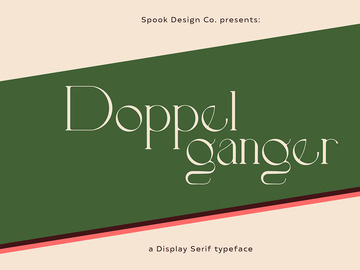
Retro Design Principles
Retro design is more than just a visual style—it's a nostalgic journey that celebrates the aesthetics of past decades, particularly from the 1950s through the 1980s. What makes retro design distinctive is its ability to evoke emotion through familiar, often bold stylistic choices. At its core, retro design combines vintage elements with modern functionality, creating a unique blend that feels both familiar and fresh. It’s not simply about copying old styles, but reinterpreting them in a way that resonates with contemporary audiences while honoring their roots.
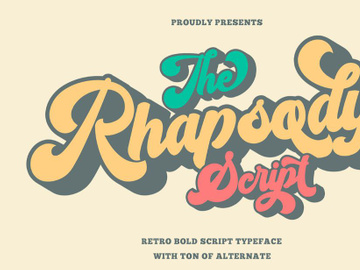
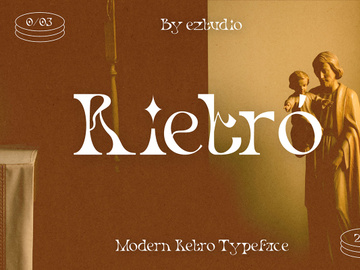
Typography plays a pivotal role in retro design. Fonts from this era often feature exaggerated serifs, hand-drawn lettering, bubble-like curves, or angular geometric shapes. Think of the bold, groovy letterforms of the 1970s or the neon-lit, pixel-inspired text of the 1980s. These typographic choices immediately signal a connection to a specific time period. Coupled with deliberate spacing—often generous or intentionally cramped—retro typography creates rhythm and visual interest that sets it apart from minimalist modern fonts.
Color palettes are another hallmark of the retro aesthetic. Muted earth tones, vibrant neons, and duotone schemes are all commonly used to reflect the trends of past decades. Think mustard yellows, avocado greens, burnt oranges, and electric pinks—all signature hues that bring a sense of time and place to a design. These colors are often paired with grainy textures, halftone patterns, or distressed effects to enhance the vintage feel.
Imagery in retro design frequently includes stylized illustrations, vintage photography, or abstract geometric patterns reminiscent of mid-century modern art. Whether it’s a space-age motif from the 1960s or a funky floral pattern from the 70s, these visuals contribute to a cohesive theme that transports the viewer. The evolution of the retro aesthetic has been shaped by cultural shifts, technological advances, and design movements—from the optimism of mid-century modernism to the digital experimentation of the 80s. Today, retro design continues to thrive because it offers a sense of authenticity and warmth in an increasingly digital world. With over 221+ retro fonts available at EpicPxls, designers have a rich library of authentic and versatile options to explore this timeless style.
Inspiring Retro Fonts Examples
Web & App Design
Retro style has found a vibrant place in modern web and app interfaces, where nostalgia meets usability. Designers are incorporating retro fonts to create immersive experiences—especially for music apps, gaming platforms, or lifestyle brands aiming to stand out. These fonts add character and personality, helping digital products feel more human and approachable. For instance, a synthwave-inspired dashboard might use glitchy, neon-lit lettering to evoke the digital culture of the 1980s. With careful implementation, retro fonts can enhance user engagement without compromising readability or performance. The 221+ resources at EpicPxls provide developers and UI designers with scalable, web-safe retro fonts that maintain their charm across devices.
Print & Branding
In print and branding, retro fonts are powerful tools for communicating authenticity and heritage. Beverage labels, boutique packaging, and restaurant menus often use vintage typography to suggest craftsmanship and tradition. A coffee brand might use a 1950s-style script font to evoke the golden age of diners, while a craft brewery could opt for rugged, hand-painted lettering reminiscent of 1970s counterculture. These choices create a visual story that resonates emotionally with consumers. Retro branding is especially effective when paired with classic layout techniques—centered text, badge-inspired logos, and ornamental borders—all of which amplify the nostalgic appeal.
Social Media & Marketing
On social media, retro aesthetics dominate trends in content design, particularly in short-form video, influencer campaigns, and digital ads. Platforms like Instagram and TikTok have seen a surge in retro-themed filters, animations, and text overlays that use vintage fonts to capture attention. Brands leverage this trend to create content that feels personal, playful, and shareable. From disco-era dance tutorials to 80s-inspired product reveals, retro fonts help establish tone and context instantly. The resurgence of analog vibes in a digital space reflects a cultural desire for warmth and individuality. With the curated collection at EpicPxls, marketers can access professional-grade retro fonts that align perfectly with trending visual narratives.
How to Apply Retro Style to Your Projects
- Define your era of inspiration – Retro spans multiple decades, each with unique typographic traits. Decide whether you're aiming for 50s diner charm, 60s psychedelic flair, 70s disco drama, or 80s digital nostalgia. This clarity will guide your font selection and overall design approach.
- Choose retro fonts that match your theme – Browse the 221+ retro designs at EpicPxls to find authentic, era-specific fonts. Look for details like hand-drawn imperfections, serifs with flair, or pixelated edges that enhance authenticity.
- Limit your font usage – Stick to one or two retro fonts per project to maintain visual hierarchy. Use bold display fonts for headlines and simpler, readable styles for body text to balance impact and clarity.
- Customize with care – Apply subtle effects like texture overlays, slight warping, or drop shadows to enhance the vintage feel. Avoid over-editing; the goal is nostalgic charm, not visual clutter.
- Pair with appropriate colors – Retro fonts thrive with era-appropriate palettes. Use the Retro Pairing Guide below to select complementary color schemes that elevate your typography without overwhelming it.
- Test across platforms – Ensure your retro fonts remain legible and impactful on mobile, desktop, and print. Optimize file formats and fallbacks, especially when using custom web fonts from EpicPxls, to maintain consistency.
By following these steps, you can integrate retro fonts into any creative project with confidence and style. Whether you're designing a logo, website, or marketing campaign, the right retro font can transform your work into a memorable visual experience.
Retro Pairing Guide
Complementary Styles
Retro design pairs exceptionally well with other vintage-inspired styles, such as mid-century modern, art deco, and punk rock aesthetics. For instance, a 1950s diner theme benefits from clean lines and chrome accents, while a 1970s psychedelic look pairs with swirling patterns and organic shapes. You can also blend retro with modern minimalism—using a bold retro font over a simple, neutral background creates striking contrast. This fusion keeps the design fresh and accessible. Textures like paper grain, vinyl records, or CRT screen effects further enhance the ambiance when used subtly.
Typography Choices
Selecting the right typography is essential for an authentic retro feel. For 1950s and 60s designs, consider script fonts with elegant swirls or bold sans-serifs with clean lines. The 1970s favor hand-drawn, groovy lettering with exaggerated curves. For 1980s and 90s vibes, look for geometric, pixelated, or neon-style fonts that reflect the rise of digital culture. At EpicPxls, you’ll find fonts categorized by decade and mood, making it easy to find the perfect match. Pair a decorative retro display font with a simple, modern sans-serif for body text to maintain readability without sacrificing style.
Color Palettes
Color is a powerful tool in retro design. Earthy tones like olive green, rust, and cream evoke the 1970s, while bright, clashing hues—hot pink, teal, and electric yellow—capture the 1980s. Consider using limited palettes of 2–4 colors to maintain cohesion. Duotone schemes, especially in black and neon, work well for digital applications. Analog-inspired gradients and soft vignettes also enhance the retro mood. When using retro fonts, ensure sufficient contrast between text and background. For example, white text on a faded teal background can mimic vintage posters. The curated color guides available with many retro font packs at EpicPxls help designers create harmonious, era-accurate combinations effortlessly.
Retro Fonts Trends in 2026
As we move into 2026, retro fonts are evolving beyond mere nostalgia—they’re becoming a dynamic force in contemporary design. The trend is shifting from simple imitation to intelligent reinterpretation, where classic elements are fused with modern techniques like variable typography, kinetic text, and AI-assisted customization. Designers are no longer just copying the past; they’re reimagining it with digital precision and creative flair. This evolution allows retro fonts to remain relevant in fast-paced industries like gaming, fashion, and digital marketing.
One of the most noticeable shifts is the rise of “neo-retro” aesthetics—designs that feel vintage at first glance but incorporate subtle modern touches. Think retro fonts with animated strokes, responsive letter spacing, or adaptive color fills that change based on user interaction. These innovations make retro styles more engaging and functional in digital environments. Additionally, sustainability-themed branding is adopting retro designs to convey authenticity and timelessness, often pairing vintage typography with eco-conscious messaging.
Retro fonts are also seeing a resurgence in luxury and high-end markets, where brands use vintage elegance to communicate heritage and craftsmanship. From watchmakers to gourmet food labels, retro typography adds a layer of sophistication and story. The 221+ retro designs available at EpicPxls reflect these shifts, offering not only classic styles but also forward-thinking variations tailored for modern applications. As design tools become more advanced, we can expect retro fonts to integrate seamlessly with augmented reality, immersive websites, and interactive storytelling platforms. The future of retro isn’t just about looking back—it’s about bringing the best of the past into a bold, innovative future.
Why Download from EpicPxls?
Commercial License
Use in personal and commercial projects
No Account Required
Download free resources instantly
Quality Curated
Every resource is reviewed for quality
Preview Files
See Figma and Photoshop files before downloading
Who Uses These Fonts?
Professionals and teams who benefit most from our collection
UI/UX Designers
Speed up your workflow with ready-to-use fonts for design tools. Perfect for prototyping and client presentations.
Developers
Get production-ready assets without design skills. Export in any format for web and mobile apps.
Startups & Agencies
Save design budget with affordable premium fonts. Commercial license included for client work.
Marketing Teams
Create professional campaigns faster. All fonts are optimized for social media and ads.
Fonts FAQCommon questions about these resources
Simple, Transparent Pricing
Get unlimited access to all premium resources
Yearly
- 20 downloads per month
- All file formats
- Commercial license
Lifetime
- Unlimited downloads forever
- All file formats
- Commercial license
Ready to Get Started?
Access 4,442+ free design resources today.
Browse Free ResourcesView Premium PlansEarn 85% and
more on all sales
Upload your products and put them up
for sale at whatever price you want.


