Fonts for Logos: 893+ Resources
EpicPxls offers 893+ curated fonts, all with a commercial license. Formats vary by item, and each listing shows its files. Purpose-built fonts for logo projects save time and ensure professional results with design elements tailored to logo requirements.
Last updated October 16, 2026
Discover 893+ fonts ideal for logo design projects.
Trusted by designers at leading companies
Top Fonts
Handpicked resources from our curated collection


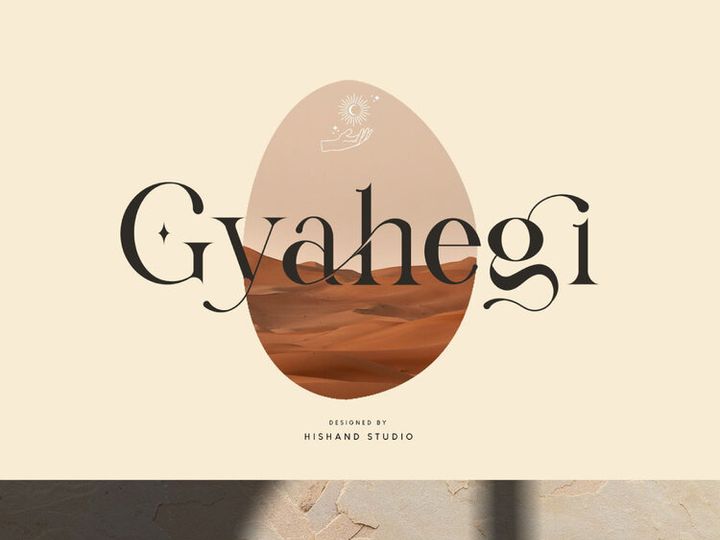


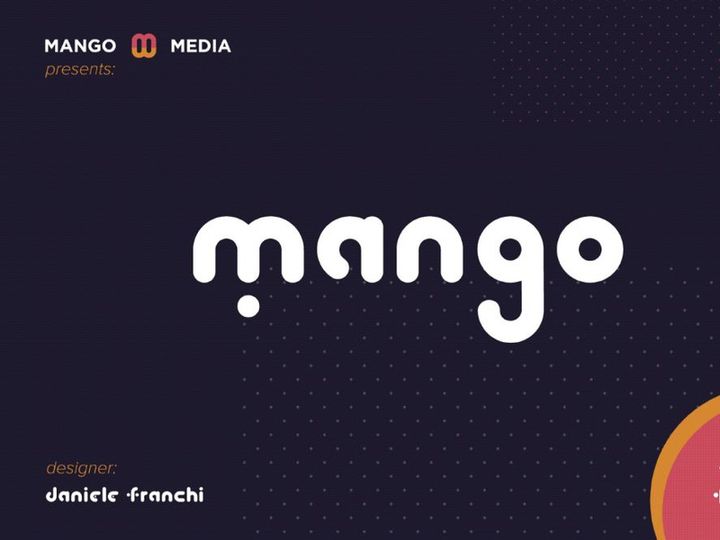
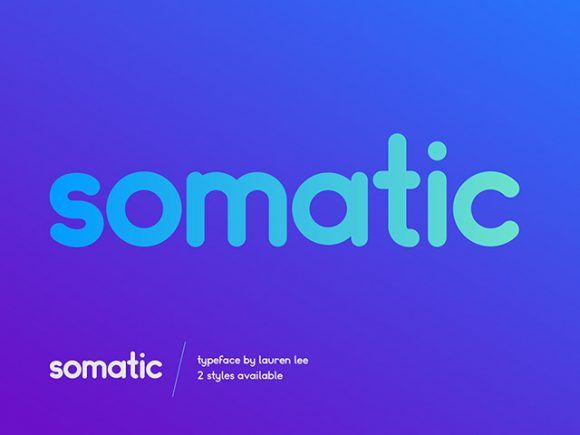

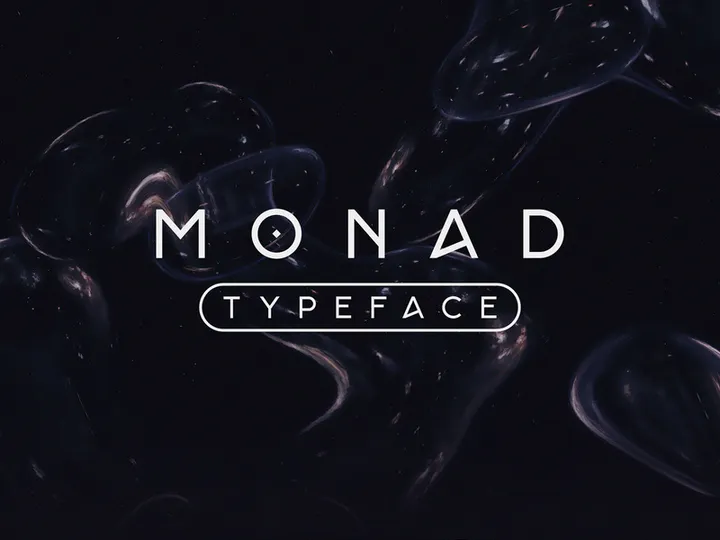



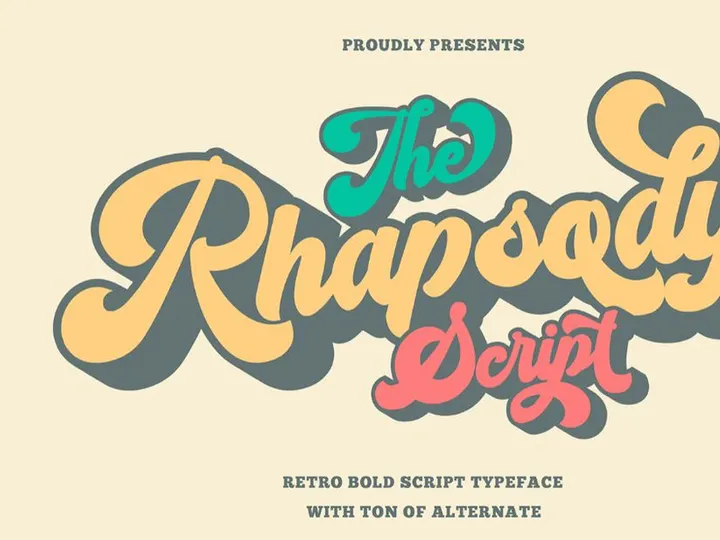
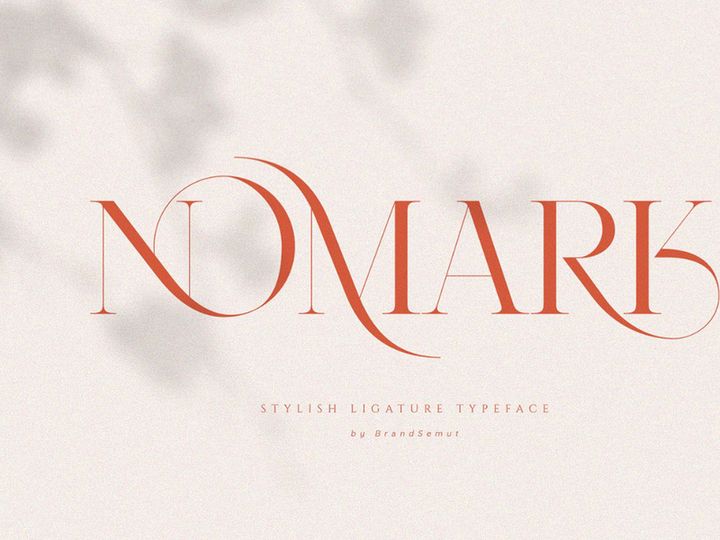


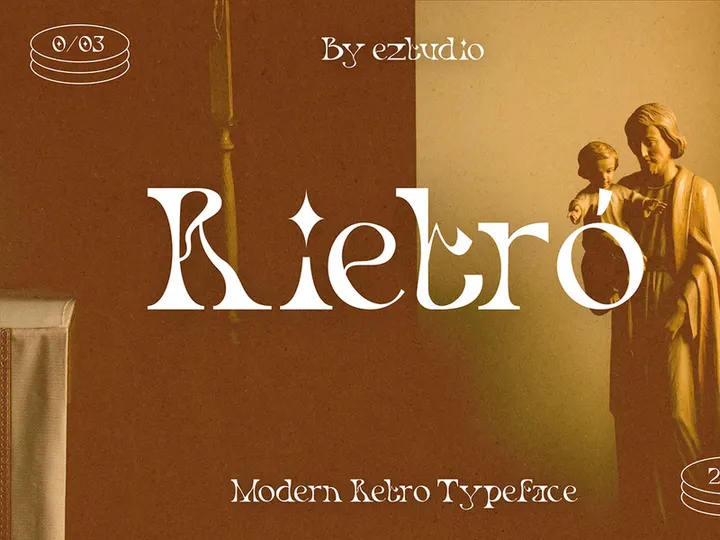



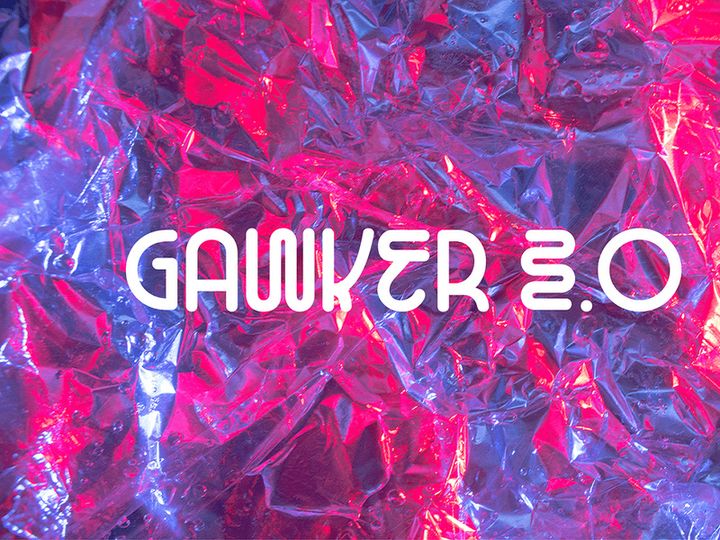
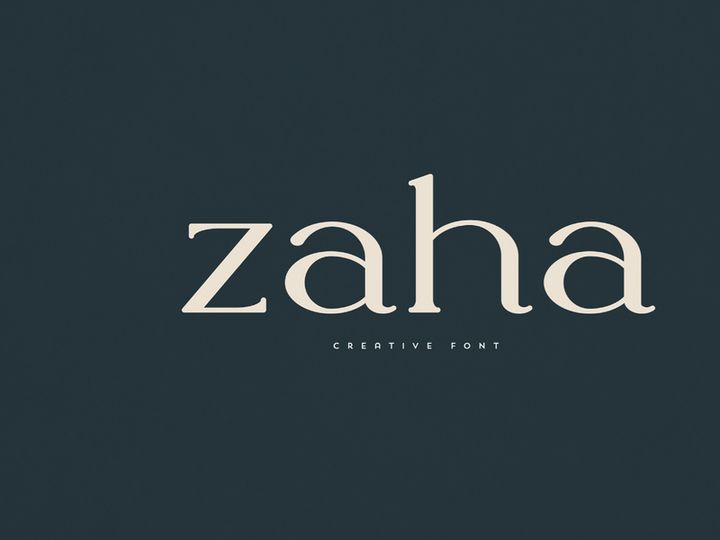
Try Our Free Resources
Download any of these for free - no account required
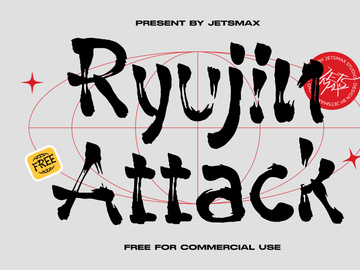
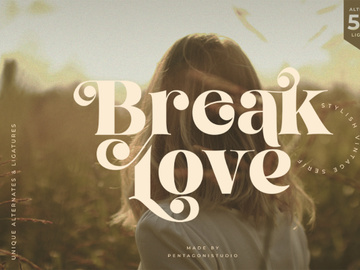
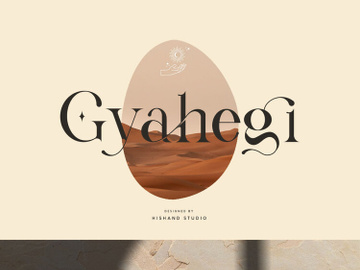
Why Fonts for Logo Projects?
Typography plays a pivotal role in shaping the identity of a brand, and selecting the right fonts for logos can make the difference between a forgettable mark and a timeless visual icon. For designers, especially those working under tight deadlines or managing multiple client projects, having access to pre-made, high-quality fonts significantly accelerates the logo design process. Instead of starting from scratch or spending hours creating custom lettering, professionals can leverage expertly crafted typefaces that are already optimized for branding applications. These fonts are designed with balance, spacing, and scalability in mind—key attributes that ensure a logo looks sharp whether it’s featured on a business card or a billboard.
Logo design comes with a unique set of requirements. A font must not only reflect the brand’s personality—whether it’s playful, elegant, bold, or minimalist—but also maintain legibility across various sizes and mediums. Versatility is essential; a good logo font should work in color and black-and-white, in digital formats and print, and across diverse cultural contexts. Additionally, licensing is a critical consideration. Designers need fonts that allow for commercial use, especially in client work where trademarking and branding rights are involved.
At EpicPxls, we understand these challenges and have curated a collection of over 893+ logo-ready font resources specifically for designers who demand both creativity and reliability. Each font in our library is hand-selected for its aesthetic quality, technical precision, and adaptability to real-world branding scenarios. From vintage serifs to sleek sans-serifs and hand-drawn scripts, our collection supports a wide range of design directions. By offering a diverse, vetted selection of fonts optimized for logo use, EpicPxls empowers designers to focus on innovation rather than technical hurdles, helping them deliver impactful brand identities with confidence and speed.
What Logo Designers Need
Essential Fonts Types
Not all fonts are created equal when it comes to logo design. The most effective logo fonts fall into several key categories, each serving a distinct brand identity. Serif fonts convey tradition, elegance, and authority—ideal for law firms, luxury brands, or heritage companies. Sans-serif fonts, known for their clean, modern lines, are perfect for tech startups, contemporary brands, and minimalist designs. Their simplicity ensures clarity and versatility across platforms.
Script and handwritten fonts add a personal, artistic touch, often used by lifestyle brands, boutiques, or creative agencies aiming to feel approachable and unique. However, legibility is crucial—overly decorative scripts can become unreadable at small sizes. Display and decorative fonts offer bold visual impact and are great for logos that need to stand out, such as those in entertainment or food industries. Finally, slab serifs and geometric fonts bring a sense of strength and innovation, combining structural integrity with modern flair.
Format Requirements
When designing logos, the file format of a font is just as important as its style. Vector-based formats like OTF (OpenType) and TTF (TrueType) are essential because they allow infinite scalability without quality loss—critical when logos must be resized for everything from social media avatars to large-scale signage. OTF is often preferred for professional design work due to its advanced typographic features, including ligatures, alternates, and small caps, which enhance customization. TTF remains widely compatible across platforms and software. Webfont formats like WOFF may be useful for digital presentations but are not ideal for final logo assets.
Quality Standards
A logo-ready font must meet high technical and aesthetic benchmarks. First, it should feature consistent stroke weights, balanced kerning, and clean outlines to ensure professional output. Glyph coverage—including numerals, punctuation, and multilingual support—adds flexibility for global branding. Additionally, each font should come with a clear commercial license, permitting use in client projects and brand identity systems. At EpicPxls, we uphold strict quality control, ensuring our 893+ resources meet these exacting standards so designers can trust every download delivers both beauty and functionality.
Logo Design Project Walkthrough
- Define the Brand Identity: Begin by understanding the client’s vision, industry, target audience, and core values. Is the brand modern or traditional? Playful or serious? This insight guides your font selection and overall design direction.
- Browse Curated Font Resources: Visit a trusted library like EpicPxls to explore fonts filtered by style, mood, and use case. With over 893+ logo-ready fonts available, you can quickly find options that align with the brand’s personality—whether it’s a bold sans-serif for a fitness brand or an elegant script for a wedding planner.
- Narrow Down and Test Options: Select 3–5 potential fonts and test them in context. Type out the brand name, experiment with case (uppercase, lowercase, title case), and adjust tracking for optimal spacing. Preview the text at different sizes to ensure legibility.
- Customize and Refine: Even the best fonts may need slight adjustments. Use vector editing tools to tweak letter spacing, adjust individual characters, or combine elements from multiple fonts. Avoid over-modifying—subtlety preserves the font’s integrity while enhancing uniqueness.
- Integrate with Iconography or Graphics: Pair the chosen typography with any symbolic elements. Ensure visual harmony between the font and logo mark through alignment, proportion, and weight balance. Consider using the font’s stylistic features—like alternate glyphs or ligatures—to create a cohesive look.
- Prepare Final Deliverables: Export the logo in multiple formats (vector and raster) for various applications. Embed or outline fonts in vector files to prevent rendering issues. Provide the client with brand guidelines that specify font usage, color variants, and clear space rules to maintain consistency.
Logo Design Workflow Tips
Speed Up Your Process
Time is a designer’s most valuable asset, and using pre-made, professional fonts dramatically reduces project turnaround. Instead of hand-lettering every concept, leverage high-quality fonts from trusted sources like EpicPxls to generate multiple mockups in a fraction of the time. Create a personal library of go-to fonts sorted by category—minimalist, vintage, bold, etc.—so you can jumpstart future projects. Use font management tools to quickly preview and activate typefaces without cluttering your system. With smart organization and access to thousands of ready-to-use resources, you can maintain creative momentum and meet tight deadlines without sacrificing quality.
Maintain Consistency
A cohesive logo system strengthens brand recognition. When using fonts from external resources, ensure they align with the brand’s overall aesthetic across all touchpoints. Stick to a primary font for the logo and a complementary secondary font for taglines or supporting text. Avoid mixing too many styles—limit your palette to two or three typefaces at most. When customizing a font, document changes so they can be replicated across variants. Consistency also extends to spacing, color usage, and layout structure, all of which contribute to a unified brand presence.
Client Presentation
How you present your logo design influences client perception and approval. Use high-fidelity mockups to show the font in real-world applications—on business cards, websites, signage, and merchandise. Explain why each font choice reflects the brand’s values and how it performs across mediums. Highlight any customizations made to ensure uniqueness. Include brief annotations on typography, such as font name, weight, and licensing details, to demonstrate professionalism. By delivering a polished, well-documented presentation, you build trust and showcase the strategic thinking behind your design decisions.
Logo Design Inspiration
Staying inspired is key to creating fresh, impactful logos. Current trends in logo design favor minimalism, with clean sans-serif fonts dominating tech, wellness, and lifestyle brands. However, there’s a growing resurgence of vintage-inspired typography, particularly retro serifs and hand-lettered scripts that evoke nostalgia and authenticity. Another emerging trend is custom typography—where designers modify existing fonts or create bespoke lettering to achieve a one-of-a-kind look. Variable fonts are also gaining traction, offering dynamic weight and width adjustments within a single file, enhancing adaptability in responsive design.
Top designers often begin with research, studying competitors and industry standards before exploring unique typographic expressions. They treat fonts not just as text, but as visual shapes that contribute to the overall composition. Many combine classic typefaces with subtle customizations—such as tailored kerning or unique ligatures—to achieve distinction without sacrificing readability.
To elevate your logo work, explore curated collections like the 893+ resources on EpicPxls, where you’ll find fonts crafted by skilled typographers and tested for real-world use. Whether you’re drawn to timeless elegance or cutting-edge modernity, these resources provide the foundation for truly memorable brand identities. With the right font, a simple word can become an enduring symbol—proving that in logo design, typography isn’t just an element, it’s the essence.
Why Download from EpicPxls?
Commercial License
Use in personal and commercial projects
No Account Required
Download free resources instantly
Quality Curated
Every resource is reviewed for quality
Preview Files
See preview images on each item page before downloading
Who Uses These Fonts?
Professionals and teams who benefit most from our collection
UI/UX Designers
Speed up your workflow with ready-to-use fonts for design tools. Perfect for prototyping and client presentations.
Developers
Get production-ready assets without design skills. Export in any format for web and mobile apps.
Startups & Agencies
Save design budget with affordable premium fonts. Commercial license included.
Marketing Teams
Create professional campaigns faster. All fonts are optimized for social media and ads.
Fonts FAQCommon questions about these resources
Simple, Transparent Pricing
Get unlimited access to all premium resources
Yearly
- 20 downloads per month
- All file formats
- Commercial license
Lifetime
- Unlimited downloads forever
- All file formats
- Commercial license
Earn 85% and
more on all sales
Upload your products and put them up
for sale at whatever price you want.


