Templates: 8239+ Design Resources
EpicPxls offers 200+ curated templates, all with a commercial license and editable source files (Figma, Sketch, PSD). We have 200+ templates available, with new additions added regularly by our community of designers.
Last updated February 12, 2026
Discover 8239+ handpicked templates from top designers.
Trusted by designers at leading companies
Top Templates
Handpicked resources from our curated collection
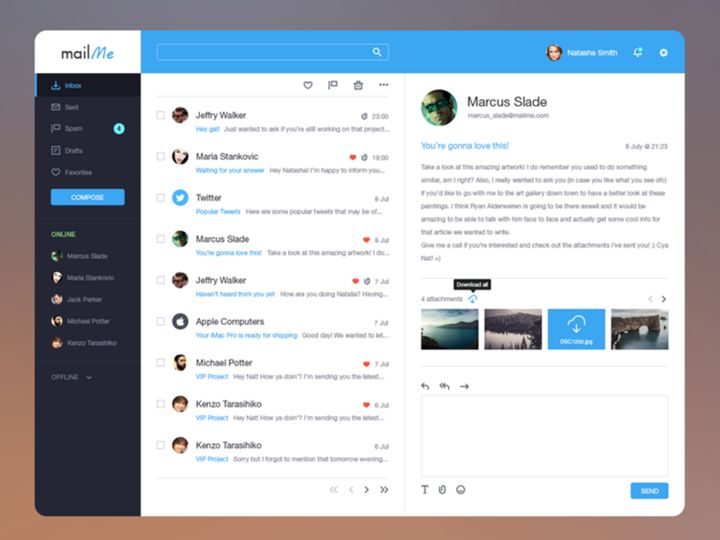
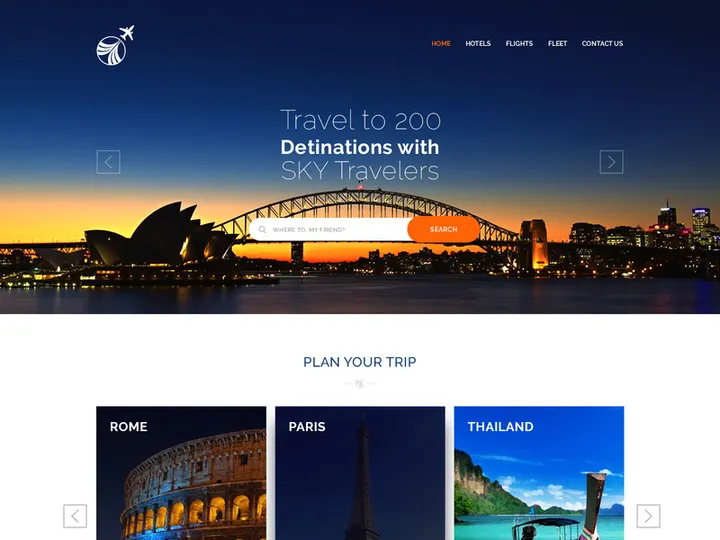
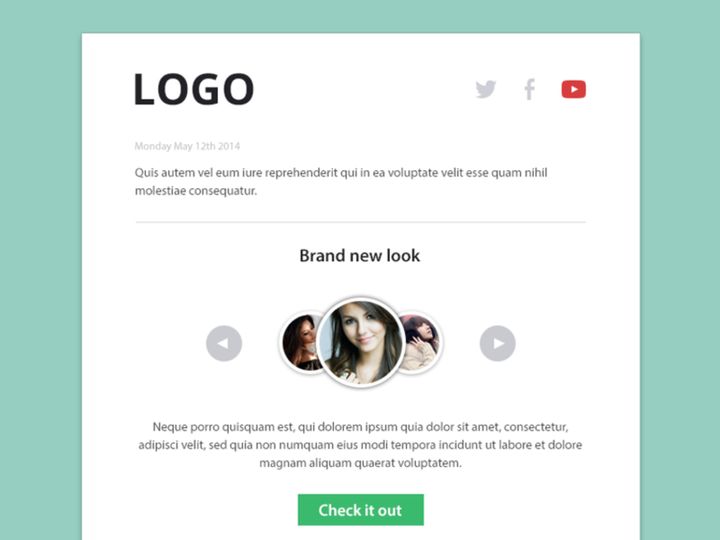
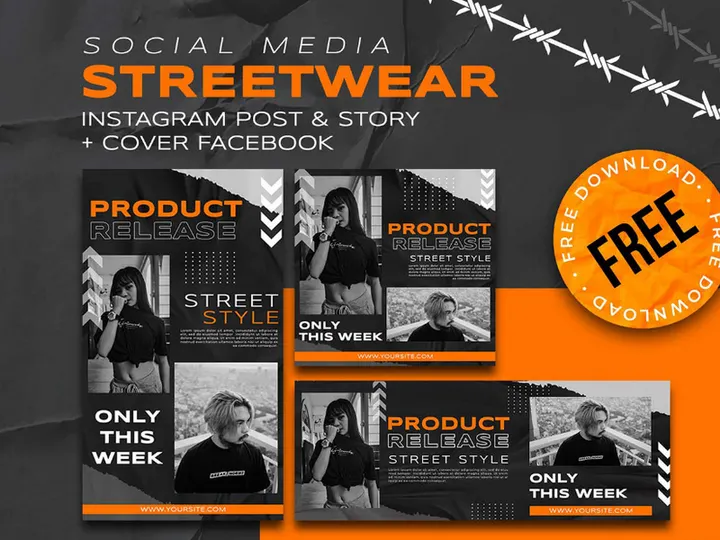
![SixtyNine Agency - Free [PSD] preview picture](https://imgproxy.epicpxls.com/TGKDjEaBn2CrqRcyasi4dzXjcMzVeWusitMO5lin6oE/rs:fill:720:540:0/g:no/aHR0cHM6Ly9pdGVt/cy5lcGljcHhscy5j/b20vdXBsb2Fkcy9w/aG90by82ZGVkOWVk/MWMxNDAxN2M3MmMw/ODlmNDliYzFkODIw/NS5wbmc.jpg)
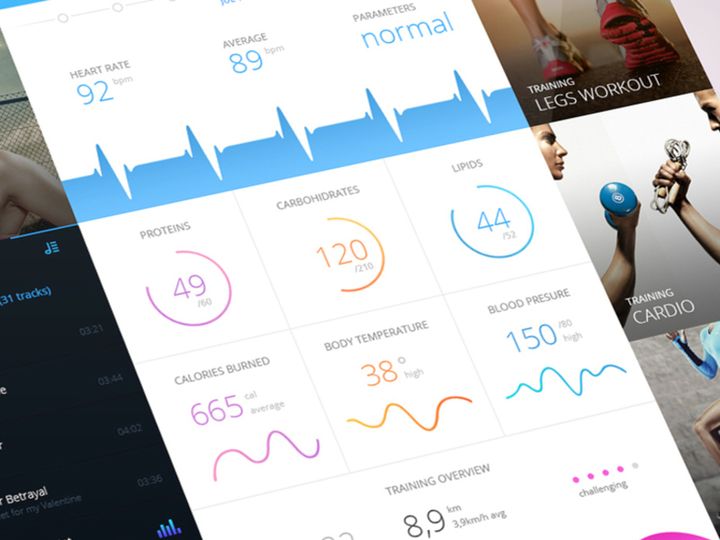
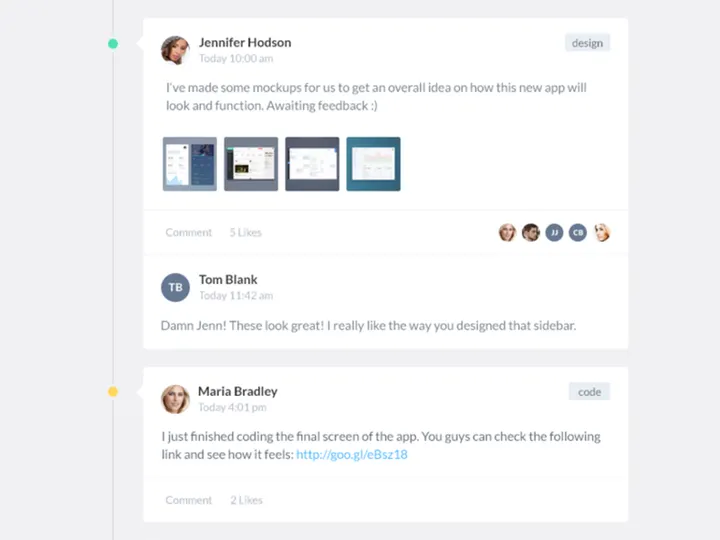
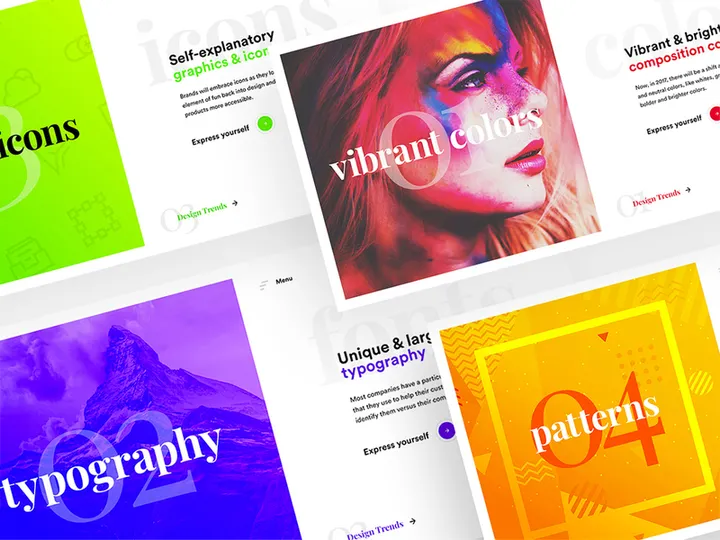
![Be Latte - Coffee shop [PSD] preview picture](https://imgproxy.epicpxls.com/gbgkIFh76pW2lvjkLHbTFney4rJe-_VtU5Qv076gWqQ/rs:fill:720:540:0/g:no/aHR0cHM6Ly9pdGVt/cy5lcGljcHhscy5j/b20vdXBsb2Fkcy9w/aG90by8wMzRlOWIx/ZTk3Y2ExMjVhYTMw/Mjg4YjhkMmE5MWVj/ZC5qcGc.jpg)
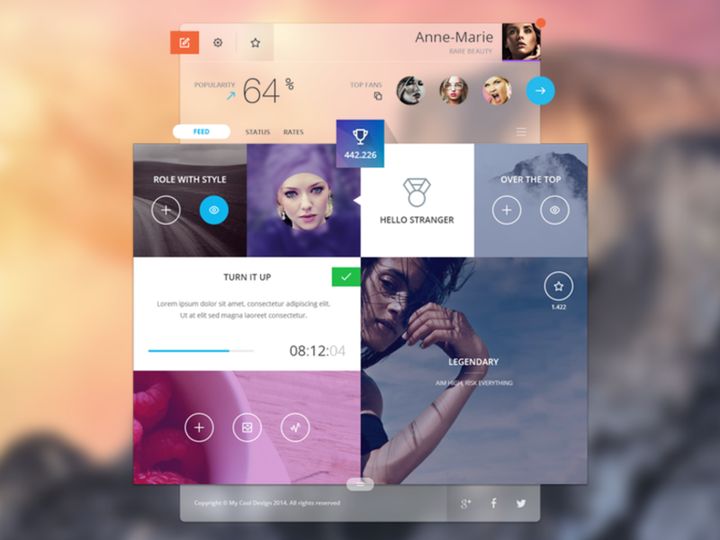
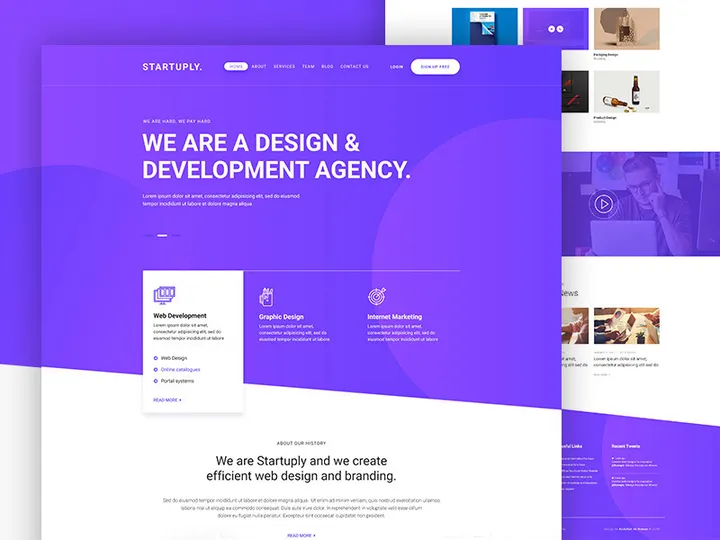
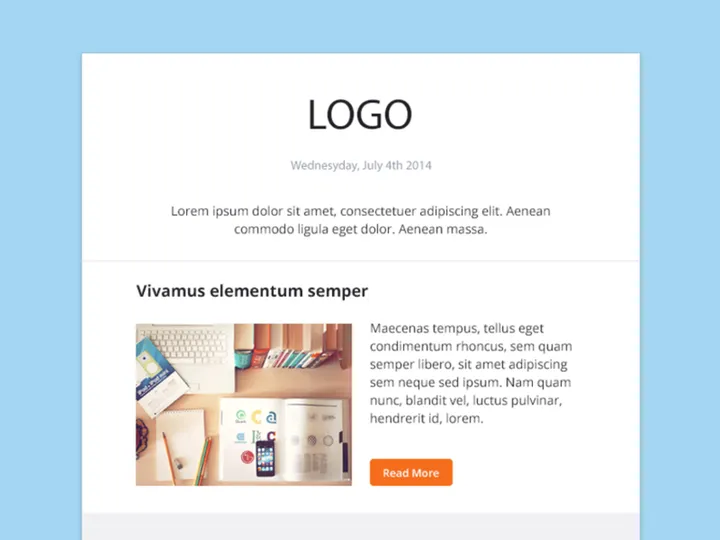
![Food Social Media Post Template [PSD] preview picture](https://imgproxy.epicpxls.com/fgSDQO0qfI2fLnnnbe7bRDJBz_4TanIQE-0LpGFO24o/rs:fill:720:540:0/g:no/aHR0cHM6Ly9pdGVt/cy5lcGljcHhscy5j/b20vdXBsb2Fkcy9w/aG90by81ODgzNzBh/MzU4MmY3ZjM3NDYz/MTVmN2YzMjE5Mzg5/Zg.jpg)

Try Our Free Resources
Download any of these for free - no account required
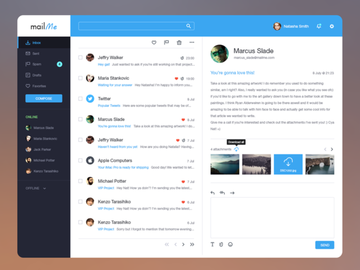
![SixtyNine Agency - Free [PSD]](https://items.epicpxls.com/uploads/photo/4db6253755784b97a170222d83e763a6.png)
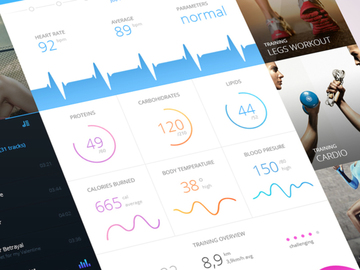
![Be Latte - Coffee shop [PSD]](https://items.epicpxls.com/uploads/photo/f578500685c175e1803a207db9e6dee1.jpg)
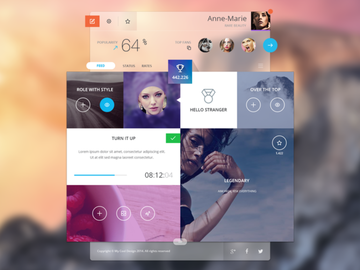
Browse Templates
At EpicPxls, our Templates category offers a vast library of over 8239+ design resources, meticulously curated to empower creatives across industries. Whether you're a seasoned designer, a startup founder, or a marketing professional, our collection provides ready-to-use solutions for virtually any design need. From website layouts and social media posts to presentation decks and print materials, these templates are crafted to save time, maintain consistency, and elevate your visual communication.
All resources in the Templates category are created by a global network of experienced designers, illustrators, and UI/UX specialists who adhere to strict quality standards. Each submission undergoes a thorough review process to ensure clean design, technical accuracy, and usability. This includes checking layer organization, typography hierarchy, color consistency, and compatibility with industry-standard software. Our goal is to deliver only professional-grade assets that reflect current design practices and real-world usability.
The 8239+ resources in this category are continuously updated and organized using a comprehensive tagging and filtering system. We consider user behavior, download trends, and seasonal relevance when curating new additions. Whether you're searching by file format, use case, design style, or license type, EpicPxls makes it easy to find exactly what you need. Our platform also features user ratings and previews, so you can confidently select templates that align with your project goals. With new items added weekly, the Templates section remains a dynamic and growing hub of creative inspiration and practical utility at EpicPxls.
What's Trending in Templates
Popular Styles in 2026
As we move through 2026, minimalist and functional design continues to dominate the templates landscape. Clean lines, ample white space, and intuitive layouts are in high demand, especially for digital products like websites, apps, and SaaS platforms. However, a new wave of expressive minimalism is emerging—designers are incorporating subtle gradients, soft shadows, and micro-interaction previews directly into static templates. Glassmorphism and neumorphism have evolved into more balanced forms, focusing on usability without sacrificing aesthetics. Additionally, dark mode templates are seeing increased popularity, with many creators offering dual-light and dark variants within the same file.
Typography-centric designs are also trending, with bold, variable fonts taking center stage in presentation and branding templates. Designers are favoring modular, component-based structures that allow for easy customization. This shift reflects the growing demand for scalability and responsive design, particularly in Figma-based resources where auto-layout and constraints are leveraged to their full potential.
Most Downloaded Categories
The most downloaded template categories on EpicPxls include UI kits, social media packs, resume/CV designs, and pitch deck templates. UI kits for mobile and web applications remain top performers, especially those tailored for fintech, health tech, and e-commerce platforms. Social media content templates—particularly Instagram story layouts, TikTok cover designs, and YouTube thumbnails—are consistently popular among content creators and agencies. Resume and portfolio templates continue to see high demand from professionals entering competitive job markets, with modern, ATS-friendly designs leading the pack. Pitch decks with investor-ready frameworks are also frequently downloaded by entrepreneurs and startups.
Emerging Themes
New thematic directions in templates reflect broader cultural and technological shifts. Sustainability and eco-conscious branding templates are on the rise, featuring earthy color palettes, organic shapes, and nature-inspired illustrations. AI-driven workplace themes are also gaining traction, with templates designed for remote collaboration tools, productivity dashboards, and digital wellness platforms. Another emerging trend is inclusive design—templates now more frequently include diverse imagery, accessible color contrast, and multilingual layout options. At EpicPxls, we're actively expanding our collection to include more culturally representative and universally usable resources, ensuring designers have tools that reflect today’s global audience.
How to Download Templates
- Browse the Templates category: Start by navigating to the Templates section on EpicPxls. Use filters such as file type, license, style, or use case to narrow down the 8239+ resources to what fits your project.
- Preview the template: Click on any template to view detailed information, including screenshots, file contents, layers, and compatibility. Most templates include a live preview so you can see how elements are structured and styled.
- Choose your license: Select between personal and commercial use options. Each template clearly states its licensing terms, so you can make an informed decision based on your intended use.
- Download the file: For free templates, click the download button and complete a quick verification step. For premium templates, add the item to your cart, complete the secure checkout, and gain instant access to high-resolution files and additional assets.
- Start designing: Once downloaded, unzip the folder and open the file in your preferred design software. All templates come with organized layers, named groups, and often include documentation or README files to guide your customization process.
Whether you're accessing a free resource or investing in a premium kit, EpicPxls ensures a smooth, transparent download experience. Our system supports fast, reliable delivery with no hidden steps or third-party redirects. With thousands of templates available instantly, you can go from inspiration to execution in minutes.
Templates Category Breakdown
By File Format
The Templates category on EpicPxls supports a wide range of file formats to accommodate different design workflows and software preferences. Figma templates are among the most popular due to their collaborative features, real-time editing, and component-based design system—ideal for UI/UX projects. PSD (Photoshop) files remain a staple for photo editing, print design, and layered compositions with advanced blending options. AI (Adobe Illustrator) templates are perfect for vector-based artwork, logos, and scalable graphics, offering precision and flexibility. Sketch files are widely used in interface design, especially within macOS ecosystems, and are compatible with many prototyping plugins.
For web and app developers, SVG templates provide lightweight, resolution-independent graphics that scale seamlessly across devices. PNG files are often included for immediate use in presentations or web content, offering transparent backgrounds and high-quality raster output. Each template on EpicPxls clearly specifies its available formats, so you can choose the one that integrates best with your existing tools. Many premium resources also offer multi-format bundles, allowing you to switch between environments without losing design integrity.
By License Type
Understanding licensing is crucial when using templates professionally. At EpicPxls, every template is clearly labeled with its license type to ensure compliance and peace of mind. Personal use licenses allow you to use the template for non-commercial projects—such as a personal blog, hobby design, or academic assignment—without legal restrictions. However, these cannot be used in any client work, products for sale, or marketing campaigns with commercial intent.
Commercial use licenses grant full rights to use the template in client projects, branded content, advertisements, and revenue-generating applications. This includes using the design in websites, apps, merchandise, and digital marketing. Some premium templates may include extended commercial rights, allowing redistribution or use in SaaS products—always check the license details before implementation. EpicPxls ensures all creators disclose licensing terms upfront, so you never have to worry about copyright issues down the line.
By Complexity
Templates on EpicPxls are categorized by complexity to match users of all skill levels. Simple assets include individual elements like buttons, icons, or headers—perfect for designers who want to enhance existing projects without overhauling their workflow. These are often lightweight, easy to customize, and ideal for quick turnarounds.
On the other end of the spectrum, complete kits offer comprehensive solutions such as full website mockups, app UI suites, or brand identity packages. These include multiple pages, style guides, component libraries, and sometimes even animations or interactive prototypes. They’re designed for teams or solo creators launching new products and need a consistent, production-ready foundation. Whether you're looking for a single card design or an entire design system, the 8239+ resources span all complexity levels, ensuring every user finds the right fit for their needs.
Making the Most of Templates
Organizing Your Library
To maximize efficiency, treat your downloaded templates like a professional design system. Create a structured folder hierarchy on your computer—organize by project, client, or template type (e.g., “Social Media,” “Presentations,” “UI Kits”). Use consistent naming conventions so files are searchable and easy to locate later. Consider using digital asset management tools or cloud storage with tagging features to keep everything accessible across devices. At EpicPxls, many users curate “starter kits” from their favorite templates, assembling go-to resources for pitches, client onboarding, or recurring content types. Regularly archive or delete outdated versions to prevent clutter and maintain a lean, functional library.
Customization Tips
Templates are starting points—not final products. To make them truly effective, personalize every element to reflect your brand or project identity. Start by updating colors to match your brand palette, replacing placeholder text with real content, and swapping stock images with authentic visuals. Adjust typography to improve readability and hierarchy, and don’t hesitate to reposition or resize components for better flow. In tools like Figma or Sketch, leverage symbols and components to maintain consistency across multiple pages. For advanced users, consider extending a template by adding new sections, animations, or interactive states. The goal is to retain the template’s structural integrity while infusing it with originality.
Common Mistakes to Avoid
- Overloading with elements: Resist the urge to keep every feature from the original template. Remove unnecessary graphics, text blocks, or decorative items that don’t serve your message.
- Ignoring responsive design: Especially in web and app templates, failing to test layouts across screen sizes can lead to poor user experiences. Always preview on mobile and tablet views.
- Using default fonts and colors: Leaving placeholder styling makes your work look generic. Customize every visual aspect to align with your brand guidelines.
- Skipping the license check: Even if a template is free, using it for commercial purposes without the proper license can lead to legal issues. Always verify usage rights on EpicPxls before deployment.
- Not backing up custom versions: After spending time modifying a template, save a master copy and version history. This prevents data loss and makes future updates easier.
By following these best practices, you’ll transform templates from static designs into powerful, tailored solutions. With over 8239+ resources available on EpicPxls, the possibilities for creative reuse and innovation are virtually limitless. Whether you're streamlining your workflow or launching a new brand, our Templates category is your launchpad for professional, impactful design.
Why Download from EpicPxls?
Commercial License
Use in personal and commercial projects
No Account Required
Download free resources instantly
Quality Curated
Every resource is reviewed for quality
Preview Files
See Figma and Photoshop files before downloading
Who Uses These Templates?
Professionals and teams who benefit most from our collection
UI/UX Designers
Speed up your workflow with ready-to-use templates for design tools. Perfect for prototyping and client presentations.
Developers
Get production-ready assets without design skills. Export in any format for web and mobile apps.
Startups & Agencies
Save design budget with affordable premium templates. Commercial license included for client work.
Marketing Teams
Create professional campaigns faster. All templates are optimized for social media and ads.
Templates FAQCommon questions about these resources
Simple, Transparent Pricing
Get unlimited access to all premium resources
Yearly
- 20 downloads per month
- All file formats
- Commercial license
Lifetime
- Unlimited downloads forever
- All file formats
- Commercial license
Ready to Get Started?
Access 4,442+ free design resources today.
Browse Free ResourcesView Premium PlansEarn 85% and
more on all sales
Upload your products and put them up
for sale at whatever price you want.


