Icons: 1,514+ Design Resources
EpicPxls offers 1,514+ curated icons, all with a commercial license and editable source files (Figma, Sketch, PSD). We have 1,514+ icons available, with new additions added regularly by our community of designers.
Last updated May 22, 2026
Discover 1,514+ handpicked icons from top designers.
Trusted by designers at leading companies
Top Icons
Handpicked resources from our curated collection
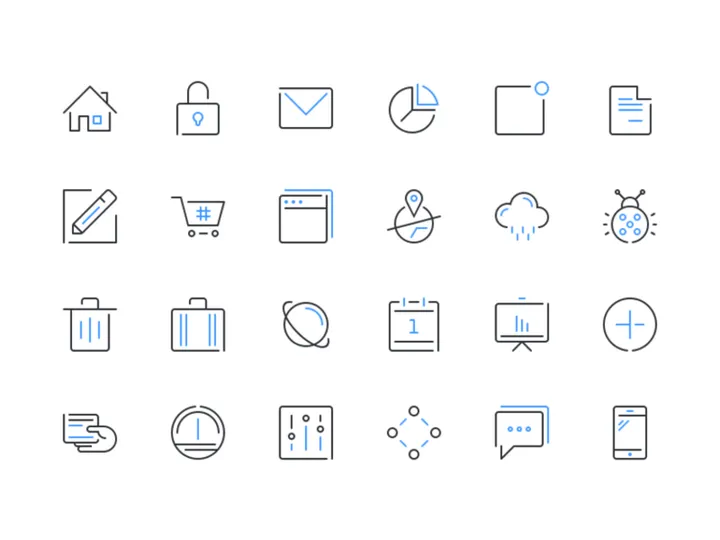
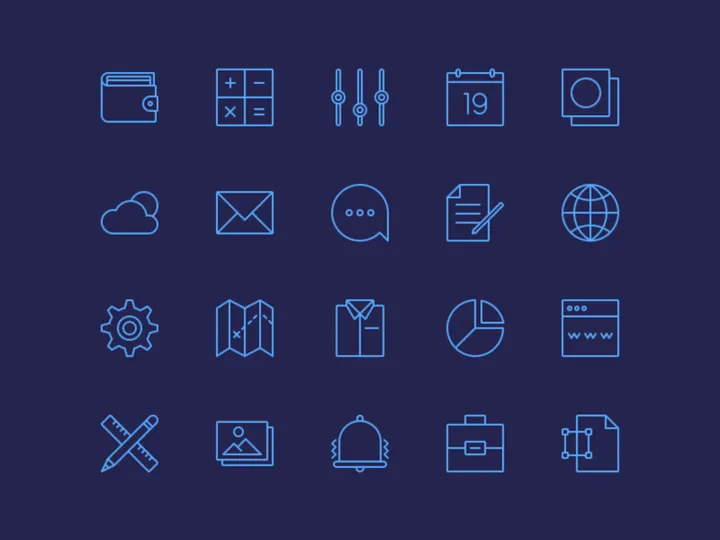
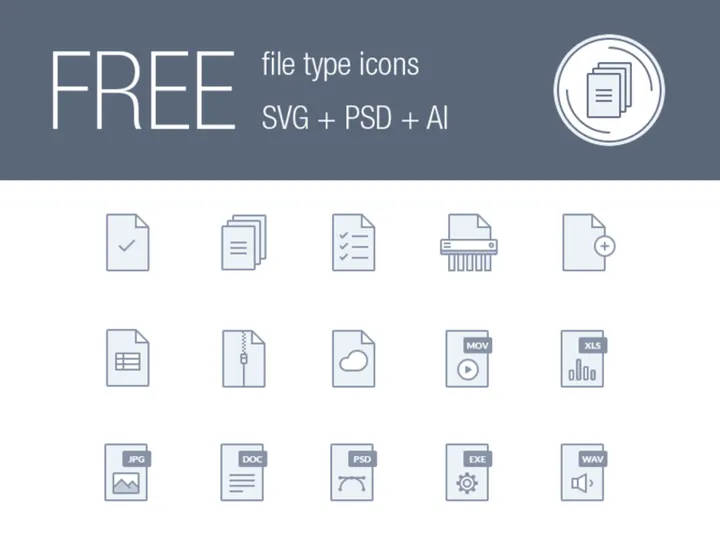


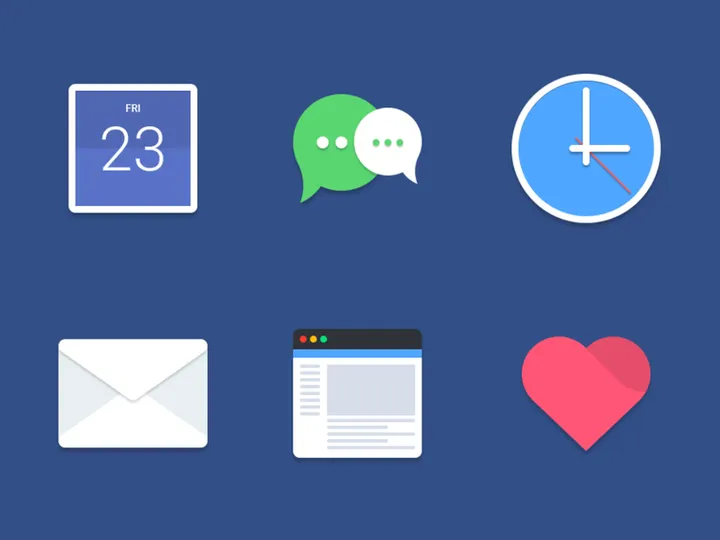




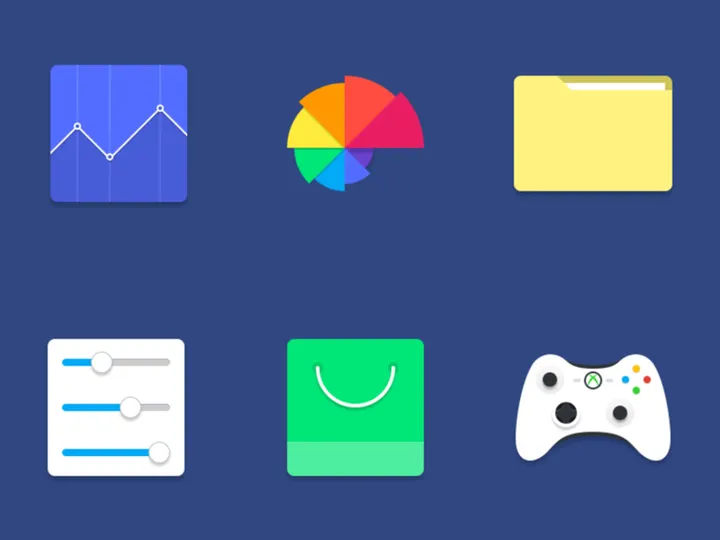

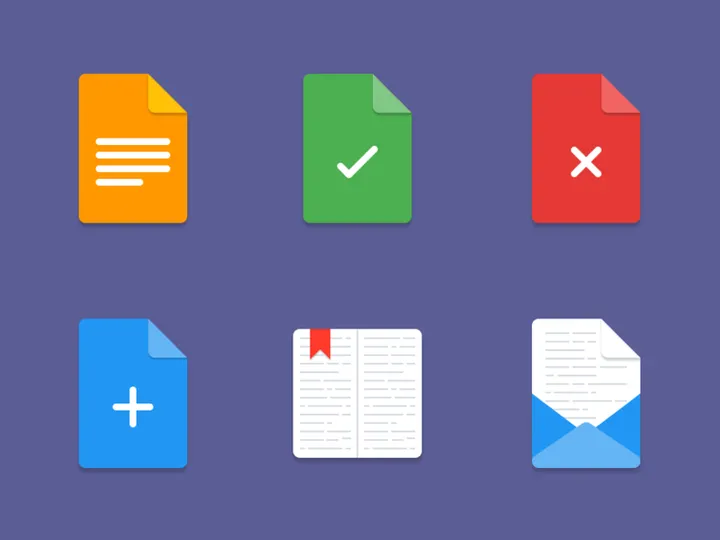
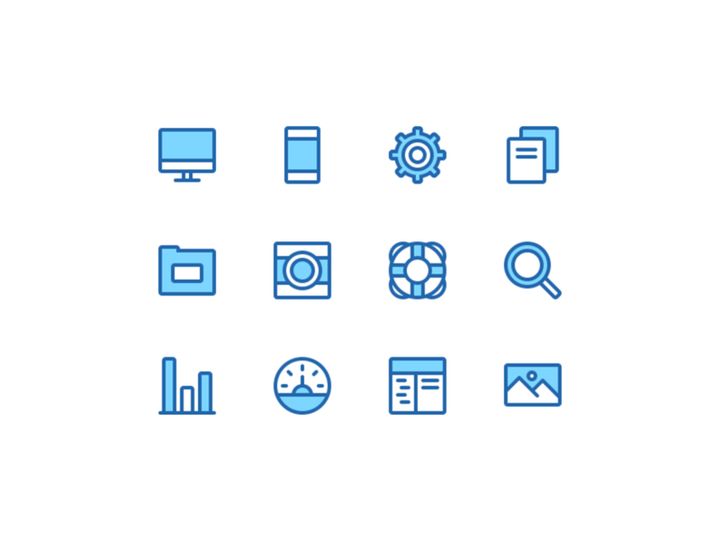
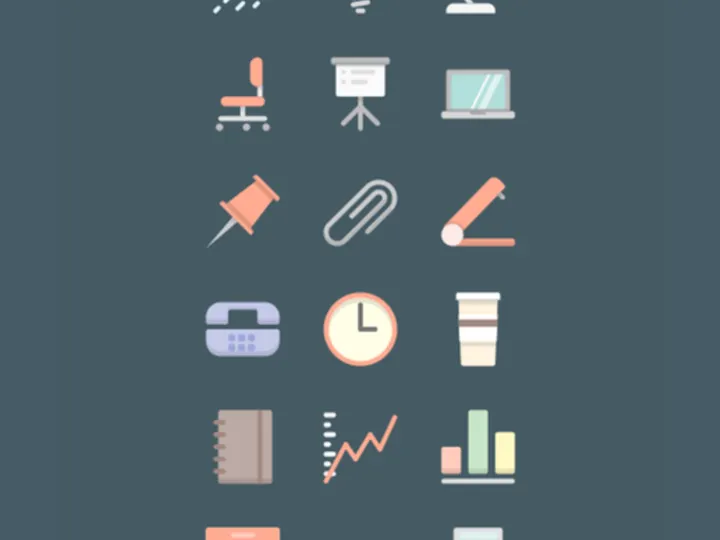

Try Our Free Resources
Download any of these for free - no account required
Browse Icons
At EpicPxls, our Icons collection offers designers access to a meticulously curated library of 1,514+ design resources, making it one of the most comprehensive repositories for digital iconography. Whether you're working on a mobile app, responsive website, branding project, or UI/UX prototype, this extensive catalog provides the visual elements needed to enhance clarity, improve navigation, and elevate the overall user experience. Each icon in the collection is designed with precision, ensuring scalability, consistency, and aesthetic harmony across projects.
These high-quality icons are created by a global network of professional designers and digital artists who adhere to strict quality standards. Before being added to the platform, every submission undergoes a thorough review process to ensure technical accuracy, visual coherence, and design excellence. This includes checking for proper alignment, clean vector paths, consistent stroke weights, and appropriate file structuring. As a result, users can trust that every download from EpicPxls delivers professional-grade assets ready for immediate use.
The collection of 1,514+ resources is thoughtfully curated to reflect current design trends, functional versatility, and broad thematic coverage. Icons are organized by category, format, style, and license type to streamline discovery. From minimalist line icons to detailed filled sets, and from industry-specific toolkits to universal symbols, the directory continues to expand with fresh, relevant additions. Regular updates ensure that designers always have access to modern, usable assets that meet the evolving demands of digital interfaces. With EpicPxls, browsing icons isn’t just about finding a graphic—it’s about discovering purpose-built design solutions.
What's Trending in Icons
Popular Styles in 2026
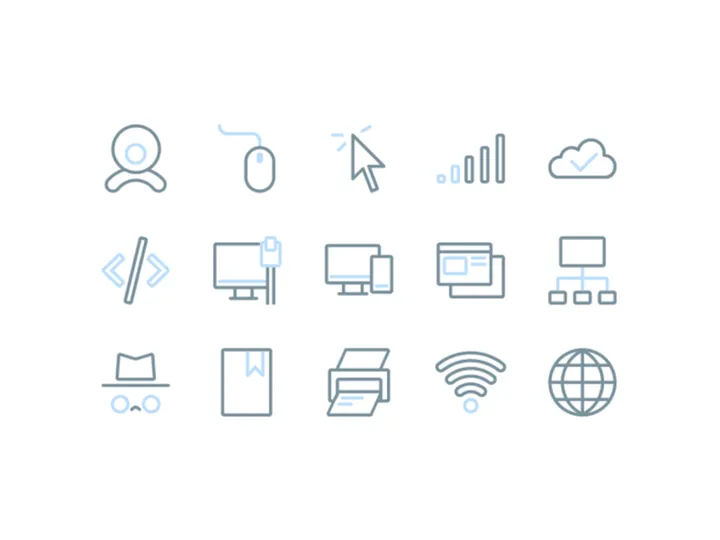
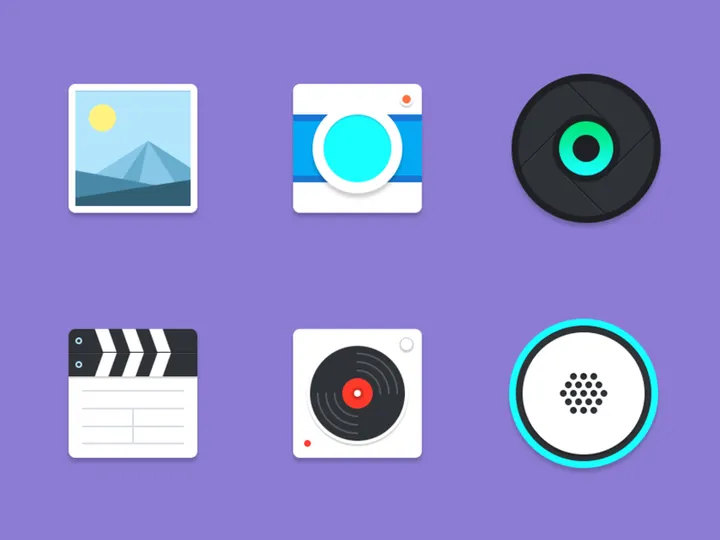
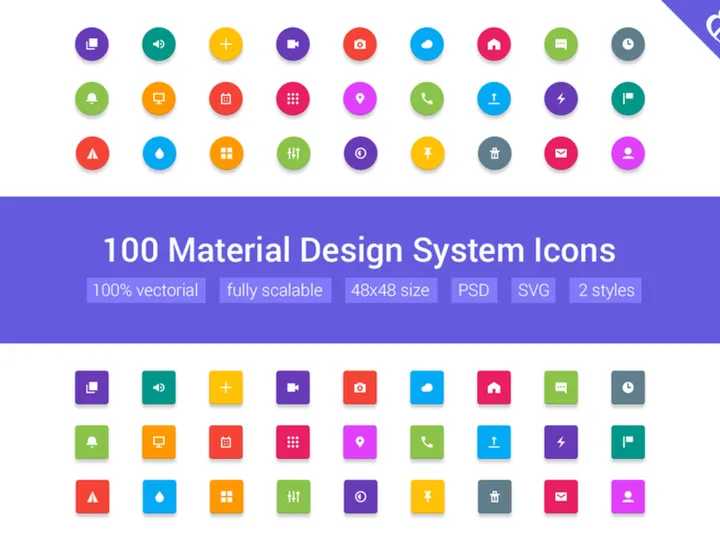
In 2026, icon design continues to favor clarity, accessibility, and adaptability. Neumorphism has evolved into a more restrained aesthetic, blending soft shadows with minimal color palettes for a subtle, tactile feel. Line icons remain dominant, especially in SaaS and productivity applications, where clean, lightweight visuals enhance usability without overwhelming the interface. There's also a growing preference for duotone and gradient-infused icons, which add depth and visual interest while maintaining scalability. Designers are increasingly adopting adaptive icons—those that subtly change appearance based on context or user interaction—enhancing engagement in dynamic environments like dashboards and mobile apps.
Most Downloaded Categories
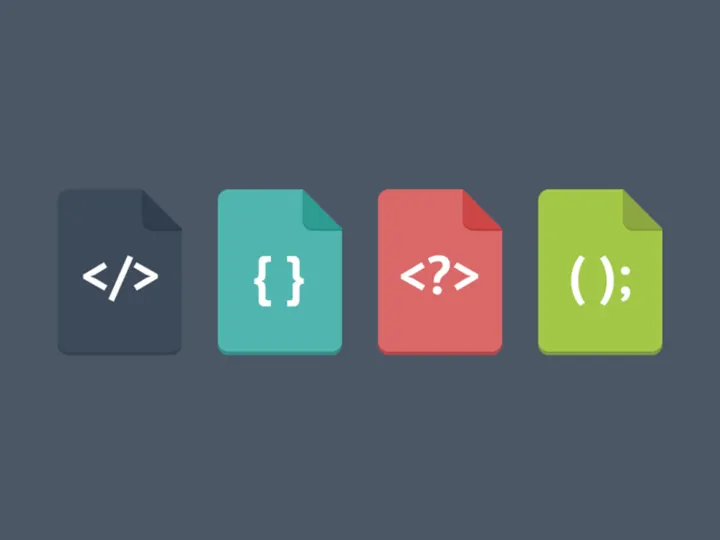
The most sought-after icon sets on EpicPxls reflect the needs of modern digital product development. User interface (UI) icons such as menus, settings, notifications, and navigation controls lead the downloads, driven by demand for intuitive app design. Technology and software icons, including cloud storage, AI tools, cybersecurity symbols, and development environments, are also highly popular. Additionally, ecommerce icons—shopping carts, payment methods, product filters—are consistently in demand among designers building online marketplaces. Health, fitness, and sustainability-themed icons are seeing a surge in downloads, aligning with global trends in wellness and environmental awareness.
Emerging Themes
New directions in icon design are shaped by technological innovation and cultural shifts. AI and machine learning symbols are being reimagined with abstract, circuit-like patterns and glowing elements to convey intelligence and automation. Inclusive design is influencing iconography with diverse representations of people, accessibility tools, and gender-neutral figures. Another growing trend is eco-conscious visuals, where icons incorporate natural motifs—leaves, water droplets, renewable energy symbols—into sleek, modern forms. Augmented reality (AR) and virtual reality (VR) interfaces are also inspiring 3D-inspired flat icons with depth cues and spatial layering. As digital experiences become more immersive, icons on EpicPxls are evolving to support these next-generation interactions.
How to Download Icons
- Search and Browse: Begin by navigating to the Icons category on EpicPxls. Use filters to narrow results by style, format, license, or theme to quickly find what you need within the 1,514+ resources.
- Preview Assets: Click on any icon or icon set to open a detailed preview. Here, you can view individual icons, zoom in on details, and check available file formats and sizes to ensure compatibility with your project.
- Select Version: Choose between free and premium versions where available. Free icons are great for personal projects, while premium options often include expanded sets, multiple formats, and commercial licensing.
- Log In or Sign Up: To download, log into your EpicPxls account. New users can create a free account in seconds to unlock full access to the library and download functionality.
- Download and Use: Click the download button to receive a ZIP file containing the selected icons. Extract the files and import them directly into your design tool—whether Figma, Sketch, Adobe Illustrator, or another platform—and start integrating them into your designs immediately.
The process is intuitive and designed to save time, whether you're grabbing a single icon or an entire toolkit. With clear previews and instant downloads, EpicPxls ensures that going from search to implementation is seamless and efficient.
Icons Category Breakdown
By File Format
EpicPxls offers icons in a variety of file formats to support different design workflows and technical requirements. SVG (Scalable Vector Graphics) is ideal for web developers and designers who need resolution-independent icons that scale perfectly on any screen. PNG files are perfect for quick insertion into websites or presentations, especially when transparency is required. For vector editing and customization, AI (Adobe Illustrator) and PSD (Photoshop) files provide full layer control and are best for teams using Adobe Creative Cloud. Sketch and Figma files are tailored for UI/UX designers, offering organized layers, components, and symbols that integrate seamlessly into modern design systems. Choosing the right format ensures optimal performance and ease of use in your specific project environment.
By License Type
Understanding licensing is crucial when using icons in professional projects. On EpicPxls, icons are available under two primary license types: personal and commercial. Personal-use licenses allow designers to incorporate icons into non-profit or private projects, such as portfolios, academic work, or personal websites. Commercial licenses, available with premium downloads, grant permission to use icons in client work, branded products, marketing materials, SaaS platforms, and revenue-generating applications. Most premium packs include a royalty-free commercial license, meaning you can use the icons across multiple projects without additional fees. Always review the license details on each product page to ensure compliance and peace of mind.
By Complexity
The icons collection spans a wide range of complexity to suit different design needs. At one end are simple assets—individual icons or small sets (5–20 icons) focused on specific symbols like a magnifying glass, user profile, or download arrow. These are perfect for quick fixes or minor UI enhancements. In contrast, complete icon kits offer extensive libraries with hundreds of coordinated icons, often organized into categories such as finance, healthcare, or social media. These kits come with consistent styling, grid alignment, and documentation, making them ideal for large-scale applications, design systems, or enterprise-level products. Whether you need a single element or a full visual language, the 1,514+ resources on EpicPxls provide scalable solutions for every level of design complexity.
Making the Most of Icons
Organizing Your Library
To maximize efficiency, maintain a well-organized icon library. Create folders by project, client, or category—such as “Navigation,” “Ecommerce,” or “Social Media.” Use consistent naming conventions (e.g., “icon-settings-line.svg”) to make files easy to search and retrieve. Consider using design tools like Figma or Sketch that support component libraries, allowing you to build reusable icon systems. Regularly audit and archive outdated or unused icons to prevent clutter. A structured library saves time during design sprints and ensures visual consistency across deliverables.
Customization Tips
Icons from EpicPxls are designed for flexibility. Customize stroke weight, corner radius, color, and size to match your brand’s design language. For SVGs, use code editors or design tools to adjust paths and colors without losing quality. In vector formats like AI or Figma, unlock layers to modify individual elements—such as changing an icon’s fill or adding animation triggers. When recoloring, stick to your brand palette and test contrast for accessibility. For line icons, ensure stroke consistency across the set to maintain visual harmony. With the right adjustments, even a simple icon can become a unique brand asset.
Common Mistakes to Avoid
- Ignoring scale and alignment: Icons that don’t align to the pixel grid can appear blurry. Always snap icons to the grid and test at multiple sizes.
- Mixing incompatible styles: Combining filled icons with line icons in the same interface creates visual noise. Stick to one consistent style per project.
- Over-customizing: Excessive editing can break the icon’s original proportions and reduce recognizability. Make purposeful changes that enhance, not distort.
- Using low-resolution PNGs: Raster images lose quality when scaled. Opt for SVG or vector formats whenever possible.
- Overlooking licensing: Using a personal-use icon in a commercial product can lead to legal issues. Always verify the license type before deployment.
By avoiding these pitfalls and leveraging the full potential of the 1,514+ resources available, designers can create polished, professional interfaces with confidence. EpicPxls empowers creators with not just icons, but intelligent design tools that elevate every project.
Why Download from EpicPxls?
Commercial License
Use in personal and commercial projects
No Account Required
Download free resources instantly
Quality Curated
Every resource is reviewed for quality
Preview Files
See Figma and Photoshop files before downloading
Who Uses These Icons?
Professionals and teams who benefit most from our collection
UI/UX Designers
Speed up your workflow with ready-to-use icons for design tools. Perfect for prototyping and client presentations.
Developers
Get production-ready assets without design skills. Export in any format for web and mobile apps.
Startups & Agencies
Save design budget with affordable premium icons. Commercial license included.
Marketing Teams
Create professional campaigns faster. All icons are optimized for social media and ads.
Icons FAQCommon questions about these resources
Simple, Transparent Pricing
Get unlimited access to all premium resources
Yearly
- 20 downloads per month
- All file formats
- Commercial license
Lifetime
- Unlimited downloads forever
- All file formats
- Commercial license
Earn 85% and
more on all sales
Upload your products and put them up
for sale at whatever price you want.


