PSD vs Figma Templates: Which Format Should You Choose?
EpicPxls offers 200+ curated design resources, all with a commercial license and editable source files (Figma, Sketch, PSD). Both have unique strengths. PSD and Figma Templates serve different needs — read our comparison above to find the best fit for your workflow.
Last updated February 12, 2026
PSD Templates or Figma Templates? We compare both so you can pick the right resources.
Trusted by designers at leading companies
Featured Resources
Handpicked resources from our curated collection
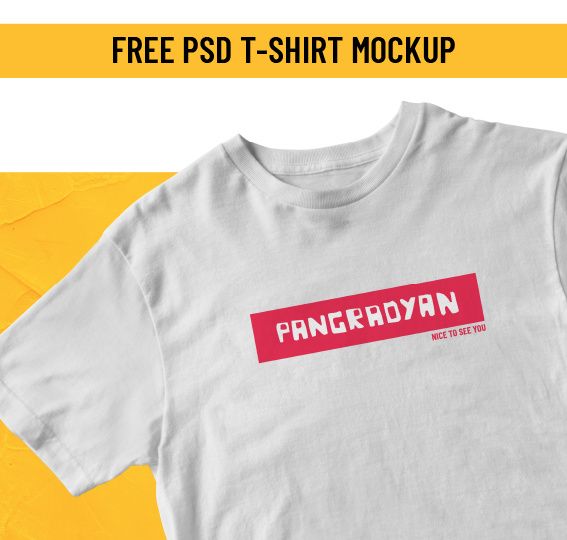

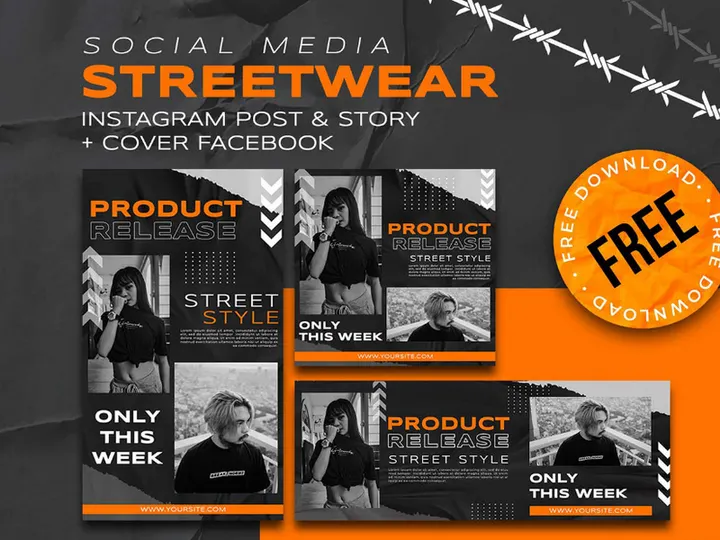


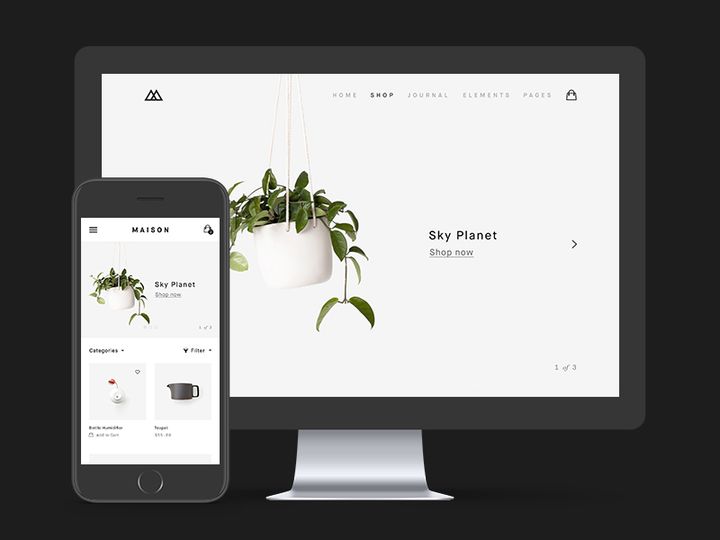

![Dualshock 4 [ FREE PSD] preview picture](https://imgproxy.epicpxls.com/q7ZSRzMhwBO8H4iIQr8alioQGSymid8y6Py9f1DLQjQ/rs:fill:720:540:0/g:no/aHR0cHM6Ly9pdGVt/cy5lcGljcHhscy5j/b20vdXBsb2Fkcy9w/aG90by9hYTAyOGIx/MWVlNzdhZGM0NWQx/NTYyOGE3MDU2OWI0/NS5wbmc.jpg)

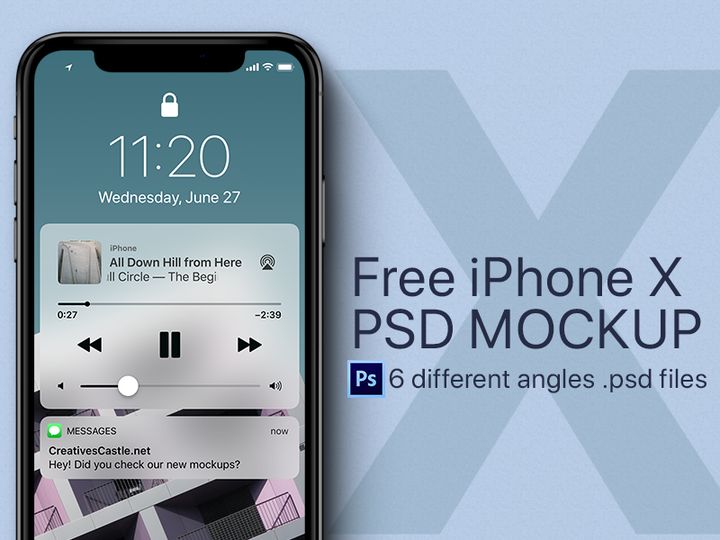


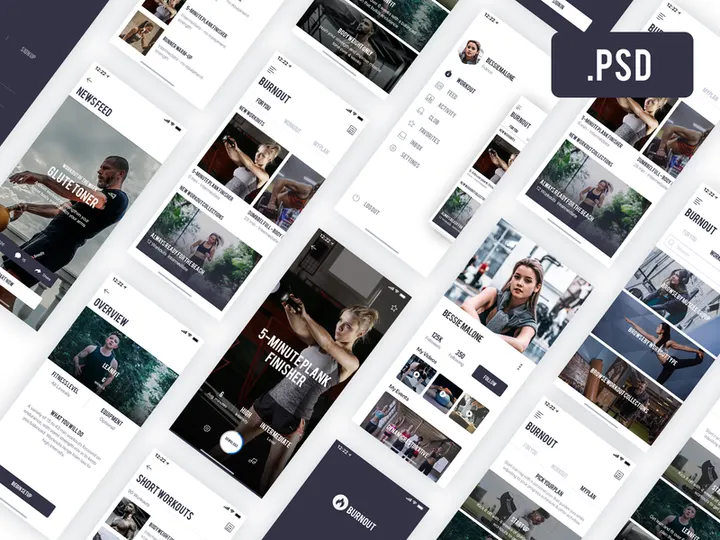
![iCare Free Mobile App [PSD] preview picture](https://imgproxy.epicpxls.com/3MiSDEbSuhp9z4Q0a7fv_In5rEWSY9XrEz5529H0ins/rs:fill:720:540:0/g:no/aHR0cHM6Ly9pdGVt/cy5lcGljcHhscy5j/b20vdXBsb2Fkcy9w/aG90by8xYTE0ODg2/ZjExMWIxYzZiZTIw/YTkxMjU4M2UwNzVh/Zi5wbmc.jpg)


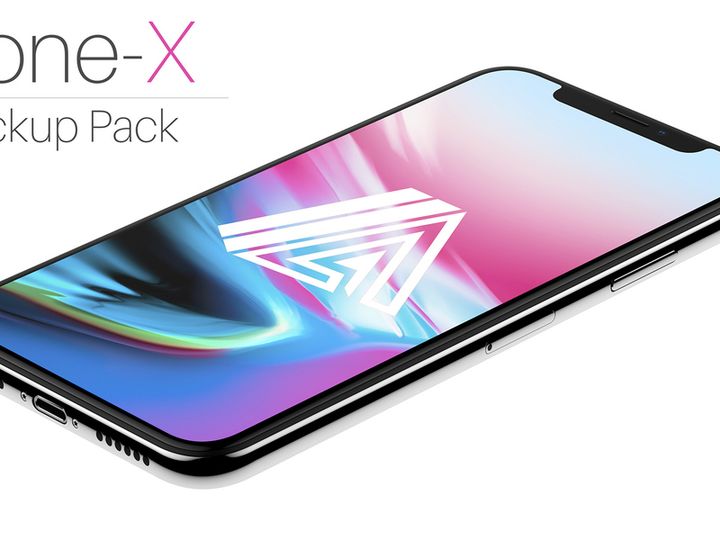
![Google Pixel Mockup [PSD, Sketch] preview picture](https://imgproxy.epicpxls.com/0S9OGY_9_ODKLxjds_PmC53SgImFi3raoTcTGolkJec/rs:fill:720:540:0/g:no/aHR0cHM6Ly9pdGVt/cy5lcGljcHhscy5j/b20vdXBsb2Fkcy9w/aG90by9jNjY0OGE4/ZGZiMTU5Zjk4NjJh/ZGJiYzcwZmNkODUx/NC5qcGc.jpg)
Try Our Free Resources
Download any of these for free - no account required
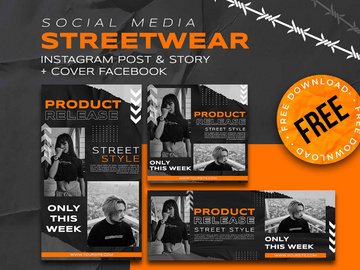
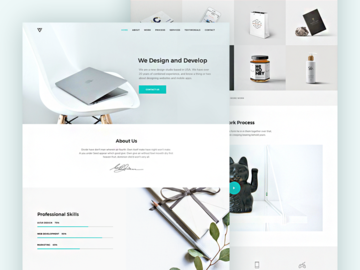
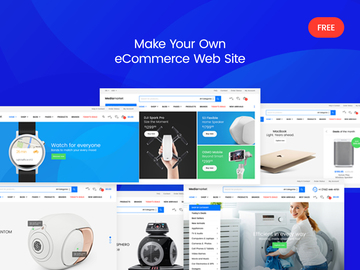
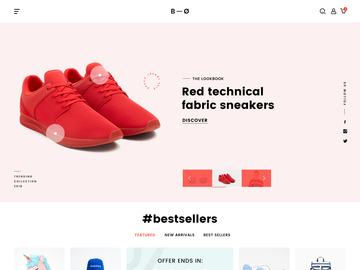
PSD vs Figma Templates: Quick Overview
When it comes to digital design, choosing the right template format can significantly impact your workflow, collaboration, and final output. Two of the most popular formats in the design community are PSD (Photoshop Document) and Figma Templates. PSD files have long been the industry standard for pixel-perfect graphics, especially in print, branding, and web design projects. Figma Templates, on the other hand, represent the modern shift toward collaborative, cloud-based design tools that excel in UI/UX workflows.
At a glance, PSD templates offer deep integration with Adobe Photoshop, giving designers powerful tools for photo editing, layer effects, and detailed raster-based compositions. Figma Templates, however, operate within a vector-based, real-time collaborative environment, making them ideal for team-based interface design, prototyping, and developer handoff. The choice between the two often comes down to workflow needs, team collaboration requirements, and the nature of the project.
This comparison matters to professional designers, freelancers, agencies, and UI/UX practitioners who rely on high-quality, ready-made resources to streamline their creative process. With over 13413+ resources available on platforms like EpicPxls, choosing the right format ensures you're not only saving time but also working efficiently and effectively. Whether you're building a website, crafting a brand identity, or designing a mobile app interface, understanding the strengths of PSD and Figma Templates helps you make an informed decision tailored to your goals.
PSD: Strengths & Resources
Key Advantages
PSD templates have been a cornerstone of digital design for decades, and for good reason. As the native file format of Adobe Photoshop, PSDs offer unmatched control over raster-based graphics. Designers benefit from advanced layering systems, blending modes, smart objects, and non-destructive editing capabilities. This makes PSD the go-to format for intricate designs such as photo manipulations, detailed web mockups, branding kits, and print-ready materials.
One of PSD’s greatest strengths is its compatibility with a wide range of effects and filters. From realistic shadows and textures to gradient overlays and custom brushes, PSD templates allow for highly expressive and visually rich designs. Additionally, because PSD files preserve all layer information, typography, masks, and adjustment layers, they offer maximum flexibility for post-download customization.
Best Use Cases
PSD templates are particularly effective for projects that demand pixel-level precision and visual fidelity. These include logo design, social media graphics, web page mockups, packaging design, and marketing collateral. If your workflow involves heavy image editing or you're creating assets for both digital and print media, PSD templates are likely the better fit. They’re also ideal for designers who work solo or in environments where Adobe Creative Cloud is the standard suite.
Available Resources
At EpicPxls, designers can access a vast library of premium PSD templates tailored for a wide variety of industries and use cases. From minimalist website layouts to elaborate branding kits, the platform hosts thousands of professionally designed, fully layered PSD files. With over 13413+ resources available, including seasonal templates and industry-specific designs, EpicPxls ensures that every designer can find a PSD template that aligns with their creative vision and technical needs.
Figma Templates: Strengths & Resources
Key Advantages
Figma Templates have rapidly become the preferred choice for modern UI/UX designers thanks to their vector-based, cloud-native architecture. Unlike traditional file-based formats, Figma operates in the browser, enabling real-time collaboration, instant sharing, and seamless version control. This makes it exceptionally well-suited for team-based design projects where feedback, iteration, and consistency are critical.
One of Figma’s standout features is its component and style system. Designers can create reusable elements—like buttons, cards, and navigation bars—with consistent properties across entire projects. This not only speeds up design but also ensures adherence to design systems and brand guidelines. Auto layout, constraints, and responsive resizing further enhance productivity, especially when designing for multiple screen sizes.
Best Use Cases
Figma Templates shine in digital product design workflows. They are ideal for creating wireframes, interactive prototypes, dashboards, mobile app interfaces, and responsive websites. Because Figma supports direct developer handoff—with inspectable CSS, spacing, and asset exports—teams can move quickly from concept to development. Figma is also excellent for remote teams, startups, and agencies that prioritize agility, transparency, and rapid iteration.
Available Resources
EpicPxls offers an extensive and growing collection of Figma Templates designed by industry professionals. These templates cover everything from SaaS dashboards and e-commerce UI kits to onboarding flows and design systems. Each template is fully customizable, well-organized, and built with best practices in mind. With more than 13413+ resources across both PSD and Figma formats, EpicPxls ensures that Figma users have access to cutting-edge, production-ready designs that integrate smoothly into modern workflows.
Side-by-Side Comparison
| Criteria | PSD Templates | Figma Templates |
|---|---|---|
| File format support | Native to Adobe Photoshop; supports layers, masks, smart objects, and raster graphics. Can be exported to PNG, JPEG, PDF, SVG (with limitations). | Cloud-based vector format; supports real-time editing, components, and constraints. Exports to SVG, PNG, JPG, PDF, and code snippets. |
| Ease of customization | Highly customizable with full layer control, but requires Photoshop proficiency. Best for designers comfortable with raster editing and layer management. | Extremely easy to customize using components, styles, and auto layout. Changes propagate across instances, reducing repetitive work. |
| Community and ecosystem | Mature ecosystem with decades of tutorials, plugins, and user forums. Deep integration with Adobe Creative Cloud tools. | Vibrant, fast-growing community with active sharing on platforms like Figma Community. Rich plugin ecosystem for automation and design system management. |
| Pricing and licensing | Requires Adobe Photoshop subscription (paid). Templates are typically one-time purchase with perpetual use license. | Figma offers a free tier with limitations; professional features require a paid plan. Templates are usually one-time purchases with royalty-free licenses. |
| Best for (use cases) | Photo editing, branding, print design, social media graphics, detailed web mockups, and solo designer workflows. | UI/UX design, prototyping, app development, collaborative projects, design systems, and agile product teams. |
Our Verdict: Which Should You Choose?
Choosing between PSD and Figma Templates ultimately depends on your design goals, workflow preferences, and project requirements. If you're focused on high-fidelity visual design, photo-based compositions, or print deliverables, PSD remains a powerful and reliable choice. Its deep feature set in Photoshop and compatibility with industry-standard tools make it indispensable for many designers—especially those already embedded in the Adobe ecosystem.
On the other hand, if you're designing digital products, working in a team, or need to prototype and collaborate in real time, Figma Templates offer a more modern, efficient, and scalable solution. The ability to share, comment, iterate, and hand off designs directly to developers gives Figma a clear edge in today’s fast-paced design environments.
Many professional designers don’t limit themselves to just one format—they use both. For example, a brand identity might be crafted in PSD for its visual richness, then translated into a Figma design system for digital implementation. Platforms like EpicPxls support this hybrid approach by offering high-quality templates in both formats, making it easy to switch or combine workflows as needed.
With over 13413+ resources spanning both PSD and Figma, your choice doesn’t have to be permanent. Explore templates from EpicPxls to experience the strengths of each format firsthand, and build a toolkit that adapts to your evolving design challenges. Whether you're a solo creative or part of a dynamic team, the right template format can elevate your work and streamline your path from concept to completion.
Why Download from EpicPxls?
Commercial License
Use in personal and commercial projects
No Account Required
Download free resources instantly
Quality Curated
Every resource is reviewed for quality
Preview Files
See Figma and Photoshop files before downloading
Who Uses These Resources?
Professionals and teams who benefit most from our collection
UI/UX Designers
Speed up your workflow with ready-to-use resources for design tools. Perfect for prototyping and client presentations.
Developers
Get production-ready assets without design skills. Export in any format for web and mobile apps.
Startups & Agencies
Save design budget with affordable premium resources. Commercial license included.
Marketing Teams
Create professional campaigns faster. All resources are optimized for social media and ads.
Frequently Asked QuestionsCommon questions about these resources
Simple, Transparent Pricing
Get unlimited access to all premium resources
Yearly
- 20 downloads per month
- All file formats
- Commercial license
Lifetime
- Unlimited downloads forever
- All file formats
- Commercial license
Ready to Get Started?
Access 4,442+ free design resources today.
Browse Free ResourcesView Premium PlansEarn 85% and
more on all sales
Upload your products and put them up
for sale at whatever price you want.


