What Is a Vector Graphic? Complete Guide for Designers
EpicPxls offers 200+ curated icons, all with a commercial license and editable source files (Figma, Sketch, PSD). A vector graphic is a pre-made design resource that helps designers work faster. Browse 200+ vector graphics on EpicPxls for your projects.
Last updated February 12, 2026
Everything you need to know about vector graphics — definition, types, and how to use them.
Trusted by designers at leading companies
Top Icons
Handpicked resources from our curated collection
![60 Icons - Vector [Free] preview picture](https://imgproxy.epicpxls.com/U01BA4daO8hyEY63utCP3w-8OXbcAv47Deh7_Ui7jSI/rs:fill:720:540:0/g:no/aHR0cHM6Ly9pdGVt/cy5lcGljcHhscy5j/b20vdXBsb2Fkcy9w/aG90by9lYTg0NjUy/YTA2MTA2YmVmZTEx/MTNjMmM4NzA4N2Jm/Zi5naWY.jpg)


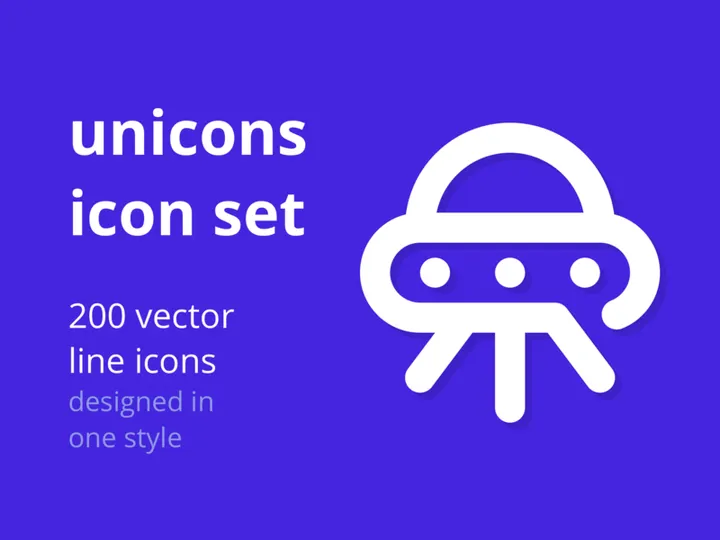

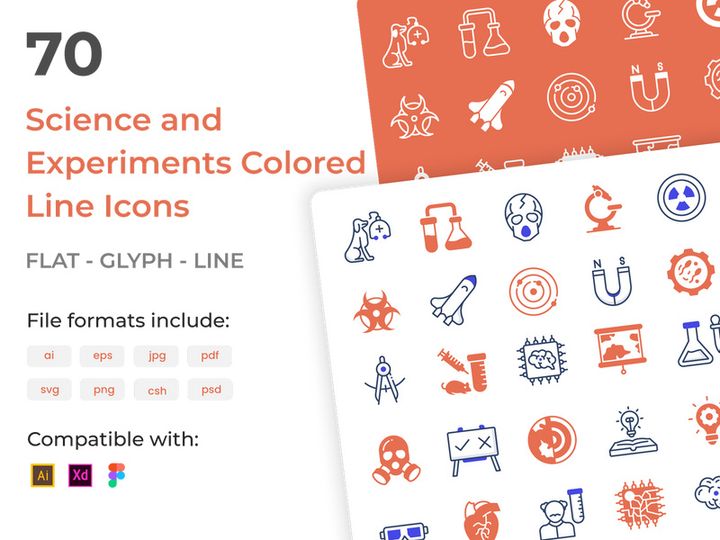





Try Our Free Resources
Download any of these for free - no account required
![60 Icons - Vector [Free]](https://items.epicpxls.com/uploads/photo/a4dd6944be640428f597e605bccb8d89.gif)


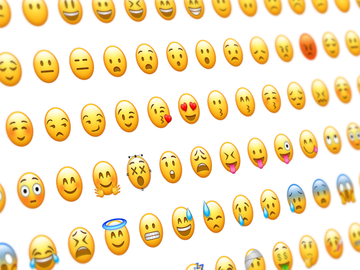
What Is a Vector Graphic?
A vector graphic is a type of digital image created using mathematical formulas that define geometric shapes such as points, lines, curves, and polygons. Unlike raster images (like JPEGs or PNGs), which are composed of a fixed grid of pixels, vector graphics are resolution-independent. This means they can be scaled infinitely—enlarged or reduced—without any loss of quality. Whether you're designing a tiny app icon or a massive billboard, a vector graphic maintains its sharpness and clarity at every size.
The concept of vector graphics dates back to the 1960s, emerging from early computer graphics research and the development of plotting devices that could draw lines based on coordinate instructions. Over time, vector-based design evolved alongside advancements in computing power and software. By the 1980s and 1990s, programs like Adobe Illustrator and CorelDRAW brought vector tools to professional designers, revolutionizing logo creation, typography, and technical illustration. The adoption of standardized formats like SVG (Scalable Vector Graphics) further cemented vector graphics as a foundational tool in both print and digital design.
Today, vector graphics are essential in modern design workflows. They empower designers to create versatile, scalable assets that adapt seamlessly across various mediums—web, mobile, print, and animation. Their small file sizes (compared to high-resolution raster images) also make them ideal for fast-loading websites and responsive applications. In branding, vectors ensure consistency; a company logo can be reproduced accurately on business cards, websites, and signage, regardless of scale. For UI/UX designers, vector graphics streamline icon and interface element creation, enabling precise control over shape, color, and stroke. With over 34169+ vector graphic resources now available for use, designers have unprecedented access to scalable, customizable assets that enhance productivity and creativity. Whether you're crafting a minimalist logo or a detailed infographic, vector graphics offer the precision, flexibility, and future-proofing every modern designer needs.
Types of Vector Graphics
By Purpose
Vector graphics serve a wide range of design purposes, each tailored to specific needs and industries. Logos are among the most common applications—brands rely on vector formats to ensure their identity remains crisp across platforms. Icons, especially in web and app design, are typically vector-based to support multiple screen sizes and resolutions. Infographics use vector elements like charts, illustrations, and diagrams to present data clearly and attractively. Typography and custom lettering are often designed in vector form to allow for scaling and modification. In technical fields, vectors are used for diagrams, blueprints, and schematics, where precision is critical. For illustrators, digital artwork and character design benefit from the scalability and clean lines vector tools provide. Each purpose leverages the core strengths of vector graphics: scalability, editability, and precision.
By Format
Vector graphics are delivered in several file formats, each suited to different workflows and environments. SVG (Scalable Vector Graphics) is the standard for web use, supported natively by all modern browsers and ideal for responsive design. AI (Adobe Illustrator) files are native to one of the most widely used vector design programs, offering full editability for professionals. EPS (Encapsulated PostScript) is an older but still widely supported format, often used for print and cross-platform compatibility. PDF (Portable Document Format) can encapsulate vector data and is commonly used for sharing print-ready files. DXF and DWG are formats primarily used in engineering and CAD applications. Choosing the right format depends on your intended use—web designers often prefer SVG, while print professionals might rely on PDF or EPS. Platforms like EpicPxls offer vector graphics in multiple formats, ensuring designers can access the right file type for their project needs across its 34169+ resources.
By Complexity
Vector graphics vary widely in complexity, from simple to highly detailed. Simple vectors include basic shapes, line icons, and minimal logos—easy to edit and ideal for quick integration into designs. These are perfect for UI elements, social media graphics, or clean branding assets. Intermediate vectors may feature layered color fills, gradients, and moderate detail, such as illustrated icons or stylized typography. These require more design expertise but offer greater visual impact. Complex vectors involve intricate illustrations, detailed patterns, or multi-element compositions, often used in editorial design, advertising, or character art. While they offer rich visual storytelling, they may require more processing power and design time to modify. Understanding the complexity level helps designers choose the right asset—whether you need a sleek, scalable icon or a detailed vector illustration, the EpicPxls library provides options across the entire spectrum of design needs.
How to Use Vector Graphics in Your Projects
- Identify your design need: Start by determining the purpose of the vector graphic. Are you creating a logo, designing a website, or developing a presentation? Knowing the context helps you select the appropriate style, complexity, and format.
- Choose the right vector source: Select a high-quality vector from a trusted library. Look for clean paths, proper layer organization, and compatibility with your software. With 34169+ resources available on EpicPxls, you can filter by style, theme, or use case to find the perfect match.
- Download in the correct format: Ensure you’re downloading the vector in a format compatible with your design tool—SVG for web, AI or EPS for Adobe workflows, or PDF for print. Multi-format availability, common on platforms like EpicPxls, gives you flexibility.
- Import into your design software: Open the vector file in a vector editor such as Adobe Illustrator, Affinity Designer, Inkscape, or Figma. Most tools allow you to ungroup, recolor, and reshape individual elements with precision.
- Customize for your brand or project: Adjust colors, resize components, modify strokes, or combine with other graphics. Because vector paths are fully editable, you can tailor the design to align with your brand guidelines or creative vision.
- Export for your intended use: Once customized, export the graphic in the required format and resolution. For web, export SVG or optimized PNG; for print, use high-resolution PDF or EPS. Always verify scalability and color accuracy before final delivery.
Following these steps ensures efficient integration of vector graphics into any project. Best practices include organizing layers, using named groups, and preserving original files for future edits. Always respect licensing terms—especially when using premium assets. Whether you're designing a mobile app interface or a corporate brochure, using vector graphics correctly enhances both workflow efficiency and visual quality.
Vector Graphic vs Related Concepts
While often confused, vector graphics differ significantly from related design concepts like raster images, bitmaps, and 3D models. The primary distinction lies in how they store image data. Raster images (such as JPEG, PNG, or TIFF) are made of pixels—tiny colored squares that form an image. When scaled beyond their original size, they become blurry or pixelated. In contrast, vector graphics use mathematical equations to define shapes, allowing infinite scaling without quality loss. This makes vectors ideal for logos, icons, and any design requiring flexibility in size.
Another key difference is editability. In a vector file, each shape, line, and color is an independent object that can be modified—colors changed, paths adjusted, elements repositioned—without affecting the rest of the image. Raster images, on the other hand, require pixel-level editing, which is more time-consuming and less precise. While raster graphics excel in capturing detailed photographs and complex textures, vectors dominate in areas requiring clean lines, scalability, and precision.
It’s also important to note how vector graphics complement other design elements. For instance, a website might use SVG icons (vectors) layered over a high-resolution photograph (raster). In branding, a vector logo may be placed on a textured background created in a raster program. Understanding when to use each format—vectors for scalability and clarity, rasters for realism and detail—allows designers to create balanced, professional outcomes. Choosing the right tool for the job ensures both aesthetic quality and technical performance.
Where to Find Quality Vector Graphics
Finding high-quality vector graphics starts with knowing what to look for. First, assess the technical quality: clean anchor points, smooth curves, organized layers, and minimal redundant nodes. A well-constructed vector file is easier to edit and scales flawlessly. Next, consider design consistency—especially if you're building a brand system. Look for vectors that match your style, whether minimalist, hand-drawn, or technical. File format support is also crucial; ensure the resource provides multiple export options like SVG, AI, or EPS for maximum versatility.
Licensing is another critical factor. Free vectors may come with usage restrictions or require attribution, while premium vectors often offer broader commercial rights and higher quality control. Platforms like EpicPxls provide a curated library of over 34169+ vector graphic resources, each reviewed for quality, scalability, and usability. This curation ensures designers don’t waste time sifting through poorly constructed files. Whether you need a single icon or a full icon set, EpicPxls offers reliable, ready-to-use assets that integrate smoothly into professional workflows.
While free resources can be useful for personal projects or prototyping, premium collections often deliver superior craftsmanship, consistency, and licensing flexibility—essential for client work and commercial products. By choosing a trusted source with a large, well-organized catalog, designers save time, maintain brand integrity, and ensure technical excellence. With the right vector graphics at hand, from simple shapes to complex illustrations, your design process becomes faster, more flexible, and more impactful.
Why Download from EpicPxls?
Commercial License
Use in personal and commercial projects
No Account Required
Download free resources instantly
Quality Curated
Every resource is reviewed for quality
Preview Files
See Figma and Photoshop files before downloading
Who Uses These Icons?
Professionals and teams who benefit most from our collection
UI/UX Designers
Speed up your workflow with ready-to-use icons for design tools. Perfect for prototyping and client presentations.
Developers
Get production-ready assets without design skills. Export in any format for web and mobile apps.
Startups & Agencies
Save design budget with affordable premium icons. Commercial license included for client work.
Marketing Teams
Create professional campaigns faster. All icons are optimized for social media and ads.
Icons FAQCommon questions about these resources
Simple, Transparent Pricing
Get unlimited access to all premium resources
Yearly
- 20 downloads per month
- All file formats
- Commercial license
Lifetime
- Unlimited downloads forever
- All file formats
- Commercial license
Ready to Get Started?
Access 4,442+ free design resources today.
Browse Free ResourcesView Premium PlansEarn 85% and
more on all sales
Upload your products and put them up
for sale at whatever price you want.


