What Is a Wireframe? Complete Guide for Designers
EpicPxls offers 84+ curated ui kits, all with a commercial license and editable source files (Figma, Sketch, PSD). A wireframe is a pre-made design resource that helps designers work faster. Browse 84+ wireframes on EpicPxls for your projects.
Last updated February 12, 2026
Everything you need to know about wireframes — definition, types, and how to use them.
Trusted by designers at leading companies
Top UI Kits
Handpicked resources from our curated collection


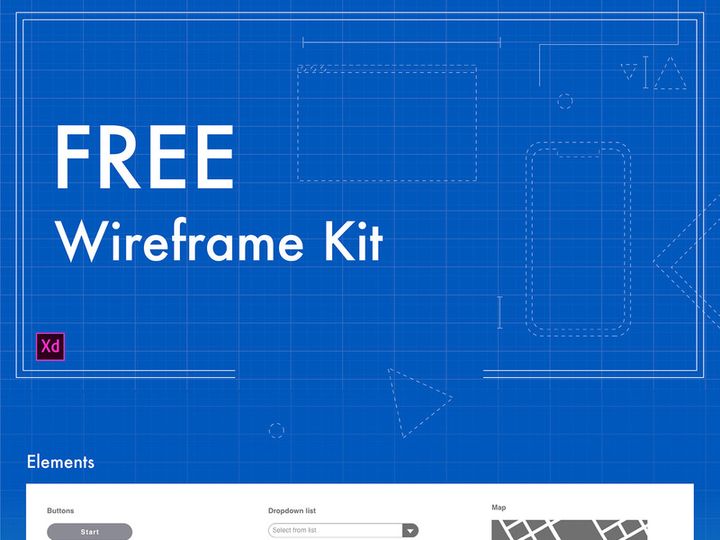

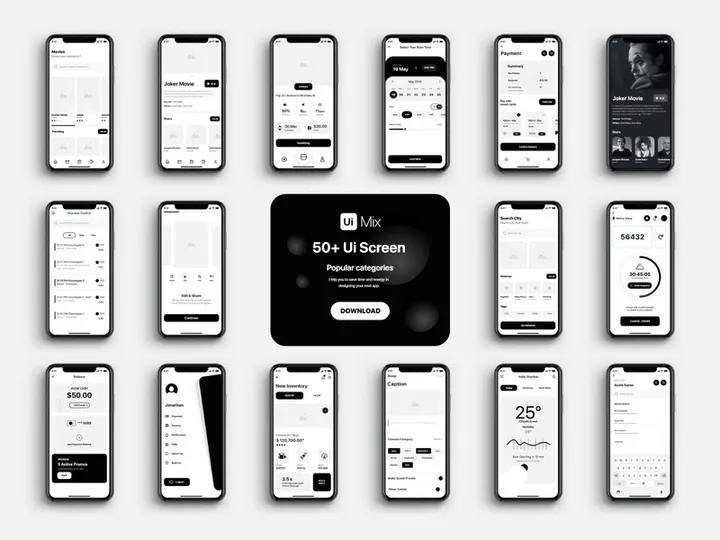
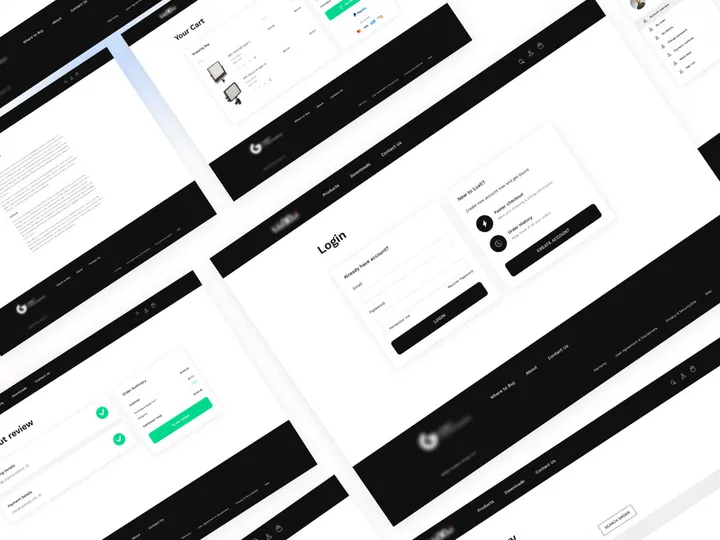
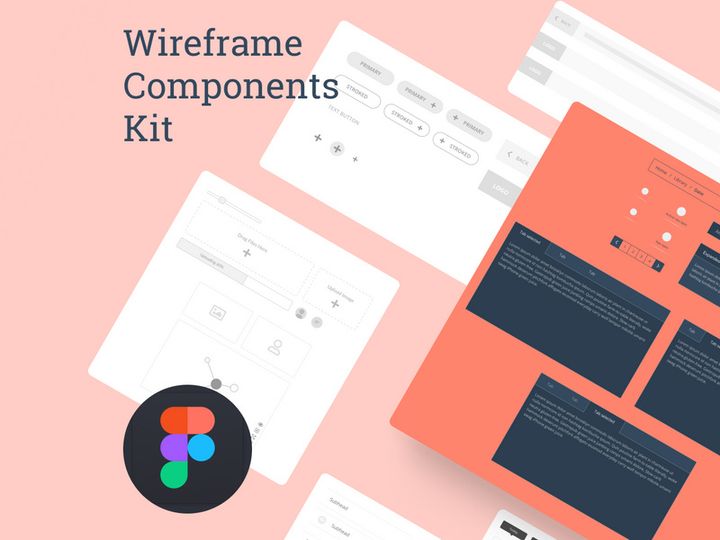
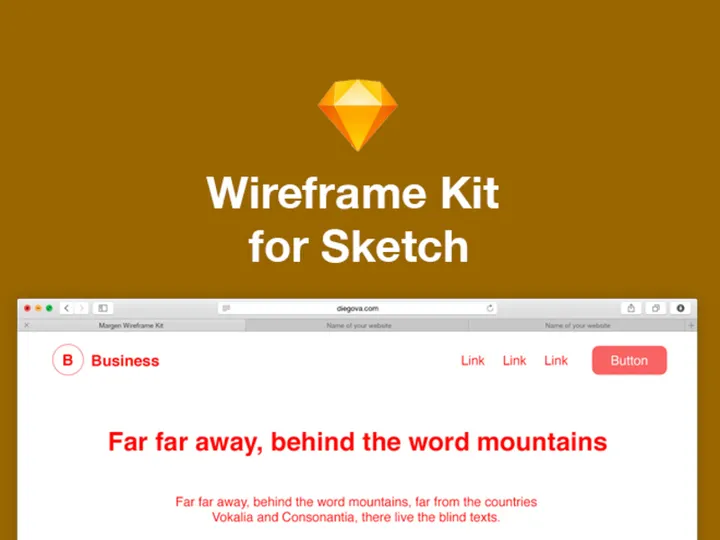

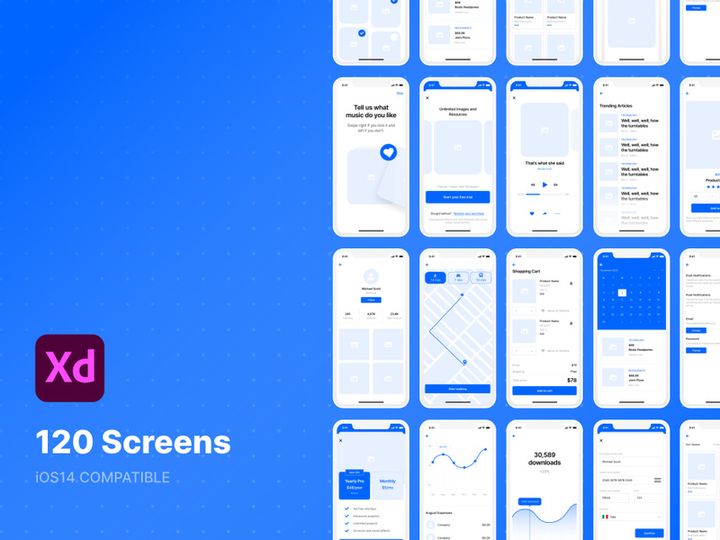


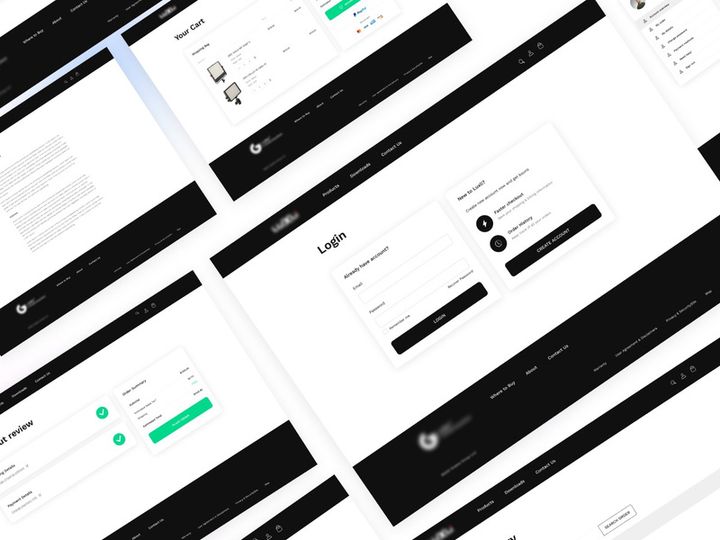
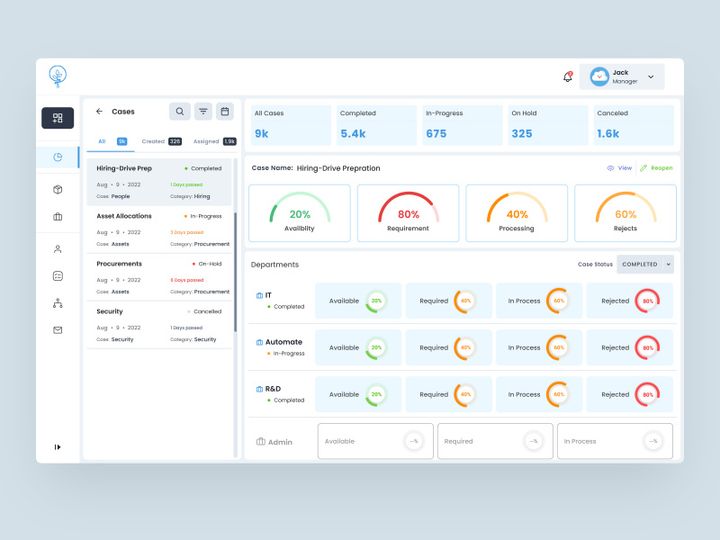
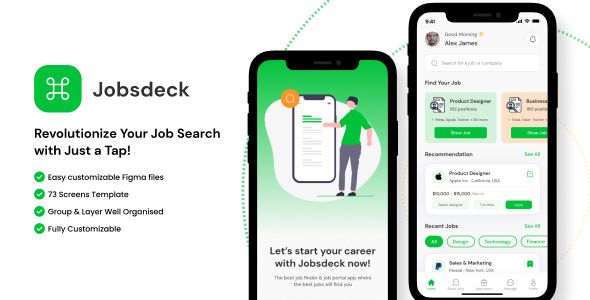
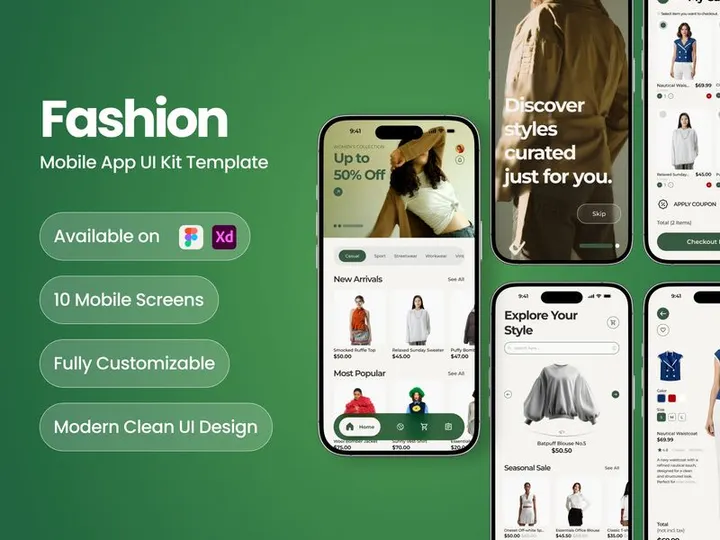
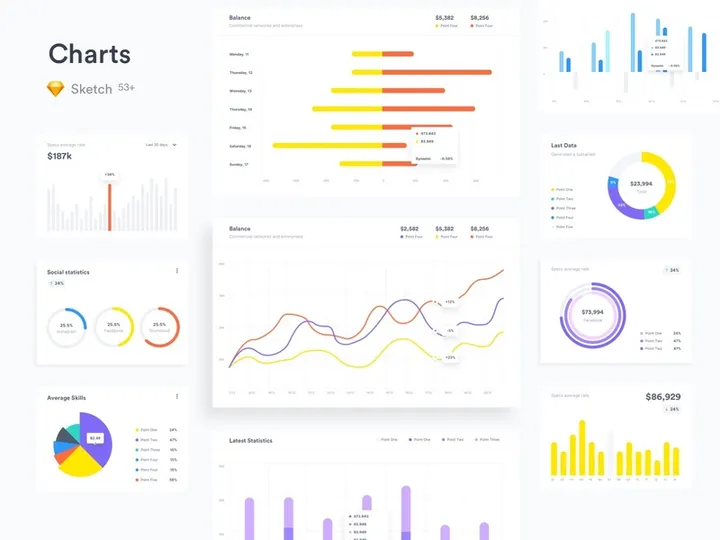



Try Our Free Resources
Download any of these for free - no account required

What Is a Wireframe?
A wireframe is a visual blueprint of a digital interface that outlines the structure, layout, and functionality of a web page, app screen, or software dashboard. Think of it as the architectural sketch of a building—before any colors, images, or detailed design elements are added. Wireframes help designers, developers, and stakeholders understand how users will interact with a product, where content will be placed, and how navigation will flow—all without the distraction of aesthetics.
The concept of wireframing originated in the early days of web design, when designers needed a simple way to map out website structures before investing time in visual design or front-end development. Over time, wireframes evolved from hand-drawn sketches on paper to digital mockups created with specialized tools. Today, wireframes serve as a foundational step in user interface (UI) and user experience (UX) design processes, guiding everything from initial ideation to usability testing.
Wireframes are essential in modern design workflows because they promote clarity, collaboration, and efficiency. By focusing on layout and functionality first, teams can identify usability issues early, align stakeholders around a shared vision, and reduce costly revisions later in the development cycle. They also serve as a communication tool between designers, developers, product managers, and clients—ensuring everyone understands the product’s core structure before moving into high-fidelity design.
Whether you're designing a mobile app, a responsive website, or an enterprise SaaS platform, wireframes act as the skeleton upon which the entire user experience is built. They enable teams to test ideas quickly, gather feedback, and iterate with minimal resource investment. With platforms like EpicPxls offering access to 464+ wireframe resources, designers can accelerate their workflow by leveraging pre-built templates tailored to common use cases and industries.
Types of Wireframes
By Purpose
Wireframes are often created with specific goals in mind. Exploratory wireframes are used during brainstorming sessions to test multiple layout ideas or interaction patterns. Presentation wireframes are more polished and are shared with stakeholders to communicate design direction. Functional wireframes focus on user flows and interactions, helping developers understand how elements behave. Meanwhile, documentation wireframes serve as reference material throughout development, ensuring consistency across screens and features.
By Format
The format of a wireframe depends on how it will be used and shared. Static wireframes are image-based files (like PNG or PDF) that show a single screen state and are often used for presentations or documentation. Interactive wireframes simulate real user interactions and are typically built in prototyping tools, allowing users to click through screens, open menus, or fill out forms. These are commonly exported as HTML files or shared via web links. Some teams also use code-based wireframes, where basic HTML and CSS are used to create functional drafts that developers can build upon directly.
By Complexity
Wireframes vary in detail and fidelity. Low-fidelity wireframes are simple, often hand-drawn or sketched digitally, using basic shapes and placeholder text (like lorem ipsum). They’re fast to create and ideal for early-stage ideation and team collaboration. Mid-fidelity wireframes include more precise layout details, consistent spacing, and basic interactivity, making them suitable for user testing and internal reviews. High-fidelity wireframes closely resemble the final product, featuring accurate typography, iconography, and sometimes color. While more time-consuming, they’re useful when presenting to clients or integrating with design systems.
Choosing the right complexity level depends on your project phase, team size, and objectives. For rapid iteration, low-fidelity options are best. For client approvals or developer handoffs, mid- to high-fidelity wireframes offer greater clarity. Platforms like EpicPxls provide a diverse range of wireframes across all complexity levels, helping designers find the perfect match for their needs among its 464+ resources.
How to Use Wireframes in Your Projects
- Define Your Project Goals – Before selecting a wireframe, clarify your project’s purpose, target audience, and key user flows. Are you designing a checkout process? A dashboard? Understanding your objectives helps you choose the most relevant wireframe template.
- Select the Right Wireframe Type – Based on your goals, decide whether you need a low-fidelity sketch for brainstorming or a high-fidelity mockup for stakeholder review. Consider whether interactivity is needed—some projects benefit from clickable prototypes that simulate real usage.
- Choose a Compatible Tool – Popular design tools like Figma, Sketch, Adobe XD, and Balsamiq support wireframing with built-in libraries and collaboration features. Ensure your chosen wireframe resource is compatible with your software. Many templates from EpicPxls are available in multiple formats, making integration seamless.
- Customize for Your Brand and Content – Replace placeholder text with real copy, adjust layout grids to fit your content hierarchy, and modify navigation elements to reflect your app’s structure. Even simple tweaks can make a generic wireframe feel tailored to your project.
- Test and Gather Feedback – Share your wireframe with team members, clients, or test users. Use their input to refine layout, navigation, or functionality. Interactive wireframes are especially effective for usability testing, revealing pain points before visual design begins.
- Hand Off to Development – Once approved, annotate your wireframe with notes on behavior, interactions, and responsive breakpoints. Export assets or share files directly with developers to ensure smooth transition into the next phase.
To get the most out of wireframes, follow best practices: keep them simple early on, focus on user goals, maintain consistency across screens, and iterate frequently. Avoid over-designing at the wireframing stage—remember, this is about structure, not style. Using pre-designed wireframes from trusted sources like EpicPxls can save hours of setup time while ensuring professional quality. With 464+ resources available, including mobile, web, and SaaS templates, finding a strong starting point has never been easier.
Wireframe vs Related Concepts
While often used interchangeably, wireframes, mockups, and prototypes serve distinct roles in the design process. A wireframe is the most basic—focused on layout, structure, and content placement without visual styling. It answers: “What goes where?”
A mockup builds on the wireframe by adding visual details like color, typography, imagery, and branding. It’s a static, high-fidelity representation of the final design, used to showcase look and feel. Mockups answer: “How will it look?”
A prototype, on the other hand, is interactive. It simulates user flows and functionality, often linking multiple screens together to mimic real app behavior. Prototypes answer: “How will it work?”
Each stage has its place. Start with wireframes to align on structure and user flow. Move to mockups once layout is approved and visual design begins. Finish with prototypes to test interactions and gather user feedback. In many workflows, wireframes are the starting point that informs both mockups and prototypes.
Additionally, wireframes differ from UI kits and design systems. While UI kits provide reusable components (buttons, cards, forms), wireframes use these components to define screen layouts. A UI kit supports consistency; a wireframe defines structure. When combined, they create a powerful foundation for efficient, scalable design. For instance, many of the 464+ wireframe resources on EpicPxls are built using standardized UI components, making it easy to transition from wireframe to high-fidelity design.
Where to Find Quality Wireframes
Finding reliable, well-structured wireframes can significantly speed up your design process. When evaluating wireframe resources, look for clean layouts, consistent spacing, responsive grid systems, and compatibility with popular design tools. High-quality wireframes should be easy to customize, well-organized in layers and groups, and include annotations or documentation when necessary.
Free wireframes are widely available online, but they often lack detail, consistency, or proper licensing for commercial use. Premium wireframes, while requiring an investment, typically offer greater accuracy, broader device coverage (mobile, tablet, desktop), and ongoing updates. They’re especially valuable for agencies, freelancers, and product teams working on client projects or enterprise applications.
EpicPxls stands out by curating professional-grade wireframes that meet strict quality standards. Each of the 464+ resources is reviewed for usability, clarity, and real-world applicability. Whether you need a login screen, admin dashboard, or e-commerce funnel, EpicPxls offers wireframes designed by experienced UI/UX practitioners. These templates are compatible with major design platforms and often integrate seamlessly with existing UI kits, making them ideal for rapid prototyping and collaborative workflows.
When sourcing wireframes, always check licensing terms. Some free downloads restrict commercial use or redistribution, which can pose legal risks. EpicPxls ensures all resources come with clear, business-friendly licenses, giving designers peace of mind whether they’re working on personal projects or client deliverables. By choosing well-crafted, legally sound wireframes, you protect your time, your team, and your reputation.
Why Download from EpicPxls?
Commercial License
Use in personal and commercial projects
No Account Required
Download free resources instantly
Quality Curated
Every resource is reviewed for quality
Preview Files
See Figma and Photoshop files before downloading
Who Uses These Ui Kits?
Professionals and teams who benefit most from our collection
UI/UX Designers
Speed up your workflow with ready-to-use ui kits for design tools. Perfect for prototyping and client presentations.
Developers
Get production-ready assets without design skills. Export in any format for web and mobile apps.
Startups & Agencies
Save design budget with affordable premium ui kits. Commercial license included for client work.
Marketing Teams
Create professional campaigns faster. All ui kits are optimized for social media and ads.
UI Kits FAQCommon questions about these resources
Simple, Transparent Pricing
Get unlimited access to all premium resources
Yearly
- 20 downloads per month
- All file formats
- Commercial license
Lifetime
- Unlimited downloads forever
- All file formats
- Commercial license
Ready to Get Started?
Access 4,441+ free design resources today.
Browse Free ResourcesView Premium PlansEarn 85% and
more on all sales
Upload your products and put them up
for sale at whatever price you want.


