What Is a Mockup? Complete Guide for Designers
EpicPxls offers 200+ curated mockups, all with a commercial license and editable source files (Figma, Sketch, PSD). A mockup is a pre-made design resource that helps designers work faster. Browse 200+ mockups on EpicPxls for your projects.
Last updated February 12, 2026
Everything you need to know about mockups — definition, types, and how to use them.
Trusted by designers at leading companies
Top Mockups
Handpicked resources from our curated collection


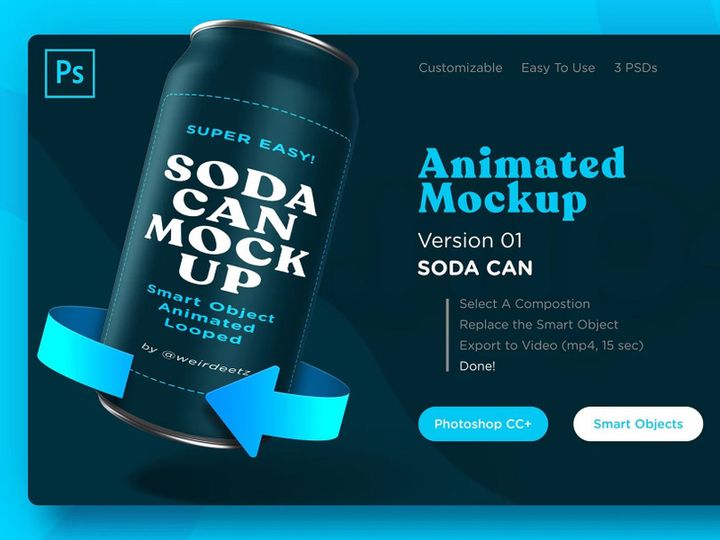

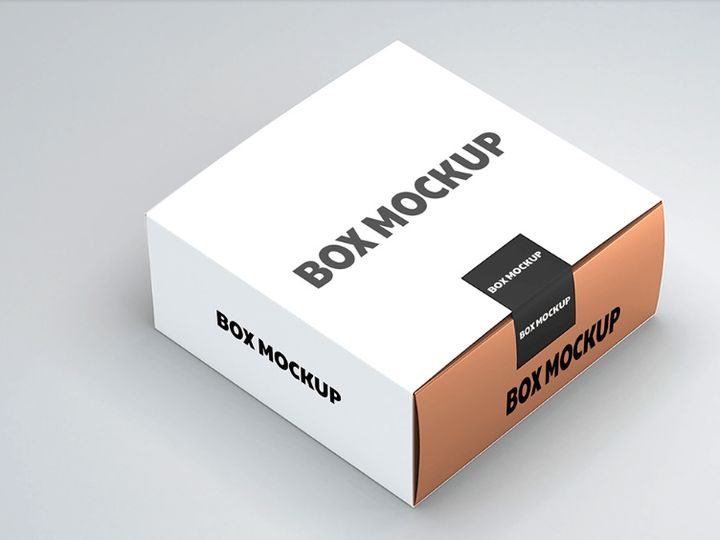
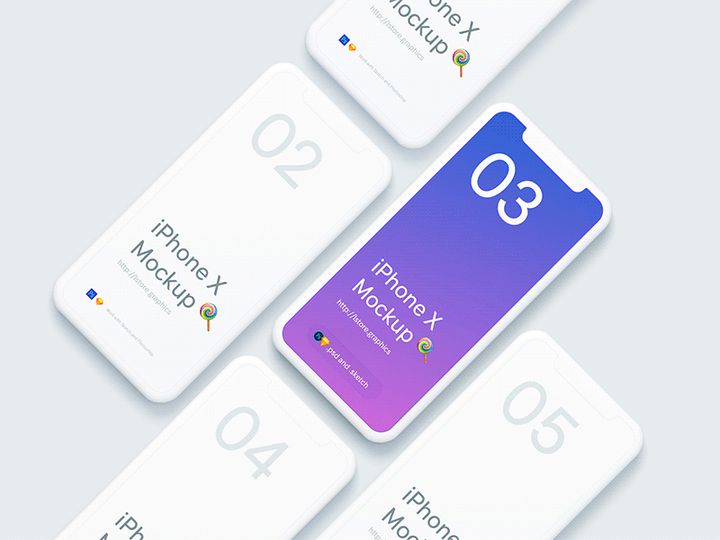


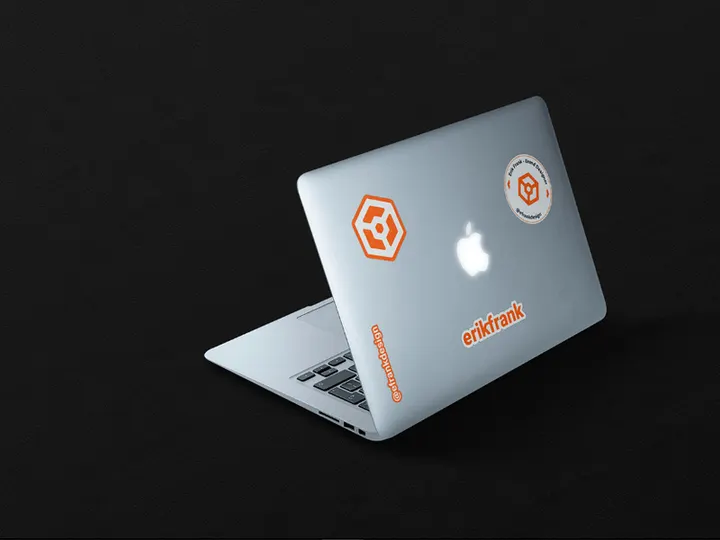




![Premium T-shirt Mockup PSD [Free] preview picture](https://imgproxy.epicpxls.com/xBC8LPAnLB4gw2e8hiAs3puvPusFtqRtUfnnaFw6zcY/rs:fill:720:540:0/g:no/aHR0cHM6Ly9pdGVt/cy5lcGljcHhscy5j/b20vdXBsb2Fkcy9w/aG90by8wNjk0ODdm/MGMwNzJkY2MwN2Rk/N2IwMmFlYWQ3ZDZh/MA.jpg)

Try Our Free Resources
Download any of these for free - no account required
What Is a Mockup?
A mockup is a static, detailed visual representation of a product, often used in design to showcase how a website, app, digital interface, or physical product will look when completed. Unlike sketches or wireframes, mockups are high-fidelity designs that include actual content, typography, color schemes, icons, and imagery—providing a realistic preview of the final product. They serve as a bridge between early-stage concepts and functional prototypes, enabling designers, stakeholders, and clients to visualize the look and feel of a project before development begins.
The term “mockup” originated in industrial design and architecture, where physical models were created to test forms and aesthetics before mass production. As digital design evolved, the concept transitioned into the virtual space, particularly with the rise of user interface (UI) and user experience (UX) design. Today, digital mockups are indispensable in fields like web design, mobile app development, branding, and packaging. They allow teams to experiment with layout, branding elements, and visual hierarchy without investing in coding or manufacturing.
Mockups matter because they reduce ambiguity in the design process. They help align teams by providing a shared visual reference, making it easier to gather feedback, refine concepts, and present ideas to non-technical stakeholders. For clients, a mockup offers a tangible sense of progress and direction. For designers, it’s a critical step in validating design choices and ensuring consistency across platforms. With the growing complexity of digital products in 2024+, mockups have become even more essential for maintaining clarity, efficiency, and creativity throughout the design lifecycle. Platforms like EpicPxls support this need by offering curated, up-to-date 2024+ mockup resources that reflect current design trends and technical standards.
Types of Mockups
By Purpose
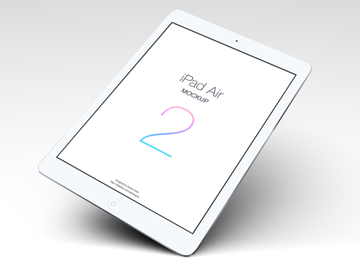
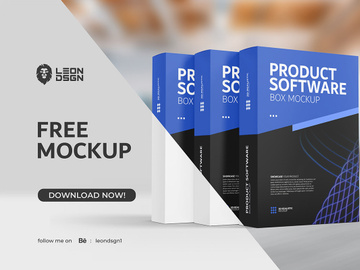
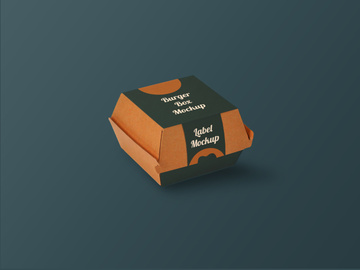
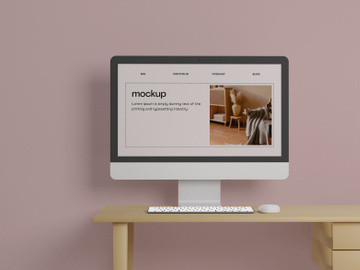
Mockups are tailored to specific goals, depending on the stage of the design process and the audience involved. Presentation mockups are polished visuals designed for client reviews or stakeholder pitches, often incorporating real brand assets and high-resolution images. Functional mockups focus on UI layout and component placement, helping designers test usability and visual flow. Packaging mockups allow product designers to visualize labels, boxes, and containers in realistic environments. Device mockups, such as smartphones, tablets, or laptops, help showcase apps and websites in context, adding realism to portfolios and marketing materials. Each purpose dictates the level of detail and realism required.
By Format
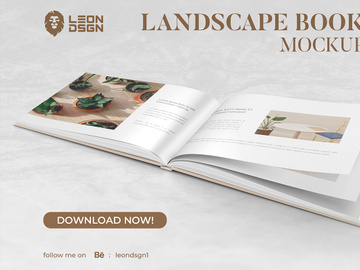
The format of a mockup determines how it’s created, shared, and used. Common file formats include PSD (Photoshop), which supports layered editing and smart objects, making it ideal for customization. Figma and Sketch files are popular in UI/UX workflows for their collaborative features and vector precision. PNG and JPEG mockups are static images used for presentations or web publishing, while PDF mockups preserve layout and typography across devices. Interactive mockups may be delivered as clickable prototypes in tools like Adobe XD or Figma. The right format depends on whether the mockup is for internal review, client approval, or public display. With 2024+ design tools emphasizing cloud collaboration and cross-platform compatibility, choosing the right format has never been more critical.
By Complexity
Mockups range from simple to highly complex, depending on project needs. Basic mockups are minimal, often black-and-white or grayscale representations used in early ideation. They focus on layout and structure without detailed styling. Standard mockups include full color, real content, and brand elements—ideal for mid-stage reviews. Advanced mockups go further by incorporating shadows, textures, lighting effects, and environmental context (e.g., a smartphone on a desk with natural lighting). These are perfect for marketing, portfolios, or investor presentations. The complexity should match the purpose: while a startup might use a simple mockup for internal brainstorming, a brand launching a new app would invest in a high-fidelity, photorealistic version. At EpicPxls, designers can access both simple templates and premium, ready-to-use 2024+ mockup resources that balance quality and ease of use.
How to Use Mockups in Your Projects
- Define Your Objective: Start by identifying why you need a mockup. Are you presenting to a client, testing a layout, or building a portfolio? Your goal will determine the type, format, and fidelity of the mockup.
- Select the Right Mockup: Choose a template that aligns with your project scope. For a mobile app, pick a device-specific mockup; for branding, consider packaging or stationery templates. Ensure it’s compatible with your design software (e.g., Figma, Photoshop).
- Customize with Real Content: Replace placeholder text and images with actual brand assets. Use real logos, fonts, and imagery to maintain authenticity. Smart objects in PSD files make this process seamless and non-destructive.
- Maintain Visual Consistency: Ensure colors, spacing, and typography match your brand guidelines. A mockup should reflect the final product’s aesthetic, so attention to detail is crucial.
- Gather and Incorporate Feedback: Share the mockup with team members or clients. Use comments, annotations, or collaborative tools to collect input. Iterate based on feedback to refine the design before moving to prototyping or development.
- Prepare for Presentation or Handoff: Export the mockup in the appropriate format—PNG for web use, PDF for print, or a shareable link for cloud-based tools. If handing off to developers, include style guides or design specs alongside the mockup.
Best practices include using high-resolution assets, avoiding overloading the design with unnecessary effects, and ensuring the mockup is accessible (e.g., proper color contrast). Tools like Figma, Adobe Photoshop, Sketch, and Canva are widely used for creating and editing mockups. Many of these tools integrate with platforms like EpicPxls, where designers can instantly access professionally crafted 2024+ mockup resources that streamline the workflow. Whether you're designing a website, app interface, or product packaging, using mockups effectively can save time, enhance communication, and elevate the quality of your final output.
Mockup vs Related Concepts
While often confused, mockups differ significantly from wireframes, prototypes, and concepts. A wireframe is a low-fidelity, structural blueprint that outlines layout and functionality using simple shapes and placeholders. It focuses on hierarchy and user flow, not aesthetics. In contrast, a mockup is high-fidelity and visually complete, showing exact colors, fonts, and content. It answers the question: “What will it look like?”
A prototype takes mockups a step further by adding interactivity. While a mockup is static, a prototype simulates user interactions—clicks, swipes, navigation—making it ideal for usability testing. Prototypes are often built from mockups, using tools that convert static designs into clickable experiences. Then there’s the broader term concept, which refers to early-stage ideas, often sketched or described verbally. Concepts explore possibilities, while mockups validate them visually.
Knowing when to use each is key. Use wireframes in the discovery phase to map structure. Transition to mockups once the layout is approved and visual design begins. Move to prototypes when testing interactions with users. These stages are complementary: a well-designed mockup becomes the foundation for a functional prototype. In modern 2024+ design workflows, the integration between these stages is smoother than ever, thanks to advanced design tools and comprehensive resources. Platforms like EpicPxls support this progression by offering mockups that are not only visually rich but also structured for easy conversion into prototypes, ensuring a seamless transition from vision to reality.
Where to Find Quality Mockups
Finding high-quality mockups requires attention to detail, licensing, and relevance. A professional mockup should be well-organized (with labeled layers and smart objects), high-resolution, and designed with current aesthetic trends in mind—such as neumorphism, glassmorphism, or clean minimalism in 2024+. It should also be versatile, allowing for easy customization without distorting proportions or quality. Look for mockups that include multiple views (front, side, angled) and realistic shadows or lighting for added depth.
When sourcing mockups, consider whether you need free or premium options. Free mockups can be useful for personal projects or learning, but they may lack customization options, have limited support, or come with restrictive licenses. Premium mockups, on the other hand, offer higher quality, broader usage rights, and regular updates. Always check the license—especially for client work or commercial use—to avoid legal issues. Many designers turn to curated platforms like EpicPxls to access reliable, vetted mockup collections. Here, every resource is selected for design integrity, technical quality, and relevance to current industry standards.
EpicPxls specializes in delivering 2024+ mockup resources that cater to modern design needs—from responsive web layouts to AR-ready device previews. Whether you're building a portfolio, pitching a client, or launching a product, having access to up-to-date, professional mockups can significantly enhance your workflow. With new designs added regularly and a focus on usability and realism, EpicPxls ensures that designers spend less time searching and more time creating. In a fast-evolving design landscape, the right mockup isn’t just a visual aid—it’s a strategic advantage.
Why Download from EpicPxls?
Commercial License
Use in personal and commercial projects
No Account Required
Download free resources instantly
Quality Curated
Every resource is reviewed for quality
Preview Files
See Figma and Photoshop files before downloading
Who Uses These Mockups?
Professionals and teams who benefit most from our collection
UI/UX Designers
Speed up your workflow with ready-to-use mockups for design tools. Perfect for prototyping and client presentations.
Developers
Get production-ready assets without design skills. Export in any format for web and mobile apps.
Startups & Agencies
Save design budget with affordable premium mockups. Commercial license included for client work.
Marketing Teams
Create professional campaigns faster. All mockups are optimized for social media and ads.
Mockups FAQCommon questions about these resources
Simple, Transparent Pricing
Get unlimited access to all premium resources
Yearly
- 20 downloads per month
- All file formats
- Commercial license
Lifetime
- Unlimited downloads forever
- All file formats
- Commercial license
Ready to Get Started?
Access 4,442+ free design resources today.
Browse Free ResourcesView Premium PlansEarn 85% and
more on all sales
Upload your products and put them up
for sale at whatever price you want.


