Free Fonts: 727+ Professional Typefaces
EpicPxls offers 200+ curated fonts, all with a commercial license and editable source files (Figma, Sketch, PSD). Yes, all 200+ resources in this collection are completely free to download. No account or credit card required.
Last updated February 12, 2026
Discover 727+ handpicked free fonts ready for your projects.
Trusted by designers at leading companies
Top Fonts
Handpicked resources from our curated collection
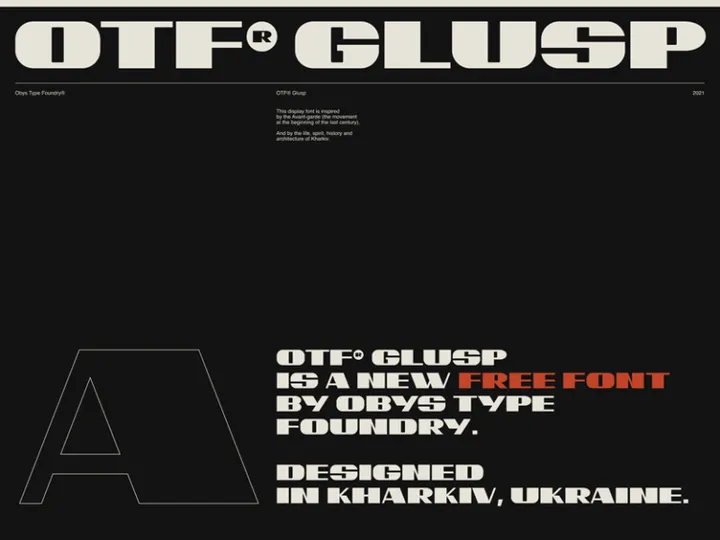
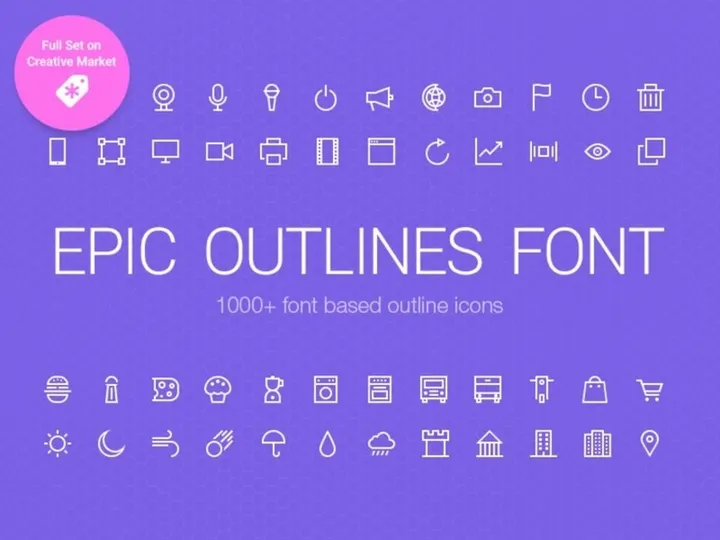
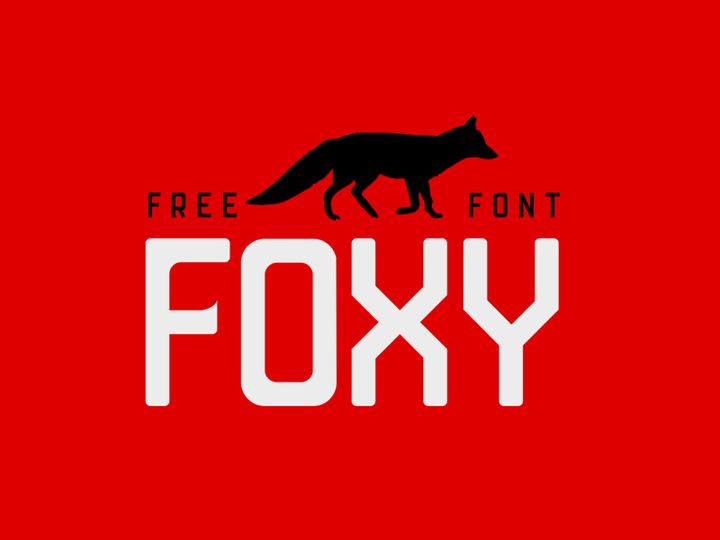
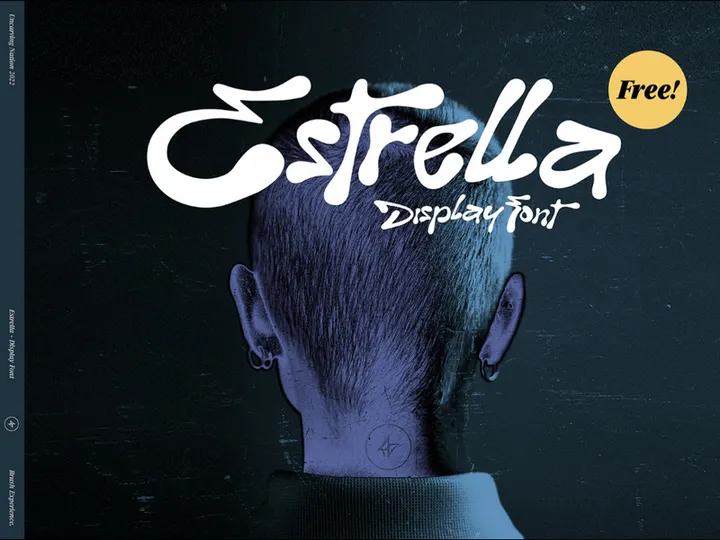
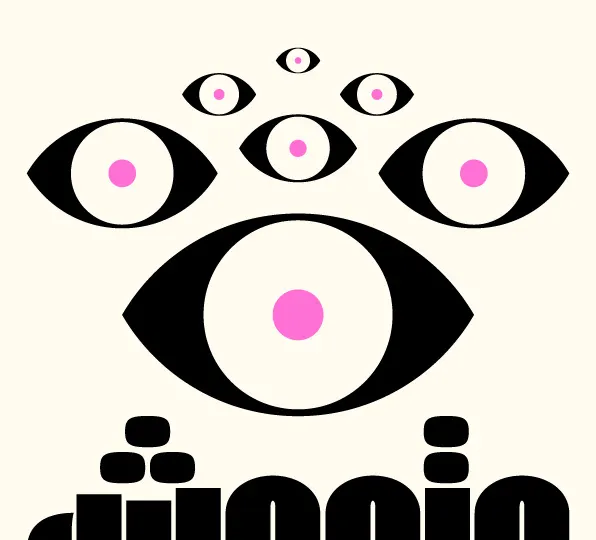
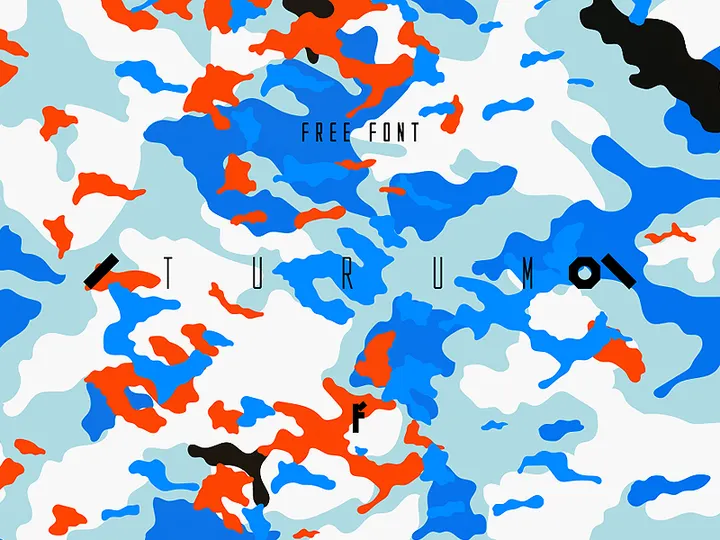
![Cybergoth [Free Typeface] preview picture](https://imgproxy.epicpxls.com/6bN61lGz4J3DfLn7Z1RHEoZxRca7Fd7U1pCFlcBllY0/rs:fill:720:540:0/g:no/aHR0cHM6Ly9pdGVt/cy5lcGljcHhscy5j/b20vdXBsb2Fkcy9w/aG90by85MjFmMDZl/YTU2MjlmNzM5YmMz/ZWEyZWUyMjE1NWFl/NA.jpg)
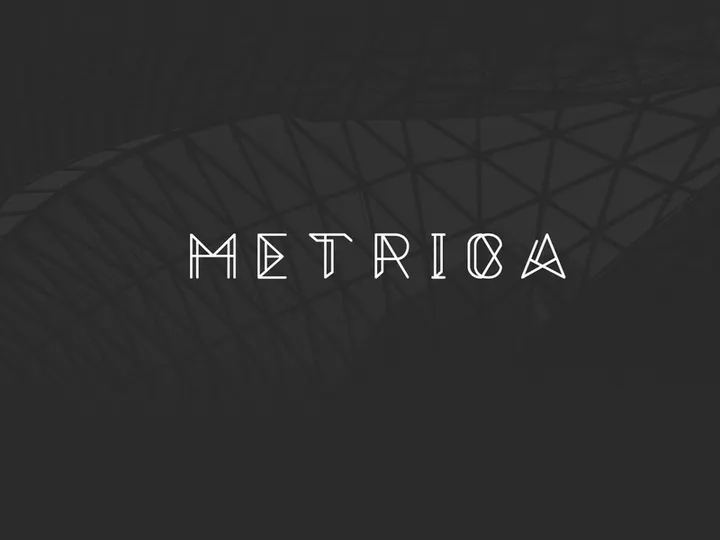
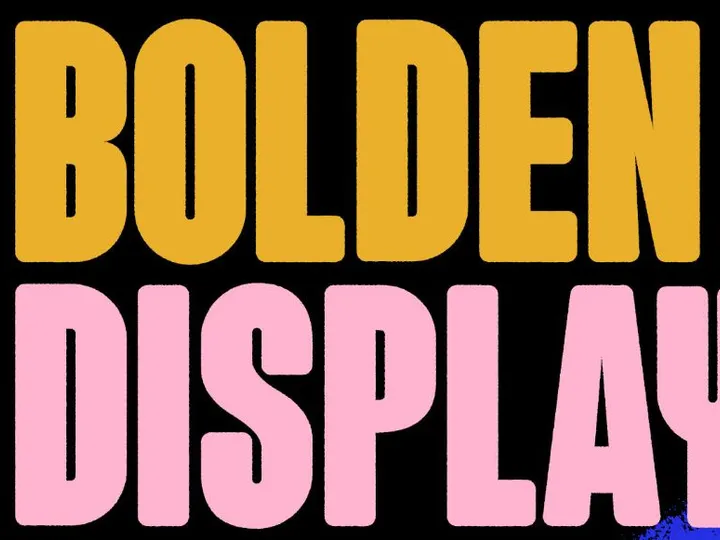





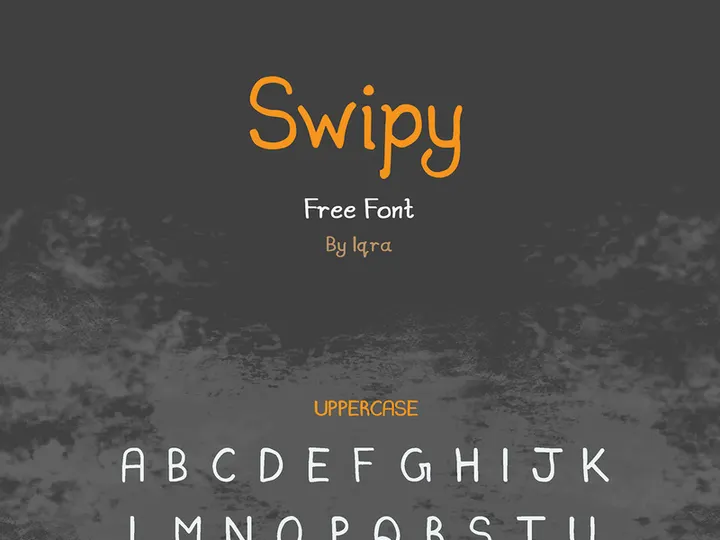


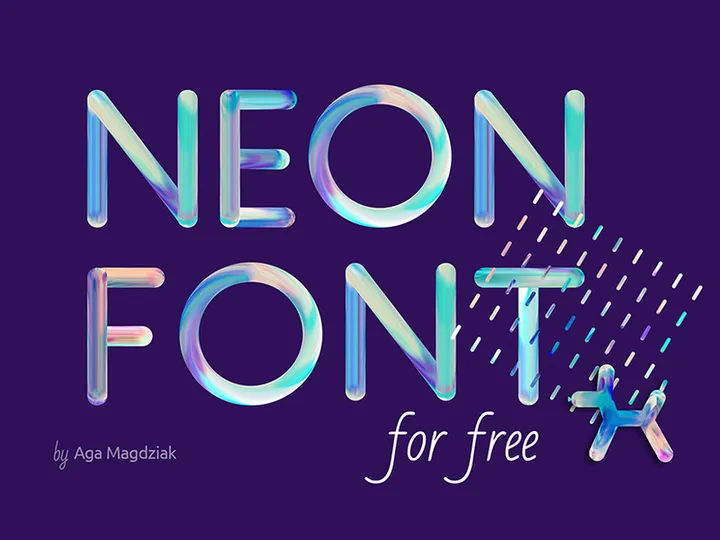
Try Our Free Resources
Download any of these for free - no account required
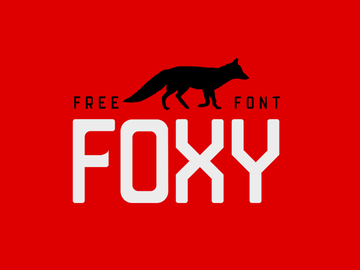
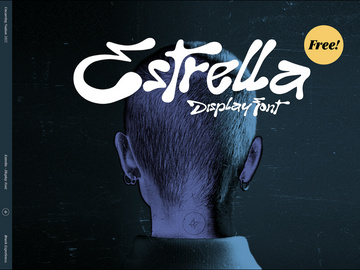
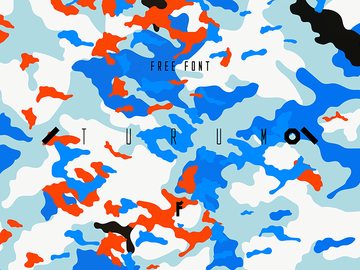
Free vs Premium Fonts: What's the Difference?
When it comes to choosing the right typography for your design projects, one of the first decisions you'll face is whether to go with free or premium fonts. Both options have their strengths and limitations, and understanding the differences can help you make smarter creative choices. Free fonts have evolved significantly over the years—many are now professionally designed, highly legible, and suitable for a wide range of applications. However, while they offer incredible value, especially for budget-conscious creators, they don’t always match the polish and versatility of premium alternatives.
Free fonts are ideal for personal projects, early-stage startups, student work, and non-commercial designs where branding precision isn’t mission-critical. Many independent designers and foundries release free versions of their typefaces to build visibility, often including basic weights and clean styles that perform well in digital layouts. Platforms like EpicPxls offer access to 727+ resources, including high-quality free fonts that rival premium options in readability and design integrity. These fonts are perfect for social media graphics, internal presentations, or practice projects where budget constraints are a priority.
On the other hand, premium fonts typically come with broader character sets, multiple weights (light, regular, bold, black, etc.), italics, ligatures, and advanced typographic features like kerning pairs and language support. These extras make premium fonts better suited for professional branding, high-end print materials, editorial design, and global campaigns. They also usually come with more flexible licensing, which is essential when scaling projects or working with large clients.
Quality expectations vary accordingly. While many free fonts on EpicPxls are meticulously crafted, some may lack consistency in spacing or glyph design. Premium fonts undergo rigorous testing and refinement, ensuring pixel-perfect performance across mediums. Ultimately, the decision depends on your project’s scope: free fonts are excellent for exploration and efficiency, while premium options deliver refinement and reliability when your work demands the highest standard.
What's Included in Free Fonts
Understanding what’s bundled with free font downloads is essential for making the most of your resources. While not every free font includes the full suite of features found in premium packages, many still offer substantial value—especially when sourced from trusted platforms like EpicPxls. With over 727+ resources available, you’ll find a wide variety of typefaces that come with useful components tailored to both digital and print use.
File Formats
Most free fonts come in widely supported formats such as .OTF (OpenType) and .TTF (TrueType). These formats ensure compatibility with major design software including Adobe Creative Suite, Canva, Figma, and Microsoft Office. Some downloads may also include WOFF or WOFF2 formats for web developers who want to implement typography directly into websites. The inclusion of multiple formats increases flexibility, allowing users to apply fonts across different platforms without conversion hassles.
Customization Options
While you can install and use free fonts in various sizes, colors, and effects, direct modification of the font file—such as altering glyphs, redistributing edited versions, or selling derivative works—is often restricted by the license. Some open-source fonts allow limited customization under specific licenses like the SIL Open Font License (OFL), but most free downloads prohibit structural changes. Always check the included readme or license.txt file to understand what modifications are permitted.
License Coverage
A key advantage of many free fonts on EpicPxls is that they include commercial use rights. This means you can legally use them in client projects, logos, merchandise, and digital marketing materials without additional fees. However, redistribution—such as bundling the font with a product or offering it as part of a font pack—is typically not allowed unless explicitly stated. Always verify the license to ensure your usage remains compliant.
How to Download Free Fonts
Downloading free fonts from EpicPxls is a fast, secure, and user-friendly process designed to get you designing quickly. With no hidden steps or mandatory signups, you can access the full collection of 727+ resources instantly. Whether you're a beginner or a seasoned designer, here’s how to get your fonts up and running in just a few minutes.
- Navigate to the Free Fonts section on EpicPxls and browse or search for your desired typeface using filters like style, category, or popularity.
- Preview the font directly on the page by typing your own text in the live preview tool. This helps you assess legibility, style, and suitability before downloading.
- Click the “Download” button—no email signup or account creation is required. The file will begin downloading immediately.
- Once downloaded, extract the compressed folder (usually .ZIP) using built-in tools on Windows or macOS, or a third-party app like 7-Zip or WinRAR.
- Install the font by double-clicking the .OTF or .TTF file and selecting “Install,” or manually copying it to your system’s Fonts folder. After installation, restart your design software to see the font appear in your font menu.
That’s it! You’re now ready to use the font across your favorite applications—no delays, no hoops to jump through.
License Explained: Using Free Fonts Commercially
One of the most common concerns designers have about free fonts is whether they can be used in commercial projects. The good news is that many of the fonts available on EpicPxls are released under licenses that explicitly allow commercial use—giving you the freedom to create professional work without legal worries. However, it’s important to understand the nuances of what “commercial use” actually covers.
Personal Projects
Free fonts are perfectly safe to use in personal designs such as birthday invitations, family newsletters, or hobby blogs. These non-commercial uses typically fall under the most permissive tier of licensing, and you’ll often find that no attribution is required. Even casual users benefit from the high-quality selection among the 727+ resources, which include modern sans-serifs, elegant scripts, and bold display typefaces.
Client Work
Yes, you can use free fonts in client projects—as long as the license permits commercial use. This includes business logos, website designs, social media content, and marketing materials created for paying clients. Since many fonts on EpicPxls are cleared for such use, they’re ideal for freelancers and agencies looking to deliver polished results without inflating project costs. Always retain a copy of the license for your records, especially when delivering final files to clients who may audit assets.
Commercial Products
You can also use free fonts in products you plan to sell—such as t-shirts, mugs, book covers, or digital templates—provided the license doesn’t prohibit it. However, there are limits: you cannot resell the font file itself, embed it in a software application for redistribution, or claim ownership of the typeface. Some licenses may require credit (e.g., “Font by [Designer] via EpicPxls”), so be sure to read the terms included with each download. When in doubt, opt for fonts labeled “SIL OFL” or “Free for Commercial Use” to ensure maximum flexibility.
Getting More from Free Fonts
Free fonts are more than just cost-saving tools—they can be powerful assets in your creative workflow when used strategically. With thoughtful selection and smart techniques, you can achieve results that look professionally curated, even on a tight budget. The 727+ resources on EpicPxls offer a rich playground for experimentation, enabling designers to mix, match, and elevate their typography game without spending a dime.
Combining Free Resources
One of the best ways to maximize free fonts is by pairing them effectively. Combine a bold display font with a clean sans-serif for contrast and hierarchy—ideal for posters, websites, or branding mockups. Use a script font for headlines with a minimalist body font to maintain readability. Platforms like EpicPxls often group fonts by style or theme, making it easier to find complementary typefaces in the same download or across the library.
Customization Techniques
While you can’t edit the font file itself, you can stylize it creatively within your design software. Apply strokes, shadows, gradients, or textures to give a free font a unique look. Adjust letter spacing (tracking) and line height (leading) to improve visual flow. Use masking or clipping paths in programs like Photoshop to integrate text with imagery seamlessly. These techniques help free fonts feel bespoke and tailored to your project’s aesthetic.
When to Upgrade to Premium
There comes a point in every designer’s journey when free fonts no longer meet the demands of high-stakes projects. If you're working on a national brand identity, publishing a book, or designing a multilingual website, investing in premium fonts ensures typographic excellence and licensing peace of mind. Premium typefaces often include variable fonts, extended language support, and customer support from the foundry—features that free versions rarely offer. Use your experience with free fonts as a testing ground: when you find a style you love, consider upgrading to a professional version for enhanced functionality and polish.
Why Download from EpicPxls?
Commercial License
Use in personal and commercial projects
No Account Required
Download free resources instantly
Quality Curated
Every resource is reviewed for quality
Preview Files
See Figma and Photoshop files before downloading
Who Uses These Fonts?
Professionals and teams who benefit most from our collection
UI/UX Designers
Speed up your workflow with ready-to-use fonts for design tools. Perfect for prototyping and client presentations.
Developers
Get production-ready assets without design skills. Export in any format for web and mobile apps.
Startups & Agencies
Save design budget with affordable premium fonts. Commercial license included for client work.
Marketing Teams
Create professional campaigns faster. All fonts are optimized for social media and ads.
Fonts FAQCommon questions about these resources
Simple, Transparent Pricing
Get unlimited access to all premium resources
Yearly
- 20 downloads per month
- All file formats
- Commercial license
Lifetime
- Unlimited downloads forever
- All file formats
- Commercial license
Ready to Get Started?
Access 4,442+ free design resources today.
Browse Free ResourcesView Premium PlansEarn 85% and
more on all sales
Upload your products and put them up
for sale at whatever price you want.


