UI Kits for Businesss: 406+ Resources
EpicPxls offers 200+ curated ui kits, all with a commercial license and editable source files (Figma, Sketch, PSD). Purpose-built ui kits for business projects save time and ensure professional results with design elements tailored to business requirements.
Last updated February 12, 2026
Discover 406+ ui kits ideal for business design projects.
Trusted by designers at leading companies
Top UI Kits
Handpicked resources from our curated collection




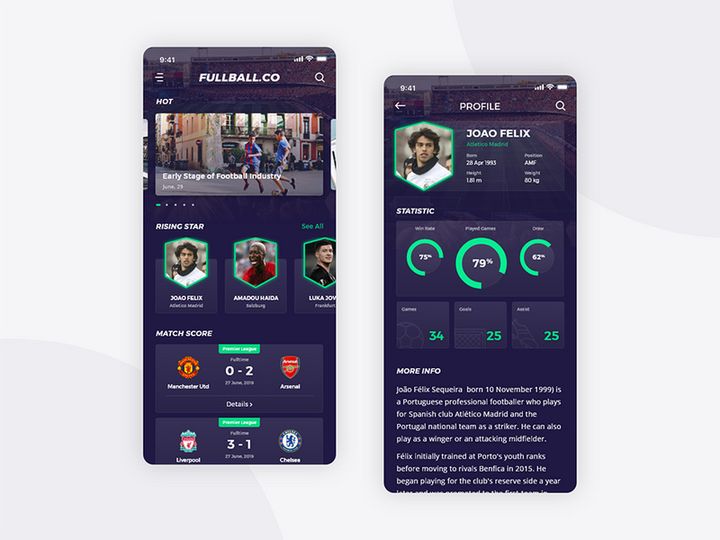

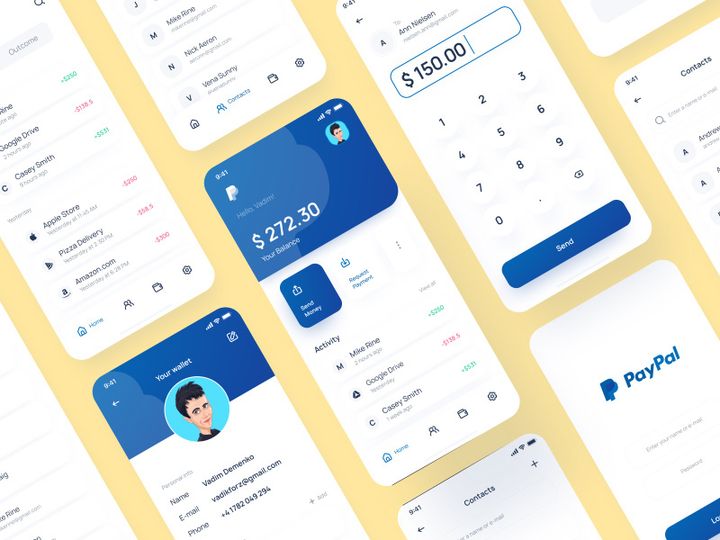
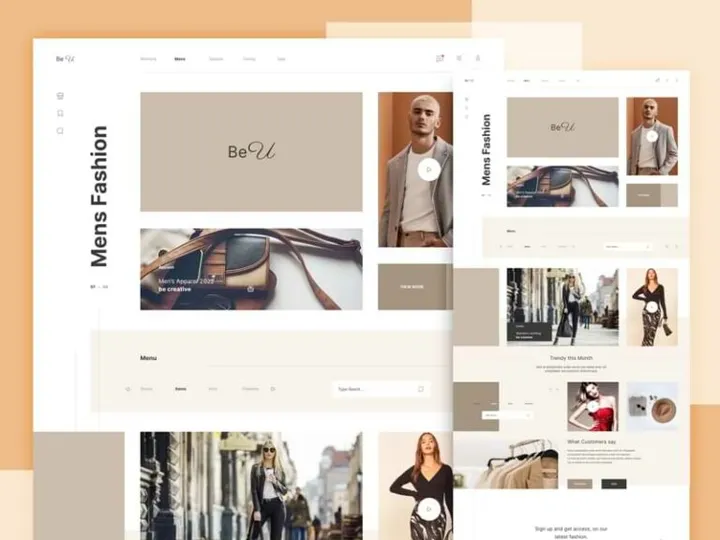

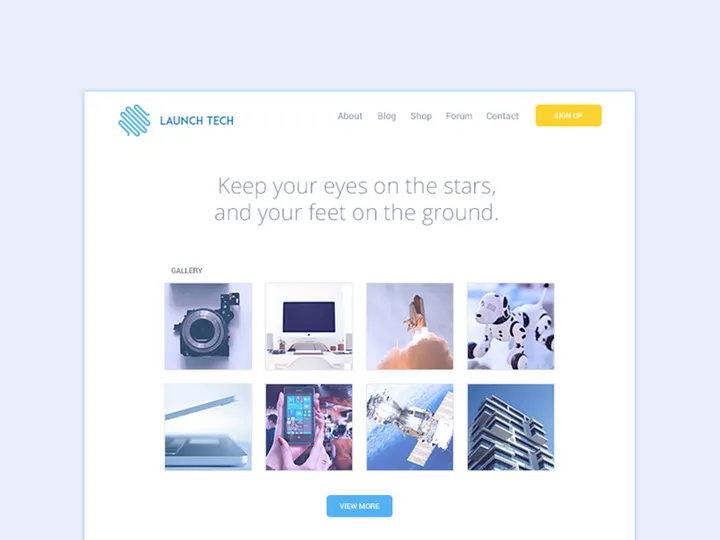
Try Our Free Resources
Download any of these for free - no account required
Why UI Kits for Business Projects?
Modern business design demands speed, precision, and professionalism—all while maintaining brand consistency and user engagement. In today’s fast-paced digital landscape, businesses expect polished interfaces in record time, whether for internal dashboards, client-facing web applications, or enterprise SaaS platforms. This is where UI kits become indispensable tools. Pre-made UI kits offer designers and product teams a structured library of reusable components—buttons, forms, navigation bars, data tables, and more—specifically crafted to meet the functional and aesthetic standards of business environments.
Using UI kits accelerates the design process by eliminating the need to build every interface element from scratch. Instead of spending hours perfecting spacing, typography, and color consistency, designers can focus on solving core business problems and optimizing user workflows. This efficiency is critical in agile development cycles, where rapid prototyping and stakeholder feedback drive progress. For teams handling multiple business projects simultaneously, UI kits provide a scalable foundation that ensures design coherence across departments and platforms.
Business design projects often require compliance with accessibility standards, responsive behavior, and integration with enterprise systems. A well-designed UI kit anticipates these needs with modular, scalable components built with real-world constraints in mind. At EpicPxls, we understand these challenges deeply. That’s why our platform curates over 406+ business-ready UI kits, each vetted for relevance, usability, and design excellence. These resources are selected not just for visual appeal but for their applicability in real business scenarios—from fintech dashboards to HR management tools. With EpicPxls, designers gain instant access to a vast ecosystem of professionally crafted components that streamline the path from concept to delivery.
What Business Designers Need
Essential UI Kits Types
Business design spans a wide range of digital products, each requiring specialized UI components. Understanding the most common types of UI kits helps designers choose the right resources for their projects. Dashboard UI kits are among the most popular, offering pre-built analytics panels, data visualization widgets, and KPI tracking layouts essential for executive reporting and operational monitoring. Admin panel kits provide structured layouts for backend systems, including user management, content publishing tools, and permission controls.
E-commerce and CRM interface kits are tailored for customer-facing applications, featuring product grids, checkout flows, and contact management modules. For enterprise SaaS platforms, workflow and task management kits deliver components like Kanban boards, calendar integrations, and real-time notification systems. These specialized kits reduce design time significantly by offering context-aware elements that align with industry standards. At EpicPxls, our library includes a wide variety of these essential UI kit types, ensuring that every business designer can find a solution that matches their exact use case.
Format Requirements
File format compatibility is crucial when integrating UI kits into existing design workflows. The most widely used formats in professional environments are Figma, Sketch, and Adobe XD files, each offering robust support for components, variants, and design systems. Figma, in particular, has become the go-to choice for collaborative business design due to its cloud-based sharing, real-time editing, and developer handoff capabilities. Vector-based formats like SVG are also valuable for scalable icons and illustrations used in dashboards and reports.
When selecting UI kits, ensure they are delivered in formats compatible with your team’s toolset. Many high-quality kits also include downloadable assets in multiple formats, allowing seamless transitions between tools. Additionally, kits with well-organized layers, named components, and style guides enhance usability and reduce onboarding time for new team members. The 406+ resources available through EpicPxls are carefully formatted to support modern design stacks, ensuring smooth integration into any business design pipeline.
Quality Standards
Not all UI kits are created equal—especially in business contexts where precision and professionalism matter. A high-quality business UI kit should feature consistent spacing, typographic hierarchy, and a cohesive color palette aligned with enterprise branding guidelines. Components should be fully customizable, allowing adjustments to size, state (hover, active, disabled), and responsiveness without breaking layout integrity.
Look for kits that include documentation, such as style guides and usage examples, which help maintain design system integrity across teams. Pixel-perfect alignment, accessibility-compliant contrast ratios, and support for dark/light modes are also indicators of a professional-grade kit. At EpicPxls, every UI kit undergoes a rigorous quality assessment to ensure it meets these standards, giving business designers confidence in the reliability and polish of their chosen resources.
Business Design Project Walkthrough
- Define Project Scope and Requirements: Begin by identifying the core objectives of your business design—whether it’s a financial dashboard, an internal HR portal, or a client onboarding platform. Determine key user roles, workflows, and data points to inform your design direction.
- Select Relevant UI Kits: Browse curated collections like the 406+ resources on EpicPxls to find kits that match your project type. Prioritize kits with components for data tables, form inputs, charts, and navigation patterns common in business applications.
- Import and Organize Assets: Once downloaded, import your chosen UI kits into your design tool (e.g., Figma). Extract only the components you need and organize them into a custom design system within your file for easy access.
- Customize for Brand and Function: Adapt the UI kit to reflect your company’s branding—update colors, typography, and iconography. Modify component behaviors to suit specific workflows, such as adding multi-step forms or conditional logic displays.
- Assemble Key Screens: Begin building core interface screens using your customized components. Start with high-impact views like the dashboard, user profile, and reporting modules. Use grids and layout frames to maintain alignment and responsiveness.
- Test and Iterate: Share prototypes with stakeholders and conduct usability testing. Gather feedback on clarity, navigation, and functionality. Refine components and flows using the flexibility of your UI kit to make rapid adjustments before final handoff.
By combining multiple UI kits thoughtfully, you can create hybrid solutions that draw strength from different design systems. For example, use a dashboard kit for analytics views and integrate form components from an admin panel kit to create a unified experience. The key is maintaining visual harmony—ensure consistent spacing, corner radii, and interaction styles across all borrowed elements. With the breadth of options available at EpicPxls, designers have the flexibility to mix and match with confidence, knowing each resource is built to professional standards.
Business Design Workflow Tips
Speed Up Your Process
Time is one of the most valuable assets in business design, and leveraging pre-made UI kits is one of the most effective ways to accelerate delivery. Instead of redrawing buttons or rebuilding form layouts, use ready-made components as starting points. Create reusable variants for common elements—such as primary/secondary buttons or error/success states—to reduce duplication. Use auto-layout features in tools like Figma to make components responsive and adaptive with minimal effort.
Many of the 406+ resources on EpicPxls are designed with efficiency in mind, featuring symbol libraries, component sets, and smart layers that make customization fast. By integrating these into your workflow, you can cut design time by 50% or more, allowing you to focus on higher-level strategy and user experience optimization.
Maintain Consistency
Consistency is critical in business applications, where users expect predictable behavior across modules and roles. To maintain cohesion when using multiple UI kits, establish a master design system early in the project. Define a single source of truth for colors, typography, spacing, and component behavior. When importing assets from different kits, adjust them to match your system’s rules—this might mean standardizing button heights, input field padding, or shadow depths.
Use naming conventions and organization layers to keep your file structure clean and navigable. Consistent design reduces cognitive load for users and minimizes development errors during implementation. With EpicPxls, many kits come with built-in style guides, making it easier to align external assets with your internal standards.
Client Presentation
Delivering business design work isn’t just about functionality—it’s also about perception. Clients and stakeholders expect polished, professional presentations that reflect the seriousness of enterprise solutions. Use high-fidelity mockups built from premium UI kits to showcase your designs in context. Incorporate real data, branded visuals, and interactive prototypes to demonstrate usability and value.
When presenting, highlight how your design improves efficiency, enhances decision-making, or strengthens user trust. Leverage the clean, modern aesthetics of professionally crafted kits to reinforce credibility. The resources available through EpicPxls are selected not only for functionality but also for their presentation-ready quality, helping you impress stakeholders and secure project approvals with confidence.
Business Design Inspiration
Staying ahead in business design means keeping pace with evolving trends and user expectations. One of the most prominent trends is the shift toward minimalist, data-dense interfaces that prioritize clarity over decoration. Clean typography, subtle shadows, and strategic use of white space help users focus on critical information without distraction. Neutral color palettes with accent highlights are popular in enterprise dashboards, offering a professional look that scales across departments and industries.
Another trend is the integration of AI-driven insights directly into UIs—think smart suggestions, predictive analytics, and automated reporting modules. Designers are increasingly embedding these features into standard workflows, requiring UI kits that support dynamic content and real-time updates. Dark mode interfaces are also gaining traction, especially for applications used in low-light environments or for extended periods, such as financial trading or operations centers.
Top designers approach business projects with a user-centered mindset, focusing on reducing friction and enhancing productivity. They treat UI kits not as static templates but as modular toolkits to be adapted and extended. By studying real-world applications—from banking platforms to supply chain management systems—they identify patterns that improve usability and efficiency. To elevate your own work, explore case studies, participate in design communities, and experiment with advanced features like micro-interactions and adaptive layouts.
The 406+ resources available at EpicPxls are continuously updated to reflect these trends, offering designers access to cutting-edge components that align with modern business needs. Whether you’re building a startup MVP or overhauling an enterprise platform, these kits provide the foundation to create impactful, future-ready designs. With the right inspiration and tools, business design becomes not just a functional necessity but a strategic advantage.
Why Download from EpicPxls?
Commercial License
Use in personal and commercial projects
No Account Required
Download free resources instantly
Quality Curated
Every resource is reviewed for quality
Preview Files
See Figma and Photoshop files before downloading
Who Uses These Ui Kits?
Professionals and teams who benefit most from our collection
UI/UX Designers
Speed up your workflow with ready-to-use ui kits for design tools. Perfect for prototyping and client presentations.
Developers
Get production-ready assets without design skills. Export in any format for web and mobile apps.
Startups & Agencies
Save design budget with affordable premium ui kits. Commercial license included for client work.
Marketing Teams
Create professional campaigns faster. All ui kits are optimized for social media and ads.
UI Kits FAQCommon questions about these resources
Simple, Transparent Pricing
Get unlimited access to all premium resources
Yearly
- 20 downloads per month
- All file formats
- Commercial license
Lifetime
- Unlimited downloads forever
- All file formats
- Commercial license
Ready to Get Started?
Access 4,442+ free design resources today.
Browse Free ResourcesView Premium PlansEarn 85% and
more on all sales
Upload your products and put them up
for sale at whatever price you want.


