Free Mockups: 494+ Product Mockups
EpicPxls offers 494+ curated mockups, all with a commercial license. Formats vary by item, and each listing shows its files. Yes, all 494+ resources in this collection are completely free to download. No account or credit card required.
Last updated September 18, 2026
Discover 494+ handpicked free mockups ready for your projects.
Trusted by designers at leading companies
Top Mockups
Handpicked resources from our curated collection




![Dualshock 4 [ FREE PSD] preview picture](https://imgproxy.epicpxls.com/q7ZSRzMhwBO8H4iIQr8alioQGSymid8y6Py9f1DLQjQ/rs:fill:720:540:0/g:no/aHR0cHM6Ly9pdGVt/cy5lcGljcHhscy5j/b20vdXBsb2Fkcy9w/aG90by9hYTAyOGIx/MWVlNzdhZGM0NWQx/NTYyOGE3MDU2OWI0/NS5wbmc.jpg)
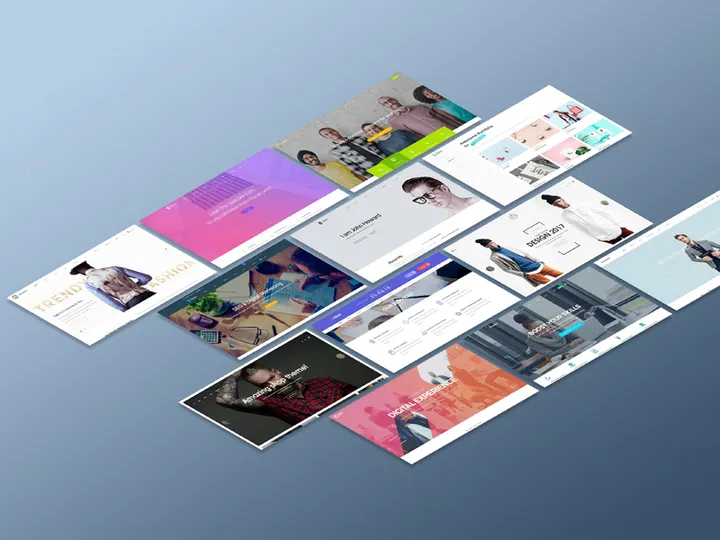

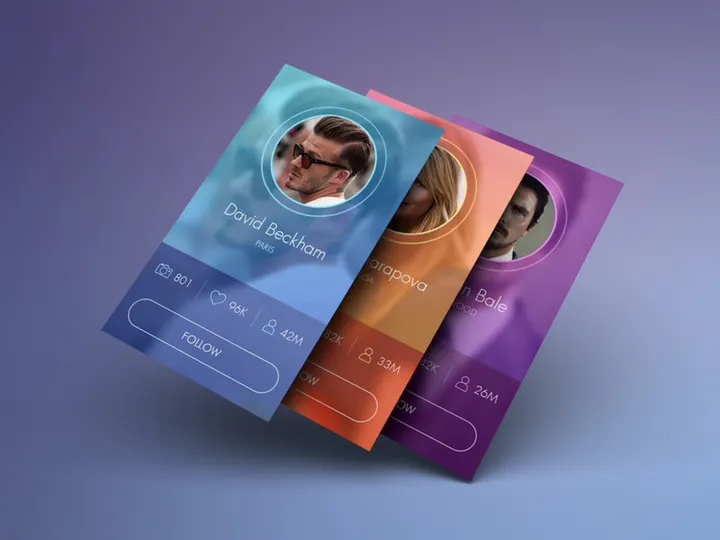

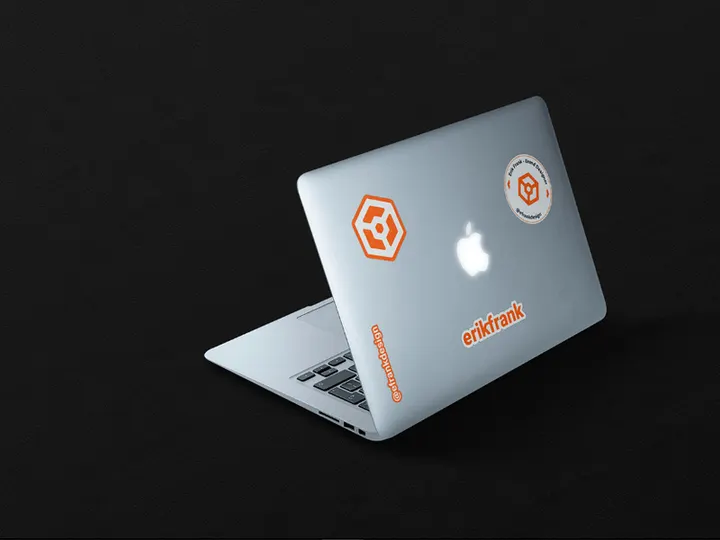
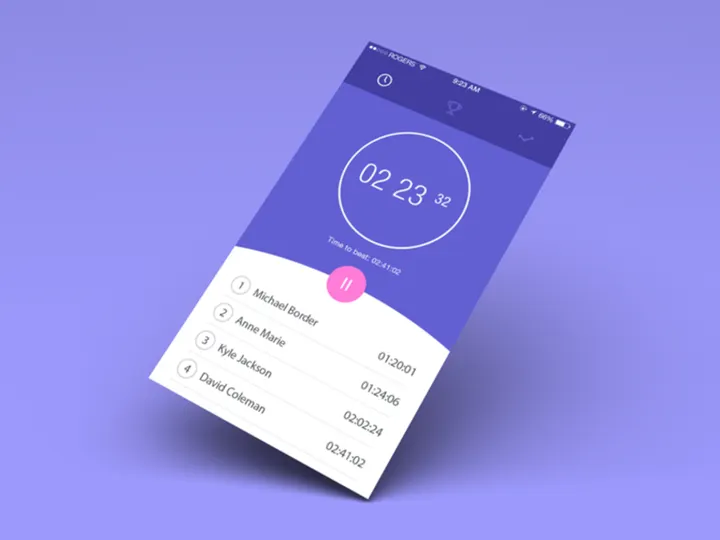

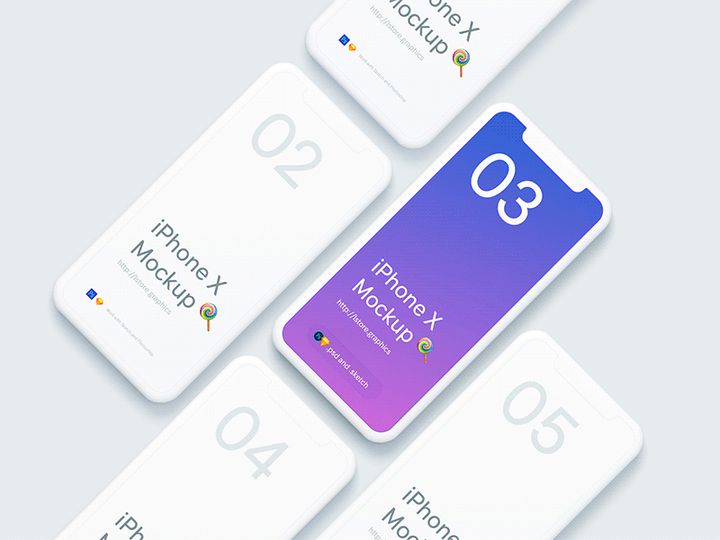
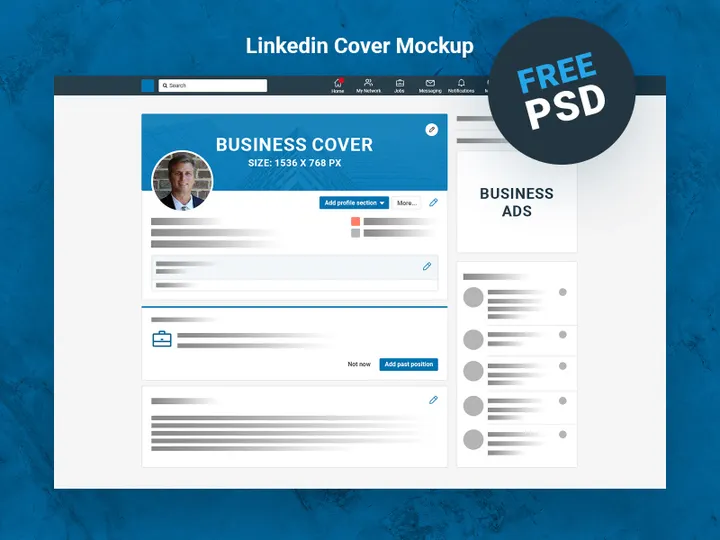
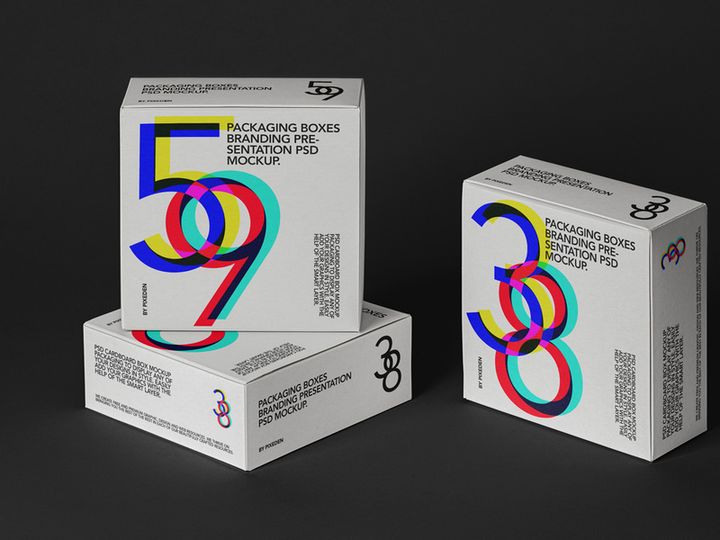
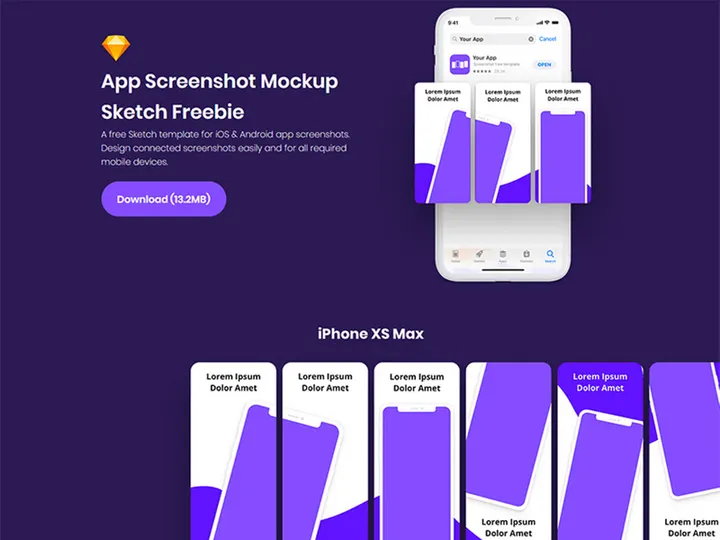
Try Our Free Resources
Download any of these for free - no account required
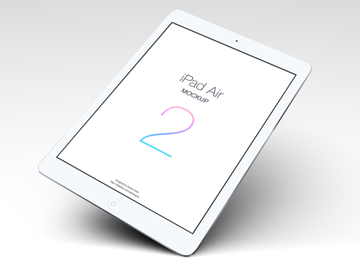
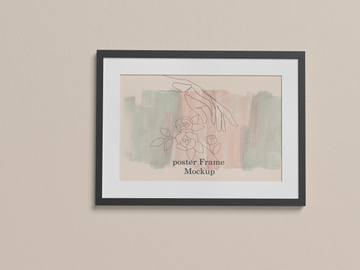
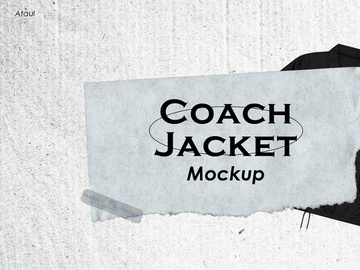
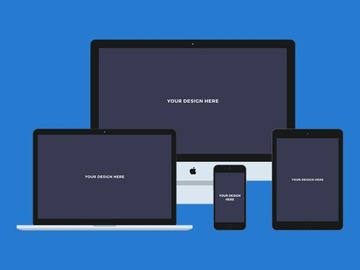
Free vs Premium Mockups: What's the Difference?
When building compelling visual content for branding, marketing, or product presentation, mockups play a critical role. They allow designers, entrepreneurs, and marketers to showcase their designs in realistic, engaging contexts—without the cost and complexity of professional photoshoots. While both free and premium mockups serve this purpose, understanding their differences helps you make informed choices based on your project's scope, timeline, and budget.
Free mockups are typically created by independent designers or design communities to support emerging creatives. These resources often come with simplified layers, basic smart object integration, and limited scene variations. While they may lack the ultra-high resolution or advanced lighting effects found in premium versions, they are more than sufficient for early-stage branding, social media visuals, portfolio samples, or client pitches. On platforms like EpicPxls, the 494+ free mockups available are carefully curated to ensure usability and decent visual fidelity, making them a smart starting point for many users.
Premium mockups, by contrast, are developed with commercial needs in mind. They offer higher resolution files, advanced layer organization, multiple lighting options, shadow variations, and often come with detailed instructions and support. These are ideal for agencies, established brands, or product launches where image quality directly impacts customer perception. Premium mockups also tend to include broader licensing, allowing unrestricted commercial use, resale, or integration into digital products.
When is free the better choice? For startups, students, freelancers testing concepts, or personal projects, free mockups offer tremendous value. They reduce upfront costs and accelerate workflow without sacrificing essential realism. However, if you're creating assets for a high-stakes campaign, building a product to sell, or representing a brand with strict visual standards, investing in premium mockups often pays off in professionalism and flexibility. Ultimately, both tiers have their place—free mockups democratize design access, while premium options deliver polish and scalability.
What's Included in Free Mockups
Understanding what’s inside a free mockup download helps you assess its value and compatibility with your workflow. On EpicPxls, each of the 494+ free mockup resources is designed to be practical, accessible, and immediately useful—even without prior experience in advanced design software. Here’s a breakdown of what to expect in a typical free mockup package.
File Formats
Most free mockups on EpicPxls are delivered in PSD (Photoshop Document) format, the industry standard for layered design files. This allows users to easily access smart objects—designated areas where you can insert your artwork with a simple double-click. Some mockups may also include PNG versions with transparent backgrounds for quick use, and occasionally Figma or Sketch files for UI/UX designers. The availability of layered PSDs ensures maximum flexibility for customization without requiring third-party tools.
Customization Options
Free mockups generally support basic to moderate customization. You can typically change the artwork inside smart objects, adjust colors via adjustment layers, or modify shadows and brightness. However, structural changes—like altering the mockup’s perspective, adding new elements, or changing materials (e.g., from wood to metal)—are usually not possible without advanced Photoshop skills. The goal is ease of use: insert your logo, tweak the background, and export a professional-looking image in minutes.
License Coverage
One of the most important aspects of free mockups is usage rights. All 494+ free mockups on EpicPxls come with clear licensing that permits both personal and commercial use. This means you can use them in client projects, product packaging, online ads, and digital storefronts without legal concerns. However, redistribution of the mockup file itself as a standalone product (e.g., reselling it on another website) is prohibited. Always review the license details provided with each download to ensure compliance.
How to Download Free Mockups
Accessing high-quality mockups shouldn’t be complicated. On EpicPxls, downloading free mockups is a seamless, user-friendly experience designed to get you from browsing to designing in under a minute. Follow these five simple steps to start using professional-grade mockups today.
- Visit the Mockups category on EpicPxls and browse the 494+ free resources. Use filters to narrow by product type—such as apparel, packaging, devices, or stationery—to find exactly what you need.
- Preview the mockup by clicking on any thumbnail. High-resolution previews show scene details, lighting, and customization potential so you can assess realism and style before downloading.
- Click the “Download Free Mockup” button. No email signup, account creation, or social media sharing is required—just instant access to the file.
- Save the ZIP file to your computer. The download includes the mockup file and, in most cases, a simple instruction guide for inserting your design.
- Extract the files using a standard decompression tool (like WinRAR or built-in OS utilities) and open the PSD in Adobe Photoshop. Double-click the smart object layer, replace the placeholder with your artwork, save, and the mockup updates automatically.
With this quick process, you can download and start customizing multiple mockups in just a few minutes—perfect for fast-turnaround projects or when exploring different presentation styles.
License Explained: Using Free Mockups Commercially
A common concern among designers and entrepreneurs is whether free resources can be used in paid or revenue-generating work. The good news is that all free mockups available on EpicPxls are licensed for commercial use, giving you the freedom to apply them across a wide range of professional contexts. Here’s a detailed look at what you can do with these 494+ resources.
Personal Projects
Whether you're designing a t-shirt for a friend, creating a mock brand for a school assignment, or building a personal portfolio, free mockups are ideal. You can experiment with layouts, colors, and branding ideas without financial risk. The realism they add helps bring abstract concepts to life, making your presentations more impactful even in non-commercial settings.
Client Work
Freelancers and agencies can confidently use these mockups when presenting designs to clients. For example, if you’re designing a logo for a café, placing it on a free coffee cup mockup instantly shows how it would look in the real world. Since the license permits commercial use, there’s no need to upgrade to premium versions just to deliver client-ready visuals. This makes EpicPxls a valuable tool for creating persuasive presentations without inflating project costs.
Commercial Products
You can also use free mockups to showcase products for sale—such as merch on e-commerce platforms like Shopify, Etsy, or Amazon. If you’re selling printed apparel, phone cases, or packaging designs, using a mockup to display your artwork is not only allowed but encouraged. The key restriction is that you cannot resell, redistribute, or repackage the mockup file itself as a design asset. As long as your end product contains original artwork and the mockup is used as a presentation layer, you’re fully compliant with the license terms.
This flexibility makes free mockups a practical solution for small businesses, solopreneurs, and online sellers who need professional visuals but operate on tight budgets.
Getting More from Free Mockups
While free mockups are powerful on their own, you can significantly enhance their value with smart strategies and a bit of creativity. The 494+ free resources on EpicPxls offer a strong foundation—here’s how to maximize their potential in your design workflow.
Combining Free Resources
One of the best ways to elevate your mockup presentations is by combining multiple free assets. For example, layer a product mockup over a lifestyle background from another free download to create a more immersive scene. You can pair a smartphone mockup with a hand-drawn illustration or place a package design on a textured table surface to add depth. By mixing and matching resources from EpicPxls, you create unique compositions that stand out—without paying for premium bundles.
Customization Techniques
Go beyond basic smart object replacement by tweaking lighting, shadows, and background colors to match your brand palette. Use Photoshop’s adjustment layers—like Hue/Saturation, Brightness/Contrast, or Gradient Maps—to harmonize the mockup with your overall design. Adding subtle effects like grain, blur, or vignettes can also increase realism. Even small edits make a free mockup feel bespoke and professionally tailored to your project.
When to Upgrade to Premium
While free mockups are excellent for many use cases, there comes a point where premium resources offer better ROI. If you need ultra-high resolution for print, require multiple angles of the same product, or want animated mockups for video content, upgrading makes sense. Premium versions often include layered source files, 3D models, or scene variants that free versions lack. However, for most digital use cases—social media, websites, presentations, and client proofs—the 494+ free mockups on EpicPxls deliver outstanding value and professional results.
Why Download from EpicPxls?
Commercial License
Use in personal and commercial projects
No Account Required
Download free resources instantly
Quality Curated
Every resource is reviewed for quality
Preview Files
See preview images on each item page before downloading
Who Uses These Mockups?
Professionals and teams who benefit most from our collection
UI/UX Designers
Speed up your workflow with ready-to-use mockups for design tools. Perfect for prototyping and client presentations.
Developers
Get production-ready assets without design skills. Export in any format for web and mobile apps.
Startups & Agencies
Save design budget with affordable premium mockups. Commercial license included.
Marketing Teams
Create professional campaigns faster. All mockups are optimized for social media and ads.
Mockups FAQCommon questions about these resources
Simple, Transparent Pricing
Get unlimited access to all premium resources
Yearly
- 20 downloads per month
- All file formats
- Commercial license
Lifetime
- Unlimited downloads forever
- All file formats
- Commercial license
Earn 85% and
more on all sales
Upload your products and put them up
for sale at whatever price you want.


