Flat Illustrations: 149+ Flat Designs
EpicPxls offers 149+ curated illustrations, all with a commercial license and editable source files (Figma, Sketch, PSD). Flat illustrations are characterized by specific visual elements, typography choices, and color palettes that define the flat aesthetic in design.
Last updated September 15, 2026
Discover 149+ curated flat illustrations for your projects.
Trusted by designers at leading companies
Top Illustrations
Handpicked resources from our curated collection

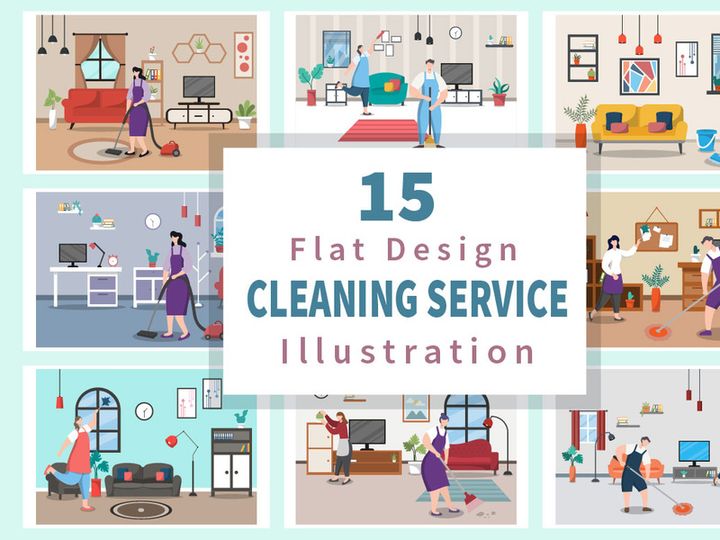
![[Part 15] Website illustrations set preview picture](https://imgproxy.epicpxls.com/r1CR7TP2A5bPjrdgqEClalVd3eoQ1X6jhdkPxboyTnA/rs:fill:720:540:0/g:no/aHR0cHM6Ly9pdGVt/cy5lcGljcHhscy5j/b20vdXBsb2Fkcy9w/aG90by9jZGI0NTQw/OWY2OWVmMTM4YzE1/YjZmZDZhYmQwMzBh/NQ.jpg)
![[Part 17] Website illustrations set preview picture](https://imgproxy.epicpxls.com/jB8ezJdYK6qszc1ZYI5OiEol5jFC2f4cfnTPawB-qAs/rs:fill:720:540:0/g:no/aHR0cHM6Ly9pdGVt/cy5lcGljcHhscy5j/b20vdXBsb2Fkcy9w/aG90by9iOWE3ZmU4/NDc5Y2UwZDk3M2Y1/NjQzYjUyMWRkYjlm/Yw.jpg)


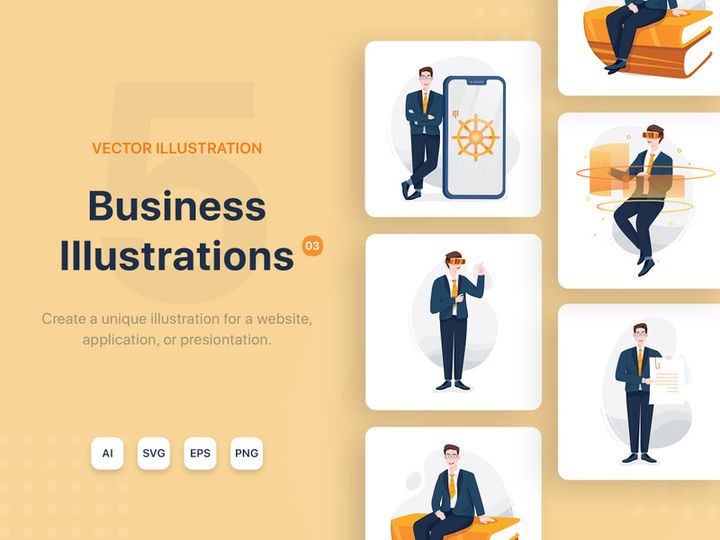
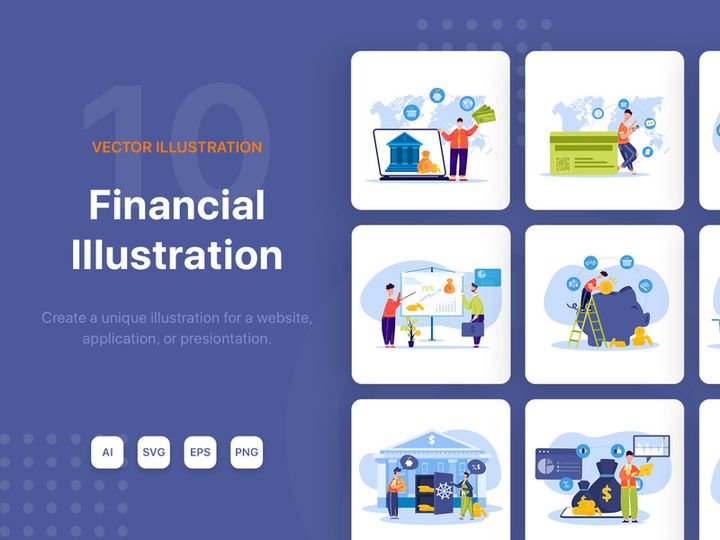


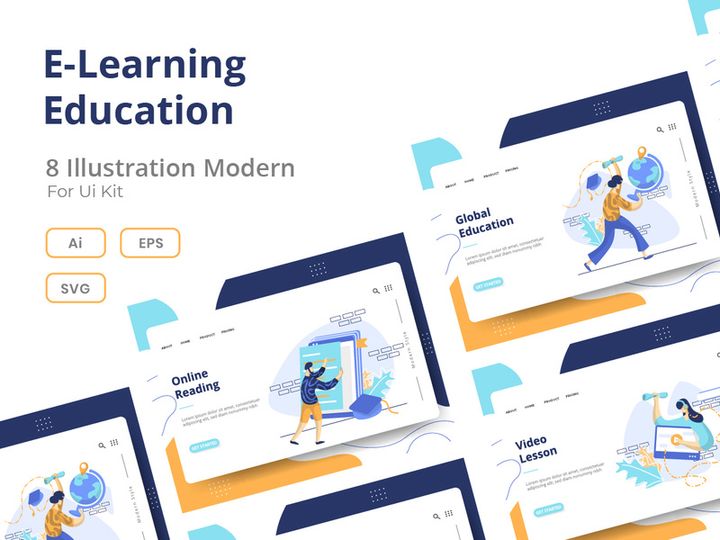


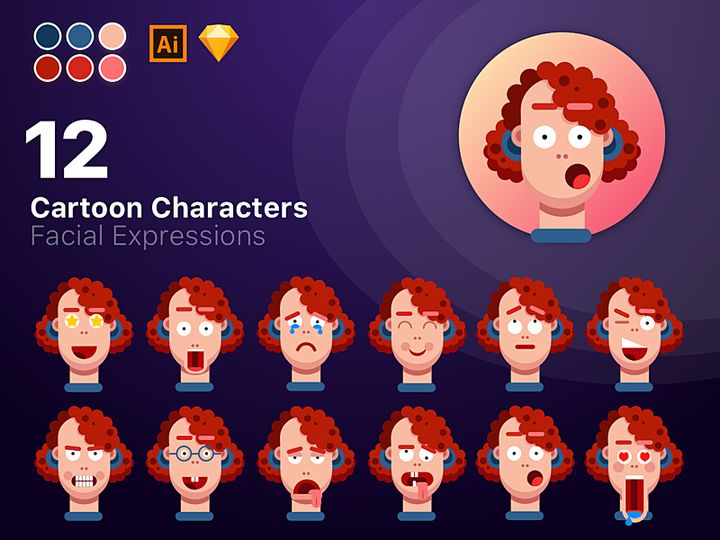
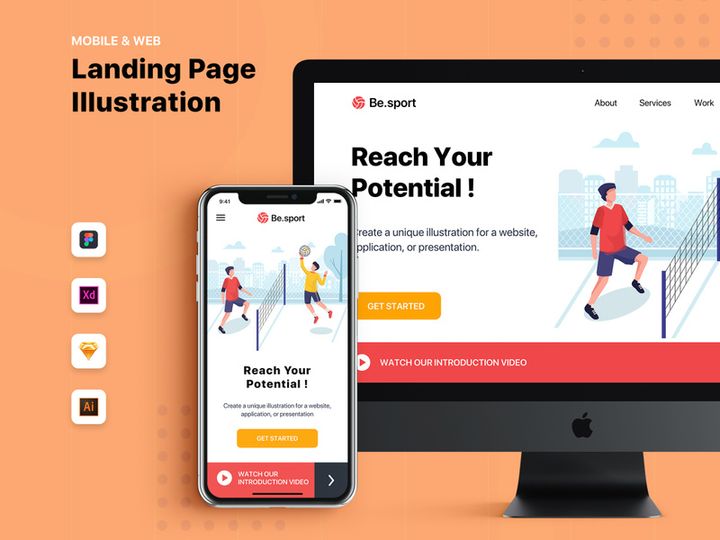
![[Vol. 09] Sport Activity - Landing Page Illustration preview picture](https://imgproxy.epicpxls.com/CQ59nM-triiRbFcdmHf5v3TH0ZNiUBQvPW7qsHtWXEo/rs:fill:720:540:0/g:no/aHR0cHM6Ly9pdGVt/cy5lcGljcHhscy5j/b20vdXBsb2Fkcy9w/aG90by85NTdkNTk4/NDlmNTMyZDA2NTU5/OTNlYzdjNGFjYzZm/OA.jpg)



Try Our Free Resources
Download any of these for free - no account required


Flat Design Principles
Flat illustrations represent a minimalist design movement that strips away non-essential elements like gradients, shadows, textures, and depth to focus on clarity, functionality, and visual simplicity. This design style emerged as a response to the earlier skeuomorphic trend, where digital interfaces mimicked real-world materials and textures. Flat design embraces a two-dimensional aesthetic, emphasizing clean lines, bold colors, and intuitive communication. What makes flat design distinctive is its intentional reduction of visual clutter—every shape, color, and typography choice serves a functional or communicative purpose.
At the core of flat design are four key visual elements: typography, color palette, spacing, and imagery. Typography in flat design tends to favor clean, sans-serif fonts that enhance readability and complement the minimalist structure. Think of typefaces like Helvetica, Open Sans, or Montserrat, which offer a modern, neutral presence. Color plays a pivotal role—flat illustrations often use vibrant, solid color palettes with high contrast to create visual hierarchy and guide the viewer’s attention. Limited gradients or no gradients at all maintain the two-dimensional integrity. Spacing is another crucial component; ample white space ensures clarity and prevents overcrowding, allowing each element to breathe and be easily understood.
The imagery in flat design is typically stylized, geometric, and symbolic rather than realistic. Shapes are simplified into basic forms—circles, rectangles, and polygons—while details are reduced to essential features. This abstraction allows for faster comprehension and broader appeal, especially in digital contexts.
Historically, flat design gained mainstream attention with Microsoft’s Metro UI in the early 2010s and was later adopted by Apple with iOS 7. Since then, it has evolved beyond a mere trend into a foundational design language, especially in web and mobile applications. Today’s flat illustrations balance minimalism with subtle enhancements—such as slight shadows or soft outlines—ushering in a “flat design 2.0” era that retains simplicity while improving usability. With 149+ resources available, designers can explore a wide variety of flat styles, from ultra-minimalist icons to vibrant scene-based illustrations, all rooted in the enduring principles of clarity and purpose.
Inspiring Flat Illustrations Examples
Web & App Design
Flat illustrations have become a cornerstone of modern web and app interfaces due to their clean, scalable, and performance-friendly nature. In digital environments, flat design enhances user experience by minimizing visual distractions and focusing on usability. Icons, buttons, and navigation elements rendered in flat style contribute to a cohesive, intuitive interface. For example, dashboards and onboarding screens often use flat illustrations to guide users through processes without overwhelming them. The absence of complex textures or shadows ensures faster load times and consistent rendering across devices. Designers leveraging flat illustrations from sources like EpicPxls can find ready-to-use assets that integrate seamlessly into responsive layouts, maintaining visual harmony across breakpoints.
Print & Branding
Flat design extends powerfully into print and brand identity, where clarity and memorability are essential. Logos, business cards, brochures, and packaging benefit from the boldness and simplicity of flat illustrations. A brand that adopts a flat aesthetic positions itself as modern, approachable, and digitally savvy. For instance, flat illustrations in brand mascots or product visuals can convey personality while remaining scalable and reproduction-friendly. The use of solid colors and clean lines ensures that printed materials retain their impact at various sizes, from billboards to social media thumbnails. With 149+ resources at hand, creative teams can maintain brand consistency across touchpoints, selecting illustrations that align with their visual language and messaging.
Social Media & Marketing
In the fast-paced world of social media and digital marketing, flat illustrations capture attention quickly and communicate messages efficiently. Their bold colors and simple forms make them ideal for thumbnails, banners, infographics, and animated stories. Marketers use flat illustrations to visualize data, explain concepts, or promote campaigns in a way that feels both professional and engaging. The style’s adaptability allows for easy customization—brand colors can be applied, or illustrations can be animated for dynamic content. Whether used in Instagram carousels or LinkedIn posts, flat designs stand out in crowded feeds. Platforms like EpicPxls offer curated collections that help brands stay on-trend while maintaining a unique visual identity, ensuring that even with widespread popularity, flat illustrations remain fresh and impactful.
How to Apply Flat Style to Your Projects
- Define your purpose and audience: Before selecting illustrations, clarify the goal of your project—whether it’s to educate, entertain, or convert. Understanding your audience helps determine the tone and complexity of the flat illustrations you choose.
- Choose the right flat illustrations from EpicPxls:
- Simplify your layout: Apply the principles of minimalism by removing unnecessary elements. Use clear visual hierarchies—larger illustrations for focal points, smaller ones for supporting context.
- Customize while preserving the flat feel: Adjust colors to match your brand, but avoid adding gradients or shadows that compromise the two-dimensional aesthetic. Use solid fills and consistent line weights to maintain integrity.
- Pair with clean typography: Select sans-serif fonts that complement the geometric nature of flat design. Ensure text and illustration sizes are balanced and legible across devices.
- Test across platforms: Verify that your flat illustrations render well on different screens and resolutions. Optimize file sizes for web use without sacrificing quality, especially when working with the 149+ resources available.
By following these steps, designers can integrate flat illustrations into websites, apps, marketing campaigns, or print materials with confidence. The structured approach ensures that the final product is not only visually appealing but also functionally effective. Whether you're designing a startup landing page or a corporate annual report, flat illustrations from EpicPxls provide the flexibility and quality needed to bring your vision to life.
Flat Pairing Guide
Complementary Styles
While flat design stands strong on its own, it pairs exceptionally well with other minimalist styles. One popular combination is flat design with line art—where simple black outlines complement solid-colored flat shapes, adding definition without breaking the minimalist mood. Another effective pairing is flat illustrations with geometric patterns. Repeating shapes like triangles, hexagons, or grids can serve as backgrounds or borders, enhancing visual interest without clutter. Additionally, flat design works harmoniously with isometric illustrations when used subtly. Though isometric art introduces a sense of depth, when stylized with flat colors and minimal shading, it can coexist within a primarily flat layout. Designers exploring the 149+ resources in curated collections will find hybrid styles that blend flat with subtle dimensionality, offering creative flexibility while maintaining a cohesive look.
Typography Choices
Typography is a critical partner to flat illustrations. To preserve the clean, modern aesthetic, opt for sans-serif fonts with geometric or humanist characteristics. Fonts like Roboto, Lato, Montserrat, and Poppins are excellent choices—they offer clarity, scalability, and visual harmony with flat shapes. Avoid overly decorative or serif fonts unless used sparingly for contrast. Instead, focus on font weight and spacing to create hierarchy. For example, use bold weights for headings paired with thin or regular weights for body text. Letter spacing (tracking) and line height (leading) should be generous to mirror the open, breathable layout typical of flat design. When combining text with illustrations, align elements to a grid for consistency and balance.
Color Palettes
Color is where flat design truly shines. The best palettes are bold, cohesive, and intentionally limited—typically 3 to 5 primary colors. Bright, saturated hues like coral, teal, mustard, and indigo are common, but muted tones are gaining popularity for a more sophisticated feel. Use a dominant color for primary actions or focal points, with secondary colors for accents and supporting elements. Tools like color wheel harmonies (complementary, analogous, or triadic) can help build balanced schemes. When customizing flat illustrations from EpicPxls, ensure your brand colors align with the original palette to maintain visual synergy. Also consider accessibility—ensure sufficient contrast between text and background colors for readability. With thoughtful color and typography pairing, flat illustrations become not just decorative elements, but integral components of a compelling visual narrative.
Flat Illustrations Trends in 2026
As we move into 2026, flat illustrations continue to evolve, blending minimalism with subtle innovations that enhance engagement and expressiveness. The core principles of flat design remain intact—clean lines, solid colors, and two-dimensional forms—but designers are introducing thoughtful enhancements that push the style forward. One major trend is the rise of “soft flat” design, which incorporates gentle outlines, minimal gradients, or micro-shadows to add depth without sacrificing clarity. This evolution addresses earlier criticisms that flat design could feel too sterile or ambiguous, especially in interactive contexts where users need visual cues.
Another growing trend is the integration of flat illustrations with motion. Animated flat graphics—such as looping scene transitions, hover effects, or storytelling sequences—are increasingly used in web design and digital marketing. These animations maintain the flat aesthetic while adding a dynamic layer that captures attention and improves user experience. Designers are also exploring modular flat illustrations, where scenes are built from interchangeable components, allowing for greater customization and scalability across campaigns.
In terms of application, flat illustrations are being used more strategically in data visualization, e-learning platforms, and SaaS products. Their ability to simplify complex ideas makes them ideal for explaining features, guiding onboarding, or visualizing workflows. Additionally, inclusivity is shaping the content of flat illustrations—designers are prioritizing diverse characters, accessible scenarios, and culturally representative visuals to ensure broader resonance.
The availability of 149+ resources means creators have unprecedented access to high-quality, trend-aligned illustrations. Platforms like EpicPxls continue to expand their libraries with fresh, contemporary designs that reflect current aesthetics and user needs. As flat illustrations become more adaptive and emotionally expressive, they remain a vital tool in the designer’s toolkit—proving that minimalism, when thoughtfully executed, is anything but simple. Looking ahead, flat design is poised to remain a dominant force, not as a passing trend, but as a timeless language of clarity, efficiency, and visual storytelling.
Why Download from EpicPxls?
Commercial License
Use in personal and commercial projects
No Account Required
Download free resources instantly
Quality Curated
Every resource is reviewed for quality
Preview Files
See Figma and Photoshop files before downloading
Who Uses These Illustrations?
Professionals and teams who benefit most from our collection
UI/UX Designers
Speed up your workflow with ready-to-use illustrations for design tools. Perfect for prototyping and client presentations.
Developers
Get production-ready assets without design skills. Export in any format for web and mobile apps.
Startups & Agencies
Save design budget with affordable premium illustrations. Commercial license included.
Marketing Teams
Create professional campaigns faster. All illustrations are optimized for social media and ads.
Illustrations FAQCommon questions about these resources
Simple, Transparent Pricing
Get unlimited access to all premium resources
Yearly
- 20 downloads per month
- All file formats
- Commercial license
Lifetime
- Unlimited downloads forever
- All file formats
- Commercial license
Earn 85% and
more on all sales
Upload your products and put them up
for sale at whatever price you want.


