Elegant Fonts: 510+ Elegant Designs
EpicPxls offers 200+ curated fonts, all with a commercial license and editable source files (Figma, Sketch, PSD). Elegant fonts are characterized by specific visual elements, typography choices, and color palettes that define the elegant aesthetic in design.
Last updated February 12, 2026
Discover 510+ curated elegant fonts for your projects.
Trusted by designers at leading companies
Top Fonts
Handpicked resources from our curated collection
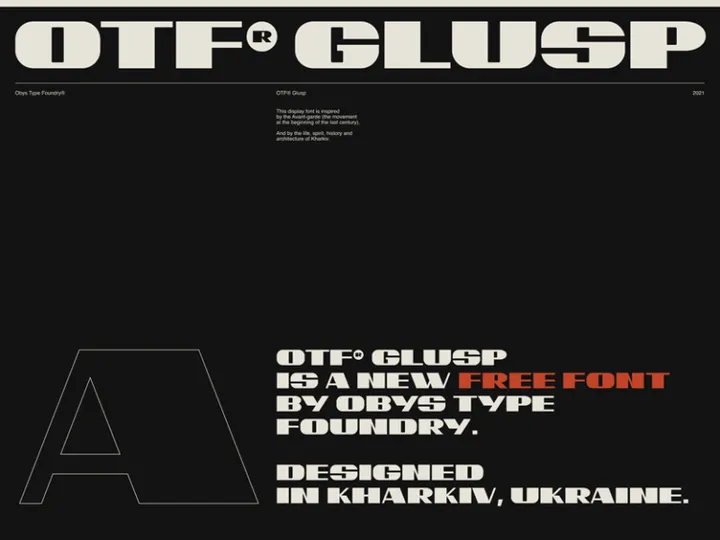
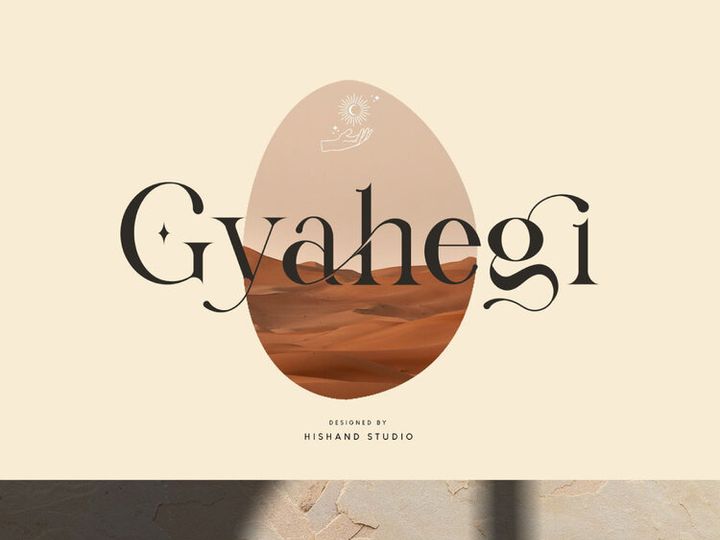
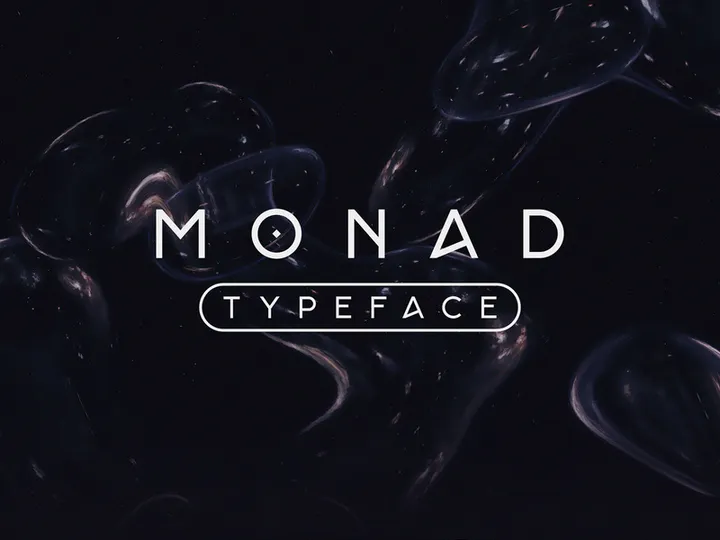
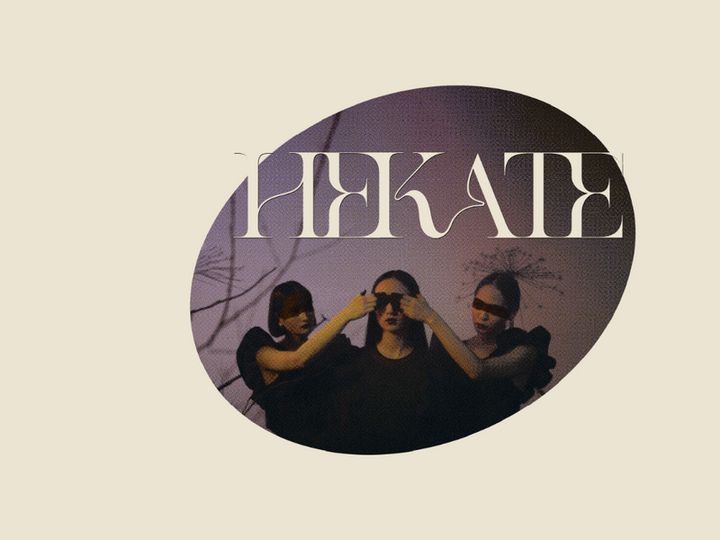




![Kalatas Free Display Typeface [Personal Use License] preview picture](https://imgproxy.epicpxls.com/6fKDWjL4JXU_Ky8TS9IcFgMUYY6EaxTVGWQymwoQ93s/rs:fill:720:540:0/g:no/aHR0cHM6Ly9pdGVt/cy5lcGljcHhscy5j/b20vdXBsb2Fkcy9w/aG90by80MWEwMWEx/NDIyOGI4ZGE1N2Zl/YzYzMGQ0MzVlOWE1/MQ.jpg)
![Bewise [Free Font] preview picture](https://imgproxy.epicpxls.com/P13kis_kjOlsYIexQ3cwKtS5VYKqJ6Yg64ECfXckO5k/rs:fill:720:540:0/g:no/aHR0cHM6Ly9pdGVt/cy5lcGljcHhscy5j/b20vdXBsb2Fkcy9w/aG90by8wZmUzOTUw/YTVlODk5N2FjMDc3/MWI3OTdjOTMzODY3/Yw.jpg)


Try Our Free Resources
Download any of these for free - no account required
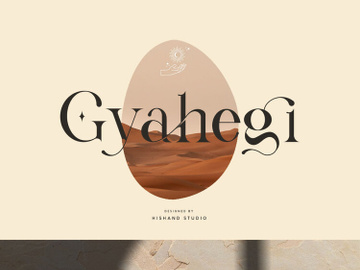
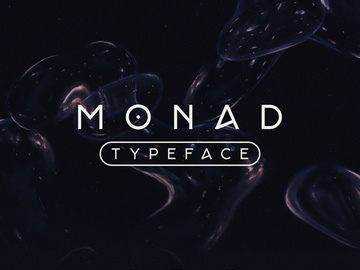
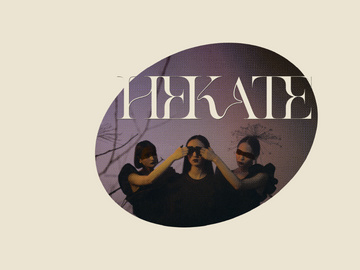
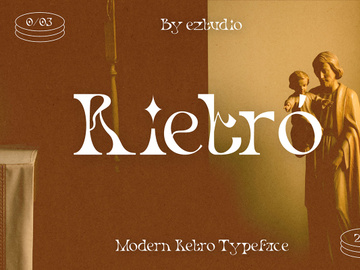
Elegant Design Principles
Elegant design is more than just visual appeal—it's an intentional expression of refinement, balance, and sophistication. At its core, elegance in design evokes a sense of timelessness, restraint, and clarity. It's not about excess, but about choosing the right details that elevate a composition without overwhelming the viewer. This minimalist yet powerful approach is what sets elegant design apart from other styles that prioritize boldness or complexity.
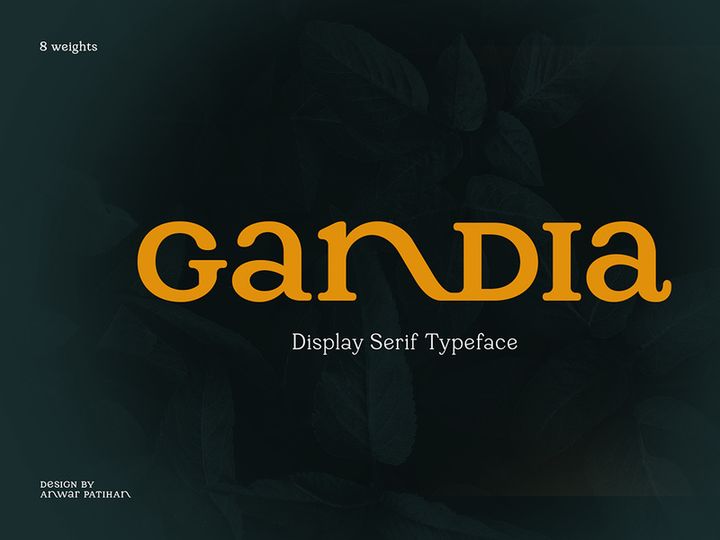
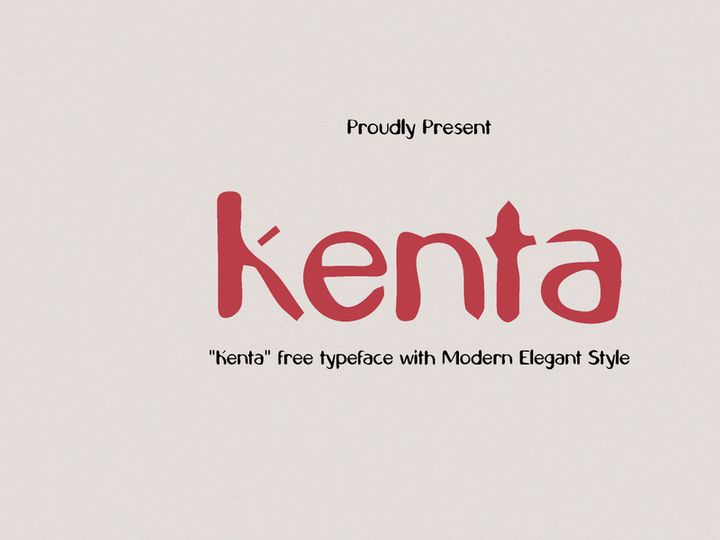
Typography plays a pivotal role in conveying elegance. Fonts with clean lines, high contrast, and graceful curves—such as serif and script typefaces—are often central to this aesthetic. The choice of letterforms communicates dignity and grace, drawing the eye with subtle flourishes and balanced proportions. When paired with a muted or monochromatic color palette—think ivory, charcoal, soft gold, or deep navy—elegant typography gains even more impact, allowing the form and structure to shine.
Spacing, or negative space, is another defining element. Generous margins, ample line height, and well-considered alignment create breathing room that enhances readability and visual calm. This deliberate use of space reflects sophistication, allowing each design component to be appreciated individually. Imagery, when used, tends to feature soft focus, natural textures, or high-end photography that complements rather than competes with the overall composition.
The roots of elegant design trace back to classical art and architecture, where symmetry, proportion, and harmony were paramount. Think of the refined details in Art Deco or the understated luxury of mid-century modernism. Over time, this aesthetic has evolved to meet contemporary tastes while retaining its essence. Today’s elegant design blends historical inspiration with modern minimalism, making it a versatile choice across industries—from fashion and hospitality to tech and finance. With over 510+ resources available at EpicPxls, designers can access a rich library of elegant fonts and design elements that capture this enduring aesthetic with precision and style.
Inspiring Elegant Fonts Examples
Web & App Design
In the digital realm, elegant fonts bring a sense of professionalism and polish to websites and applications. High-end boutiques, luxury real estate platforms, and premium service providers often use elegant typography to establish credibility and exclusivity. For instance, a clean serif font used in a minimalist portfolio site can convey artistic integrity and attention to detail. On mobile apps, elegant fonts enhance user experience by improving readability and creating a serene interface. Subtle animations paired with refined typefaces—such as light transitions or hover effects—can elevate the interaction without sacrificing usability. Designers using resources from EpicPxls can easily integrate elegant fonts into responsive designs, ensuring consistency across devices while maintaining visual harmony.
Print & Branding
Print media remains a stronghold for elegant design, particularly in branding. Business cards, letterheads, packaging, and brochures benefit immensely from the use of elegant fonts. A luxury skincare brand, for example, might use a delicate script font paired with a minimalist layout to communicate purity and sophistication. The tactile quality of premium paper combined with embossed elegant lettering enhances the sensory experience, reinforcing brand value. Logotypes crafted with refined typography become instantly recognizable—think of heritage brands that have maintained the same elegant font for decades. With 510+ elegant designs available, EpicPxls offers designers a vast selection of fonts ideal for crafting timeless brand identities that stand out in competitive markets.
Social Media & Marketing
Even in the fast-paced world of social media, elegant design has found its place. Platforms like Instagram and Pinterest favor visually cohesive content, making elegant fonts a strategic choice for curated feeds. Brands use elegant typography in quote graphics, product launches, and event promotions to evoke exclusivity and taste. Minimalist Instagram stories with soft color overlays and delicate fonts create a premium feel that resonates with discerning audiences. In email marketing, elegant fonts improve open rates by lending a personal, high-end touch to newsletters and announcements. Whether it's a wedding invitation template or a corporate campaign, elegant fonts help messages feel both intimate and authoritative. By leveraging the 510+ resources from EpicPxls, marketers can maintain a consistent, polished aesthetic across all digital touchpoints.
How to Apply Elegant Style to Your Projects
- Select elegant fonts that reflect your brand’s tone. Begin by exploring curated collections such as those offered by EpicPxls. Choose typefaces with refined serifs, smooth curves, or subtle calligraphic details that align with your project’s mood—whether classic, modern, or romantic.
- Limit your font palette. Elegant design thrives on simplicity. Use no more than two complementary fonts—one for headings and one for body text. This creates visual hierarchy while preserving clarity and cohesion.
- Pay attention to spacing and alignment. Generous letter spacing (tracking), line height (leading), and balanced margins contribute significantly to an elegant feel. Avoid clutter by giving each element room to breathe.
- Customize with care. When modifying elegant fonts—such as adjusting weight or adding ligatures—ensure changes maintain the original grace. Small tweaks like increasing stroke contrast or refining kerning can enhance elegance without distorting the design.
- Pair with refined color schemes. Choose muted, sophisticated colors like champagne, slate gray, or deep burgundy. Avoid overly bright or neon tones that clash with the elegant aesthetic. Monochromatic or analogous palettes work best.
- Test across mediums. Ensure your elegant design translates well from screen to print. Verify legibility on mobile devices and the quality of font rendering in different formats. Resources from EpicPxls are optimized for both digital and physical applications, making cross-platform consistency effortless.
Elegant Pairing Guide
Complementary Styles
Elegant design pairs exceptionally well with minimalist, modern, and luxury aesthetics. Its restrained beauty enhances clean layouts and high-end visuals without competing for attention. It also complements vintage-inspired themes, particularly those drawing from Art Deco or Edwardian influences, where ornate details meet refined structure. For a contemporary twist, pairing elegant fonts with subtle geometric elements—like thin line borders or symmetrical icons—can create a balanced fusion of tradition and innovation. However, it’s best to avoid clashing with overly casual or grunge styles, as the contrast can dilute the intended sophistication. When in doubt, let the elegance lead and use supporting elements sparingly.
Typography Choices
The right typography is the cornerstone of any elegant design. Serif fonts—especially Didone and transitional styles—are classic choices due to their high stroke contrast and graceful serifs. Examples include refined typefaces like Bodoni, Didot, or Baskerville, known for their authoritative yet delicate presence. Script and calligraphic fonts also excel in elegant contexts, particularly for invitations, logos, or editorial headers. Look for options with natural flow, consistent baseline alignment, and restrained flourishes. Display fonts with thin strokes and open forms work beautifully for titles but should be used sparingly. EpicPxls offers a wide array of elegant fonts, from delicate scripts to structured serifs, ensuring you’ll find the perfect match for your project among the 510+ resources available.
Color Palettes
Color plays a subtle but powerful role in reinforcing elegance. Neutral tones—such as ivory, soft gray, and warm beige—create a serene foundation that lets typography take center stage. Metallic accents like gold, silver, or copper add a touch of opulence without overwhelming the design. Deep hues like navy, emerald, or wine provide contrast while maintaining richness and depth. For a modern interpretation, consider pairing elegant fonts with a black-and-white scheme accented by a single muted tone. Avoid overly saturated colors or chaotic gradients, as they disrupt the calm, intentional nature of elegant design. When selecting colors, aim for harmony and cohesion—opt for palettes that feel curated and intentional. With thoughtful pairing, even simple combinations can evoke luxury and grace.
Elegant Fonts Trends in 2026
As we move into 2026, elegant fonts are evolving to meet the demands of digital-first design while preserving their timeless charm. One emerging trend is the fusion of elegance with functionality—designers are opting for elegant typefaces that maintain readability on small screens and in dynamic interfaces. This has led to the rise of “elegant minimalism,” where delicate strokes and refined forms are balanced with practical considerations like weight variation and screen rendering clarity. Fonts with adaptive features, such as variable font technology, are gaining popularity, allowing for seamless transitions between light and bold weights without losing elegance.
Another shift is the integration of elegant fonts in immersive experiences—such as augmented reality (AR) and digital exhibitions—where typography becomes part of the environment. Luxury brands are using elegant fonts in interactive displays and virtual showrooms to create a sense of exclusivity and craftsmanship. Additionally, sustainable and artisanal brands are adopting elegant design to communicate authenticity and care, using hand-crafted scripts and organic textures that reflect ethical values.
Looking ahead, the trend points toward personalization within elegance. Designers are customizing elegant fonts with unique ligatures, alternate characters, and contextual swashes to create bespoke identities. This blend of tradition and innovation ensures that elegant fonts remain relevant in a fast-changing design landscape. With platforms like EpicPxls offering 510+ elegant designs—from classic serifs to contemporary scripts—creatives have the tools to stay ahead of the curve. Whether for branding, digital media, or print, elegant fonts in 2026 are not just about beauty, but about meaningful, intentional communication that resonates across cultures and platforms.
Why Download from EpicPxls?
Commercial License
Use in personal and commercial projects
No Account Required
Download free resources instantly
Quality Curated
Every resource is reviewed for quality
Preview Files
See Figma and Photoshop files before downloading
Who Uses These Fonts?
Professionals and teams who benefit most from our collection
UI/UX Designers
Speed up your workflow with ready-to-use fonts for design tools. Perfect for prototyping and client presentations.
Developers
Get production-ready assets without design skills. Export in any format for web and mobile apps.
Startups & Agencies
Save design budget with affordable premium fonts. Commercial license included for client work.
Marketing Teams
Create professional campaigns faster. All fonts are optimized for social media and ads.
Fonts FAQCommon questions about these resources
Simple, Transparent Pricing
Get unlimited access to all premium resources
Yearly
- 20 downloads per month
- All file formats
- Commercial license
Lifetime
- Unlimited downloads forever
- All file formats
- Commercial license
Ready to Get Started?
Access 4,442+ free design resources today.
Browse Free ResourcesView Premium PlansEarn 85% and
more on all sales
Upload your products and put them up
for sale at whatever price you want.


