Icons for Illustrator: 916+ Resources
EpicPxls offers 916+ curated icons for Illustrator, all with a commercial license and editable source files (Figma, Sketch, PSD). We have 916+ icons compatible with Illustrator, tested and verified for seamless integration.
Last updated December 09, 2025
Discover 916+ handpicked icons for Illustrator.
Trusted by designers at leading companies
Top Icons for Illustrator
Handpicked resources from our curated collection
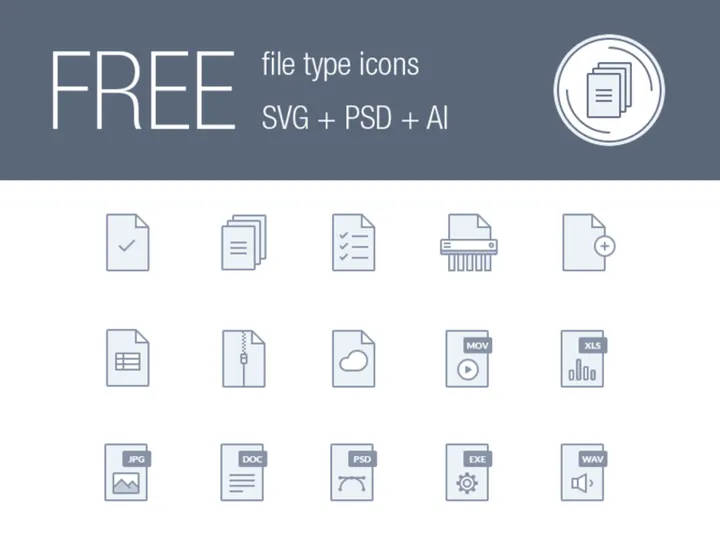






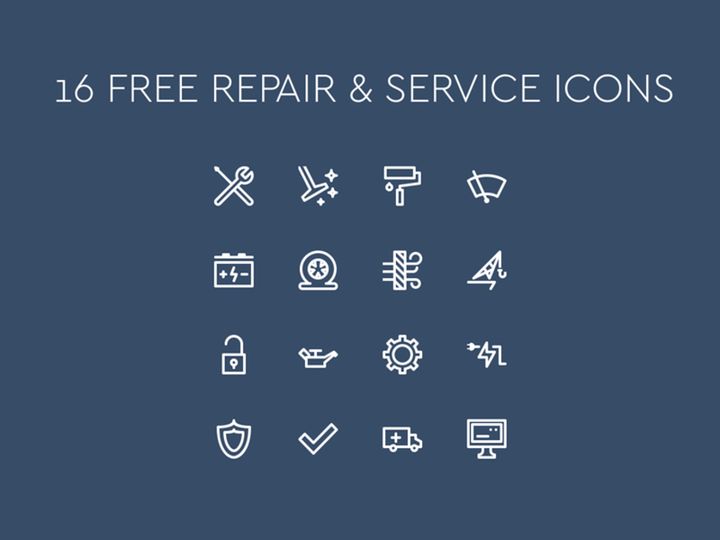

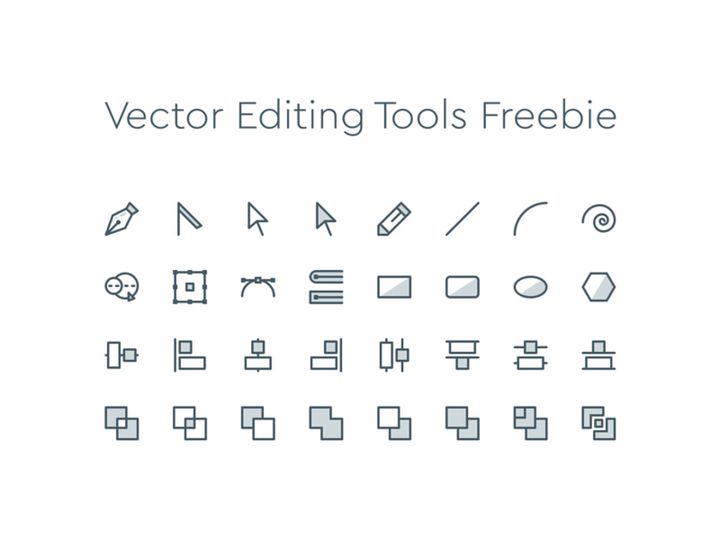
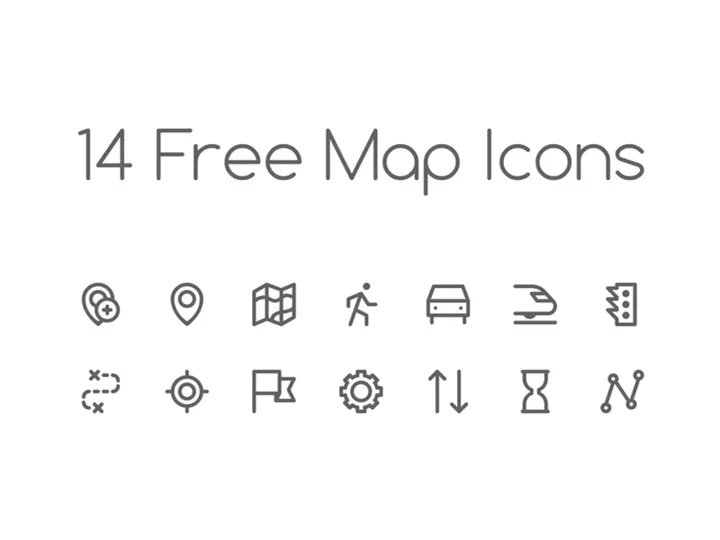
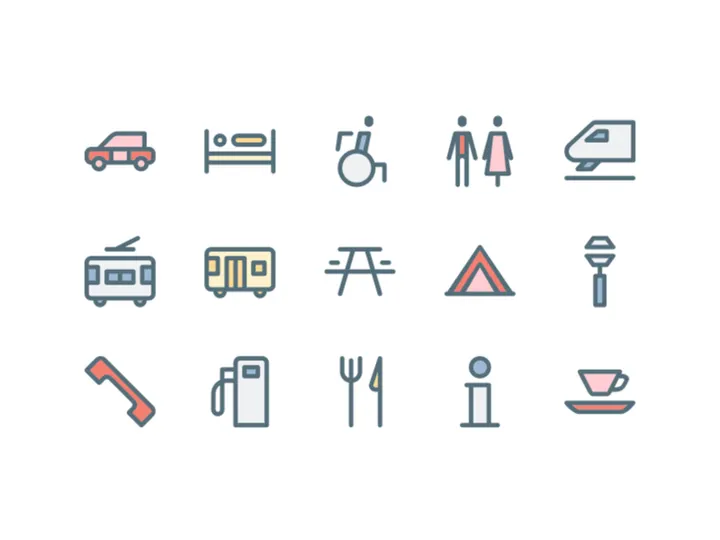
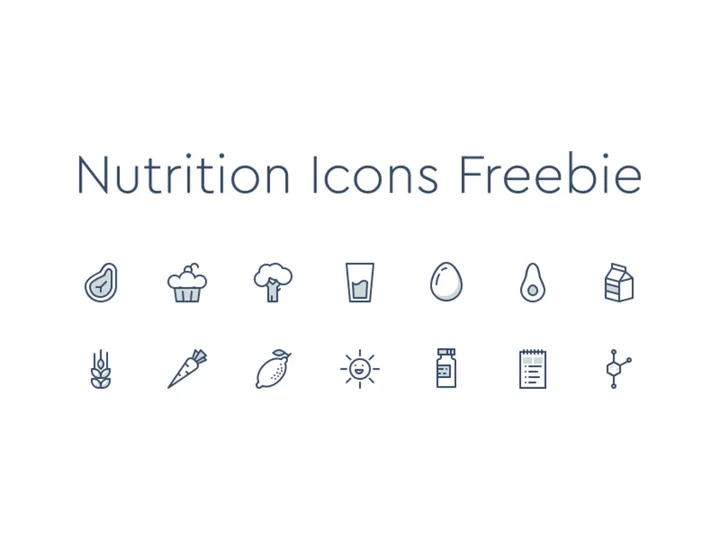


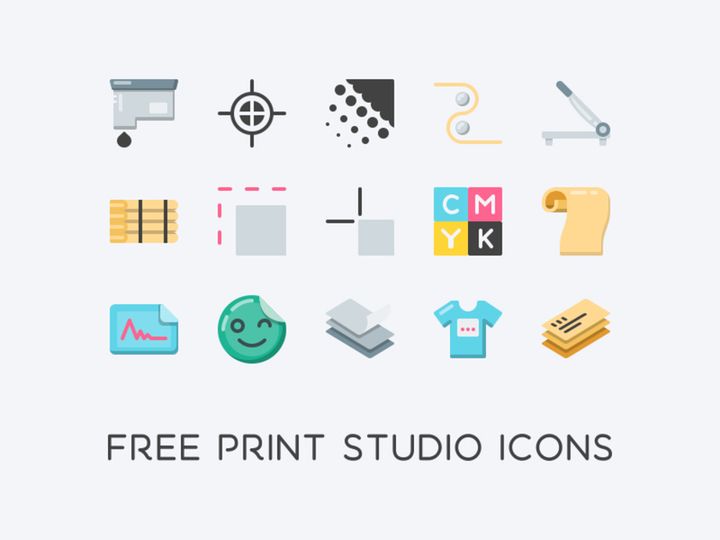
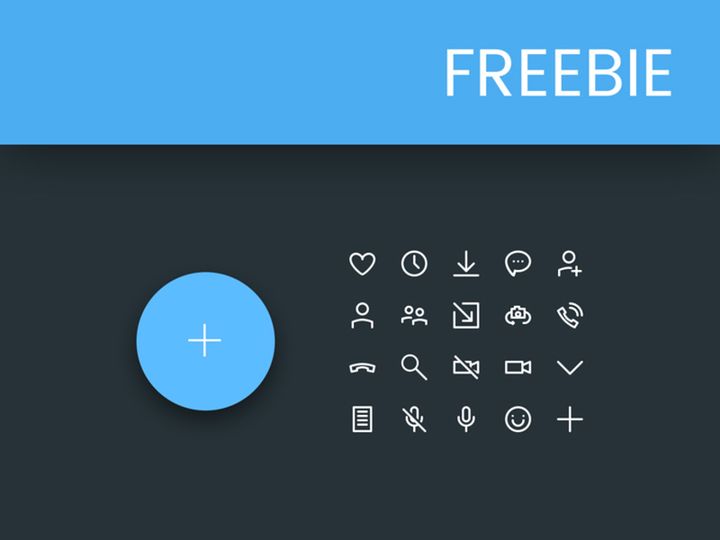
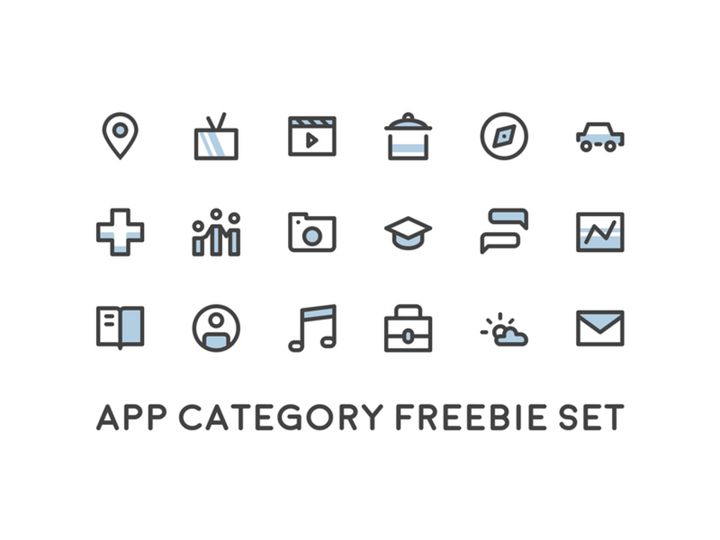
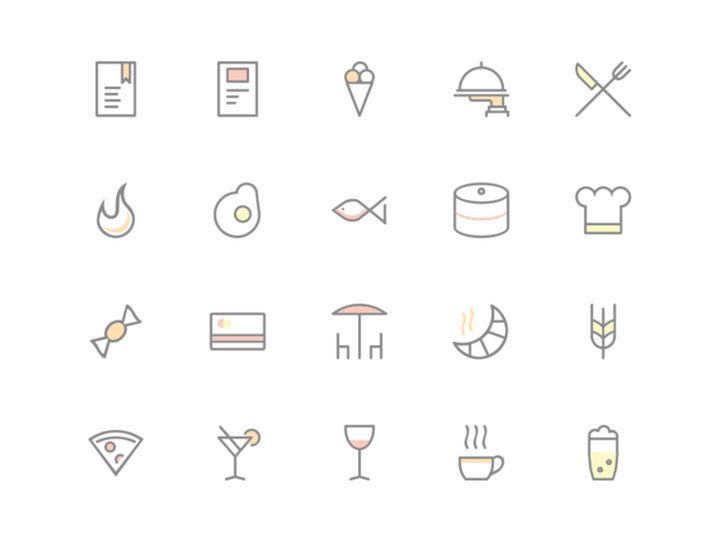

Try Our Free Resources
Download any of these for free - no account required
Why Illustrator for Icons?
Adobe Illustrator has long been the go-to vector design tool for professionals and hobbyists alike, especially when it comes to creating and editing icons. Its precision, scalability, and robust feature set make it uniquely suited for icon design. Unlike raster-based programs, Illustrator works with vector graphics, meaning icons can be resized infinitely without losing quality—essential for creating assets that must appear sharp on everything from mobile apps to billboards.
One of Illustrator’s standout features for icon creators is its Pen Tool, which allows for meticulous control over anchor points and curves. This precision is crucial when designing small-scale graphics where every pixel matters. Additionally, the Shape Builder Tool and Pathfinder panel simplify the process of combining, subtracting, and refining shapes—common tasks when crafting clean, minimalist icons. Features like Global Colors and Appearance Panels streamline consistency across icon sets, ensuring visual harmony in large collections.
Illustrator also supports artboards, which are perfect for organizing multiple icons within a single file. Designers can quickly toggle between icons, maintain consistent spacing, and export assets efficiently. With built-in SVG and PDF export options, preparing icons for web and app development is seamless. Integration with other Adobe Creative Cloud apps further enhances the workflow, especially when syncing assets across platforms.
At EpicPxls, we understand the importance of compatibility and quality. That’s why our collection of 916+ resources is carefully vetted to ensure full Illustrator compatibility. Each icon set is delivered in vector formats—primarily AI and EPS—with layered, editable components. We focus on clean design, scalability, and ease of customization so that whether you're sketching a prototype or finalizing a UI kit, you’re working with assets that integrate smoothly into your Illustrator environment. Our curation process emphasizes usability, relevance, and modern design trends, ensuring every resource enhances your creative workflow.
Top Icons Picks for Illustrator
Best for Beginners
If you're just starting out with icon design in Illustrator, it’s important to work with resources that are intuitive and easy to modify. Look for icon sets that come with well-labeled layers, simple color schemes, and clear documentation. Beginner-friendly packs often include basic UI elements like arrows, buttons, and common actions (home, search, settings), making them ideal for learning the fundamentals of vector editing. Many of these sets use straightforward shapes and minimal gradients, reducing complexity while maintaining visual appeal. At EpicPxls, we highlight beginner kits that offer step-by-step guidance and compatibility with older versions of Illustrator, ensuring a smooth onboarding experience.
Best for Professionals
For seasoned designers, advanced icon resources are a necessity. The best professional-grade icon sets come with full customization options—modular components, variable stroke weights, and dynamic color palettes. These resources often support multiple styles (outline, solid, duotone) within the same family, allowing for flexible use across different projects. Look for packs that include grid alignment guides, consistent stroke widths, and adherence to design systems like Material or Apple’s Human Interface Guidelines. Our 916+ resources include premium collections tailored for enterprise-level design work, with features like symbols libraries, reusable components, and scalable artboards that integrate into complex workflows.
Best Free Options
High-quality free icons can be a game-changer, especially for startups, educators, and side projects. The best free icon sets for Illustrator don’t compromise on quality—they offer clean vectors, organized layers, and full editability. These resources are often released under permissive licenses, allowing commercial use with proper attribution. While free packs may have fewer variations than premium options, many still include dozens of commonly used icons in modern styles. EpicPxls curates a selection of top-tier free icon sets that are rigorously tested for Illustrator compatibility, ensuring you get professional-grade assets without the price tag. Whether you need social media icons, navigation elements, or productivity symbols, our free picks deliver reliability and design integrity.
Illustrator vs Other Tools for Icons
While several tools can handle icon design, Adobe Illustrator remains a top choice for many designers due to its unmatched vector precision and industry-standard status. Unlike pixel-based editors, Illustrator’s vector foundation ensures icons remain crisp at any size—a critical advantage in responsive design. Compared to newer, simplified design tools, Illustrator offers deeper control over paths, strokes, and colors, making it ideal for crafting intricate or highly consistent icon sets.
The Illustrator ecosystem also benefits from extensive plugin support and integration with design handoff tools. Features like Libraries and Assets panels allow for real-time syncing of icon components across projects. Additionally, Illustrator supports a wide range of export formats, including SVG, PDF, and EPS—formats that preserve vector integrity and are widely accepted in development pipelines. This format flexibility is essential when delivering assets to developers who need scalable graphics for web and mobile applications.
While some tools focus on speed or collaboration, Illustrator excels in precision, customization, and long-term project scalability. For designers who need full control over every aspect of their icons—from stroke alignment to color management—Illustrator’s comprehensive toolkit is unmatched. With EpicPxls’s 916+ resources optimized for Illustrator, you gain access to a vast library of assets that leverage these strengths, ensuring your icon projects are both efficient and professionally polished.
Setting Up Icons in Illustrator
- Download and Extract the Icon Pack: After acquiring an icon set from EpicPxls, download the ZIP file and extract its contents. Most packs include AI files, EPS versions, and sometimes PDF or SVG previews for quick reference.
- Open the AI File in Illustrator: Launch Adobe Illustrator and open the main AI file. Ensure you’re using a compatible version—most resources support CS6 and later. If prompted, allow Illustrator to update legacy files for optimal performance.
- Explore the Artboard Layout: Many icon sets organize individual icons on separate artboards. Use the Artboard Tool (Shift+O) to navigate between them. Some packs include a master sheet, while others offer one icon per file for granular control.
- Check Layer Organization: Open the Layers panel to review how icons are structured. Well-designed sets use clear naming conventions, grouped elements, and locked background layers. This makes it easy to isolate and edit specific components.
- Import Icons into Your Project: To use icons in a new file, simply copy and paste them, or drag them from the original file into your working document. For frequent use, consider adding them to the Creative Cloud Libraries panel for one-click access.
- Customize and Scale: Once imported, modify colors using Global Swatches, adjust stroke weights, or resize without quality loss. Always test icons at their intended display size to ensure clarity and readability, especially for small UI elements.
For managing large icon collections, create a dedicated project folder and maintain a naming system (e.g., “icons-ui-actions.ai”, “icons-social-filled.ai”). This minimizes clutter and speeds up retrieval. EpicPxls’s curated packs are designed with organization in mind, often including index sheets and style guides to help you get started quickly and stay efficient.
Illustrator Workflow Tips
Organizing Icons Libraries
Efficient icon management starts with a structured library system. Use Illustrator’s Creative Cloud Libraries to store frequently used icons, colors, and strokes. Create separate libraries for different categories—such as navigation, social media, and alerts—to maintain clarity. Name each asset clearly (e.g., “icon-home-outline”) and add keywords for easier searching. For team environments, sync libraries across accounts so all members have access to the same resources. You can also import entire icon sets into a library with drag-and-drop, enabling quick placement into any project. With 916+ resources available through EpicPxls, a well-organized library ensures you’re not overwhelmed by choice and can maintain design consistency.
Batch Operations
When working with dozens or hundreds of icons, batch processing saves significant time. Use Find and Replace to update colors across multiple icons simultaneously—especially useful when rebranding or switching themes. For global edits, leverage Global Colors in the Swatches panel; any change to a global swatch automatically updates all associated shapes. You can also use Actions to automate repetitive tasks like resizing, exporting, or applying effects. Record an action once (e.g., “Resize to 24px and Export as SVG”), then apply it to multiple files via the Batch command (File > Automate > Batch). This is ideal for preparing icon sets for development handoff, ensuring uniformity across all assets.
Collaboration Best Practices
Collaborating on icon projects requires clear communication and consistent file management. Always share fully packaged files—including fonts and linked assets—using the Package feature (File > Package). This ensures your team receives all necessary components. Use layer naming conventions and group related elements (e.g., “Group: Icon-Search”) to make files easier to navigate. For feedback, leverage Comments in Adobe Creative Cloud, allowing team members to annotate directly on the artwork. When working with developers, export icons in multiple formats (SVG, PNG) and provide a style guide with usage guidelines, spacing rules, and color codes. EpicPxls supports collaborative workflows by offering well-documented, developer-ready resources that reduce back-and-forth and streamline the design-to-development pipeline.
Why Download from EpicPxls?
Commercial License
Use in personal and commercial projects
No Account Required
Download free resources instantly
Quality Curated
Every resource is reviewed for quality
Preview Files
See Figma and Photoshop files before downloading
Who Uses These Icons?
Professionals and teams who benefit most from our collection
UI/UX Designers
Speed up your workflow with ready-to-use icons for Illustrator. Perfect for prototyping and client presentations.
Developers
Get production-ready assets without design skills. Export in any format for web and mobile apps.
Startups & Agencies
Save design budget with affordable premium icons. Commercial license included.
Marketing Teams
Create professional campaigns faster. All icons are optimized for social media and ads.
Icons for Illustrator FAQCommon questions about these resources
Simple, Transparent Pricing
Get unlimited access to all premium resources
Yearly
- 20 downloads per month
- All file formats
- Commercial license
Lifetime
- Unlimited downloads forever
- All file formats
- Commercial license
Earn 85% and
more on all sales
Upload your products and put them up
for sale at whatever price you want.


