Photoshop Add-Ons: 86+ Design Resources
EpicPxls offers 86+ curated photoshop add-ons, all with a commercial license and editable source files (Figma, Sketch, PSD). We have 86+ photoshop add-ons available, with new additions added regularly by our community of designers.
Last updated February 12, 2026
Discover 86+ handpicked photoshop add-ons from top designers.
Trusted by designers at leading companies
Top Photoshop Add-Ons
Handpicked resources from our curated collection
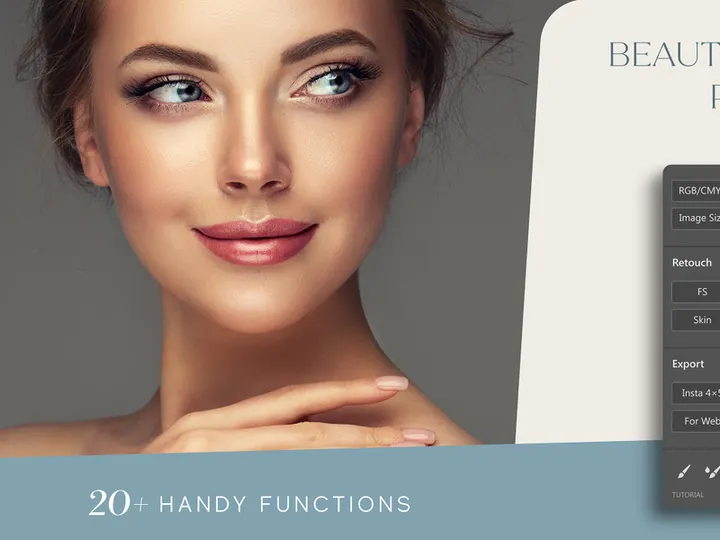
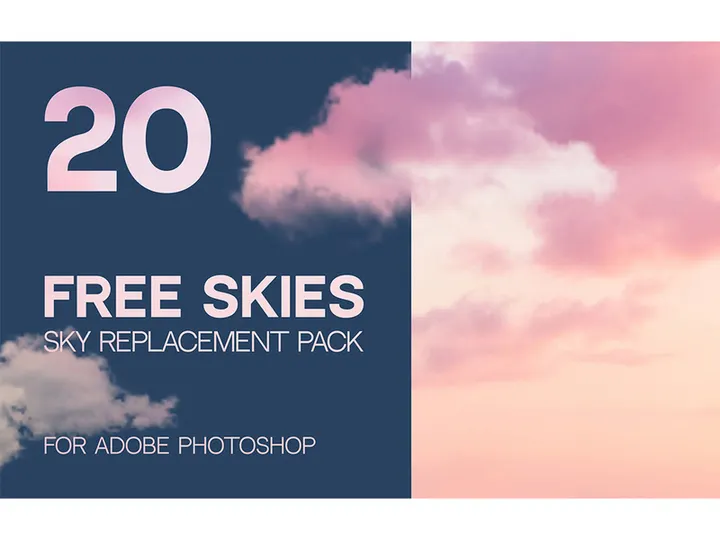
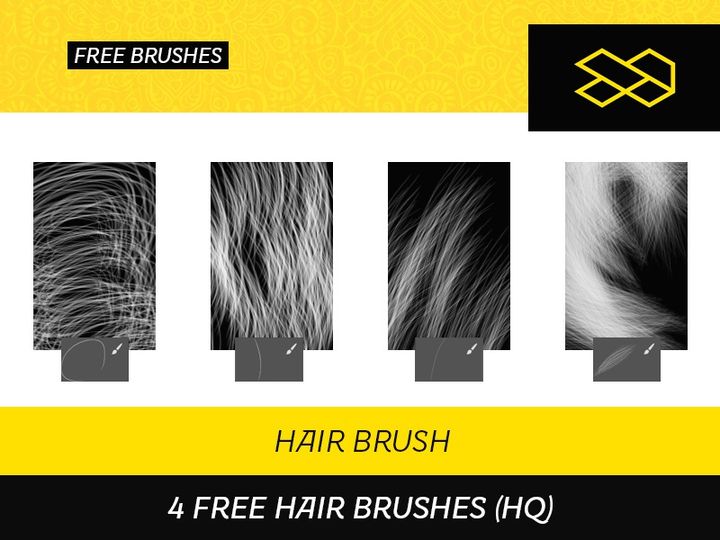
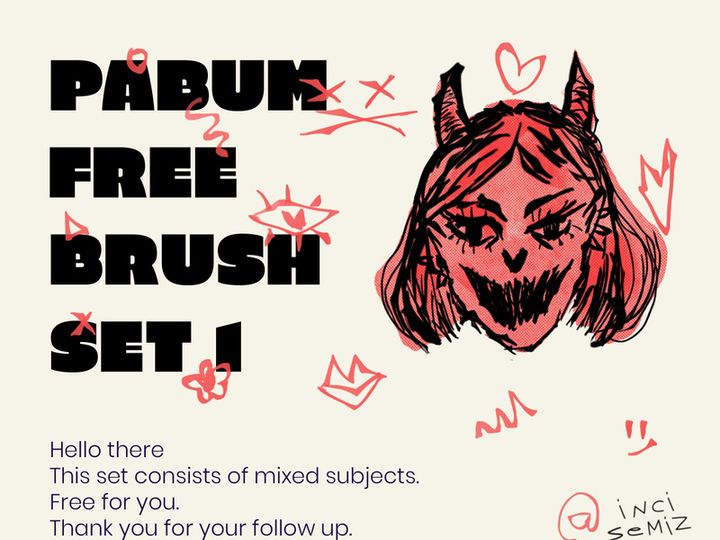
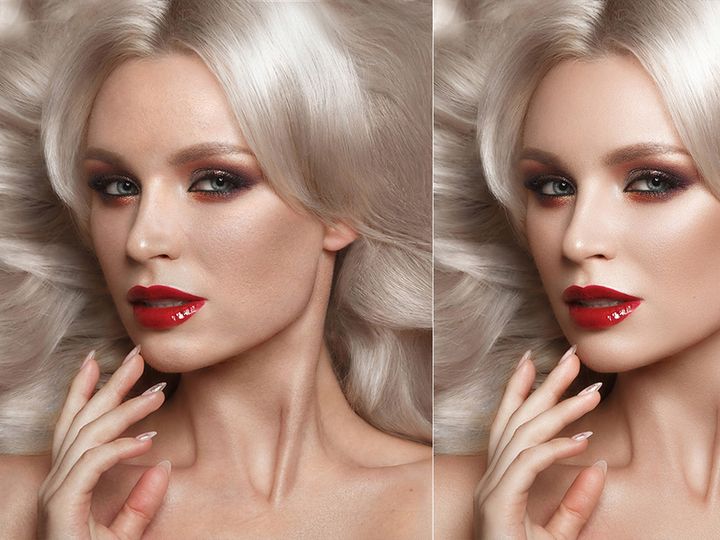
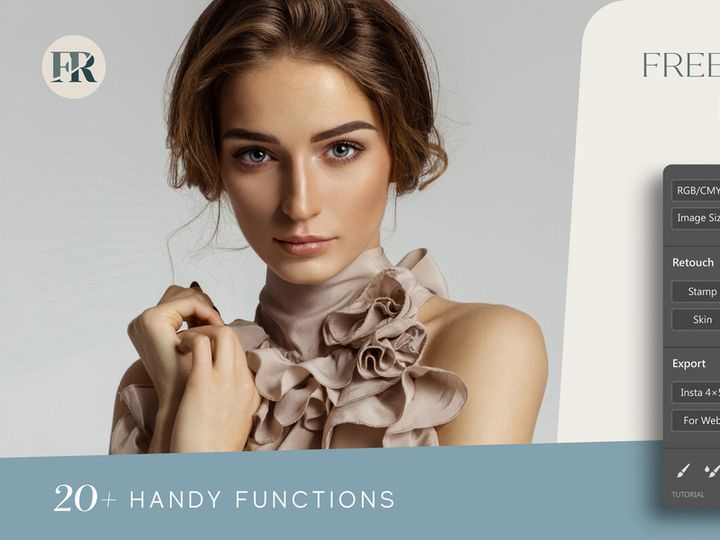
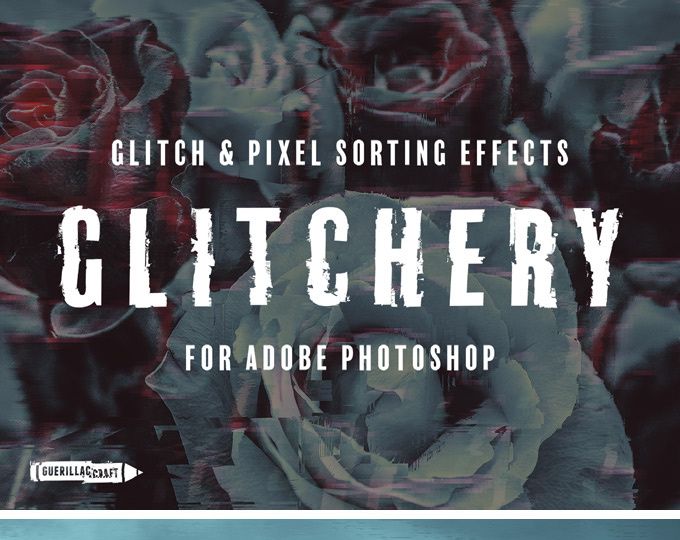


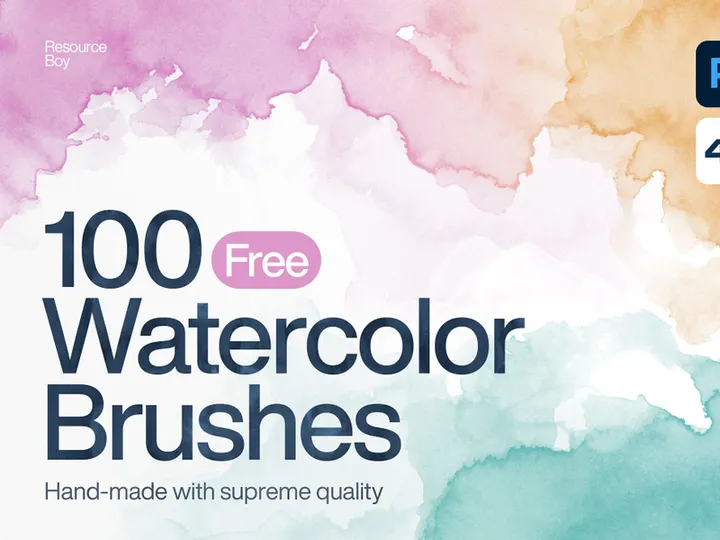
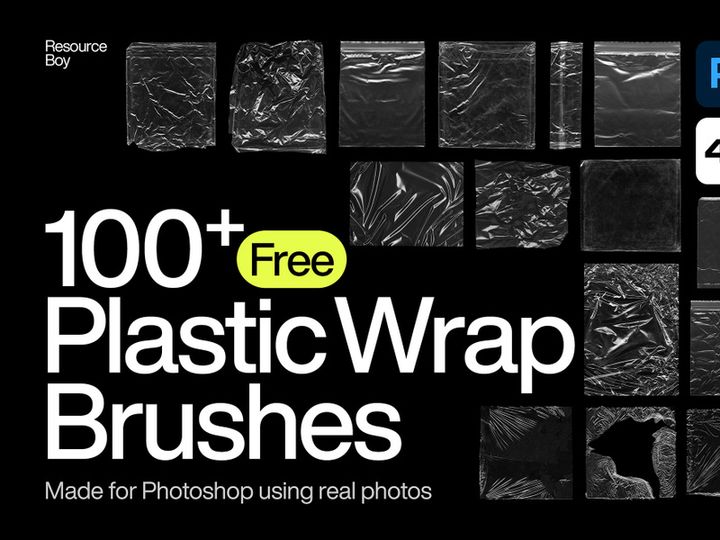
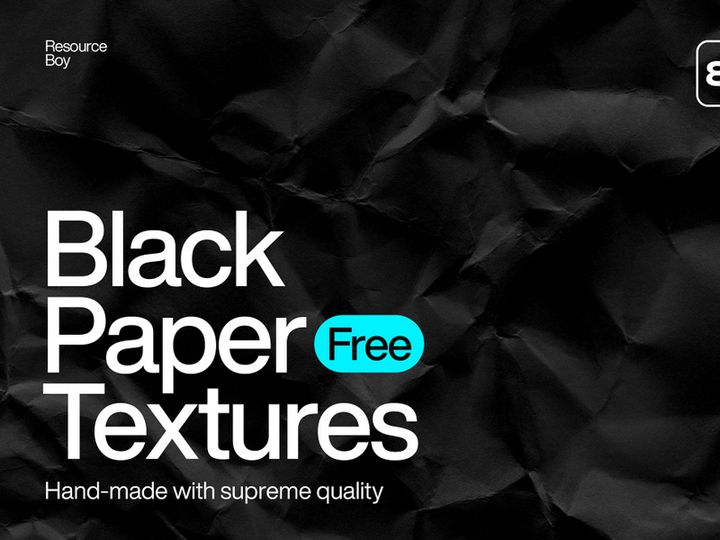
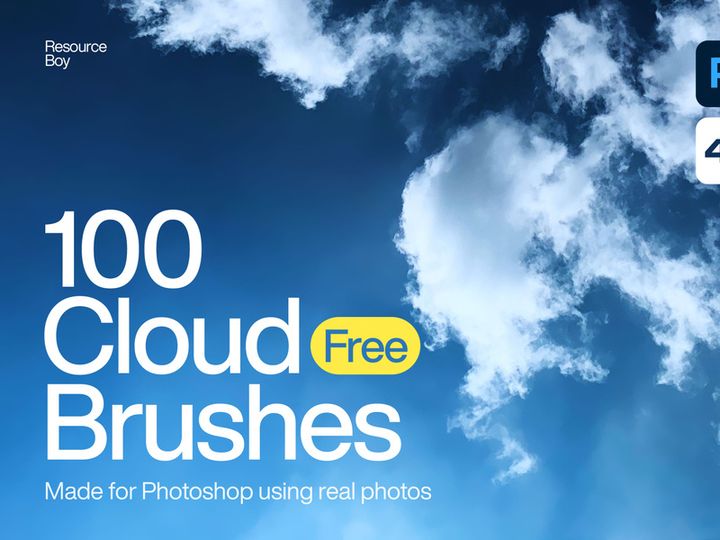
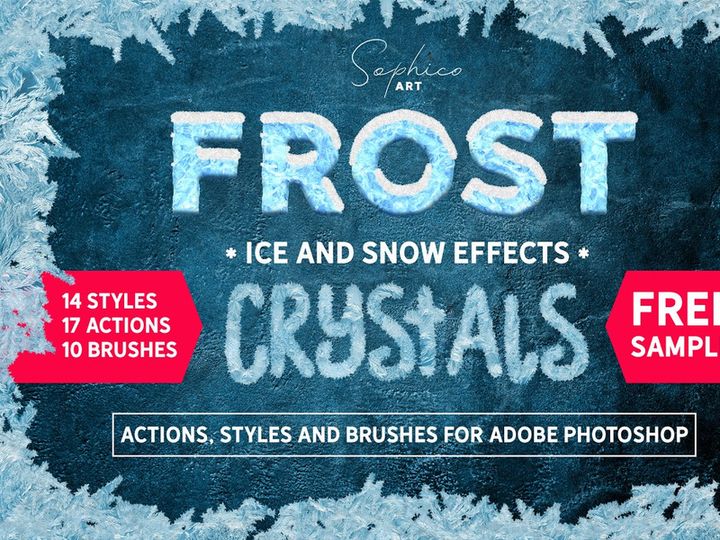
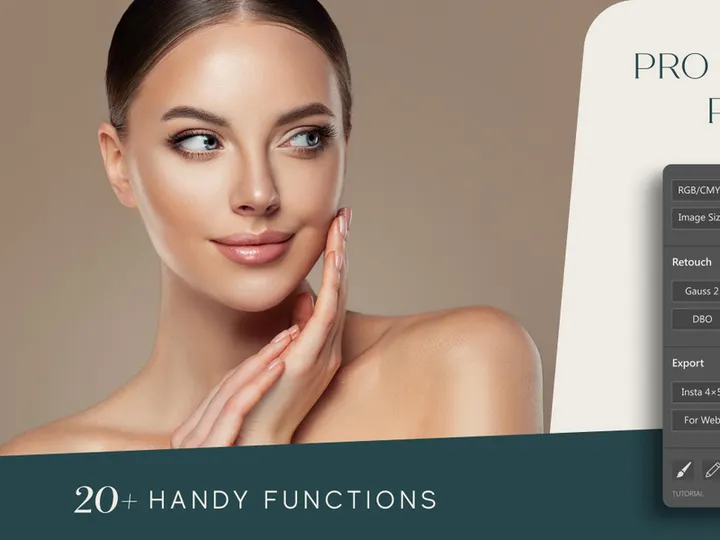
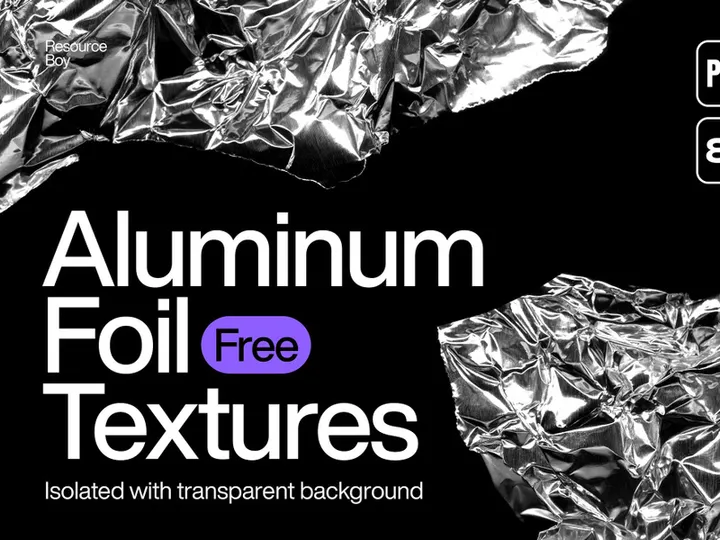
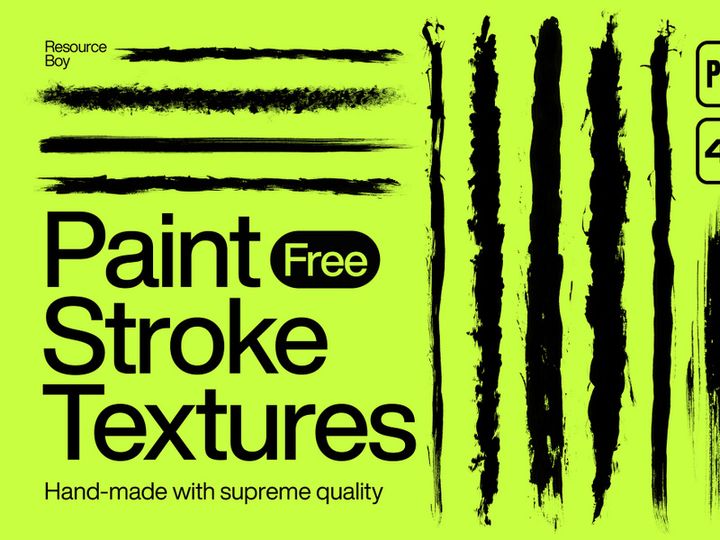
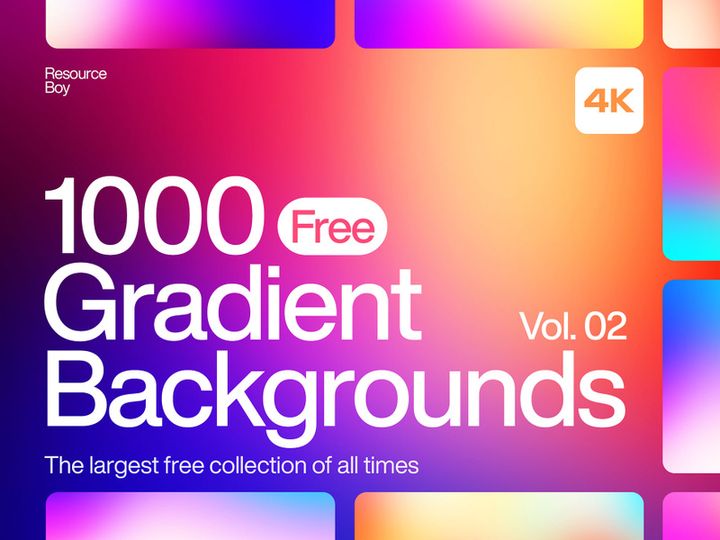
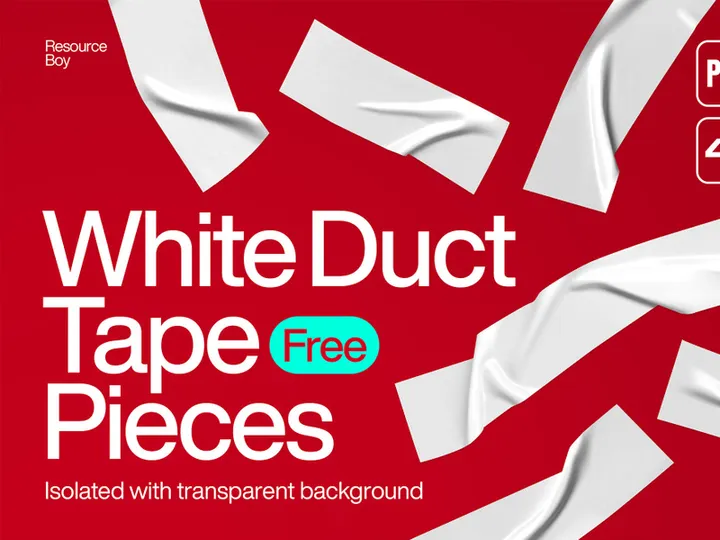
Try Our Free Resources
Download any of these for free - no account required
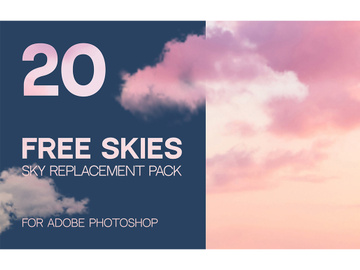
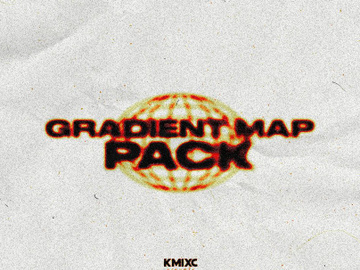
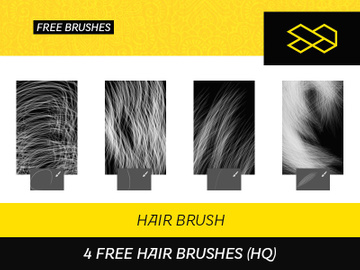
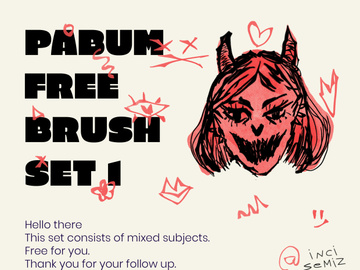
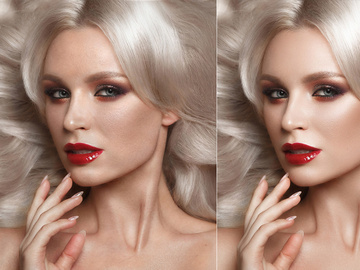
Browse Photoshop Add-Ons
Discover a world of creative potential with the expansive collection of Photoshop add-ons available at EpicPxls. With over 86+ expertly crafted design resources, this growing library empowers graphic designers, illustrators, marketers, and digital artists to elevate their projects with professional-grade tools. From layer styles and brushes to full design kits and templates, each add-on is designed to streamline your workflow and unlock new levels of visual expression. Whether you're enhancing photo edits, building web graphics, or developing brand identities, these add-ons provide the precision and polish that modern design demands.
All Photoshop add-ons featured on EpicPxls are created by skilled designers and digital artists who specialize in Adobe Photoshop and related creative software. Each submission undergoes a thorough review process to ensure compatibility, usability, and aesthetic excellence. Quality standards include high-resolution outputs, well-organized layers, and adherence to file best practices—ensuring that every download integrates smoothly into your projects. Creators are encouraged to innovate while maintaining functionality, resulting in resources that are both visually striking and technically sound.
The collection of 86+ resources is carefully curated to reflect the evolving needs of the design community. New additions are evaluated based on originality, relevance to current trends, and user demand. EpicPxls continuously updates its catalog to include cutting-edge tools that support emerging design styles, from hyper-realistic textures to minimalist UI elements. This thoughtful curation ensures that designers don’t just get more options—they get better ones. Whether you're searching for that perfect halftone pattern or a complete branding toolkit, the EpicPxls directory is your go-to destination for reliable, high-impact Photoshop add-ons.
What's Trending in Photoshop Add-Ons
Popular Styles in 2026
As we move through 2026, Photoshop add-ons are embracing bolder, more dynamic aesthetics shaped by digital innovation and user experience demands. Glassmorphism continues to thrive, with translucent layers, soft blur effects, and luminous borders making their way into overlay templates and UI kits. Retro-futurism has also surged in popularity, blending 80s-inspired neon palettes with sleek, modern compositions. Designers are increasingly drawn to 3D-rendered elements, especially for mockups and social media visuals, where depth and realism enhance engagement. Additionally, hand-drawn textures and organic brush strokes are being used to counterbalance digital perfection, adding warmth and authenticity to digital artwork. These styles are well represented in the 86+ resources available, allowing creators to stay ahead of the curve with minimal effort.
Most Downloaded Categories
User activity on EpicPxls reveals clear preferences in the types of Photoshop add-ons designers are reaching for most frequently. Layer styles—particularly those offering one-click effects like metallic finishes, embossing, and glow—are among the top downloads. Equally popular are brush packs, including grunge, watercolor, and digital painting tools that mimic traditional media. Mockup templates, especially for packaging, apparel, and mobile apps, remain in high demand due to their utility in client presentations. Text effects and typography add-ons are also widely used, enabling quick creation of stylized headlines and logo treatments. These categories dominate downloads because they save time while delivering professional results—key factors for freelancers and agencies alike.
Emerging Themes
New creative directions are shaping the future of Photoshop add-ons, with sustainability, inclusivity, and AI integration leading the charge. Eco-conscious design themes feature earthy tones, natural textures, and botanical motifs, reflecting a growing emphasis on environmental awareness. Inclusivity-focused resources, such as diverse skin tone palettes and culturally sensitive patterns, are being developed to support more representative design practices. Another rising trend is AI-assisted design tools, where add-ons are built to work seamlessly with generative AI outputs—offering smart layer structures, automated color correction, and prompt-optimized templates. These emerging themes show that Photoshop add-ons are evolving beyond mere decoration; they’re becoming intelligent, purpose-driven tools that align with broader societal and technological shifts. The EpicPxls collection actively incorporates these forward-thinking themes, ensuring designers have access to resources that are not only current but also meaningful.
How to Download Photoshop Add-Ons
- Browse the collection: Start by exploring the full range of Photoshop add-ons on EpicPxls. Use filters to narrow results by category, file type, or style to quickly find what you need.
- Preview before downloading: Each resource includes detailed previews, usage examples, and compatibility information. Take time to review these to ensure the add-on fits your project requirements.
- Choose your license: Select between personal and commercial use options. This step is essential for ensuring proper legal usage, especially for client work or product designs.
- Log in or create an account: To access downloads, sign in to your EpicPxls account. Registration is free and unlocks additional features like favorites and download tracking.
- Download and install: Click the download button to get your file. Free resources are available instantly, while premium add-ons may require a one-time purchase or subscription. Once downloaded, follow included instructions to install brushes, actions, or templates into Photoshop.
The process is designed to be intuitive and fast, so you can go from discovery to implementation in minutes. Free downloads offer a great way to test quality and compatibility, while premium options provide enhanced features, extended licensing, and priority support. With over 86+ resources available, there’s something for every skill level and design goal. EpicPxls ensures that every download link is secure and up-to-date, minimizing downtime and technical issues. Whether you're downloading a single brush or a complete design suite, the platform supports a seamless experience from start to finish.
Photoshop Add-Ons Category Breakdown
By File Format
Understanding file formats is essential for choosing the right Photoshop add-on. The most common format is PSD, which preserves layers, masks, and effects—ideal for templates, mockups, and layered designs. AI (Adobe Illustrator) files are vector-based, making them perfect for scalable logos and illustrations that you may want to import into Photoshop with full editability. SVG files are also vector-based and widely used for icons and web graphics, especially when crisp scaling is required. PNG files are raster images with transparent backgrounds, commonly used for icons, badges, and standalone graphics. For those working across platforms, Figma and Sketch files are increasingly available, allowing designers to collaborate in UI/UX environments before bringing assets into Photoshop for final rendering. Each format serves a specific purpose, and the 86+ resources on EpicPxls are clearly labeled to help you choose the best one for your workflow.
By License Type
Licensing determines how you can legally use a Photoshop add-on, and EpicPxls makes it easy to understand your rights. Personal use licenses allow you to use the resource in non-commercial projects—perfect for hobbies, learning, or personal branding. These are often available for free or at a low cost. Commercial use licenses grant permission to use the add-on in client work, products for sale, marketing materials, and business-related designs. These typically come with premium downloads and may include extended rights, such as unlimited end products or use in SaaS applications. Some resources also offer exclusive licensing, where the add-on is removed from public sale after purchase. Understanding these distinctions ensures you stay compliant while maximizing the value of each download. All licensing details are clearly stated on every resource page, so there’s no guesswork involved.
By Complexity
Photoshop add-ons vary widely in complexity, catering to different skill levels and project scopes. Simple assets include individual brushes, patterns, or layer styles—ideal for beginners or designers who need a quick enhancement. These are easy to install and use with minimal setup. Intermediate kits combine multiple elements, such as a set of social media templates with matching fonts and color palettes, offering more structure without overwhelming the user. At the higher end, complete design kits provide everything needed for a full project, including mockups, source files, documentation, and even video tutorials. These are perfect for professionals working on branding, packaging, or app design. The 86+ resources on EpicPxls span this entire spectrum, ensuring that whether you're just starting out or leading a creative team, you’ll find tools that match your expertise and project needs. This tiered approach makes the collection both accessible and scalable.
Making the Most of Photoshop Add-Ons
Organizing Your Library
To maximize efficiency, maintain a well-organized library of downloaded Photoshop add-ons. Create dedicated folders by category—such as Brushes, Actions, Textures, and Templates—and further subdivide by project or style. Use consistent naming conventions (e.g., “Brush-Watercolor-01”) to make searching easier. Within Photoshop, utilize the Preset Manager to save and categorize custom brushes, gradients, and patterns. Consider using third-party asset management tools if you work with large volumes of resources. A clean, searchable library saves time and reduces creative friction, especially when working under tight deadlines.
Customization Tips
While Photoshop add-ons are designed for immediate use, the best results come from thoughtful customization. Adjust opacity, blending modes, and layer effects to match your project’s mood and color scheme. Rescale and reposition elements to fit your composition—don’t rely solely on default settings. For brushes, experiment with spacing, jitter, and texture settings to create unique variations. Actions can be edited by modifying individual steps to better suit your workflow. With PSD templates, swap out placeholder images, update text, and refine layer styles to align with your brand. The goal is not just to use the add-on, but to make it your own. This level of personalization ensures your work stands out while still benefiting from the time-saving advantages of pre-built resources.
Common Mistakes to Avoid
- Ignoring licensing terms: Using a resource for commercial purposes without the proper license can lead to legal issues. Always verify the license type before use.
- Overloading your design: Applying too many effects or elements can clutter your composition. Use add-ons strategically to enhance, not overwhelm.
- Skipping installation steps: Failing to properly load brushes or actions can result in missing resources. Follow installation guides carefully.
- Not updating presets: Old or duplicated presets can slow down Photoshop. Regularly clean and update your preset library.
- Assuming compatibility: Not all add-ons work with every version of Photoshop. Check system requirements before downloading, especially for newer features like AI-powered tools.
By avoiding these common pitfalls, you’ll ensure a smoother, more professional design process. The 86+ Photoshop add-ons available on EpicPxls are designed to support your creativity—not hinder it. With smart organization, thoughtful customization, and attention to detail, these resources can become indispensable tools in your creative arsenal. Whether you're refining a single image or launching a full brand campaign, EpicPxls delivers the quality, variety, and reliability today’s designers need to succeed.
Why Download from EpicPxls?
Commercial License
Use in personal and commercial projects
No Account Required
Download free resources instantly
Quality Curated
Every resource is reviewed for quality
Preview Files
See Figma and Photoshop files before downloading
Who Uses These Photoshop Add Ons?
Professionals and teams who benefit most from our collection
UI/UX Designers
Speed up your workflow with ready-to-use photoshop add-ons for design tools. Perfect for prototyping and client presentations.
Developers
Get production-ready assets without design skills. Export in any format for web and mobile apps.
Startups & Agencies
Save design budget with affordable premium photoshop add-ons. Commercial license included for client work.
Marketing Teams
Create professional campaigns faster. All photoshop add-ons are optimized for social media and ads.
Photoshop Add-Ons FAQCommon questions about these resources
Simple, Transparent Pricing
Get unlimited access to all premium resources
Yearly
- 20 downloads per month
- All file formats
- Commercial license
Lifetime
- Unlimited downloads forever
- All file formats
- Commercial license
Ready to Get Started?
Access 4,441+ free design resources today.
Browse Free ResourcesView Premium PlansEarn 85% and
more on all sales
Upload your products and put them up
for sale at whatever price you want.


