Elegant Templates: 360+ Elegant Designs
EpicPxls offers 360+ curated templates, all with a commercial license. Formats vary by item, and each listing shows its files. Elegant templates are characterized by specific visual elements, typography choices, and color palettes that define the elegant aesthetic in design.
Last updated March 19, 2024
Discover 360+ curated elegant templates for your projects.
Trusted by designers at leading companies
Top Templates
Handpicked resources from our curated collection

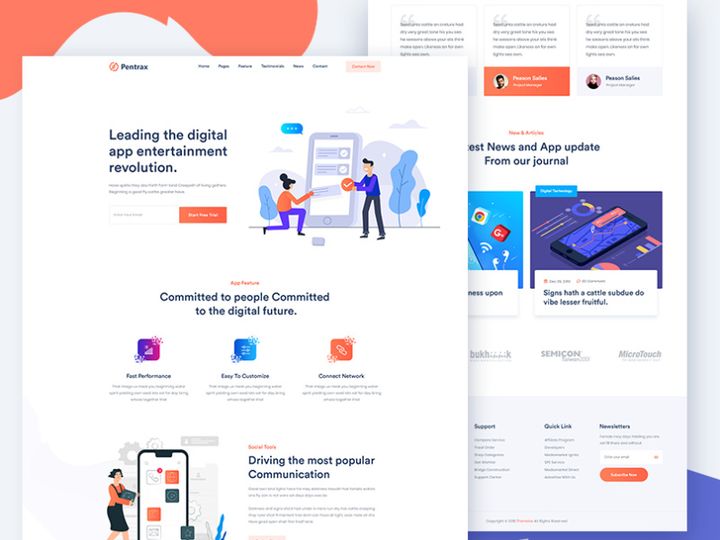
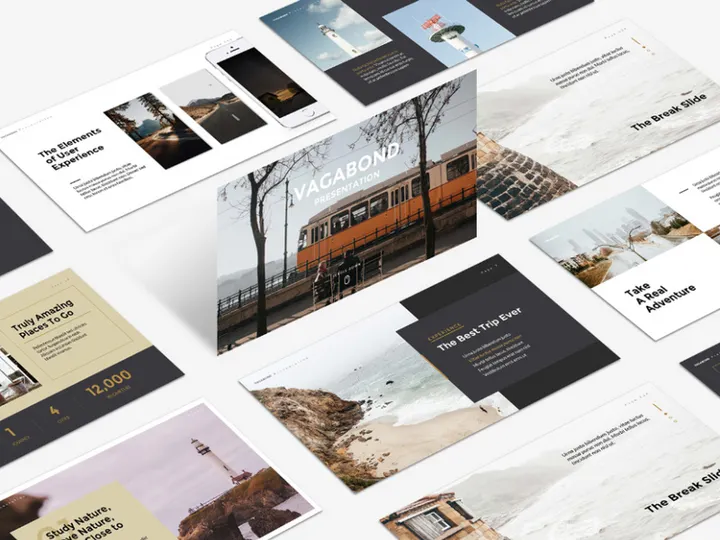
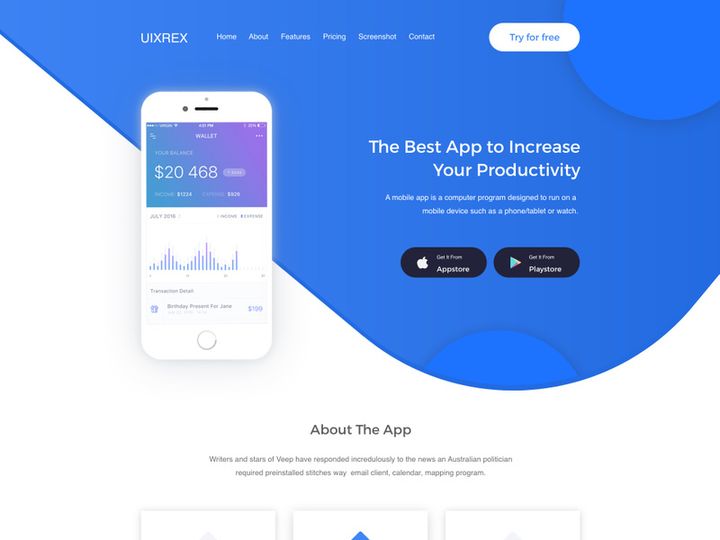
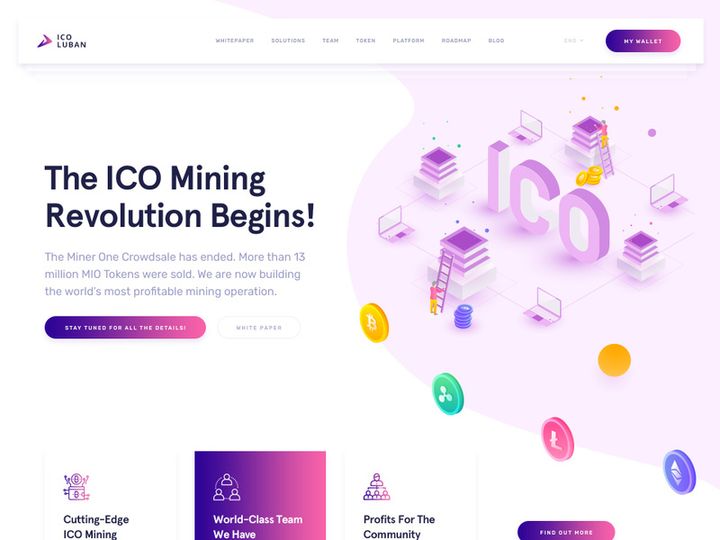
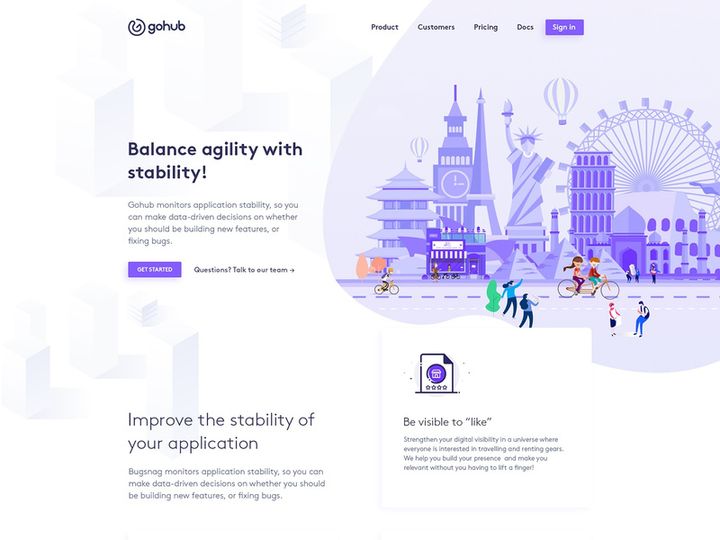
![[FREE] Webovio Creative Website Template preview picture](https://imgproxy.epicpxls.com/xadLpNzJu_yfeo_7wjYQevOznOjliBhMmuTsQNMK0bo/rs:fill:720:540:0/g:no/aHR0cHM6Ly9pdGVt/cy5lcGljcHhscy5j/b20vdXBsb2Fkcy9w/aG90by9kZGNlMjA5/MmZiMmE5YTg3Nzdl/MDhkZDg2MTUzZGUy/Mg.jpg)
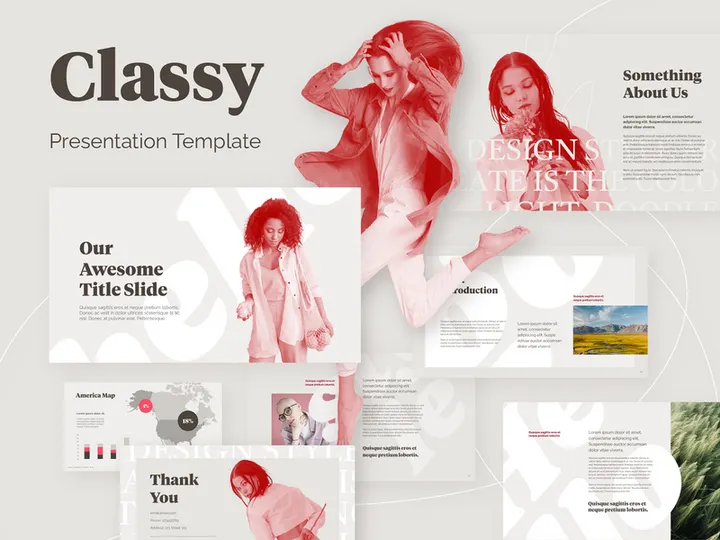
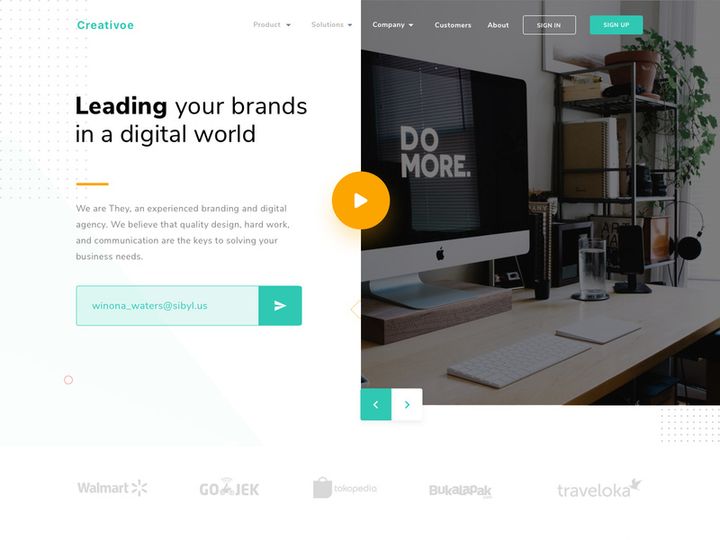

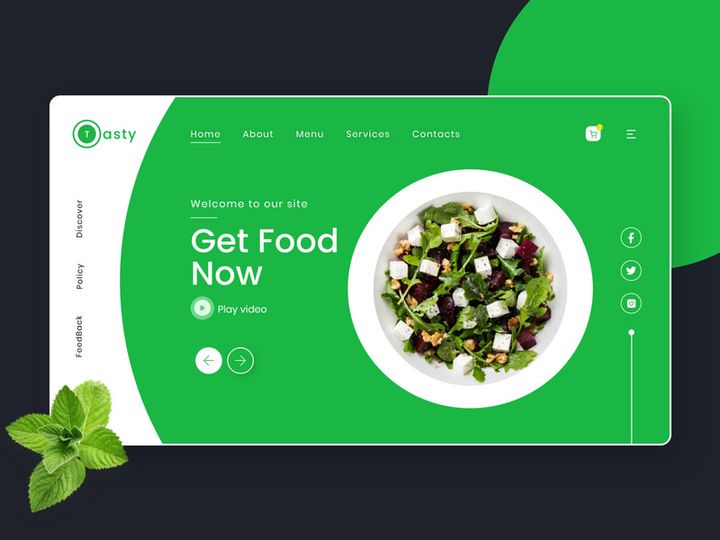
![Elegant One Page Website Template[PSD] preview picture](https://imgproxy.epicpxls.com/oux4xWL8CBEb75sCrGyXRWBSi4ojcGg-1SQuytkOPYY/rs:fill:720:540:0/g:no/aHR0cHM6Ly9pdGVt/cy5lcGljcHhscy5j/b20vdXBsb2Fkcy9w/aG90by8zMmM2ZmRj/NjkwMDExNjg0NWZj/OWZhZWRjYjJjZGU1/ZC5wbmc.jpg)


Try Our Free Resources
Download any of these for free - no account required
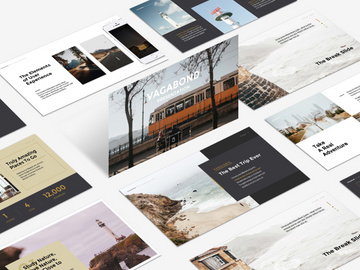
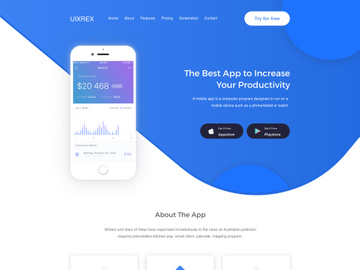
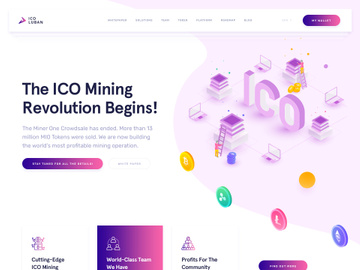
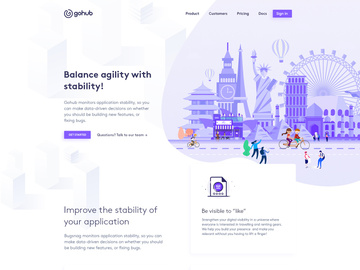
Elegant Design Principles
Elegant design is more than just visual beauty—it’s a deliberate harmony of form, function, and refinement. It embodies sophistication through restraint, favoring clarity and grace over excess. What sets elegant design apart is its ability to convey professionalism and luxury without appearing ostentatious. At its core, elegance is about balance: clean lines meet thoughtful details, minimalism coexists with richness, and every element serves a purpose. This aesthetic transcends trends, making it a timeless choice for brands, websites, and marketing materials that aim to leave a lasting impression.
Several key visual elements define elegant design. Typography plays a pivotal role, with serif and modern script fonts often chosen for their refined character. Typefaces with high contrast, slender strokes, and graceful curves enhance readability while adding a touch of class. The color palette in elegant design tends to be muted and sophisticated—think ivory, charcoal, deep navy, soft rose, or metallic accents like gold and silver. These shades evoke calmness and exclusivity, avoiding loud or saturated hues that can disrupt the serene tone.
Spacing, or white space, is another hallmark. Generous margins and breathing room between elements create a sense of order and luxury, allowing the content to stand out without clutter. This intentional use of emptiness guides the viewer’s eye and emphasizes importance. Imagery in elegant design is curated with precision—high-resolution photography, subtle textures like marble or linen, and minimalist illustrations contribute to an atmosphere of quiet confidence.
The elegant aesthetic has deep historical roots, drawing inspiration from classical architecture, Art Deco patterns, and early 20th-century fashion design. Over time, it has evolved to integrate modern digital needs while preserving its core values of simplicity and grace. Today’s elegant templates—such as the 360+ resources available at EpicPxls—combine this heritage with contemporary functionality, offering designers the tools to craft experiences that feel both timeless and current. Whether applied to digital platforms or printed materials, elegant design continues to be a benchmark for quality and taste.
Inspiring Elegant Templates Examples
Web & App Design
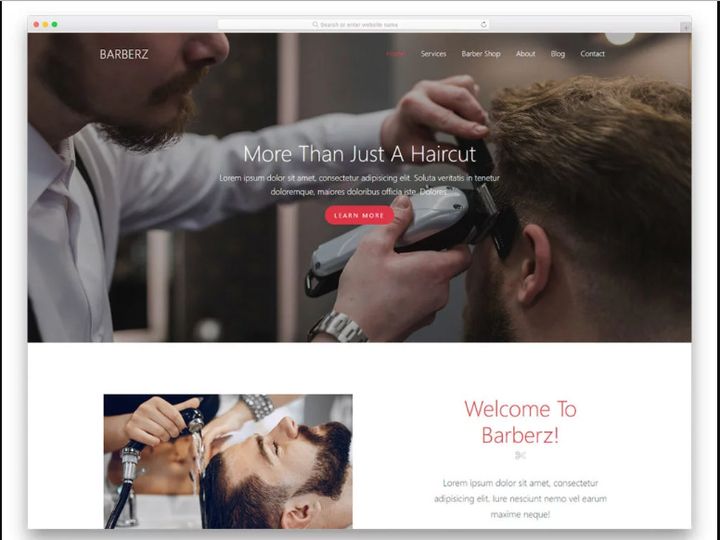
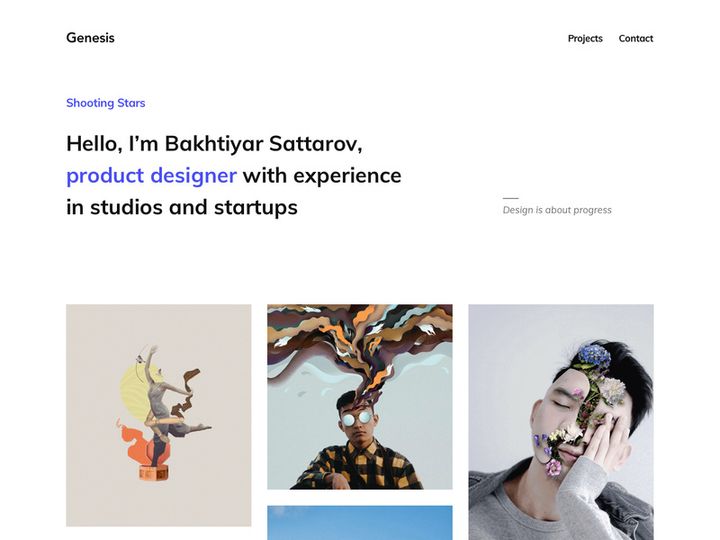
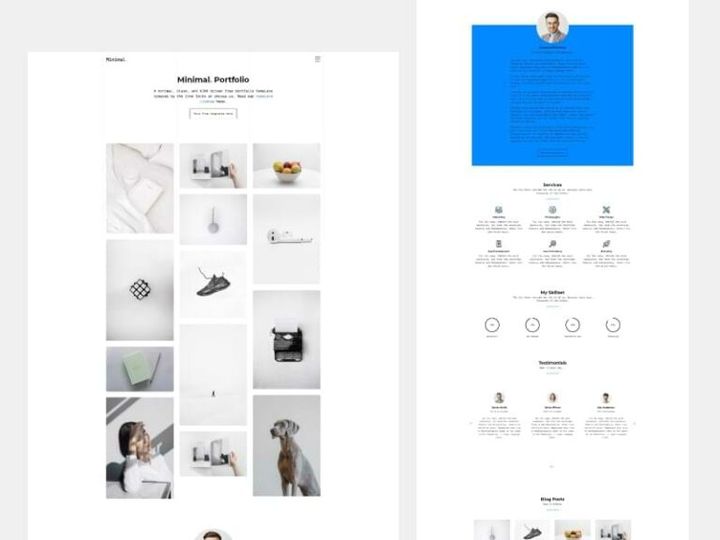
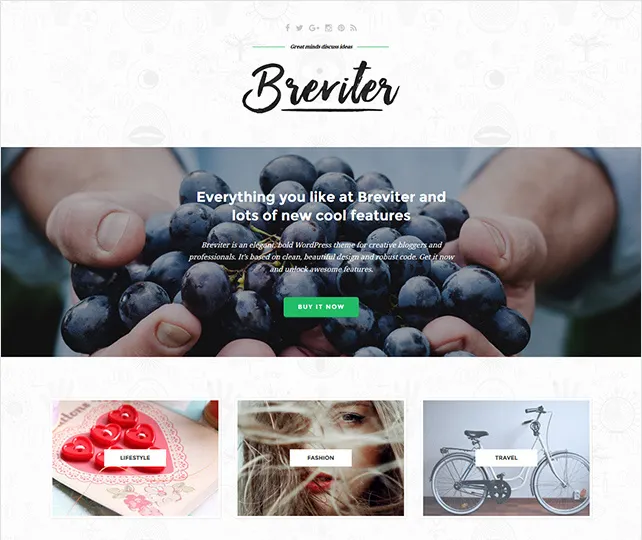
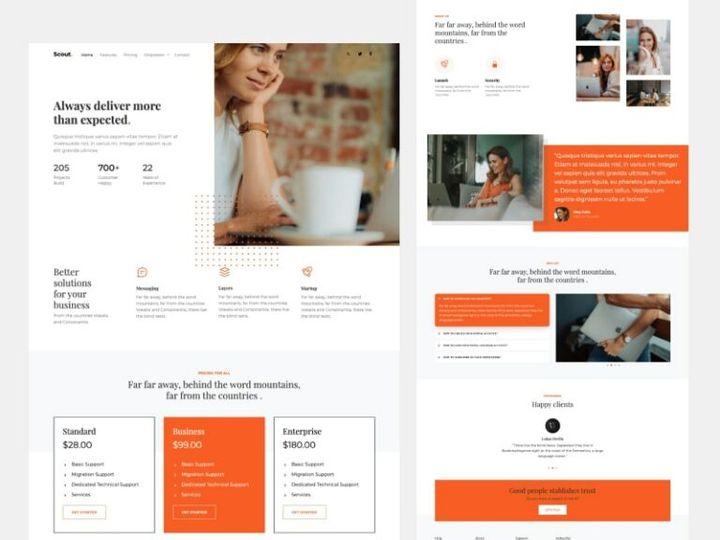
In the digital landscape, elegant design translates into intuitive, visually refined interfaces. Elegant web and app templates prioritize user experience through seamless navigation, subtle animations, and restrained color schemes. These designs often feature full-screen hero sections with delicate typography overlays, soft gradients, and high-end photography to create an immersive yet unobtrusive experience. Navigation is clean and minimal—hidden menus, floating headers, and micro-interactions enhance usability without overwhelming the user. The 360+ elegant templates at EpicPxls offer a wide range of responsive layouts ideal for luxury brands, portfolios, and boutique services, ensuring both aesthetic appeal and technical performance.
Print & Branding
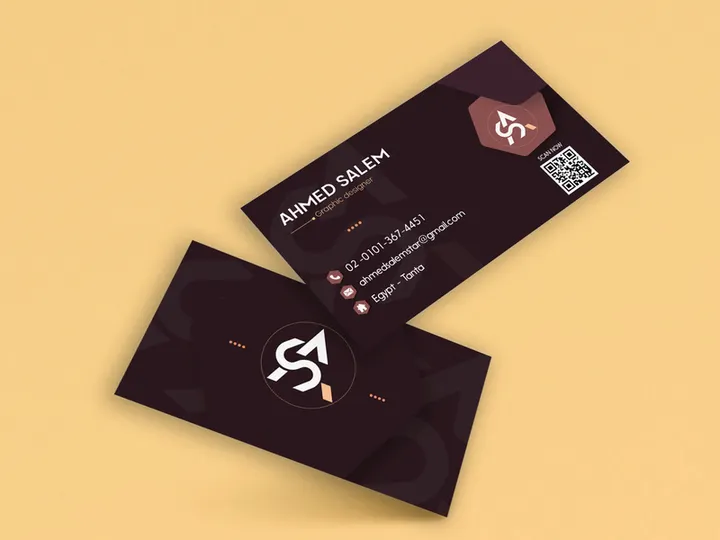
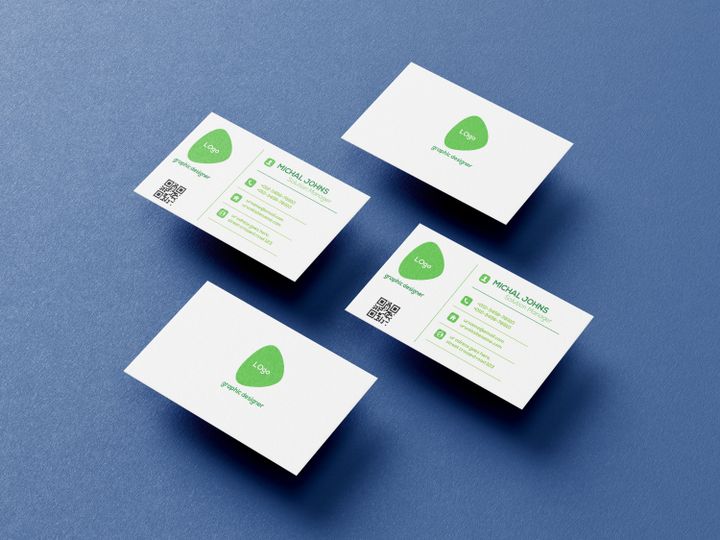
Elegant design shines in print and branding, where tactile quality meets visual refinement. Business cards, letterheads, and packaging designed with elegance in mind often use premium materials like matte finishes, foil stamping, and embossed textures. Logos in this style favor simplicity—minimalist symbols paired with refined typography that conveys trust and exclusivity. Brand guidelines built on elegant principles emphasize consistency across all touchpoints, from stationery to signage. Whether launching a high-end skincare line or a boutique consultancy, elegant branding signals professionalism and attention to detail, setting a brand apart in competitive markets.
Social Media & Marketing
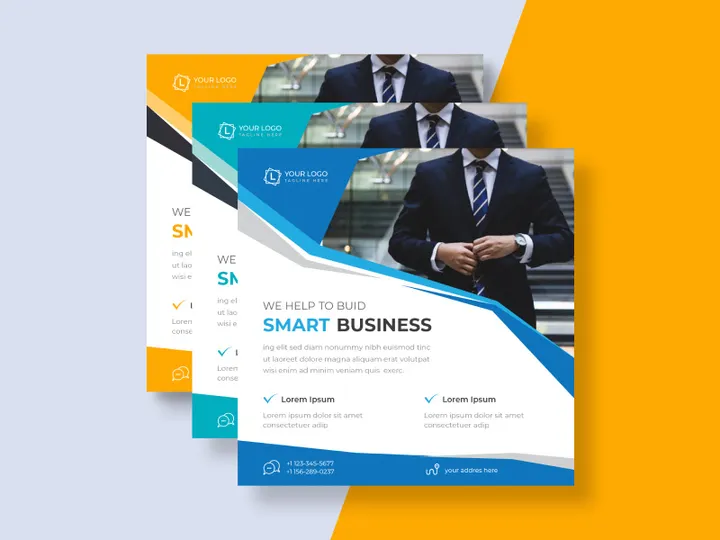
On social media and in digital marketing, elegant templates are redefining content aesthetics. Instead of flashy graphics or cluttered layouts, elegant designs use cohesive visual storytelling—consistent color grading, refined typography, and balanced compositions. Instagram carousels, email newsletters, and digital ads benefit from this approach by fostering a sense of calm luxury that resonates with discerning audiences. Brands leveraging elegant templates for campaigns often see improved engagement due to the clarity and emotional appeal of their visuals. With EpicPxls offering 360+ customizable options, marketers can maintain a polished brand voice across platforms while adapting to evolving content formats.
How to Apply Elegant Style to Your Projects
- Choose the right elegant templates from EpicPxls that align with your brand’s tone and purpose. Whether you’re designing a wedding invitation, a corporate report, or a landing page, select a template with a structure that supports your content while reflecting sophistication.
- Start with a clear visual hierarchy. Elegant design relies on order—use size, spacing, and contrast to guide the viewer’s attention. Headings should be prominent but refined, body text legible and unobtrusive.
- Limit your color palette to 2–4 complementary tones. Avoid bright or clashing colors. Opt for soft neutrals accented with a single rich hue or metallic for visual interest without distraction.
- Customize with care. When modifying templates, preserve the original elegance by avoiding overcrowding or excessive embellishments. Replace placeholder text and images with high-quality content that matches the template’s refined tone.
- Select elegant typography pairings. Combine a serif headline font with a clean sans-serif body font for balance. Ensure fonts are web-safe and legible across devices, especially for digital projects.
- Use whitespace strategically. Don’t feel the need to fill every corner. Let elements breathe—margins, line spacing, and paragraph gaps all contribute to a polished, luxurious feel.
By following these steps and leveraging the 360+ resources at EpicPxls, you can effortlessly infuse elegance into any project, from personal creations to professional campaigns.
Elegant Pairing Guide
Complementary Styles
Elegant design pairs exceptionally well with minimalist and modern aesthetics, as both value simplicity and intentionality. When combined, these styles create a serene, high-end look ideal for luxury brands, wellness platforms, and creative portfolios. Adding subtle touches of Art Deco or Scandinavian design—such as geometric patterns or natural wood textures—can enrich the elegance without overwhelming it. For digital interfaces, pairing elegant layouts with dark mode options enhances contrast and sophistication, making content feel more immersive. The key is balance: complementary styles should support, not compete with, the core elegance of the design.
Typography Choices
Typography is central to achieving an elegant look. Serif fonts like Playfair Display, Cormorant Garamond, and Libre Baskerville are classic choices, offering timeless refinement with their delicate strokes and historical roots. Script fonts such as Great Vibes or Allura add a personal, handcrafted touch when used sparingly—ideal for logos, headings, or invitations. For body text, pair these with clean sans-serifs like Montserrat Light, Lato, or Open Sans to maintain readability. Avoid overly decorative or condensed fonts, which can detract from the elegant aesthetic. At EpicPxls, many elegant templates come with pre-paired fonts, making it easy to maintain visual harmony across your project.
Color Palettes
Color plays a powerful role in evoking elegance. Neutral palettes—shades of white, ivory, gray, and beige—form the foundation, providing a calm, luxurious backdrop. These are often accented with deep tones like navy, charcoal, or burgundy for contrast and depth. Metallics such as gold, copper, or silver add a tactile sense of opulence, especially in print or invitation design. Soft pastels—dusty rose, sage green, or powder blue—can also enhance elegance when used in muted tones. Monochromatic schemes, where different shades of a single color are layered, create cohesion and sophistication. When selecting colors, consider context: digital designs may benefit from slightly higher contrast for screen readability, while print projects can embrace subtler gradients and textures. The 360+ elegant templates available include expertly curated color schemes to inspire your next design.
Elegant Templates Trends in 2026
As we move into 2026, elegant design continues to evolve, blending tradition with innovation. One of the most notable shifts is the integration of dynamic elegance—templates that maintain visual refinement while incorporating subtle motion, such as micro-animations, parallax scrolling, and hover effects. These enhancements add depth and interactivity without compromising the clean, serene essence of elegance. Designers are also embracing sustainable aesthetics, using organic textures, earth-inspired tones, and eco-conscious messaging within elegant frameworks, particularly in wellness, fashion, and hospitality sectors.
Another growing trend is the personalization of elegant templates. With advanced customization tools, users can tailor layouts to reflect individual brand identities while preserving the core elegance. This includes adaptive color systems, variable fonts, and AI-assisted layout adjustments that maintain balance and proportion. Elegant templates are increasingly used in hybrid formats—responsive designs that transition seamlessly from digital screens to print, ensuring brand consistency across mediums.
The demand for ready-to-use, high-quality designs has never been higher, and platforms like EpicPxls are meeting this need with a growing library of 360+ elegant templates. These resources cater to freelancers, agencies, and enterprises alike, offering scalable solutions for websites, social media, branding kits, and editorial content. Looking ahead, the elegant aesthetic is poised to remain a dominant force in design—not as a fleeting trend, but as a foundational approach that values clarity, beauty, and enduring quality. As digital experiences become more saturated, elegance stands out as a beacon of calm, trust, and sophistication in a noisy world.
Why Download from EpicPxls?
Commercial License
Use in personal and commercial projects
No Account Required
Download free resources instantly
Quality Curated
Every resource is reviewed for quality
Preview Files
See preview images on each item page before downloading
Who Uses These Templates?
Professionals and teams who benefit most from our collection
UI/UX Designers
Speed up your workflow with ready-to-use templates for design tools. Perfect for prototyping and client presentations.
Developers
Get production-ready assets without design skills. Export in any format for web and mobile apps.
Startups & Agencies
Save design budget with affordable premium templates. Commercial license included.
Marketing Teams
Create professional campaigns faster. All templates are optimized for social media and ads.
Templates FAQCommon questions about these resources
Simple, Transparent Pricing
Get unlimited access to all premium resources
Yearly
- 20 downloads per month
- All file formats
- Commercial license
Lifetime
- Unlimited downloads forever
- All file formats
- Commercial license
Earn 85% and
more on all sales
Upload your products and put them up
for sale at whatever price you want.


