Templates for Webs: 1,545+ Resources
EpicPxls offers 1,545+ curated templates, all with a commercial license and editable source files (Figma, Sketch, PSD). Purpose-built templates for web projects save time and ensure professional results with design elements tailored to web requirements.
Last updated September 18, 2026
Discover 1,545+ templates ideal for web design projects.
Trusted by designers at leading companies
Top Templates
Handpicked resources from our curated collection
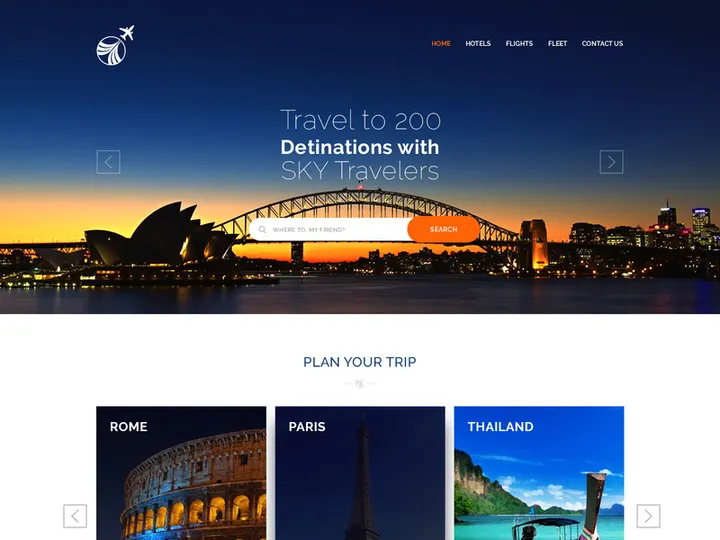
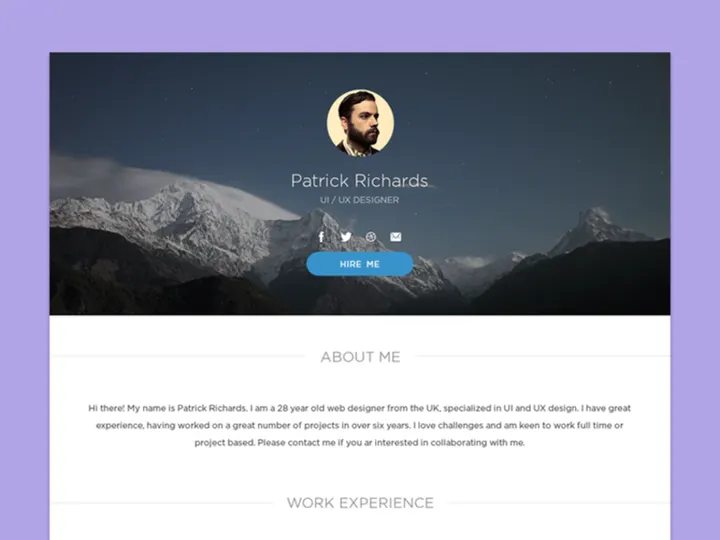
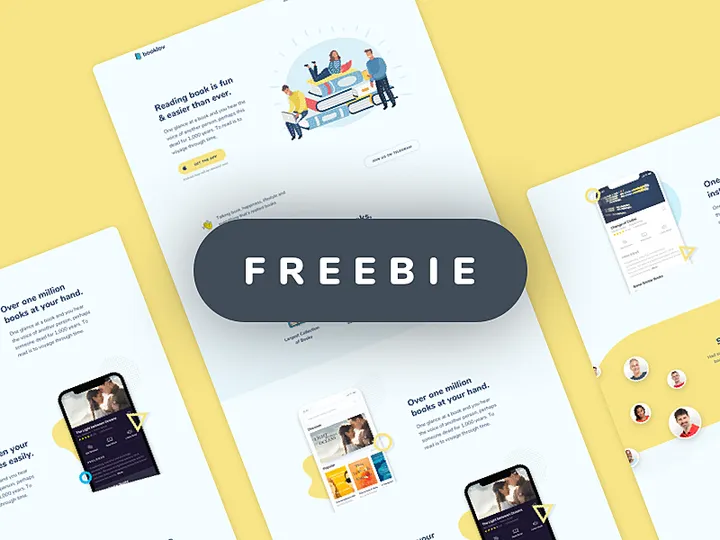
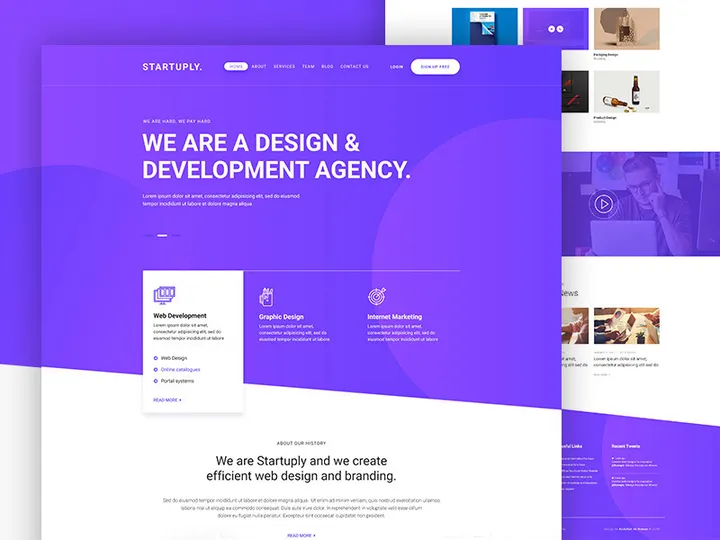
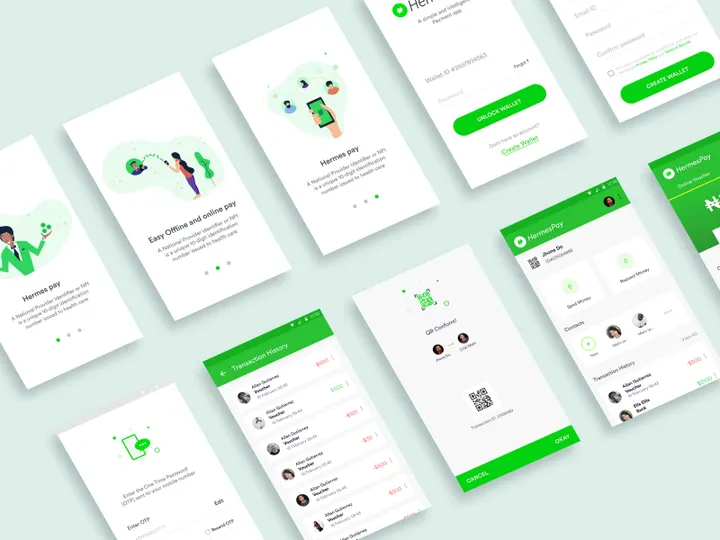
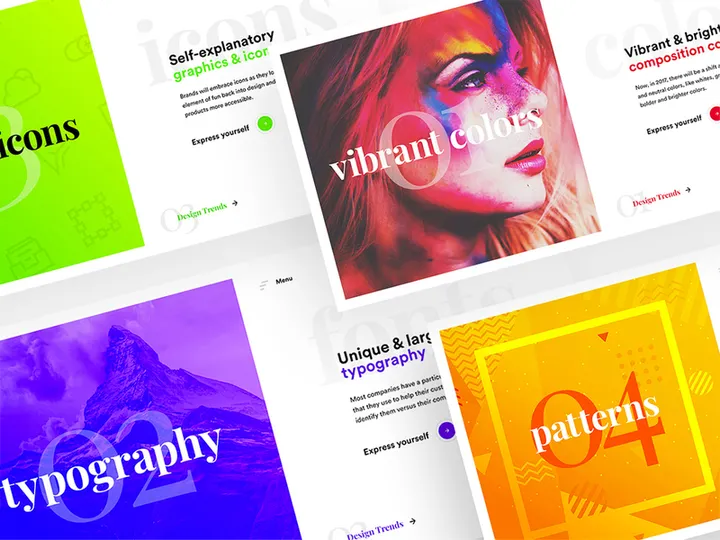

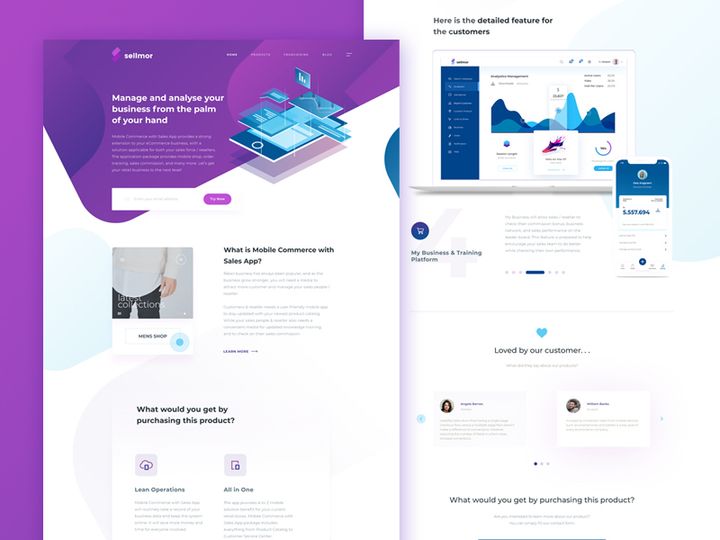








Try Our Free Resources
Download any of these for free - no account required
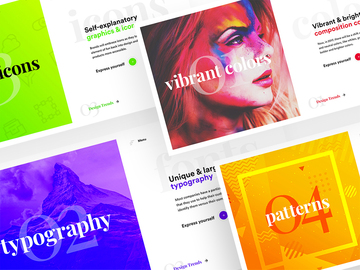
Why Templates for Web Projects?
Web design today demands speed, precision, and creativity—all under tight deadlines. Templates play a crucial role in helping designers meet these demands efficiently. By offering pre-structured layouts, UI components, and visual frameworks, templates eliminate the need to build every element from scratch. This accelerates the design process significantly, allowing professionals to focus on customization, user experience, and innovation. With the growing complexity of web projects—from responsive layouts to interactive elements—starting with a solid foundation becomes not just helpful, but essential.
Common web design requirements include mobile responsiveness, fast load times, accessibility compliance, and consistent branding. Designers must also consider SEO-friendly structures, intuitive navigation, and scalable design systems. Meeting these standards across multiple devices and screen sizes can be overwhelming without a structured starting point. That’s where templates shine—they encapsulate best practices and design logic that have already been tested and optimized.
At EpicPxls, the curation of 1,545+ web-ready resources is driven by real-world design needs. Each template is evaluated for usability, adaptability, and technical performance, ensuring that designers receive not just visually appealing assets, but tools that integrate seamlessly into modern workflows. Whether you're building a portfolio site, an e-commerce platform, or a corporate landing page, the right template streamlines decision-making and reduces development time. With such a vast collection available, EpicPxls empowers designers to find the perfect match for any project scope, style, or industry—turning hours of work into minutes with intelligent, purpose-built solutions.
What Web Designers Need
Essential Template Types
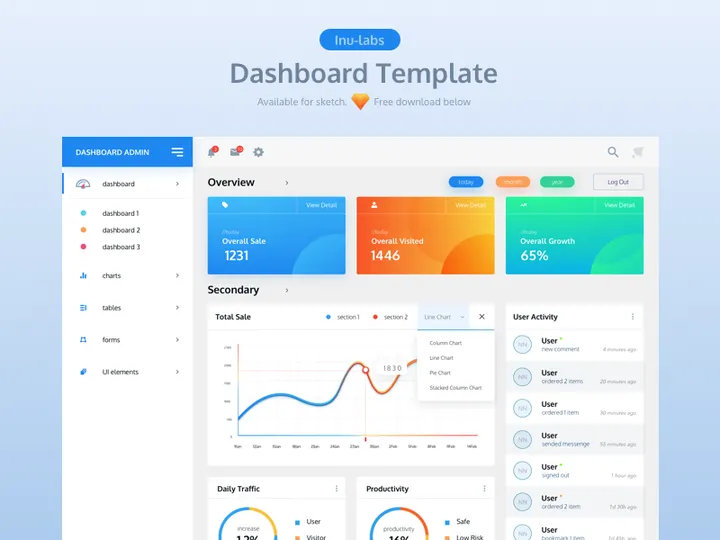
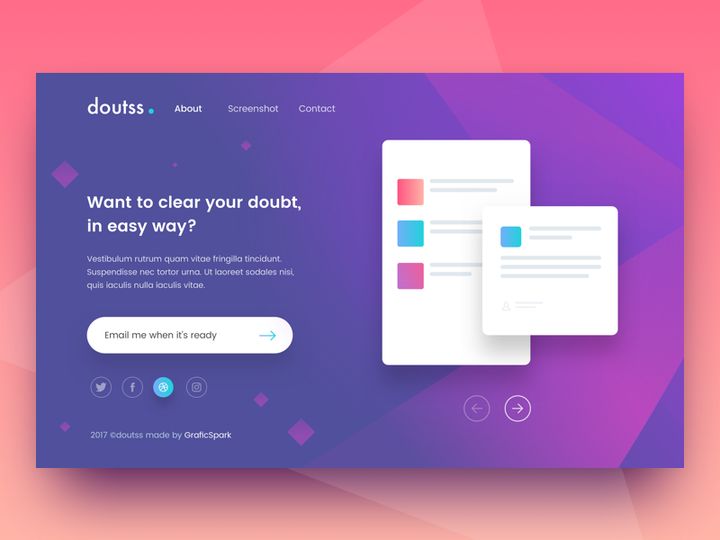
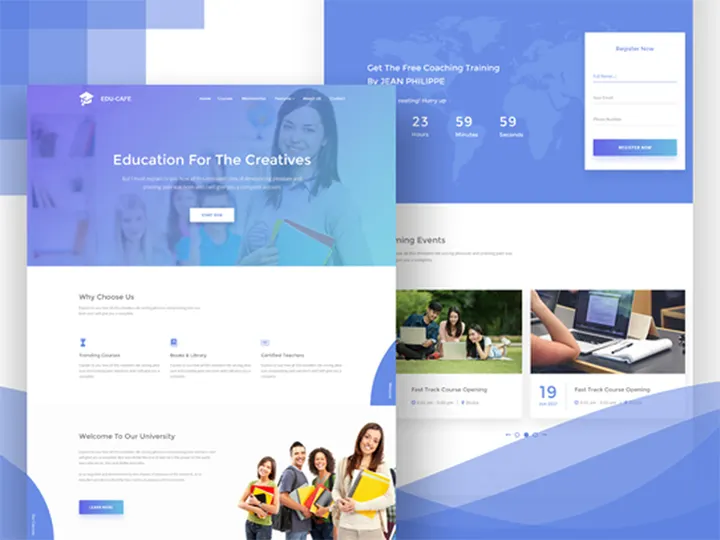
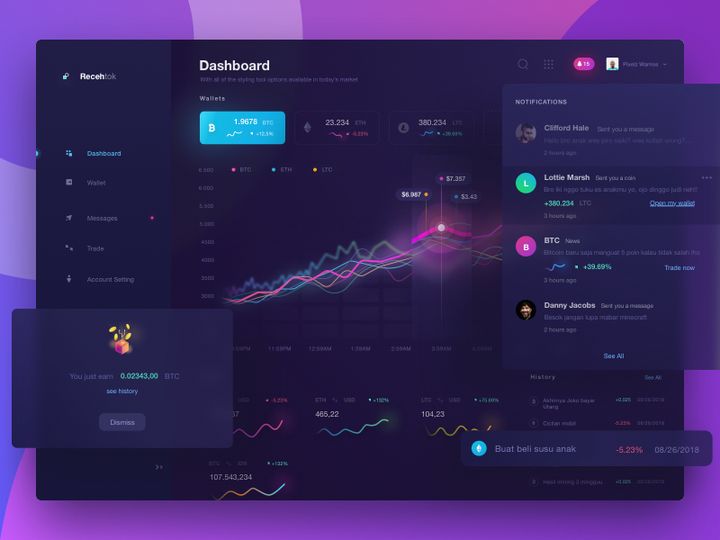
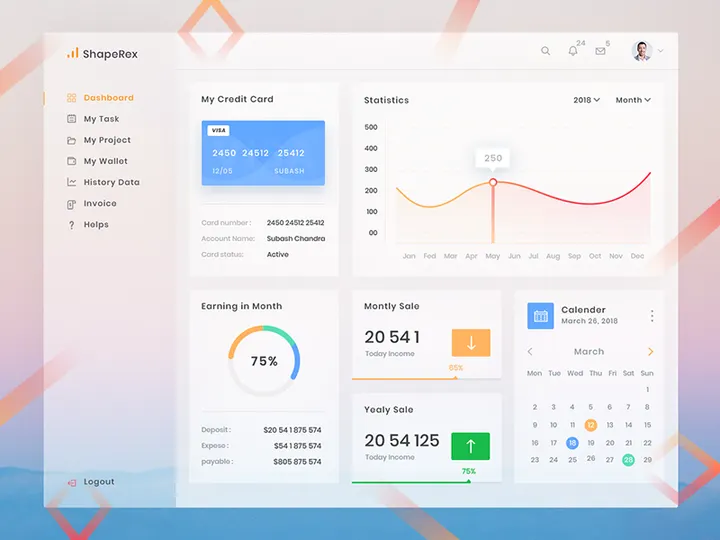
Successful web projects rely on a variety of template types tailored to different stages and aspects of design. Commonly used templates include wireframe layouts, which provide structural blueprints for page hierarchy and content placement. Landing page templates offer complete designs optimized for conversion, often including hero sections, call-to-action buttons, and lead capture forms. Dashboard templates are essential for SaaS and admin interfaces, featuring data visualization components and navigation panels.
Other critical types include blog layouts, e-commerce product pages, pricing tables, and contact forms. UI kit templates bundle reusable elements like buttons, modals, cards, and navigation bars, enabling consistent design language across a site. Responsive grid templates ensure designs adapt fluidly across devices, while dark mode variants and accessibility-focused layouts cater to modern usability standards. With 1,545+ resources at your disposal, finding the right combination of these template types becomes both efficient and effective.
Format Requirements
The file format of a template directly impacts its usability in a web design workflow. Designers typically work with Figma, Adobe XD, or Sketch, so having templates in native, editable formats for these tools is essential. These formats support layers, components, and responsive constraints, allowing for easy customization. Additionally, SVG files are ideal for icons and illustrations due to their scalability and small file size, while PNGs with transparent backgrounds are useful for UI elements and mockups.
For front-end developers, HTML/CSS templates or React-based components can bridge the gap between design and development. However, even in purely visual workflows, having organized, layered files with clearly labeled groups and styles ensures smooth collaboration. At EpicPxls, every template is delivered in formats optimized for real-world use, ensuring compatibility and flexibility regardless of your preferred toolset.
Quality Standards
Not all templates are created equal. A high-quality web-ready template should be pixel-perfect, well-organized, and follow modern design principles. Look for templates with consistent spacing, typography hierarchy, and color palettes that align with current trends. Grid systems should be logical and responsive, with breakpoints clearly defined. Components should be reusable and modular, allowing for quick updates across multiple pages.
Accessibility is another key factor—templates should support sufficient color contrast, readable font sizes, and semantic structure. Performance matters too; bloated files with excessive layers or unused assets can slow down workflows. The 1,545+ resources available through EpicPxls are hand-vetted to meet these standards, ensuring that every download contributes positively to your project’s quality and timeline. Whether you're a solo designer or part of a larger team, choosing templates that adhere to professional benchmarks is crucial for delivering polished, functional websites.
Web Design Project Walkthrough
- Define Your Project Scope: Begin by outlining the goals, target audience, and key features of your website. Is it a portfolio, an online store, or a service-based business site? Knowing the purpose helps you filter the 1,545+ resources available and select templates that align with your needs.
- Select Core Templates: Choose a primary layout—such as a homepage or landing page—as your foundation. Then, supplement it with supporting templates like navigation bars, footer sections, and content cards. EpicPxls offers categorized collections, making it easy to find cohesive sets that work well together.
- Customize Brand Elements: Replace placeholder text, images, and colors with your client’s branding. Adjust typography, logos, and icons to reflect the brand identity. Use master components and style guides within templates to maintain consistency across all pages.
- Integrate Responsive Features: Ensure your design adapts to mobile, tablet, and desktop views. Leverage responsive grids and breakpoints provided in the templates. Test layout behavior at different screen sizes to guarantee a seamless user experience.
- Combine Multiple Templates Seamlessly: Merge sections from different templates—like a hero banner from one and a features grid from another—by aligning spacing, colors, and typography. Use consistent margins, font weights, and icon styles to create a unified look. EpicPxls templates are designed with interoperability in mind, so mixing and matching is both intuitive and efficient.
- Prepare for Handoff or Development: Finalize your design with annotations, asset exports, and style documentation. Export assets in appropriate formats—SVG for icons, WebP or JPEG for images—and organize layers for developer clarity. Deliver a polished, production-ready design that reflects both creativity and technical precision.
Web Design Workflow Tips
Speed Up Your Process
Time is one of the most valuable resources in web design, and using pre-made templates is one of the most effective ways to save it. Instead of redrawing buttons or rebuilding grids, leverage existing components that are already optimized for performance and aesthetics. Create a personal library of frequently used templates from EpicPxls to reduce repetitive tasks. Use keyboard shortcuts, component overrides, and auto-layout features in your design tool to make rapid adjustments. By starting with a high-quality template, you cut down initial setup time by up to 70%, allowing you to focus on refining interactions, micro-animations, and user flows that truly differentiate your work.
Maintain Consistency
Consistency is the hallmark of professional web design. When using multiple templates, it's essential to unify visual elements across all pages. Establish a core style guide early—define primary and secondary colors, font families, button styles, and spacing rules. Apply these consistently across all template sections, even if they come from different sources. Use shared components and design tokens within your tool to ensure buttons, inputs, and cards look and behave the same everywhere. EpicPxls templates are built with consistency in mind, making it easier to blend assets without visual disruption. This attention to detail enhances usability and strengthens brand recognition.
Client Presentation
Presenting your web design work professionally can make a significant difference in client approval and trust. Use high-fidelity mockups built from polished templates to showcase your vision clearly. Embed interactive prototypes to demonstrate navigation, hover states, and transitions. Organize your presentation into key user journeys—such as signing up, browsing products, or contacting support—to highlight functionality alongside aesthetics. Include annotations explaining design decisions, responsive behavior, and accessibility features. When clients see a cohesive, well-structured design built efficiently from 1,545+ expertly curated resources, they gain confidence in both your process and the final product. Delivering a clean, organized file with proper documentation also reflects professionalism and attention to detail.
Web Design Inspiration
Staying inspired is key to creating fresh, engaging websites. Current trends in web design emphasize minimalism, bold typography, and immersive full-screen visuals. Micro-interactions, glassmorphism, and 3D elements are increasingly popular, adding depth and delight to user experiences. Dark mode designs continue to rise in demand, offering sleek, battery-efficient alternatives. Meanwhile, accessibility and inclusive design are no longer optional—they're central to creating websites that serve diverse audiences.
Top designers approach web projects with a user-first mindset, combining research, wireframing, and iterative testing. They often begin with low-fidelity templates to validate layouts before investing in high-detail visuals. Many leverage modular design systems, allowing them to scale projects efficiently across pages and devices. Inspiration can come from design galleries, industry case studies, and curated template platforms like EpicPxls, where real-world solutions are distilled into reusable assets.
To elevate your web work, explore niche templates that push creative boundaries—such as animated hero sections, scroll-driven storytelling, or voice-enabled interfaces. Study how leading brands structure their digital presence and adapt those insights using the 1,545+ resources available. By blending trend awareness with practical tools, you position yourself at the forefront of modern web design. Whether you're crafting a personal project or meeting client demands, let inspiration guide your use of templates to create meaningful, impactful websites.
Why Download from EpicPxls?
Commercial License
Use in personal and commercial projects
No Account Required
Download free resources instantly
Quality Curated
Every resource is reviewed for quality
Preview Files
See Figma and Photoshop files before downloading
Who Uses These Templates?
Professionals and teams who benefit most from our collection
UI/UX Designers
Speed up your workflow with ready-to-use templates for design tools. Perfect for prototyping and client presentations.
Developers
Get production-ready assets without design skills. Export in any format for web and mobile apps.
Startups & Agencies
Save design budget with affordable premium templates. Commercial license included.
Marketing Teams
Create professional campaigns faster. All templates are optimized for social media and ads.
Templates FAQCommon questions about these resources
Simple, Transparent Pricing
Get unlimited access to all premium resources
Yearly
- 20 downloads per month
- All file formats
- Commercial license
Lifetime
- Unlimited downloads forever
- All file formats
- Commercial license
Earn 85% and
more on all sales
Upload your products and put them up
for sale at whatever price you want.


