App Illustrations: {N}+ Illustrations for Apps
EpicPxls offers 505+ curated illustrations, all with a commercial license and editable source files (Figma, Sketch, PSD). Purpose-built illustrations for app projects save time and ensure professional results with design elements tailored to app requirements.
Last updated October 07, 2026
Discover 505+ illustrations ideal for app design projects.
Trusted by designers at leading companies
Top Illustrations
Handpicked resources from our curated collection
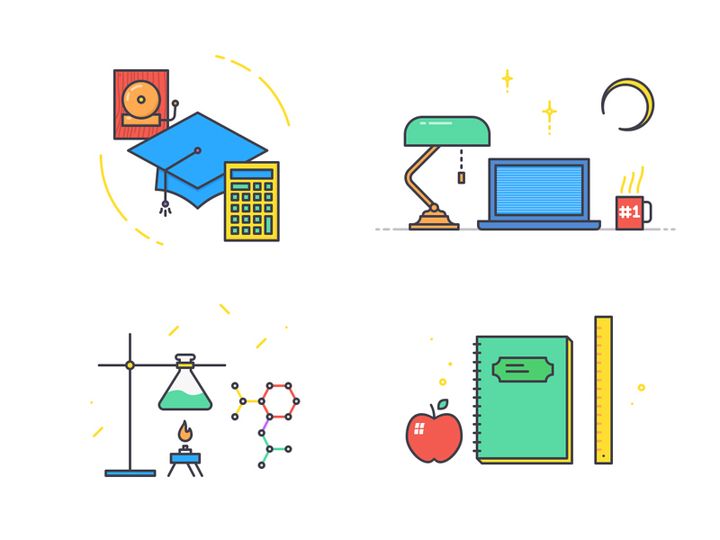
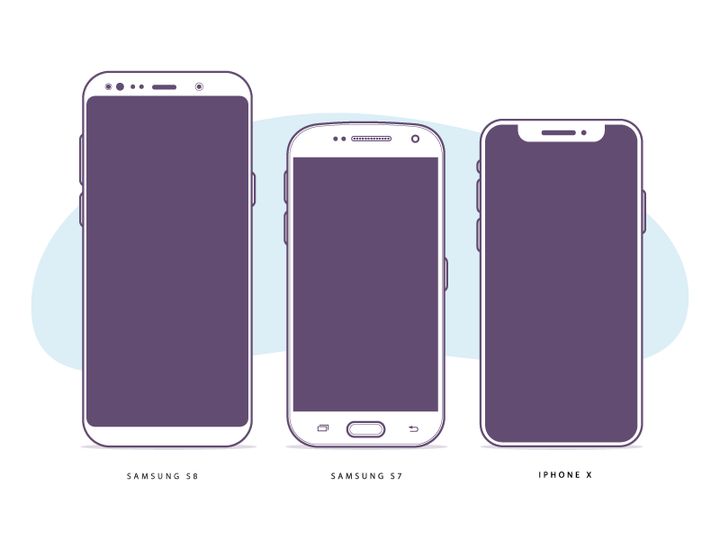
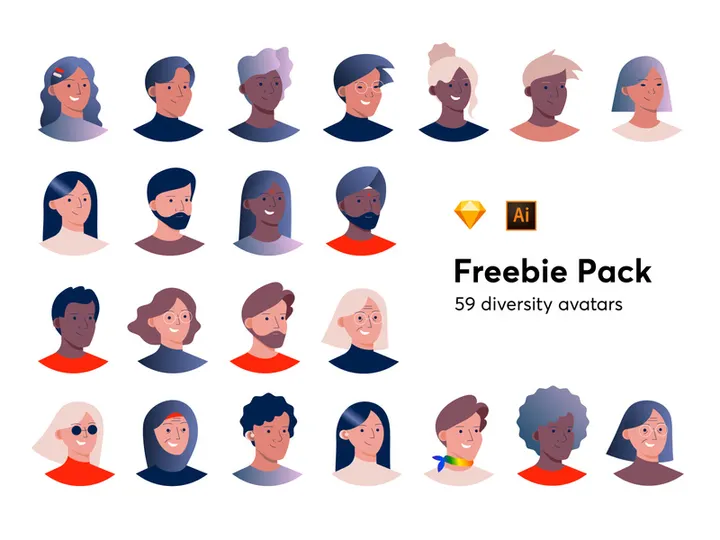
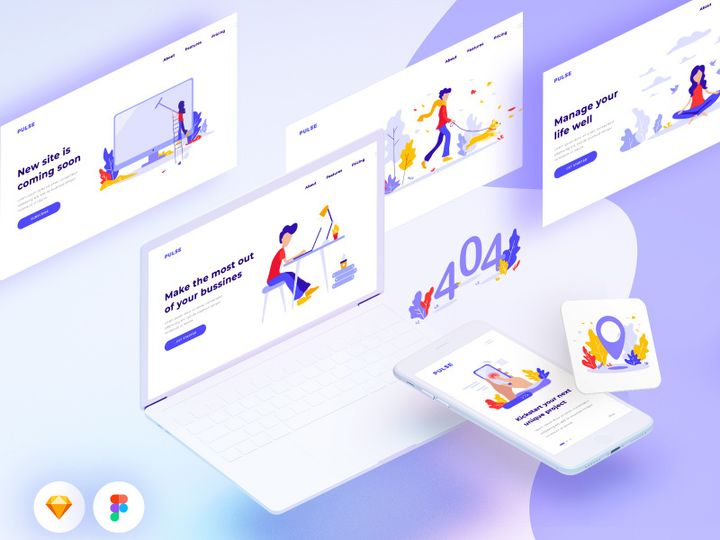
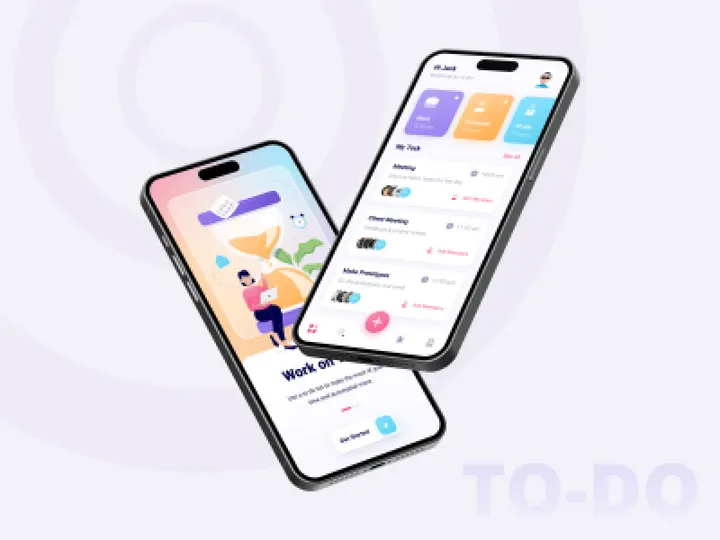


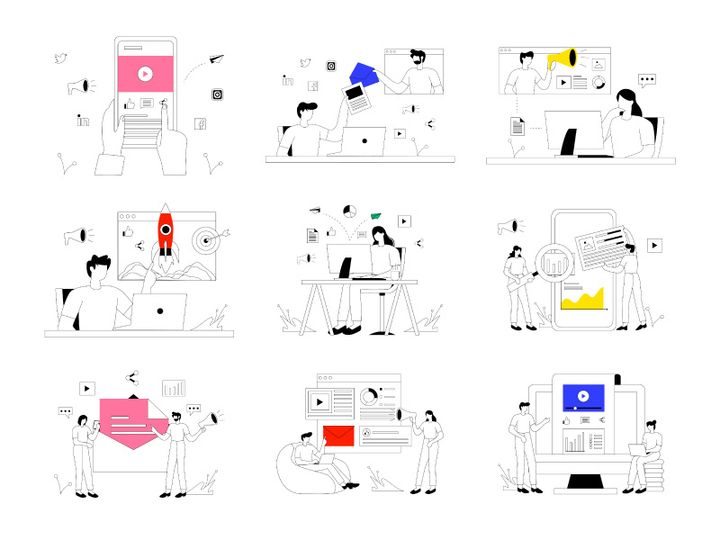
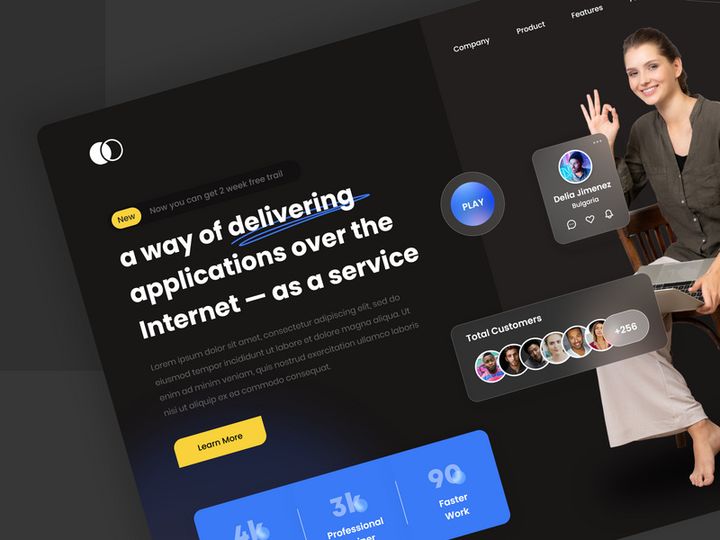

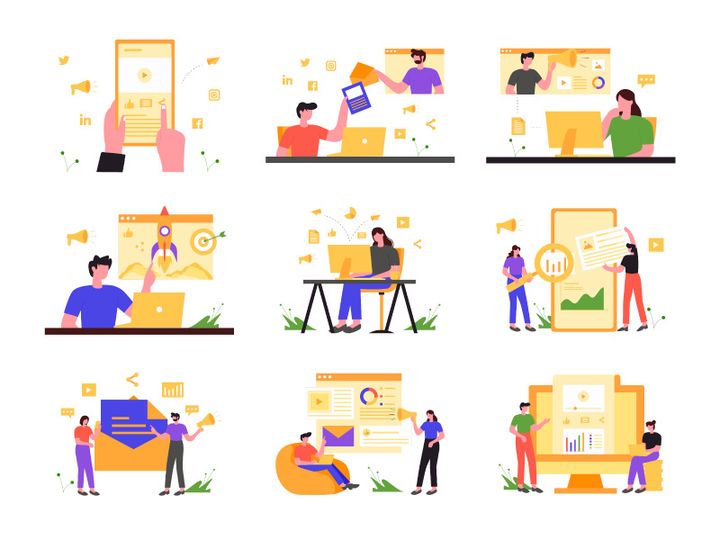
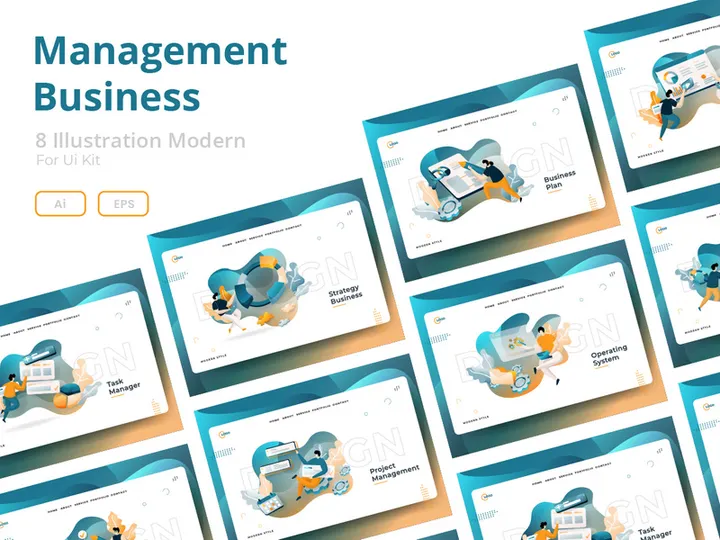


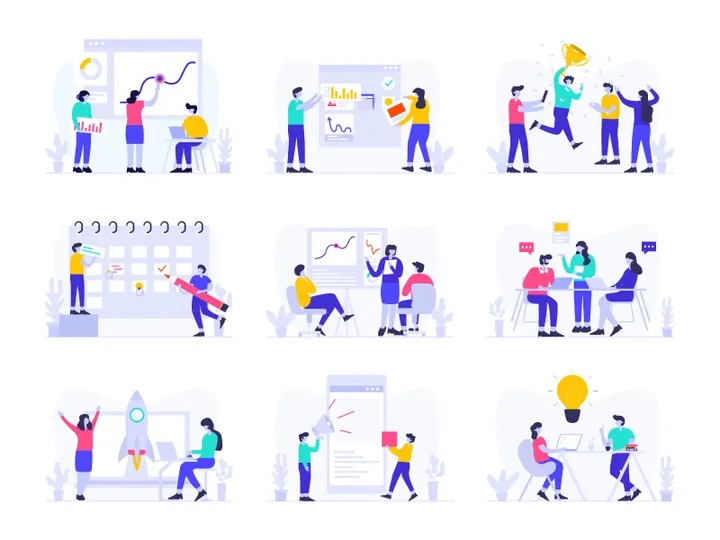

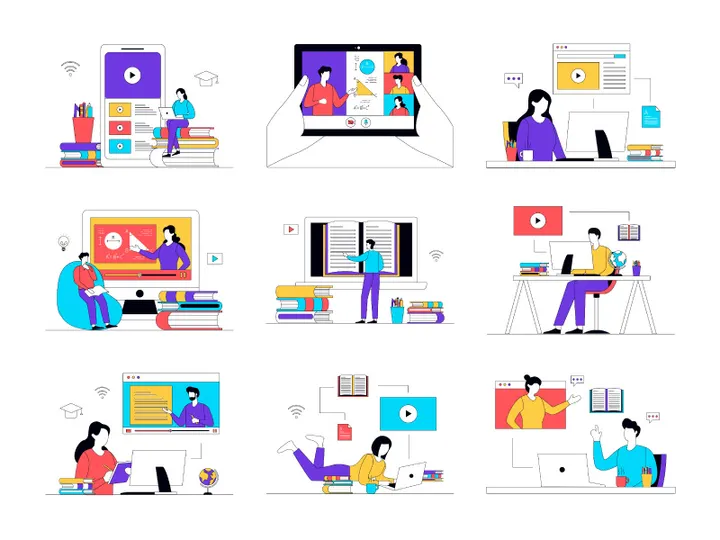

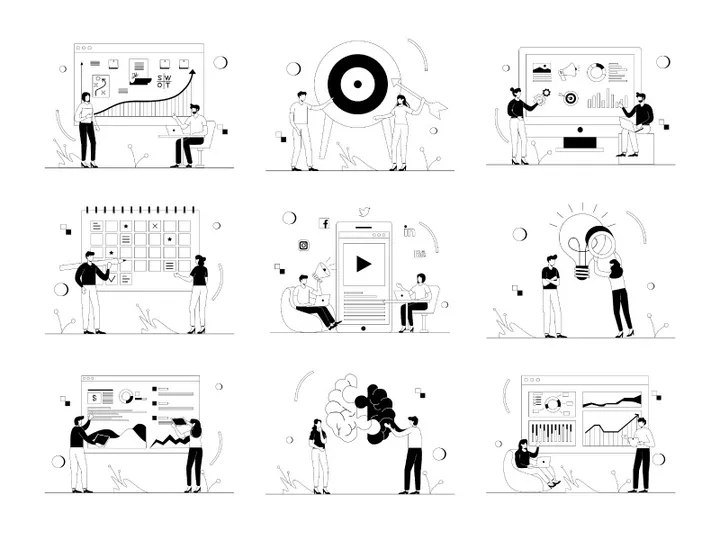
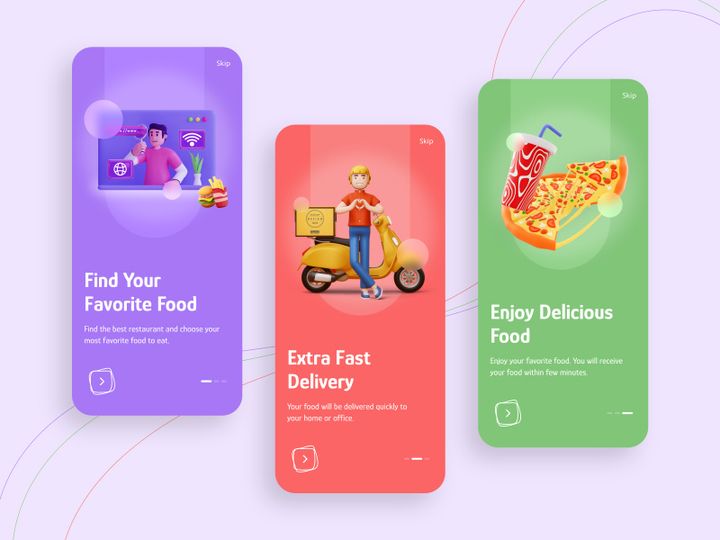
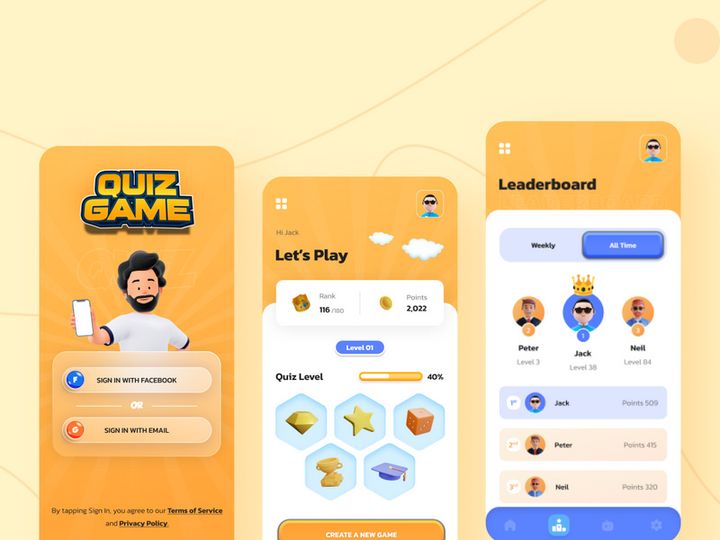
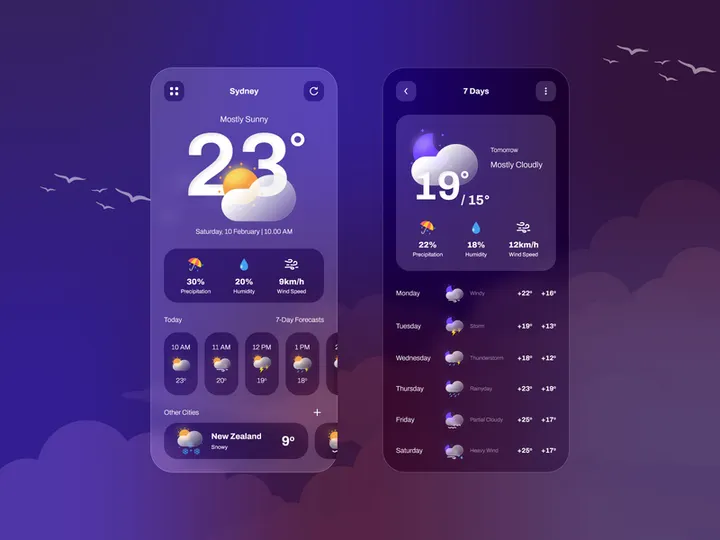
Try Our Free Resources
Download any of these for free - no account required
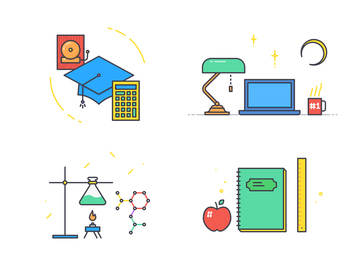
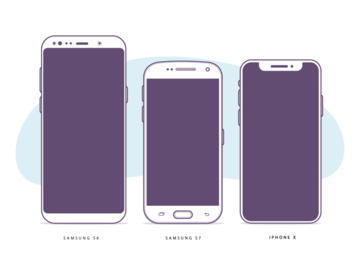
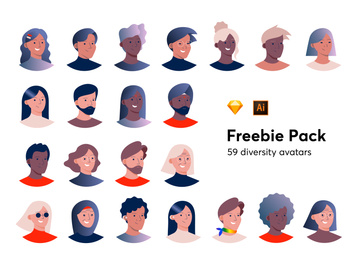
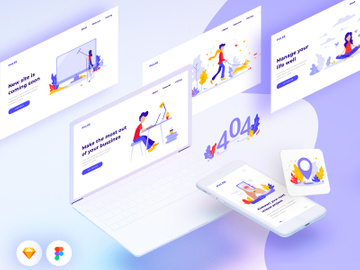
Why Illustrations for App Projects?
Illustrations play a pivotal role in shaping the user experience of modern mobile and web applications. They serve as visual anchors that guide users, communicate complex ideas quickly, and add emotional depth to digital interfaces. For app designers, leveraging pre-made illustrations is not just a shortcut—it's a strategic advantage. Ready-to-use illustrations significantly accelerate the design process, allowing teams to focus more on usability, functionality, and user testing rather than spending valuable time creating visuals from scratch.
In today’s fast-paced development environment, most app projects follow tight timelines and demand high-quality visuals across multiple screens. Whether it's onboarding flows, empty states, error messages, or feature explanations, illustrations help make these moments more engaging and user-friendly. With hundreds of screens to design and iterate on, having access to a rich library of app-ready illustrations ensures consistency and design integrity throughout the product.
EpicPxls simplifies this process by offering a hand-curated collection of over 505+ illustrations specifically tailored for app design projects. Each asset is vetted for relevance, scalability, and design quality, ensuring they fit seamlessly into real-world workflows. From minimal line art to vibrant character-based scenes, these illustrations are designed to reflect current UI trends while maintaining flexibility for customization. By providing diverse themes and styles—from productivity and finance to health and education—EpicPxls empowers designers to find the perfect visual language for any app concept. With such a vast and thoughtfully organized library, the platform eliminates the guesswork in sourcing high-impact visuals, helping designers ship polished products faster.
What App Designers Need
Essential Illustration Types
App designers rely on a variety of illustration types to enhance different parts of the user journey. Onboarding illustrations welcome new users and explain core features in an approachable way. Empty state illustrations—shown when a user hasn’t added content yet—turn potentially confusing moments into opportunities for delight and guidance. Error and loading illustrations soften the frustration of technical issues with playful visuals. Feature explanation illustrations simplify complex processes, making them more digestible.
Character-based illustrations are increasingly popular for building brand personality, especially in lifestyle, wellness, and educational apps. Isometric and 3D-style illustrations are ideal for productivity and business tools, conveying depth and organization. Iconic or symbolic illustrations work well in dashboards and data-heavy interfaces, where clarity is key. With 505+ resources available, EpicPxls covers all these categories, giving designers the versatility to match any app's tone and purpose.
Format Requirements
For maximum flexibility in app design workflows, illustrations must be delivered in formats that support both design and development. Vector formats like SVG and AI are essential for scalability, allowing assets to be resized without quality loss—perfect for responsive layouts across devices. PNG files with transparent backgrounds are ideal for immediate use in prototypes and mockups, especially when integrating illustrations into UI design tools like Figma, Sketch, or Adobe XD.
Many app teams also benefit from illustrations provided in multiple resolutions (1x, 2x, 3x) to support various screen densities. Some projects may require Lottie files or JSON-based animations for interactive elements, enhancing engagement without heavy coding. EpicPxls ensures that its 505+ resources include appropriately formatted files, making integration into design and development pipelines straightforward and efficient.
Quality Standards
App-ready illustrations must meet high standards of quality to maintain a professional look and feel. Clean lines, consistent stroke weights, and balanced compositions are non-negotiable, especially when illustrations appear alongside UI components. Color palettes should be harmonious and align with modern design systems, often using soft gradients, muted tones, or bold brand colors depending on the app’s identity.
Consistency in style—such as uniform line thickness, perspective, and character proportions—is crucial when combining multiple illustrations across screens. Illustrations should also be optimized for readability at smaller sizes, ensuring they remain effective even in compact layouts. At EpicPxls, every illustration is reviewed for technical precision and aesthetic coherence, ensuring that all 505+ resources meet the rigorous demands of professional app design.
App Design Project Walkthrough
- Define Your App’s Visual Tone: Begin by identifying the mood and audience of your app. Is it playful and casual, or sleek and professional? This will guide your choice of illustration style—whether minimalist, hand-drawn, or 3D. Browse the EpicPxls library to explore styles that align with your brand identity.
- Select Core Illustration Types: Identify where illustrations will be used—onboarding, empty states, success messages, etc. Prioritize high-impact screens first. Use the curated categories in the 505+ resources to quickly find relevant assets.
- Download and Organize Assets: Once selected, download illustrations in the appropriate formats (SVG, PNG, AI). Import them into your design tool and organize them into a dedicated library or component set for easy access.
- Adapt to Your UI System: Customize colors and sizes to match your app’s theme. Many illustrations from EpicPxls are layered or use editable vectors, making it simple to tweak elements like skin tones, clothing, or background details.
- Combine Illustrations with UI Components: Integrate illustrations into buttons, cards, modals, and full screens. Maintain visual hierarchy by ensuring the illustration supports—not overwhelms—the interface. Use whitespace effectively to create balance.
- Test Across Devices and States: Preview how illustrations appear on different screen sizes and in various contexts (light/dark mode, portrait/landscape). Ensure they remain legible and emotionally appropriate. Iterate based on user feedback before finalizing the design.
This structured approach ensures that illustrations are not just decorative but functional enhancements. By using pre-made, app-optimized assets from a comprehensive source like EpicPxls, designers can maintain momentum and deliver polished experiences without compromising creativity.
App Design Workflow Tips
Speed Up Your Process
Time is one of the most valuable resources in app design, and using pre-made illustrations is one of the most effective ways to save it. Instead of starting from a blank canvas, designers can immediately pull from a library of 505+ professionally crafted illustrations that are already styled for digital interfaces. This eliminates hours of concepting, sketching, and refining. With ready-to-use assets, you can prototype faster, iterate more frequently, and respond quickly to stakeholder feedback. EpicPxls streamlines discovery with intuitive filtering by theme, style, and use case, so you spend less time searching and more time designing.
Maintain Consistency
One of the biggest challenges in app design is maintaining a cohesive visual language across dozens of screens. When using multiple illustrations, it’s easy for the style to drift—different line weights, color tones, or perspectives can break the user experience. The key is to source illustrations from a unified collection. The 505+ resources on EpicPxls are designed with consistency in mind, often part of larger illustration sets that share the same aesthetic DNA. This makes it easier to build a harmonious interface where every visual element feels like it belongs. Stick to one style family per project, and customize only within defined parameters to preserve unity.
Client Presentation
When presenting app designs to clients or stakeholders, visuals carry significant weight. High-quality, polished illustrations instantly elevate the perceived value of your work. They help clients visualize the final product more clearly, reducing ambiguity and speeding up approval cycles. By using professional-grade illustrations from EpicPxls, you demonstrate attention to detail and design maturity. Consider creating a simple style guide slide that shows how illustrations integrate with the UI, reinforcing your design decisions. This level of professionalism builds trust and confidence in your process.
App Design Inspiration
Modern app design is increasingly embracing illustration as a core component of user experience, not just an afterthought. Current trends favor human-centered visuals—warm, inclusive characters, soft color gradients, and subtle animations that make digital interactions feel more personal. Designers are moving away from generic stock imagery and toward custom or curated illustrations that reflect brand values and resonate emotionally with users. Minimalist flat illustrations remain popular for productivity apps, while playful, narrative-driven scenes dominate lifestyle and wellness platforms.
Top designers approach app projects by integrating illustrations early in the wireframing stage, treating them as functional elements rather than decorative add-ons. They use illustrations to guide attention, explain functionality, and reinforce brand storytelling. Many also adopt design systems that include illustration guidelines, ensuring long-term scalability.
To elevate your own app work, explore diverse sources of inspiration—from design galleries to real-world apps in the App Store. However, having immediate access to a reliable library like EpicPxls removes the friction of sourcing. With 505+ resources spanning multiple styles and use cases, you can experiment freely, refine your visual voice, and deliver standout app experiences with confidence. Whether you're building a startup MVP or a enterprise-grade application, the right illustrations can transform good design into exceptional user experiences.
Why Download from EpicPxls?
Commercial License
Use in personal and commercial projects
No Account Required
Download free resources instantly
Quality Curated
Every resource is reviewed for quality
Preview Files
See Figma and Photoshop files before downloading
Who Uses These Illustrations?
Professionals and teams who benefit most from our collection
UI/UX Designers
Speed up your workflow with ready-to-use illustrations for design tools. Perfect for prototyping and client presentations.
Developers
Get production-ready assets without design skills. Export in any format for web and mobile apps.
Startups & Agencies
Save design budget with affordable premium illustrations. Commercial license included.
Marketing Teams
Create professional campaigns faster. All illustrations are optimized for social media and ads.
Illustrations FAQCommon questions about these resources
Simple, Transparent Pricing
Get unlimited access to all premium resources
Yearly
- 20 downloads per month
- All file formats
- Commercial license
Lifetime
- Unlimited downloads forever
- All file formats
- Commercial license
Earn 85% and
more on all sales
Upload your products and put them up
for sale at whatever price you want.


