Fonts for Brandings: 952+ Resources
EpicPxls offers 200+ curated fonts, all with a commercial license and editable source files (Figma, Sketch, PSD). Purpose-built fonts for branding projects save time and ensure professional results with design elements tailored to branding requirements.
Last updated February 12, 2026
Discover 952+ fonts ideal for branding design projects.
Trusted by designers at leading companies
Top Fonts
Handpicked resources from our curated collection


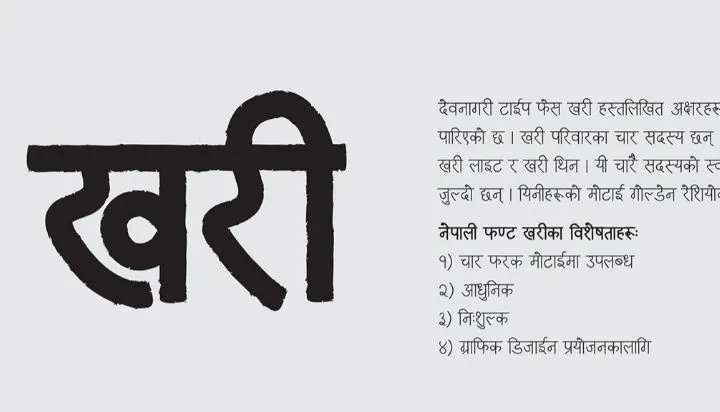
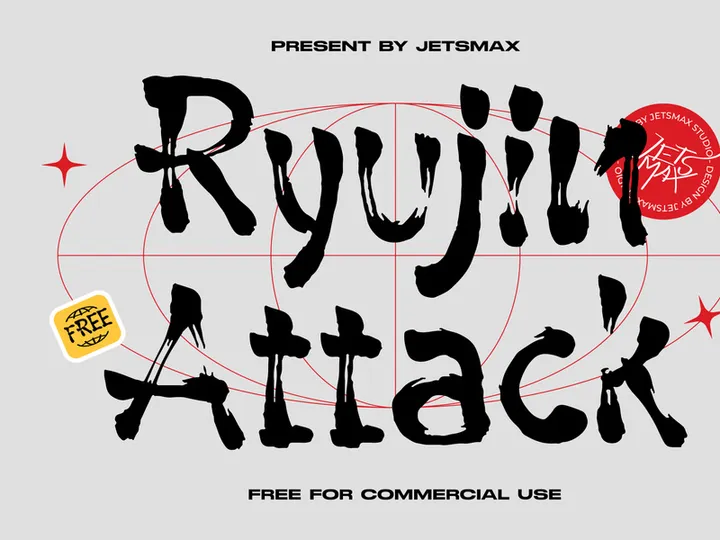

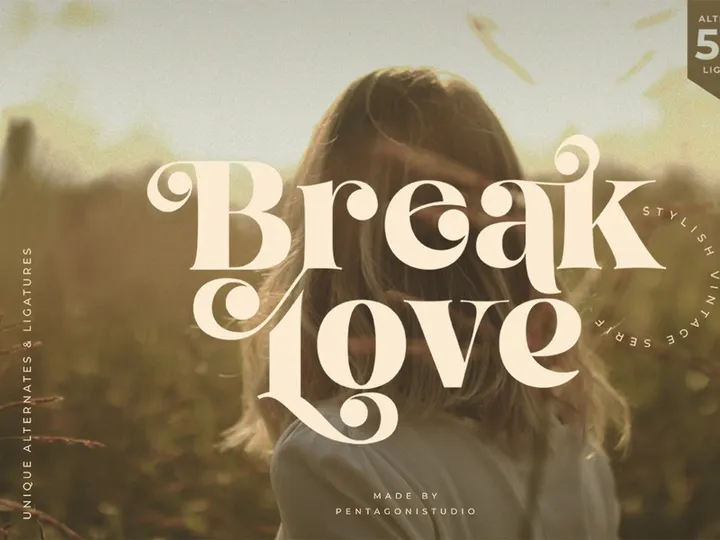

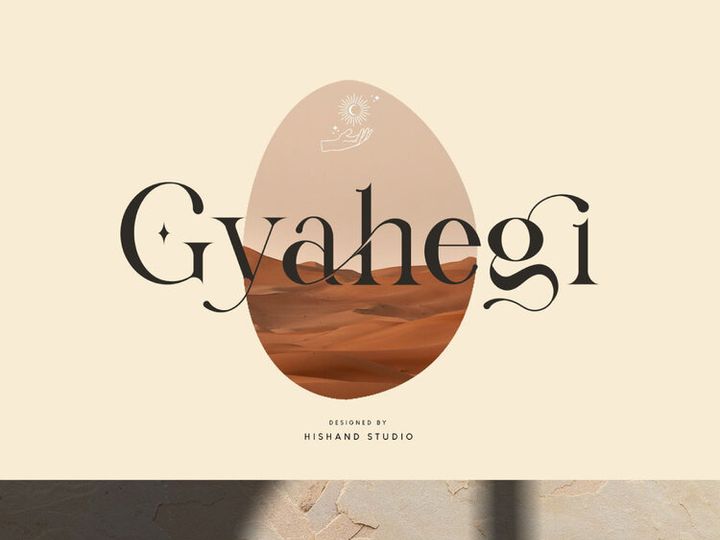

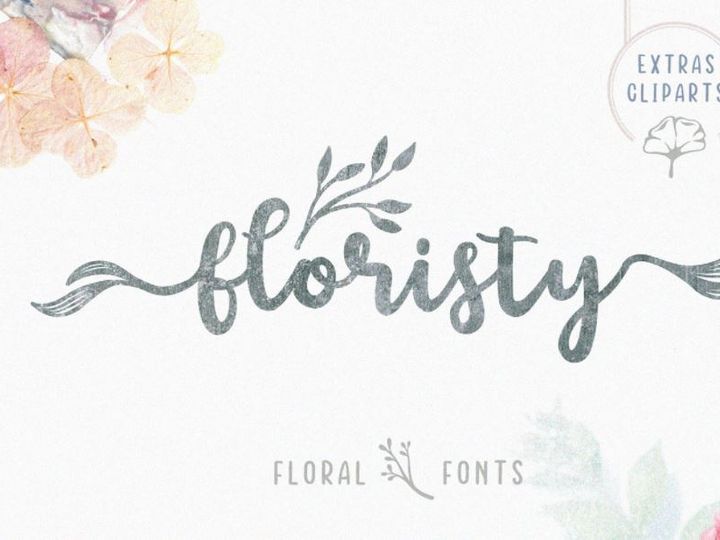

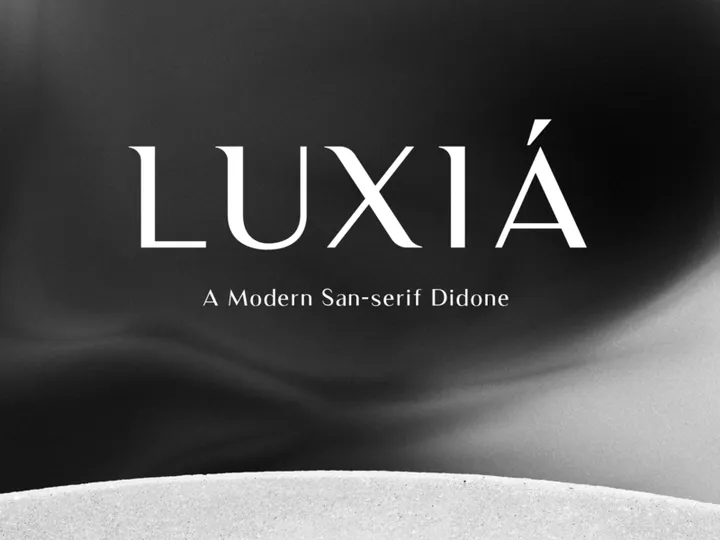


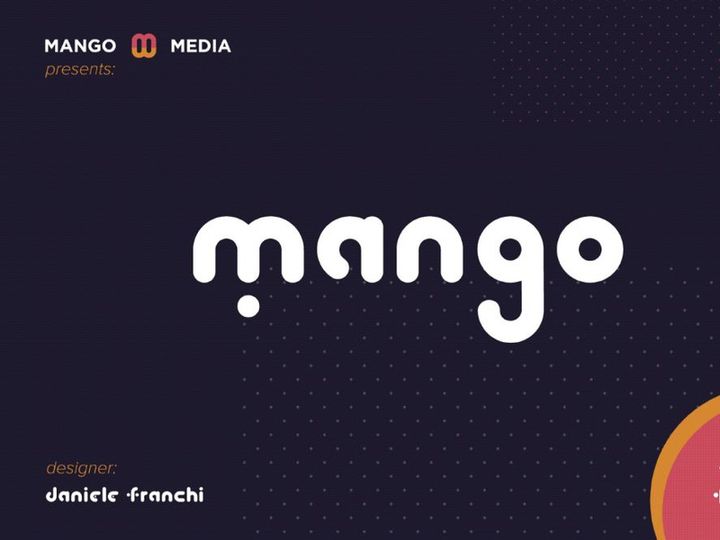


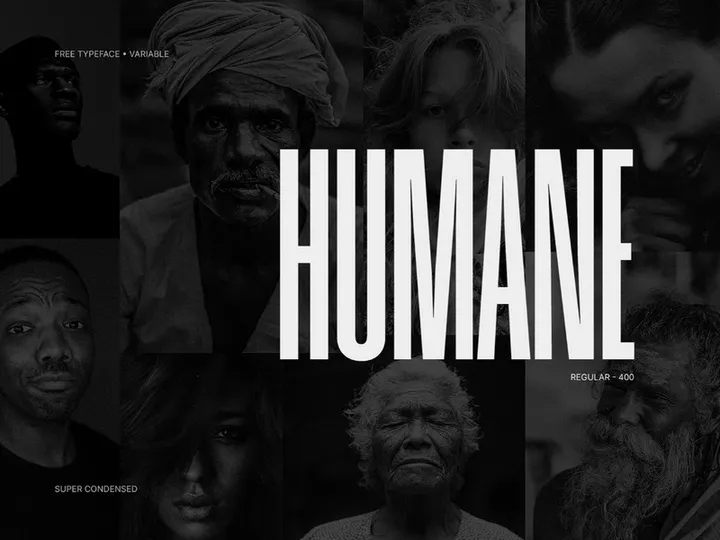

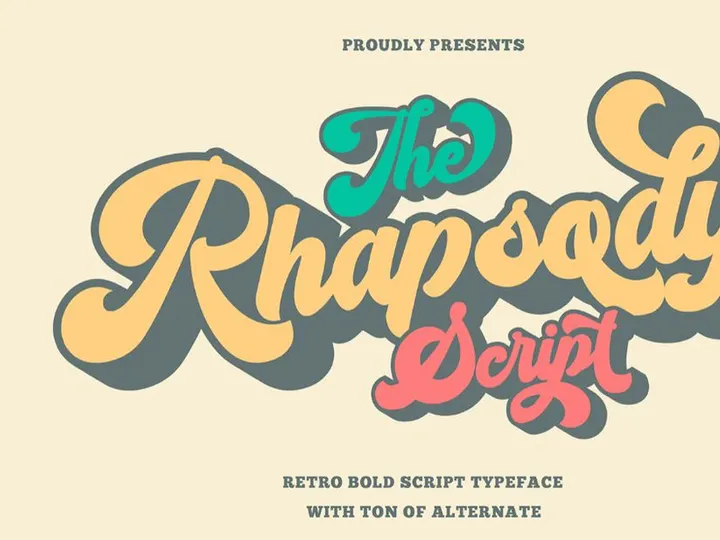
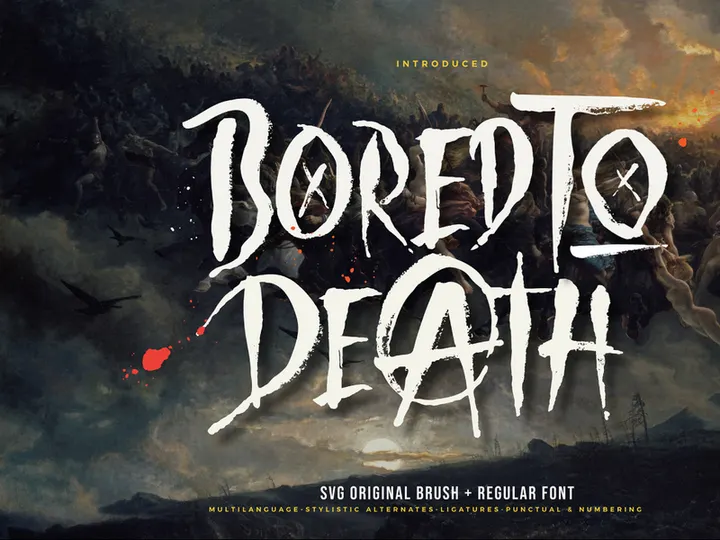

Try Our Free Resources
Download any of these for free - no account required
Why Fonts for Branding Projects?
Typography is one of the most powerful tools in branding design, shaping how audiences perceive a brand’s personality, tone, and values. The right font can convey trust, innovation, elegance, or playfulness—all without a single word of copy. For branding designers, selecting and implementing the appropriate fonts isn’t just about aesthetics; it’s a strategic decision that impacts brand recognition, consistency, and emotional resonance.
Pre-made fonts significantly accelerate the branding design process. Instead of spending weeks developing custom typefaces from scratch, designers can leverage professionally crafted, branding-ready fonts that are optimized for clarity, scalability, and cross-platform use. This efficiency is crucial when working under tight deadlines or managing multiple client projects simultaneously. With access to a diverse library of high-quality fonts, designers can quickly test and refine brand identities, ensuring alignment with client goals and market positioning.
Branding projects often require fonts that perform across various mediums—logos, business cards, websites, packaging, and social media. This demands fonts with strong legibility, multiple weights, language support, and responsive design characteristics. Whether it’s a sleek sans-serif for a tech startup or a vintage serif for a heritage brand, the font must reflect the brand’s essence while maintaining functionality.
At EpicPxls, we understand these demands. That’s why our collection includes 952+ resources meticulously curated for branding use. Each font is evaluated for design quality, versatility, and technical performance, ensuring that designers have immediate access to typography that’s not only beautiful but also practical. From modern minimalism to hand-crafted elegance, EpicPxls delivers fonts that empower designers to build compelling, cohesive brand identities from day one.
What Branding Designers Need
Essential Fonts Types
Branding designers rely on a variety of font types, each serving a specific purpose in shaping brand identity. Sans-serif fonts are widely used for modern, clean, and approachable brands—think of tech companies and lifestyle startups that value simplicity and clarity. Serif fonts, with their traditional elegance, are ideal for luxury, editorial, or heritage brands seeking to convey authority and timelessness. Script and calligraphy fonts add a personal, artistic touch, often used in boutique, fashion, or wedding-related branding to evoke sophistication or intimacy.
For bold statements and high impact, display and decorative fonts work well in logos or headlines, though they should be used sparingly to maintain readability. Monospaced and geometric fonts are rising in popularity for tech and creative agencies aiming for a futuristic or structured aesthetic. The best branding projects often combine two or three complementary font types—such as a strong display font for the logo, a clean sans-serif for body text, and an elegant script for taglines—to create visual hierarchy and brand depth.
Format Requirements
Professional branding demands fonts in versatile, widely compatible formats. OTF (OpenType Font) and TTF (TrueType Font) are the industry standards, offering superior glyph support, ligatures, and cross-platform compatibility. OTF is especially valued for its advanced typographic features, making it ideal for high-end print and digital branding materials. WOFF and WOFF2 formats are essential for web-based branding projects, ensuring fast loading times and consistent rendering across browsers.
Many branding assets also benefit from variable fonts, which allow designers to adjust weight, width, and slant dynamically—reducing file sizes and increasing design flexibility. When sourcing fonts, ensure they include multiple weights (light, regular, bold, etc.) and italics to support diverse applications, from headlines to fine print.
Quality Standards
Branding-ready fonts must meet rigorous quality benchmarks. Look for fonts with consistent stroke weight, balanced spacing (kerning and tracking), and professional hinting for screen readability. High-resolution outlines ensure crisp rendering at any size, whether on a mobile app or a billboard. Multilingual support, including Latin Extended and special characters, is crucial for global brands.
At EpicPxls, every font in our 952+ resources collection is vetted for these standards. We prioritize clean design, licensing clarity, and technical robustness so designers can trust that each font will perform flawlessly in real-world branding applications. Whether you’re designing a logo, website, or full brand guideline, knowing your font is production-ready saves time and elevates your final output.
Branding Design Project Walkthrough
- Define the Brand Identity: Begin by understanding the client’s mission, audience, and market. Is the brand modern or traditional? Playful or professional? This foundation guides your font selection. For example, a wellness brand might lean toward soft, organic scripts, while a fintech startup may prefer bold, geometric sans-serifs.
- Select Fonts from a Curated Library: Access a reliable source like EpicPxls, where you can browse 952+ branding-ready fonts filtered by style, category, and use case. Look for fonts that match the brand’s personality and come with multiple weights and language support.
- Establish a Typography Hierarchy: Choose a primary font for headlines and logo usage, a secondary font for subheadings, and a highly legible typeface for body text. Aim for contrast in style but harmony in tone—e.g., pairing a strong sans-serif with a delicate script.
- Test Across Mediums: Apply your selected fonts to mockups of business cards, letterheads, websites, and social media graphics. Check readability at small sizes and scalability in large formats. Ensure the fonts render well on both print and digital screens.
- Combine Fonts Effectively: Avoid using too many typefaces—stick to two or three max. Use size, weight, and color to differentiate text layers. For example, use bold uppercase for headlines, regular weight for body text, and italic script for quotes or taglines. Maintain consistent spacing and alignment to reinforce professionalism.
- Finalize and Document: Once approved, create a brand typography guide detailing font names, sizes, weights, and usage rules. This ensures consistency across all future applications and makes it easy for other designers or marketers to uphold the brand standard. Store your font files securely and confirm licensing allows for commercial and multi-user use, as provided in the EpicPxls collection.
Branding Design Workflow Tips
Speed Up Your Process
Time is a designer’s most valuable resource, and using pre-made, high-quality fonts can dramatically accelerate your workflow. Instead of custom-drawing letterforms or troubleshooting poor-quality downloads, you can instantly apply polished, tested fonts from a trusted library. EpicPxls streamlines this by offering 952+ resources in ready-to-use formats, complete with previews, style variations, and licensing details. Use batch downloads and organized categories to quickly gather options for client presentations or mood boards. With reliable assets at your fingertips, you can focus more on creative strategy and less on technical setup.
Maintain Consistency
Consistency is the hallmark of strong branding. To ensure your typography remains cohesive across all touchpoints, establish clear guidelines early. Define primary and secondary fonts, standard sizes, line heights, and color palettes. Use design systems or templates in tools like Adobe Creative Suite or Figma to lock in these rules. When using fonts from EpicPxls, take advantage of families that include multiple weights and italics—this ensures harmony when switching between bold headlines and subtle captions. Regular audits of your branding materials can help catch inconsistencies before they reach the public.
Client Presentation
Presenting your typography choices effectively builds client confidence. Use high-fidelity mockups to show how fonts appear in real-world contexts—on packaging, websites, or promotional banners. Explain your rationale: why a particular font reflects the brand’s values, how it enhances readability, and where it stands out from competitors. Include sample pairings and usage scenarios to demonstrate versatility. When you source fonts from a professional library like EpicPxls, you can assure clients of legal compliance and technical reliability, reinforcing your credibility as a detail-oriented designer.
Branding Design Inspiration
Staying inspired is essential for creating fresh, impactful branding. Current trends favor minimalist typography with generous white space, bold variable fonts that adapt across devices, and custom lettering with hand-drawn nuances. Many top designers are moving toward font pairing systems that blend contrasting styles—like a rugged slab serif with a delicate sans-serif—to create memorable visual tension. Others are embracing retro and vintage typefaces with modern updates, giving brands a nostalgic yet contemporary edge.
Leading branding agencies often begin with deep research into cultural context, audience psychology, and competitive landscapes before selecting fonts. They treat typography not as decoration, but as a core component of brand storytelling. For example, a sustainable brand might choose a font with organic, uneven strokes to reflect natural materials, while a cybersecurity firm may opt for sharp, monolinear typefaces to suggest precision and protection.
To elevate your own work, explore curated collections that offer more than just fonts—look for bundles that include mockups, color palettes, and brand board templates. EpicPxls supports this holistic approach with 952+ resources designed specifically for end-to-end branding projects. Whether you’re crafting a startup identity or rebranding an established company, access to diverse, professional-grade typography empowers you to think bigger and deliver better. Let your font choice be the foundation of a brand that doesn’t just look good—but means something.
Why Download from EpicPxls?
Commercial License
Use in personal and commercial projects
No Account Required
Download free resources instantly
Quality Curated
Every resource is reviewed for quality
Preview Files
See Figma and Photoshop files before downloading
Who Uses These Fonts?
Professionals and teams who benefit most from our collection
UI/UX Designers
Speed up your workflow with ready-to-use fonts for design tools. Perfect for prototyping and client presentations.
Developers
Get production-ready assets without design skills. Export in any format for web and mobile apps.
Startups & Agencies
Save design budget with affordable premium fonts. Commercial license included for client work.
Marketing Teams
Create professional campaigns faster. All fonts are optimized for social media and ads.
Fonts FAQCommon questions about these resources
Simple, Transparent Pricing
Get unlimited access to all premium resources
Yearly
- 20 downloads per month
- All file formats
- Commercial license
Lifetime
- Unlimited downloads forever
- All file formats
- Commercial license
Ready to Get Started?
Access 4,441+ free design resources today.
Browse Free ResourcesView Premium PlansEarn 85% and
more on all sales
Upload your products and put them up
for sale at whatever price you want.


