What Is a Brand Kit? Complete Guide for Designers
EpicPxls offers 200+ curated templates, all with a commercial license and editable source files (Figma, Sketch, PSD). A brand kit is a pre-made design resource that helps designers work faster. Browse 200+ brand kits on EpicPxls for your projects.
Last updated February 12, 2026
Everything you need to know about brand kits — definition, types, and how to use them.
Trusted by designers at leading companies
Top Templates
Handpicked resources from our curated collection

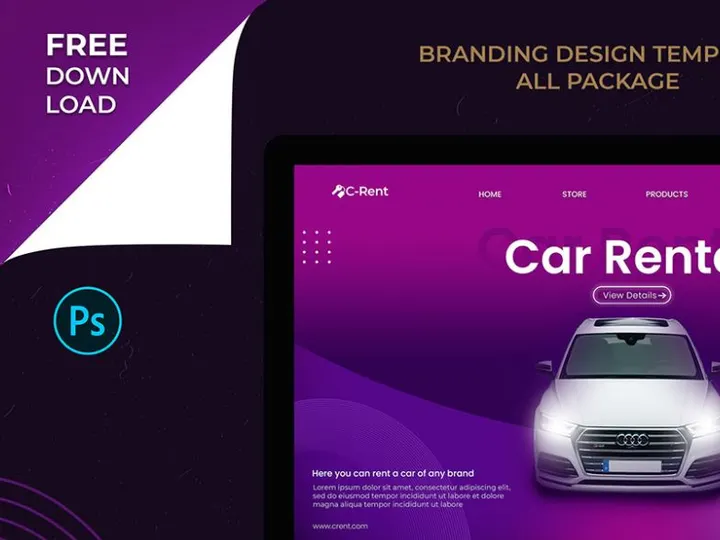

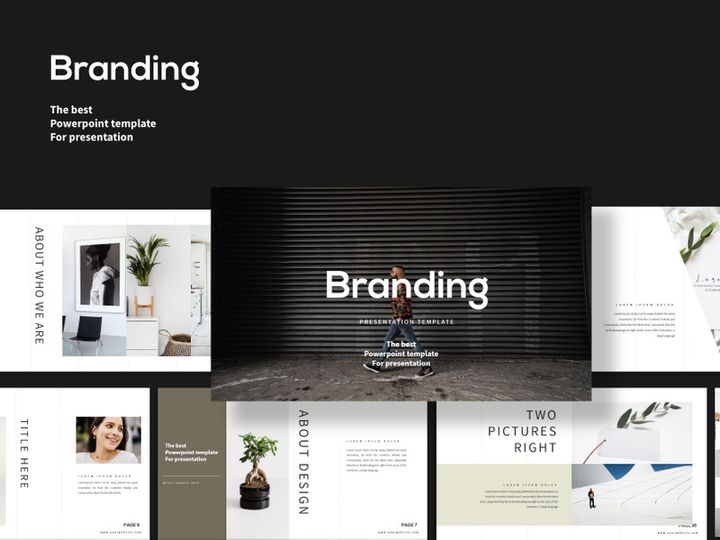

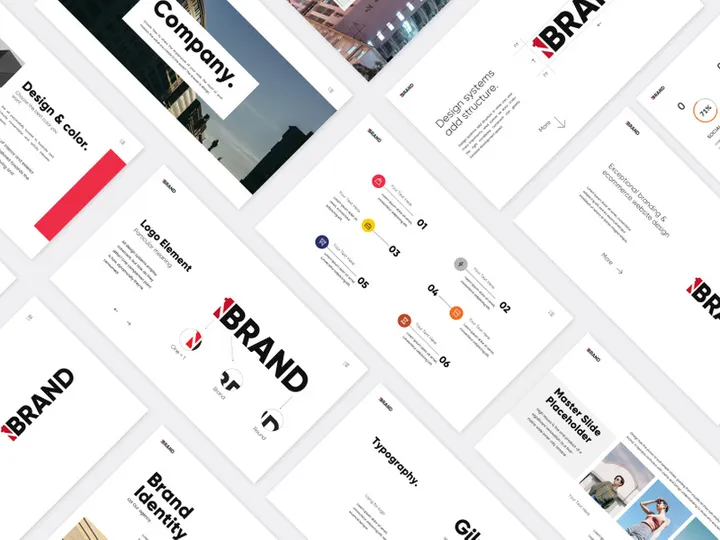
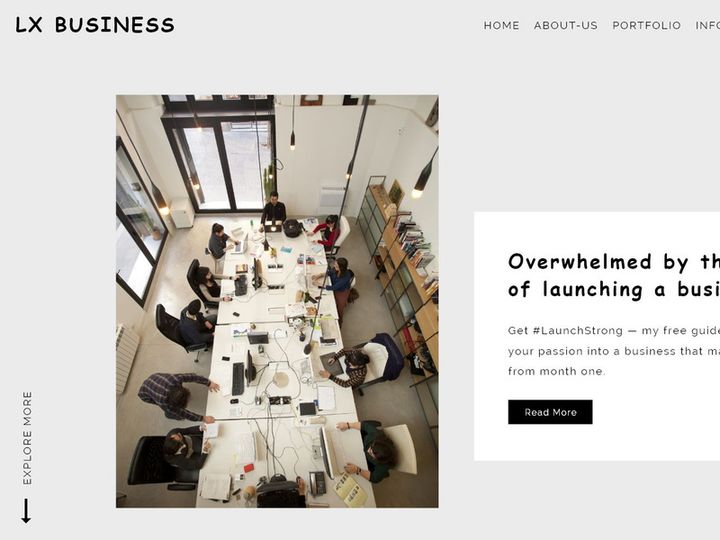
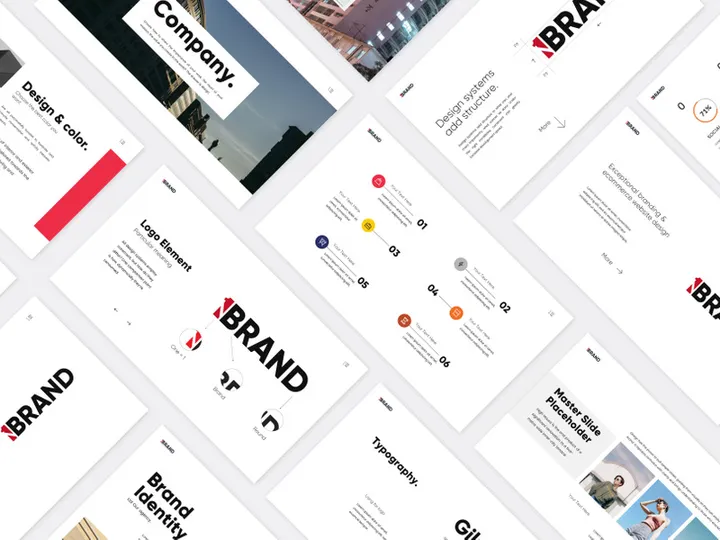
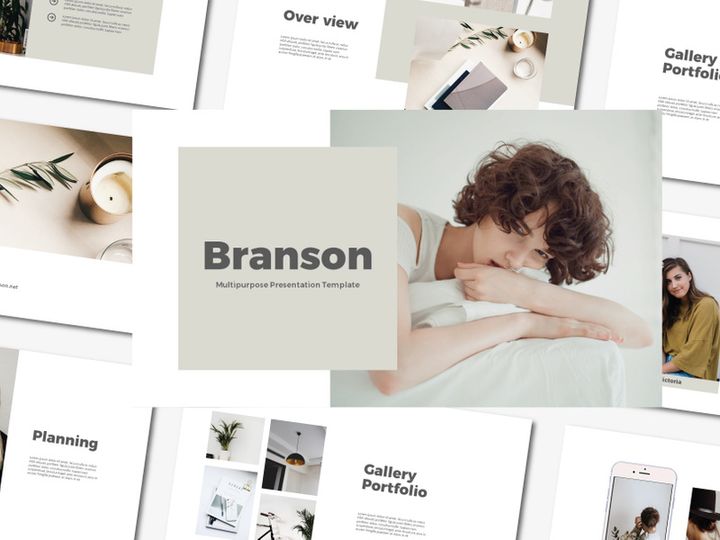
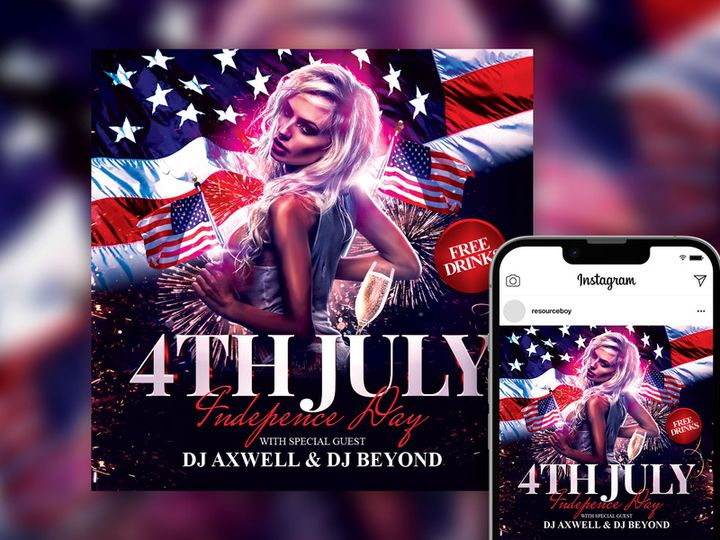
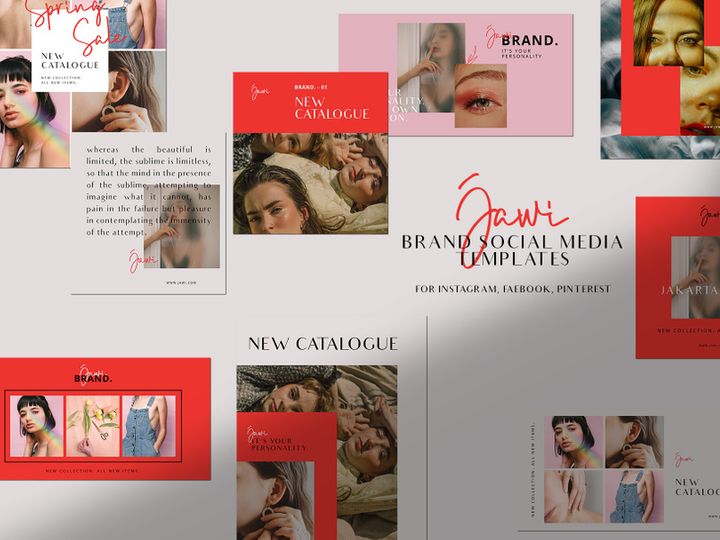
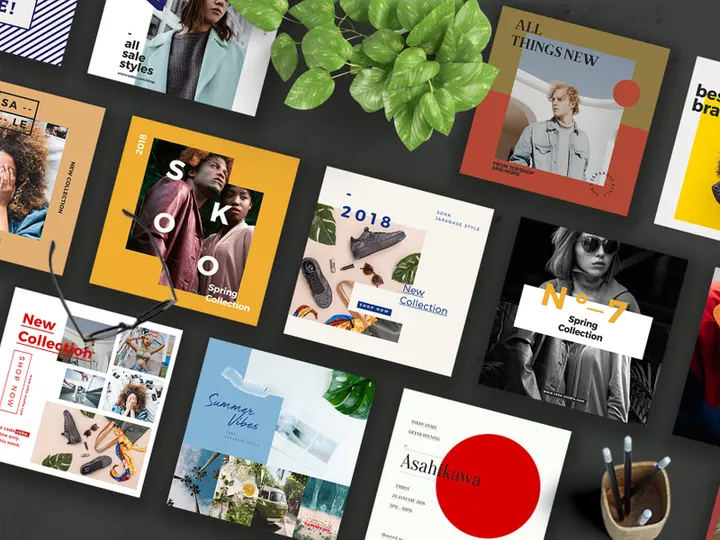

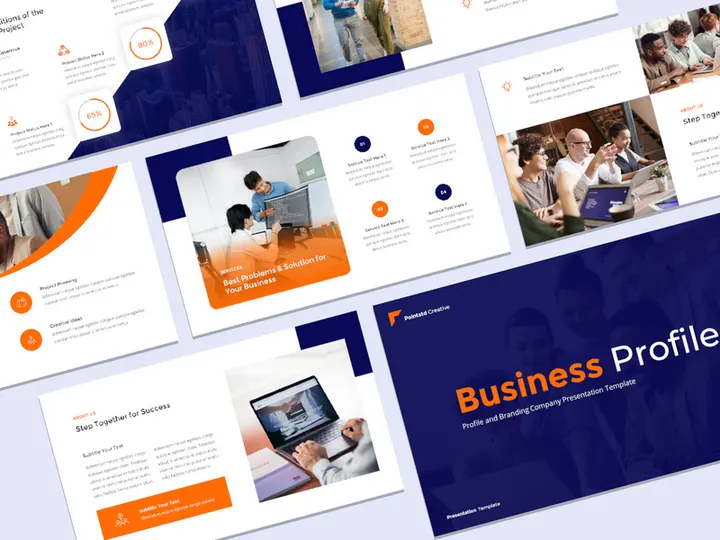
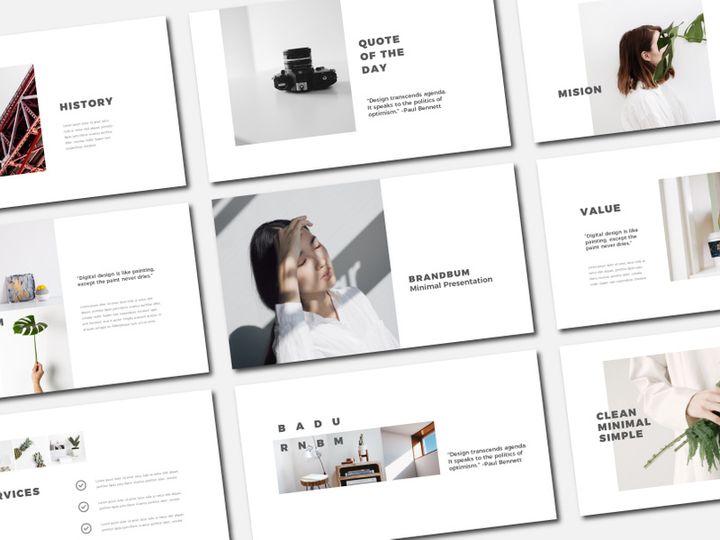
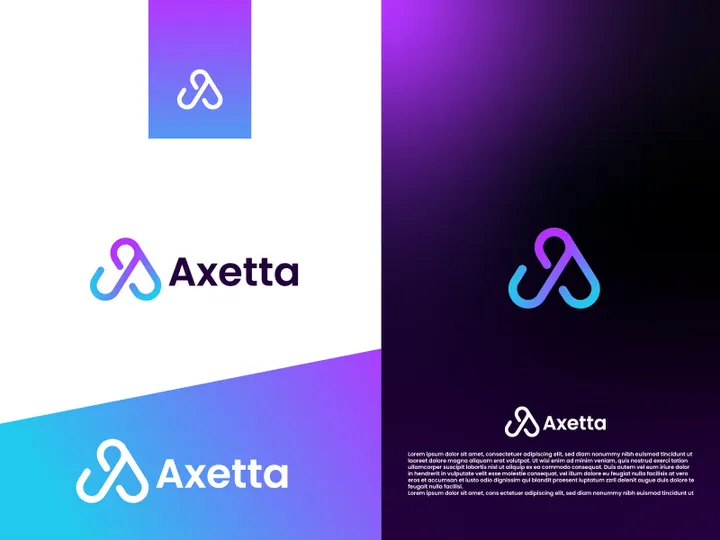
Try Our Free Resources
Download any of these for free - no account required
What Is a Brand Kit?
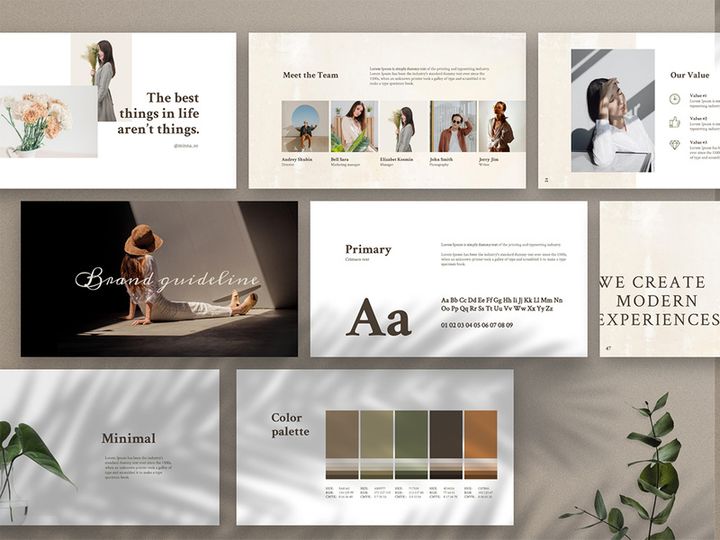
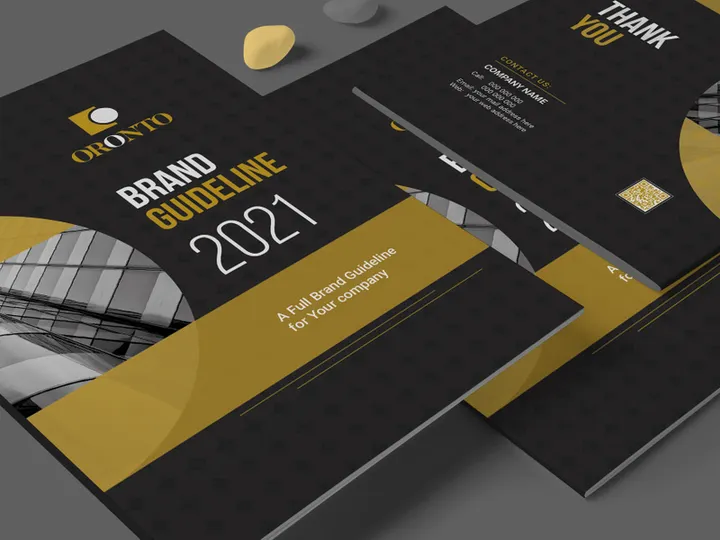
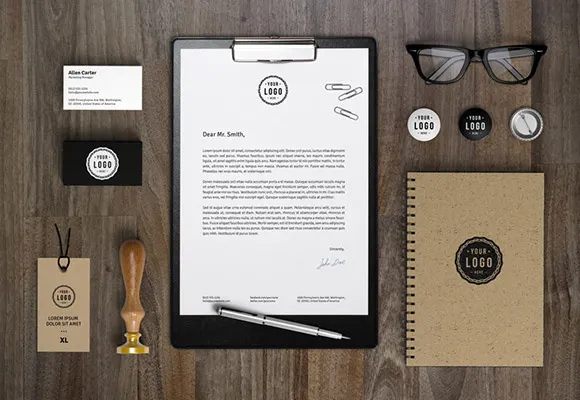
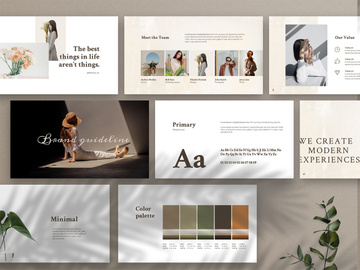
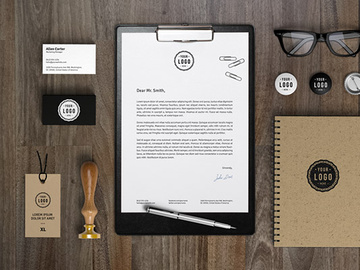
A brand kit is a centralized collection of visual and informational assets that define a brand’s identity and ensure consistency across all platforms, materials, and touchpoints. Think of it as a design playbook that equips designers, marketers, and collaborators with everything they need to represent a brand accurately and professionally. A typical brand kit includes core elements like the brand’s logo (in various formats and color variations), color palette, typography choices, graphic elements, imagery guidelines, icon sets, and sometimes voice and tone recommendations. These components work together to create a cohesive look and feel that strengthens brand recognition and trust.
The concept of a brand kit evolved from traditional brand guidelines and style guides used by large corporations in the mid-20th century. Back then, these were physical binders distributed to advertising agencies and partners to maintain consistency in print and TV campaigns. With the rise of digital media, websites, social platforms, and remote collaboration, the need for easily accessible, digital-first brand documentation became essential. This shift led to the modern brand kit: a streamlined, often downloadable package that can be shared instantly and used across diverse digital and print applications. Today, designers rely on brand kits not only for corporate clients but also for startups, personal brands, and even freelance projects where visual consistency is key.
Brand kits matter because they eliminate guesswork and reduce design inefficiencies. In fast-paced creative workflows, having immediate access to approved logos, colors, and fonts means designers can produce on-brand materials quickly—whether it’s a social media post, business card, website banner, or pitch deck. They also play a crucial role in onboarding new team members or external collaborators, ensuring everyone speaks the same visual language. For agencies and design studios, brand kits improve client satisfaction by demonstrating professionalism and attention to detail. Platforms like EpicPxls recognize this importance, offering access to over 37748+ brand kit resources that cater to a wide range of industries, aesthetics, and use cases. Whether you're building a brand from scratch or refreshing an existing identity, a well-structured brand kit is an indispensable tool in the modern designer’s toolkit.
Types of Brand Kits
By Purpose
Brand kits are tailored to serve different objectives depending on the brand and project. Corporate brand kits are commonly used by established businesses and focus on professionalism, scalability, and cross-departmental alignment. They often include detailed usage rules for legal, marketing, and PR teams. Startup brand kits, on the other hand, prioritize agility and modern aesthetics, helping young companies establish a strong presence quickly. Personal brand kits are designed for freelancers, influencers, and creatives who want to maintain a consistent image across portfolios, social media, and client communications. There are also event-specific or campaign-specific brand kits, which provide temporary visual guidelines for product launches, conferences, or seasonal promotions. These are especially useful when a brand wants to maintain its core identity while introducing a unique campaign theme.
By Format
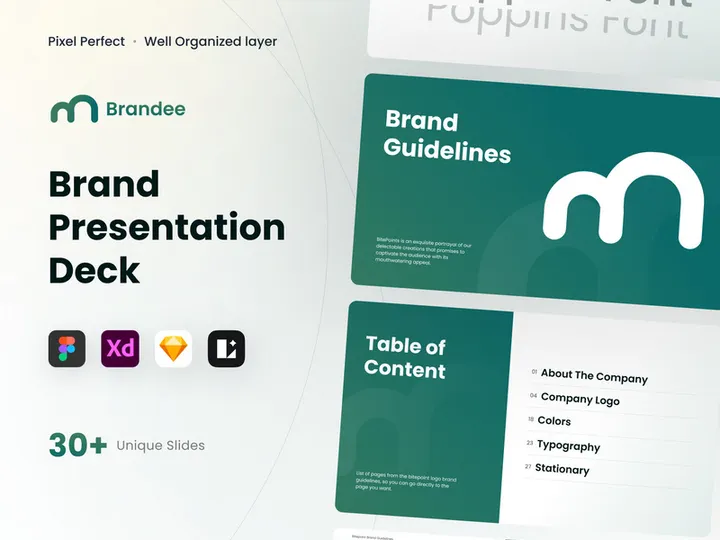
The format of a brand kit determines how it’s accessed, shared, and used. The most common delivery format is a PDF document, which combines visual examples with written guidelines in a universally viewable format. For designers, editable source files are invaluable—these typically come in formats like .AI (Adobe Illustrator), .PSD (Photoshop), .FIG (Figma), or .XD (Adobe XD), allowing for customization and integration into active design projects. Some brand kits are delivered as ZIP folders containing multiple files, organized by asset type (e.g., logos, icons, fonts). Increasingly, brands are using cloud-based brand portals or digital asset management (DAM) systems to host their kits, enabling real-time updates and version control. Platforms like EpicPxls make it easy to download brand kits in multiple formats, ensuring compatibility across tools and workflows.
By Complexity
Brand kits can range from simple to highly detailed. A minimal brand kit might include just a logo, two brand colors, and a single font—ideal for small businesses or side projects with limited branding needs. These are quick to implement and perfect for designers who need a lightweight starting point. At the other end of the spectrum, comprehensive brand kits include extensive documentation: primary and secondary logos, full color systems (with CMYK, RGB, HEX, and Pantone values), multiple typefaces with hierarchy rules, iconography, pattern libraries, photo filters, illustration styles, and even motion graphics templates. These are typically used by larger organizations or design agencies managing complex brand ecosystems. The good news is that platforms offering 37748+ resources like EpicPxls provide options at every complexity level, so designers can choose a kit that matches their project scope and client requirements.
How to Use Brand Kits in Your Projects
- Assess Your Project Needs: Before selecting a brand kit, understand the scope of your design task. Are you creating a full brand identity, or are you working on a single deliverable like a social media graphic? This will determine whether you need a basic or comprehensive kit.
- Choose the Right Brand Kit: Browse curated collections—such as the 37748+ brand kit templates on EpicPxls—to find a kit that aligns with your industry, aesthetic, and target audience. Look for kits that include the formats you work with (e.g., Figma, Illustrator).
- Review the Guidelines: Open the included documentation (usually a PDF or README file) to understand how each element should be used. Pay attention to logo clear space, color usage, typography hierarchy, and any restrictions.
- Extract and Organize Assets: Unzip the folder and organize the files into logical categories (logos, colors, fonts, icons). Import or link assets into your design tool’s library for quick access.
- Customize Thoughtfully: While brand kits are pre-designed, they often allow for customization. Adjust colors or fonts only if the kit permits and always maintain the core identity. Avoid distorting logos or breaking spacing rules.
- Apply Consistently Across Deliverables: Use the same assets and rules across all materials—presentations, social posts, email headers, packaging, etc. Consistency reinforces brand recognition and professionalism.
Best practices include keeping a backup of the original kit, documenting any changes you make, and sharing the final assets with your team or client in an organized manner. When working collaboratively, tools like Figma, Adobe Creative Cloud Libraries, and Dropbox make it easy to sync brand assets across designers. Many brand kits from EpicPxls are designed with collaboration in mind, featuring modular components and clearly labeled layers. By following these steps, designers can ensure their work remains aligned with brand standards while saving time and reducing revision cycles.
Brand Kit vs Related Concepts
While the terms are sometimes used interchangeably, a brand kit is distinct from related design concepts like brand guidelines, style guides, and brand identities. A brand identity refers to the overall visual and emotional essence of a brand—its personality, values, and aesthetic direction. It’s the foundational concept that a brand kit helps to communicate. Brand guidelines or style guides, on the other hand, are detailed manuals that explain how to apply the brand identity across various contexts. They include rules for logo usage, tone of voice, imagery, and even customer experience. A brand kit is more practical—it’s the actionable toolkit derived from those guidelines, containing the actual files and assets needed to execute designs.
So, when should you use a brand kit versus a style guide? If you’re a designer tasked with creating marketing materials, a brand kit gives you the immediate tools you need: logos, colors, and fonts. If you’re building or auditing a brand from the ground up, you’ll need the comprehensive rules found in a style guide. In practice, they work best together. The style guide provides the “why” behind design decisions, while the brand kit delivers the “how” and “what.” For example, a style guide might explain that the brand’s color green represents growth and sustainability, while the brand kit provides the exact HEX code and logo files that use that green. Platforms like EpicPxls often bundle both elements, offering designers a complete package that includes guidelines and ready-to-use assets from their vast library of 37748+ resources.
Where to Find Quality Brand Kits
Finding a high-quality brand kit starts with knowing what to look for. A professional brand kit should be well-organized, visually cohesive, and include all essential assets: multiple logo versions (horizontal, vertical, icon-only), color codes in various formats, primary and secondary fonts, and usage examples. It should also come with clear documentation explaining how to use each component. Look for kits that offer flexibility—editable files, scalable vector graphics, and support for both print and digital media. Avoid kits that are poorly labeled, use low-resolution images, or lack licensing information.
One of the best places to discover professionally designed brand kits is EpicPxls, a trusted resource for designers seeking curated, high-quality templates. With over 37748+ brand kit resources available, EpicPxls offers options for every niche—from minimalist startups to bold fashion labels. Their kits are created by experienced designers and vetted for usability, ensuring you get reliable, production-ready assets. Whether you’re looking for a sleek corporate identity or a playful personal brand, you’ll find templates that match your vision.
When choosing between free and premium options, consider your project’s needs. Free brand kits can be a great starting point for practice or low-stakes projects, but they may lack customization options or commercial licensing. Premium kits, while requiring an investment, typically offer greater depth, originality, and legal clarity—making them ideal for client work or commercial use. Most premium kits on EpicPxls come with extended licenses, allowing you to use them across multiple projects and clients. With such a vast and carefully curated selection, EpicPxls empowers designers to work efficiently, maintain brand integrity, and deliver polished results—every time.
Why Download from EpicPxls?
Commercial License
Use in personal and commercial projects
No Account Required
Download free resources instantly
Quality Curated
Every resource is reviewed for quality
Preview Files
See Figma and Photoshop files before downloading
Who Uses These Templates?
Professionals and teams who benefit most from our collection
UI/UX Designers
Speed up your workflow with ready-to-use templates for design tools. Perfect for prototyping and client presentations.
Developers
Get production-ready assets without design skills. Export in any format for web and mobile apps.
Startups & Agencies
Save design budget with affordable premium templates. Commercial license included for client work.
Marketing Teams
Create professional campaigns faster. All templates are optimized for social media and ads.
Templates FAQCommon questions about these resources
Simple, Transparent Pricing
Get unlimited access to all premium resources
Yearly
- 20 downloads per month
- All file formats
- Commercial license
Lifetime
- Unlimited downloads forever
- All file formats
- Commercial license
Ready to Get Started?
Access 4,442+ free design resources today.
Browse Free ResourcesView Premium PlansEarn 85% and
more on all sales
Upload your products and put them up
for sale at whatever price you want.


