Design Resources for Designers: 9,715+ Resources
EpicPxls offers 9,715+ curated design resources, all with a commercial license and editable source files (Figma, Sketch, PSD). This collection includes 9,715+ resources across UI kits, icons, fonts, templates, mockups, and illustrations - all curated for your specific needs.
Last updated October 09, 2026
Everything you need for your design projects - curated by designers, for designers.
Trusted by designers at leading companies
Featured Resources
Handpicked resources from our curated collection
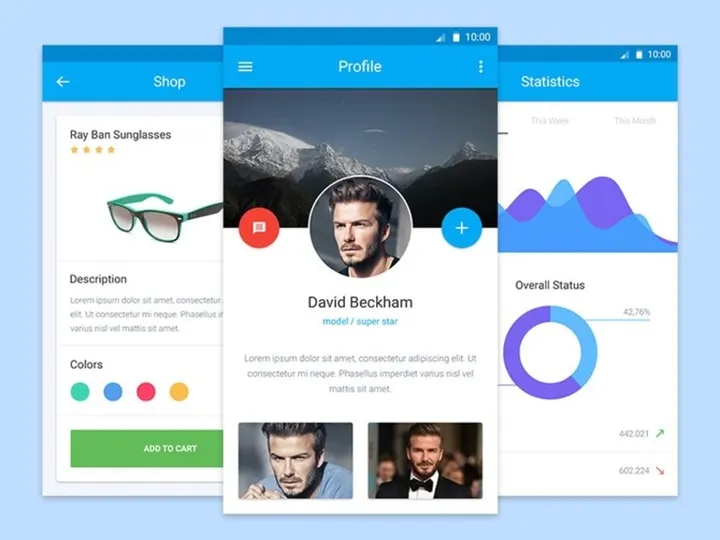
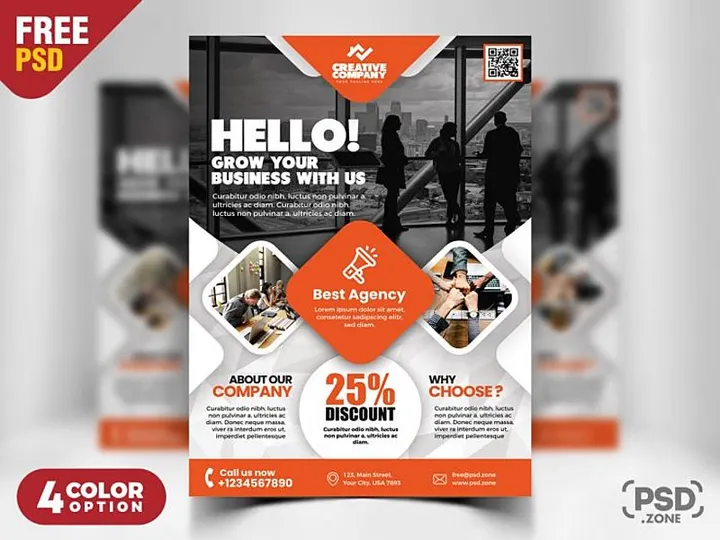
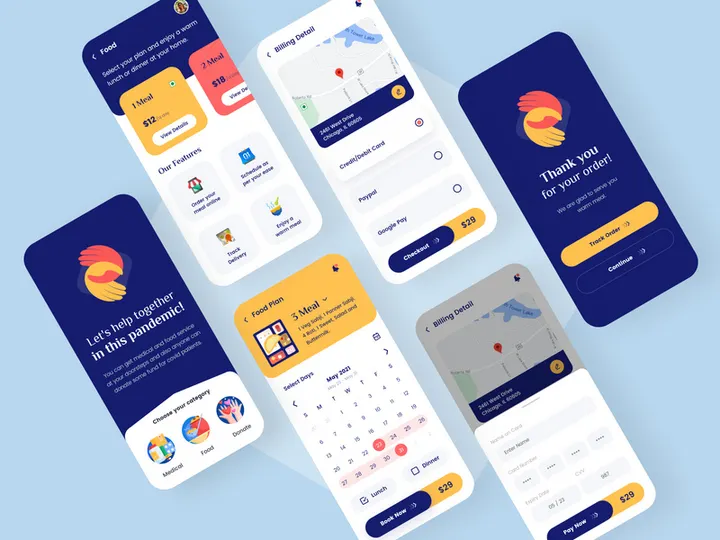
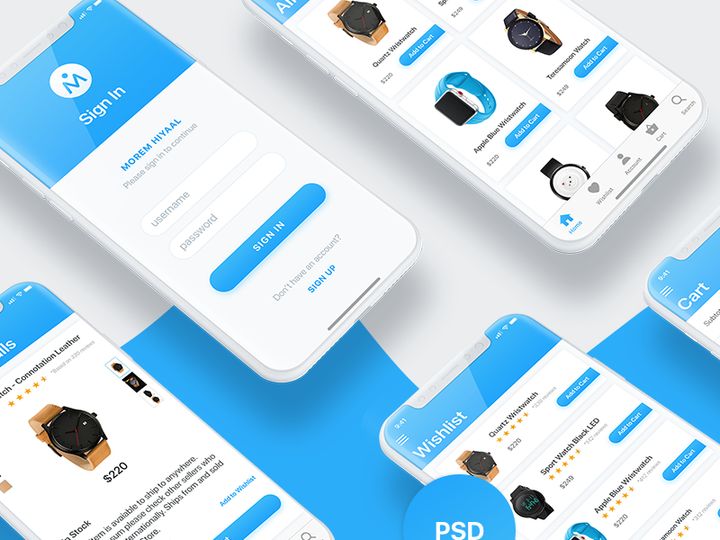
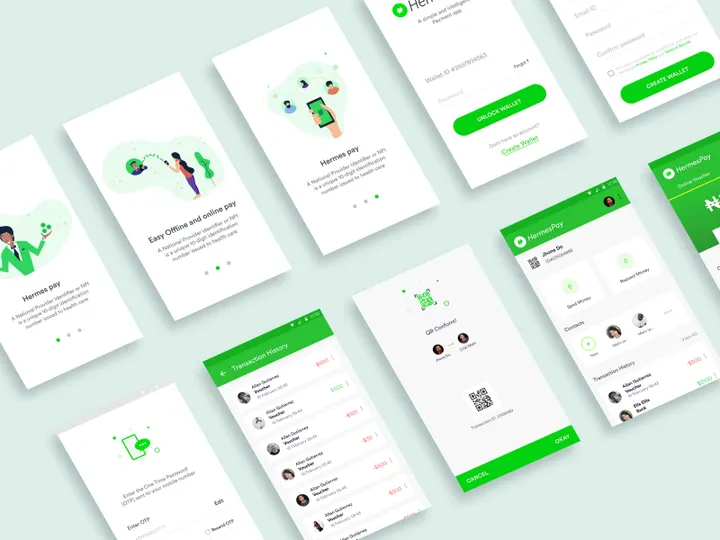
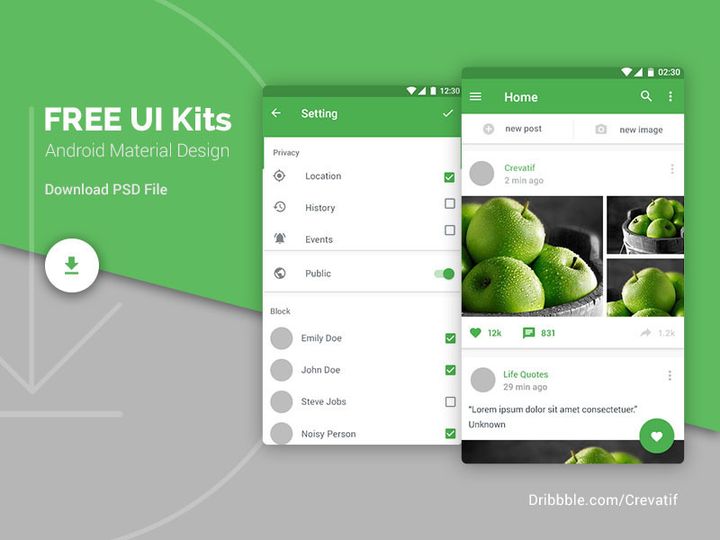

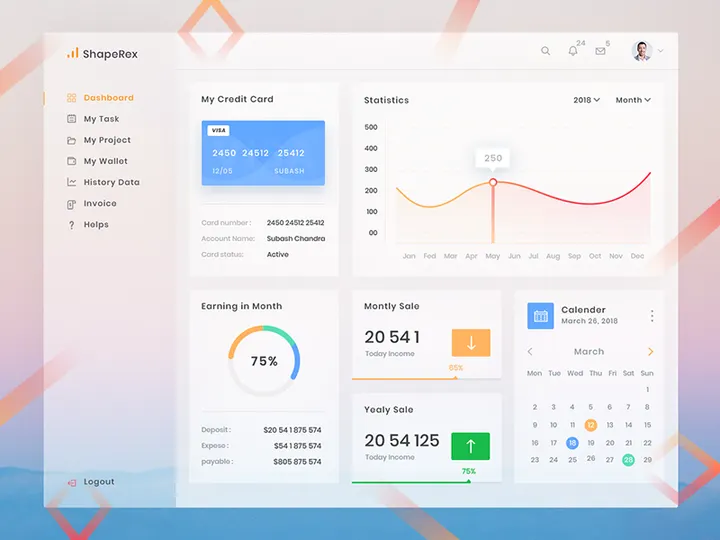
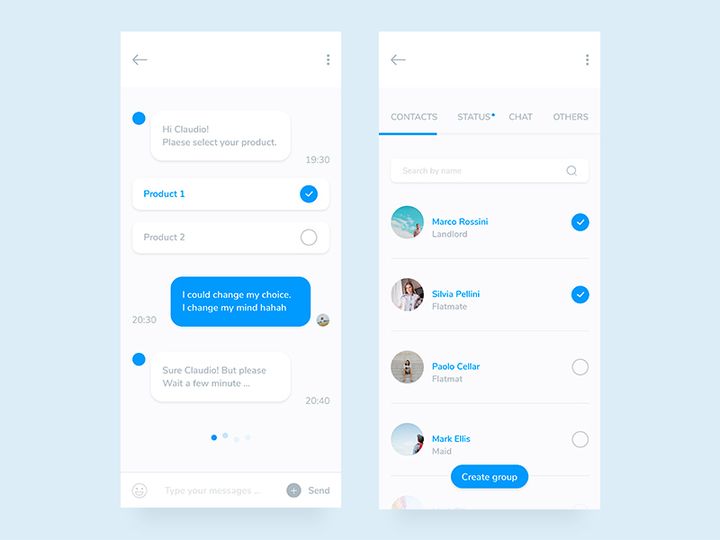


![Material Design Kit [Sketch] preview picture](https://imgproxy.epicpxls.com/25NgiEuwqlJOHx6Nz4RS2GU6a38NeEJY6Ac4cSa1E2M/rs:fill:720:540:0/g:no/aHR0cHM6Ly9pdGVt/cy5lcGljcHhscy5j/b20vdXBsb2Fkcy9w/aG90by9jNGU3MjZi/M2VhY2FmMTNlNjdi/MDFmZmY5OWExZjcz/OS5wbmc.jpg)



Try Our Free Resources
Download any of these for free - no account required
Design Challenges for Designers
Designers face a unique set of challenges in their daily work, balancing creativity with tight deadlines and client expectations. One of the most common pain points is the pressure to produce high-quality, original work consistently—often under intense time constraints. Whether working in graphic design, UI/UX, branding, or digital illustration, professionals frequently find themselves juggling multiple projects, revisions, and stakeholder feedback. This can lead to creative fatigue and burnout, especially when required to start every project from scratch.
Beyond time limitations, budget constraints also play a significant role. Many designers, especially freelancers or those working with startups, operate under strict financial boundaries. Clients often expect polished, professional results without the luxury of extended timelines or large production teams. This makes efficiency critical. Designers can't always afford to spend days sketching concepts or creating custom assets when the project demands rapid turnaround.
This is where pre-made design resources become a game-changer. By leveraging ready-to-use elements like templates, icons, mockups, and textures, designers can maintain both quality and speed. These resources eliminate repetitive tasks, allowing more time for strategic thinking and creative refinement. Instead of reinventing the wheel, designers can focus on solving real user problems and enhancing visual storytelling. With access to a vast library of 9,715+ well-crafted assets, the design process becomes not only faster but more consistent and scalable. Platforms like EpicPxls recognize these challenges and are built to support designers with curated, practical tools that align with real-world project demands.
How EpicPxls Helps Designers
Curated Collections
Not all design resources are created equal. The internet is flooded with low-quality or irrelevant files that waste time rather than save it. EpicPxls stands out by offering carefully curated collections tailored specifically to the needs of professional designers. Every asset is selected with purpose—whether it's minimalist vector icons for UI design, high-resolution textures for branding, or responsive website templates for digital portfolios. This focus ensures that designers aren’t sifting through irrelevant clutter but are instead presented with immediately useful, production-ready tools.
Time Savings
One of the biggest advantages of using EpicPxls is the dramatic reduction in time spent on repetitive tasks. With over 9,715+ ready-to-use assets at your fingertips, you can skip the initial setup phase and jump straight into refining your vision. Need a sleek app interface mockup for a client presentation? It’s just a few clicks away. Looking for a consistent icon set to maintain visual harmony across a dashboard? Already available. By reducing the time spent on foundational elements, designers can redirect their energy toward innovation, usability testing, and client collaboration—areas where true value is added.
Commercial Licensing
For professional designers, legal clarity is non-negotiable. Using unlicensed assets can lead to serious consequences, especially in client-based or commercial work. Every resource on EpicPxls comes with clear commercial licensing, giving designers full confidence to use assets in client projects, marketing campaigns, product designs, and digital products. This eliminates the risk of copyright issues and ensures peace of mind. Whether you're a solo freelancer or part of a design agency, knowing your resources are legally safe to use is a cornerstone of professional practice.
Getting Started: A Guide for Designers
- Explore the Collections: Begin by browsing the 9,715+ resources available on EpicPxls. Use category filters to narrow down options—whether you’re working on branding, web design, or social media content. Take time to understand what types of assets are available and how they align with your current and future projects.
- Identify Your Needs: Before downloading, assess the specific requirements of your project. Are you building a pitch deck? You might need presentation templates. Designing a mobile app? Look for UI kits and icon sets. This step helps you download only what’s relevant, saving storage space and reducing decision fatigue later.
- Download and Organize: Once you’ve selected your resources, download them to a dedicated folder structure on your computer. Consider organizing by project, category, or format (e.g., “UI Kits,” “Textures,” “Mockups”). A well-structured library makes future access much faster and supports long-term efficiency.
- Integrate into Your Workflow: Import the assets directly into your preferred design tools—whether it’s Figma, Adobe XD, Sketch, or Photoshop. Most resources are designed to be compatible with industry-standard software and are layered or customizable for easy editing. Take advantage of smart objects, vector layers, and organized naming conventions to make integration seamless.
- Customize and Adapt: While the resources are ready to use, don’t treat them as final products. Adapt colors, typography, and layout to match your brand or client’s identity. This step ensures that your work remains original and tailored, even when built on pre-made foundations.
- Track Usage and Feedback: After completing a project, reflect on which resources added the most value. Did a particular mockup template speed up client approvals? Did an icon set improve consistency? Keeping notes helps you build a personal “go-to” list and informs future downloads and purchases.
By following these steps, designers can seamlessly integrate EpicPxls into their daily workflow. The platform is designed not just as a one-time download hub, but as an ongoing partner in your creative process—supporting efficiency, consistency, and professionalism across every project.
Recommended Resource Types for Designers
Must-Have Categories
Certain types of design resources are indispensable for most professionals. UI kits and design systems are essential for digital designers, offering pre-built components like buttons, forms, and navigation bars that ensure consistency across apps and websites. Mockup templates allow designers to present their work in realistic contexts—such as smartphones, laptops, or packaging—making client presentations more compelling. Icon sets and vector illustrations are also widely used, especially in dashboards, presentations, and marketing materials where visual clarity is key. Additionally, typography bundles and color palettes help maintain brand identity across multiple touchpoints. These categories form the backbone of most design workflows and are well-represented among the 9,715+ resources on EpicPxls.
Hidden Gems
Beyond the obvious essentials, there are underused resources that can elevate your work in subtle but powerful ways. Textures and patterns, for instance, add depth and tactile quality to flat designs, especially in branding and print projects. Brush sets and overlays can give digital illustrations a handcrafted, organic feel—perfect for editorial design or boutique brands. Grid systems and layout templates are often overlooked but can accelerate the structuring phase of web and app design. Even sound effects and micro-interaction templates are becoming more relevant as designers take on motion and interactive projects. Exploring these niche categories on EpicPxls can unlock new creative possibilities and differentiate your portfolio from others.
Free vs Premium
Designers often face the dilemma of whether to use free or premium resources. While free assets can be tempting, they often come with limitations—lower resolution, generic designs, restricted licensing, or poor organization. Premium resources, on the other hand, typically offer higher quality, better support, and commercial usage rights. A smart strategy is to use free resources for personal experiments or learning, but rely on premium assets like those from EpicPxls for client and commercial work. Investing in a few high-quality, versatile resources can save hours of rework and protect your professional reputation. Think of it as equipping your design toolkit with precision instruments rather than makeshift tools.
Success Tips for Designers
To get the most out of design resources, it’s important to use them strategically rather than reactively. Start by defining your personal or studio design style—this helps you identify which resources align with your aesthetic and which might dilute your brand. When using assets from EpicPxls, always customize them to reflect your unique voice. A slightly modified template or a re-colored icon set can make a pre-made resource feel entirely original.
Building a personal design library is one of the most valuable habits a designer can adopt. As you collect and use assets from the 9,715+ resources available, organize them into a searchable system—tagged by project type, color, format, or client industry. Over time, this library becomes a powerful accelerator, reducing the need to search externally for common elements. It also serves as a creative archive, helping you track your evolution and reuse successful design patterns.
Finally, stay current with new additions. Design trends evolve quickly, and so do the tools that support them. EpicPxls regularly updates its collection with fresh, modern resources that reflect the latest in design standards—from dark mode UI kits to inclusive illustration sets. Subscribing to updates or checking the platform monthly ensures you’re always equipped with relevant, up-to-date tools. By combining curation, consistency, and continuous learning, designers can turn resource libraries from simple asset stores into engines of creative productivity.
Why Download from EpicPxls?
Commercial License
Use in personal and commercial projects
No Account Required
Download free resources instantly
Quality Curated
Every resource is reviewed for quality
Preview Files
See Figma and Photoshop files before downloading
Who Uses These Resources?
Professionals and teams who benefit most from our collection
UI/UX Designers
Speed up your workflow with ready-to-use resources for design tools. Perfect for prototyping and client presentations.
Developers
Get production-ready assets without design skills. Export in any format for web and mobile apps.
Startups & Agencies
Save design budget with affordable premium resources. Commercial license included.
Marketing Teams
Create professional campaigns faster. All resources are optimized for social media and ads.
Frequently Asked QuestionsCommon questions about these resources
Simple, Transparent Pricing
Get unlimited access to all premium resources
Yearly
- 20 downloads per month
- All file formats
- Commercial license
Lifetime
- Unlimited downloads forever
- All file formats
- Commercial license
Earn 85% and
more on all sales
Upload your products and put them up
for sale at whatever price you want.


