UI Kits: 4383+ Design Resources
EpicPxls offers 200+ curated ui kits, all with a commercial license and editable source files (Figma, Sketch, PSD). We have 200+ ui kits available, with new additions added regularly by our community of designers.
Last updated February 12, 2026
Discover 4383+ handpicked ui kits from top designers.
Trusted by designers at leading companies
Top UI Kits
Handpicked resources from our curated collection
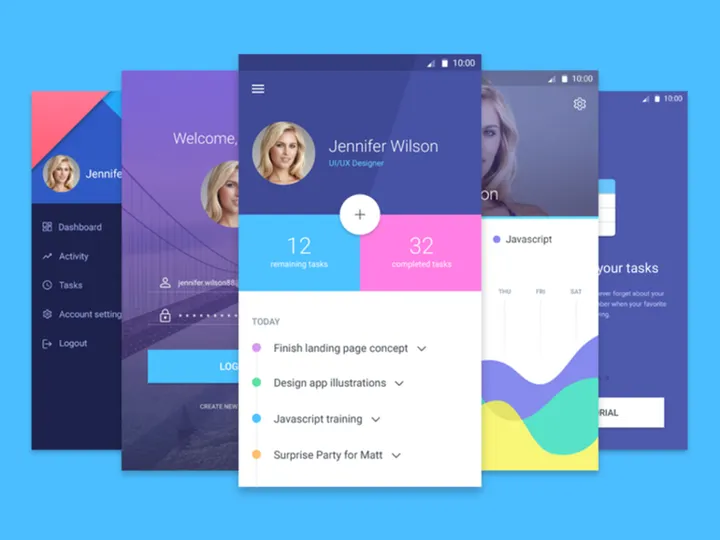

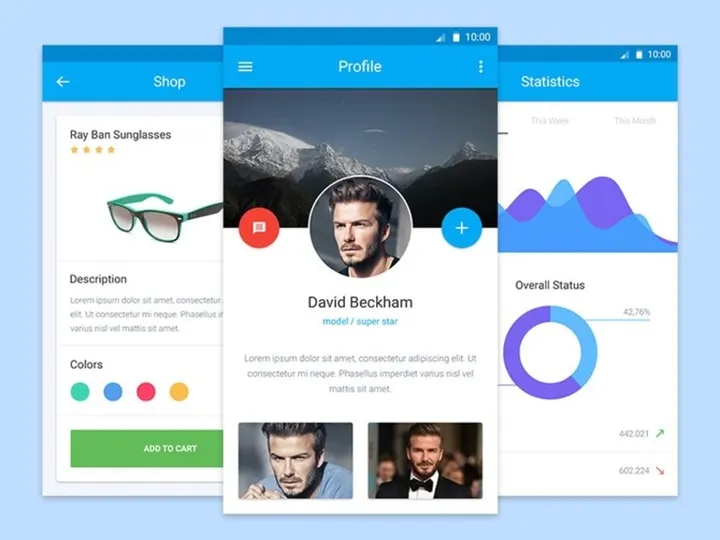
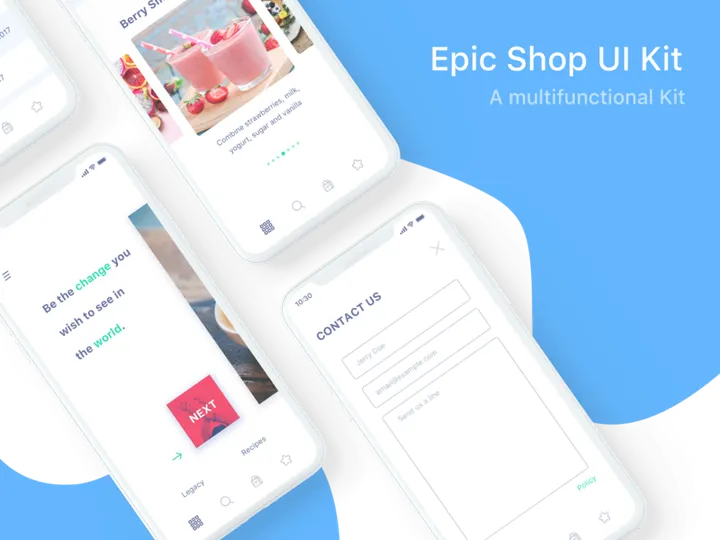
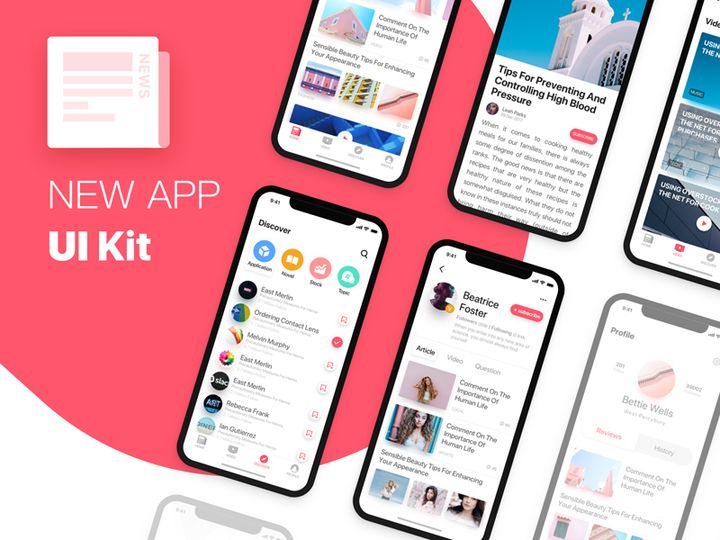
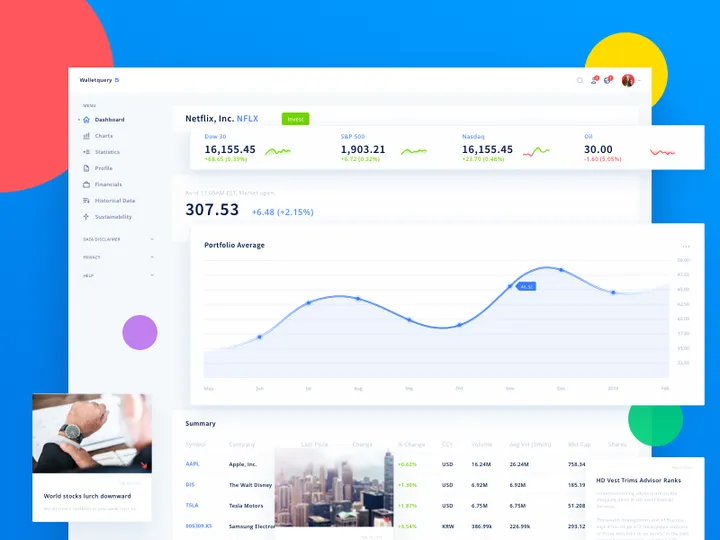


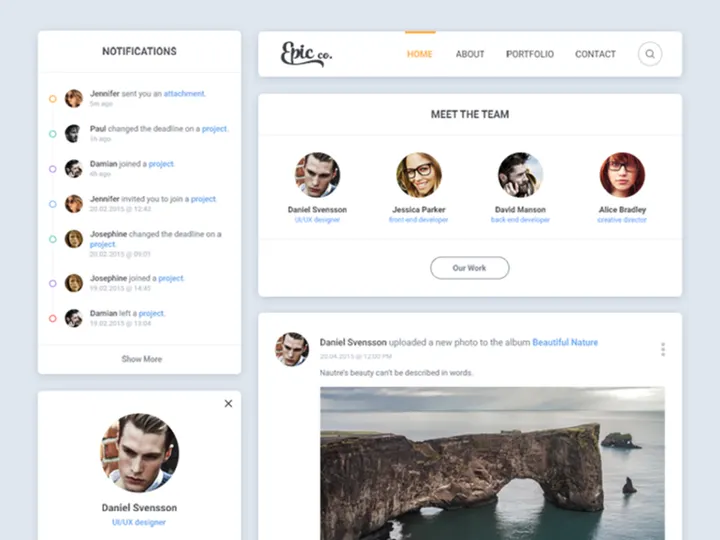
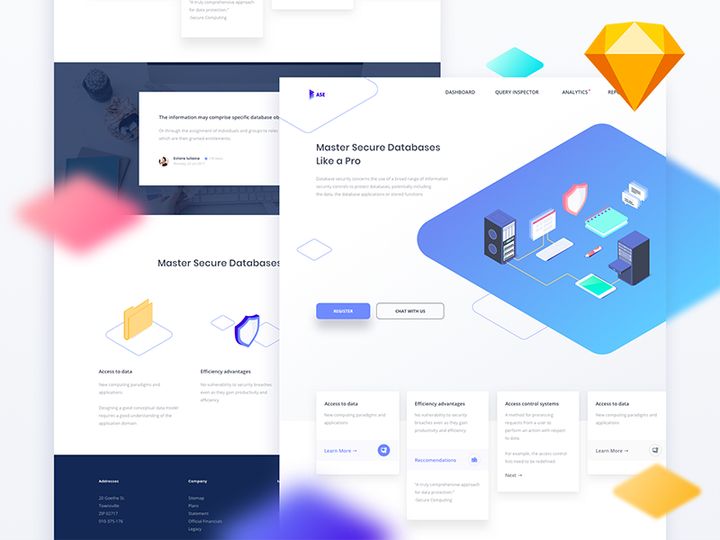

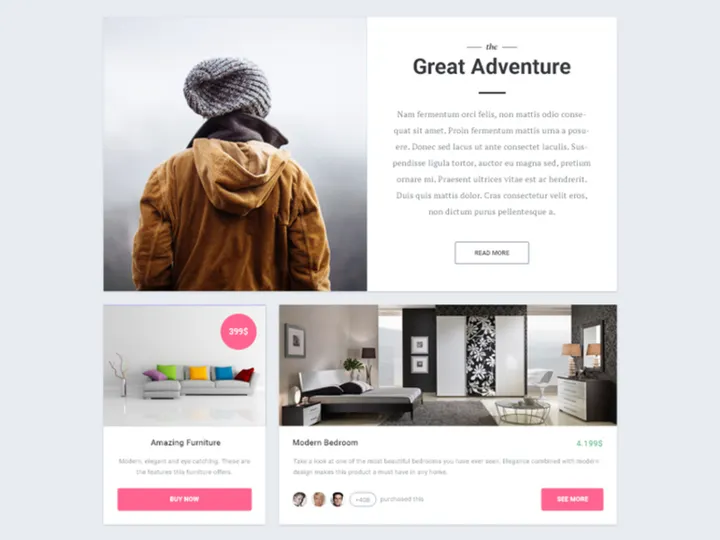

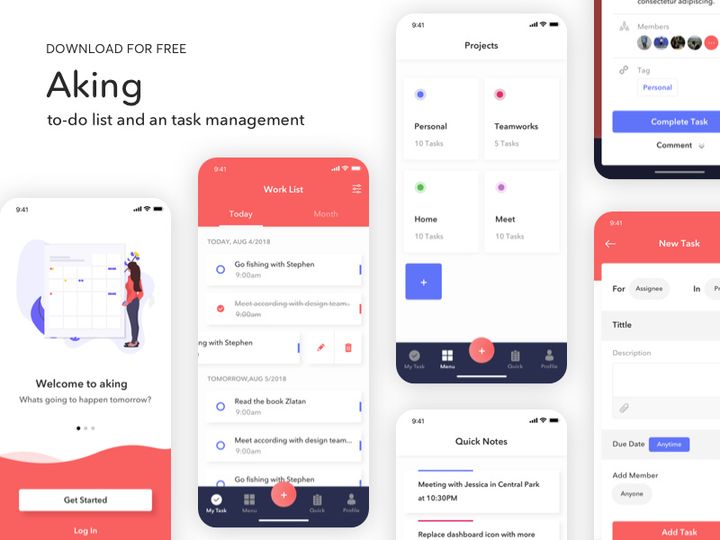
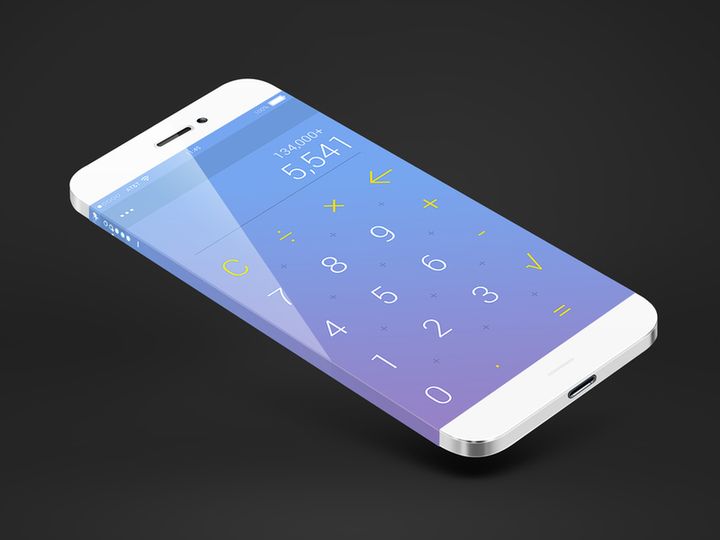
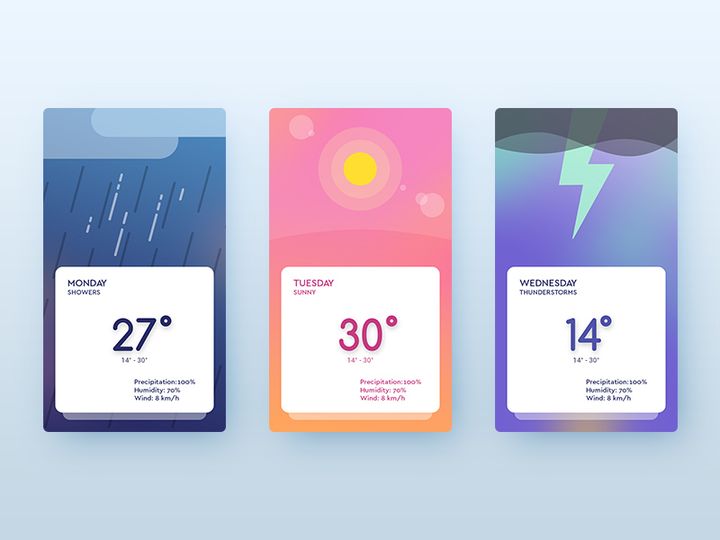
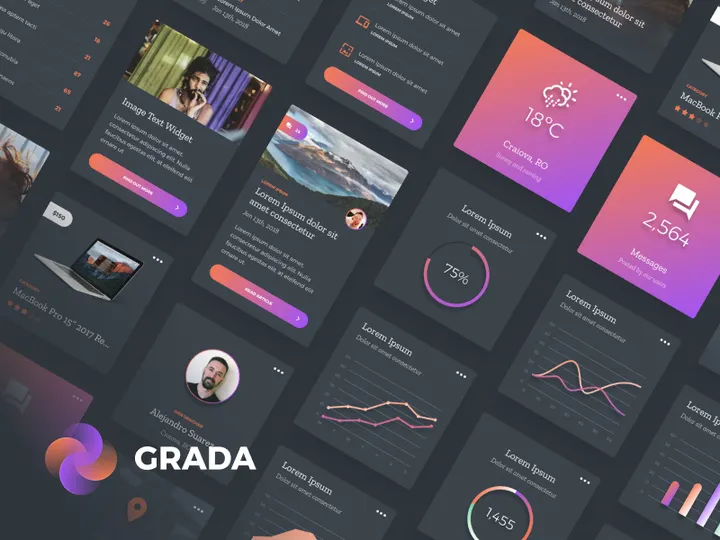
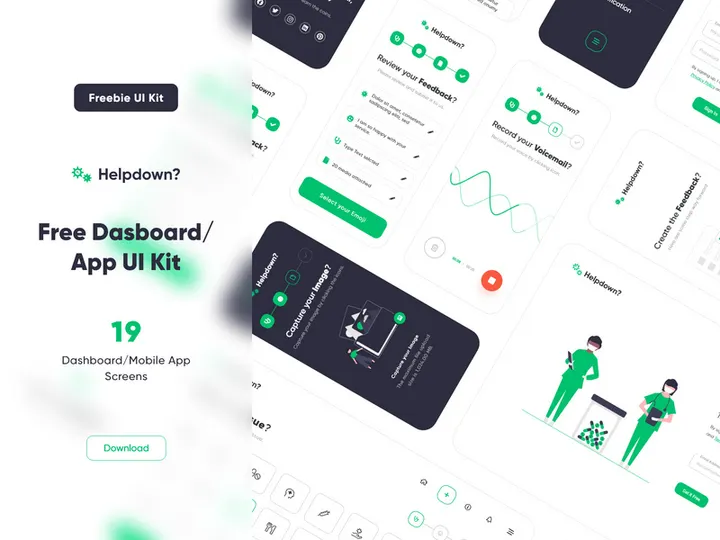
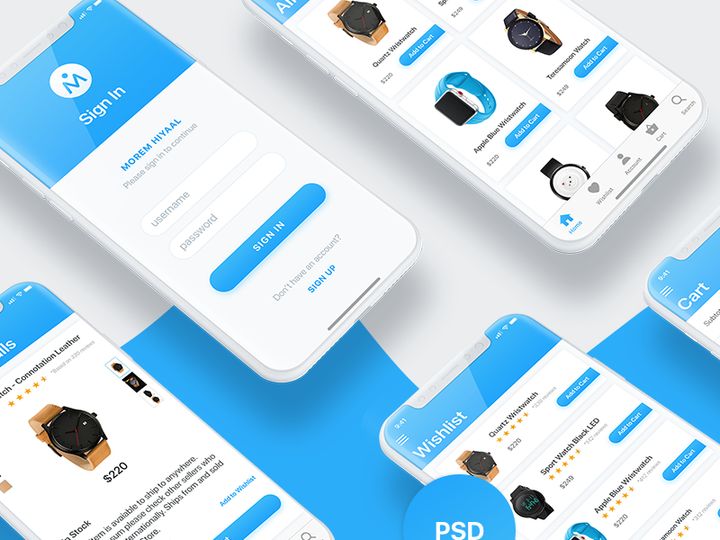
Try Our Free Resources
Download any of these for free - no account required
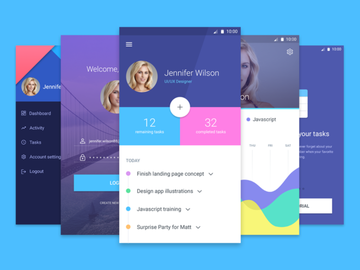
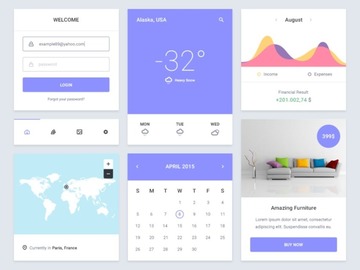
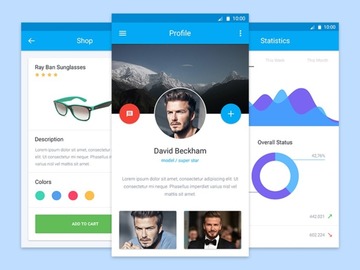
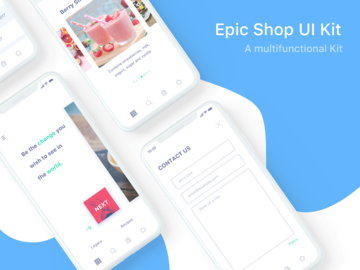
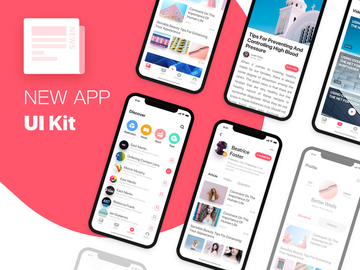
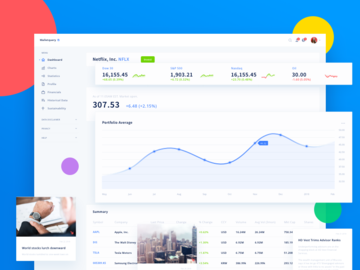
Browse UI Kits
At EpicPxls, we’ve curated one of the most extensive and thoughtfully organized collections of UI kits available online—boasting over 4383+ high-quality design resources for professionals and creatives alike. Whether you're designing a mobile app, crafting a responsive website, or building a SaaS dashboard, our UI kits directory offers a diverse range of ready-to-use components that accelerate your workflow and elevate your design outcomes. Each resource is meticulously reviewed to ensure consistency, usability, and visual appeal, making it easier for designers to find exactly what they need without compromising on quality.
Our UI kits are created by a global community of experienced designers, UI/UX specialists, and digital artists who follow modern design principles and industry standards. Every submission undergoes a strict quality assurance process before being added to the platform, ensuring pixel-perfect accuracy, layered file organization, and compatibility with leading design tools. This commitment to excellence means that every kit you download from EpicPxls supports efficient prototyping, clean handoffs, and scalable design systems.
The collection of 4383+ resources is continuously updated through both community contributions and editorial curation. We monitor design trends, user feedback, and usage patterns to spotlight relevant, innovative, and practical kits. From minimalist wireframes to fully interactive Figma prototypes, the directory is structured to help you discover, preview, and integrate UI kits seamlessly into your projects. With powerful filters, clear categorization, and detailed previews, EpicPxls makes browsing not just efficient, but inspiring.
What's Trending in UI Kits
Popular Styles in 2026
In 2026, UI design continues to embrace clarity, accessibility, and emotional engagement. Glassmorphism remains a dominant visual style, characterized by translucent layers, soft blur effects, and subtle depth—ideal for modern dashboards and mobile interfaces. Neumorphism has evolved into a more accessible form, using restrained shadows and highlights to create tactile, soft-ui experiences without compromising contrast. Meanwhile, bold typography and kinetic micro-interactions are being integrated directly into UI kits, allowing designers to prototype dynamic behaviors from the start.
Another standout trend is the rise of dark mode-first kits, which prioritize low-light readability and energy efficiency—especially important for apps targeting nighttime users or OLED devices. Designers are also favoring modular, component-based systems that support design tokens and dynamic variants, making UI kits more adaptable across platforms and screen sizes. At EpicPxls, we ensure our trending kits reflect these advancements, so you’re always equipped with resources that align with current best practices.
Most Downloaded Categories
User behavior on EpicPxls reveals that dashboard UI kits, mobile app templates, and admin panels are consistently the most downloaded categories. Designers working on SaaS products, fintech platforms, and enterprise software rely heavily on these comprehensive kits to streamline their design process. E-commerce UI kits are also in high demand, particularly those featuring product grids, checkout flows, and personalized recommendation modules.
Additionally, onboarding screens and landing page templates continue to be top picks, especially among startups and product teams launching MVPs. These kits often include pre-designed user flows, CTAs, and form elements that reduce design iteration time. With 4383+ resources in our library, it's clear that practicality and speed-to-market are driving designers’ choices.
Emerging Themes
New directions in UI kit design are being shaped by inclusivity, sustainability, and AI integration. Accessibility-focused kits that include high-contrast modes, screen reader cues, and scalable layouts are gaining momentum, reflecting the industry’s push for equitable digital experiences. Eco-themed UIs—featuring nature-inspired color palettes, organic shapes, and sustainability metrics—are being adopted by green tech and wellness apps.
Perhaps the most transformative trend is the incorporation of AI-driven components, such as smart input fields, predictive navigation, and adaptive color themes. These intelligent UI elements are starting to appear in advanced Figma and Webflow-compatible kits, enabling designers to prototype AI-powered features without coding. As these themes mature, EpicPxls remains at the forefront, curating and promoting forward-thinking design tools that empower the next generation of digital experiences.
How to Download UI Kits
- Browse the collection: Start by navigating to the UI Kits category on EpicPxls. Use filters to narrow results by file format, license type, complexity, or design style to find kits that match your project needs.
- Preview the resource: Click on any UI kit to view a detailed page with high-resolution screenshots, feature highlights, and a downloadable file list. Many kits include live Figma or Sketch previews so you can inspect layers and components before downloading.
- Choose your download option: Decide whether you need the free version or a premium upgrade. Free kits often include core components, while premium versions offer extended pages, dark mode variants, and interactive prototypes.
- Sign in or create an account: To download any resource—free or paid—you’ll need a free EpicPxls account. This helps us track licensing compliance and deliver updates when available.
- Download and integrate: After confirming your download, the files will be delivered instantly in a compressed .zip folder. Extract the contents and import them into your preferred design tool—Figma, Sketch, Adobe XD, or Photoshop—and begin customizing.
Our streamlined process ensures that accessing 4383+ design resources is fast, secure, and hassle-free. Whether you're grabbing a single button set or a full-scale design system, EpicPxls supports a seamless transition from download to implementation.
UI Kits Category Breakdown
By File Format
One of the strengths of the EpicPxls UI kits collection is its broad support for multiple design file formats. Figma is the most popular, thanks to its real-time collaboration, robust component libraries, and cloud-based accessibility—ideal for remote teams. PSD (Photoshop) files remain valuable for pixel-perfect mockups and detailed image editing, especially in branding and marketing projects.
Sketch is favored by macOS users for its intuitive interface and plugin ecosystem, making it a solid choice for app and icon design. Adobe Illustrator (AI) files are essential when vector scalability is required, such as in logo integration or print-ready UI elements. For web developers and frontend designers, SVG and PNG assets offer lightweight, resolution-independent graphics perfect for icons, buttons, and illustrations. Each format serves a unique purpose, and our directory clearly labels compatibility so you can choose the right one for your workflow.
By License Type
Understanding licensing is crucial when using UI kits in professional settings. On EpicPxls, every resource is tagged with its license type to ensure transparency. Personal use licenses allow you to experiment, learn, and create non-commercial projects—perfect for portfolios, student work, or hobby designs. These kits cannot be used in client work or revenue-generating applications.
Commercial licenses, on the other hand, grant full rights to use the UI kit in client projects, SaaS products, mobile apps, and websites that earn revenue. Most premium kits include commercial use by default, while some free kits may require an upgrade for business applications. Always review the license details on the download page to avoid legal issues down the line. EpicPxls makes it easy to filter by license type, so you can confidently select resources that fit your project’s scope.
By Complexity
Our UI kits vary in scope and depth to serve designers at every level. Simple assets include individual components like button sets, form fields, or icon packs—ideal for filling gaps in an existing design system or adding polish to prototypes. These lightweight kits are fast to download and easy to customize.
Complete UI kits offer comprehensive solutions with dozens of screens, style guides, typography systems, color palettes, and interactive components. These are perfect for launching new products, redesigning apps, or establishing brand-consistent interfaces from scratch. Many full kits also include design documentation, responsive breakpoints, and accessibility notes. Whether you need a quick visual boost or a full design foundation, the 4383+ resources on EpicPxls cater to every level of complexity and ambition.
Making the Most of UI Kits
Organizing Your Library
To maximize efficiency, treat your downloaded UI kits like a design system library. Create a dedicated folder structure on your computer—categorized by project, format, or use case—and maintain consistent naming conventions. Within your design tool, use page tabs or component sections to isolate imported kits from your working files. This prevents clutter and makes it easier to reuse elements across projects. Consider using tools like Figma’s team libraries or Sketch’s shared symbols to centralize commonly used components from your EpicPxls downloads.
Customization Tips
Never use a UI kit as-is—always tailor it to your brand and user needs. Start by adjusting the color palette to match your brand guidelines, then refine typography to ensure readability and hierarchy. Replace placeholder images with real content early in the process to avoid layout surprises. Break apart grouped elements to understand how components are constructed, and reassemble them with your own logic. Use auto-layout features in Figma or constraints in Sketch to make components responsive. Most importantly, test your customized screens with real users to validate usability and flow.
Common Mistakes to Avoid
- Over-reliance on templates: Using a UI kit without adapting it can result in generic, uninspired designs that don’t solve specific user problems.
- Ignoring accessibility: Many kits assume ideal conditions—failing to account for color contrast, screen reader compatibility, or keyboard navigation.
- Poor file management: Downloading multiple versions without naming them clearly leads to confusion and wasted time.
- Skipping license checks: Using a personal-use kit in a commercial project can lead to legal risks and reputational damage.
- Not updating components: Design systems evolve—failing to update imported kits can cause inconsistencies in long-term projects.
By being mindful of these pitfalls and leveraging the 4383+ resources available on EpicPxls strategically, you can turn ready-made design assets into powerful, original solutions that stand out in today’s competitive digital landscape.
Why Download from EpicPxls?
Commercial License
Use in personal and commercial projects
No Account Required
Download free resources instantly
Quality Curated
Every resource is reviewed for quality
Preview Files
See Figma and Photoshop files before downloading
Who Uses These Ui Kits?
Professionals and teams who benefit most from our collection
UI/UX Designers
Speed up your workflow with ready-to-use ui kits for design tools. Perfect for prototyping and client presentations.
Developers
Get production-ready assets without design skills. Export in any format for web and mobile apps.
Startups & Agencies
Save design budget with affordable premium ui kits. Commercial license included for client work.
Marketing Teams
Create professional campaigns faster. All ui kits are optimized for social media and ads.
UI Kits FAQCommon questions about these resources
Simple, Transparent Pricing
Get unlimited access to all premium resources
Yearly
- 20 downloads per month
- All file formats
- Commercial license
Lifetime
- Unlimited downloads forever
- All file formats
- Commercial license
Ready to Get Started?
Access 4,442+ free design resources today.
Browse Free ResourcesView Premium PlansEarn 85% and
more on all sales
Upload your products and put them up
for sale at whatever price you want.


