Templates for Logos: 2285+ Resources
EpicPxls offers 200+ curated templates, all with a commercial license and editable source files (Figma, Sketch, PSD). Purpose-built templates for logo projects save time and ensure professional results with design elements tailored to logo requirements.
Last updated February 12, 2026
Discover 2285+ templates ideal for logo design projects.
Trusted by designers at leading companies
Top Templates
Handpicked resources from our curated collection
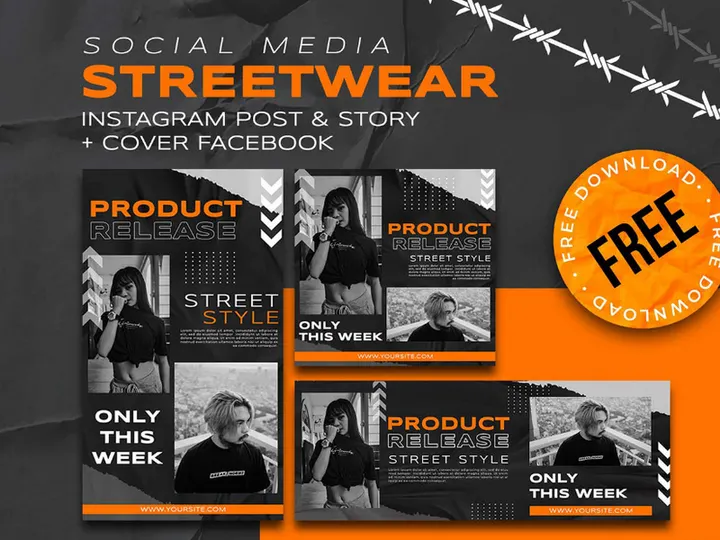
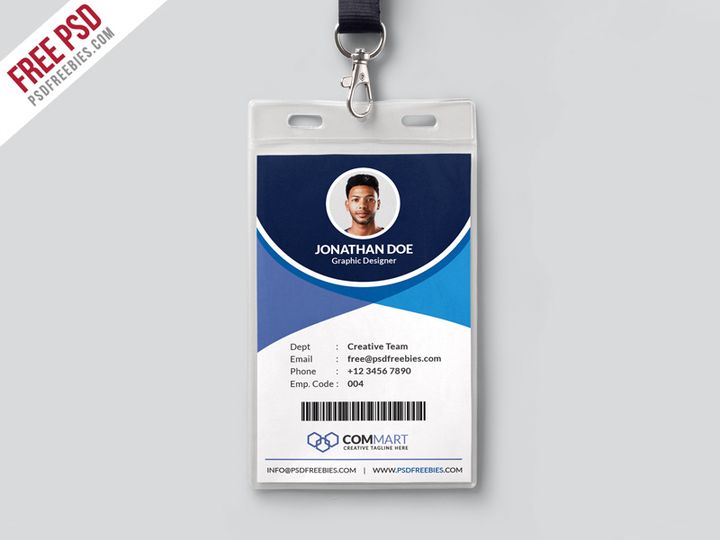


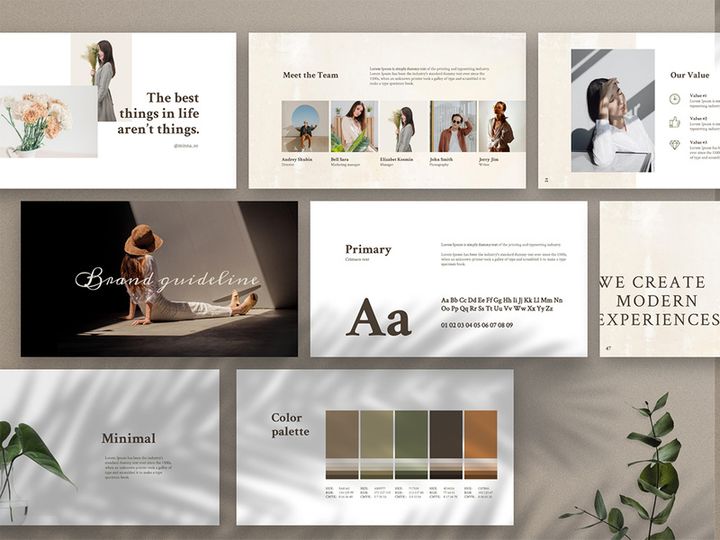
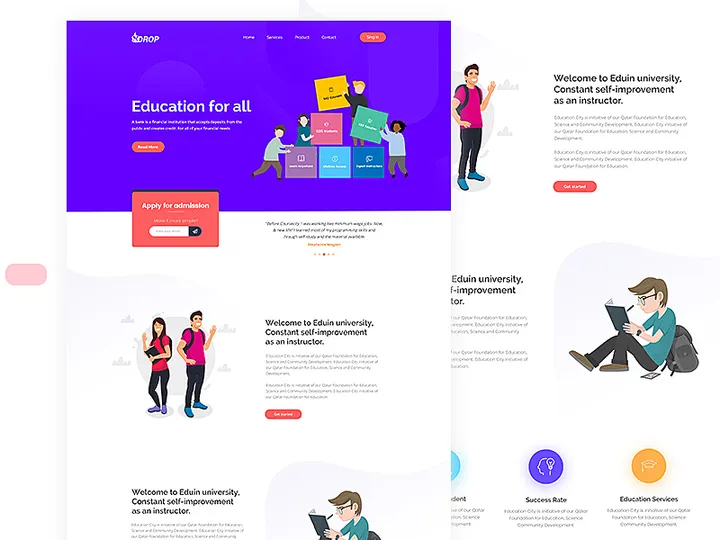


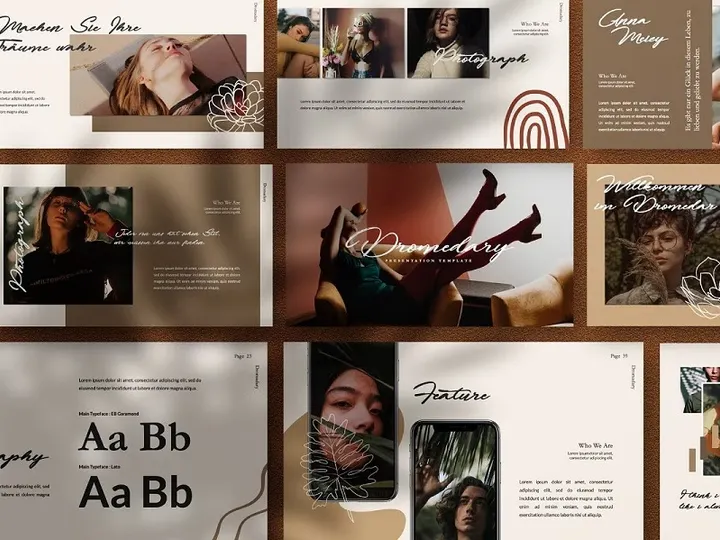
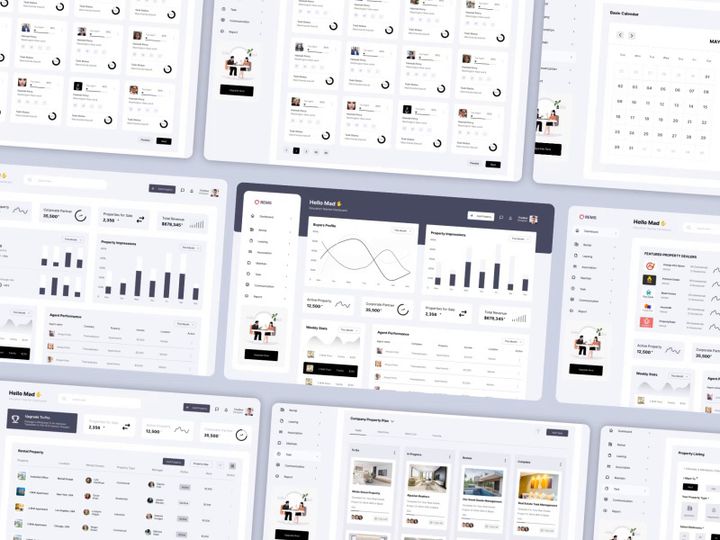

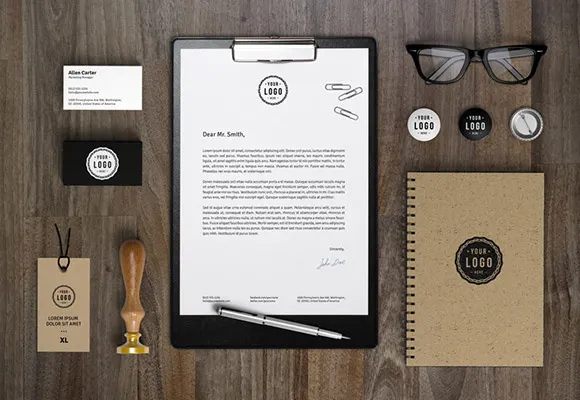

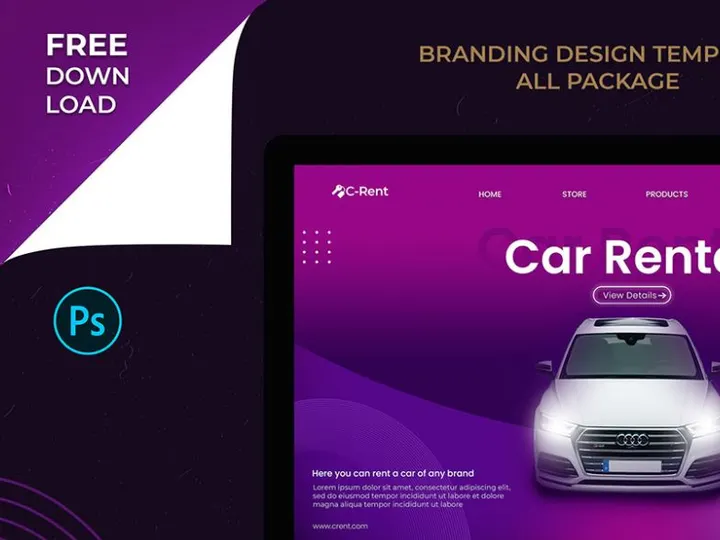


Try Our Free Resources
Download any of these for free - no account required
Why Templates for Logo Projects?
Creating a compelling logo from scratch demands not only creativity but also a significant investment of time and technical precision. For professional designers and branding agencies, meeting tight deadlines while delivering high-quality, client-ready logos is a constant challenge. This is where templates for logo design projects become invaluable. Pre-made logo templates streamline the creative process by providing a structured foundation, enabling designers to focus on customization and brand alignment rather than starting every project from a blank canvas.
Logo design typically involves multiple components: typography, symbols, layout balance, scalability, and color theory. Clients often require a range of deliverables—primary and secondary logos, social media variants, monochrome versions, and mockups for business cards or signage. Templates address these common requirements by offering pre-formatted, professionally designed frameworks that are both flexible and production-ready. Whether it’s a minimalist wordmark, an intricate emblem, or a playful badge, having access to a broad library of logo templates ensures that designers can find a starting point suited to nearly any brand identity.
At EpicPxls, we understand the demands of modern logo design. That’s why our curated collection features 2285+ logo-ready resources meticulously selected for versatility, quality, and relevance. Each template is crafted with real-world use cases in mind, ensuring compatibility with major design software and scalability across print and digital platforms. From vector-based layouts to layered PSD files with smart objects, our resources empower designers to work faster without compromising on originality. With EpicPxls, the balance between efficiency and creativity is not just possible—it’s effortless.
What Logo Designers Need
Essential Templates Types
The success of any logo project hinges on using the right type of template for the brand’s identity and industry. Designers typically rely on several core categories of logo templates to meet diverse client needs. Wordmark templates are ideal for brands with distinctive names, emphasizing typography and font styling to create a strong visual identity. Lettermark or monogram templates are perfect for companies with acronyms or long names, using initials in stylized formats. Emblem templates work well for institutions, schools, and luxury brands, combining text and graphics within a badge-like structure.
For more modern or creative brands, abstract symbol templates and pictorial mark templates offer ready-made graphic elements that can be customized to reflect brand values. Badge and seal templates are popular in food, beverage, and craft industries, adding a vintage or artisanal feel. Additionally, combination mark templates—which integrate both text and imagery—are among the most widely used due to their versatility. With 2285+ resources available at EpicPxls, designers have immediate access to all these types and more, ensuring they’re equipped for any project.
Format Requirements
Professional logo design demands file formats that support scalability, editing flexibility, and broad compatibility. Vector formats like AI (Adobe Illustrator), EPS, and SVG are essential, as they allow infinite scaling without quality loss—critical for everything from app icons to billboards. PSD (Photoshop) files are valuable when working with layered compositions, smart objects, and effects such as shadows or textures. These are especially useful during client presentations and mockup creation.
PDF files offer a balance between vector integrity and universal accessibility, making them ideal for sharing proofs and final deliverables. For web-focused projects, PNG with transparent backgrounds ensures clean integration across websites and digital platforms. EpicPxls ensures that every logo template in its collection is available in the most practical formats, often including multiple versions to suit different stages of the design process. This format diversity empowers designers to work efficiently across tools and deliver high-fidelity results.
Quality Standards
Not all templates are created equal. A logo-ready template should meet rigorous quality benchmarks to ensure professional output. First, **clean vector paths** and **well-organized layers** are non-negotiable—messy anchor points or cluttered layers slow down editing and compromise precision. Second, templates should be **fully editable**, with customizable colors, fonts, and shapes, allowing seamless adaptation to brand guidelines.
High-resolution previews and **accurate color modes** (CMYK for print, RGB for digital) are also critical. Professional templates often include **mockup scenes** or **branding context**, helping designers visualize the logo in real-world applications. Finally, attention to typographic detail—such as kerning, alignment, and font licensing—ensures that the final logo appears polished and credible. By curating only high-standard assets, EpicPxls guarantees that every one of its 2285+ logo templates meets these exacting criteria, giving designers confidence in every download.
Logo Design Project Walkthrough
- Define the Brand Requirements: Begin by gathering information about the client’s industry, target audience, values, and preferred style (e.g., modern, vintage, playful). This step guides your template selection and ensures alignment with brand identity.
- Select a Suitable Template: Browse the EpicPxls library of 2285+ logo resources to find a template that matches the brand’s aesthetic. Use filters such as style, industry, and template type to narrow options efficiently.
- Customize the Design: Open the template in your preferred software (e.g., Adobe Illustrator). Replace placeholder text with the brand name, adjust colors to match the brand palette, and modify symbols or layout elements to enhance uniqueness. Use vector editing tools to refine shapes and spacing.
- Incorporate Multiple Templates: For added creativity, combine elements from different templates. For example, use a wordmark layout from one resource and integrate a symbol from another. Ensure visual harmony by maintaining consistent stroke weights, alignment, and color gradients.
- Prepare Variants and Deliverables: Create alternate versions such as horizontal, vertical, icon-only, and monochrome logos. Export each in required formats (AI, EPS, PNG, SVG) and include a style guide with color codes and usage rules.
- Present and Refine: Use built-in mockups from EpicPxls templates to showcase the logo on business cards, websites, or packaging. Gather client feedback and make iterative adjustments using the template’s editable layers, ensuring a smooth approval process.
This structured workflow—supported by high-quality, ready-to-use templates—enables designers to move from concept to completion with remarkable speed and precision. By leveraging pre-designed frameworks, even complex branding projects become manageable within tight timelines.
Logo Design Workflow Tips
Speed Up Your Process
Time is one of the most valuable resources in design, and pre-made templates are among the most effective tools for accelerating your workflow. Instead of redrawing shapes or experimenting with layout grids, start with a professionally designed template from EpicPxls that already incorporates balanced composition and typographic harmony. This allows you to jump straight into customization, reducing initial ideation time by up to 60%. Use keyboard shortcuts, batch processing, and layer naming conventions to maintain momentum. Additionally, save your modified templates as reusable master files for similar future projects—this builds an internal library that compounds efficiency over time.
Maintain Consistency
One of the biggest challenges in logo design is ensuring visual consistency across multiple formats and applications. Templates help by providing a unified structure that can be replicated across variants. When customizing a template, lock down core elements—such as icon proportions, font sizes, and color values—before branching into alternate versions. This ensures that all iterations remain unmistakably part of the same brand family. Use global color swatches and linked assets in your design software to update colors or fonts across all layers simultaneously. With 2285+ resources designed with consistency in mind, EpicPxls makes it easier than ever to deliver cohesive branding packages.
Client Presentation
How you present a logo is just as important as the design itself. Clients respond best to polished, context-rich presentations that show the logo in action. Many EpicPxls templates include built-in mockups—such as stationery, apparel, or digital interfaces—that you can customize with the client’s logo. These visuals help clients envision the brand in real-world scenarios, boosting confidence in your work. Organize your presentation with clear sections: primary logo, secondary versions, color variations, and usage examples. Deliver the final package as a well-structured PDF or interactive presentation, reinforcing your professionalism and attention to detail.
Logo Design Inspiration
Staying inspired is crucial in a field where trends evolve rapidly and client expectations are high. Today’s logo design landscape favors minimalism, bold typography, and adaptive identities. Brands increasingly seek logos that are not only scalable but also flexible across platforms—able to shift between full-color, monochrome, and icon-only formats seamlessly. Geometric shapes, negative space cleverness, and custom lettering remain strong trends, especially in tech, wellness, and lifestyle industries. Hand-drawn and textured elements are also gaining popularity for brands aiming to convey authenticity and craftsmanship.
Top designers approach logo projects as strategic branding exercises, not just aesthetic tasks. They begin with deep research into the client’s mission and audience, then iterate through sketches and digital drafts before settling on a final concept. Even when using templates, they treat them as springboards rather than final products—customizing every element to achieve uniqueness. This blend of efficiency and artistry is where tools like EpicPxls shine, offering resources that respect creative freedom while reducing technical overhead.
To elevate your logo work, explore curated collections, follow industry leaders, and experiment with combining styles—such as blending vintage badges with modern sans-serif fonts. With access to 2285+ high-quality templates, designers can study diverse approaches, reverse-engineer effective compositions, and expand their creative vocabulary. Whether you're refining your personal style or tackling a demanding client brief, the right inspiration—paired with the right resources—can transform your logo design practice.
Why Download from EpicPxls?
Commercial License
Use in personal and commercial projects
No Account Required
Download free resources instantly
Quality Curated
Every resource is reviewed for quality
Preview Files
See Figma and Photoshop files before downloading
Who Uses These Templates?
Professionals and teams who benefit most from our collection
UI/UX Designers
Speed up your workflow with ready-to-use templates for design tools. Perfect for prototyping and client presentations.
Developers
Get production-ready assets without design skills. Export in any format for web and mobile apps.
Startups & Agencies
Save design budget with affordable premium templates. Commercial license included for client work.
Marketing Teams
Create professional campaigns faster. All templates are optimized for social media and ads.
Templates FAQCommon questions about these resources
Simple, Transparent Pricing
Get unlimited access to all premium resources
Yearly
- 20 downloads per month
- All file formats
- Commercial license
Lifetime
- Unlimited downloads forever
- All file formats
- Commercial license
Ready to Get Started?
Access 4,442+ free design resources today.
Browse Free ResourcesView Premium PlansEarn 85% and
more on all sales
Upload your products and put them up
for sale at whatever price you want.


