Illustrations: 8374+ Design Resources
EpicPxls offers 200+ curated illustrations, all with a commercial license and editable source files (Figma, Sketch, PSD). We have 200+ illustrations available, with new additions added regularly by our community of designers.
Last updated February 12, 2026
Discover 8374+ handpicked illustrations from top designers.
Trusted by designers at leading companies
Top Illustrations
Handpicked resources from our curated collection


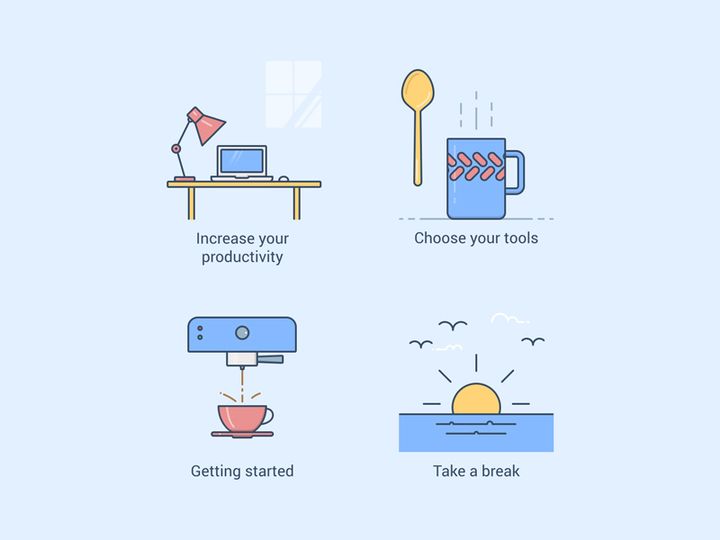
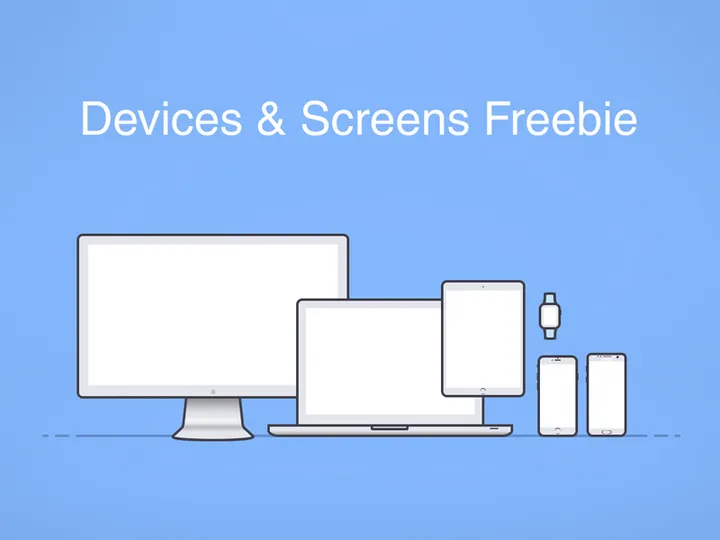

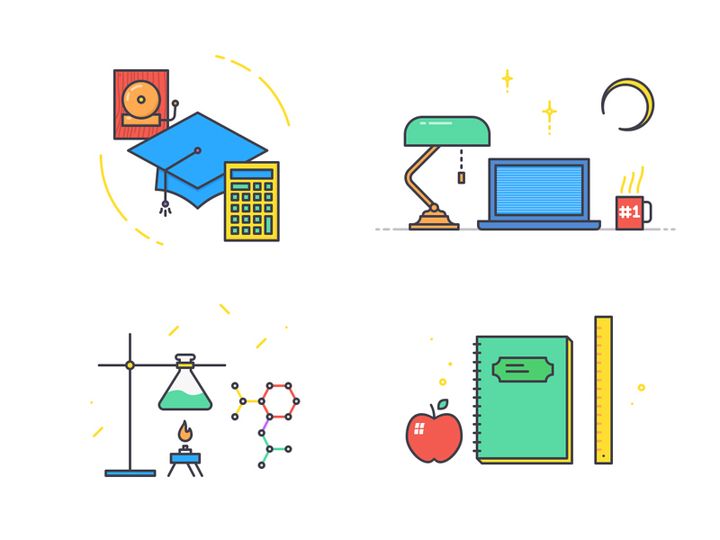


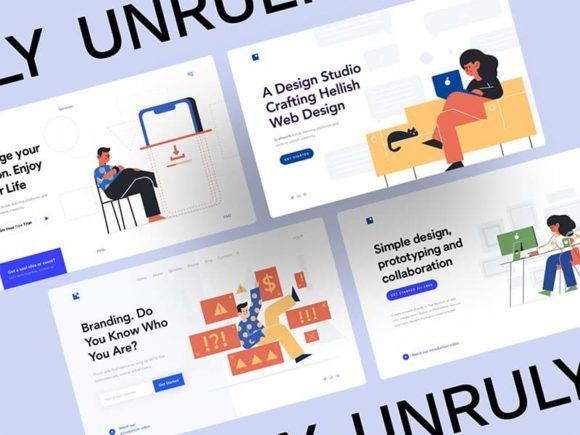
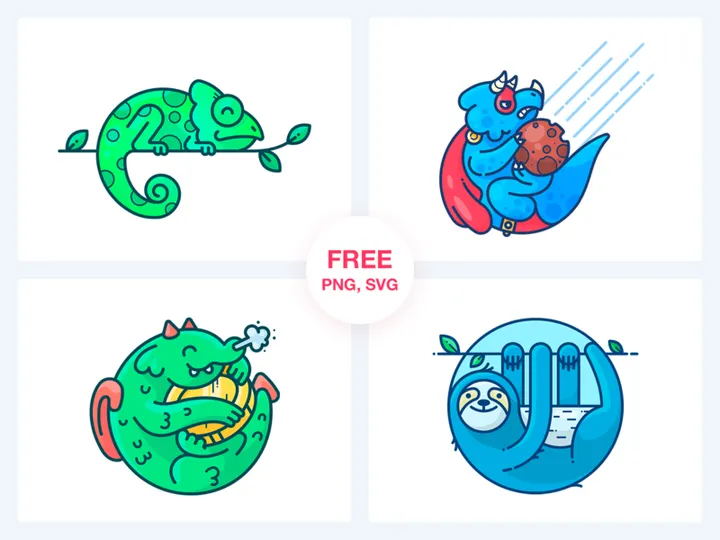
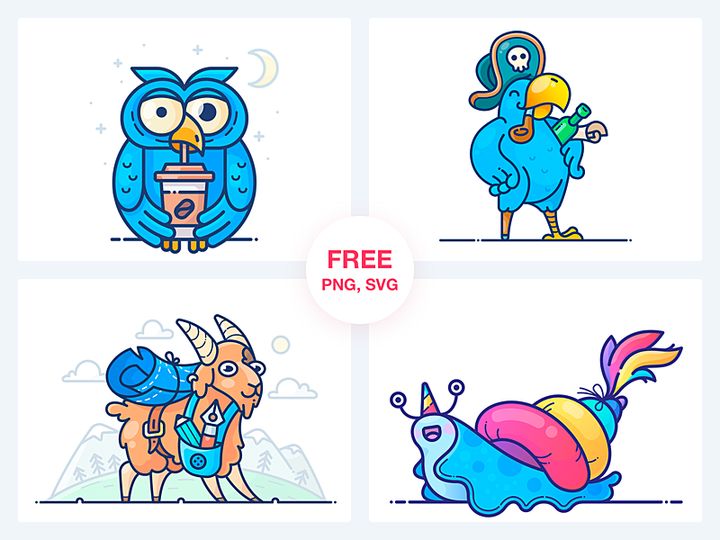

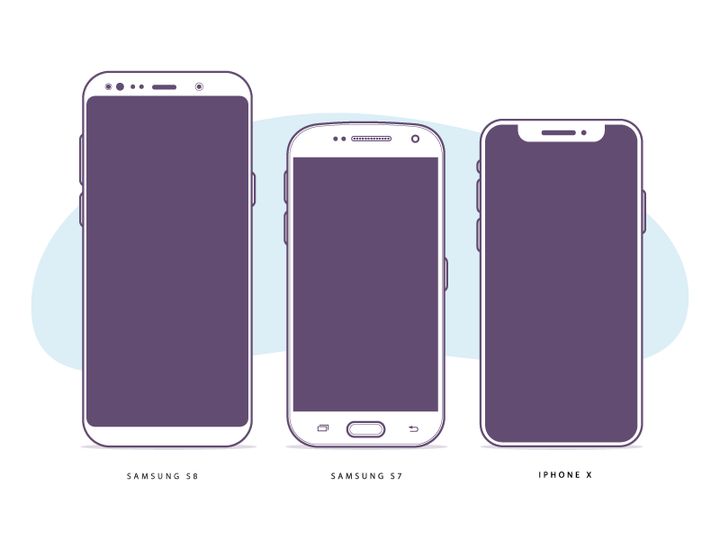

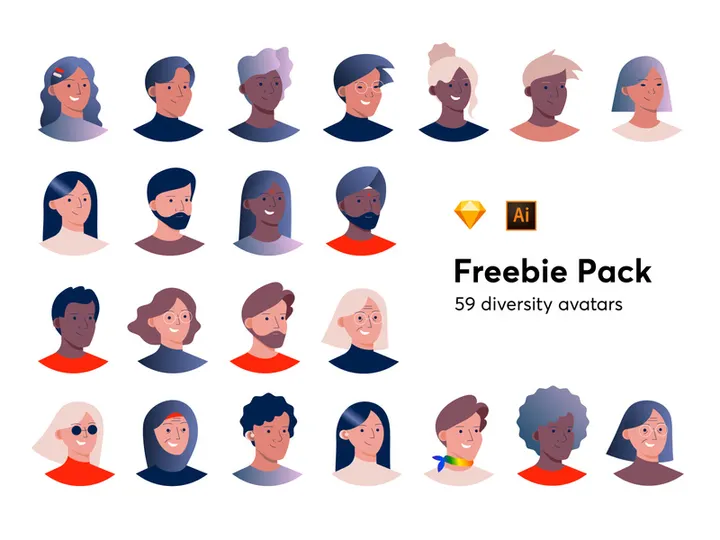


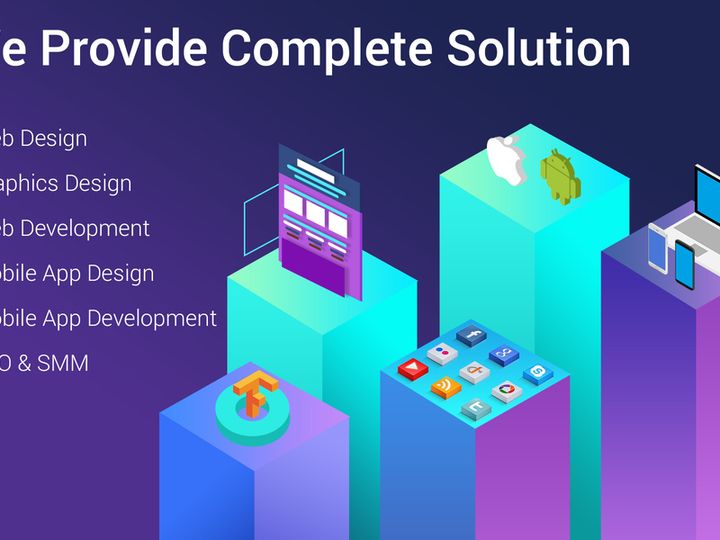
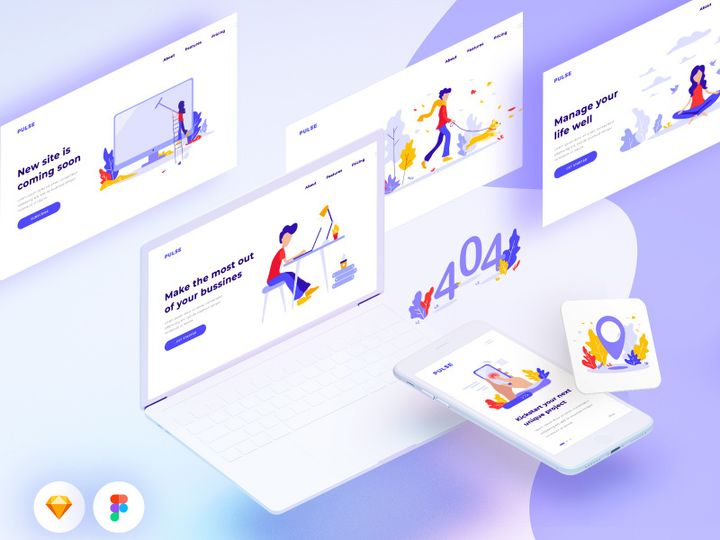
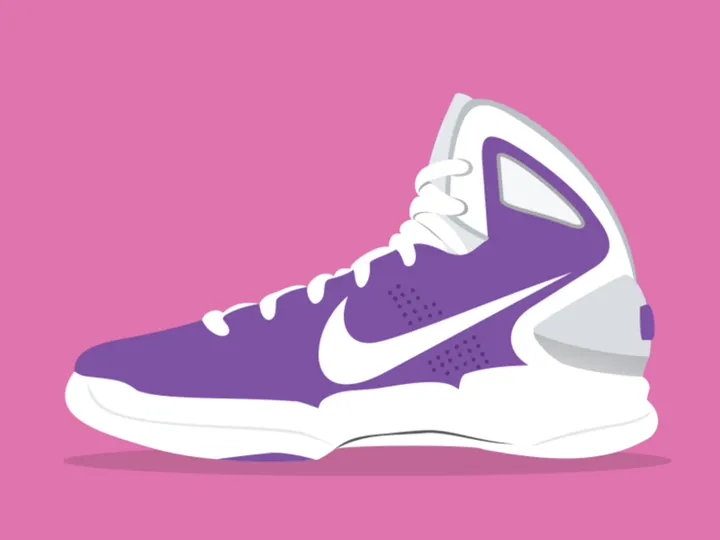
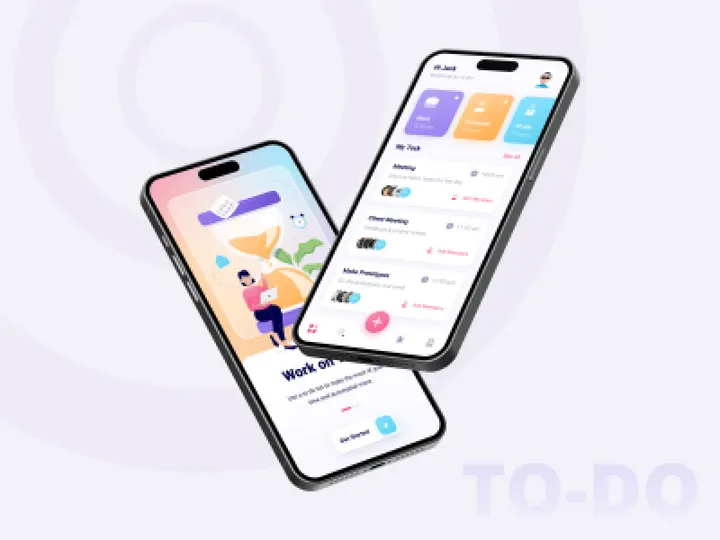
Try Our Free Resources
Download any of these for free - no account required



Browse Illustrations
Discover a vast and visually captivating collection of illustrations at EpicPxls, where creativity meets functionality. With over 8374+ handcrafted design resources, our illustrations library is thoughtfully assembled to serve designers, developers, marketers, and creative professionals across industries. Whether you're building a brand identity, designing a website, or crafting engaging social media content, these illustrations add character, clarity, and emotional appeal to any project. Each piece in the collection is created by a global network of skilled digital artists, illustrators, and design experts who adhere to rigorous quality benchmarks. From clean line art to vibrant digital paintings, the resources reflect a diversity of styles, techniques, and cultural influences.
At EpicPxls, we prioritize both aesthetic excellence and technical precision. Every illustration undergoes a thorough review process to ensure high resolution, scalability, and compatibility with major design tools. Our curation team continuously updates the collection, integrating user feedback and emerging design trends to keep the library fresh and relevant. The 8374+ illustrations available are categorized, tagged, and optimized for fast searching, allowing users to quickly find assets that match their vision. Whether you're looking for character illustrations, abstract shapes, or thematic scene compositions, the breadth and depth of the collection make EpicPxls a go-to destination for premium design assets.
With new illustrations added regularly, the library grows in both quantity and quality, ensuring that users always have access to the latest creative tools. Whether you're a seasoned designer or just beginning your creative journey, the illustrations on EpicPxls empower you to tell stories, enhance user experiences, and elevate your design projects with professional-grade visuals.
What's Trending in Illustrations
Popular Styles in 2026
As we move through 2026, illustration styles are evolving to reflect a blend of nostalgia, digital innovation, and human-centric design. One of the most prominent trends is the resurgence of soft, hand-drawn aesthetics with textured brushes and organic linework, offering warmth in digital interfaces. Isometric illustrations continue to gain traction, especially in tech and SaaS platforms, where complex ideas are communicated through 3D-like clarity. Meanwhile, surreal and dreamlike compositions are being embraced by brands aiming to stand out with bold, imaginative visuals. Another rising favorite is the "neo-brutalism" style—characterized by exaggerated proportions, high-contrast colors, and playful imperfections that challenge minimalist norms. These styles are not only visually engaging but also help brands express authenticity and creative confidence.
Most Downloaded Categories
User behavior on EpicPxls reveals clear preferences in illustration types. Among the most downloaded categories are UI/UX scene illustrations, particularly those depicting people interacting with technology in relatable, everyday scenarios. These are widely used in onboarding flows, dashboards, and mobile apps. Character sets and avatar kits are also in high demand, enabling designers to build inclusive, customizable user experiences. Additionally, nature-themed illustrations—featuring plants, animals, and outdoor environments—are frequently used in wellness, education, and lifestyle brands. Icons and decorative elements with illustrative flair round out the top downloads, serving as versatile accents in both web and print design. The popularity of these categories reflects a growing need for illustrations that are both functional and emotionally resonant.
Emerging Themes
New thematic directions are shaping the future of illustration design. Accessibility and diversity are now central to many new releases, with illustrations featuring a broader range of ages, ethnicities, abilities, and gender expressions. Eco-conscious themes are also on the rise, as climate awareness influences visual storytelling in corporate and nonprofit sectors. Another emerging trend is "digital surrealism," where abstract forms and impossible spaces are used to represent complex concepts like AI, data flow, or emotional well-being. Futuristic cityscapes, augmented reality interfaces, and speculative human-machine interactions are increasingly common, catering to tech-forward brands. At EpicPxls, these themes are actively integrated into the 8374+ resources, ensuring designers have tools that align with contemporary values and forward-thinking design goals.
How to Download Illustrations
- Visit the Illustrations Category: Navigate to the Illustrations section on EpicPxls, where you’ll find the full collection of 8374+ resources organized by style, theme, and format.
- Browse and Preview: Use filters to narrow down your search by file type, license, or complexity. Click on any illustration to view a high-resolution preview, zoom in on details, and read metadata including dimensions, layers, and compatibility.
- Choose Your License: Decide whether you need the illustration for personal use or commercial projects. Each resource clearly indicates its licensing terms, helping you make informed choices.
- Download Your File: Click the download button. Free resources are available instantly with registration. Premium illustrations require a subscription or one-time purchase, depending on the plan you choose.
- Start Designing: Once downloaded, unzip the file and import it into your preferred design software—Figma, Adobe Illustrator, Sketch, or others—and begin customizing it for your project.
The process is designed to be intuitive and efficient, whether you're downloading a single icon or a full illustration kit. Free users gain access to a rotating selection of high-quality assets, while premium members unlock the entire library, including exclusive content and early releases. With fast download speeds and reliable file integrity, EpicPxls ensures that getting the right illustration is as seamless as using it.
Illustrations Category Breakdown
By File Format
The illustrations on EpicPxls are delivered in a variety of file formats to meet diverse design needs. Figma files are ideal for UI/UX designers, offering fully layered, collaborative canvases that integrate smoothly into modern design workflows. PSD (Photoshop) files are perfect for photo-based illustrations and detailed compositing, supporting layers, masks, and effects. AI (Adobe Illustrator) files are vector-based, making them scalable to any size without quality loss—essential for print, logos, and branding materials. Sketch files cater to macOS-based designers, especially those working on app and web interfaces with built-in symbol libraries. SVG files are lightweight and resolution-independent, ideal for web developers embedding illustrations directly into HTML or CSS. Finally, PNG files provide high-resolution raster images with transparent backgrounds, suitable for immediate use in websites, presentations, and social media. Each format is carefully prepared to maintain editability and visual fidelity.
By License Type
Understanding licensing is crucial when using illustrations in professional projects. On EpicPxls, all resources are clearly labeled as either personal or commercial use. Personal use illustrations are free to download and use in non-profit projects, student work, or private experimentation. These are perfect for learning, portfolio building, or hobbyist designs. Commercial use illustrations, on the other hand, are licensed for use in client work, marketing campaigns, product designs, and any project that generates revenue. Premium subscriptions grant users commercial rights across the entire library, including the right to modify and redistribute assets within end products. Importantly, all licenses prohibit resale of illustrations as standalone assets or in competitive marketplaces. This ensures creators are respected while giving designers the flexibility they need to innovate.
By Complexity
The 8374+ illustrations on EpicPxls range from simple, single-element assets to comprehensive design kits. Simple assets include individual icons, decorative motifs, or standalone characters—ideal for quick enhancements or minor visual accents. These are often used to spruce up buttons, headers, or infographics. Intermediate illustrations may feature layered scenes, multiple characters, or themed sets that work well in landing pages or app interfaces. At the higher end, complete kits offer fully cohesive illustration systems—such as seasonal series, character families, or narrative storyboards—that provide consistency across large-scale projects. These kits often include alternate poses, expressions, and background variations, enabling dynamic storytelling. Whether you need a fast fix or a full visual ecosystem, the categorization by complexity ensures you can find the right level of detail and effort for your needs.
Making the Most of Illustrations
Organizing Your Library
To maximize efficiency, it’s essential to maintain a well-organized illustration library. After downloading from EpicPxls, create a structured folder system on your computer—categorize by project, theme, format, or client. Use consistent naming conventions (e.g., “Illustration_CharacterSet_Blue_v2.ai”) to make files easy to locate. For teams, consider using cloud storage with shared access and version control. Design tools like Figma and Sketch also support component libraries, allowing you to store frequently used illustrations as reusable assets. Regularly audit your collection to remove outdated or unused files, ensuring your library remains lean and purposeful.
Customization Tips
One of the greatest advantages of the illustrations on EpicPxls is their adaptability. To make them truly your own, start by adjusting colors to align with your brand palette—vector files make this simple with global color swatches. Modify compositions by rearranging layers, adding shadows, or integrating custom textures. For character illustrations, swap accessories or facial expressions to better match your narrative. Don’t hesitate to combine multiple illustrations to create unique scenes. Always preserve original files as backups before editing, and use non-destructive techniques like adjustment layers and smart objects. These small tweaks can transform a generic asset into a bespoke design element that feels authentic and original.
Common Mistakes to Avoid
- Ignoring licensing terms: Using a personal-use illustration in a commercial project can lead to legal issues. Always verify the license before deployment.
- Overloading designs: Too many illustrations can clutter a layout. Use visuals purposefully to support, not overwhelm, your content.
- Scaling raster images: Enlarging PNG files beyond their resolution causes pixelation. Opt for SVG or vector formats when scalability is needed.
- Skipping customization: Using illustrations straight from the download can make your design feel generic. Personalize them to enhance brand uniqueness.
- Poor file management: Disorganized downloads lead to wasted time and duplicated efforts. Invest in a clear system from the start.
By avoiding these common pitfalls, you’ll ensure that every illustration enhances both the aesthetics and effectiveness of your design. With over 8374+ resources available, EpicPxls gives you the tools to create with confidence, efficiency, and creative freedom. Whether you're sourcing assets for a single project or building a long-term design system, the illustrations collection is designed to grow with your ambitions.
Why Download from EpicPxls?
Commercial License
Use in personal and commercial projects
No Account Required
Download free resources instantly
Quality Curated
Every resource is reviewed for quality
Preview Files
See Figma and Photoshop files before downloading
Who Uses These Illustrations?
Professionals and teams who benefit most from our collection
UI/UX Designers
Speed up your workflow with ready-to-use illustrations for design tools. Perfect for prototyping and client presentations.
Developers
Get production-ready assets without design skills. Export in any format for web and mobile apps.
Startups & Agencies
Save design budget with affordable premium illustrations. Commercial license included for client work.
Marketing Teams
Create professional campaigns faster. All illustrations are optimized for social media and ads.
Illustrations FAQCommon questions about these resources
Simple, Transparent Pricing
Get unlimited access to all premium resources
Yearly
- 20 downloads per month
- All file formats
- Commercial license
Lifetime
- Unlimited downloads forever
- All file formats
- Commercial license
Ready to Get Started?
Access 4,442+ free design resources today.
Browse Free ResourcesView Premium PlansEarn 85% and
more on all sales
Upload your products and put them up
for sale at whatever price you want.


