Mockups: 730+ Design Resources
EpicPxls offers 200+ curated mockups, all with a commercial license and editable source files (Figma, Sketch, PSD). We have 200+ mockups available, with new additions added regularly by our community of designers.
Last updated February 12, 2026
Discover 730+ handpicked mockups from top designers.
Trusted by designers at leading companies
Top Mockups
Handpicked resources from our curated collection


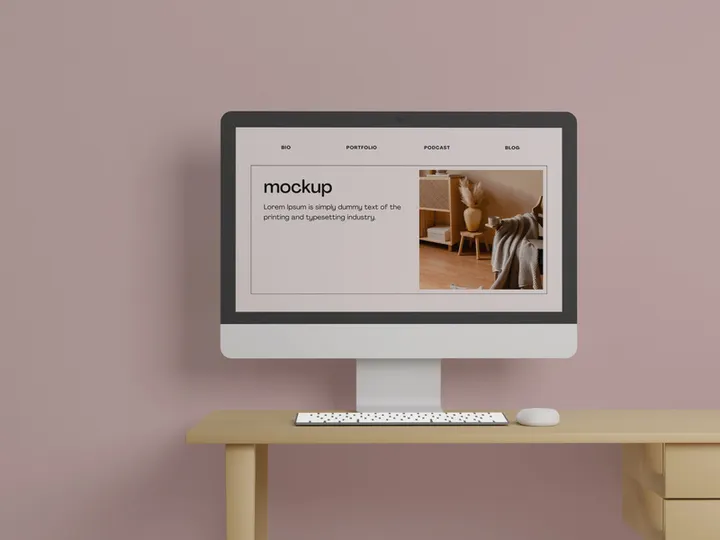
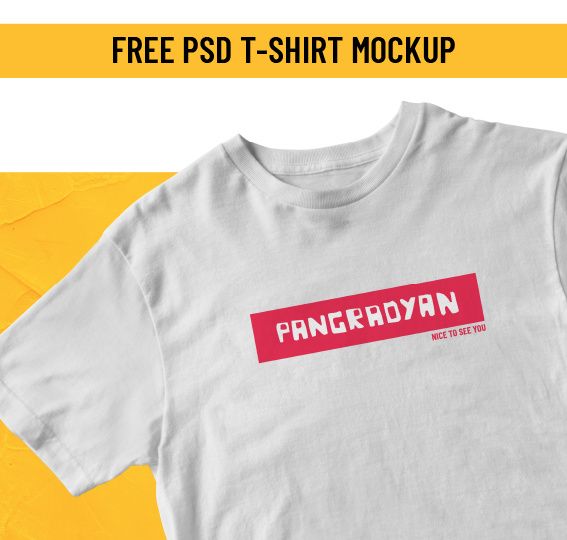
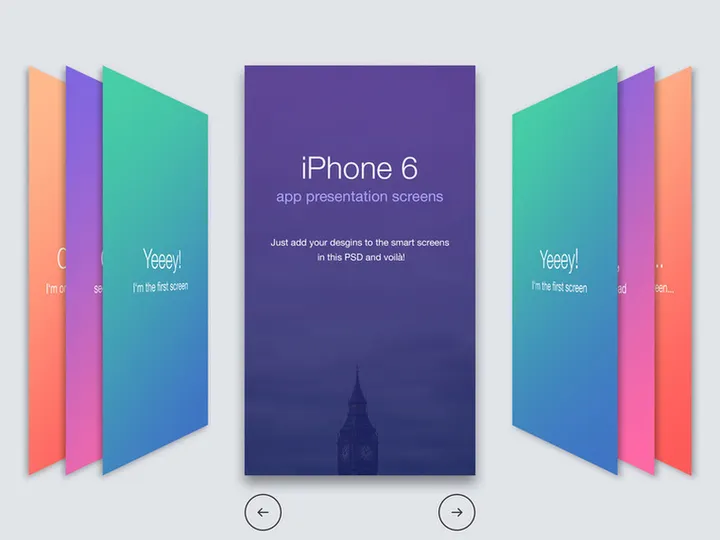
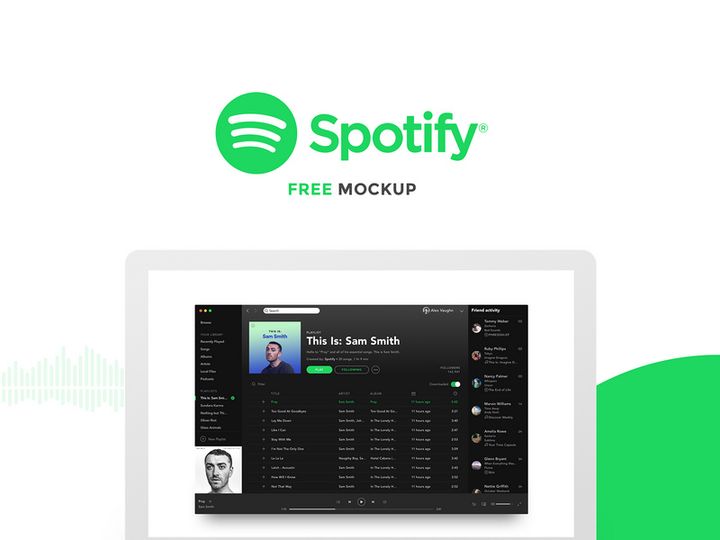


![Dualshock 4 [ FREE PSD] preview picture](https://imgproxy.epicpxls.com/q7ZSRzMhwBO8H4iIQr8alioQGSymid8y6Py9f1DLQjQ/rs:fill:720:540:0/g:no/aHR0cHM6Ly9pdGVt/cy5lcGljcHhscy5j/b20vdXBsb2Fkcy9w/aG90by9hYTAyOGIx/MWVlNzdhZGM0NWQx/NTYyOGE3MDU2OWI0/NS5wbmc.jpg)



Try Our Free Resources
Download any of these for free - no account required
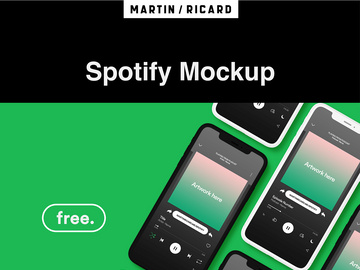
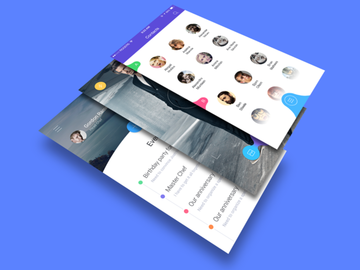
Browse Mockups
At EpicPxls, our mockups collection is a go-to destination for designers seeking high-quality, ready-to-use presentation assets. With over 730+ meticulously crafted resources, this directory brings together a diverse range of mockups tailored for branding, packaging, digital interfaces, print media, and more. Whether you're a seasoned graphic designer, a UX specialist, or a small business owner building your visual identity, our library offers something for every creative need.
All mockups featured on EpicPxls are created by experienced designers and design studios who adhere to strict quality standards. Each submission undergoes a thorough review to ensure clarity, realism, and usability. From accurate lighting and shadows to seamless smart-object integration, our team ensures that every file performs as expected in real-world projects. We prioritize resolution, layer organization, and compatibility to deliver resources that save time without compromising on professionalism.
The collection of 730+ mockups is carefully curated based on relevance, design innovation, and user demand. We continuously update the library with fresh content, seasonal themes, and emerging industry needs. Categories are thoughtfully organized to support intuitive browsing, whether you're searching by format, use case, or style. With new additions every month, EpicPxls remains a dynamic hub for designers who value both variety and quality in their workflow tools.
What's Trending in Mockups
Popular Styles in 2026
As design aesthetics evolve, so do the styles dominating the mockup landscape in 2026. Minimalist realism continues to lead, blending clean compositions with subtle textures and natural lighting for an authentic yet uncluttered look. Isometric and 3D-style mockups are gaining traction, especially for tech and app presentations, offering dynamic perspectives that stand out in portfolios and client pitches. Additionally, lifestyle-integrated mockups—featuring products in real-world environments like desks, cafes, or hands—are increasingly popular for their storytelling potential and emotional appeal.
Most Downloaded Categories
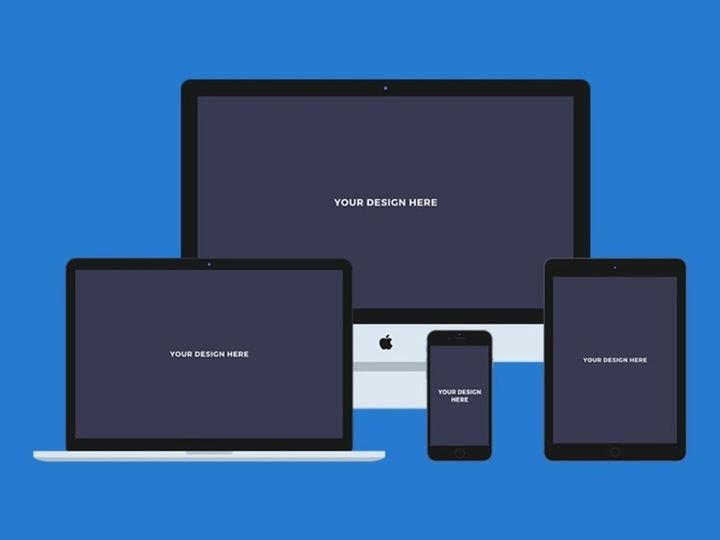
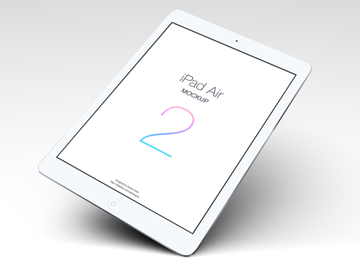
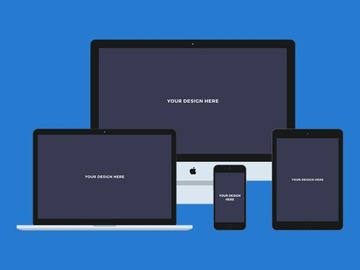
Among the 730+ resources available, certain categories consistently top the download charts. Device mockups—particularly smartphones, tablets, and laptops—are in high demand, reflecting the ongoing need to showcase digital designs. Apparel and merchandise mockups, such as t-shirts, tote bags, and caps, remain essential for branding and e-commerce projects. Packaging mockups, including boxes, bottles, and labels, are also widely used by product designers launching new goods. These categories highlight the practical applications designers seek when presenting concepts to clients or launching products online.
Emerging Themes
New directions in mockup design are shaping the future of visual presentation. Sustainability-themed mockups, featuring eco-friendly materials and natural settings, are rising in popularity as brands emphasize green values. Augmented reality (AR)-ready mockups, optimized for interactive previews, are beginning to appear, catering to immersive design experiences. Additionally, inclusive lifestyle scenes—diverse models, adaptive devices, and culturally representative environments—are becoming standard, reflecting a broader push for representation in design. These emerging themes ensure that the mockups available on EpicPxls stay aligned with both technological advances and societal shifts.
How to Download Mockups
- Navigate to the Mockups category on EpicPxls to begin browsing the 730+ design resources. Use filters to narrow results by format, license, or use case for faster discovery.
- Click on any mockup to open its detailed preview page. Here, you can view high-resolution images, zoom into textures, and read the description to understand layers, included scenes, and compatibility.
- Check the file details to confirm it meets your project needs—whether it's a Figma file for collaborative design or a PSD with smart objects for Photoshop editing.
- For free resources, click the Download Now button and follow the prompts. Some free files may require account registration to track usage and ensure proper licensing.
- Premium mockups offer enhanced features like multiple scene variations, extended licensing, and higher resolution. After purchase, files are instantly available for download and can be accessed anytime through your EpicPxls account dashboard.
Whether you're downloading a single asset or building a comprehensive kit, EpicPxls ensures a smooth, secure, and user-friendly experience. All downloads come with clear usage guidelines so you can apply mockups confidently in personal or commercial projects.
Mockups Category Breakdown
By File Format
The mockups on EpicPxls are available in a variety of file formats to suit different design workflows and software preferences. Figma mockups are ideal for collaborative UI/UX projects, offering real-time editing and easy sharing. PSD (Photoshop) files remain the most popular, especially for print and branding, thanks to smart object layers that allow for quick image replacement. AI (Adobe Illustrator) files are perfect for vector-based designs, enabling scalable edits without quality loss. Sketch files cater to Mac-based designers working on app and web interfaces. For simpler needs, SVG and PNG formats provide lightweight, resolution-independent graphics and transparent backgrounds, respectively. Understanding which format suits your project ensures maximum efficiency and quality in your final presentation.
By License Type
Each mockup on EpicPxls comes with a clearly defined license to help you use it appropriately. Personal use licenses allow you to apply the mockup in non-commercial projects, such as portfolios, school assignments, or personal branding. These are great for learning and experimentation. Commercial use licenses, on the other hand, permit the mockup to be used in client work, product launches, advertising campaigns, and revenue-generating projects. Many premium resources include extended commercial rights, allowing for unlimited usage across multiple clients and products. Always review the license details before downloading to ensure compliance and avoid legal issues down the line.
By Complexity
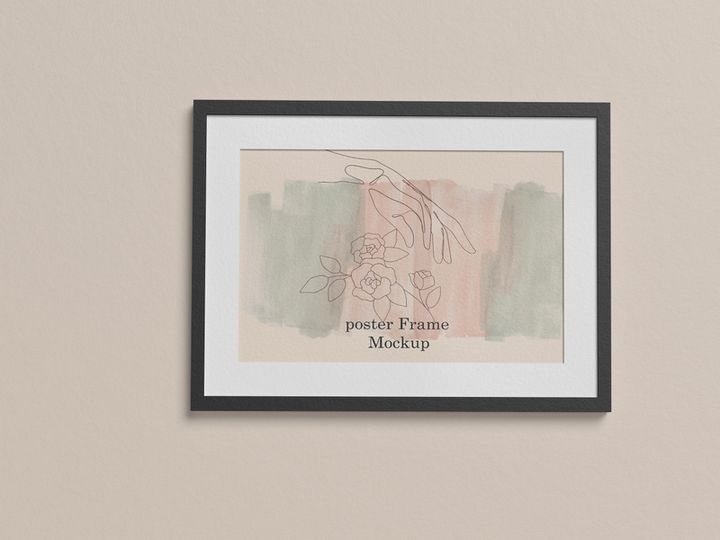
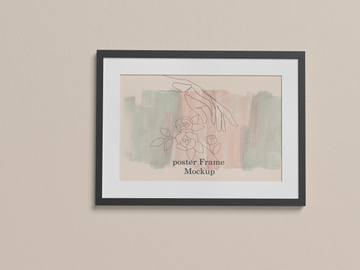
The 730+ resources in our mockups category range from simple, single-scene assets to comprehensive design kits. Simple assets include individual items like a phone mockup with one angle or a blank poster frame—perfect for quick presentations or minor touch-ups. These are often lightweight and easy to customize. On the other end, complete kits offer multiple scenes, color variations, layered effects, and even accompanying design elements like shadows, reflections, and background textures. These are ideal for agencies or freelancers preparing high-end presentations for clients. Whether you need a fast turnaround or a polished, multi-angle showcase, EpicPxls provides options at every complexity level to match your skill and project scope.
Making the Most of Mockups
Organizing Your Library
To maximize efficiency, maintain a well-organized library of downloaded mockups. Create folders by category (e.g., device mockups, packaging, apparel) and subdivide by format or project type. Use consistent naming conventions like “Smartphone_Mockup_Figma_V2” to make files easy to locate. Consider using design asset management tools or cloud storage with tagging features to streamline access across devices. A structured system saves time during deadlines and ensures you can quickly find the right mockup when inspiration strikes.
Customization Tips
Effective customization elevates a mockup from generic to professional. Start by matching your design to the lighting and perspective of the scene—adjust brightness, contrast, and shadows to blend seamlessly. Use layer masks and blending modes in Photoshop or Figma to integrate textures and depth. Replace smart objects accurately, ensuring your artwork conforms to the mockup’s surface curvature. For added realism, consider introducing subtle imperfections like light wear, fingerprints, or fabric folds, especially in lifestyle scenes. The goal is to make your design look naturally placed, not pasted.
Common Mistakes to Avoid
- Ignoring resolution: Using low-res images in high-definition mockups results in blurry outputs. Always match or exceed the recommended image size.
- Overlooking perspective: Placing flat designs on curved surfaces without warping distorts the final look. Use transform tools to align with the mockup’s geometry.
- Skipping license checks: Accidentally using a personal-use mockup in a commercial project can lead to legal issues. Always verify the license type before applying.
- Over-editing: Adding too many effects or filters can make your design look unnatural. Let the mockup’s built-in realism do the work.
- Using outdated styles: Relying on old-fashioned mockups with unrealistic shadows or flat angles can make your presentation feel dated. Stay current with trends available in the 730+ resources at EpicPxls.
By avoiding these common pitfalls and leveraging the full potential of high-quality mockups, you can create compelling, credible presentations that impress clients and elevate your design portfolio. With EpicPxls as your trusted resource hub, access to professional-grade tools has never been easier or more comprehensive.
Why Download from EpicPxls?
Commercial License
Use in personal and commercial projects
No Account Required
Download free resources instantly
Quality Curated
Every resource is reviewed for quality
Preview Files
See Figma and Photoshop files before downloading
Who Uses These Mockups?
Professionals and teams who benefit most from our collection
UI/UX Designers
Speed up your workflow with ready-to-use mockups for design tools. Perfect for prototyping and client presentations.
Developers
Get production-ready assets without design skills. Export in any format for web and mobile apps.
Startups & Agencies
Save design budget with affordable premium mockups. Commercial license included for client work.
Marketing Teams
Create professional campaigns faster. All mockups are optimized for social media and ads.
Mockups FAQCommon questions about these resources
Simple, Transparent Pricing
Get unlimited access to all premium resources
Yearly
- 20 downloads per month
- All file formats
- Commercial license
Lifetime
- Unlimited downloads forever
- All file formats
- Commercial license
Ready to Get Started?
Access 4,442+ free design resources today.
Browse Free ResourcesView Premium PlansEarn 85% and
more on all sales
Upload your products and put them up
for sale at whatever price you want.


