Templates for HTML: 443+ Resources
EpicPxls offers 200+ curated templates for HTML, all with a commercial license and editable source files (Figma, Sketch, PSD). We have 200+ templates compatible with HTML, tested and verified for seamless integration.
Last updated February 12, 2026
Discover 443+ handpicked templates for HTML.
Trusted by designers at leading companies
Top Templates for HTML
Handpicked resources from our curated collection

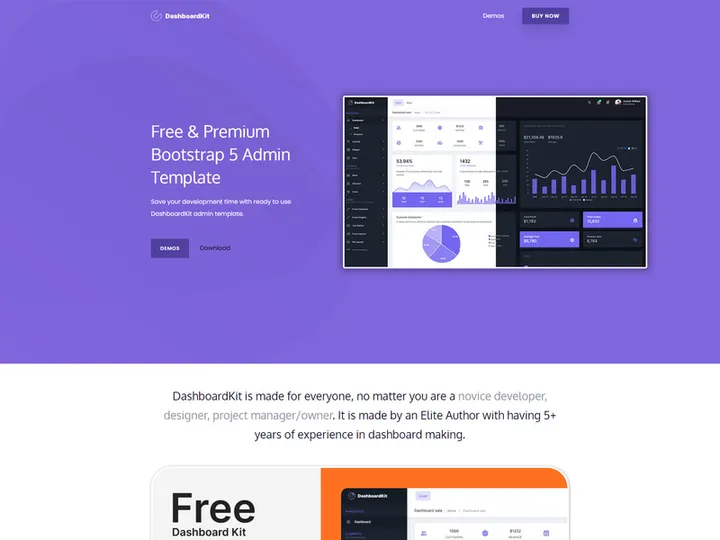
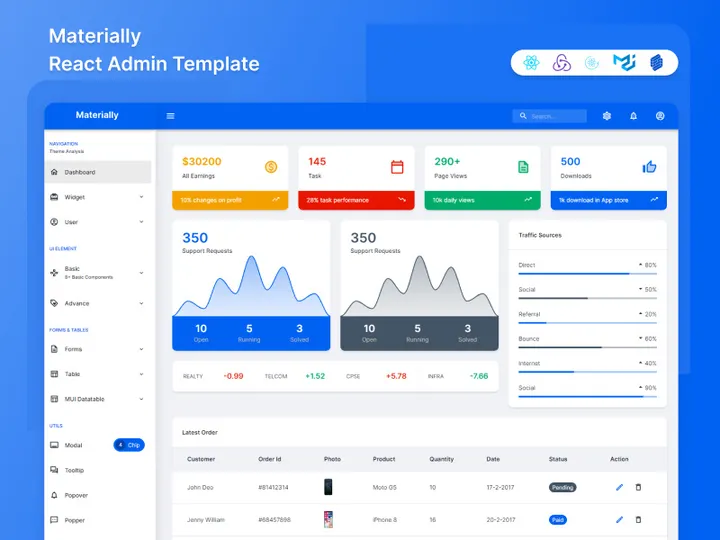
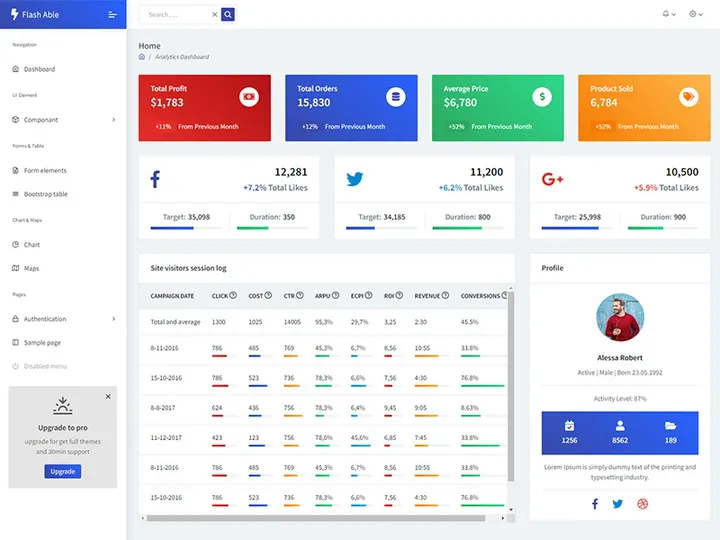

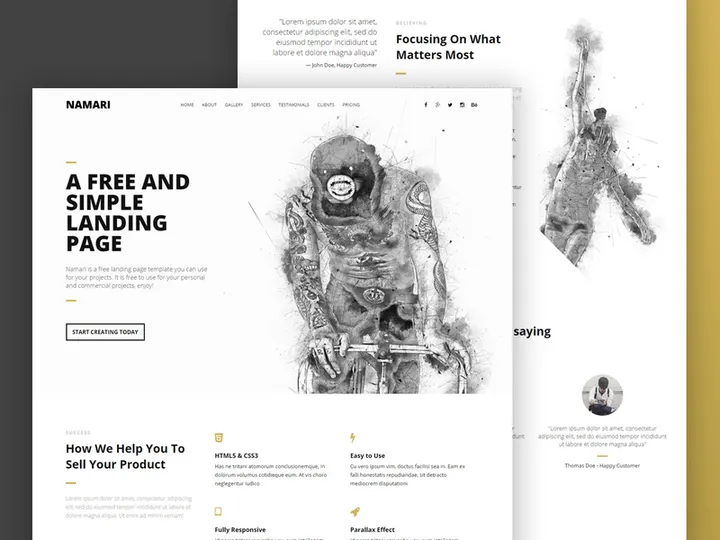




Try Our Free Resources
Download any of these for free - no account required
Why HTML for Templates?
HTML, or HyperText Markup Language, remains a foundational technology for building digital content and interactive experiences. When it comes to templates, HTML's flexibility, universal browser compatibility, and straightforward integration make it an ideal choice for designers, developers, and content creators. Its open standard nature ensures that templates built with HTML can be viewed across devices and platforms without proprietary software, making it a go-to format for scalable, accessible design systems.
One of the key features that makes HTML especially effective for templates is its structural clarity. With semantic tags like <header>, <section>, and <article>, developers can create well-organized, SEO-friendly templates that are easy to maintain and update. This structure also enhances accessibility, ensuring content is readable by screen readers and assistive technologies. Additionally, HTML seamlessly integrates with CSS and JavaScript, enabling dynamic styling and interactivity—perfect for responsive email templates, landing pages, admin dashboards, and more.
The modularity of HTML supports reusable components, allowing users to define template blocks that can be efficiently deployed across multiple projects. Whether you're iterating on marketing campaigns or building consistent UI frameworks, HTML’s template-friendly syntax reduces redundancy and accelerates development. At EpicPxls, we recognize the power of this ecosystem, which is why we’ve curated over 443+ resources tailored for HTML-based workflows. Our collection includes responsive layouts, form templates, wireframes, and full-page designs, all vetted for compatibility, clean code, and usability. With EpicPxls, users gain access to a growing library of high-quality HTML templates that streamline prototyping and production—no matter the project scope.
Top Templates Picks for HTML
With hundreds of templates available, choosing the right one can significantly impact your productivity and design quality. Whether you're just starting out or managing complex web projects, the right HTML template can save time and ensure consistency. Below are curated recommendations based on skill level and budget, all sourced from our extensive library of 443+ resources at EpicPxls.
Best for Beginners
If you're new to web development or template customization, simplicity and clarity are key. Look for templates that feature clean code, inline comments, and minimal dependencies. Many beginner-friendly options include pre-built sections like navigation bars, contact forms, and hero banners that can be easily modified with basic HTML and CSS knowledge. At EpicPxls, we highlight templates with intuitive folder structures and responsive grids, helping newcomers quickly produce professional-looking results without a steep learning curve.
Best for Professionals
Experienced developers benefit from advanced HTML templates that support modular architecture, CSS preprocessors, and JavaScript integration. Our professional-grade picks include admin dashboards, e-commerce layouts, and SPA (Single Page Application) skeletons with built-in routing patterns. These templates often follow modern design systems like Bootstrap or Tailwind CSS, ensuring pixel-perfect responsiveness and cross-browser performance. With detailed documentation and extensible components, they're ideal for agencies and teams managing large-scale digital products.
Best Free Options
High-quality doesn’t have to mean high cost. EpicPxls offers a robust selection of free HTML templates that don’t compromise on design or functionality. These include minimalist portfolios, landing page starters, and email templates compatible with major marketing platforms. Each free resource undergoes quality checks to ensure clean code, mobile responsiveness, and ease of customization. Whether you're building a personal site or testing a concept, these templates provide excellent value and serve as strong foundations for further development.
HTML vs Other Tools for Templates
When evaluating tools for template creation, HTML stands out due to its universal support and open standards. Unlike proprietary formats that require specific software or subscriptions, HTML templates can be opened, edited, and deployed using any text editor or browser. This level of accessibility makes HTML a preferred choice for long-term projects where future-proofing and portability are priorities.
Compared to visual design tools or WYSIWYG editors, HTML offers greater control over structure and performance. While those tools may speed up initial layout creation, they often generate bloated code or limit customization. HTML, by contrast, allows developers to optimize every element—from semantic markup to asset loading—resulting in faster, leaner templates. Moreover, HTML integrates naturally with modern workflows involving version control, CI/CD pipelines, and static site generators.
Another advantage is format compatibility. HTML templates can be easily converted into other formats like PDF or embedded into CMS platforms, email clients, and web applications. They also support dynamic data injection via templating engines such as Handlebars or Mustache. With 443+ resources available through EpicPxls, users can find templates optimized for various use cases—from static websites to hybrid publishing systems—ensuring seamless integration across environments. This interoperability, combined with strong community support and extensive documentation, reinforces HTML’s position as a top-tier solution for template design.
Setting Up Templates in HTML
Getting started with HTML templates is straightforward when you follow a structured approach. Whether you're launching a single project or managing a library of reusable components, these steps will help you import, organize, and deploy templates efficiently.
- Download Your Template: Begin by selecting a template from a trusted source like EpicPxls. Download the ZIP file containing HTML, CSS, JavaScript, and asset folders.
- Extract and Review Files: Unzip the package and open the main HTML file in a browser to preview the layout. Examine the folder structure to understand how assets are organized.
- Customize Core Elements: Open the HTML file in a code editor and update placeholders—such as site titles, images, and navigation links—to match your project’s content.
- Modify Styles: Edit the associated CSS file(s) to adjust colors, fonts, spacing, and responsiveness. For advanced templates, you may work with preprocessors like SASS or LESS.
- Test Responsiveness: Use browser developer tools to simulate different screen sizes. Ensure buttons, forms, and media elements adapt correctly across devices.
- Deploy or Integrate: Once finalized, upload the template to your hosting environment or integrate it into a CMS or framework. For reusable components, consider abstracting common sections into partials or includes.
When managing large collections, such as the 443+ resources available at EpicPxls, adopt a consistent naming convention and folder hierarchy. Group templates by category—e.g., “Landing Pages,” “Email Templates,” “Admin Panels”—and maintain a README file with usage notes. This approach streamlines retrieval and reuse, especially in team settings or ongoing projects.
HTML Workflow Tips
Maximizing the value of HTML templates requires more than just technical know-how—it also involves smart organizational strategies and efficient processes. Whether you're maintaining a personal toolkit or leading a collaborative effort, these best practices will enhance productivity and consistency across your projects.
Organizing Templates Libraries
A well-structured library saves time and reduces duplication. Create a central repository—local or cloud-based—where all HTML templates are stored. Use descriptive folder names (e.g., “v2-contact-form-responsive”) and include metadata files if needed. At EpicPxls, we recommend tagging templates by use case, framework, or industry to simplify searching. Regularly audit your collection to remove outdated versions and archive legacy designs, keeping your library lean and relevant.
Batch Operations
When working with multiple templates, leverage batch processing to speed up repetitive tasks. Tools like Gulp, Webpack, or simple shell scripts can automate updates across files—such as replacing outdated tracking codes, updating copyright years, or minifying assets. For teams using version control, commit changes with clear messages and use branches to test modifications before merging. This ensures consistency, especially when deploying across the 443+ resources in your toolkit.
Collaboration Best Practices
Shared projects require clear communication and standardized workflows. Establish coding conventions—such as indentation style, class naming (e.g., BEM), and comment structure—to maintain readability. Use shared design tokens or variables in CSS to ensure visual consistency. When collaborating, assign ownership of template modules and document changes centrally. Platforms like EpicPxls support team access and version tracking, enabling seamless handoffs between designers and developers. By aligning on processes early, teams can scale their template usage efficiently and reduce integration errors.
Why Download from EpicPxls?
Commercial License
Use in personal and commercial projects
No Account Required
Download free resources instantly
Quality Curated
Every resource is reviewed for quality
Preview Files
See Figma and Photoshop files before downloading
Who Uses These Templates?
Professionals and teams who benefit most from our collection
UI/UX Designers
Speed up your workflow with ready-to-use templates for HTML. Perfect for prototyping and client presentations.
Developers
Get production-ready assets without design skills. Export in any format for web and mobile apps.
Startups & Agencies
Save design budget with affordable premium templates. Commercial license included for client work.
Marketing Teams
Create professional campaigns faster. All templates are optimized for social media and ads.
Templates for HTML FAQCommon questions about these resources
Simple, Transparent Pricing
Get unlimited access to all premium resources
Yearly
- 20 downloads per month
- All file formats
- Commercial license
Lifetime
- Unlimited downloads forever
- All file formats
- Commercial license
Ready to Get Started?
Access 4,441+ free design resources today.
Browse Free ResourcesView Premium PlansEarn 85% and
more on all sales
Upload your products and put them up
for sale at whatever price you want.


