Apps for Photoshop: 91+ Resources
EpicPxls offers 99+ curated apps for Photoshop, all with a commercial license and editable source files (Figma, Sketch, PSD). We have 99+ apps compatible with Photoshop, tested and verified for seamless integration.
Last updated February 12, 2026
Discover 91+ handpicked apps for Photoshop.
Trusted by designers at leading companies
Top Apps for Photoshop
Handpicked resources from our curated collection
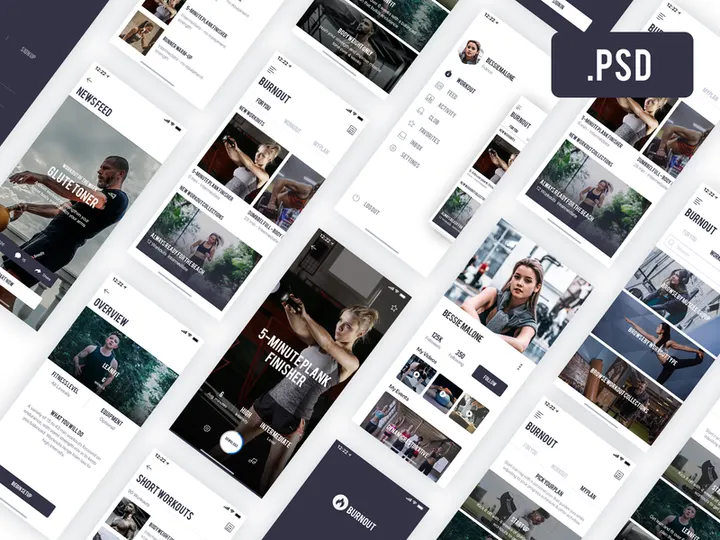
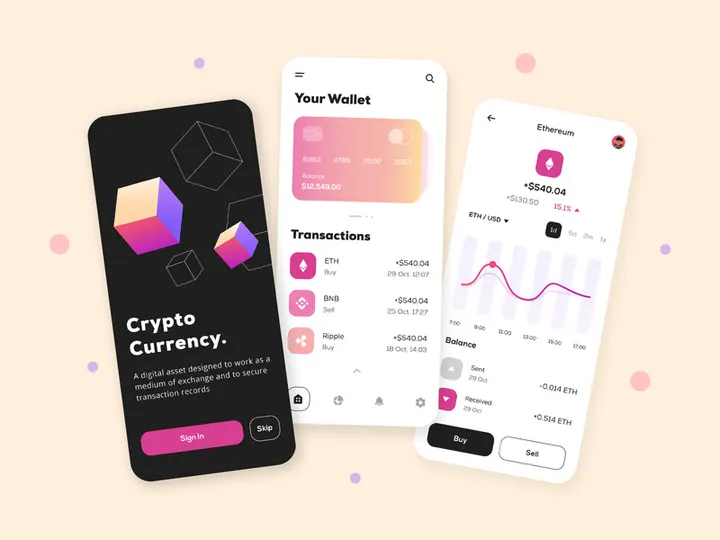
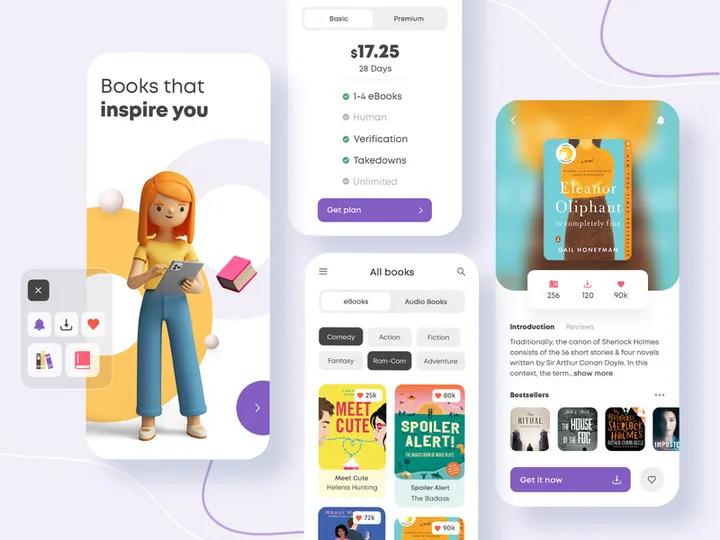
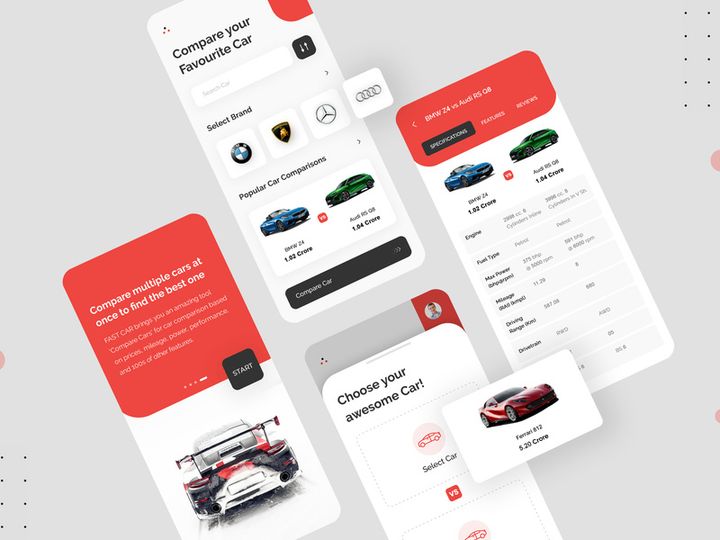
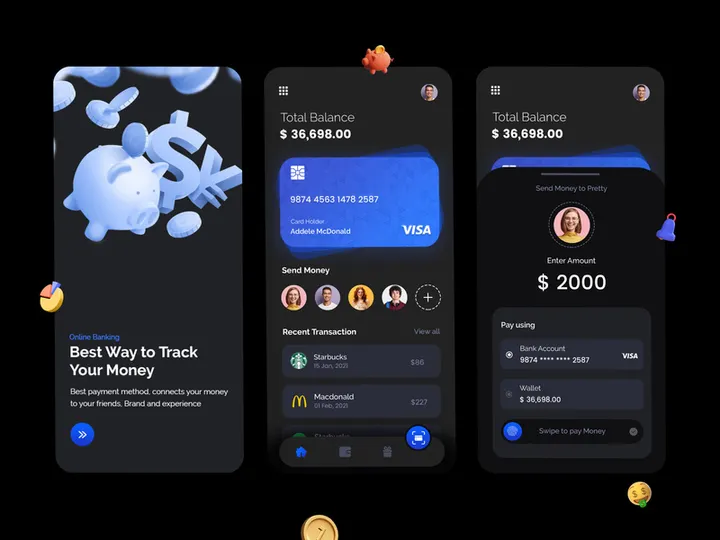
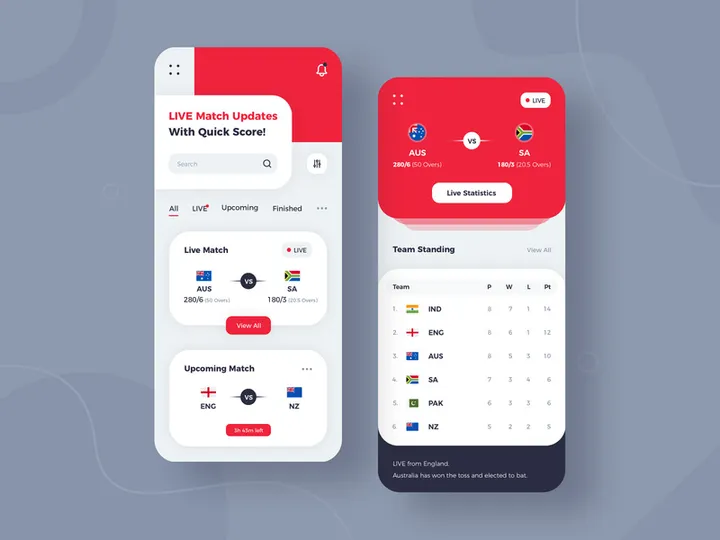
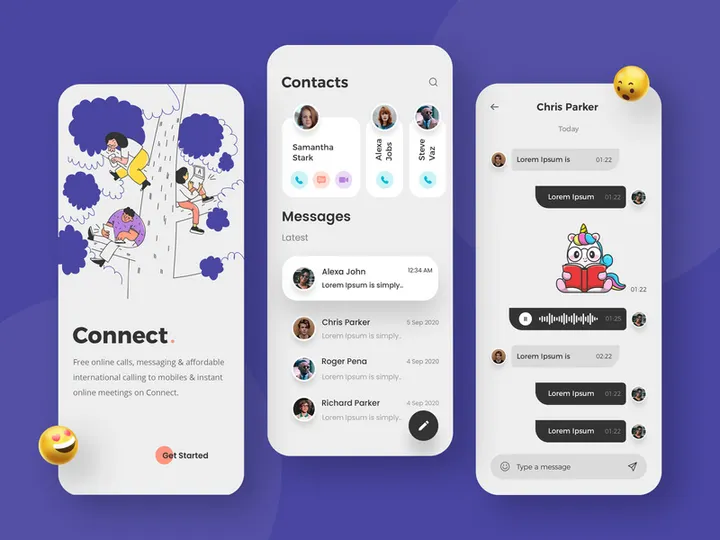
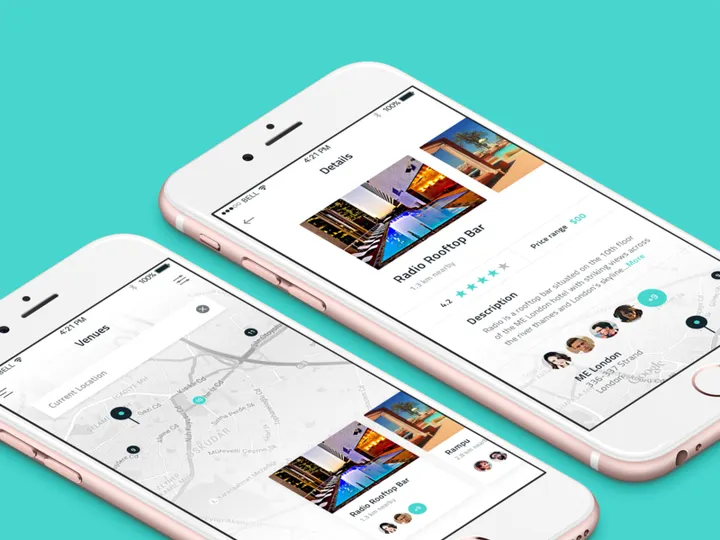
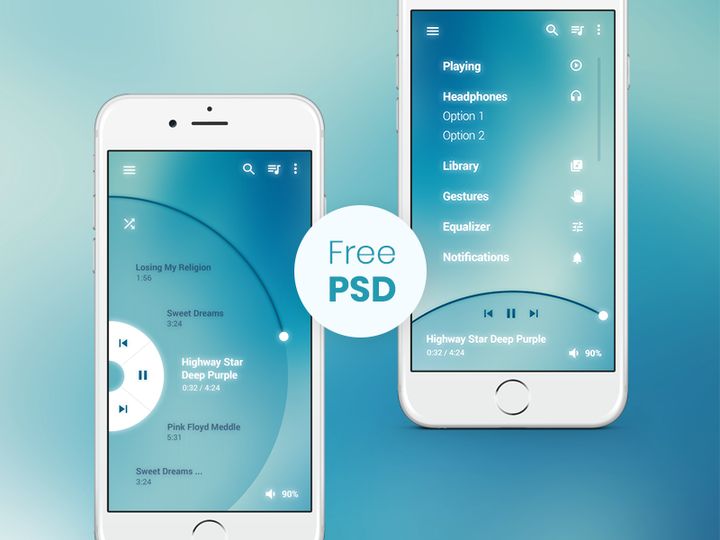
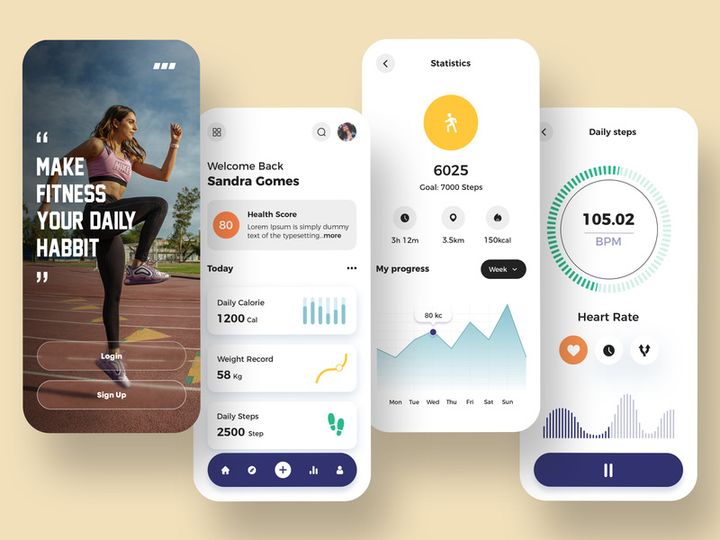
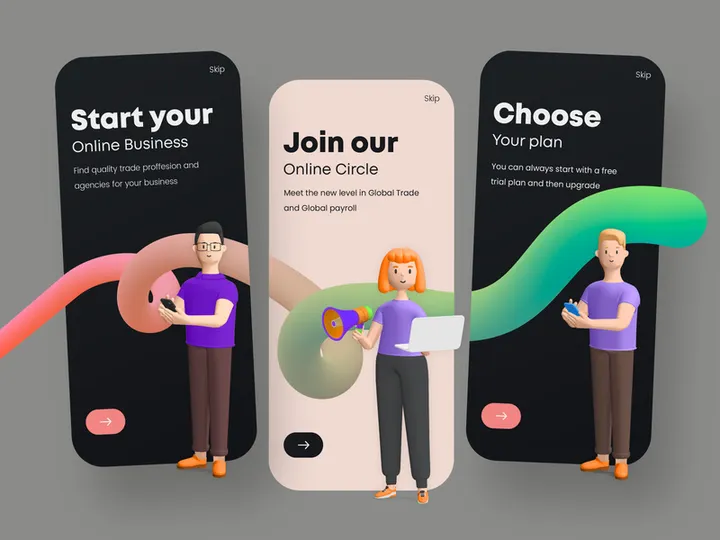
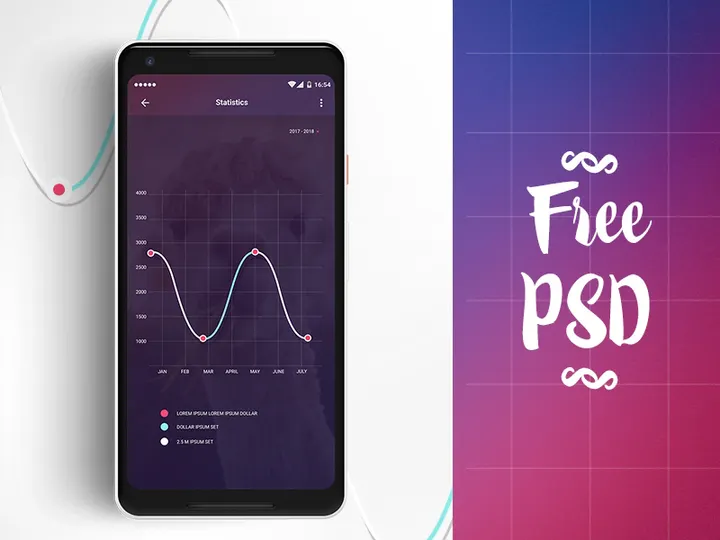
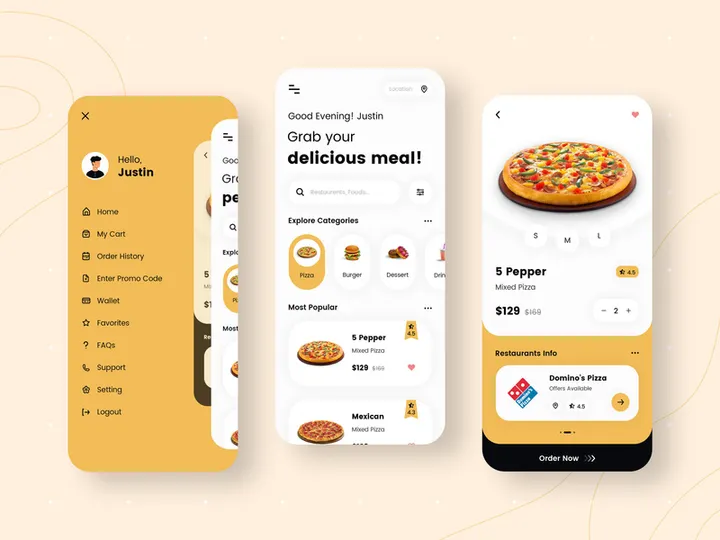
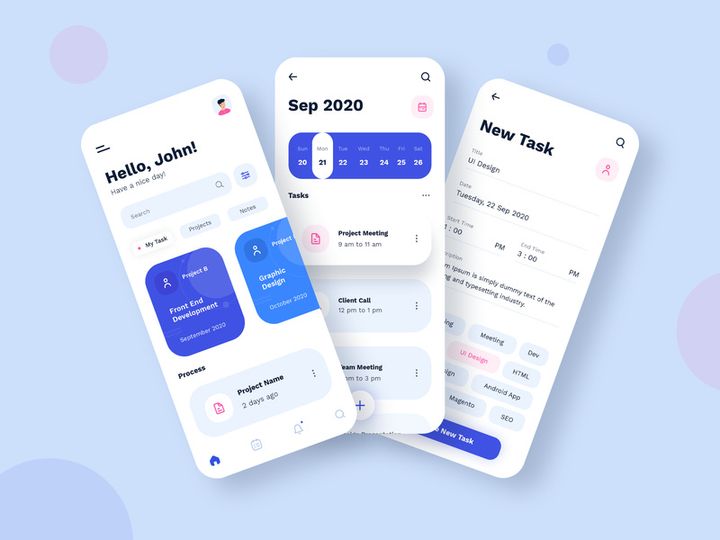

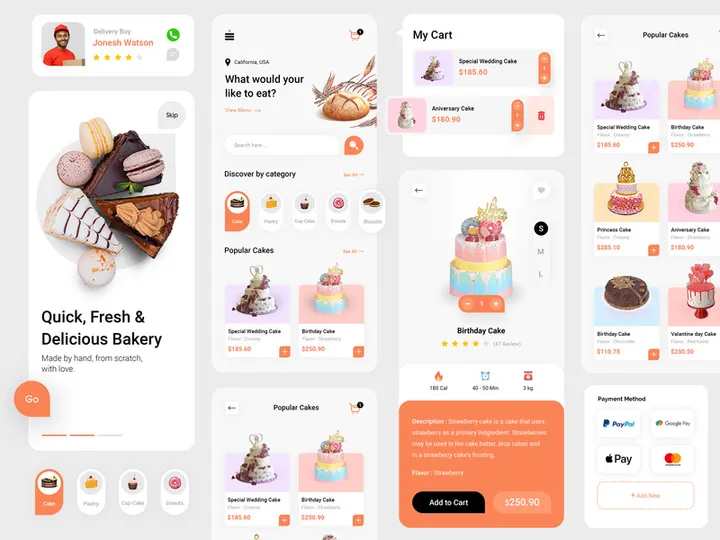


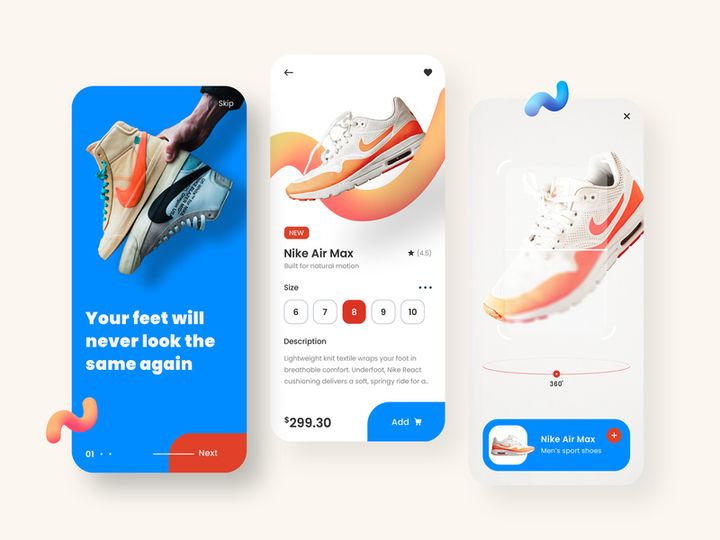

Try Our Free Resources
Download any of these for free - no account required
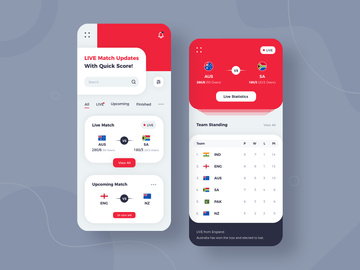
Why Photoshop for Apps?
Adobe Photoshop has long been the gold standard for digital image editing, and its role in app design and development workflows continues to expand. While originally created for photo retouching and graphic design, Photoshop has evolved into a powerful platform for creating high-fidelity app interfaces, mockups, and visual assets. Its widespread adoption, robust toolset, and seamless integration with other creative tools make it an ideal choice for designers working on mobile, web, and desktop applications.
One of the main reasons Photoshop is so popular for app creation is its precision and flexibility. With pixel-perfect control, customizable workspaces, and powerful layer-based editing, Photoshop allows designers to craft detailed UI elements, icons, buttons, and full-screen layouts with ease. Features like Smart Objects, layer styles, vector shapes, and non-destructive editing workflows streamline the design process and ensure scalability across multiple device resolutions. Additionally, Photoshop’s support for artboards enables efficient organization of multi-screen app layouts within a single document.
Another major advantage is the vast ecosystem of compatible resources. From pre-built UI kits and icon libraries to animated components and responsive templates, Photoshop supports a wide range of downloadable assets that accelerate the design process. At EpicPxls, we’ve curated over 91+ resources specifically tailored for Photoshop users focused on app development. These include PSD templates, plugin integrations, symbol libraries, and design systems that are fully compatible with Photoshop’s interface and functionality. Each resource is tested for usability, quality, and relevance, ensuring that designers at every level can find tools that enhance their productivity.
Whether you're designing a prototype, building a design system, or preparing assets for development handoff, Photoshop provides the tools and flexibility needed to bring app concepts to life. With the right apps and resources, the platform becomes even more powerful—transforming complex workflows into streamlined, creative experiences. The 91+ resources available through EpicPxls are carefully selected to maximize Photoshop’s potential in the context of modern app design.
Top Apps Picks for Photoshop
With so many tools available, choosing the right apps for Photoshop can be overwhelming. To simplify the process, we’ve highlighted top-tier resources based on skill level and budget. These picks are drawn from the 91+ curated options available at EpicPxls, ensuring compatibility, reliability, and design excellence. Whether you're just starting out or leading a professional team, there's something here to elevate your app design workflow.
Best for Beginners
If you're new to app design in Photoshop, ease of use and clear documentation are essential. Beginner-friendly apps typically feature intuitive interfaces, drag-and-drop functionality, and comprehensive tutorials. Look for resources like starter UI kits, onboarding templates, and icon packs with consistent styles and naming conventions. These tools reduce the learning curve and help you quickly build professional-looking screens without deep design experience. Many of the beginner-focused apps in the EpicPxls collection include layered PSD files with organized folders, making it easy to understand structure and customize elements. These resources are ideal for students, indie developers, or marketers who need to create app mockups without hiring a full-time designer.
Best for Professionals
Professional designers demand precision, scalability, and integration capabilities. The best apps for Photoshop in this category offer advanced features such as responsive grid systems, dynamic components, style guides, and compatibility with design handoff tools. High-end UI kits often include hundreds of screens, dark and light mode variants, and support for multiple device types—from smartphones to tablets and wearables. Many professional-grade resources also come with Sketch or Figma counterparts, but their Photoshop versions are optimized for pixel-level control and complex compositing. At EpicPxls, our professional-tier apps are vetted for consistency, accessibility standards, and real-world usability, making them trusted choices for agencies and in-house design teams building enterprise-level applications.
Best Free Options
Budget constraints shouldn’t limit creativity. Fortunately, there are many high-quality free apps for Photoshop that deliver excellent value. These include open-source UI frameworks, community-driven icon sets, and lightweight plugins that simplify repetitive tasks like exporting assets or generating shadows. While free resources may have fewer features than premium versions, they are often sufficient for prototyping, pitch decks, or small-scale projects. The free section of the 91+ resources on EpicPxls includes vetted tools that maintain professional standards without the cost. Many are released under permissive licenses, allowing commercial use with proper attribution. These options are perfect for freelancers, startups, and educators looking to maximize output without overspending.
Photoshop vs Other Tools for Apps
When it comes to designing apps, Photoshop stands out for its unmatched image editing capabilities and deep customization options. While newer tools have emerged with real-time collaboration and vector-based workflows, Photoshop remains a top choice for designers who prioritize visual fidelity and control. Its ability to handle complex compositions, blend modes, textures, and photo-realistic elements gives it a distinct edge in creating compelling app mockups and marketing visuals.
The Photoshop ecosystem offers unique advantages, particularly in asset preparation and integration. Its native support for layered PSD files allows for non-destructive editing, making it easy to update colors, typography, or iconography across multiple screens. Additionally, Photoshop’s extensive plugin library enhances functionality—from automated export scripts to design system managers—further solidifying its role in app workflows. Unlike some modern tools that prioritize speed over detail, Photoshop excels in crafting pixel-perfect UIs where every shadow, gradient, and spacing matters.
Format compatibility is another strength. Photoshop seamlessly imports and exports a wide range of file types, including PNG, SVG, JPEG, and PDF, ensuring smooth transitions between design, development, and marketing teams. Assets created in Photoshop can be easily sliced, optimized, and integrated into app development environments. While other tools may offer faster prototyping, Photoshop’s versatility in handling both vector and raster content makes it ideal for comprehensive app design projects. With the 91+ resources curated by EpicPxls, designers can extend this compatibility even further, accessing templates and components that work seamlessly within the Photoshop environment.
Setting Up Apps in Photoshop
Integrating new apps and resources into Photoshop is a straightforward process when you follow the right steps. Proper setup ensures that your tools are accessible, organized, and ready for immediate use. Whether you're installing a plugin, loading a UI kit, or importing a template, the following guide will help you get started efficiently with the 91+ resources available through EpicPxls.
- Download the Resource: Begin by downloading your chosen app or template from a trusted source like EpicPxls. Ensure the file format is compatible with your version of Photoshop (typically .PSD, .ATN, .ASL, or .ZXP for plugins).
- Install Plugins (if applicable): For plugin-based apps, double-click the .ZXP file or use Adobe’s Extension Manager to install. Restart Photoshop to activate the new tool.
- Load Templates and Assets: Open .PSD files directly in Photoshop. For preset packs (like brushes or gradients), go to the respective panel (e.g., Brushes), click the menu icon, and choose “Load Brushes” or “Load Gradients.”
- Organize in Libraries: Use Photoshop’s Creative Cloud Libraries to store frequently used assets. Drag and drop icons, colors, or text styles into a library for quick access across projects.
- Verify Compatibility: Ensure all layers, smart objects, and effects render correctly. Update any missing fonts or linked assets to maintain design integrity.
- Test Functionality: Apply the resource in a sample project—create a simple app screen using a UI kit or run a plugin action to confirm it works as expected.
Tips for managing large collections: Create folders on your hard drive labeled by category (e.g., “Icons,” “Templates,” “Plugins”) to store downloaded files. Within Photoshop, use consistent naming conventions for layers and groups. Consider maintaining a master document with all your frequently used components for rapid prototyping. With the 91+ resources from EpicPxls, you’ll have a diverse toolkit at your fingertips—proper organization ensures you can leverage them effectively without clutter or confusion.
Photoshop Workflow Tips
Efficiency is key when working on app design projects in Photoshop. A well-structured workflow not only saves time but also improves consistency and collaboration. By optimizing how you manage assets, automate tasks, and share work with others, you can significantly enhance your productivity. The 91+ resources curated by EpicPxls are designed to integrate seamlessly into these best practices, helping you maintain high standards across every project.
Organizing Apps Libraries
Keep your design environment clutter-free by using Photoshop’s Creative Cloud Libraries and folder-based asset management. Create separate libraries for different app projects or themes—such as “E-Commerce UI,” “Health & Fitness Icons,” or “Dark Mode Components.” Add colors, character styles, and smart objects to each library so they’re readily available when starting a new screen. Name assets clearly (e.g., “btn_primary_filled,” “icon_settings_24px”) to avoid confusion. When using resources from EpicPxls, import them into the appropriate library to maintain consistency and make updates easier across multiple files.
Batch Operations
Save time on repetitive tasks by leveraging Photoshop’s batch processing features. Use Actions to record common sequences—such as resizing artboards, exporting assets in multiple resolutions, or applying consistent shadows to buttons. Once created, apply these actions across dozens of layers or documents with a single click. For large-scale projects, combine Actions with the “File > Automate > Batch” command to process entire folders of PSDs automatically. This is especially useful when preparing app assets for different device densities (e.g., 1x, 2x, 3x). Many of the templates in the 91+ resources are designed with batch export in mind, using standardized layer naming and smart object structures to streamline automation.
Collaboration Best Practices
Even in team environments, Photoshop can be a collaborative tool when used strategically. Share PSD files via cloud storage platforms with clear version naming (e.g., “App_Dashboard_v2_final.psd”). Use layer comps to present different states (e.g., default, hover, disabled) within a single document, reducing the number of files to manage. Add annotations using the Notes tool or a dedicated layer to communicate design intent. When working with developers, use plugins or manual guides to specify spacing, font sizes, and color codes. Resources from EpicPxls often include built-in grids, style guides, and export-ready layers that facilitate smoother handoffs. By standardizing your workflow and using well-documented assets, you ensure that everyone on the team—from designers to stakeholders—stays aligned throughout the app development process.
Why Download from EpicPxls?
Commercial License
Use in personal and commercial projects
No Account Required
Download free resources instantly
Quality Curated
Every resource is reviewed for quality
Preview Files
See Figma and Photoshop files before downloading
Who Uses These Apps?
Professionals and teams who benefit most from our collection
UI/UX Designers
Speed up your workflow with ready-to-use apps for Photoshop. Perfect for prototyping and client presentations.
Developers
Get production-ready assets without design skills. Export in any format for web and mobile apps.
Startups & Agencies
Save design budget with affordable premium apps. Commercial license included for client work.
Marketing Teams
Create professional campaigns faster. All apps are optimized for social media and ads.
Apps for Photoshop FAQCommon questions about these resources
Simple, Transparent Pricing
Get unlimited access to all premium resources
Yearly
- 20 downloads per month
- All file formats
- Commercial license
Lifetime
- Unlimited downloads forever
- All file formats
- Commercial license
Ready to Get Started?
Access 4,441+ free design resources today.
Browse Free ResourcesView Premium PlansEarn 85% and
more on all sales
Upload your products and put them up
for sale at whatever price you want.


