Templates for Apps: 528+ Resources
EpicPxls offers 200+ curated templates, all with a commercial license and editable source files (Figma, Sketch, PSD). Purpose-built templates for app projects save time and ensure professional results with design elements tailored to app requirements.
Last updated October 05, 2026
Discover 528+ templates ideal for app design projects.
Trusted by designers at leading companies
Top Templates
Handpicked resources from our curated collection
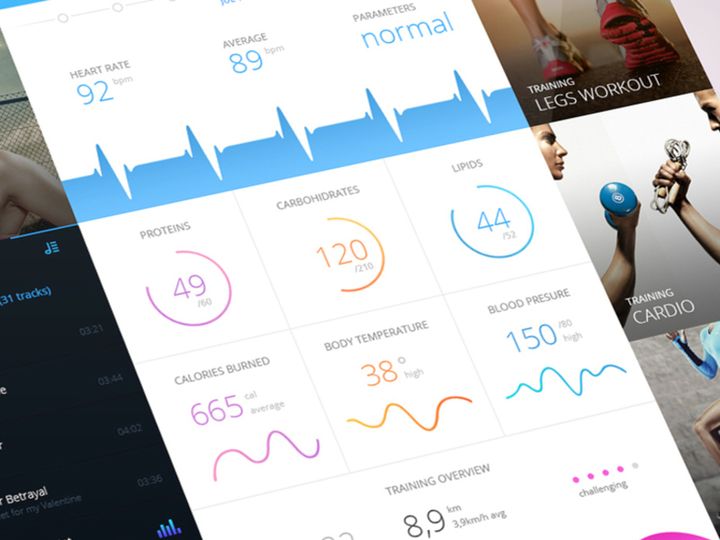
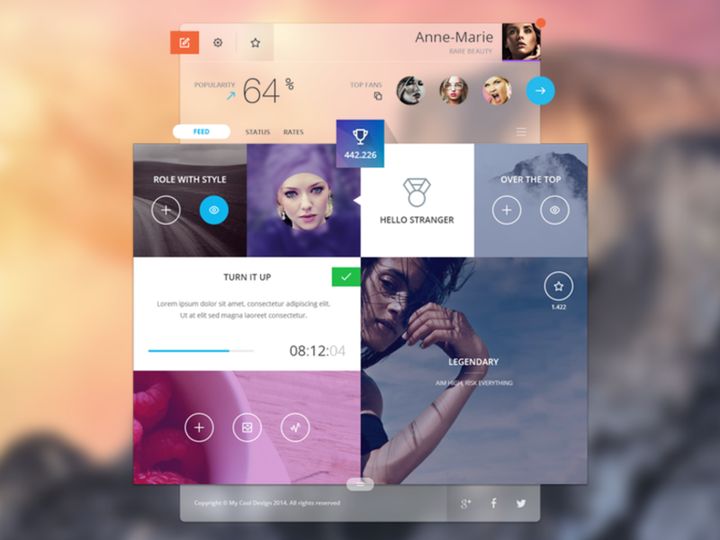
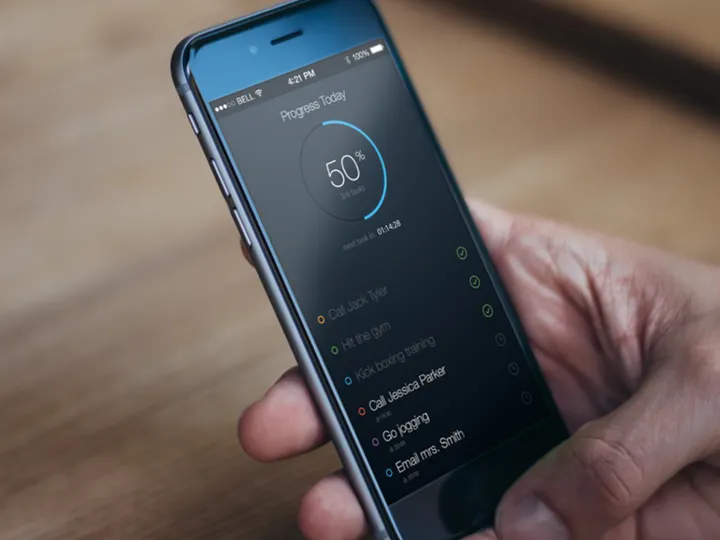
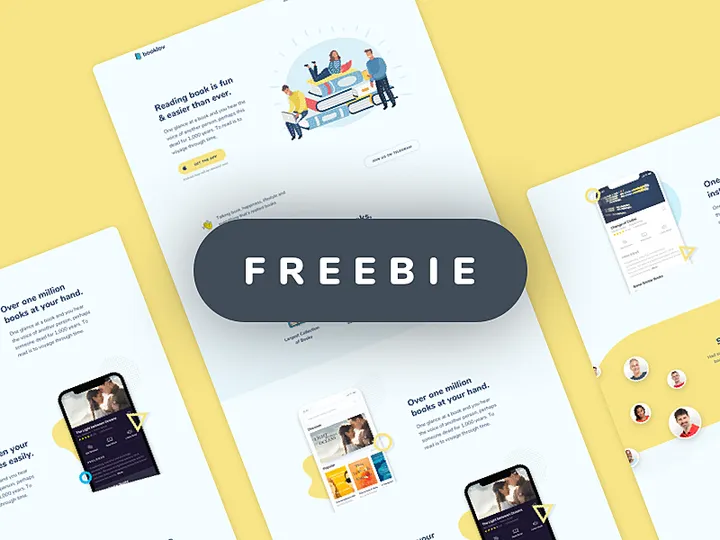
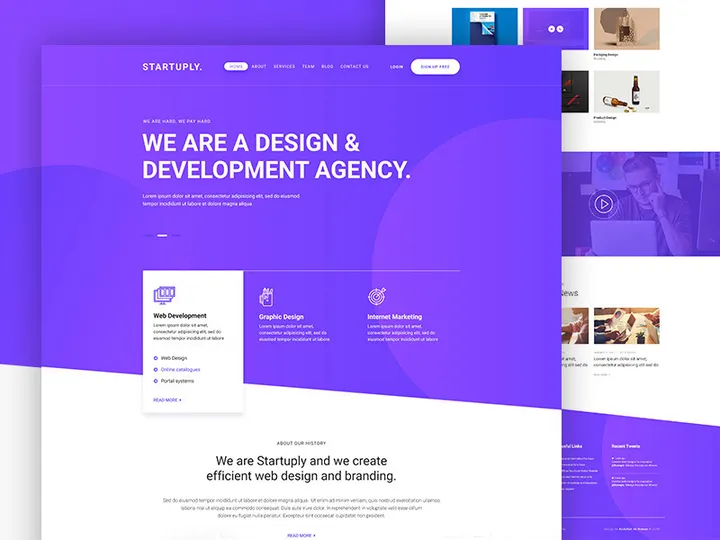
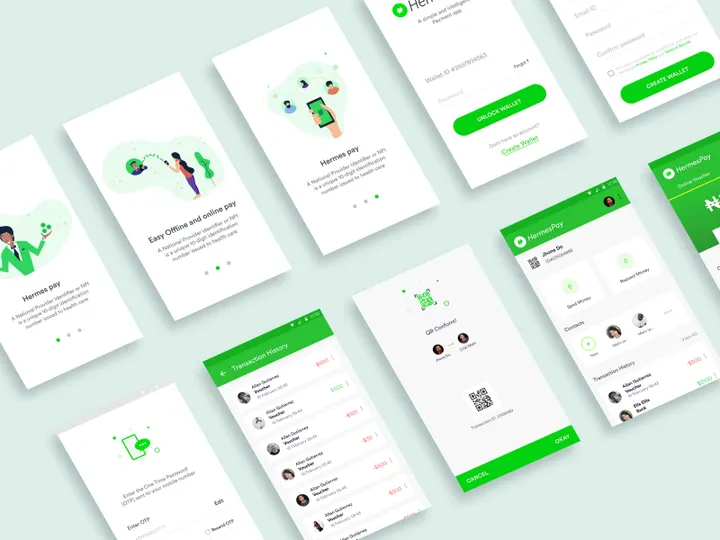
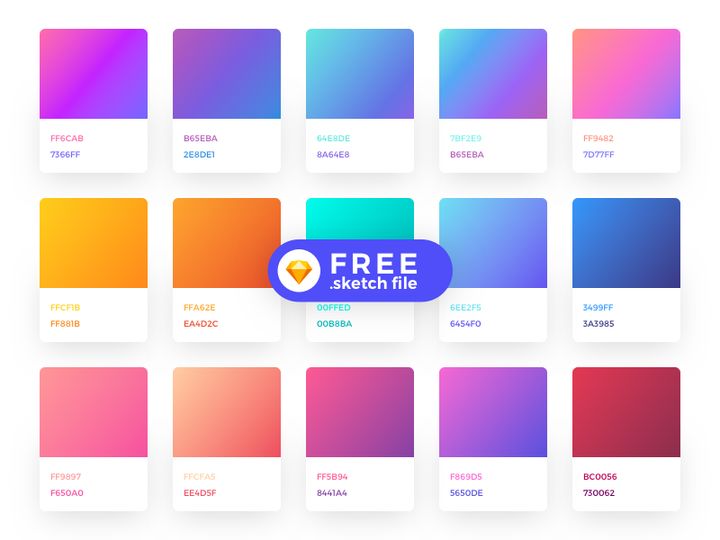
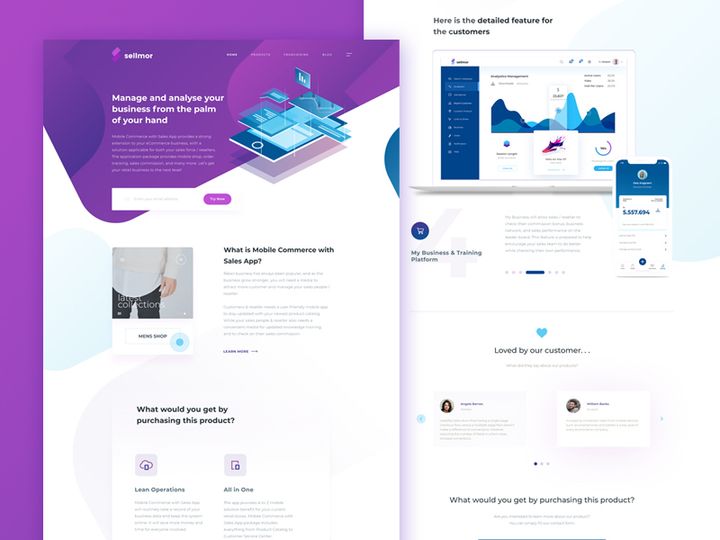

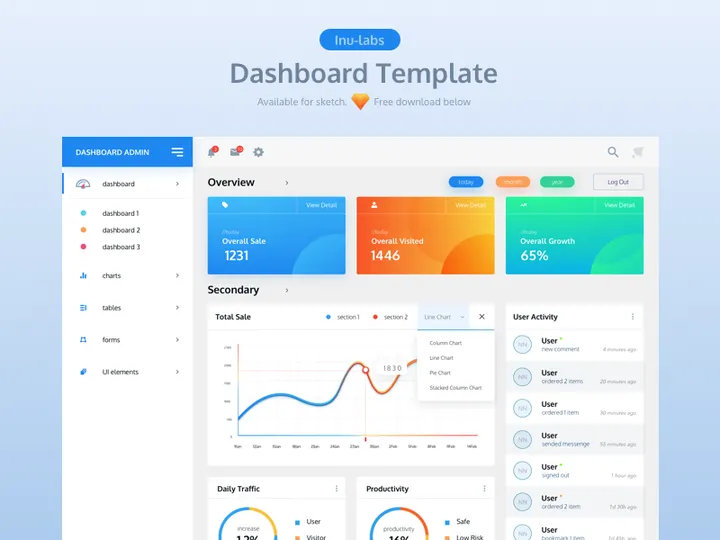
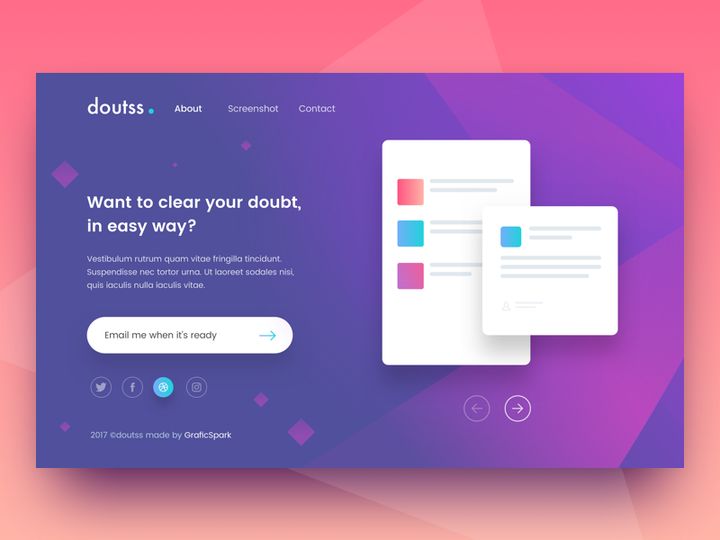


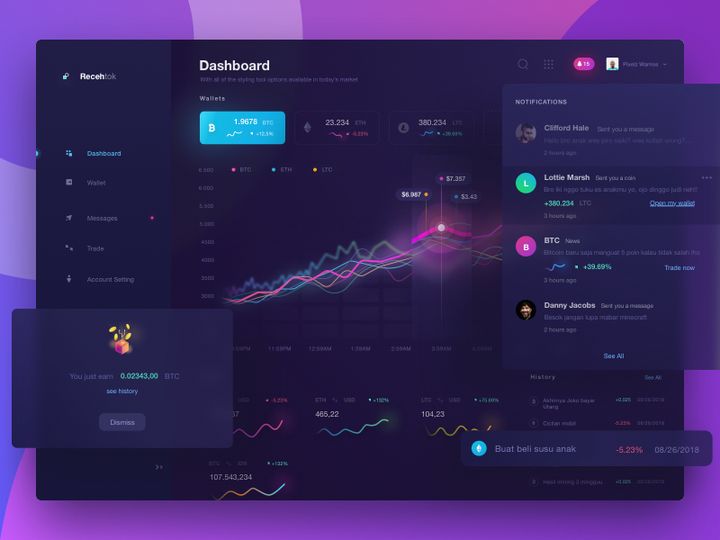
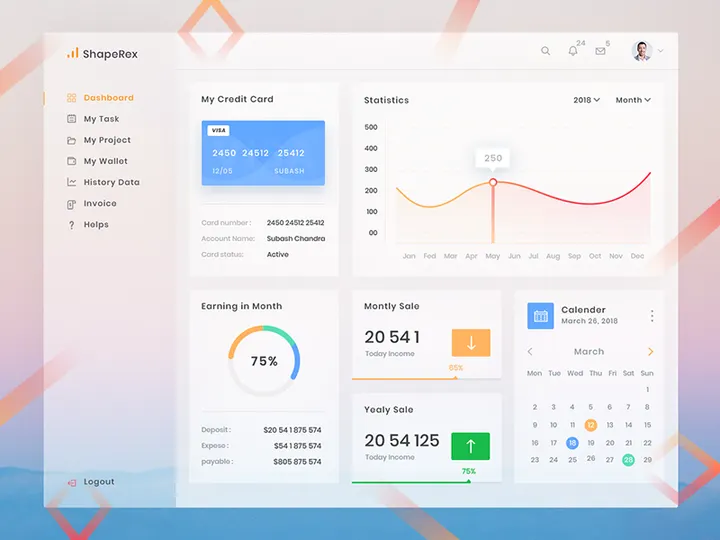




Try Our Free Resources
Download any of these for free - no account required
Why Templates for App Projects?
Designing a mobile or web application from scratch is a time-intensive process that demands precision, consistency, and deep understanding of user experience principles. This is where templates for app design projects become invaluable. Pre-made templates significantly accelerate the design phase by providing ready-to-use layouts, components, and visual frameworks that align with modern app standards. Instead of spending hours building interface elements like navigation bars, login screens, or profile pages from the ground up, designers can leverage professionally crafted templates to jumpstart their workflow and maintain high-quality output.
App design comes with a unique set of functional and aesthetic requirements. Designers must account for responsive layouts, intuitive navigation, accessibility, and platform-specific guidelines—whether designing for iOS, Android, or cross-platform environments. Templates help fulfill these needs by offering standardized components that are already optimized for usability and scalability. From onboarding flows to dashboard interfaces, having a library of reliable design assets ensures that every screen meets both technical and visual benchmarks.
At EpicPxls, we understand the demands of modern app development. That’s why we’ve curated a comprehensive collection of over 528+ app-ready resources, each selected for relevance, quality, and adaptability. These templates are created by experienced designers and tested for compatibility with leading design tools like Figma, Sketch, and Adobe XD. Whether you're building a fitness tracker, a social media app, or a productivity tool, our 528+ resources empower you to design faster without sacrificing creativity or professionalism.
What App Designers Need
Essential Template Types
Successful app design relies on a diverse range of template types that cover the full user journey. Commonly used templates include onboarding screens, which guide new users through an app's features; login and registration forms that ensure secure access; dashboard layouts for data visualization; and settings or profile pages for user customization. Navigation templates—such as bottom tab bars, side menus, and floating action buttons—are critical for maintaining intuitive user flows.
Other essential types include e-commerce components like product listings, shopping carts, and checkout flows; chat and messaging interfaces for communication apps; and media player screens for audio or video platforms. Designers also benefit from having access to error states, loading screens, and empty states to handle edge cases gracefully. With 528+ resources at your disposal, finding the right template for any app feature becomes a seamless part of the design process.
Format Requirements
The file format of a template plays a crucial role in how effectively it integrates into your design workflow. The most widely used formats in app design are Figma (.fig), Sketch (.sketch), and Adobe XD (.xd). These vector-based formats support layers, components, and responsive resizing, making them ideal for iterative design and collaboration.
Figma has become especially popular due to its real-time collaboration features and cloud-based sharing, allowing teams to work simultaneously on the same project. Sketch remains a favorite among macOS users for its robust plugin ecosystem, while Adobe XD offers tight integration with other Creative Cloud applications. When selecting templates, ensure they are available in your preferred design environment. The 528+ resources available through EpicPxls are delivered in these industry-standard formats, ensuring compatibility and ease of use across platforms.
Quality Standards
Not all templates are created equal. To be truly app-ready, a template must meet high quality standards in terms of resolution, organization, and adherence to design systems. Look for templates with well-structured layers, clearly named components, and consistent spacing and typography. High-fidelity designs with realistic content placeholders—such as avatars, images, and text blocks—make it easier to visualize the final product.
Top-tier templates also follow platform-specific design guidelines, such as Apple’s Human Interface Guidelines or Google’s Material Design principles. This ensures your app feels native and familiar to users. Additionally, templates should be scalable and customizable, allowing you to adjust colors, fonts, and icons to match your brand identity. At EpicPxls, every one of the 528+ resources undergoes rigorous review to guarantee it meets these quality benchmarks, giving designers confidence in their toolkit.
App Design Project Walkthrough
- Define Your App’s Purpose and User Flow: Begin by outlining the core functionality of your app and mapping out the primary user journey. Identify key screens such as onboarding, home, and profile pages. This step helps you determine which templates from the 528+ resources will be most relevant to your project.
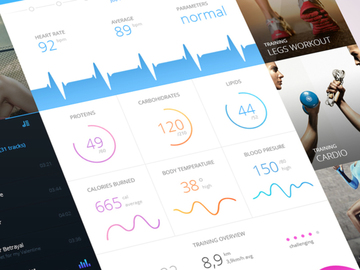
- Select Appropriate Templates: Browse the curated collection at EpicPxls and choose templates that match your app’s requirements. For example, if you’re building a health app, select dashboard layouts with data charts, workout tracking screens, and progress indicators.
- Customize Layouts and Branding: Import your chosen templates into your design tool and begin customizing them. Update colors, typography, and icons to align with your brand guidelines. Replace placeholder content with real text and images to create a more authentic preview.
- Ensure Consistency Across Screens: Use shared components and style libraries to maintain visual harmony throughout your app. If one screen uses a specific button style or header size, replicate it across all related templates to avoid design fragmentation.
- Assemble the Full Prototype: Link individual screens using interactive hotspots and transitions to build a clickable prototype. This allows stakeholders to experience the app flow before development begins. Combining multiple templates from the 528+ resources makes it easy to create a cohesive and functional demo.
- Review and Export for Development: Conduct a final review to check alignment, spacing, and responsiveness. Once approved, export assets in the required formats (e.g., SVG, PNG, or JSON) and generate style guides or design specs for developers. Many templates from EpicPxls come with built-in documentation to streamline handoff.
App Design Workflow Tips
Speed Up Your Process
One of the greatest advantages of using pre-made templates is the dramatic reduction in design time. Instead of sketching wireframes and building components manually, you can import a fully designed screen and adapt it in minutes. Use keyboard shortcuts, component libraries, and auto-layout features in your design tool to further accelerate customization. By leveraging the 528+ resources from EpicPxls, you eliminate repetitive tasks and focus more on solving user problems and refining the experience.
Maintain Consistency
Consistency is key to creating professional, trustworthy app designs. When using multiple templates, it’s essential to unify them under a single design system. Establish a master file with global styles for colors, typography, spacing, and shadows. Then, apply these styles across all imported templates. This ensures that buttons, headers, and input fields look and behave the same way throughout the app. EpicPxls templates are designed with modularity in mind, making it easier to swap elements and maintain visual coherence across screens.
Client Presentation
Presenting your app design to clients or stakeholders becomes much more effective when you use polished, high-fidelity templates. A well-assembled prototype built from professional-grade resources conveys competence and attention to detail. Use presentation modes in Figma or Adobe XD to showcase your work in fullscreen, and pair it with annotations explaining key interactions and design decisions. The 528+ resources available at EpicPxls include presentation-ready templates that help you deliver compelling, client-friendly demos with minimal effort.
App Design Inspiration
Staying current with app design trends is essential for creating engaging and competitive products. Today, minimalist interfaces with generous white space, bold typography, and micro-interactions dominate the landscape. Neumorphism and glassmorphism styles continue to influence visual aesthetics, while dark mode support has become a standard expectation. Designers are also prioritizing accessibility—using sufficient contrast, scalable text, and intuitive icons to serve a broader audience.
Top designers approach app projects with a user-centered mindset, starting with research and wireframing before diving into visual design. They use templates not as crutches, but as building blocks that allow them to iterate quickly and test ideas efficiently. Platforms like EpicPxls offer not just templates, but curated inspiration through categorized collections—whether you're working on finance, wellness, or education apps.
To elevate your app design work, explore niche-specific templates, study real-world app patterns, and experiment with animations and gestures. The 528+ resources at your fingertips provide a rich foundation for innovation. Whether you're a freelancer, agency designer, or in-house developer, tapping into this extensive library helps you stay inspired and productive. With the right templates, your next app design project can be faster, more consistent, and truly exceptional.
Why Download from EpicPxls?
Commercial License
Use in personal and commercial projects
No Account Required
Download free resources instantly
Quality Curated
Every resource is reviewed for quality
Preview Files
See Figma and Photoshop files before downloading
Who Uses These Templates?
Professionals and teams who benefit most from our collection
UI/UX Designers
Speed up your workflow with ready-to-use templates for design tools. Perfect for prototyping and client presentations.
Developers
Get production-ready assets without design skills. Export in any format for web and mobile apps.
Startups & Agencies
Save design budget with affordable premium templates. Commercial license included.
Marketing Teams
Create professional campaigns faster. All templates are optimized for social media and ads.
Templates FAQCommon questions about these resources
Simple, Transparent Pricing
Get unlimited access to all premium resources
Yearly
- 20 downloads per month
- All file formats
- Commercial license
Lifetime
- Unlimited downloads forever
- All file formats
- Commercial license
Ready to Get Started?
Access 4,440+ free design resources today.
Browse Free ResourcesView Premium PlansEarn 85% and
more on all sales
Upload your products and put them up
for sale at whatever price you want.


