Free UI Kits: 875+ Interface Designs
EpicPxls offers 200+ curated ui kits, all with a commercial license and editable source files (Figma, Sketch, PSD). Yes, all 200+ resources in this collection are completely free to download. No account or credit card required.
Last updated February 12, 2026
Discover 875+ handpicked free ui kits ready for your projects.
Trusted by designers at leading companies
Top UI Kits
Handpicked resources from our curated collection
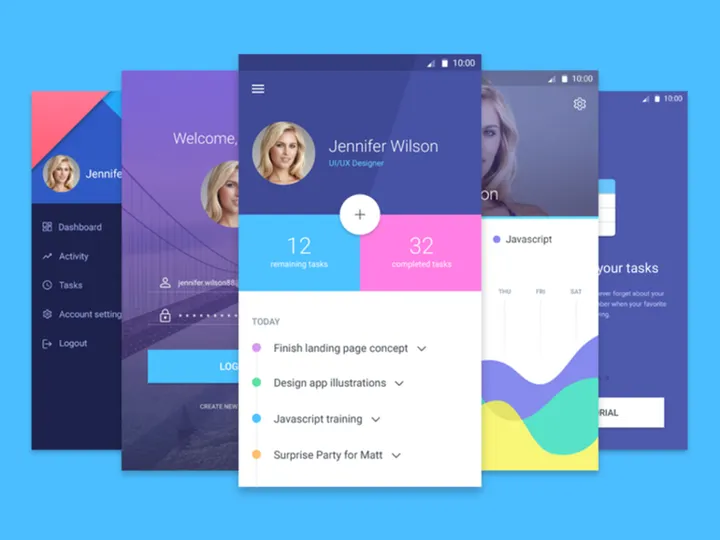

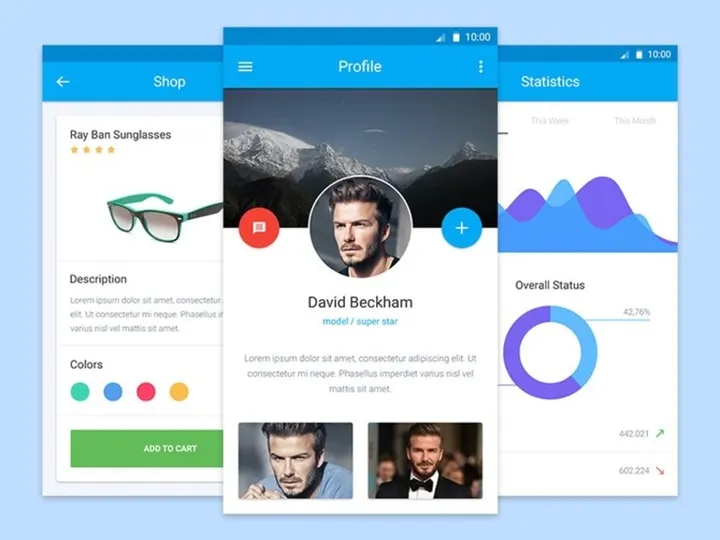
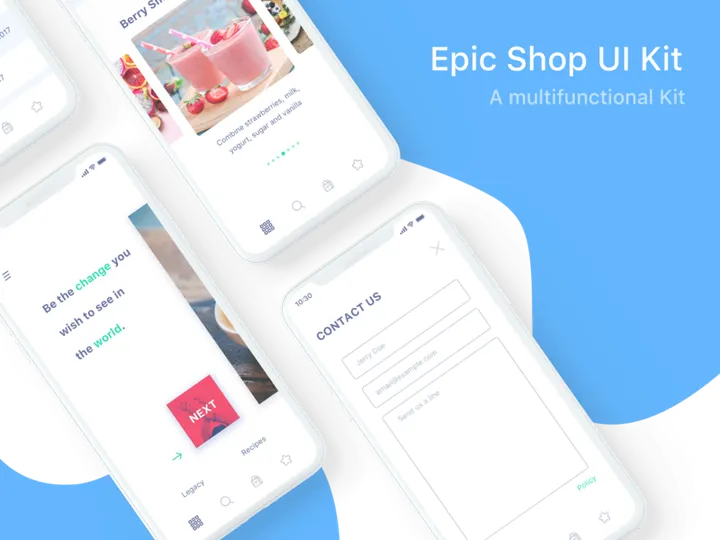
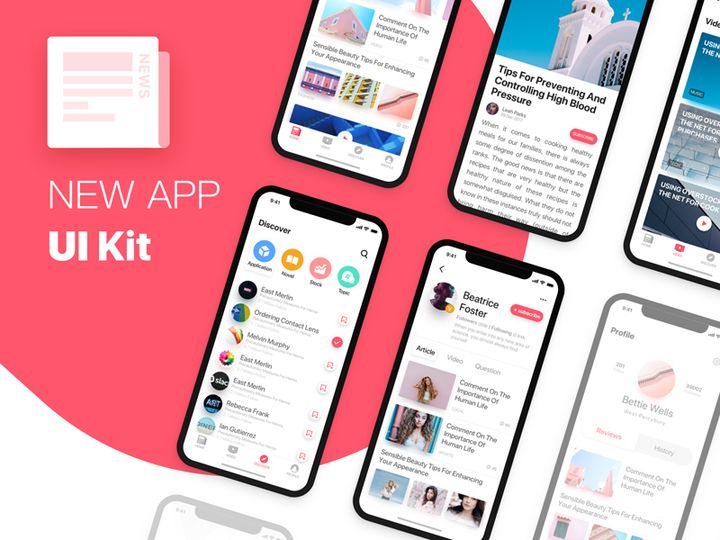
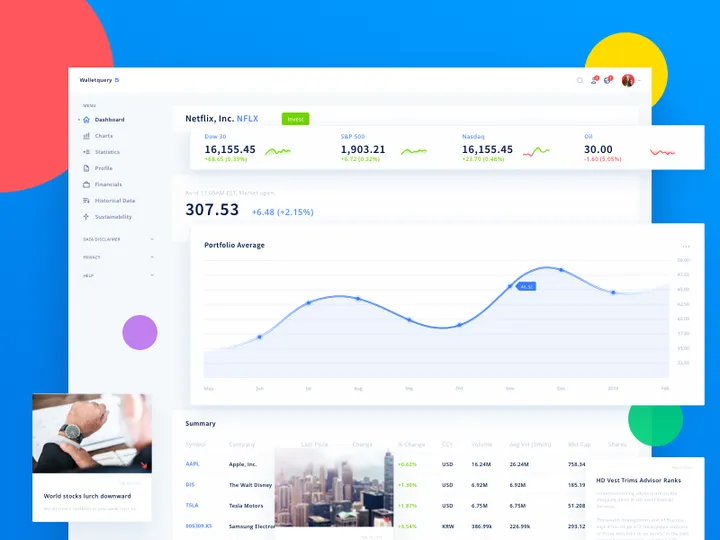


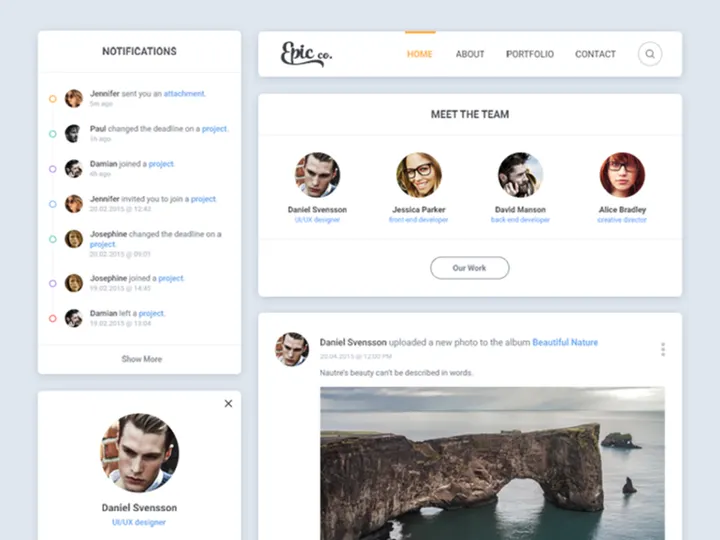
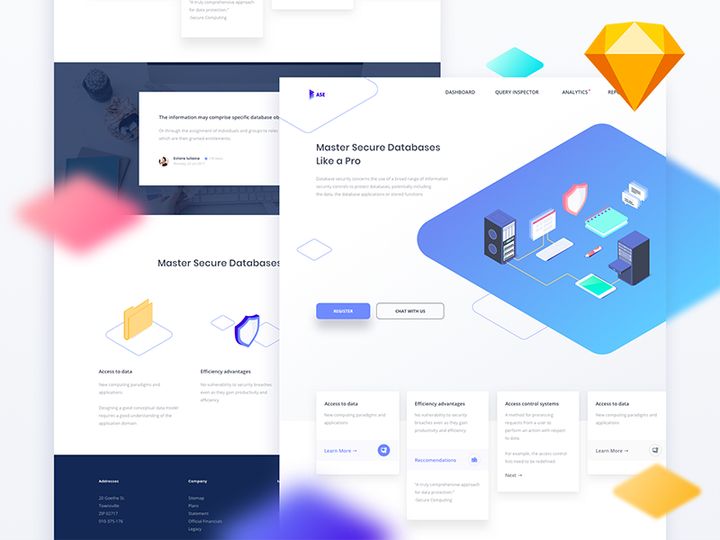

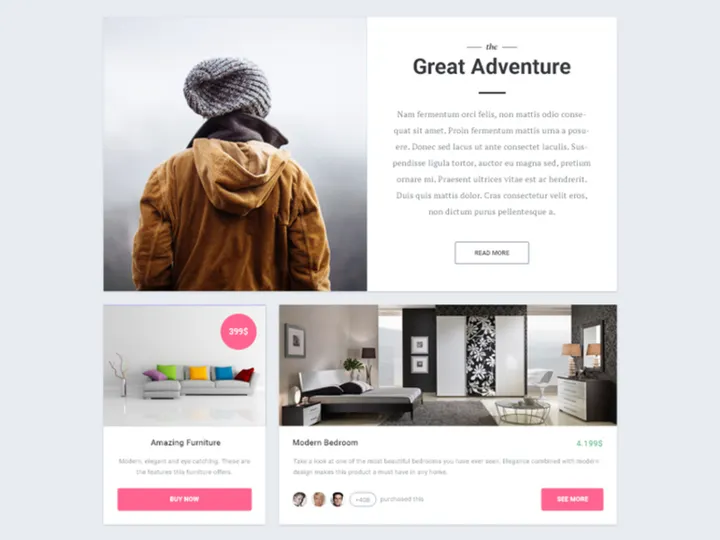

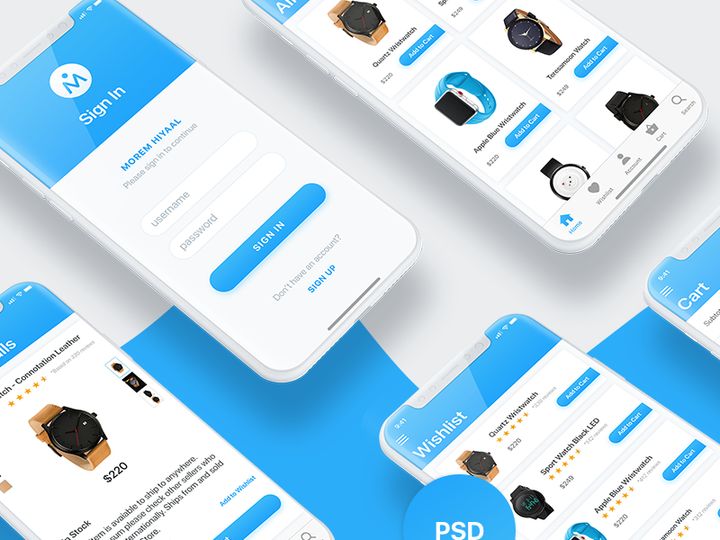
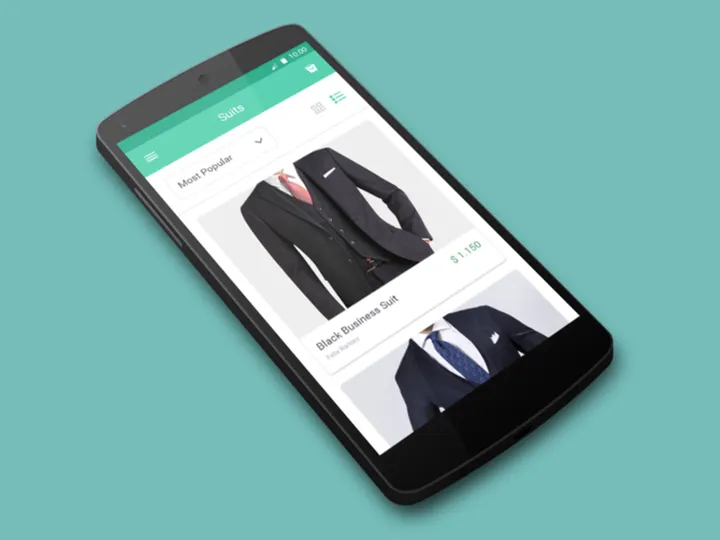
Try Our Free Resources
Download any of these for free - no account required
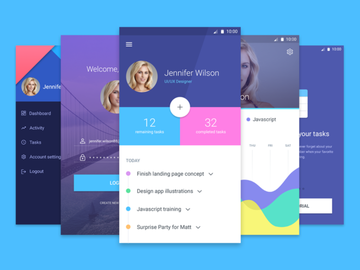
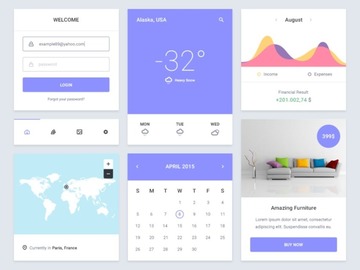
Free vs Premium UI Kits: What's the Difference?
When it comes to designing modern digital experiences, UI kits are essential tools that help streamline workflows and accelerate project timelines. However, one of the most common questions designers face is whether to choose free or premium UI kits. The decision often comes down to budget, project scope, and quality expectations. Both options have their strengths, and understanding their differences can help you make a smarter choice.
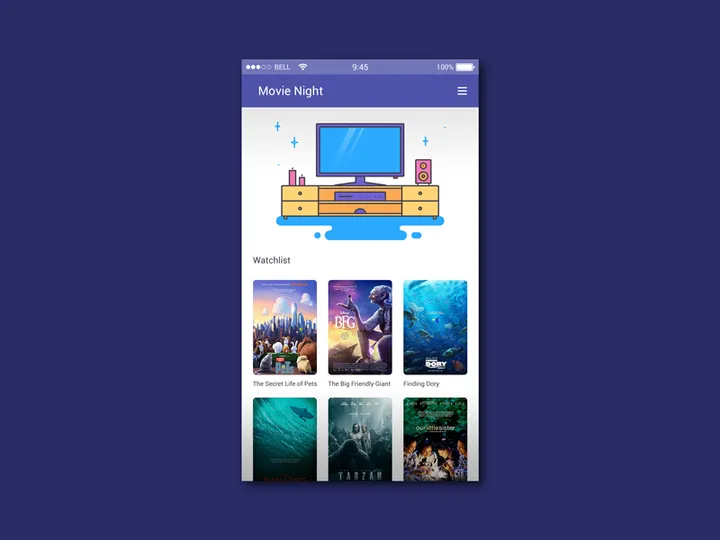
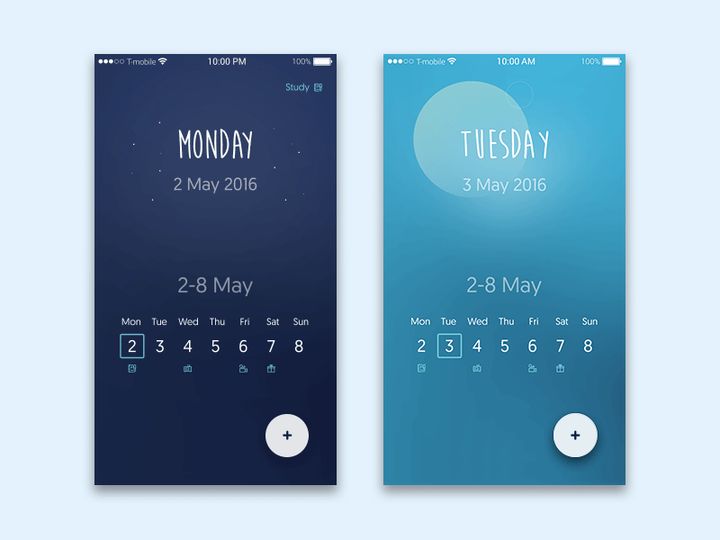
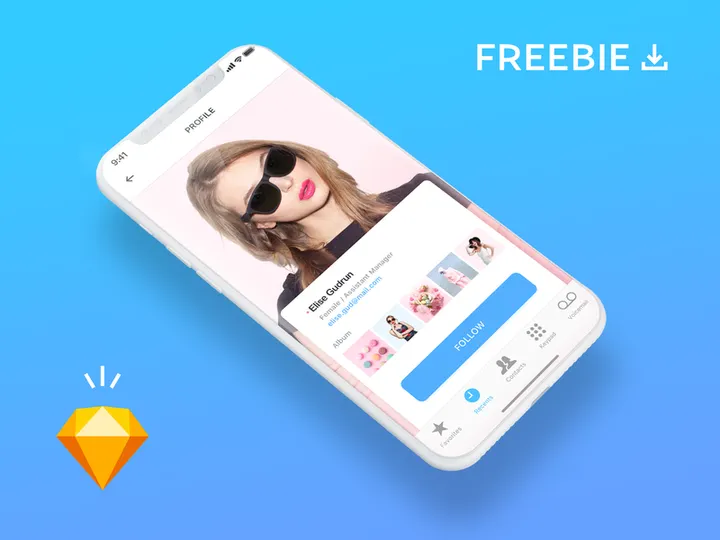
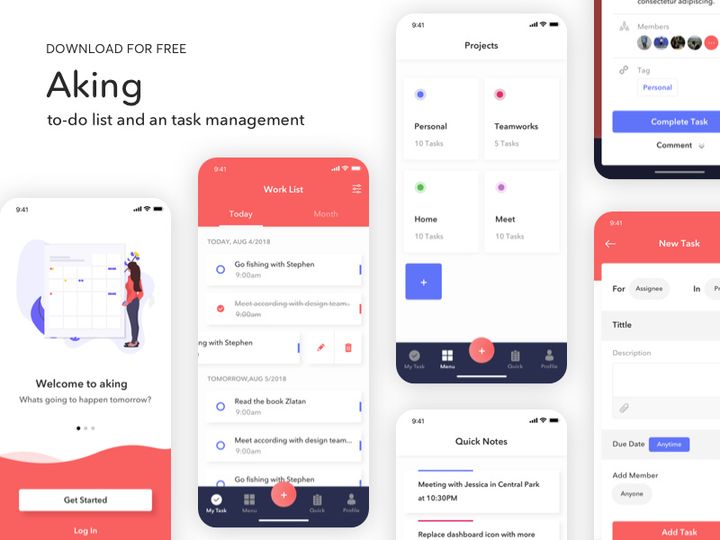
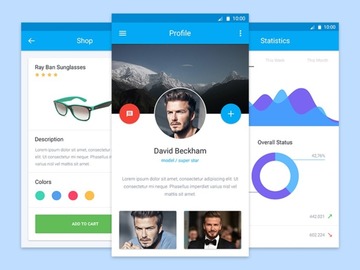
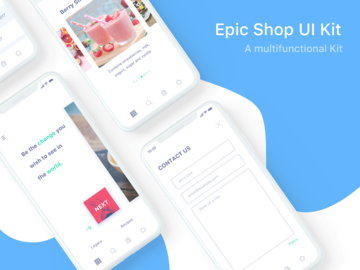
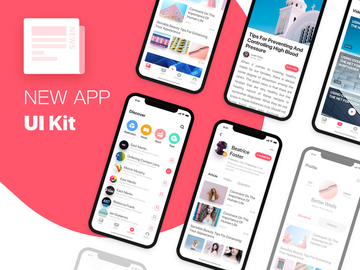
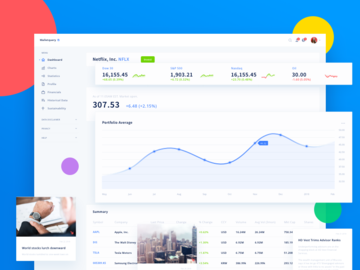
Free UI kits are an excellent starting point for beginners, students, and independent creators. They offer accessible, ready-to-use components such as buttons, forms, navigation bars, and card layouts—perfect for prototypes, personal projects, or small-scale apps. On platforms like EpicPxls, you can access over 875+ free UI kits that cover a wide range of styles and use cases, from minimalist dashboards to mobile app interfaces. These resources are ideal when you're on a tight deadline or simply exploring design directions without financial commitment.
Premium UI kits, on the other hand, typically offer higher fidelity, more comprehensive component libraries, and advanced features like interactive prototypes, design system documentation, and developer handoff support. They're often created by experienced design teams and come with robust support, frequent updates, and extended licensing options. If you're working on a large-scale commercial product, enterprise application, or client project with strict branding requirements, investing in premium assets can save time and ensure consistency.
Quality expectations differ significantly between the two tiers. While many free UI kits are well-designed, they may lack pixel-perfect precision, responsive behavior, or complete component coverage. Premium kits generally deliver polished, production-ready assets with attention to detail and scalability. That said, the 875+ free resources available on EpicPxls consistently meet professional standards, making them a reliable option for many real-world applications. Ultimately, free UI kits are perfect for learning, testing concepts, or launching MVPs—while premium kits are worth considering when scalability, support, and polish are non-negotiable.
What's Included in Free UI Kits
Free UI kits are more than just collections of buttons and icons—they are structured design systems that provide a foundation for building cohesive interfaces. Most free downloads include a variety of interface elements, from typography styles and color palettes to pre-built screens and layout grids. Whether you're designing a mobile app, a dashboard, or a landing page, these kits help maintain visual consistency and reduce repetitive work. With over 875+ resources available on EpicPxls, you'll find kits tailored to e-commerce, SaaS platforms, health tech, and more.
File Formats
Most free UI kits come in widely supported design file formats such as Figma, Sketch, Adobe XD, and sometimes Photoshop (PSD). Figma is increasingly the standard due to its collaborative features and cloud-based accessibility. These formats allow you to open, edit, and customize components directly within your preferred design tool. Some kits also include exportable assets like SVG icons, PNG screenshots, or JSON files for design token integration. This flexibility ensures that whether you're working solo or on a team, you can integrate the kit smoothly into your workflow.
Customization Options
One of the biggest advantages of free UI kits is their adaptability. You can typically modify colors, typography, spacing, and component sizes to align with your brand or project needs. Most kits use organized layers, components, and styles that make editing intuitive. However, limitations may exist—especially with highly detailed illustrations or locked elements that require advanced editing skills. While you can rebrand and restructure most components, it's important to note that some kits may not include source files for custom fonts or premium graphics, which could restrict deep-level modifications.
License Coverage
Understanding the license terms is crucial when using free UI kits. The vast majority of free downloads on EpicPxls are released under permissive licenses that allow both personal and commercial use. This means you can apply the designs to client work, SaaS products, or monetized apps without legal concerns—as long as you're not redistributing the kit itself as your own product. Attribution is sometimes requested but rarely required. Always review the included license file to confirm usage rights, especially if your project involves resale or white-label distribution.
How to Download Free UI Kits
Accessing high-quality UI design resources has never been easier. On EpicPxls, downloading free UI kits is a fast, straightforward process designed to get you designing quickly—without unnecessary barriers. With no signup required, you can browse and download from a growing library of 875+ interface designs in minutes.
- Navigate to the UI Kits category on EpicPxls and use filters to narrow your search by style, platform (iOS, Android, Web), or theme (dark mode, material design, etc.).
- Click on any UI kit to view a detailed preview, including screenshots, file formats, and license information. This helps you assess compatibility before downloading.
- Once you've selected a kit, click the “Download Free” button. No email registration or account creation is needed—just instant access.
- After the download completes, extract the ZIP file using standard decompression tools. Inside, you’ll find organized folders with design files, assets, and documentation.
- Open the appropriate file in your design software (Figma, Sketch, etc.), and begin customizing components to fit your project. Many kits include clear layer naming and style guides to speed up onboarding.
Whether you're building a prototype or launching a full product, this simple workflow ensures you can leverage professional-grade design assets without friction. The 875+ resources on EpicPxls are curated for usability and quality, making them a trusted choice for designers at every level.
License Explained: Using Free UI Kits Commercially
One of the most frequent concerns designers have about free UI kits is whether they can be used in paid or revenue-generating projects. The good news is that most free UI kits—especially those available on trusted platforms like EpicPxls—come with licenses that explicitly permit commercial use. This flexibility makes them valuable tools not just for hobbyists, but for professionals building real-world products.
Personal Projects
Free UI kits are perfectly suited for personal use, such as portfolio pieces, design experiments, or learning exercises. You can use them to practice responsive layouts, test new tools, or showcase your skills on platforms like Dribbble or Behance. Since these projects are non-commercial, licensing is rarely an issue. However, even for personal work, it's wise to review the license to understand any attribution requirements or usage restrictions.
Client Work
Many freelance designers and agencies use free UI kits as foundational elements in client projects. As long as the license allows commercial use—common with EpicPxls downloads—you can confidently incorporate these components into websites, mobile apps, or internal tools for clients. Just ensure that the final deliverable is a unique, customized product and not a direct resale of the original kit. Most licenses prohibit redistributing the UI kit as a standalone product, but using it as part of a broader design solution is fully permitted.
Commercial Products
Free UI kits can also be used in commercial products such as SaaS platforms, e-commerce sites, or mobile applications available for purchase or subscription. If the license grants commercial rights (which most do), you're allowed to build and monetize products using these designs. However, you cannot resell, repackage, or redistribute the UI kit itself as a design resource. For example, you can’t upload a modified version to a marketplace and sell it as your own template. But using the components within your app? Absolutely allowed. Always keep the original license file for reference, especially when working with teams or third-party developers.
Getting More from Free UI Kits
While free UI kits are powerful on their own, you can significantly enhance their value through smart usage strategies. With access to 875+ resources on EpicPxls, the possibilities for creative combination and customization are nearly limitless. By approaching these kits as building blocks rather than finished products, you unlock greater flexibility and originality in your designs.
Combining Free Resources
One of the most effective ways to elevate your projects is by blending components from multiple free UI kits. For instance, you might use a navigation layout from one kit, a card design from another, and a color scheme from a third. This approach allows you to create a unique visual language that stands out while still benefiting from professionally designed elements. Just ensure consistency in spacing, typography, and icon style to maintain a cohesive look across your interface.
Customization Techniques
Go beyond surface-level edits by diving into advanced customization. Replace default fonts with branded typefaces, adjust corner radii for a modern touch, or rework shadows and gradients for depth. Use auto-layout features in Figma or responsive constraints in Sketch to make components adaptable. You can also extract and recolor icons, animate transitions, or integrate real data to simulate user interactions. The more you tailor the kit to your needs, the more original and polished your final design will appear.
When to Upgrade to Premium
While free UI kits offer tremendous value, there comes a point in larger or long-term projects where upgrading to premium resources makes strategic sense. If you need comprehensive design systems, dark mode variants, RTL support, or developer-friendly specifications, premium kits often provide deeper functionality. They also tend to include better documentation, component variants, and update support. However, for rapid prototyping, startup MVPs, or budget-conscious teams, the 875+ free UI kits on EpicPxls remain an exceptional resource that delivers professional results without the cost.
Why Download from EpicPxls?
Commercial License
Use in personal and commercial projects
No Account Required
Download free resources instantly
Quality Curated
Every resource is reviewed for quality
Preview Files
See Figma and Photoshop files before downloading
Who Uses These UI Kits?
Professionals and teams who benefit most from our collection
UI/UX Designers
Speed up your workflow with ready-to-use ui kits for design tools. Perfect for prototyping and client presentations.
Developers
Get production-ready assets without design skills. Export in any format for web and mobile apps.
Startups & Agencies
Save design budget with affordable premium ui kits. Commercial license included.
Marketing Teams
Create professional campaigns faster. All ui kits are optimized for social media and ads.
UI Kits FAQCommon questions about these resources
Simple, Transparent Pricing
Get unlimited access to all premium resources
Yearly
- 20 downloads per month
- All file formats
- Commercial license
Lifetime
- Unlimited downloads forever
- All file formats
- Commercial license
Ready to Get Started?
Access 4,442+ free design resources today.
Browse Free ResourcesView Premium PlansEarn 85% and
more on all sales
Upload your products and put them up
for sale at whatever price you want.


