Graphics: 35435+ Design Resources
EpicPxls offers 200+ curated graphics, all with a commercial license and editable source files (Figma, Sketch, PSD). We have 200+ graphics available, with new additions added regularly by our community of designers.
Last updated February 12, 2026
Discover 35435+ handpicked graphics from top designers.
Trusted by designers at leading companies
Top Graphics
Handpicked resources from our curated collection
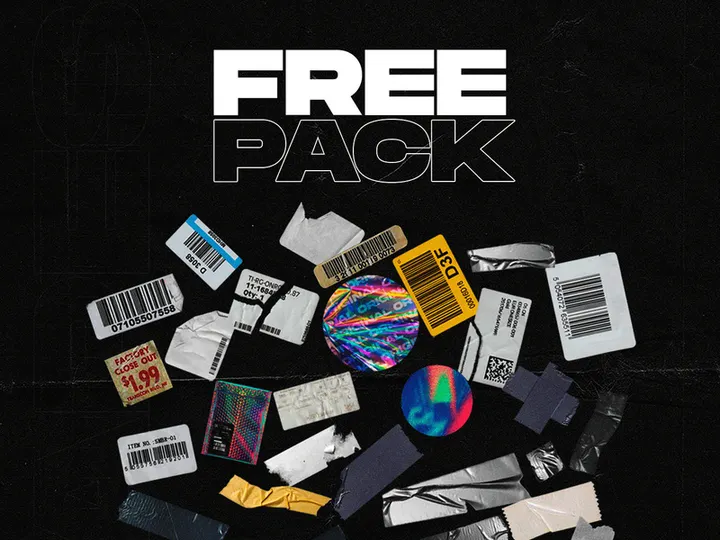

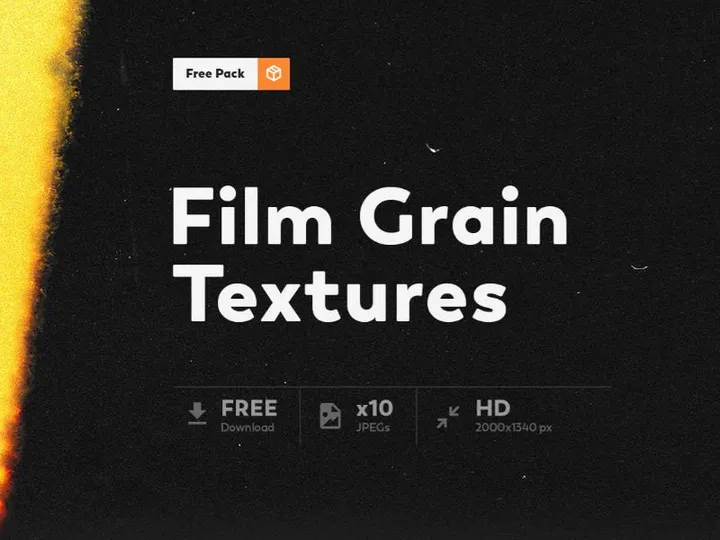
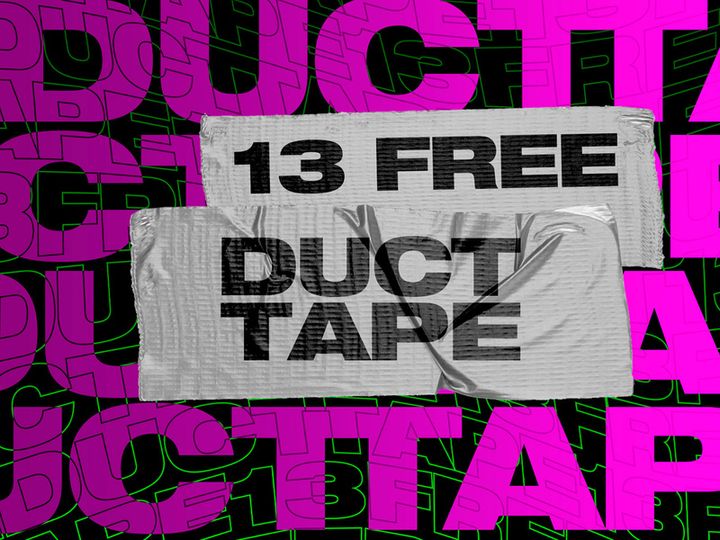

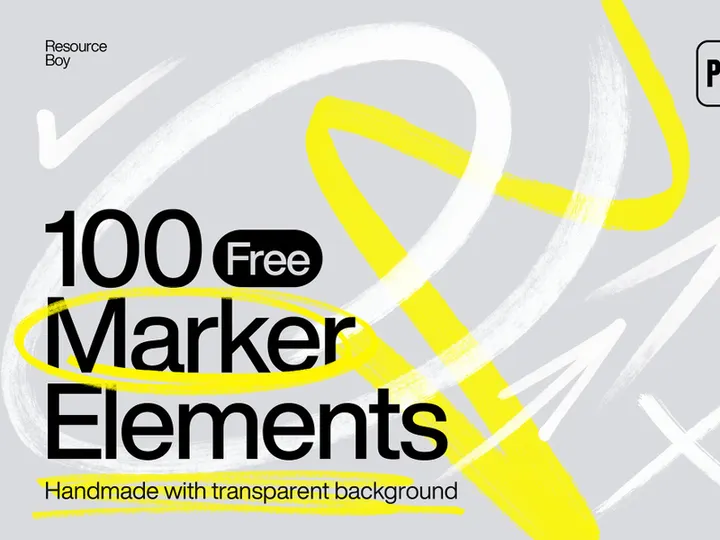

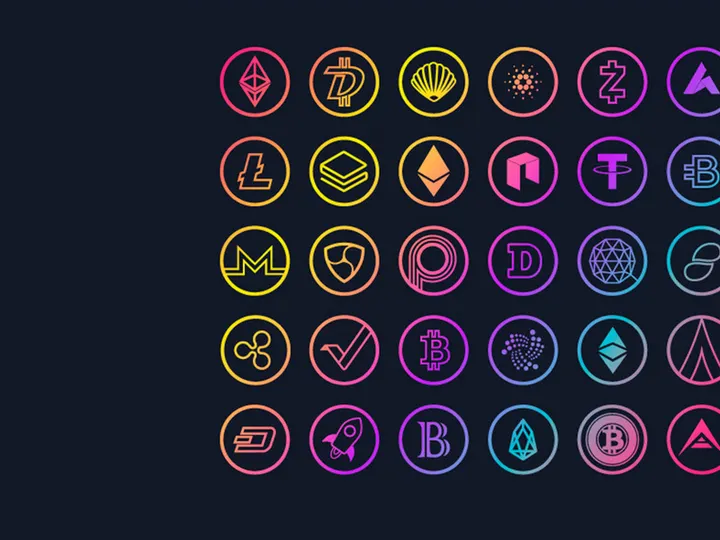
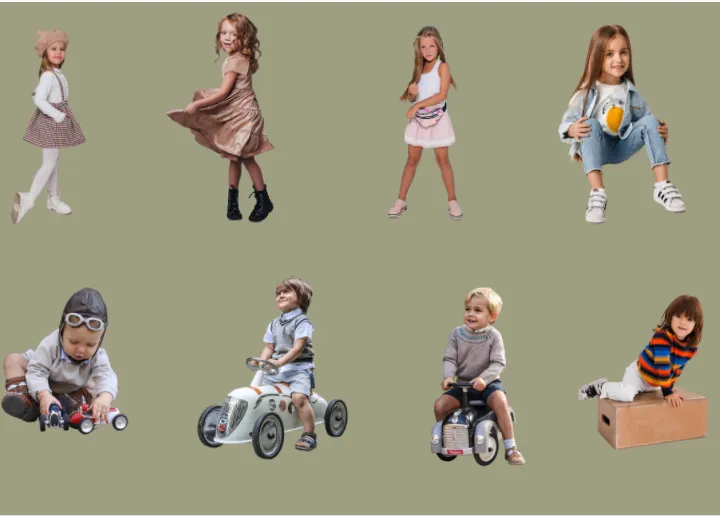

![[Free] Holo Sticker Pack 2 preview picture](https://imgproxy.epicpxls.com/XsXhqJbua8rRMRgGhOwz5Qgm7djpBxjK75FQHjcJeBU/rs:fill:720:540:0/g:no/aHR0cHM6Ly9pdGVt/cy5lcGljcHhscy5j/b20vdXBsb2Fkcy9w/aG90by84MGM5MTA5/MTBiNGIwMTUzYmYy/NmQ1MWMyYTNkM2Nm/NA.jpg)

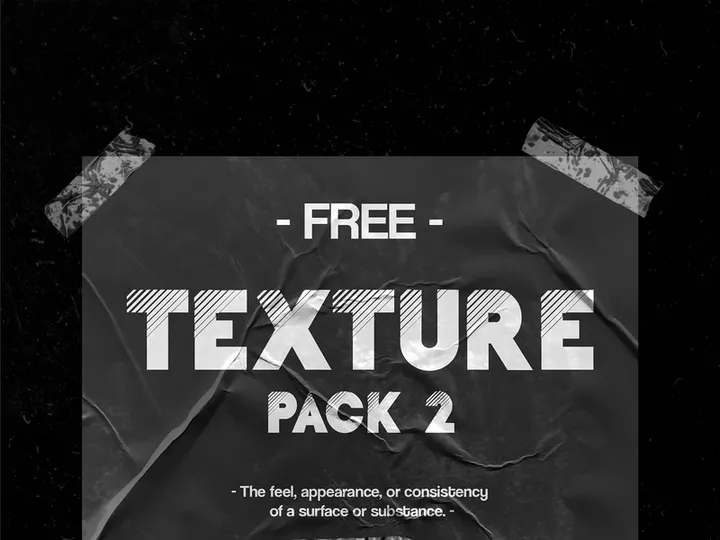
![[Free] Transparent Tape Pack preview picture](https://imgproxy.epicpxls.com/0ufWXO2QNI8LpBIdt9iPyMDoA4s_3X_hzgW0K8cD10k/rs:fill:720:540:0/g:no/aHR0cHM6Ly9pdGVt/cy5lcGljcHhscy5j/b20vdXBsb2Fkcy9w/aG90by82ZGI2MmY2/ZDJjYTBiMzA3MjQ2/YjI0OTNlZTMzYWYx/NQ.jpg)


Try Our Free Resources
Download any of these for free - no account required
Browse Graphics
At EpicPxls, our graphics collection is one of the most expansive and thoughtfully assembled repositories available for designers, developers, and creative professionals. With over 35435+ high-quality design resources, this directory offers an unparalleled range of assets tailored to meet the evolving needs of modern design projects. From sleek UI elements and scalable vector icons to fully layered mockups and comprehensive design kits, every item in the collection is crafted to enhance creativity and accelerate workflow efficiency.
These graphics are created by a global network of talented designers, illustrators, and digital artists who bring years of industry experience to their work. Each submission undergoes a rigorous quality review process to ensure it meets EpicPxls’ high standards for resolution, usability, and originality. Assets are evaluated for clean layer structure, accurate file formatting, and adherence to current design principles, guaranteeing that users receive only polished, production-ready resources.
The curation process at EpicPxls is both automated and human-driven. Advanced tagging and metadata systems allow for intelligent categorization, while our editorial team continuously monitors trends, usage patterns, and community feedback to highlight standout content. This dual approach ensures that the collection of 35435+ items remains not only vast but also highly relevant. Whether you're working on web design, mobile apps, branding, or print media, the graphics directory is structured to help you find exactly what you need—quickly and intuitively.
What's Trending in Graphics
Popular Styles in 2026
In 2026, minimalist design continues to dominate, but with a fresh emphasis on tactile depth and subtle animation cues. Glassmorphism, characterized by translucent layers, soft blur effects, and delicate borders, has evolved into a refined aesthetic used across dashboard interfaces and mobile applications. Neumorphism, while more selective in application, remains popular for hardware-inspired UI elements, especially in IoT and wearable tech designs. Additionally, designers are embracing bold color gradients and kinetic typography, integrating motion-ready graphics that support interactive experiences without sacrificing performance.
Most Downloaded Categories
Based on user engagement and download analytics, the most sought-after categories include UI kits, icon sets, and social media templates. Responsive dashboard templates and mobile app wireframes are consistently top performers, reflecting the growing demand for digital product design tools. Illustration packs—particularly those featuring diverse characters and inclusive themes—are also seeing a surge in popularity. These resources empower teams to build user-centric experiences rapidly, making them essential in agile design workflows.
Emerging Themes
New thematic directions are shaping the future of graphics design. Sustainability-themed assets, including eco-friendly branding kits and green tech interfaces, are gaining traction as brands align with environmental values. AI-integrated design elements, such as smart form fields and adaptive layouts, are beginning to appear in advanced UI packs. Furthermore, retro-futurism—a blend of 80s-inspired neon palettes and cyberpunk motifs—is resurging in digital art and gaming interfaces. At EpicPxls, we actively spotlight these emerging themes to keep our users ahead of the curve in a rapidly changing design landscape.
How to Download Graphics
- Browse or search the directory using keywords, categories, or filters. Whether you're looking for a specific Figma template or a set of SVG icons, the intuitive interface makes discovery simple.
- Preview the resource by clicking on any item. Detailed thumbnails, file specifications, and usage notes are provided so you can assess suitability before downloading.
- Check the license type—each resource is clearly marked as free for personal use or available under a commercial license. Premium items may require a subscription or one-time purchase.
- Log in to your EpicPxls account to unlock downloads. Free users gain access to a rotating selection of complimentary assets, while premium members enjoy unlimited downloads across the full 35435+ collection.
- Download and import the file directly into your preferred design tool. All resources come with clear folder structures and, where applicable, documentation to support seamless integration.
The process is streamlined to save time and reduce friction, whether you're adding a single icon to a project or downloading an entire design system. EpicPxls ensures that every download contributes to a faster, more efficient creative workflow.
Graphics Category Breakdown
By File Format
Understanding file formats is crucial for selecting the right graphics for your project. Figma files are ideal for collaborative UI/UX design, offering real-time editing and component libraries. PSD (Photoshop) files remain a staple for pixel-perfect image editing and layered compositions, especially in branding and print work. AI (Adobe Illustrator) files are vector-based, making them perfect for logos, illustrations, and scalable assets that require resizing without quality loss. Sketch files cater to macOS users and are widely used in app and interface design, supporting symbols and responsive resizing. SVG is the standard for web graphics, enabling crisp, resolution-independent icons and illustrations that perform well across devices. Finally, PNG files are best for raster images requiring transparency, such as badges, buttons, and web elements. Each format serves a distinct purpose, and EpicPxls provides clear labeling so you can choose the right one for your needs.
By License Type
Licensing determines how you can legally use a graphic. Personal use licenses allow you to incorporate assets into non-commercial projects—ideal for portfolios, student work, or hobbyist designs. These are often available for free, making them accessible to learners and independent creators. Commercial licenses, on the other hand, permit use in client work, products for sale, marketing campaigns, and monetized platforms. Premium resources on EpicPxls typically include commercial rights, giving professionals the confidence to use graphics in revenue-generating projects without legal concerns. Always verify the license details before use, as some assets may require attribution or have usage limitations. Our platform ensures full transparency, so you can download with peace of mind.
By Complexity
Graphics on EpicPxls are organized by complexity to suit different skill levels and project scopes. Simple assets include individual icons, buttons, or textures—perfect for quick enhancements or small-scale edits. These are beginner-friendly and integrate easily into existing designs. At the other end of the spectrum, complete design kits offer comprehensive solutions, such as full website templates, mobile app UI suites, and brand identity packs. These often include multiple file formats, color palettes, typography guides, and component libraries, enabling teams to launch projects faster. Intermediate resources, like icon sets with multiple styles or modular UI sections, bridge the gap for designers scaling up their work. With over 35435+ resources available, EpicPxls ensures there’s something for every level of expertise and project requirement.
Making the Most of Graphics
Organizing Your Library
To maximize efficiency, maintain a well-structured local and cloud-based library of downloaded graphics. Use consistent naming conventions and folder hierarchies—group by project, format, or category (e.g., “Icons/SVG” or “UI Kits/Figma”). Consider integrating tools like Adobe Creative Cloud Libraries or Figma’s team libraries to sync assets across devices and collaborators. Regularly archive outdated files and update versions to avoid confusion. EpicPxls’ detailed metadata and tags make it easier to re-find assets later, reducing redundant downloads and streamlining collaboration.
Customization Tips
While ready-to-use graphics save time, customization ensures your work stands out. Start by adjusting colors to match your brand palette—most vector and layered files support global color styles for quick updates. Modify typography by replacing placeholder text with your chosen fonts, ensuring readability and brand alignment. For UI elements, tweak corner radii, shadows, and spacing to reflect your design system. When working with illustrations, consider combining elements from different packs to create unique scenes. Always preserve original files as backups before editing, and use non-destructive techniques like smart objects or components to maintain flexibility.
Common Mistakes to Avoid
- Ignoring license terms: Using a personal-use graphic in a commercial project can lead to legal issues. Always verify the license before deployment.
- Overloading designs with assets: Cluttering a layout with too many decorative elements can harm usability. Prioritize function and hierarchy.
- Skipping file optimization: Large, unoptimized graphics can slow down websites or apps. Compress PNGs, simplify SVG paths, and remove unused layers.
- Using outdated styles: Relying on fading trends can make designs feel stale. Stay updated by exploring fresh content on EpicPxls.
- Not backing up customizations: If you modify a resource, save your version separately to avoid losing work during updates or migrations.
By following these best practices, you’ll not only preserve the integrity of your projects but also elevate the quality of your output. With access to 35435+ meticulously curated resources, EpicPxls empowers designers to create with confidence, speed, and originality.
Why Download from EpicPxls?
Commercial License
Use in personal and commercial projects
No Account Required
Download free resources instantly
Quality Curated
Every resource is reviewed for quality
Preview Files
See Figma and Photoshop files before downloading
Who Uses These Graphics?
Professionals and teams who benefit most from our collection
UI/UX Designers
Speed up your workflow with ready-to-use graphics for design tools. Perfect for prototyping and client presentations.
Developers
Get production-ready assets without design skills. Export in any format for web and mobile apps.
Startups & Agencies
Save design budget with affordable premium graphics. Commercial license included for client work.
Marketing Teams
Create professional campaigns faster. All graphics are optimized for social media and ads.
Graphics FAQCommon questions about these resources
Simple, Transparent Pricing
Get unlimited access to all premium resources
Yearly
- 20 downloads per month
- All file formats
- Commercial license
Lifetime
- Unlimited downloads forever
- All file formats
- Commercial license
Ready to Get Started?
Access 4,442+ free design resources today.
Browse Free ResourcesView Premium PlansEarn 85% and
more on all sales
Upload your products and put them up
for sale at whatever price you want.


