Illustrations for Businesss: 1864+ Resources
EpicPxls offers 200+ curated illustrations, all with a commercial license and editable source files (Figma, Sketch, PSD). Purpose-built illustrations for business projects save time and ensure professional results with design elements tailored to business requirements.
Last updated February 12, 2026
Discover 1864+ illustrations ideal for business design projects.
Trusted by designers at leading companies
Top Illustrations
Handpicked resources from our curated collection
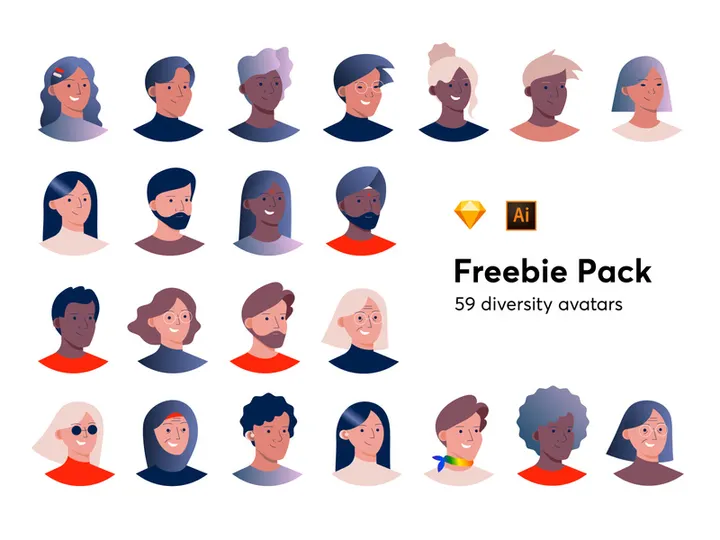
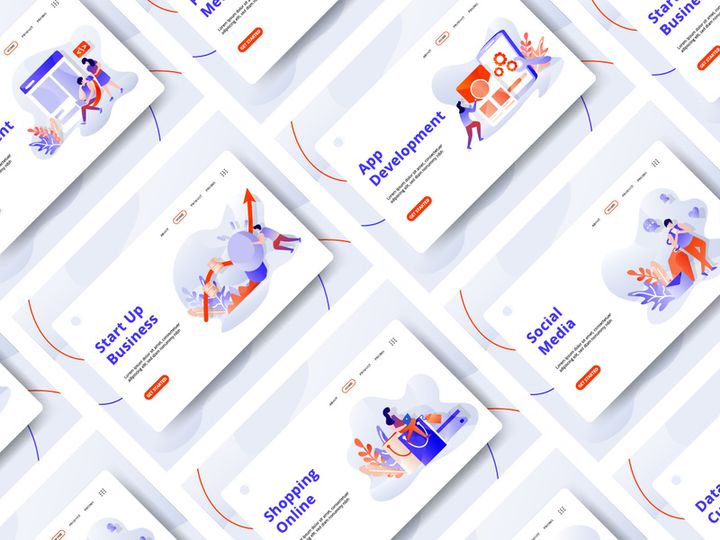

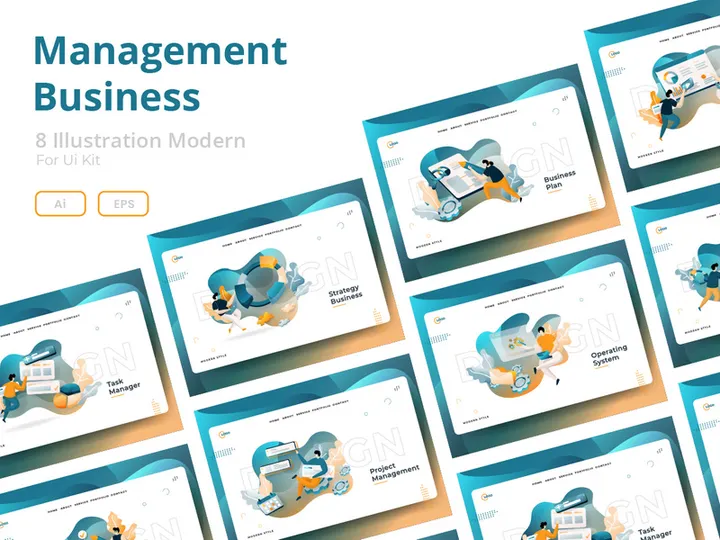
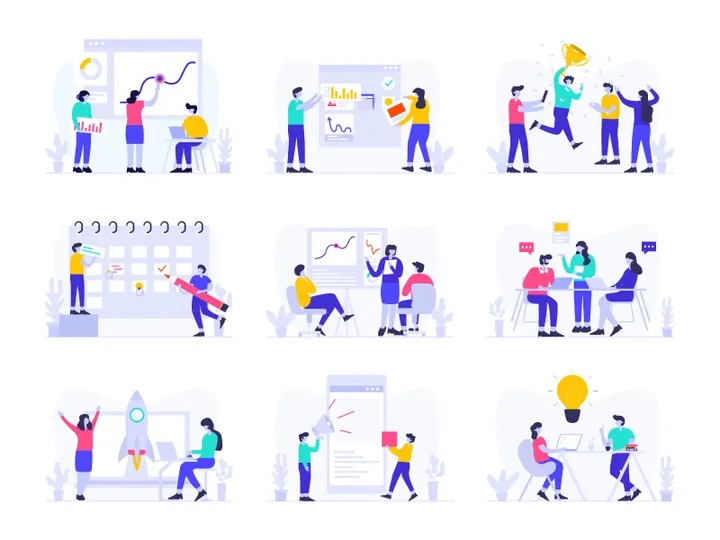

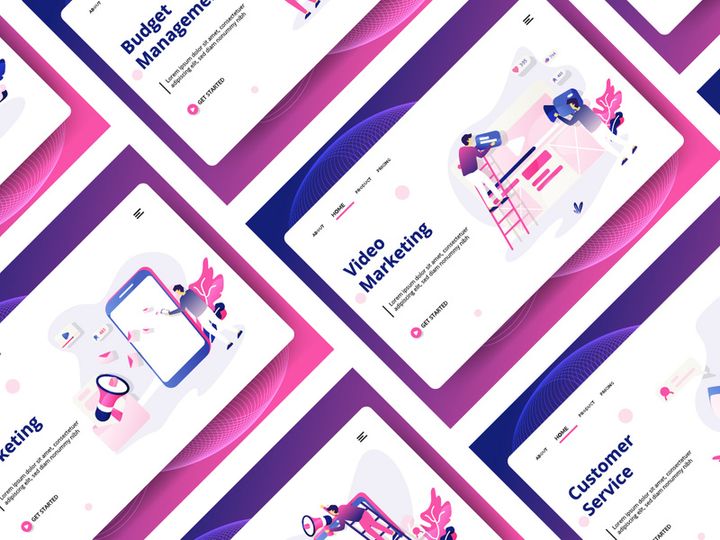
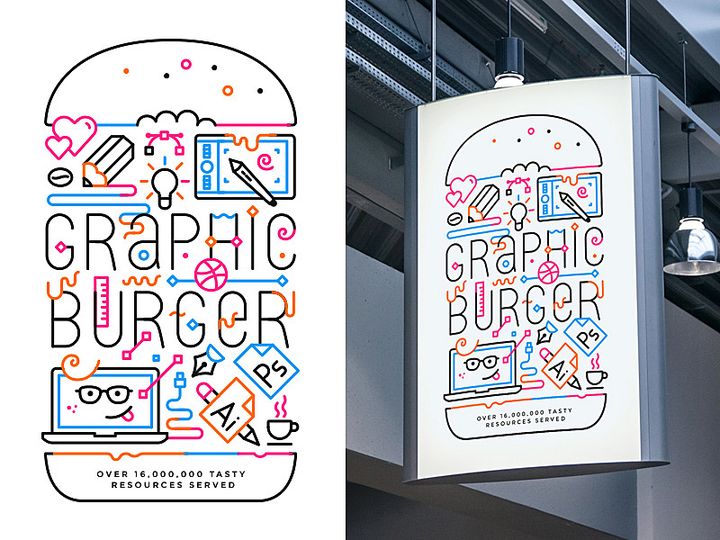


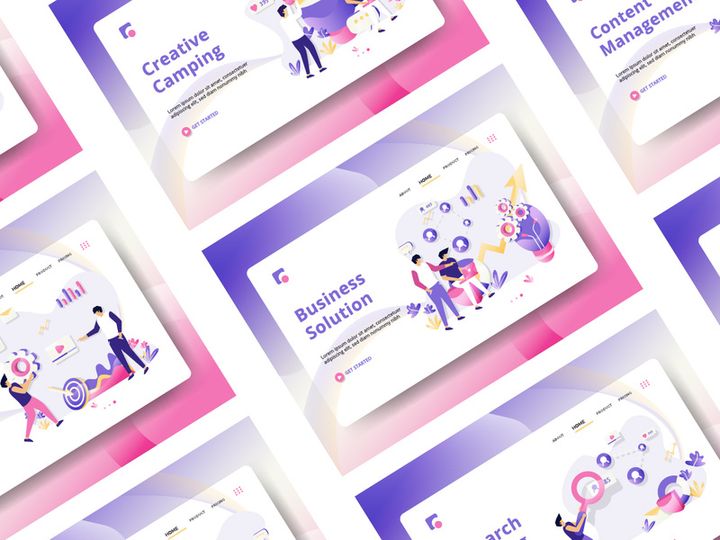

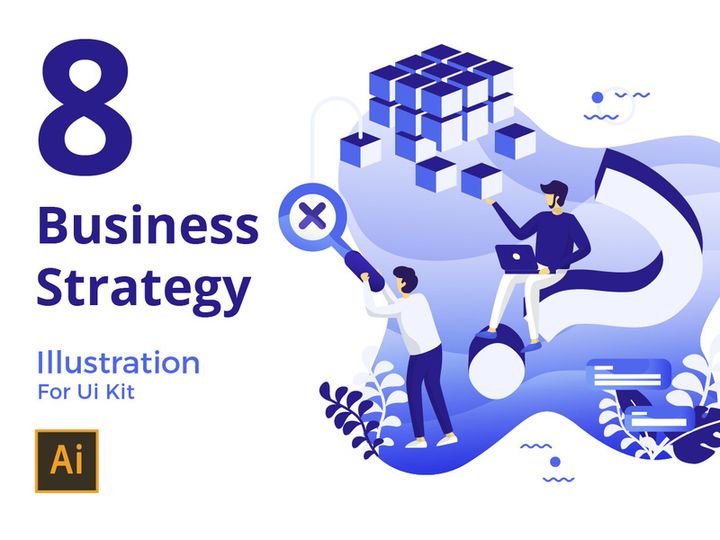
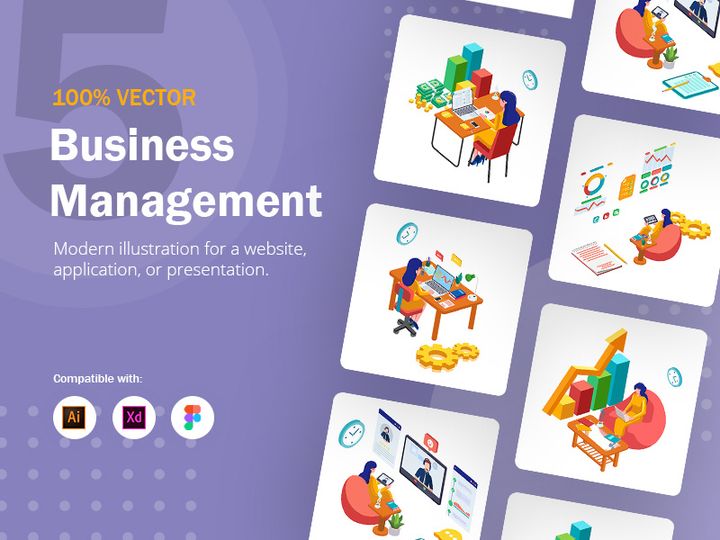
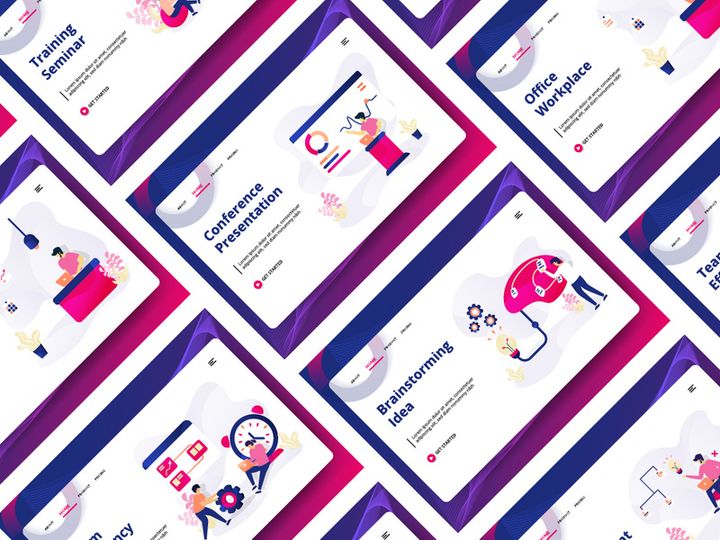
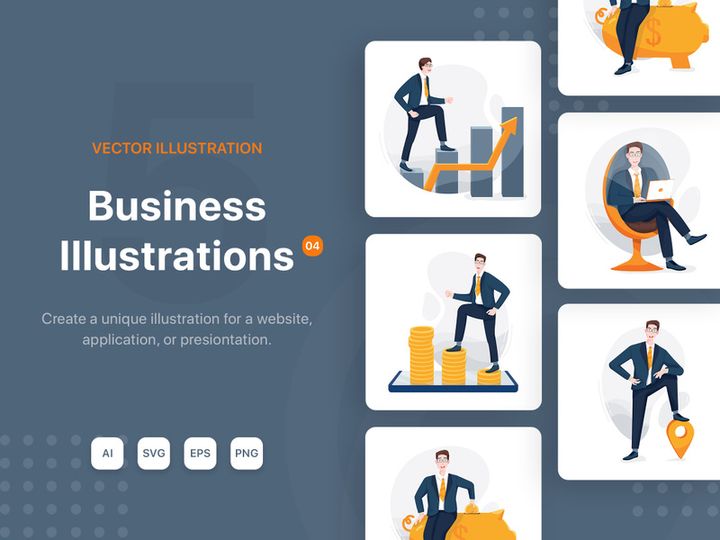
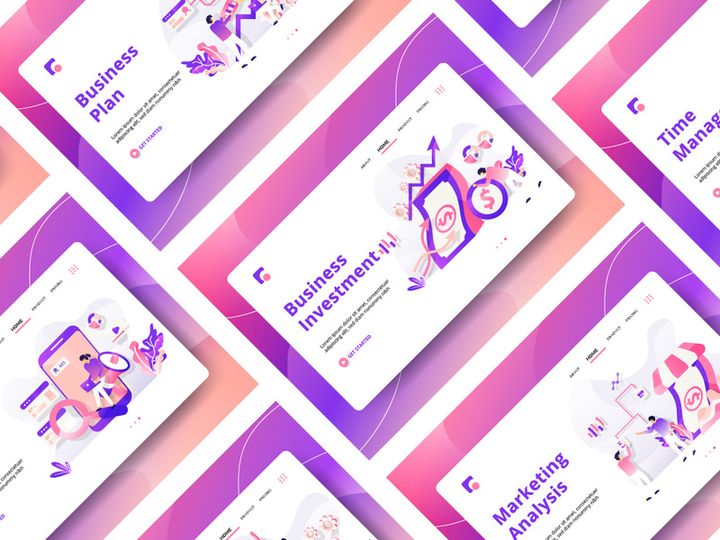


Try Our Free Resources
Download any of these for free - no account required
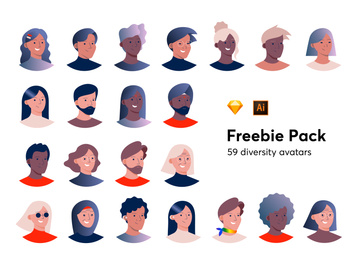
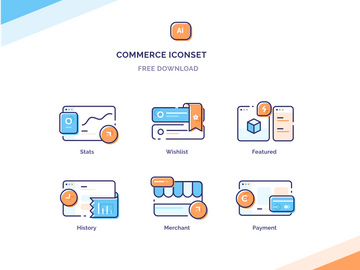
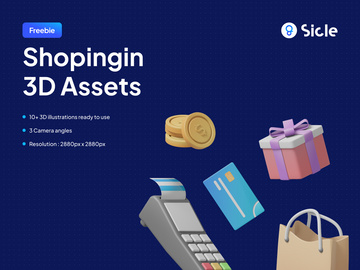

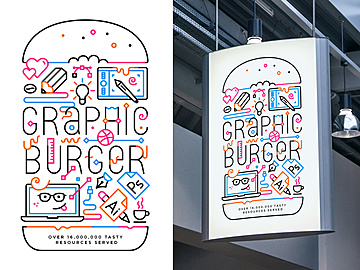
Why Illustrations for Business Projects?
Illustrations play a pivotal role in modern business design, transforming complex ideas into visually engaging content that resonates with audiences. In fast-paced corporate environments, where clarity and impact are essential, pre-made illustrations significantly accelerate the design process. Instead of starting from scratch, teams can leverage high-quality, ready-to-use visuals that align with professional standards, saving time and ensuring consistency across deliverables. This efficiency is especially valuable for marketing materials, internal presentations, reports, and digital platforms where visual storytelling enhances comprehension and engagement.
Business design projects often demand visuals that communicate data, processes, team dynamics, customer journeys, and abstract concepts like growth, innovation, or collaboration. Custom illustrations can be costly and time-consuming to produce, making curated libraries a smart alternative. With access to diverse, on-brand assets, designers and non-designers alike can maintain a polished aesthetic without sacrificing speed or quality.
EpicPxls addresses these needs by offering a specialized collection of 1864+ business-ready illustrations meticulously curated for real-world applications. Each asset is designed with scalability, versatility, and professional aesthetics in mind, ensuring seamless integration into pitch decks, websites, infographics, and training modules. Whether you're illustrating a strategic roadmap or visualizing company culture, these resources eliminate creative bottlenecks. The platform’s focus on relevance and quality means users spend less time searching and more time creating—making EpicPxls a go-to destination for teams aiming to elevate their business communication through compelling visuals.
What Business Designers Need
Essential Illustrations Types
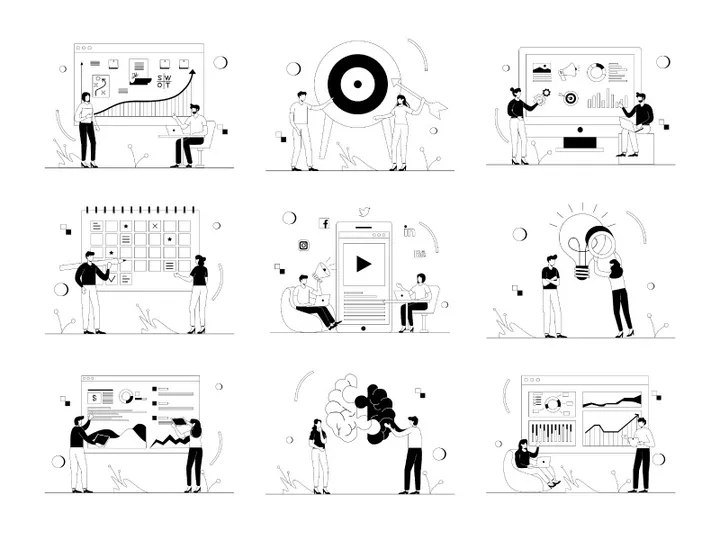
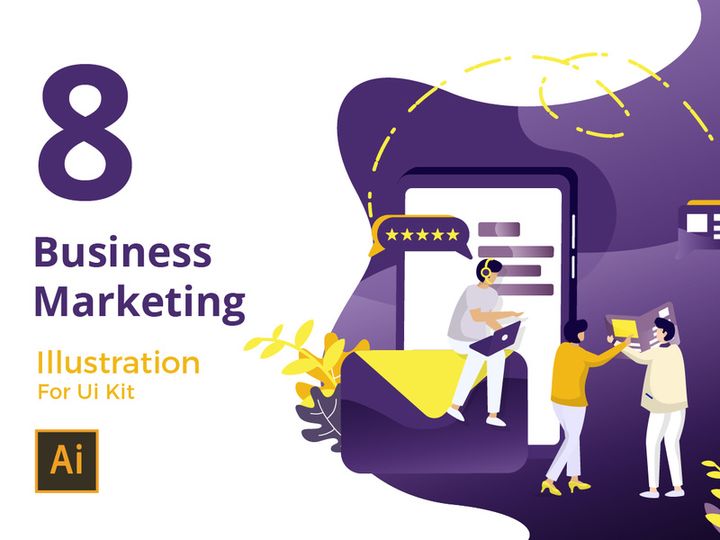
Successful business design relies on a diverse set of illustration types tailored to specific communication goals. Common categories include team collaboration scenes, which depict diverse professionals working together—ideal for HR materials or company websites. Data and analytics illustrations help simplify complex statistics, making reports and dashboards more digestible. Process flow diagrams, timeline visuals, and step-by-step journey maps are crucial for training guides and strategy presentations.
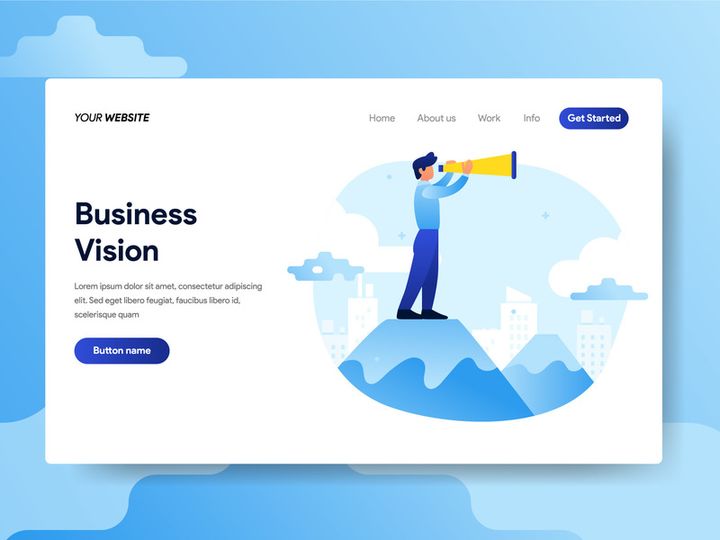
Concept-driven illustrations—such as growth trees, puzzle pieces connecting, or lightbulb innovation themes—are frequently used to represent abstract ideas in marketing and branding. Additionally, office environments, remote work setups, and customer service scenarios support narratives around workplace culture and client engagement. Icons and micro-illustrations also play a supporting role in UI design and slide decks, offering visual cues without overwhelming the layout. EpicPxls ensures that each of these types is represented across its 1864+ resources, giving designers the flexibility to match tone, style, and message with precision.
Format Requirements
For seamless integration into business workflows, illustrations must be available in versatile file formats. SVG (Scalable Vector Graphics) is highly preferred for logos, icons, and web-based content due to its resolution independence and small file size. PNG files with transparent backgrounds are ideal for presentations and marketing collateral, allowing for easy layering over different backgrounds. PDF versions are useful for print materials and cross-platform sharing, while JPEG remains a standard for email attachments and basic digital use.
Many business teams also rely on editable layered files (such as AI or EPS) when customization is required. These formats allow designers to adjust colors, rearrange elements, or modify compositions to align with brand guidelines. EpicPxls delivers illustrations in multiple formats wherever applicable, ensuring compatibility with tools like Adobe Illustrator, Figma, PowerPoint, and Canva—critical for both in-house teams and external agencies managing business design projects.
Quality Standards
Business-ready illustrations must meet high standards of quality to maintain a professional image. First, clarity and clean lines are essential—visuals should be legible at various sizes, from mobile screens to large-format prints. Consistent art style across a set ensures cohesion, especially when combining multiple illustrations in a single presentation or document.
Attention to detail—such as realistic proportions, inclusive character representation, and contextually appropriate settings—adds credibility and relatability. Color palettes should be adaptable, supporting brand alignment through easy recoloring options. High resolution (minimum 300 DPI for raster formats) and proper file organization (e.g., named layers, grouped elements) further enhance usability. At EpicPxls, every illustration undergoes a curation process to meet these benchmarks, ensuring that the 1864+ resources available are not only abundant but also reliable for professional use.
Business Design Project Walkthrough
- Define Your Project Goals: Begin by identifying the purpose of your design—whether it’s a client pitch, internal training module, or company website update. Understanding the message and audience helps determine the tone and type of illustrations needed.
- Browse Curated Collections: Visit EpicPxls and explore the business illustration category. Use filters to narrow down by theme, color, format, or style. With over 1864+ resources, you can quickly find visuals that match your brand aesthetic and project needs.
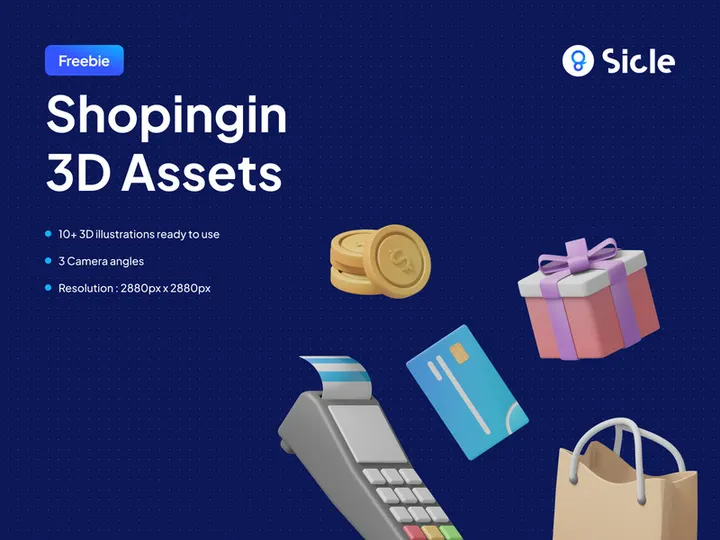
- Select Complementary Assets: Choose a mix of hero illustrations (main focal points) and supporting graphics (icons, dividers, backgrounds). Aim for visual harmony by selecting pieces from the same style family—flat design, line art, or 3D renders—to maintain consistency.
- Download and Import: Download your selected illustrations in the appropriate format (e.g., SVG for web, PNG for slides). Import them into your design tool—whether it’s PowerPoint, Figma, or Adobe Creative Suite—and begin arranging based on your layout structure.
- Customize for Brand Alignment: Adjust colors to match your brand palette, resize elements proportionally, and layer text effectively. Use editable files when possible to tweak details like character poses or background elements for greater relevance.
- Review and Export: Preview your design across devices and formats. Ensure all visuals are crisp, aligned, and support the narrative. Once approved, export in the required formats—PDF for print, optimized PNG/JPG for digital, or interactive PDF/PPTX for presentations.
This workflow ensures that even complex business designs are completed efficiently and professionally. By combining multiple illustrations thoughtfully—such as pairing a team collaboration scene with process icons and a timeline graphic—you create rich, engaging narratives that inform and inspire. EpicPxls streamlines this entire journey by providing cohesive, high-quality assets that work seamlessly together, reducing the need for custom work and minimizing revision cycles.
Business Design Workflow Tips
Speed Up Your Process
Time is a critical factor in business design, where deadlines are tight and revisions frequent. One of the most effective ways to accelerate your workflow is by using pre-made illustrations from trusted sources like EpicPxls. Instead of waiting for custom artwork or spending hours sketching concepts, you can instantly access 1864+ ready-to-use resources that fit common business scenarios. Create a library of frequently used illustrations—such as meeting scenes, growth charts, or digital device mockups—and organize them in shared folders for team access. Use keyboard shortcuts and template-based layouts to plug in visuals quickly, reducing repetitive tasks. With the right assets on hand, you can produce polished designs in a fraction of the time.
Maintain Consistency
Consistency builds trust and strengthens brand identity. When pulling illustrations from multiple sources, it’s easy to end up with mismatched styles that disrupt visual harmony. To avoid this, stick to a single art style across all project materials—whether it’s minimalist flat design, hand-drawn sketches, or soft pastel renders. EpicPxls makes this easier by grouping illustrations into stylistically unified sets, allowing you to build entire presentations or websites from a cohesive visual language. Define a core color palette and use recolorable vector files to ensure every illustration aligns with your brand. Reuse character poses and scene types across documents to create a familiar visual rhythm that audiences can follow effortlessly.
Client Presentation
Delivering business design work to clients requires more than just visual appeal—it demands professionalism and clarity. When presenting, use high-resolution illustrations that load smoothly and display correctly on all devices. Embed visuals strategically to support key messages, not distract from them. Consider creating a design rationale document that explains your illustration choices, showing how each visual reinforces the project’s goals. For digital presentations, use animated SVGs or subtle transitions to add polish without overcomplicating. With EpicPxls’ professionally crafted resources, you can confidently present work that looks custom-made, even when delivered on a tight timeline. Clean, intentional visuals signal attention to detail and enhance client confidence in your expertise.
Business Design Inspiration
Staying current with design trends is essential for creating business visuals that feel fresh and relevant. One of the most prominent trends in 2024 is the shift toward inclusive and diverse illustrations—featuring people of different ethnicities, abilities, genders, and age groups in professional settings. This reflects a broader corporate emphasis on equity and representation. Another trend is the use of soft-ui and isometric designs, which add depth and dimension to digital interfaces and presentations, making abstract concepts more tangible.
Minimalism continues to dominate, with clean lines, ample white space, and limited color palettes helping business materials feel uncluttered and modern. At the same time, there's a growing interest in customizable illustration systems—modular sets that allow designers to mix and match characters, backgrounds, and props to create unique scenes quickly. Top designers leverage these systems to maintain brand consistency while adapting visuals for different departments or campaigns.
To elevate your business design work, explore curated galleries and thematic collections that focus on real-world applications. Platforms like EpicPxls offer inspiration through categorized previews, style guides, and usage examples—helping you discover new ways to apply illustrations in reports, onboarding kits, or social media content. With access to 1864+ resources, you’re never short on creative options. Whether you're refining a corporate identity or launching a new product, the right illustrations can transform your business design from functional to exceptional.
Why Download from EpicPxls?
Commercial License
Use in personal and commercial projects
No Account Required
Download free resources instantly
Quality Curated
Every resource is reviewed for quality
Preview Files
See Figma and Photoshop files before downloading
Who Uses These Illustrations?
Professionals and teams who benefit most from our collection
UI/UX Designers
Speed up your workflow with ready-to-use illustrations for design tools. Perfect for prototyping and client presentations.
Developers
Get production-ready assets without design skills. Export in any format for web and mobile apps.
Startups & Agencies
Save design budget with affordable premium illustrations. Commercial license included for client work.
Marketing Teams
Create professional campaigns faster. All illustrations are optimized for social media and ads.
Illustrations FAQCommon questions about these resources
Simple, Transparent Pricing
Get unlimited access to all premium resources
Yearly
- 20 downloads per month
- All file formats
- Commercial license
Lifetime
- Unlimited downloads forever
- All file formats
- Commercial license
Ready to Get Started?
Access 4,442+ free design resources today.
Browse Free ResourcesView Premium PlansEarn 85% and
more on all sales
Upload your products and put them up
for sale at whatever price you want.


