Illustrations for Logos: 216+ Resources
EpicPxls offers 216+ curated illustrations, all with a commercial license. Formats vary by item, and each listing shows its files. Purpose-built illustrations for logo projects save time and ensure professional results with design elements tailored to logo requirements.
Last updated August 25, 2026
Discover 216+ illustrations ideal for logo design projects.
Trusted by designers at leading companies
Top Illustrations
Handpicked resources from our curated collection


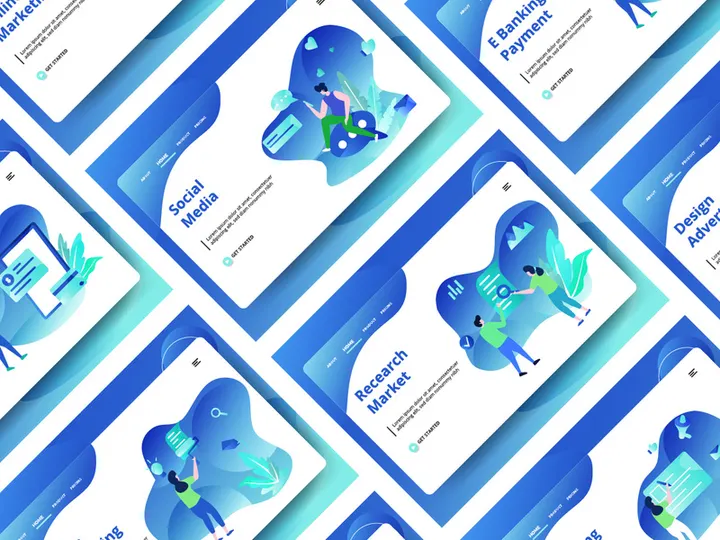
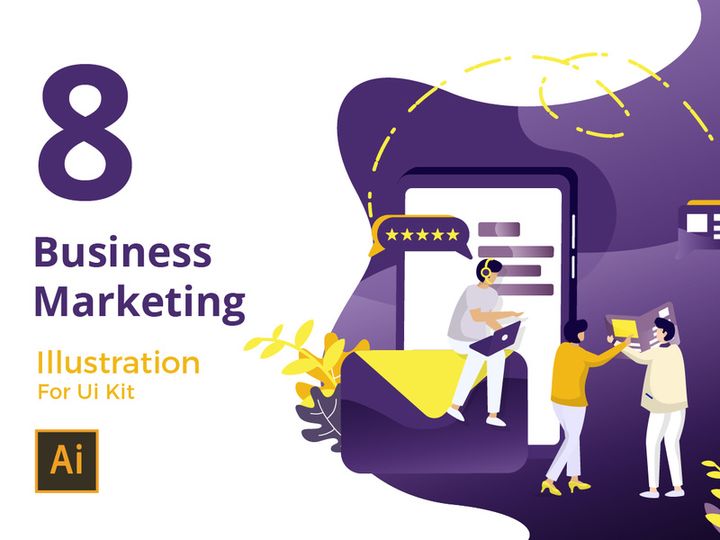
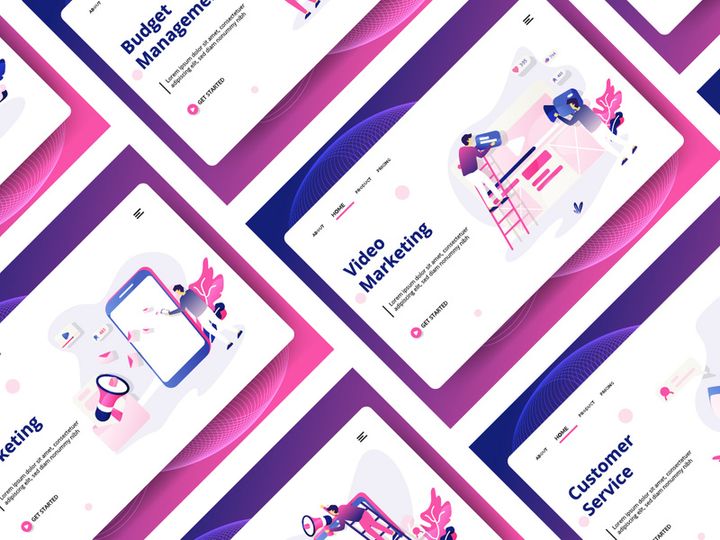
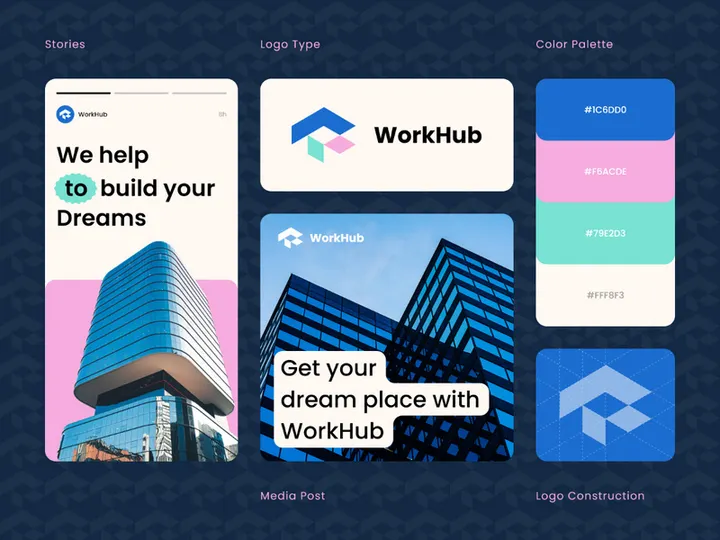






Try Our Free Resources
Download any of these for free - no account required
Why Illustrations for Logo Projects?
Creating a compelling logo is one of the most critical steps in establishing a brand’s visual identity. A well-designed logo communicates values, evokes emotions, and leaves a lasting impression. For designers, the challenge lies in balancing creativity with efficiency—especially when working under tight deadlines. This is where pre-made illustrations come into play. By integrating ready-to-use illustrations into logo design projects, creatives can significantly accelerate their workflow without compromising originality or quality.
Logo projects often require intricate visual elements such as animals, abstract shapes, typography treatments, and symbolic icons. Instead of starting from scratch with vector drawing tools, designers can leverage professionally crafted illustrations that align with their vision. These assets serve as strong foundational components, which can be customized to reflect a brand’s unique personality. Whether it’s a minimalist leaf for a sustainable brand or a bold geometric animal for a tech startup, the right illustration can set the tone for the entire design.
At EpicPxls, we understand the demands of modern logo design. That’s why we’ve curated a growing collection of over 216+ logo-ready illustrations tailored to meet professional standards. Each asset is selected for its scalability, stylistic versatility, and adaptability across industries. From hand-drawn sketches to sleek vector icons, our library is designed to support designers at every stage of the creative process. With high-quality illustrations at your fingertips, you can focus more on refining concepts and less on building basic shapes, giving you a competitive edge in client satisfaction and project turnaround.
What Logo Designers Need
Essential Illustrations Types
Not all illustrations are suitable for logo design. The most effective ones are those that are simple, symbolic, and scalable. Common types used in logo projects include:
- Iconic Symbols: Abstract or literal representations such as stars, shields, or arrows that convey strength, guidance, or innovation.
- Animal Illustrations: Stylized creatures used to represent traits like agility (falcon), loyalty (wolf), or wisdom (owl).
- Nature Elements: Trees, leaves, mountains, and water motifs often associated with eco-friendly, wellness, or outdoor brands.
- Typography-Based Art: Letterforms enhanced with illustrative details, ideal for wordmark or monogram logos.
- Geometric Patterns: Interlocking shapes, lines, and symmetry-based designs that lend a modern, tech-savvy feel.
- Cultural & Heritage Motifs: Traditional patterns or symbols used to reflect regional identity or artisanal craftsmanship.
These illustration types are especially effective when stylized to match a brand’s tone—whether playful, corporate, or luxurious.
Format Requirements
For a logo to be effective across platforms—from business cards to billboards—it must be available in scalable formats. The best illustration formats for logo design include:
- Vector Files (AI, EPS, SVG): These are resolution-independent and can be resized infinitely without quality loss—essential for professional logos.
- Transparent PNG (High-Resolution): Useful for mockups and digital presentations, especially when overlaying logos on various backgrounds.
- PDF Versions: Ideal for sharing with clients or printers, maintaining vector integrity and layout precision.
When sourcing illustrations, always ensure they come in editable vector formats to allow for customization of colors, strokes, and composition.
Quality Standards
Not every illustration is logo-ready. To ensure professional results, look for assets that meet the following criteria:
- Scalability: The illustration should look crisp at both 1cm and 10m sizes.
- Clean Lines: Smooth curves, consistent stroke weights, and minimal detail to support legibility.
- Minimal Complexity: Overly detailed artwork can become muddy when scaled down, so simplicity is key.
- Customizability: Layered files with named layers and grouped elements make editing easier.
- Style Consistency: If combining multiple illustrations, they should share a similar aesthetic—line weight, stroke style, color palette.
EpicPxls ensures every illustration in its library adheres to these quality benchmarks, making the 216+ resources not just numerous, but reliable and production-ready.
Logo Design Project Walkthrough
- Define the Brand Identity: Begin by understanding the client’s mission, target audience, and industry. This informs your choice of illustration style—whether minimalist, vintage, or bold and modern.
- Explore the Illustration Library: Browse through curated collections at EpicPxls to find relevant illustrations. Use filters by category (e.g., nature, tech, fashion) and style (flat, line art, watercolor) to narrow down options.
- Select 2–3 Base Illustrations: Choose primary visuals that resonate with the brand. For example, a coffee brand might use a stylized coffee bean and a mountain silhouette to suggest origin and quality.
- Customize and Combine: Import illustrations into your design software (Adobe Illustrator, Affinity Designer, etc.). Adjust colors to match brand guidelines, modify stroke weights, and layer elements. Use alignment tools to create balanced compositions.
- Test for Scalability and Clarity: Zoom out to simulate small sizes (favicon, app icon) and ensure the logo remains recognizable. Simplify details if needed. Check how it appears in monochrome for print versatility.
- Finalize and Export: Once refined, export the logo in multiple formats—SVG for web, EPS for print, PNG for presentations. Prepare a logo usage guide outlining clear space, color variants, and minimum size.
Combining multiple illustrations effectively requires a keen eye for balance. Avoid clutter by ensuring one element dominates while others support. For instance, a central animal icon can be framed subtly by leaf motifs without overwhelming the design. EpicPxls’ illustrations are designed with modularity in mind, allowing seamless integration into cohesive logo systems.
Logo Design Workflow Tips
Speed Up Your Process
Time is a designer’s most valuable resource. Using pre-made illustrations from a trusted source like EpicPxls can cut hours off your workflow. Instead of redrawing common symbols like arrows, hearts, or buildings, you can instantly apply a professionally designed version and adapt it to your concept. Create a personal library of frequently used illustration types—such as badges, ribbons, or abstract swirls—and tag them by industry for quick access. Batch-edit colors using global swatches to maintain consistency across multiple logo variations. With over 216+ resources available, you’ll rarely need to start from zero, allowing you to deliver polished designs faster and take on more clients.
Maintain Consistency
When combining multiple illustrations in a single logo, consistency is crucial. Use assets from the same stylistic family—such as uniform line weight, corner radius, or shading technique. If mixing elements from different sources, adjust stroke widths and anchor point smoothness to unify the look. Stick to a maximum of two complementary styles (e.g., a line icon with a flat color accent) to avoid visual noise. EpicPxls organizes illustrations into themed packs—like “Minimal Line Icons” or “Bold Geometric Shapes”—making it easier to maintain a cohesive aesthetic. Additionally, consider creating a style guide early in the project to define visual rules for spacing, alignment, and color usage.
Client Presentation
How you present your logo design impacts client approval. Use high-quality mockups to showcase the logo in real-world applications—on business cards, storefronts, or mobile apps. Pair your design with a brief rationale explaining how the chosen illustrations reflect the brand’s values. For example, “The mountain symbolizes growth and resilience, while the circular frame conveys unity and continuity.” Deliver the final package in an organized folder with multiple file formats and usage instructions. Including a black-and-white version demonstrates professionalism and prepares the client for print applications. When clients see a polished, well-thought-out presentation, they’re more likely to appreciate the value of your work.
Logo Design Inspiration
Staying inspired is essential for producing fresh, impactful logos. Current trends in logo design emphasize minimalism, negative space usage, and dynamic mark evolution. Brands are moving toward versatile logos that work across digital and physical platforms, often starting with a simplified icon that expands into a full mark in certain contexts. Illustrative logos are also gaining traction—especially in lifestyle, wellness, and creative industries—where hand-drawn elements add warmth and authenticity.
Top designers often begin with mood boards, gathering visual references from nature, architecture, and cultural symbols. They focus on storytelling—how a single shape can convey a brand’s journey or ethos. For instance, a bookstore might use an owl illustration not just as a mascot, but as a metaphor for knowledge and quiet contemplation. Experimentation is key: try flipping, overlapping, or abstracting illustrations to discover unexpected compositions.
To elevate your logo work, regularly explore curated illustration collections like those at EpicPxls. With 216+ resources spanning diverse themes and styles, you’ll find endless inspiration for your next project. Whether you're designing for a startup, a nonprofit, or a luxury brand, the right illustration can be the spark that turns a good logo into a great one. Stay curious, stay creative, and let high-quality assets empower your design process.
Why Download from EpicPxls?
Commercial License
Use in personal and commercial projects
No Account Required
Download free resources instantly
Quality Curated
Every resource is reviewed for quality
Preview Files
See preview images on each item page before downloading
Who Uses These Illustrations?
Professionals and teams who benefit most from our collection
UI/UX Designers
Speed up your workflow with ready-to-use illustrations for design tools. Perfect for prototyping and client presentations.
Developers
Get production-ready assets without design skills. Export in any format for web and mobile apps.
Startups & Agencies
Save design budget with affordable premium illustrations. Commercial license included.
Marketing Teams
Create professional campaigns faster. All illustrations are optimized for social media and ads.
Illustrations FAQCommon questions about these resources
Simple, Transparent Pricing
Get unlimited access to all premium resources
Yearly
- 20 downloads per month
- All file formats
- Commercial license
Lifetime
- Unlimited downloads forever
- All file formats
- Commercial license
Earn 85% and
more on all sales
Upload your products and put them up
for sale at whatever price you want.


