Illustrations for Adobe XD: 134+ Resources
EpicPxls offers 95+ curated illustrations for Adobe XD, all with a commercial license and editable source files (Figma, Sketch, PSD). We have 95+ illustrations compatible with Adobe XD, tested and verified for seamless integration.
Last updated February 12, 2026
Discover 134+ handpicked illustrations for Adobe XD.
Trusted by designers at leading companies
Top Illustrations for Adobe XD
Handpicked resources from our curated collection

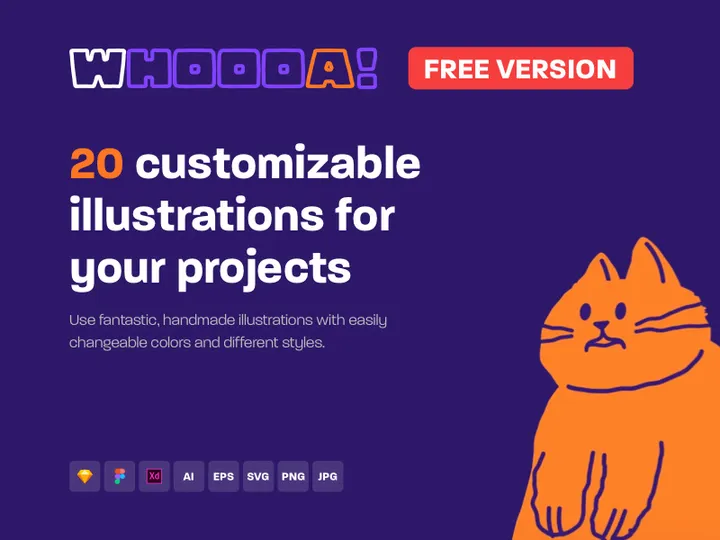


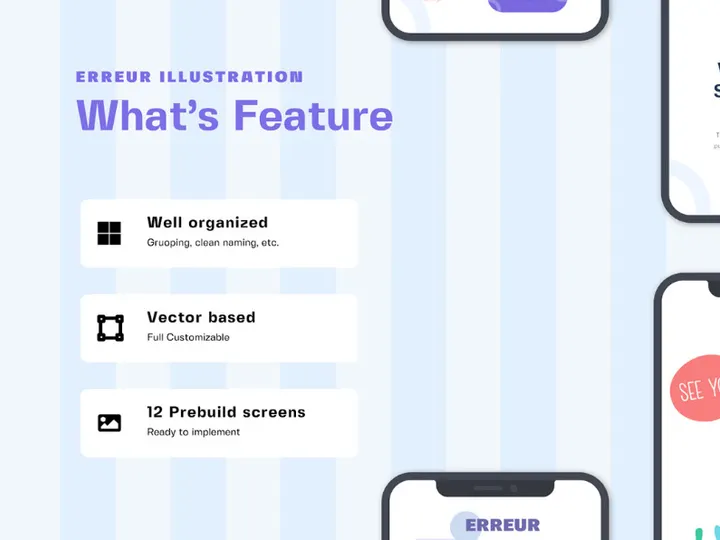
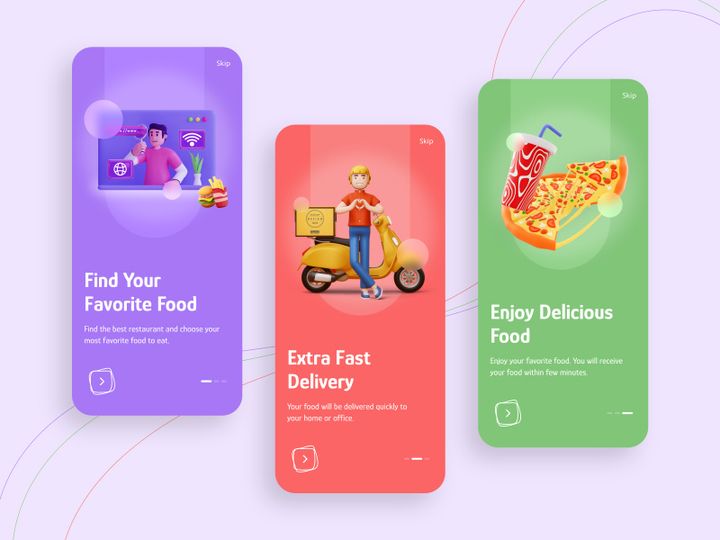
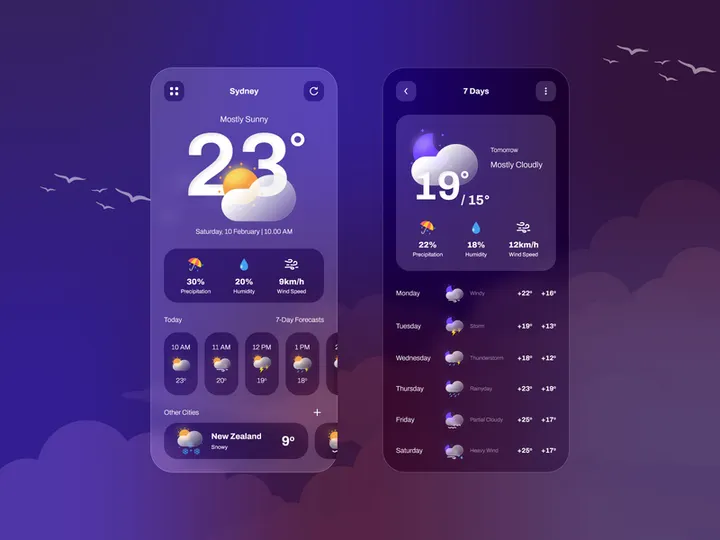


![[Vol. 15] Online Learning - Landing Page Illustration preview picture](https://imgproxy.epicpxls.com/vOnNsF15fmIima0E4mjSmydZcb09KQ_j8vsJcXDWVnM/rs:fill:720:540:0/g:no/aHR0cHM6Ly9pdGVt/cy5lcGljcHhscy5j/b20vdXBsb2Fkcy9w/aG90by9jYWZlNzM4/NTBkOWEzMzEzN2E5/ODk0NDgyYWFhN2Ew/Mw.jpg)





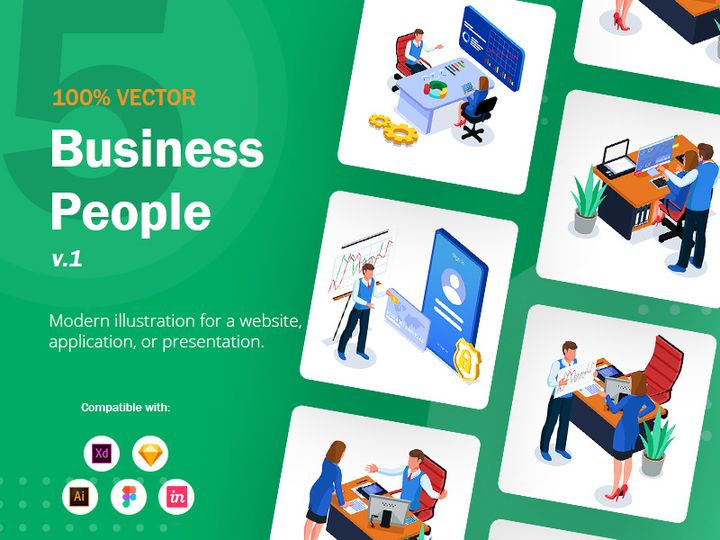
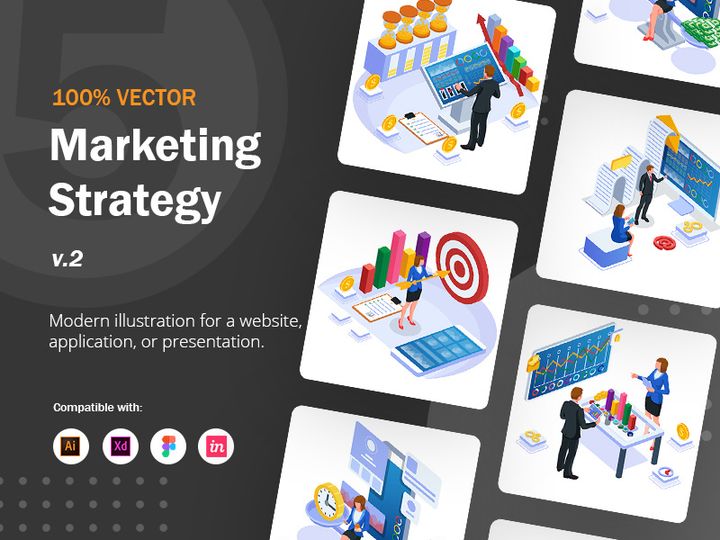
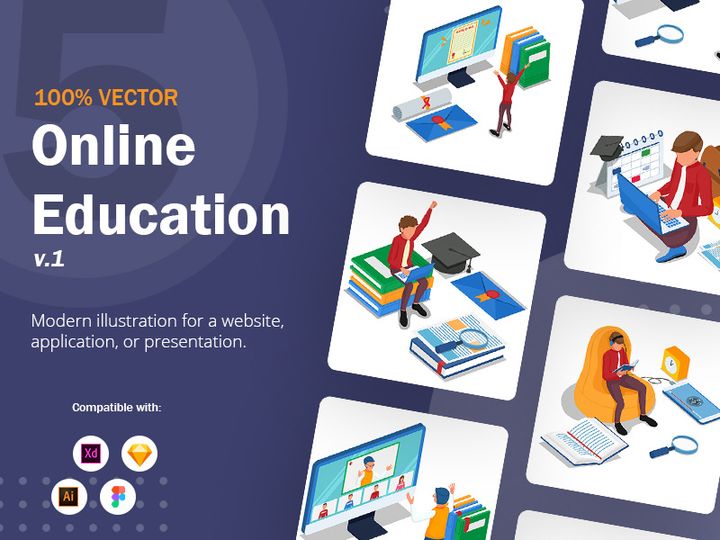
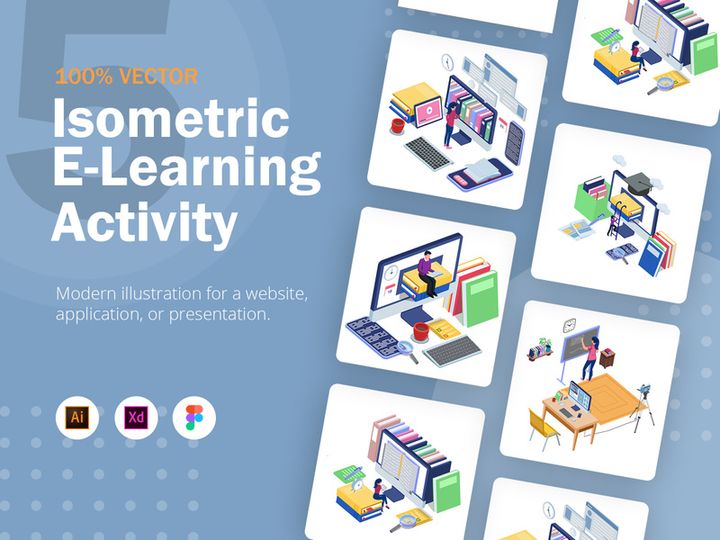

Try Our Free Resources
Download any of these for free - no account required
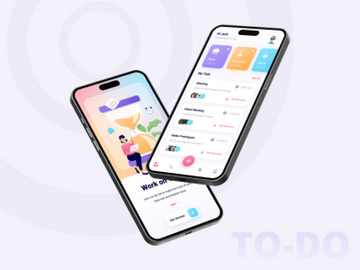
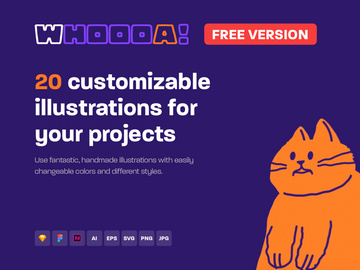
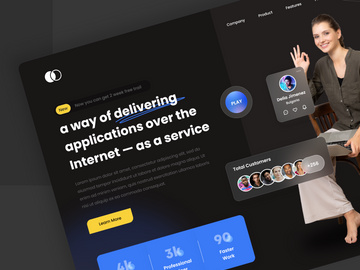

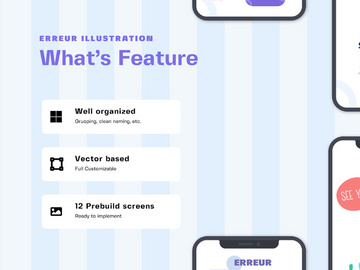
Why Adobe XD for Illustrations?
Adobe XD has emerged as a powerful platform for designers working across digital experiences, especially when it comes to integrating and manipulating illustrations. While primarily known for UI/UX design and prototyping, Adobe XD’s vector-based architecture makes it an ideal environment for handling scalable, high-quality illustrations. Its seamless integration with other Adobe Creative Cloud applications—like Illustrator and Photoshop—allows illustrators and designers to bring artwork directly into their workflows with minimal friction. This interoperability is a game-changer, enabling teams to maintain visual consistency across branding, web interfaces, mobile apps, and interactive prototypes.
One of the standout features of Adobe XD for illustration work is its support for responsive resizing and repeat grids. These tools allow designers to apply illustrations across multiple screen sizes and layouts without losing fidelity. Components and states further enhance this capability, letting users create reusable illustration blocks—such as character expressions or animated UI elements—that can be updated globally. This is especially useful when managing large design systems that rely on consistent visual storytelling.
Another major advantage is the real-time collaboration features. Multiple team members can co-edit documents, leave comments, and share prototypes with stakeholders, ensuring that illustrations are reviewed and refined efficiently. With cloud documents, version control becomes more manageable, reducing the risk of asset loss or miscommunication. The ability to export assets in multiple formats (SVG, PNG, JPEG) also makes it simple to repurpose illustrations for development handoff or marketing use.
At EpicPxls, we recognize the growing demand for purpose-built illustration resources that align with Adobe XD’s capabilities. That’s why we’ve curated over 134+ resources specifically optimized for Adobe XD. Each asset is tested for compatibility, scalability, and ease of use, ensuring that whether you're designing landing pages, onboarding flows, or interactive dashboards, your illustrations integrate smoothly and enhance your visual narrative.
Top Illustrations Picks for Adobe XD
With so many illustration resources available, choosing the right ones can significantly impact your design efficiency and aesthetic quality. To help streamline your search, we’ve categorized the best Adobe XD illustrations based on skill level and budget. These selections come from our hand-curated library of 134+ resources, all verified for seamless use in Adobe XD projects.
Best for Beginners
If you're just starting with Adobe XD, simplicity and clarity are key. Look for illustration kits that feature clean layers, organized artboards, and clear naming conventions. Resources labeled as “starter packs” or “onboarding illustrations” are excellent choices, often including friendly characters, flat design icons, and scene-based visuals that require minimal editing. Many beginner-friendly packs come with built-in guides and README files, explaining how to swap colors, resize elements, or customize expressions. These kits help new users get comfortable with XD’s component system and vector editing tools while producing professional-looking results quickly.
Best for Professionals
For advanced designers, we recommend richly detailed illustration sets that offer depth, interactivity, and customization. These include isometric scenes, animated character sequences, and modular illustration systems designed for large-scale applications. Professional-grade resources often support dynamic components, use advanced layer structuring, and include alternate poses or themes—perfect for complex dashboards, enterprise software, or brand storytelling. At EpicPxls, our premium curation includes several such collections, ensuring professionals have access to high-fidelity, production-ready assets that maintain consistency across design systems.
Best Free Options
Not all high-quality illustrations require a financial investment. We’ve identified several free Adobe XD illustration packs that deliver excellent value without compromising on quality. These include minimalist line art, abstract backgrounds, and inclusive character sets that are fully editable. Free resources from reputable sources are often updated regularly and come with generous licensing for personal and commercial use. While they may have fewer variations than premium sets, they’re perfect for startups, freelancers, or side projects. Our team at EpicPxls ensures each free resource undergoes a quality check for alignment, resolution, and usability—so you get only the best, even at zero cost.
Adobe XD vs Other Tools for Illustrations
When it comes to working with illustrations in a digital design context, Adobe XD stands out for its specialized focus on interface design and user experience. Unlike general-purpose illustration software, Adobe XD is built to integrate artwork directly into interactive prototypes and live user flows. This makes it uniquely suited for projects where illustrations aren’t just decorative but serve functional roles—such as guiding users through onboarding, providing feedback, or enhancing emotional engagement.
One of the biggest advantages of using Adobe XD for illustrations is its ecosystem. Being part of the Adobe Creative Cloud means seamless round-tripping with Illustrator—where detailed vector artwork can be created and then imported into XD for contextual use. This tight integration ensures no loss in quality and allows for non-destructive editing. Additionally, XD’s cloud sharing and commenting tools make it easier to collaborate with teams, gather stakeholder feedback, and maintain version control—features that are less emphasized in other illustration-centric platforms.
From a format perspective, Adobe XD supports SVG, PNG, and JPG imports, making it compatible with most illustration outputs. However, to get the most out of the platform, it’s best to use vector-based illustrations that can scale without degradation. Our 134+ resources at EpicPxls are optimized in native XD format or as clean SVGs, ensuring compatibility, fast loading, and easy customization. This format-first approach reduces setup time and ensures that illustrations behave predictably within responsive layouts and interactive prototypes.
Setting Up Illustrations in Adobe XD
Integrating illustrations into your Adobe XD workflow is a straightforward process when you follow best practices. Whether you're importing a single asset or managing a library of 50+ illustrations, these steps will help you organize your work efficiently and keep your files performant.
- Download and Unzip the Resource: Start by downloading your chosen illustration pack from a trusted source like EpicPxls. Most resources come in a .zip file containing XD files, SVGs, or documentation.
- Open or Import the File: If the resource is in .xd format, simply open it in Adobe XD. For SVG files, go to File > Import and select your illustration. The asset will appear on your canvas and can be resized or repositioned as needed.
- Explore the Artboards and Layers: Review the structure of the file. Well-organized resources will have labeled artboards (e.g., “Characters,” “Scenes”) and clearly named layers, making it easy to find and extract what you need.
- Copy to Your Project: Select the illustration elements you want and copy them (Ctrl+C or Cmd+C). Switch to your main project file and paste (Ctrl+V or Cmd+V) onto the desired artboard.
- Convert to Components (Optional): For frequently used illustrations—like avatars or status icons—convert them into components. This allows you to reuse them and update all instances globally, saving time and ensuring consistency.
- Organize and Rename: Finally, group related illustrations, rename layers meaningfully, and consider using color labels or folders in the layers panel to maintain clarity—especially as your project scales.
For teams managing large illustration libraries, consider creating a master “Asset Library” file where all approved illustrations are stored. This can serve as a single source of truth and be linked to multiple projects via XD’s sharing features.
Adobe XD Workflow Tips
Maximizing the potential of illustrations in Adobe XD goes beyond just placing images on a canvas. Efficient workflows, smart organization, and team collaboration are key to maintaining quality and speed—especially when working with extensive collections like the 134+ resources available through curated platforms such as EpicPxls.
Organizing Illustrations Libraries
A well-structured illustrations library saves time and reduces clutter. Create a dedicated XD file for all your brand-approved illustrations, organized by categories such as “Characters,” “Backgrounds,” “Icons,” and “Scenes.” Use consistent naming conventions (e.g., “Illus_Onboarding_01”) and leverage artboard grids to preview multiple assets at once. Consider using Component States for variations (like different character emotions) so they’re easily accessible without bloating your file. For teams, publish this library as a shared cloud document so everyone has access to the latest versions.
Batch Operations
When applying changes across multiple illustrations—such as adjusting colors, resizing, or exporting assets—use XD’s batch capabilities to work efficiently. The Repeat Grid feature, for instance, allows you to duplicate and populate illustration placeholders rapidly. Plugins like “Rename It” or “Export Me” can automate layer renaming and asset export, especially useful when preparing illustrations for development handoff. You can also use color tokens to globally update palette-based illustrations, ensuring brand consistency with a single edit.
Collaboration Best Practices
Illustrations often require feedback from stakeholders, copywriters, and developers. Use Adobe XD’s Share for Review feature to generate a link where team members can view prototypes and comment directly on illustration placement or context. Enable version history to track changes and revert if needed. For remote teams, consider adding descriptive tooltips or text annotations near illustrations to explain their purpose or usage guidelines. At EpicPxls, we recommend using shared libraries with clear documentation so that even non-designers can understand how and when to use specific illustration assets—ensuring alignment across marketing, product, and development teams.
Why Download from EpicPxls?
Commercial License
Use in personal and commercial projects
No Account Required
Download free resources instantly
Quality Curated
Every resource is reviewed for quality
Preview Files
See Figma and Photoshop files before downloading
Who Uses These Illustrations?
Professionals and teams who benefit most from our collection
UI/UX Designers
Speed up your workflow with ready-to-use illustrations for Adobe XD. Perfect for prototyping and client presentations.
Developers
Get production-ready assets without design skills. Export in any format for web and mobile apps.
Startups & Agencies
Save design budget with affordable premium illustrations. Commercial license included for client work.
Marketing Teams
Create professional campaigns faster. All illustrations are optimized for social media and ads.
Illustrations for Adobe XD FAQCommon questions about these resources
Simple, Transparent Pricing
Get unlimited access to all premium resources
Yearly
- 20 downloads per month
- All file formats
- Commercial license
Lifetime
- Unlimited downloads forever
- All file formats
- Commercial license
Ready to Get Started?
Access 4,441+ free design resources today.
Browse Free ResourcesView Premium PlansEarn 85% and
more on all sales
Upload your products and put them up
for sale at whatever price you want.


