Templates for Adobe XD: 714+ Resources
EpicPxls offers 200+ curated templates for Adobe XD, all with a commercial license and editable source files (Figma, Sketch, PSD). We have 200+ templates compatible with Adobe XD, tested and verified for seamless integration.
Last updated February 12, 2026
Discover 714+ handpicked templates for Adobe XD.
Trusted by designers at leading companies
Top Templates for Adobe XD
Handpicked resources from our curated collection


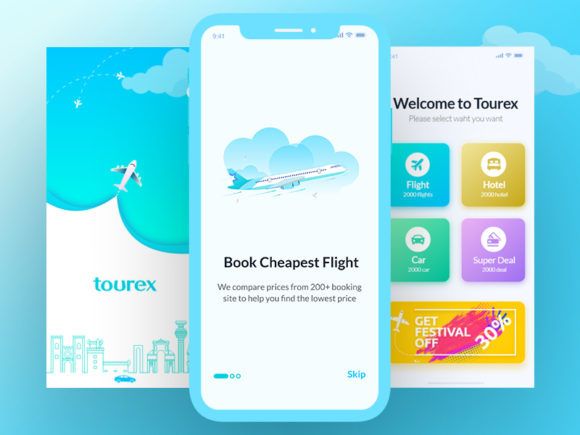
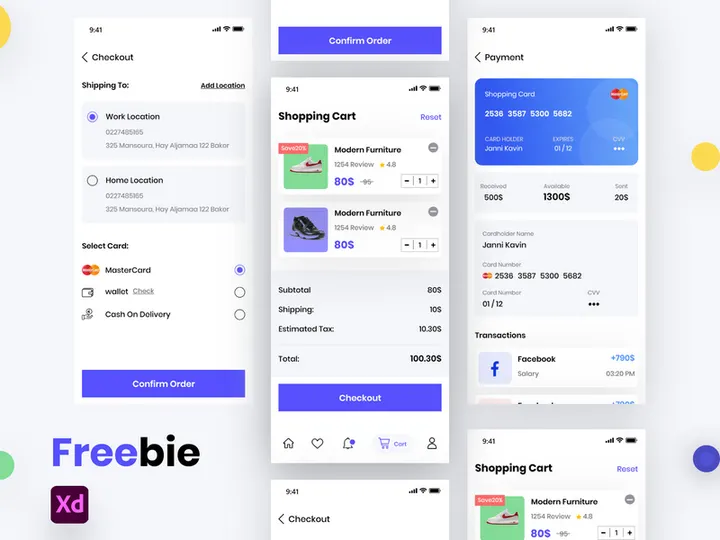
![[FREE] Onboarding for online shop delivery service preview picture](https://imgproxy.epicpxls.com/M_5MpVYHZDRFeGdqajq8UNekveEuq0mtVCUFQ9TSayA/rs:fill:720:540:0/g:no/aHR0cHM6Ly9pdGVt/cy5lcGljcHhscy5j/b20vdXBsb2Fkcy9w/aG90by8xMzE0OTI4/NGE0ZjI1ODFjMWNl/NWUwMDg1MjAxNjIy/NA.jpg)


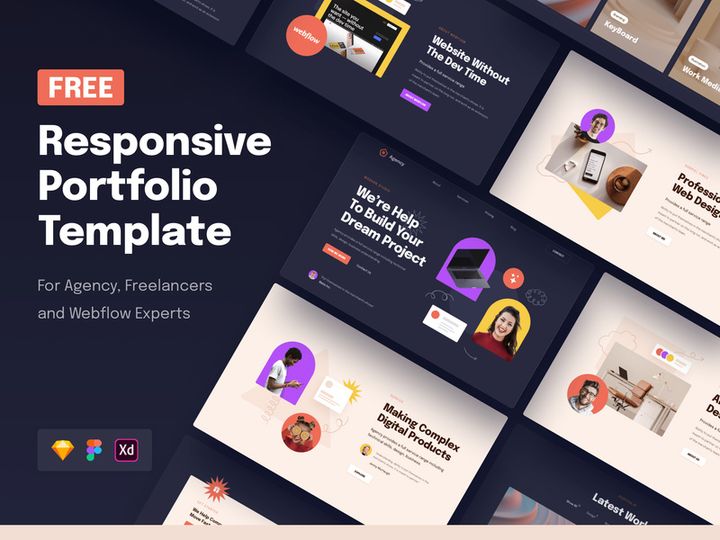
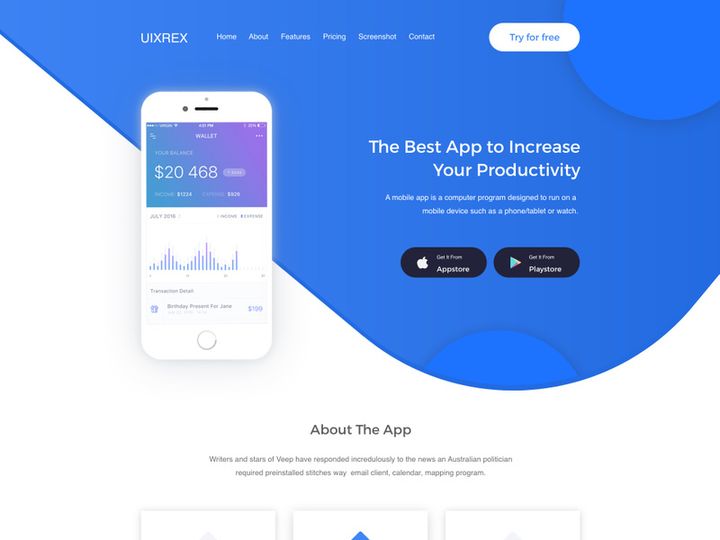
![Tech Product Home Page [Free Download] preview picture](https://imgproxy.epicpxls.com/ZxdZROv4RURX22kYrSyyoGeaAc5NMX1IN5--bKwWYQA/rs:fill:720:540:0/g:no/aHR0cHM6Ly9pdGVt/cy5lcGljcHhscy5j/b20vdXBsb2Fkcy9w/aG90by81YmMyNWU5/YWZjNzllYjcwZTdm/MjVhNGQ0OGEwOTgy/NA.jpg)
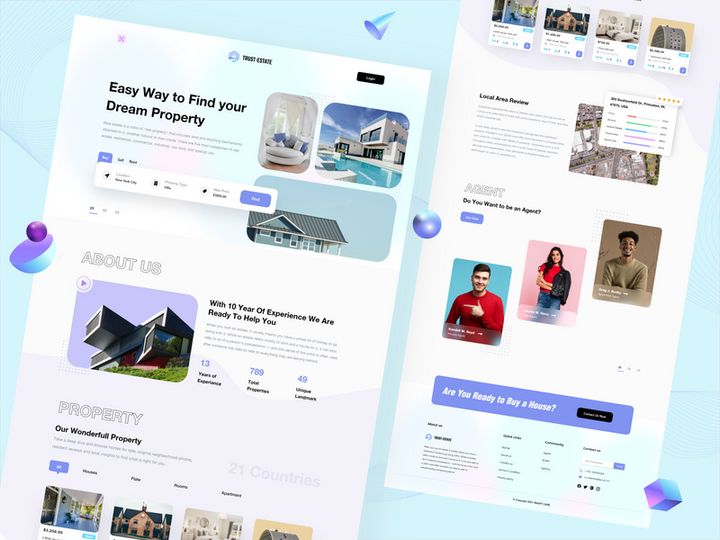
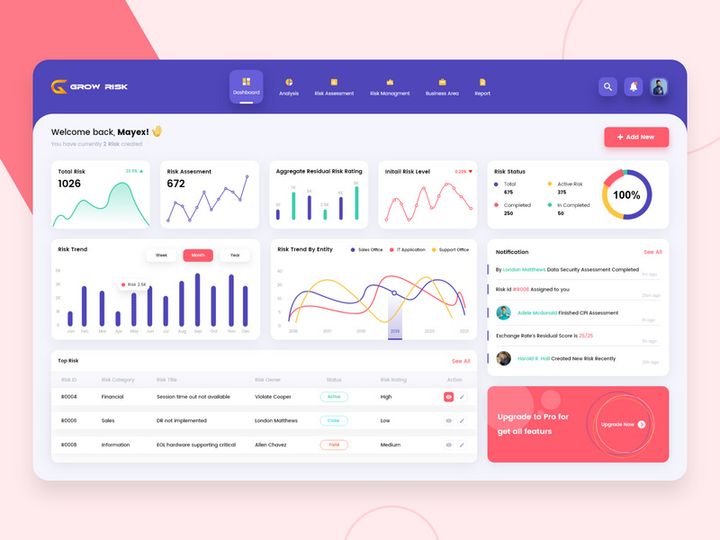
![15 Login Sign-Up Templates [Free for Personal Use] preview picture](https://imgproxy.epicpxls.com/7g3VVoD1KuCYomkeLEQCYhNzt1erkW-Dlw6itoylllw/rs:fill:720:540:0/g:no/aHR0cHM6Ly9pdGVt/cy5lcGljcHhscy5j/b20vdXBsb2Fkcy9w/aG90by9kMDBlYTUy/NTUzMTdjYzFhNzY2/NTIzNzE4YzRhOTU0/Zg.jpg)
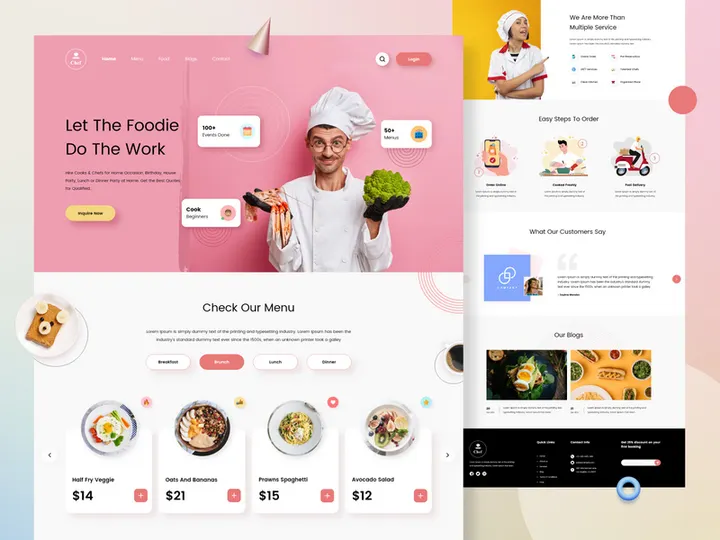
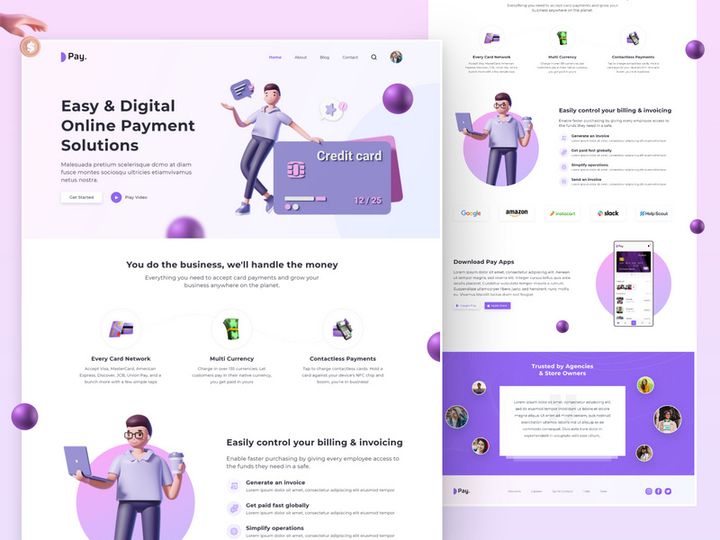
![Tech Product Home Page [Free Download] preview picture](https://imgproxy.epicpxls.com/beuJcj68eV0ckTsM2_-wQgw3YVE0sRP-ZUiO-i1InwM/rs:fill:720:540:0/g:no/aHR0cHM6Ly9pdGVt/cy5lcGljcHhscy5j/b20vdXBsb2Fkcy9w/aG90by9mNTRkNjI0/NTdlYWVkOGMyNzUy/YjYzOTM0Nzg3NDFi/Mi5qcGc.jpg)


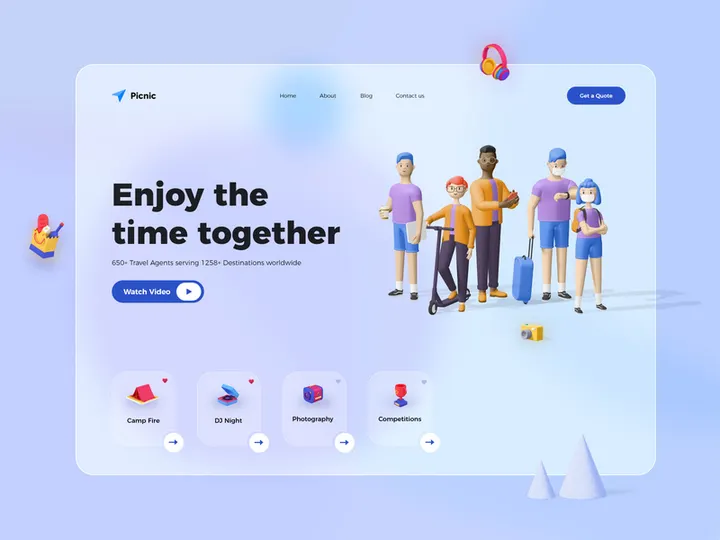
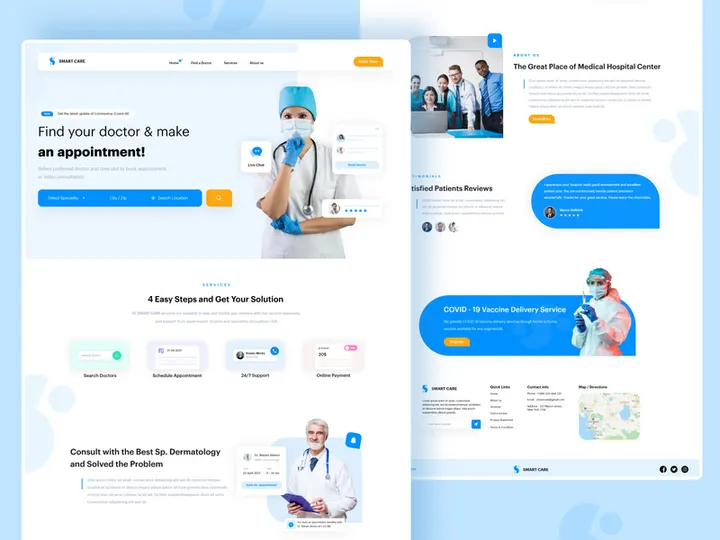
Try Our Free Resources
Download any of these for free - no account required
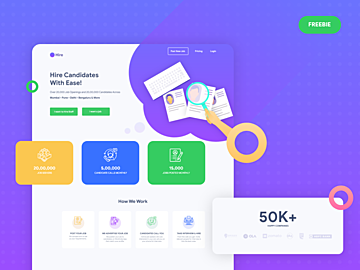
![[FREE] Onboarding for online shop delivery service](https://items.epicpxls.com/uploads/photo/0794b75327ba5f3bc3258ab3ec07512a)
Why Adobe XD for Templates?
Adobe XD has rapidly emerged as a leading design tool for UI/UX professionals, and one of its greatest strengths lies in its seamless integration with templates. Designers across industries leverage Adobe XD for its intuitive interface, real-time collaboration features, and powerful prototyping capabilities—all of which make it an ideal environment for working with pre-built templates. Whether you're designing websites, mobile apps, dashboards, or onboarding flows, templates in Adobe XD significantly reduce design time and improve consistency across projects.
One of the standout features of Adobe XD is its support for reusable components and responsive resizing. These allow templates to be easily customized and adapted to various screen sizes and design requirements. With auto-animate, designers can also prototype complex interactions directly within template-based designs, enhancing workflow efficiency. The integration with other Adobe Creative Cloud apps further streamlines asset management, making it easy to import vector graphics, fonts, and images from Photoshop or Illustrator.
Another reason why Adobe XD excels in template workflows is the robust ecosystem of community and professionally designed resources. Platforms like EpicPxls curate high-quality, well-structured templates that are optimized specifically for Adobe XD. Each of the 714+ resources available through EpicPxls is tested for compatibility, ensuring clean layers, organized artboards, and adherence to design best practices. This curation process guarantees that users receive not just templates, but ready-to-use design systems that accelerate project delivery. Whether you're a solo designer or part of a team, Adobe XD's template-friendly environment, combined with thoughtfully selected resources, empowers you to design faster and smarter.
Top Templates Picks for Adobe XD
With such a vast collection of templates available, it can be overwhelming to know where to start. To help streamline your search, we've handpicked standout categories from the 714+ resources curated by EpicPxls. These selections are based on usability, design quality, and real-world application across different experience levels and project types. Whether you're just starting out or leading enterprise-level design initiatives, there's a perfect template waiting for you in the Adobe XD ecosystem.
Best for Beginners
If you're new to Adobe XD or UI/UX design in general, starting with beginner-friendly templates is essential. These resources typically come with clear instructions, layered structures, and simple navigation systems. Look for templates that include labeled components, color swatches, and typography guides. Many beginner templates focus on basic app screens like login flows, onboarding sequences, and simple dashboards. These are ideal for learning how artboards, components, and interactions work within Adobe XD. EpicPxls highlights several introductory kits that are not only easy to navigate but also serve as excellent learning tools for mastering the fundamentals of interface design.
Best for Professionals
For experienced designers, time is a premium—and that’s where advanced templates shine. Professional-grade templates from EpicPxls often include full design systems with extensive component libraries, dark and light mode variants, responsive breakpoints, and even integrated icon sets. These templates are built with scalability in mind, making them perfect for agencies, product teams, or freelancers managing multiple client projects. You'll find comprehensive UI kits for fintech apps, e-commerce platforms, healthcare dashboards, and SaaS products. Their modular structure allows for rapid customization while maintaining brand consistency, drastically reducing the time from concept to prototype.
Best Free Options
High-quality design resources don’t always have to come with a price tag. EpicPxls offers a strong selection of free Adobe XD templates that rival premium options in both design and functionality. These free templates cover a wide range of use cases—from landing pages and mobile app interfaces to wireframe kits and style guides. They are ideal for designers on a budget, students practicing their skills, or startups validating product ideas. Despite being free, these templates are carefully curated to ensure clean code, logical layer organization, and compatibility with the latest version of Adobe XD. With over 714 resources available, finding a powerful yet free template has never been easier.
Adobe XD vs Other Tools for Templates
When it comes to working with templates, Adobe XD stands out due to its focused design workflow and native support for rapid prototyping. Unlike more generalized design tools, Adobe XD is purpose-built for user experience design, which means templates are structured to align with real-world app and web development workflows. This focus ensures that templates aren’t just visually appealing—they’re functional, interactive, and ready for user testing right out of the box.
One of the unique advantages of the Adobe XD ecosystem is its deep integration with the broader Adobe Creative Cloud. This allows designers to pull in assets, fonts, and effects from other Adobe applications, enriching templates with professional-grade elements. Additionally, Adobe XD supports shared design libraries, which makes it easy to standardize templates across teams and maintain brand consistency. Features like repeat grids, component states, and voice prototyping further enhance the utility of templates, enabling richer, more dynamic designs.
From a compatibility standpoint, Adobe XD templates are built using a proprietary format (.xd), which ensures optimal performance within the app. While this means they can't be natively opened in other platforms, Adobe XD provides robust export options—including PNG, SVG, PDF, and CSS snippets—making it easy to share designs with developers and stakeholders. The curated collection of 714+ resources on EpicPxls is fully optimized for this environment, guaranteeing that every template performs reliably and meets modern design standards. This combination of specialized functionality and seamless integration makes Adobe XD a top-tier choice for template-based design work.
Setting Up Templates in Adobe XD
Getting started with templates in Adobe XD is a straightforward process, especially when using professionally curated resources. Follow these steps to import, organize, and begin using templates efficiently in your design projects.
- Download the Template File: Begin by downloading your chosen template from a trusted source like EpicPxls. Most templates come in a .zip file containing the .xd file along with any supplemental documentation or assets.
- Extract and Locate the .xd File: Unzip the folder and locate the Adobe XD file (with the .xd extension). Keep any supporting files, such as fonts or image assets, in a nearby folder for easy access.
- Open in Adobe XD: Launch Adobe XD and open the template file directly through the “File” menu or by double-clicking the .xd file. The design will load with all artboards, layers, and components intact.
- Explore the Structure: Take a few minutes to navigate through the artboards and layer panel. Look for organized sections such as colors, typography, components, and screen flows. Many templates include a “Getting Started” or “Style Guide” artboard with usage instructions.
- Customize for Your Project: Begin adapting the template by editing text, replacing images, and adjusting colors to match your brand. Use the Components and Repeat Grid features to make bulk changes efficiently.
- Save as a New Project: Once you’ve made initial adjustments, save the file under a new name to preserve the original template. This allows you to reuse the base file for future projects without losing your modifications.
For designers managing large collections of templates, consider creating a dedicated folder system on your local drive or cloud storage. Organize by category—such as “Mobile Apps,” “Dashboards,” or “Landing Pages”—to make future retrieval easier. EpicPxls recommends tagging templates with keywords and maintaining a simple spreadsheet to track which resources have been used in which projects. This system ensures that your 714+ resources remain accessible and actionable, not overwhelming.
Adobe XD Workflow Tips
Maximizing the value of templates in Adobe XD goes beyond simple import and edit cycles. By refining your workflow, you can dramatically increase productivity, maintain consistency, and enhance collaboration. Here are essential tips to help you get the most out of your template collection.
Organizing Templates Libraries
A well-organized template library is the foundation of an efficient design workflow. Use Adobe XD’s Creative Cloud Libraries to store and sync reusable elements like buttons, icons, color palettes, and typography styles. When working with multiple templates, extract common components and add them to your library so they can be reused across projects. Naming conventions are critical—use clear, descriptive names for components and groups (e.g., “Button/Primary” or “Icon/Menu”) to avoid confusion. On EpicPxls, each template is structured with consistent naming and grouping, making it easier to integrate into your own library system.
Batch Operations
When customizing templates for different clients or brands, batch operations can save hours of manual work. Use the “Find and Replace” feature to update colors and text styles across multiple artboards at once. Repeat Grids allow you to duplicate lists, cards, or product grids and populate them with different content quickly. For font or color changes, modify the global swatches in the Assets panel—this automatically updates all linked elements. These features are especially powerful when applying branding updates across a suite of templates, ensuring uniformity without repetitive editing.
Collaboration Best Practices
Adobe XD supports real-time co-editing and cloud-based sharing, making it ideal for team environments. When using templates in collaborative projects, start by defining a shared library with approved components and styles. This prevents version drift and ensures all team members are working from the same design system. Share prototype links with stakeholders for feedback, and use the commenting tool to track suggestions directly on the canvas. When working with external teams or clients, export design specs in PDF or share inspect mode links for developer handoff. Templates from EpicPxls are designed with collaboration in mind—clean layers, grouped assets, and logical structure make them easy to hand off and iterate upon.
Why Download from EpicPxls?
Commercial License
Use in personal and commercial projects
No Account Required
Download free resources instantly
Quality Curated
Every resource is reviewed for quality
Preview Files
See Figma and Photoshop files before downloading
Who Uses These Templates?
Professionals and teams who benefit most from our collection
UI/UX Designers
Speed up your workflow with ready-to-use templates for Adobe XD. Perfect for prototyping and client presentations.
Developers
Get production-ready assets without design skills. Export in any format for web and mobile apps.
Startups & Agencies
Save design budget with affordable premium templates. Commercial license included for client work.
Marketing Teams
Create professional campaigns faster. All templates are optimized for social media and ads.
Templates for Adobe XD FAQCommon questions about these resources
Simple, Transparent Pricing
Get unlimited access to all premium resources
Yearly
- 20 downloads per month
- All file formats
- Commercial license
Lifetime
- Unlimited downloads forever
- All file formats
- Commercial license
Ready to Get Started?
Access 4,442+ free design resources today.
Browse Free ResourcesView Premium PlansEarn 85% and
more on all sales
Upload your products and put them up
for sale at whatever price you want.


